Foley sound is the invisible architecture of every film you've ever loved. Those footsteps on wet pavement, the creak of a leather jacket, the satisfying thud of a door shutting in a tense scene — none of it came from the camera microphone. Someone recorded it separately, by hand, in a studio. That process has historically required a dedicated space, expensive gear, and years of craft. AI just removed all three barriers.
Generating realistic foley sounds from a text prompt is now possible in under two minutes. Tools like Stable Audio 2.5 can produce footsteps on gravel, rain hitting a tin roof, or the hollow knock of knuckles on wood from a simple description. This is not a shortcut to mediocrity. It is a shortcut to professional-quality audio that once required a session at a post-production facility.
This article covers exactly how to do it: what foley is, which AI models produce the best results, how to write prompts that generate believable sounds, and how to sync everything to your footage without expensive software.
What Foley Sound Actually Does
The term "foley" comes from Jack Foley, a Universal Studios sound artist who pioneered the technique in the 1920s. He discovered that recording sound live on a film set was unreliable — wind, mechanical noise, and ambient interference made clean audio nearly impossible. His solution was to recreate every sound from scratch in a controlled studio environment.
That practice never stopped. It is still how Hollywood does it in 2027.
The 3 Categories of Foley
Professional foley work is divided into three distinct categories, each serving a specific emotional function in a scene:
| Category | Examples | Purpose |
|---|
| Footsteps | Shoes on tile, boots on gravel, bare feet on wood | Grounds characters in space |
| Movement | Clothing rustle, leather creak, fabric swish | Adds physical presence |
| Specific Effects | Door knocks, prop handling, glass clink | Punctuates key story moments |
AI tools can generate all three with varying levels of precision. Footsteps and specific effects are currently where AI shines brightest: the sounds are consistent, controllable, and clean.
Why It Matters More Than You Think
Human brains are extraordinarily sensitive to audio mismatches. Watch any scene with slightly off-sync footsteps and your subconscious flags it immediately, even if you cannot name why the scene "feels wrong." This is why bad audio degrades perceived video quality more than bad visuals do. Viewers forgive shaky camera work. They do not forgive audio that breaks immersion.
💡 Research in film perception consistently shows that audio quality affects how audiences rate overall production value, more than lighting, color grade, or even acting performance.
This means adding proper foley is not optional if you want your work taken seriously. It is table stakes.
Traditional Foley vs. AI Foley
Understanding what changed helps you use the new tools more intelligently.
What You Used to Need
Traditional foley required:
- A foley stage: A room with multiple floor surfaces (tile, wood, gravel, carpet) to record different footstep sounds
- A foley artist: Someone trained to perform sounds in sync with picture, a specialized and expensive craft
- Recording equipment: High-quality microphones, preamps, an audio interface, and a quiet acoustic environment
- A DAW: Digital audio workstation software such as Pro Tools, Logic, or Reaper for recording, editing, and processing
- Time: A single 3-minute short film might require 4 to 6 hours of foley recording and editing
The cost barrier alone put proper sound design out of reach for independent creators.
What AI Changes
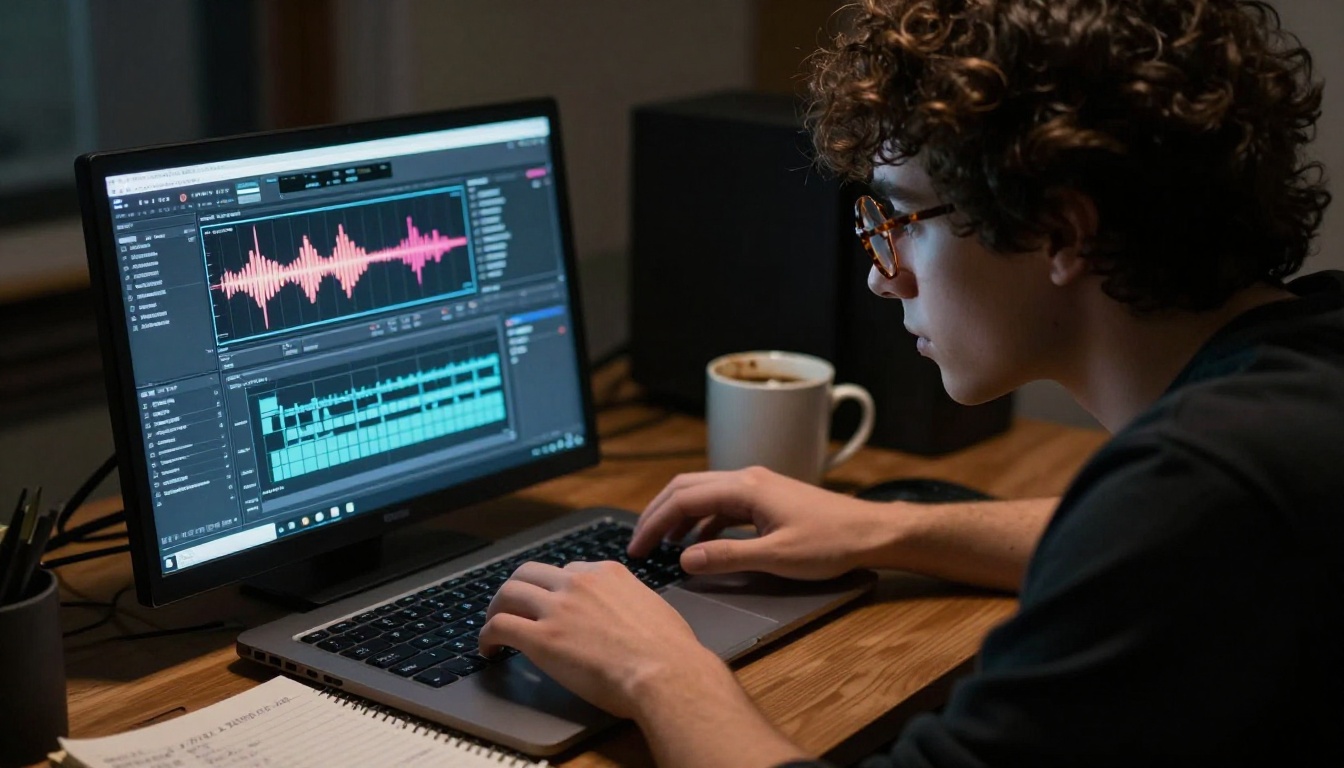
AI tools flip this entirely. You type a description of the sound you need. The model generates a clean audio file. You drop it into your timeline. The entire process for a single sound takes two to five minutes.
What AI does not replace yet: performance-based foley, where a trained artist watches the picture and performs sounds in perfect sync. For that level of precision, human foley artists remain essential. But for the vast majority of independent productions, AI-generated audio is indistinguishable from library recordings — and often better than low-quality field recordings.
Not all AI audio models are built the same way. Some focus on music composition, others on voice synthesis, and a smaller subset specifically excels at environmental and foley-type sounds.
Stable Audio 2.5 for Foley
Stable Audio 2.5 by Stability AI is currently one of the strongest options for generating sound effects and foley audio from text. Unlike music-focused models, it handles:
- Textures and ambiences: Rain, wind, ocean waves, crowd murmur
- Mechanical and percussive sounds: Door slams, metal impacts, footsteps on specific surfaces
- Short, precise effects: The click of a switch, a glass breaking, keys jangling
The model supports controllable duration, which matters enormously for foley work. You need a footstep loop to be exactly the right length to sync with a walking sequence.
💡 Stable Audio 2.5 supports prompts that specify surface material, intensity, distance, and acoustic environment. Use all of these parameters in your prompt for the most accurate results.
Other Models Worth Using
Beyond Stable Audio, several other models on PicassoIA's platform contribute to a solid sound design workflow:
- ElevenLabs Music: Better for atmospheric underscores and ambient beds that sit beneath your foley layer
- Google Lyria 3: Strong for generating full musical compositions to accompany scenes
- Minimax Music 2.6: Excellent for quickly generating mood-matched background tracks
For voice-over narration that might accompany your project, ElevenLabs V3 and Minimax Speech 2.8 HD both produce studio-quality voice output from text.
How to Use Stable Audio 2.5 on PicassoIA
Here is the exact workflow for generating foley sounds using Stable Audio 2.5.
Step 1: Write a Specific Sound Prompt
The quality of your output depends almost entirely on the quality of your input description. Vague prompts produce vague sounds. Specific prompts produce specific sounds.
Weak prompt: "footsteps"
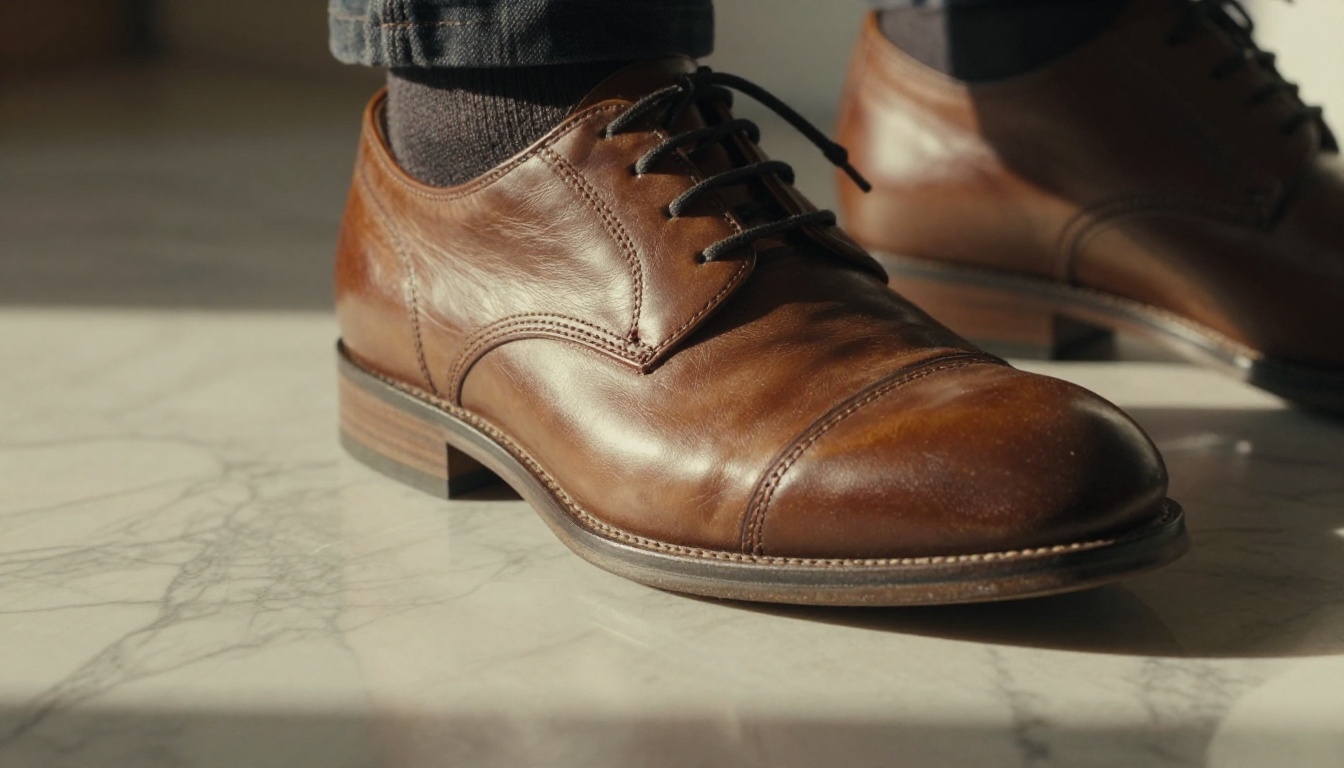
Strong prompt: "Slow, deliberate footsteps of leather-soled dress shoes walking on wet cobblestone, slight echo from surrounding brick walls, moderate reverb, recorded close, medium pace, no music"
The difference in output quality between these two prompts is dramatic. The specificity of material, surface, acoustic space, and pacing all inform how the model constructs the sound.
Step 2: Set Duration and Acoustic Space
Stable Audio 2.5 allows you to specify the length of the generated audio. For foley work:
- Short one-shot effects (door knock, glass break): 1 to 3 seconds
- Footstep loops: 8 to 15 seconds, which you can loop or extend in your DAW
- Ambient beds (rain, wind, crowd): 30 to 60 seconds for variety before looping becomes obvious
The acoustic environment in your prompt matters just as much as the sound itself. A sound recorded in a "large stone church with long reverb" will feel completely different from the same sound "recorded dry in an anechoic chamber." Match the acoustic to your visual environment.
Step 3: Download and Sync
Once generated, download the audio file and import it into your editing software. Most standard editors — DaVinci Resolve, Adobe Premiere, Final Cut Pro — handle this natively. From there:
- Place the audio clip on a dedicated foley track, separate from your production audio
- Visually align the sound to the action using waveform peaks as reference points
- Adjust volume and apply a high-pass filter around 80Hz to remove low-frequency rumble
- Add subtle room reverb if the generated sound is too dry for your visual environment
Prompts That Actually Work
This is where most people get stuck. Writing effective sound prompts is a skill, but it follows a repeatable pattern.
The Formula for Sound Prompts
Every strong foley prompt contains five elements:
[Subject] + [Action/Material] + [Surface/Environment] + [Acoustic Space] + [Mood/Intensity]
Breaking down an example:
- Subject: "Heavy work boots"
- Action/Material: "walking at a slow pace on dry gravel"
- Surface/Environment: "outdoor rural setting"
- Acoustic Space: "open air, minimal reverb, light wind in background"
- Mood/Intensity: "tense, deliberate, isolated"
Combined: "Heavy work boots walking at a slow, deliberate pace on dry gravel in an open rural setting, minimal reverb, light wind ambience, tense and isolated atmosphere, no music"
10 Ready-to-Use Prompts
Copy these directly into Stable Audio 2.5:
Bare feet walking slowly on old wooden floorboards, slight creak on each step, quiet interior room, dry acoustic, warm atmosphere, no musicHeavy rain falling on a metal tin roof, continuous texture, medium intensity, no thunder, interior recording perspective, no musicSingle wooden door closing firmly, hollow resonance, medium-sized room, moderate reverb, no musicGlass of ice water being placed on a hard wooden table, short transient, slight clink, dry room acoustic, no musicCar keys jangling in a hand, close-up recording, 2-second clip, dry acoustic, no background noiseDry autumn leaves crunching underfoot with each footstep, outdoor setting, light breeze, open air acoustic, no musicFire crackling in a stone fireplace, warm and steady, close recording, no music, soft ambient atmosphereKnuckles knocking firmly on a solid wood door three times, medium room, moderate reverb, no musicTyping on a mechanical keyboard at medium pace, close recording, dry room acoustic, slight room tone, no musicOcean waves rolling onto pebble beach, rhythmic and steady, outdoor recording, natural wind ambience, calming, no music
💡 Always add "no music" to your prompts. Without this instruction, some models blend musical elements into sound effects by default.
Generating great sounds is only half the work. Placing them correctly is what creates the illusion.
The 3-Step Sync Method
1. Use a scratch track first. Before refining audio, place rough placeholder sounds at every moment that needs foley. This gives you a full picture of how many sounds you need before you generate anything.
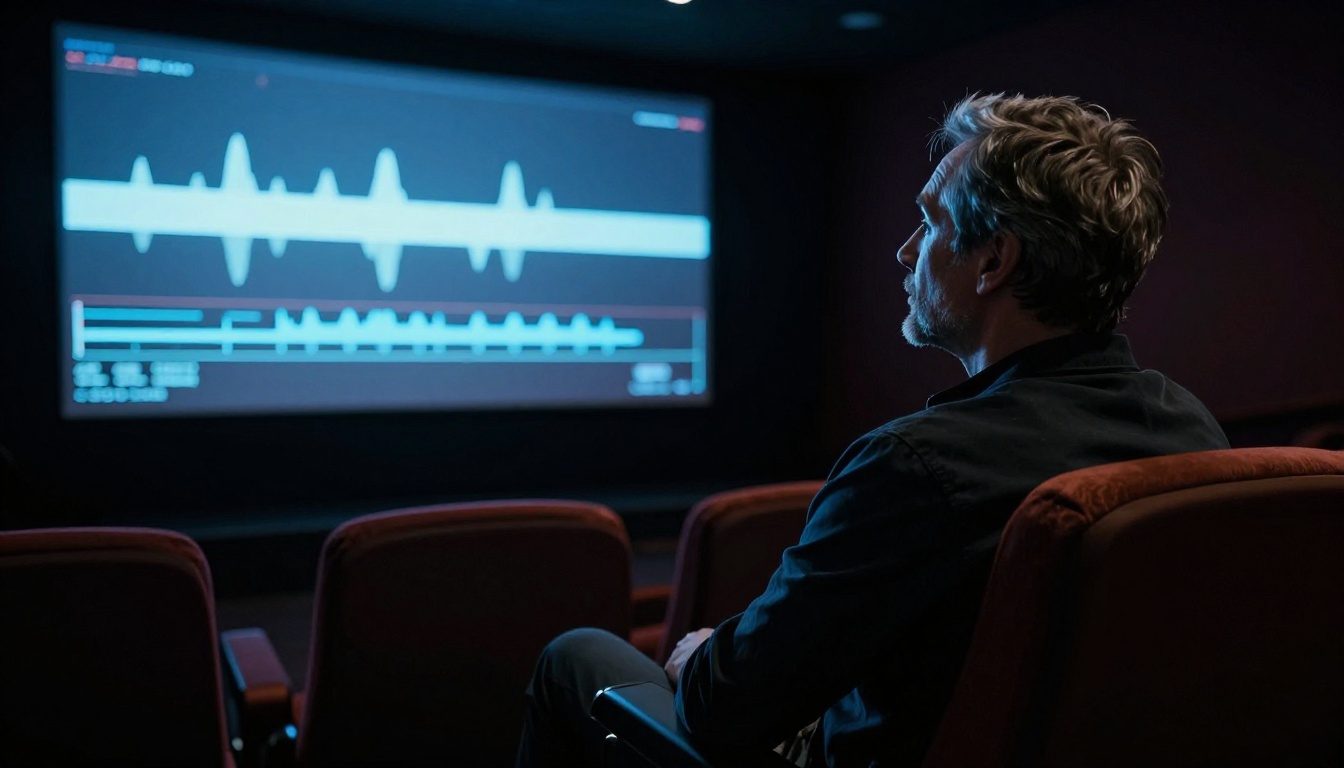
2. Sync to visual peaks. Every sound has a visual trigger: the frame where a foot hits the floor, the frame where a hand touches a surface. Use your editor's zoom function to get to the frame-accurate level and align your audio transient (the sharp initial attack of the sound) to that frame.
3. Layer, do not replace. Professional sound design is always multi-layered. A single footstep on gravel might actually be three sounds stacked: the impact transient, a short tail of scraping stones, and a barely perceptible room tone. AI-generated sounds are often a single layer. Add subtle room ambience underneath to fill the space.
Common Mistakes That Break Immersion
- Repeating the same clip: If you use the same footstep sound 40 times in a row, viewers notice. Generate 3 to 4 variations and alternate them.
- Ignoring surface changes: A character walking from carpet to hardwood needs two completely different sounds at the transition point.
- Wrong acoustic space: If your visual is an outdoor city scene but your foley sounds like it was recorded in a bathroom, the mismatch reads immediately. Match reverb to the visual environment.
- Too loud: Foley should sit beneath dialogue, not compete with it. A starting point of -18 to -20 dBFS for footsteps is standard in broadcast mixing.
Who Benefits Most From AI Foley
Indie Filmmakers on a Budget
A short film with 15 minutes of footage might require 200 to 400 individual foley sounds. Hiring a foley artist and studio time to record all of these traditionally would cost between $1,500 and $5,000 in most markets. Generating them with AI costs a fraction of that and can be done overnight by one person with a laptop.
The creative control is also significant. When you are the director, editor, and sound designer simultaneously, being able to iterate quickly on audio choices without rebooking studio time is a meaningful advantage.
YouTubers and Content Creators
Many YouTube channels operate in genres where production audio quality is a direct signal of professionalism: documentary, travel, cooking, educational content. Adding foley to b-roll footage — the sound of a knife cutting vegetables, footsteps walking through a market, hands shuffling paper — raises the perceived production value immediately without requiring a production crew.
💡 For talking-head YouTube content, even adding subtle room tone and ambient foley under b-roll sequences dramatically improves the feeling of continuity between cuts.
Podcast and Audio Production
While traditional podcasts do not use foley in the film sense, narrative podcasts, audio dramas, and documentary-style shows benefit enormously from AI-generated sound design. The same tools and workflow apply: specific prompts, controlled duration, layering to create depth.
ElevenLabs Music and Google Lyria 3 both pair well with Stable Audio for this use case, combining atmospheric music beds with precise foley effects.

AI Foley Models at a Glance

Build Your Own Sound Library Now
The most valuable thing you can do right now is start building a personal sound library. Every time you generate a foley sound you are happy with, save it with a descriptive filename. Over time you accumulate a collection of sounds tuned to your specific aesthetic, generated at the quality level you have validated, ready to drop into any future project.
Start with the universals: indoor footsteps (bare feet, shoes, boots), outdoor footsteps (grass, gravel, concrete), three or four ambient environments (interior room tone, light outdoor breeze, rain, city background), and a handful of one-shot effects (door knock, door close, glass clink, paper handling).
That core library of 20 to 30 sounds covers the majority of everyday production needs for most creators.
Stable Audio 2.5 is where to start. Open the model on PicassoIA, paste one of the 10 prompts above, and generate your first sound. Then adjust the prompt, generate again, and compare. Within an hour you will have a working understanding of how the model responds to different descriptions — and a stack of usable audio files ready for your next project.
Your next video does not have to sound like it was filmed in a vacuum. The tools exist, they work, and they are available right now.