Still photographs freeze moments that feel like they should never stop moving. A lover's face caught mid-laugh. Smoke curling from a morning cup of coffee. A toddler suspended in the air at the peak of a jump. These images sit static on your screen, but your brain knows what should have happened next. AI photo animation bridges that gap, and the technology has reached a point where results are genuinely indistinguishable from real video.
This article covers everything you need to know about how to add motion to still photos with AI: which models produce the best results, what kinds of movement work better than others, and how to do it yourself on PicassoIA in minutes.
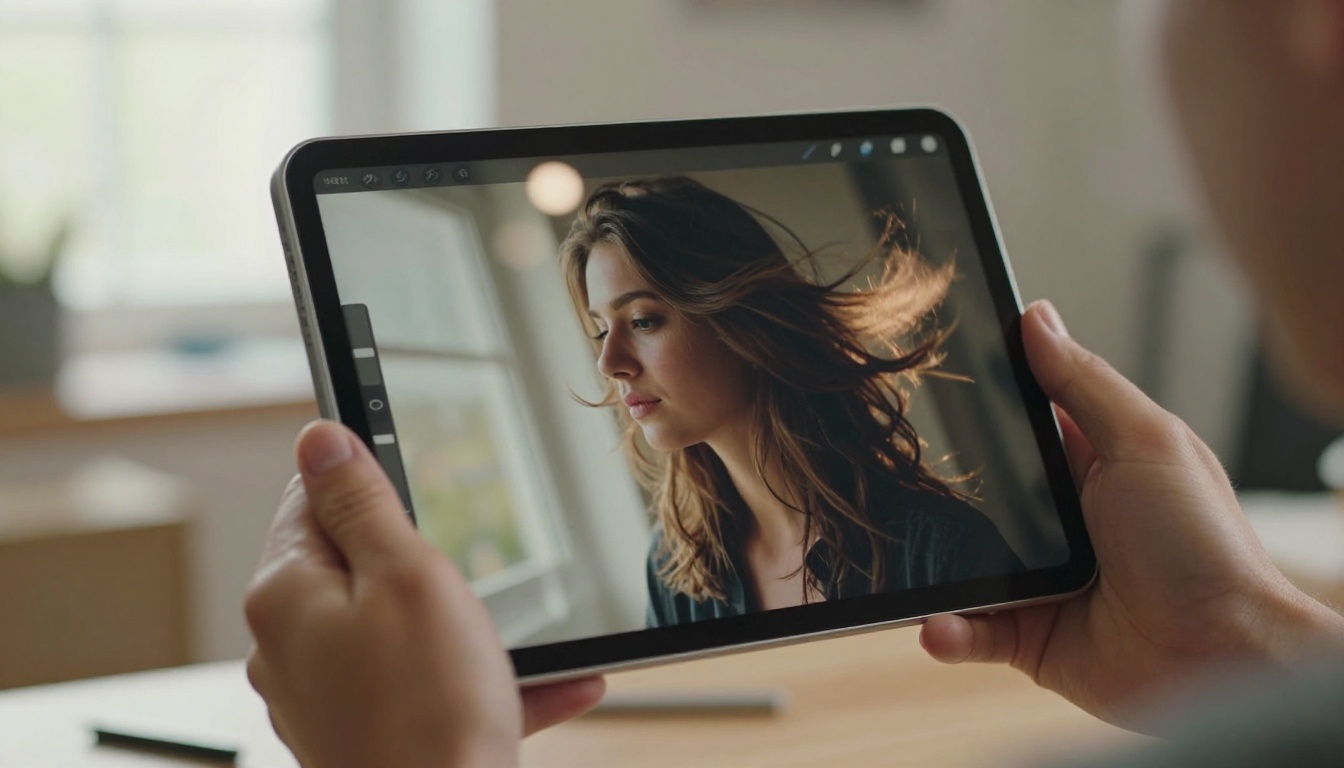
Why Still Photos Beg to Move
There is a neurological reason why animated photos feel so satisfying. Your visual cortex is wired to prioritize motion. When something moves in your peripheral vision, your attention snaps to it instantly. Static images require active effort to process. Moving ones demand attention without any effort from you.
This is why living photos drive dramatically higher engagement on social platforms. Animated images consistently outperform static ones in click-through rate, dwell time, and share rate. A portrait that blinks. A landscape where clouds roll. A food photo where steam rises from a plate. These outputs stop the scroll.
Beyond engagement, photo animation serves real creative purposes: bringing historical photographs to life, creating cinematic content from a single camera shoot, adding atmosphere to album covers, or simply making a birthday memory feel alive again.
💡 Living photos are not a gimmick. Brands, photographers, and content creators use AI photo animation to dramatically increase the visual impact of images they already own, without reshooting anything.
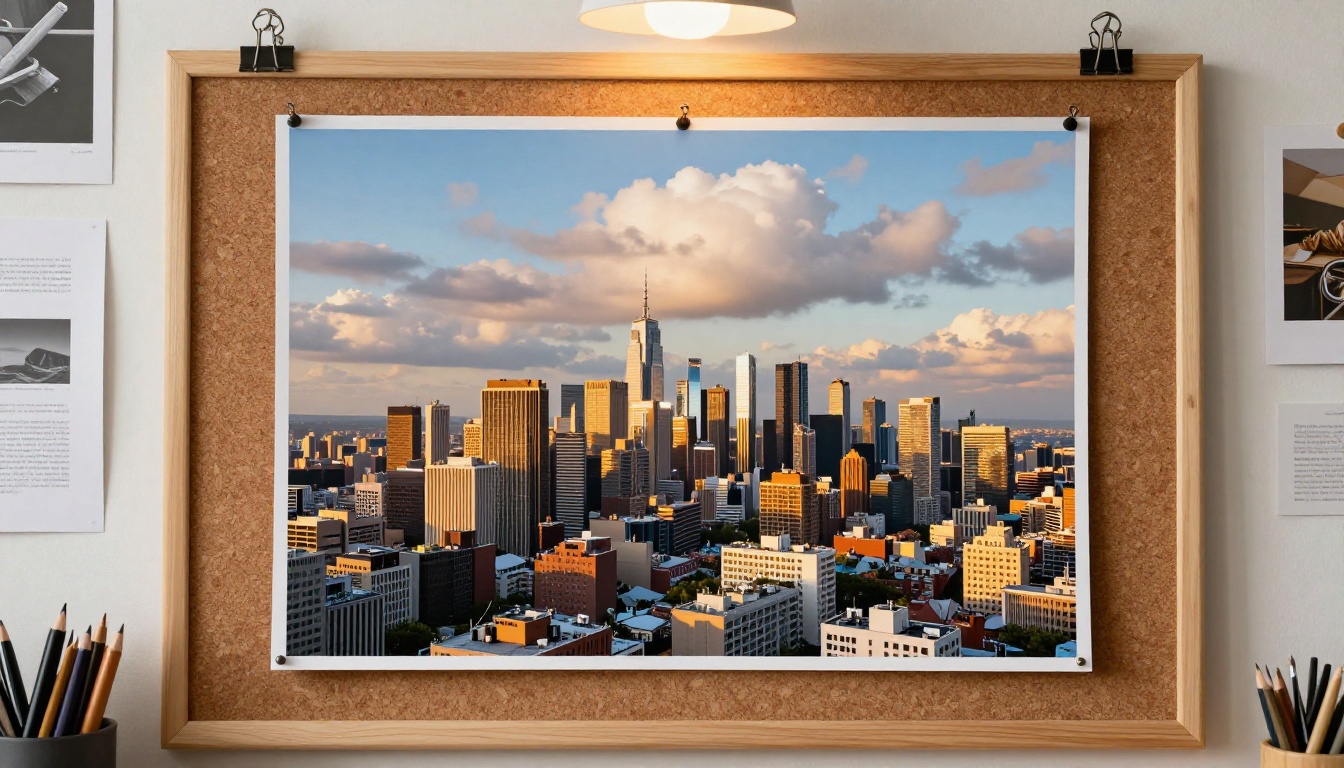
How AI Photo Animation Actually Works
When you upload a still photo to an image-to-video AI model, several things happen under the hood.
Scene Decomposition: The model segments the image into foreground subjects, background layers, and independent elements like hair, clothing, water, or foliage.
Motion Synthesis: Based on your text prompt (or default motion priors), the model predicts what motion is physically plausible for each element. Hair blows. Water ripples. Eyes blink. Fabric sways.
Frame Interpolation: The AI generates the intermediate frames between your original photo and the predicted motion state, typically producing 24 frames per second over a 5-second clip.
Temporal Coherence: This is the hard part. The model must maintain consistency so that your subject's face looks identical in frame 1 and frame 120, that textures stay stable, and that the background does not glitch or warp.
The best models use diffusion-based video generation where the original image acts as the first frame and the motion prompt steers the temporal unfolding. The result is a clip where the source photograph is unmistakably present throughout every frame.
💡 The quality of your input photo matters enormously. Sharp, well-lit, high-resolution images produce far more coherent motion than blurry, compressed, or low-light shots.
The Best Models for Animating Photos
PicassoIA hosts over 107 text-to-video models, and a significant number accept an image as the first frame, making them ideal for still photo animation. Here are the standout options.
Wan 2.7 I2V
Wan 2.7 I2V is currently one of the most capable open image-to-video models available. It produces fluid, temporally consistent animation with excellent subject preservation. Ideal for portraits, landscapes, and any scene with natural motion like water, wind, or fire. The I2V variant takes your uploaded photo as the fixed first frame.
Wan 2.6 I2V and Wan 2.6 I2V Flash
Wan 2.6 I2V offers superb HD output with robust motion control. If you need speed without sacrificing quality, Wan 2.6 I2V Flash delivers results in a fraction of the time.
Kling v3 Motion Control
Kling v3 Motion Control is specifically built for character animation from photographs. It animates figures, body poses, and facial expressions with striking fidelity. When you need a person in a photo to move naturally, this is the first model to try.
Kling v2.6 Motion Control
Kling v2.6 Motion Control pairs image-to-video with precise motion path control. You can define how elements should move rather than leaving it entirely to the model's interpretation, giving you more predictable results.
Video 01 Live
Video 01 Live from MiniMax is optimized specifically for animating still images with smooth, cinematic output. It handles portraits particularly well, maintaining face identity across all frames without the drift that plagues other models.
Ovi I2V
Ovi I2V by Character AI generates videos from photos with synchronized audio, making it a powerful option when you want your animated photo to include ambient sound.
Seedance 2.0
Seedance 2.0 from ByteDance delivers among the highest-quality cinematic outputs from images. It includes built-in audio generation, so your ocean wave comes with crashing water sounds.
Hailuo 2.3 Fast
Hailuo 2.3 Fast gives you fast turnaround without sacrificing resolution. For quick iterations when testing prompts, this is the most efficient option.
How to Use Wan 2.7 I2V on PicassoIA
Since Wan 2.7 I2V consistently delivers among the best results for photo animation, here is a step-by-step walkthrough for your first generation.
Step 1: Prepare Your Photo
- Use a photo with at least 1MP resolution (higher is always better)
- Ensure the subject is clearly defined with good contrast against the background
- Crop to the exact composition you want, since the AI animates within those boundaries
- Avoid heavy JPEG compression, which creates artifacts the model will attempt to animate
Step 2: Open the Model Page
Go to Wan 2.7 I2V on PicassoIA and log into your account. If you do not have one, signing up takes under a minute.
Step 3: Upload Your Image
Click the image upload area and select your photo. The model accepts JPG, PNG, and WEBP formats. The interface will preview your image as soon as it loads.
Step 4: Write Your Motion Prompt
This is where most people either succeed or fail. The motion prompt tells the AI what should move and how. Be specific.
Weak prompt: "add motion to the photo"
Strong prompt: "the woman's long hair flows gently to the left in a warm breeze, individual strands catching the light, her dress ripples softly, background foliage sways slowly, camera holds perfectly still"
Structure your prompt around four elements:
- Subject motion: what moves on the person or main subject
- Environmental motion: weather, light, particles, water, foliage
- Camera: static, slow dolly-in, subtle pan
- Atmosphere: time of day, mood, ambient quality
Step 5: Set Your Parameters
- Duration: 5 seconds is the standard output for most models
- Resolution: 720p is reliable for testing; 1080p for final output once the motion is right
- Leave aspect ratio at "match input image" to preserve your original composition
Step 6: Generate and Review
Hit generate and wait. The first pass may not be perfect. Motion AI is probabilistic, and the model sometimes interprets prompts differently than expected. Adjust the prompt and retry.
💡 If the subject's face is distorting, add "face remains completely still and sharp" to your prompt. For subtle motion only, prefix with "very subtle, gentle, minimal movement."
Types of Motion Effects You Can Create
Understanding what AI handles well helps you write better prompts and set realistic expectations from the start.
Hair and Fabric Movement
This is consistently the strongest category for current models. Long hair, dresses, scarves, and light fabrics animate with remarkable realism. The physics tend to be correct, and the subject's face remains stable while surrounding cloth and hair respond to an invisible wind. Works on both portrait and fashion photography.
Water and Natural Elements
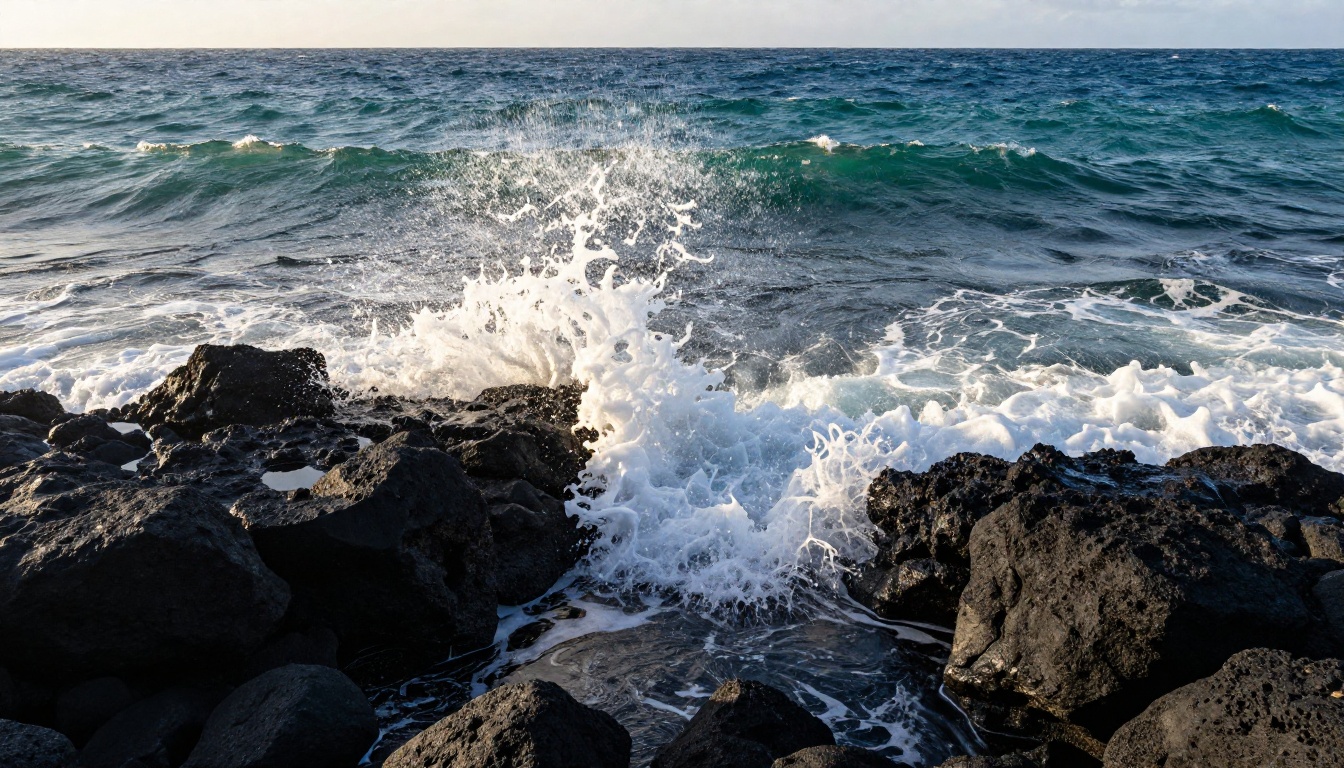
Ocean waves, rivers, waterfalls, rain, snow, and mist all animate convincingly. Models have been trained on massive amounts of natural motion footage, so they understand how water behaves. Drop a photo of a frozen waterfall into Wan 2.7 I2V and prompt it to flow, and the result is often breathtaking.
Sky and Weather
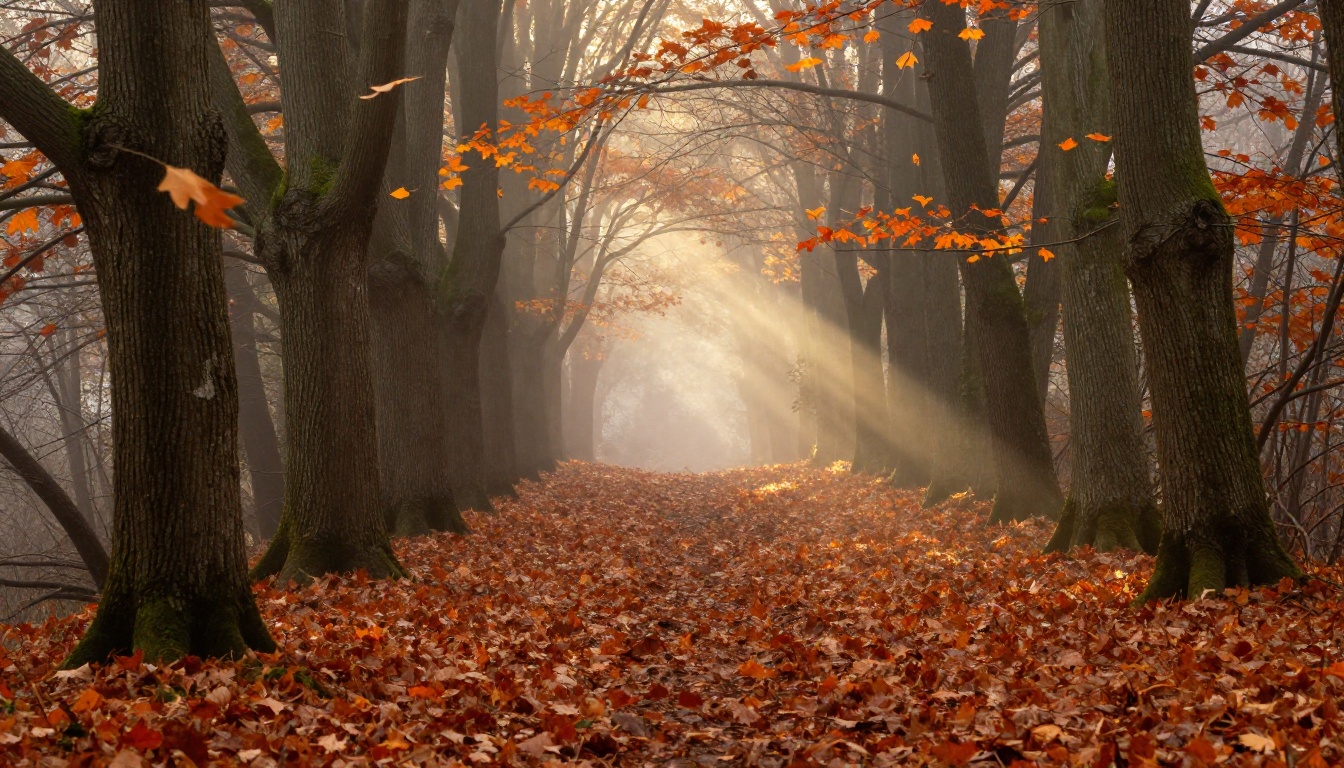
Clouds drifting across a blue sky. A sunrise slowly brightening. Storm clouds building on the horizon. These atmospheric effects are among the most reliable AI animation outputs. Because sky elements are relatively uniform and repetitive, the model rarely glitches on them.
Environmental Parallax
The Ken Burns effect, long familiar from documentary filmmaking, gets a significant upgrade from AI. Instead of a simple crop-and-pan, models like Wan 2.5 I2V apply depth-aware parallax, where foreground elements move faster than background elements as the virtual camera shifts. The result is a convincing sense of three-dimensional space from a flat photograph.
Portrait and Face Animation
This is the trickiest category but also the most compelling. A subtle blink. Eyes that shift direction. Lips that part slightly. These micro-movements are what make portrait animation feel either magical or uncanny depending on execution.
Kling v3 Motion Control and Video 01 Live are the most reliable choices for face animation. Always prompt "subtle, natural" for face motion, and never ask for dramatic expressions, which tend to drift from the original likeness.
Fire and Smoke
Candle flames flickering. Incense smoke curling. Campfire embers drifting upward. These chaotic, particle-based motions are handled surprisingly well because diffusion models have learned the underlying fluid physics from their training data.
What Makes a Photo Animate Well
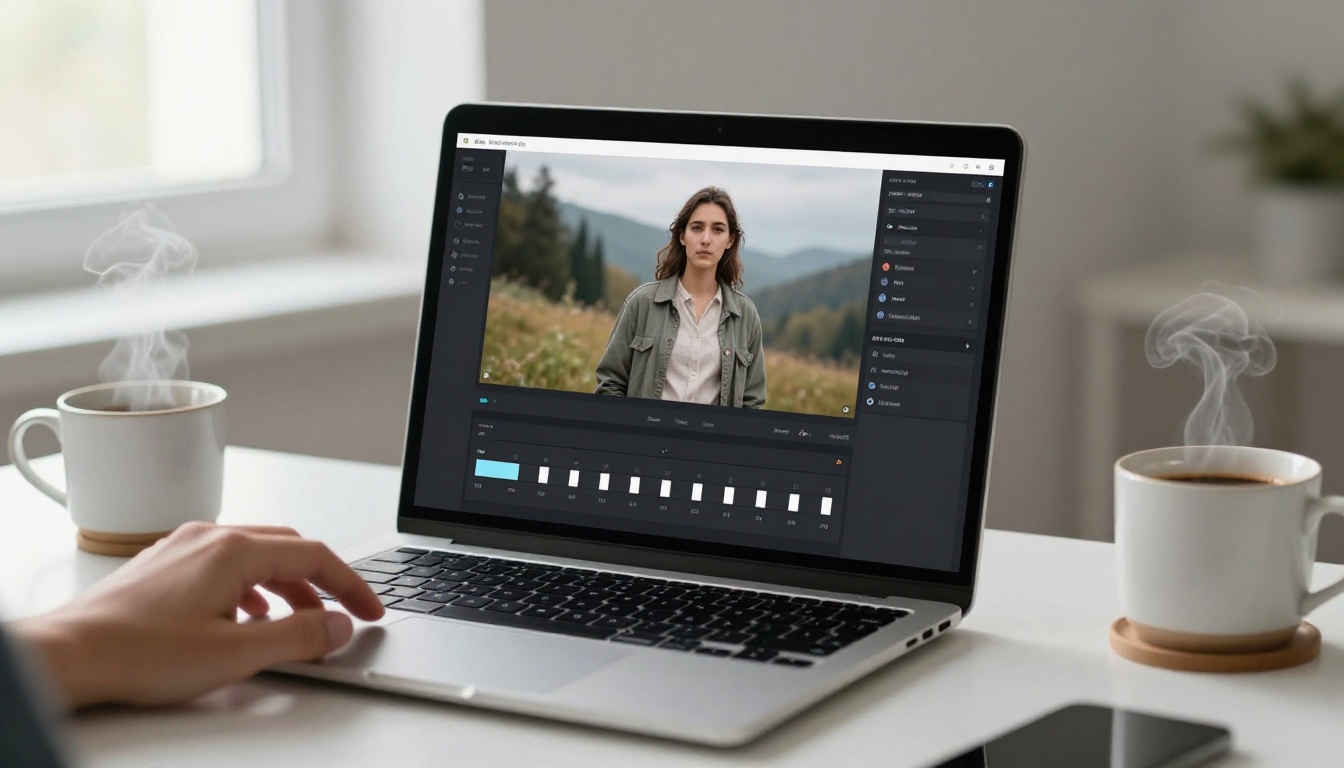
Not every still image is equally suited to AI animation. These patterns consistently produce the best results.
Photos that animate well:
- Clear separation between subject and background
- Subjects that exist within a physical environment, not cut out or on plain backdrops
- Natural outdoor settings with sky, water, foliage, or wind-sensitive elements
- Well-lit images where shadows and highlights are clearly defined
- Portraits with some breathing room around the face
Photos that animate poorly:
- Extreme close-ups where a face fills the entire frame with no background
- Images with busy, complex backgrounds where the model gets confused about what moves
- Group photos with many overlapping subjects (faces may merge or distort)
- Low-resolution or heavily compressed images
- Flat, overhead product-style shots with no environmental context
💡 Simple backgrounds produce better animation. A portrait against a plain wall animates with far less distortion than the same portrait in a crowded marketplace.
Breathing Life into Old Photos
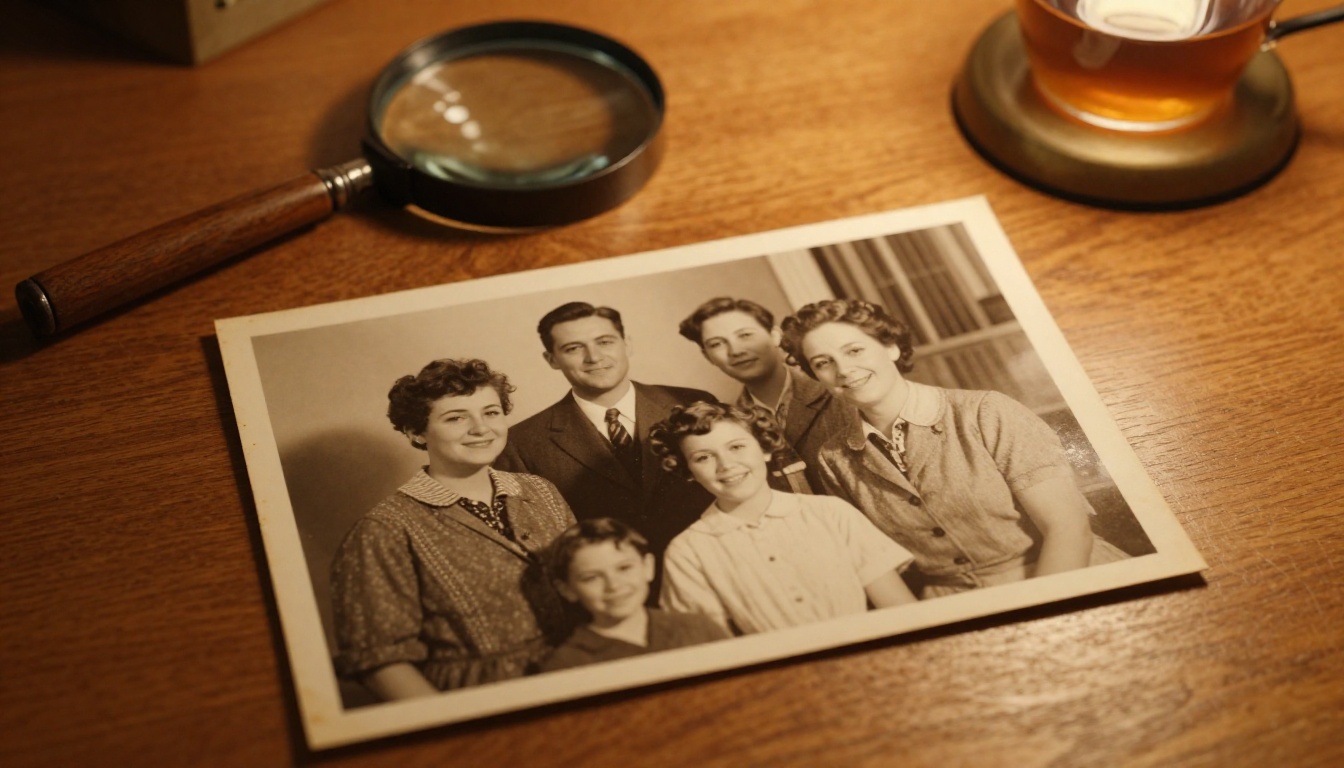
One of the most emotionally affecting applications is animating historical or family photographs. Grandparents who passed decades ago. Childhood photos from before video was common. Wedding images from the 1940s.
Pia is specifically designed to turn photos into animated videos, and it handles the color, texture, and resolution constraints of vintage images particularly well. Its outputs for sepia and black-and-white photographs preserve the original mood while adding believable motion.
Wan 2.2 I2V A14B is another strong option for older photographs, especially when they have visible grain or damage, because the model treats these as part of the image's character rather than attempting to correct or smooth them.
When working with old photos, keep your motion prompts minimal: "the subject's clothing moves gently, ambient light shifts softly." Asking for too much motion from a fragile source image tends to produce distortion.
💡 For family photos, try Kling v2.1. It preserves facial identity across all frames better than most alternatives, which matters enormously when the face in the photo belongs to someone you love.
Free vs. Paid Options on PicassoIA
PicassoIA offers multiple ways to access image-to-video models depending on your volume and quality needs.
PicassoIA Video is the platform's free, unlimited image-to-video generator, making it the best starting point for experimentation without any commitment. It is also a useful baseline for comparing against more powerful paid models.
Wan 2.1 I2V 720p and Wan 2.1 I2V 480p are cost-effective options for higher quality. The 720p variant is particularly well-suited to portrait animation where clear face detail matters.
For professional work where quality is non-negotiable, Seedance 2.0 and Kling v3 Motion Control justify their higher credit cost with consistently superior results.
Prompting Strategies That Actually Work
After testing hundreds of generations, these approaches consistently produce better output.
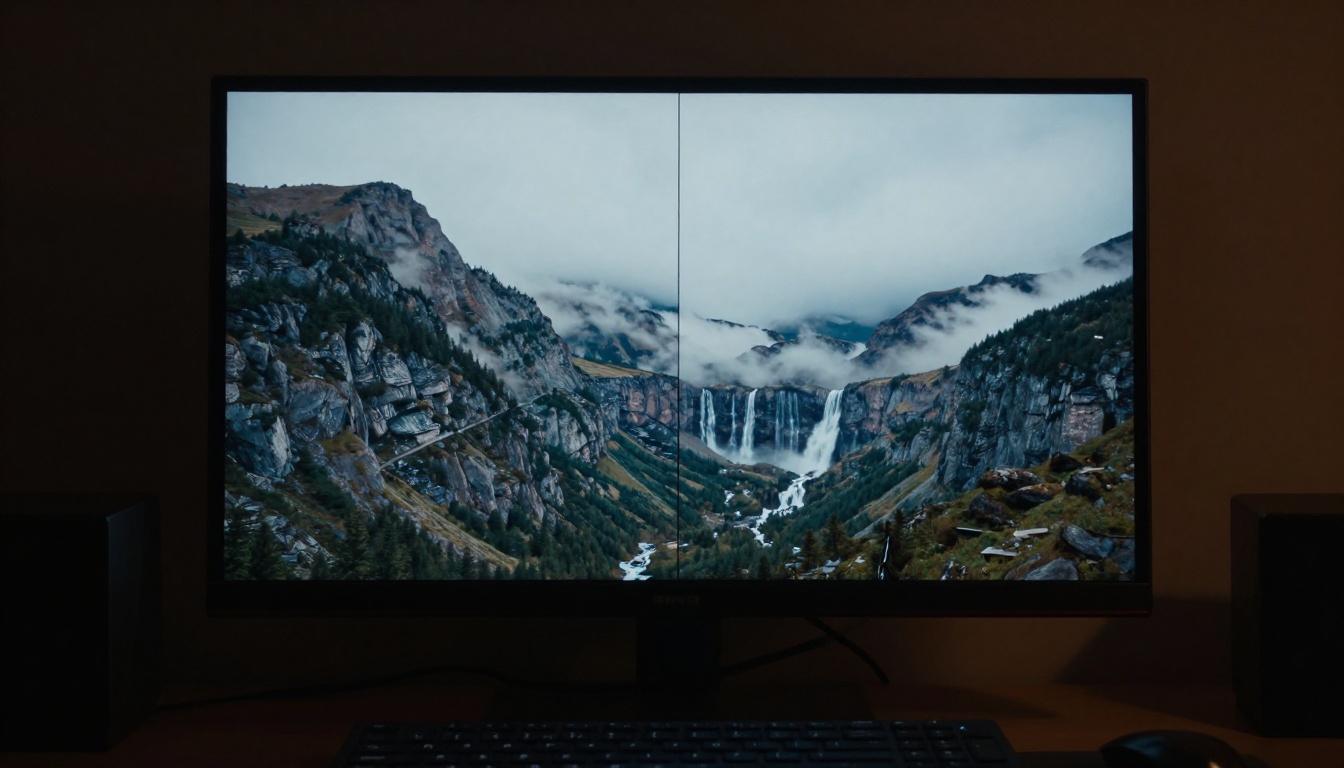
Name the elements explicitly. Do not say "add motion." Say "the waterfall flows downward in white rushing streams, the surrounding moss is dampened by spray, the trees on either side sway gently."
Describe what stays still. AI models cannot read your mind about what you do not want to move. If the mountain in the background should be rock solid, say "the mountain range remains completely still and sharp."
Use camera language. "Slow dolly-in," "subtle upward tilt," "handheld slight sway," and "locked-off static camera" are all terms these models understand from their training data.
Match motion to physics. Do not ask hair to blow right if the lighting and environment suggest wind from the left. The model may comply, but artifacts are far more common when physics is violated.
Limit to 3-4 motion events. Asking for hair motion, dress ripple, background foliage sway, and a drifting cloud is achievable. Asking for all that plus a bird flying past, a beam of light shifting, and the subject turning their head produces chaos.
Iterate fast, perfect later. Use Wan 2.6 I2V Flash or Hailuo 2.3 Fast to test your prompt, then switch to Wan 2.7 I2V or Kling v3 Motion Control for your final output.
Your Photos Are Already Video Material
There has never been a more accessible moment to animate your still photographs. The models available today on PicassoIA represent the current state of image-to-video AI, and the barrier to entry is a single photo and a text description.
Pick a photo that means something to you. Upload it to Wan 2.7 I2V or Kling v3 Motion Control. Describe what you want to move. See what comes back. Adjust and iterate. The first result is rarely the best one, but the third or fourth usually is.
Every photographer has a hard drive full of moments that almost moved. Now they can.


