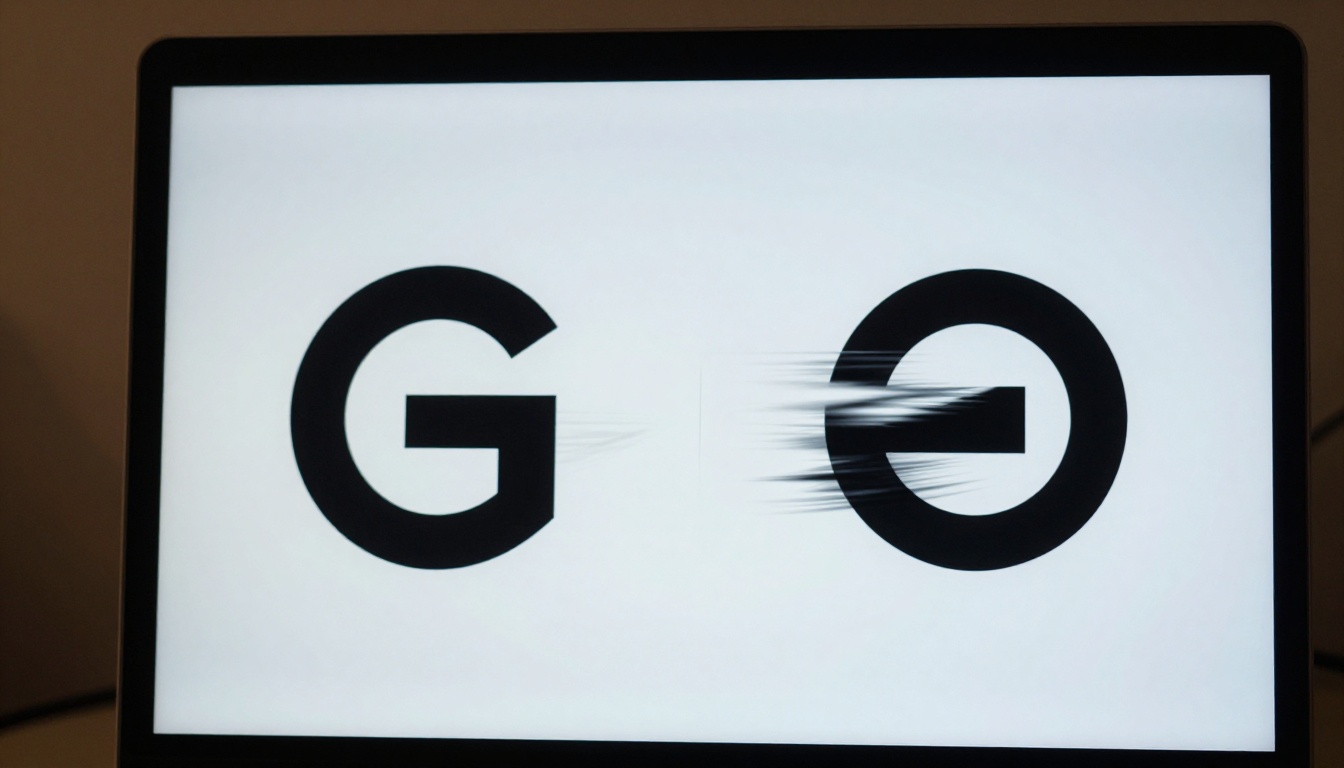
Animating a logo used to mean hiring a motion designer, waiting weeks, and spending hundreds of dollars. With AI video models, you can upload a static logo file, write a short prompt, and get a polished animated version in under two minutes. This article breaks down exactly how that works, which models deliver the best results, and how to avoid the common mistakes that make logo animations look cheap.
Why Static Logos Are Losing Ground
Brand motion is no longer optional. Social media platforms, streaming intros, email signatures, and mobile apps all reward moving visuals. A static logo on a YouTube channel banner or a LinkedIn post simply disappears into the scroll. An animated one stops it.
The data supports this: animated brand assets generate higher click-through rates on paid social and are retained longer in memory than static counterparts. For small brands and solo creators, this used to be a serious barrier. Not anymore.
What Motion Does for Brand Recall
Motion creates a narrative. A logo that fades in from particles, sweeps in from the left, or pulses with a heartbeat rhythm tells a story about the brand's personality. That 2-3 second clip becomes a signature. Think about how instantly recognizable Netflix's opening animation is, or how HBO's static noise intro was burned into a generation's memory.
With AI, you can create that kind of identity asset without a budget or a production team.
The Real Cost of Skipping Animation
Beyond perception, there are practical costs. Video ads with animated logos outperform static image ads on Meta and Google Display. App store listings with motion screenshots convert better. Pitch decks with animated brand elements signal production value. The gap between brands that animate and those that do not is widening fast.
What AI Actually Does to Your Logo
Before picking a tool, it helps to understand what is happening under the hood. There are two main approaches: image-to-video and text-to-video.
Image-to-Video (the Right Approach for Logos)
Image-to-video models take your existing logo file as input and generate motion from it. The logo's colors, shapes, and composition are preserved, and the AI adds plausible motion based on your text prompt. This is the approach you want for most branding work, because it keeps your actual logo intact.
Models like Wan 2.7 I2V, Kling v3 Video, and Seedance 2.0 are all image-to-video capable and give you control over how much motion is applied.
Text-to-Video (for Concept Phases Only)
Text-to-video models generate a logo animation from scratch based on your description. This is useful when you are still in the concept phase and want to visualize how a logo might move, but it will not preserve your actual brand assets. Use it for inspiration, not final deliverables.
Prompt Anatomy for Logo Animation
A strong logo animation prompt has three components:
- Subject description: what the logo looks like (shape, color, composition)
- Motion directive: how you want it to move (float upward, rotate slowly, particles scatter)
- Style modifiers: the feel (smooth, cinematic, subtle, energetic)
Weak prompt: "animate my logo"
Strong prompt: "A circular red logo with a white arrow symbol, slowly rotating clockwise with a soft glow, smooth motion, black background, cinematic, 4K"
The more specific you are about the motion type and the background, the more predictable and professional the output.
Best AI Models for Logo Animation
Not all models handle logos equally. Here is a comparison of the top options available right now.
Wan 2.7 I2V: Precision Motion for Logos
Wan 2.7 I2V from Wan Video consistently handles logos with minimal distortion. It preserves sharp edges and flat color areas better than many competing models, which is critical for vector-style logos. The model supports custom motion intensity, so you can keep animation subtle (a slow pulse, a gentle float) without the logo morphing into something unrecognizable.
Kling v3 Video: Cinematic Quality
Kling v3 Video by Kwaivgi excels when you want more dramatic motion. Sweeping camera pulls, dramatic reveals, and textured backgrounds all render at high visual quality. For brand films and reels, this is a strong choice. The trade-off is generation speed, which is slightly slower than lighter models.
Seedance 2.0: Built-In Audio
Seedance 2.0 from Bytedance is notable for generating synchronized audio alongside the video. For logo stings that need a sound effect (a whoosh, a tone, a click), this eliminates the post-production step of sourcing and syncing audio separately.
Pixverse v6: Effects and Rich Detail
Pixverse v6 handles particle effects, light leaks, and glows with impressive fidelity at 1080p. If your brand identity uses premium or luxury cues, Pixverse tends to render these with more visual richness than leaner models.

How to Use Wan 2.7 I2V on PicassoIA
PicassoIA gives you direct access to Wan 2.7 I2V without any local setup or API configuration. Here is the exact process.
Step 1: Prepare Your Logo File
Before uploading, optimize your logo image:
- Format: PNG with a transparent background (preferred) or a solid background that contrasts cleanly with the logo
- Resolution: Minimum 512x512px. Higher resolution inputs produce sharper animation output
- Simplicity: Highly complex logos with many fine details can blur during animation. Use a simplified version if necessary
💡 Use PicassoIA's background removal tools to clean up your logo before animating if the original has a messy or inconsistent background.
Step 2: Navigate to Wan 2.7 I2V
- Go to Wan 2.7 I2V on PicassoIA
- Click Upload Image and select your logo file
- A prompt field will appear below the upload area
Step 3: Write Your Animation Prompt
This is the most important step. Be specific about:
- The type of motion (float, rotate, pulse, reveal, scatter)
- The direction (upward, clockwise, left to right)
- The atmosphere (clean, cinematic, energetic, minimal)
- What should not happen (use the negative prompt field to block distortion, color shifts, or background generation)
For a minimal tech logo: "Logo floating upward with a subtle scale pulse, clean black background, smooth motion, no background elements, crisp edges maintained"
For a lifestyle brand: "Logo drifting gently in warm golden light, soft particles floating around it, organic motion, photorealistic atmosphere, 4K"
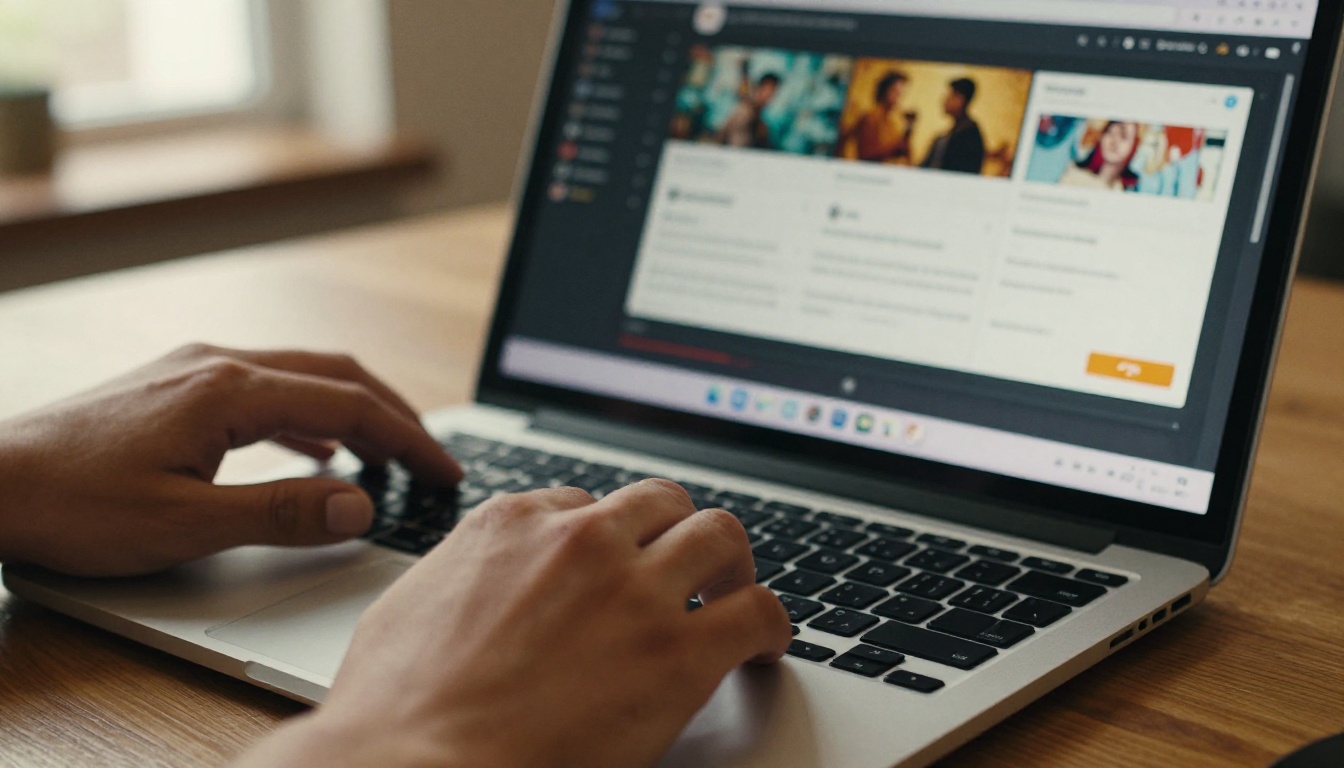
Step 4: Set Motion Parameters
Wan 2.7 I2V lets you control motion intensity directly:
- Motion scale: Keep below 0.5 for subtle, professional animations. Higher values produce more dramatic movement but risk distorting logo shapes
- Duration: 3-5 seconds is standard for a logo sting. Longer clips work for brand intro sequences
- Seed: Save the seed number when you get a result you like. You can regenerate with slight prompt variations and compare
Step 5: Generate and Download
Click generate and wait for the render, typically 30-90 seconds depending on queue. Preview directly in the browser. If satisfied, download as MP4. If the logo distorts or the motion is too aggressive, reduce motion scale and regenerate.
💡 Pro tip: Generate 2-3 variations with slightly different motion descriptions and compare before finalizing. Small wording changes ("slow drift" vs "gentle float") produce noticeably different results.
After testing dozens of combinations, these five motion types consistently produce clean, professional logo animations across different brand personalities.
1. The Slow Reveal
"[Logo description], fading in from the center with a slow scale-up, black background, smooth motion, 4-second duration"
Works well for: corporate, law firms, finance brands. Signals stability and authority.
2. The Particle Burst
"[Logo description], assembled from small particles flowing in from the edges, particles settling into final logo shape, dark background, cinematic, 5-second duration"
Works well for: tech, gaming, creative agencies. High-energy and memorable.
3. The Light Sweep
"[Logo description], stationary with a bright light ray sweeping from left to right across the logo surface, creating a gloss highlight, black background, premium feel"
Works well for: luxury brands, jewelry, premium consumer goods.
4. The Gentle Float
"[Logo description], slowly floating upward with a slight bob motion, clean white background, minimal movement, professional, 3-second loop"
Works well for: lifestyle, wellness, consumer apps. Approachable and friendly.
5. The Morph Transition
"[Logo description], appearing from a liquid ripple distortion, solidifying into sharp final logo form, dark textured background, 4-second duration"
Works well for: entertainment, streaming, music brands. Dramatic and distinctive.
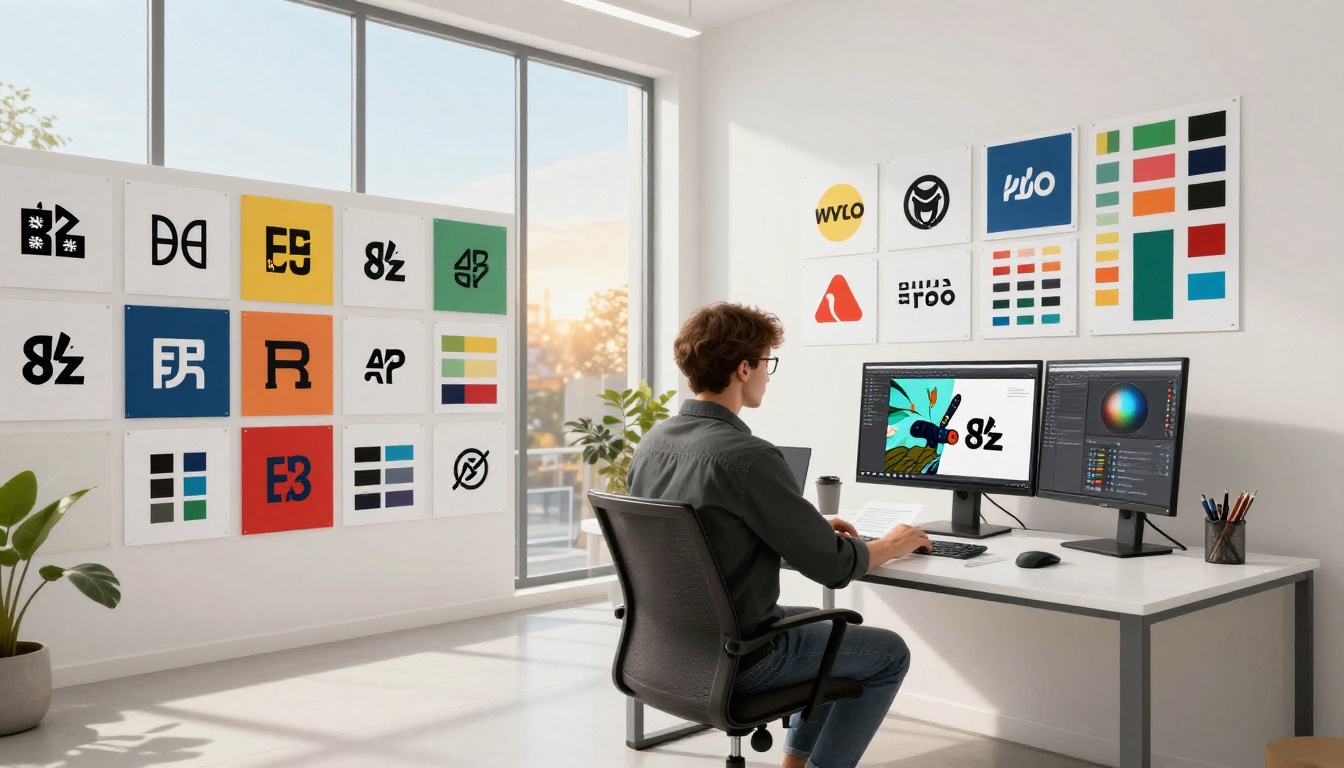
Common Mistakes and How to Fix Them
Too Much Motion Scale
The most common error: setting motion intensity too high causes the logo to morph, stretch, and lose its form entirely. The fix is simple: lower the motion scale parameter and add motion-restricting language to your prompt ("maintain logo integrity", "no shape distortion", "preserve original form").
Wrong File Format or Background
Uploading a logo with a white background and asking for a dark animation results in messy edge blending. Always strip the background first using a dedicated background removal tool before animating.
Ignoring the Negative Prompt Field
Most image-to-video models include a negative prompt field. Use it. Typical negative prompts for logo work: "background generation, morphing shapes, color shift, text distortion, blurry edges, watermark".
Over-Complicating the Motion
More is not better. A logo animation that simultaneously rotates, scales, changes color, and emits particles looks amateur. Pick one dominant motion and let it breathe. Simplicity reads as confidence.
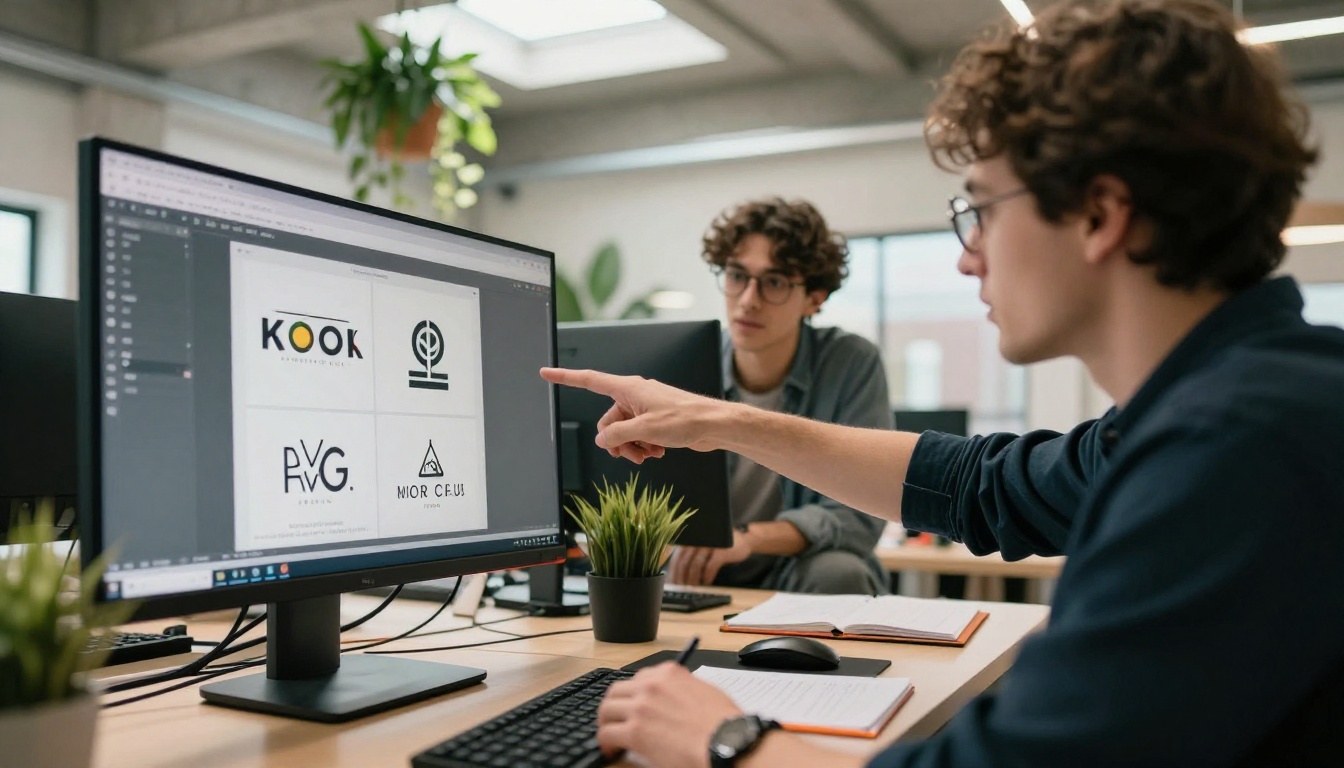
Logo animation rarely happens in isolation. These platform capabilities support the full process:
Before animating:
- Create or iterate on logo designs with GPT Image 2 or Flux Redux Dev
- Remove backgrounds cleanly before uploading
- Upscale a low-resolution logo to 2x or 4x with Super Resolution for sharper animation input
After animating:
- Sharpen and stabilize output using AI Video Enhancement
- Add synchronized sound with Text to Speech or AI Music Generation for a complete brand sting
- If you want a single-step video + audio solution, Veo 3 from Google generates video with native audio included
Rapid iteration:
- PicassoIA Image lets you quickly generate logo variations at different styles before picking one to animate
- Seedance 2.0 handles both animation and audio in one pass, cutting your workflow steps in half
Where to Use Your Animated Logo
Once you have a polished animated logo, it works across more placements than most people realize:
| Placement | Recommended Format | Ideal Duration |
|---|
| YouTube channel intro | MP4 | 3-5 sec |
| Instagram or TikTok Reels | MP4 | 2-3 sec loop |
| LinkedIn company page | GIF or MP4 | 2-4 sec |
| App loading screen | MP4 | 1-3 sec |
| Email signature | GIF | 2-3 sec loop |
| Pitch deck | Embedded video | 3-5 sec |
| Podcast cover | Animated GIF | 2-4 sec loop |
Most of these placements favor short, loopable clips under 5 seconds. When generating, focus on loop quality: an animation that loops smoothly is worth more than a longer one that does not.
Start Animating Your Logo Today
Static logos belong to print. Every brand competing for attention in a scroll-first world needs motion, and the barrier to entry has dropped to zero.
Try uploading your logo to Wan 2.7 I2V on PicassoIA and running the Slow Reveal formula above. In under two minutes, you will have a professional logo animation ready for any platform. If that does not match your brand personality, switch to Kling v3 Video for something more cinematic, or Seedance 2.0 if you want the audio handled automatically.
The models are ready. The prompt formulas are above. The only variable left is you.