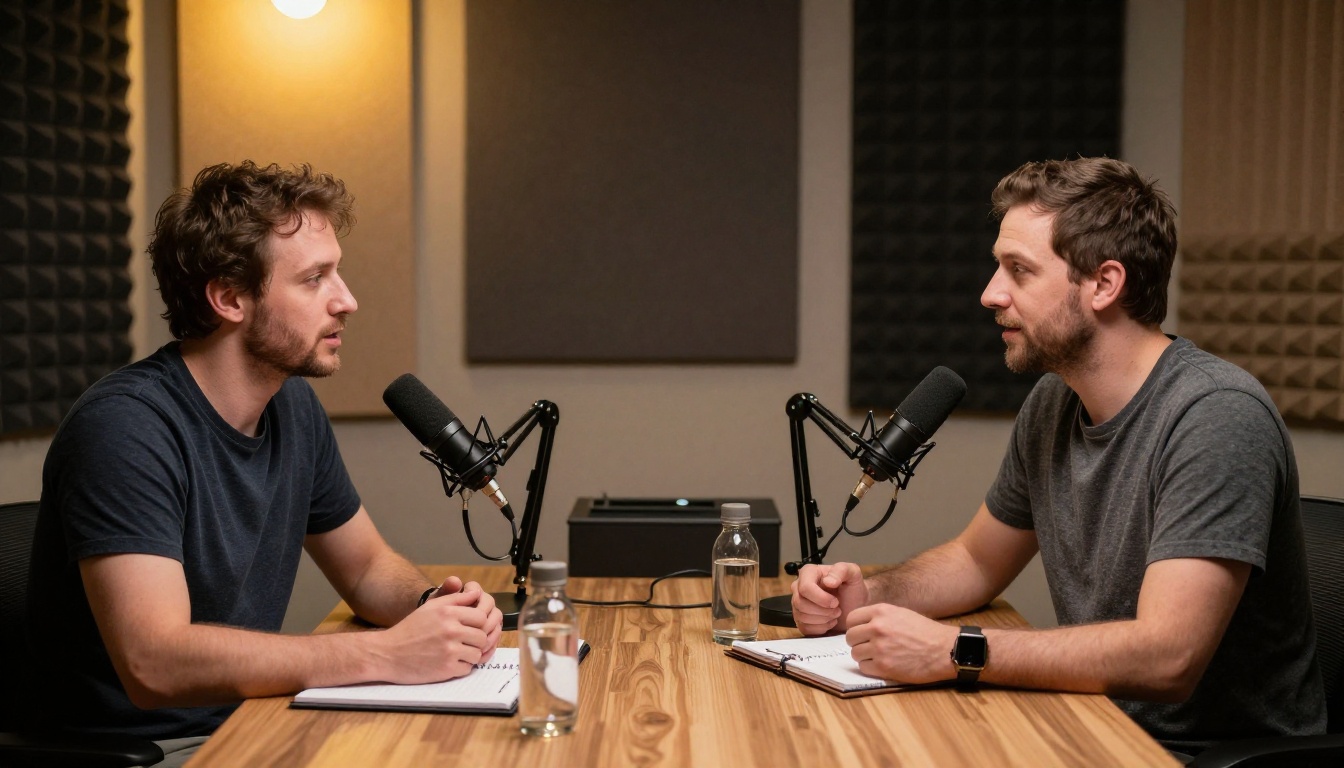
Podcast captions are no longer optional. This article shows you exactly how to use AI speech-to-text tools to generate accurate, timestamped captions for any podcast episode automatically, saving hours of manual transcription work and making your content accessible to a wider audience.
Podcast captions used to mean hours of manual transcription. Today, AI processes a one-hour episode in under two minutes, spitting out accurate, timestamped text that you can drop straight into YouTube, Spotify, or your website. The tools are better than most people realize, and the workflow is simpler than you think.
Why Every Podcaster Needs Captions Now
Your Audience Is Watching on Mute
Data from social media platforms shows that over 85% of video content is watched without sound in public spaces. Even dedicated podcast listeners often skim through episode previews in silent environments before deciding to hit play. Without captions, you are invisible to that segment.
Captions Make Your Podcast Findable
Search engines cannot index audio. They can index text. When you attach an accurate transcript or caption file to your podcast episode, every word becomes searchable. Specific terms, guest names, and niche topics your audience types into Google can now point directly to your episode. That is passive discoverability you simply cannot achieve with audio alone.
Accessibility Is Not Optional Anymore
An estimated 430 million people worldwide live with disabling hearing loss. Captions make your content consumable for this audience without any extra effort on their part. Beyond legal requirements in many publishing contexts, it is the right call for growing your reach.
How AI Turns Your Audio into Accurate Captions
The Technology Behind It
Modern AI speech-to-text models are trained on billions of hours of spoken language, covering accents, dialects, technical vocabulary, and conversational patterns. When you submit an audio file, the model breaks the audio into short segments, identifies phonemes, maps them to words, and assigns timestamps down to the millisecond. The result is a structured transcript that mirrors exactly what was said and when.
What "Automatic" Actually Means
Automatic does not mean "post and forget." The AI does the heavy lifting on transcription, but you still spend 10 to 15 minutes reviewing for proper nouns, industry jargon, or any unusual terms the model might have misheard. That is still a 95% reduction in time compared to manual transcription, which averages four hours for every one hour of audio.
💡 Pro tip: Record in a quiet environment with a quality microphone. AI accuracy drops significantly when there is background noise, multiple overlapping voices, or low-bitrate audio compression.
Accuracy in Real Numbers
Model
Language Support
Avg. Accuracy
Best For
GPT-4o Transcribe
57 languages
97%+
High-stakes content, nuanced speech
GPT-4o Mini Transcribe
57 languages
95%+
Quick turnarounds, bulk episodes
Gemini 3 Pro
40+ languages
96%+
Long episodes, complex dialogue
Granite Speech 4.1 2B
6 languages
94%+
Fast, lightweight processing
Granite Speech 3.3 8B
6 languages
95%+
Multilingual European content
The AI Models Worth Using for Podcast Captions
GPT-4o Transcribe
GPT-4o Transcribe is currently one of the most accurate speech-to-text models available. It handles crosstalk, rapid speech, and domain-specific terminology with impressive precision. If your podcast covers medical, legal, financial, or technical topics where every word matters, this is the model to use. It supports 57 languages and produces clean, punctuated output.
GPT-4o Mini Transcribe
GPT-4o Mini Transcribe offers nearly identical quality at faster processing speeds. For high-volume publishers dropping multiple episodes per week, this model balances throughput with accuracy efficiently. It is the right choice when you need captions ready before publishing, not after.
Gemini 3 Pro for Long Episodes
Gemini 3 Pro by Google handles long-form audio with excellent contextual coherence. Where some models lose consistency across a two-hour episode, Gemini maintains strong accuracy from start to finish. It is particularly strong with interview-style content where two or more speakers alternate frequently.
IBM Granite Speech Models
For creators focused on European languages or working within a tighter accuracy-versus-speed tradeoff, Granite Speech 4.1 2B and Granite Speech 3.3 8B from IBM are solid options. The 3.3 8B model offers higher accuracy for complex audio, while the 4.1 2B prioritizes speed without a dramatic quality drop.
How to Caption Your Podcast on PicassoIA
PicassoIA gives you direct access to all five speech-to-text models above without needing to manage API integrations, code, or separate subscriptions. Here is the exact workflow:
PicassoIA accepts MP3, WAV, M4A, and FLAC formats. Upload your exported podcast episode directly. For episodes over 60 minutes, consider splitting the file at natural chapter breaks to make reviewing the output easier.
💡 Quality tip: Export your audio at 44.1kHz, 16-bit minimum before uploading. Higher bitrate audio produces noticeably better transcription results, especially for quiet or distant voices.
Step 3: Configure and Run
Select your target language. If your episode switches between two languages, choose the primary one. Hit generate and the model processes your audio in real time.
Step 4: Review the Output
The model returns a full transcript with timestamps. Scan for:
Proper nouns (guest names, brand names, places)
Technical terms specific to your niche
Crosstalk segments where speakers overlapped
Corrections take minutes, not hours.
Step 5: Export in Your Required Format
Once reviewed, copy the timestamped text and format it as SRT, VTT, or plain text depending on where you are publishing. The timestamps from the AI output map directly to SRT format with minimal reformatting.
Caption Formats and When to Use Each
SRT: The Universal Standard
SubRip (.srt) is the most widely supported caption format across platforms. YouTube, LinkedIn, Facebook, and most video players accept SRT files natively. The format is simple: a sequence number, a timestamp range, and the caption text block.
1
00:00:01,500 --> 00:00:04,200
Welcome back to the show. Today we are talking about AI tools.

2
00:00:04,800 --> 00:00:07,100
Specifically, how to caption your podcast automatically.
VTT: Built for the Web
WebVTT (.vtt) is the format used natively in HTML5 video players. If you embed podcast episodes on your own website with a video player, VTT gives you more styling options and works without plugins.
Plain Text Transcripts
Publishing the full transcript as plain text in your show notes is separate from captions but equally valuable. It gives search engines a fully indexable version of your episode content, and readers who want to skim the content without listening get the value immediately.
Where to Publish Your Captions
YouTube
Upload your podcast as a video (even a static waveform visualization works) and attach your SRT file during upload. YouTube indexes your captions for search, making your episode findable by specific timestamps and topics.
Spotify Video Podcasts
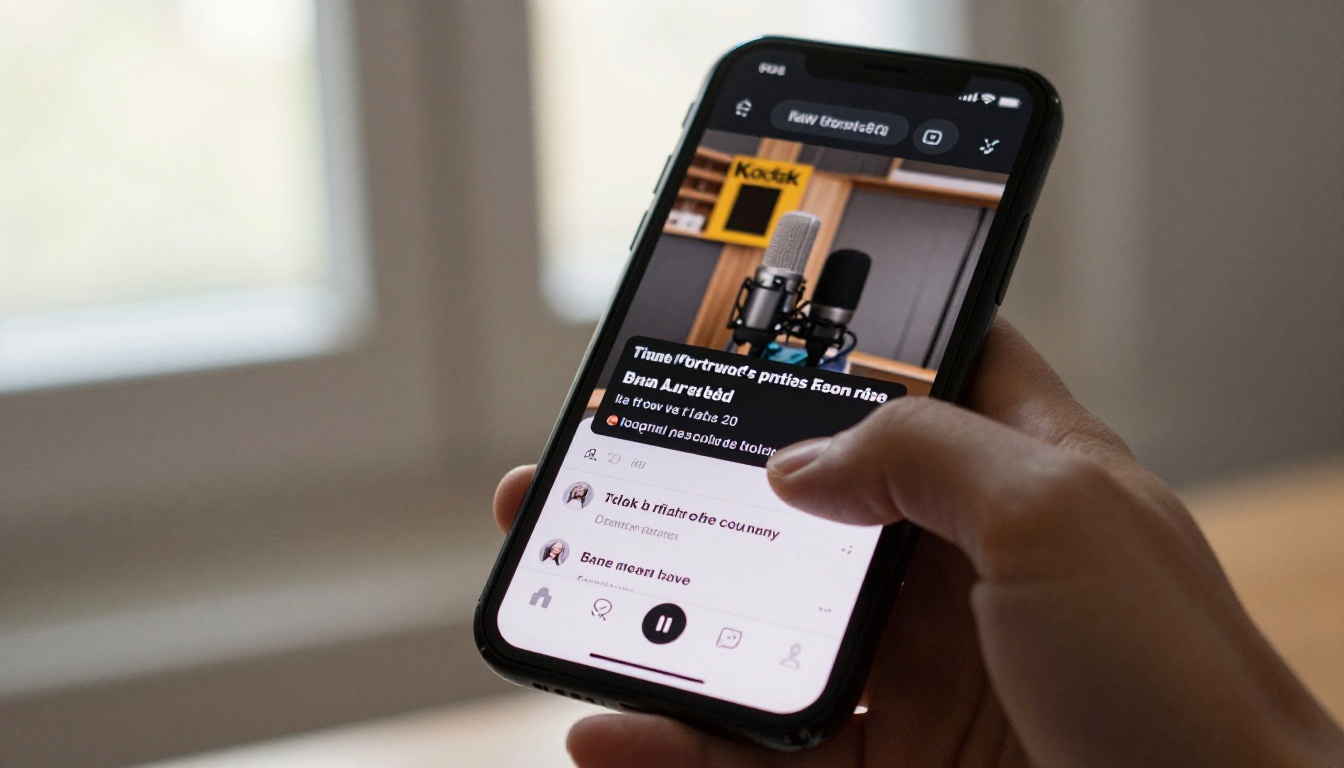
Spotify now supports video podcasts with caption tracks. Upload your SRT alongside your video file in Spotify for Creators. Episodes with captions get a visual indicator that increases click-through rates among mobile users.
Your Website and Show Notes
Paste the full transcript below the audio player on your episode page. This single action can double the organic search traffic to individual episode pages within 60 to 90 days, as Google begins indexing the full text.
Social Media Clips
When you cut short clips from your podcast for Instagram Reels, TikToks, or LinkedIn videos, the AI-generated transcript gives you the exact text for each clip instantly. No manual transcription needed for each repurposed asset.
💡 Repurposing tip: Use your transcript to automatically identify quotable moments. Search the text for strong statements or surprising facts and build your social clip strategy directly from the caption file.
Caption Mistakes That Hurt Your Content
Posting Unreviewed AI Captions
Raw AI output is very good but not perfect. Publishing without a quick review pass means your audience sees typos on technical terms, wrong names, and occasionally nonsensical phrases when the model mishears a word. A 15-minute review investment protects your credibility.
Ignoring Speaker Labels
When your podcast has two or more speakers, unlabeled captions become confusing fast. Add simple speaker labels (e.g., Host: and Guest:) during your review pass. Some platforms auto-detect speaker changes but most require you to add labels manually.
Caption Lines That Are Too Long
Each caption block should contain no more than two lines of text, and each line should be no longer than 42 characters for comfortable reading on mobile screens. Long caption blocks force viewers to pause reading mid-sentence. Break them at natural speech pauses.
Wrong Timestamp Alignment
If your audio file starts with a long intro bumper or silent section, the timestamps may be offset. Always verify the first and last caption timestamps match the actual speech in your audio before publishing.
Captioning Multilingual Podcasts
AI Handles More Languages Than Expected
GPT-4o Transcribe and Gemini 3 Pro both support 40 to 57 languages, meaning Spanish, Portuguese, French, German, Japanese, and dozens of others are handled at near-native accuracy. For bilingual episodes, process each language segment separately and merge the caption files.
Translation as a Second Step
Auto-transcription gives you the source language caption file. Translation is a separate step. You can take the SRT output and run it through a language model to produce translated caption tracks, effectively giving you a Spanish podcast with English captions or vice versa, without recording anything twice.
How Often Should You Caption?
The answer is every episode, from the first one you ever published. Retroactively captioning your back catalogue is one of the highest-return tasks a podcaster can do. For a 100-episode back catalogue, AI captioning takes days, not months. The SEO and accessibility benefits accumulate across every episode simultaneously once published.
A simple prioritization framework:
New episodes (caption before publishing, always)
Top 20 episodes by downloads (caption these first in your back catalogue)
Episodes with notable guests (these get searched by name, captions help indexing)
Everything else (batch process in order of publication date)
Batch Processing Your Podcast Library
For podcasters with large back catalogues, running individual episodes one by one is inefficient. A smarter approach:
Export all your episode audio files at consistent quality settings
Review the high-traffic ones first, then work through the rest
Try It on Your Next Episode
Podcast captions went from a nice-to-have to a baseline expectation in the last two years. Audiences expect accessible content. Platforms reward it with better recommendations. Search engines reward it with rankings. And AI has removed every technical barrier that used to make captioning feel like extra work.
PicassoIA puts GPT-4o Transcribe, Gemini 3 Pro, GPT-4o Mini Transcribe, Granite Speech 4.1 2B, and Granite Speech 3.3 8B all in one place, ready to process your next episode the moment you finish recording.
Upload your audio, pick your model, and have accurate captions in minutes. Your audience, and your analytics, will notice the difference.