Voice has always been one of the most personal things a person can have. It carries identity, emotion, authority, and trust in a way that text never can. And now, with modern AI, duplicating that voice takes less than a minute of audio and a few clicks. That power demands a clear framework for when it is appropriate, who owns it, and what happens when things go wrong.
This is not abstract philosophy. Voice cloning with AI is already happening in advertising, podcasting, audiobook production, accessibility software, and unfortunately, fraud. The question is not whether to use it. The question is how to use it in a way that holds up legally, reputationally, and practically.
What Voice Cloning Actually Does
Modern AI voice cloning works by training a neural model on a person's voice samples, then using that model to synthesize new speech that sounds like the original speaker. The process has three phases: sample collection, model training, and inference (generating new speech from text).
The Sample Side
Most state-of-the-art models require between 10 seconds and 5 minutes of clean audio. A few consumer tools can do it with even less, though quality drops significantly at short durations. What the model is actually learning includes:
- Pitch and cadence: the natural rise and fall of the speaker's voice
- Timbre: the specific resonance of their vocal cords and throat shape
- Prosody: the rhythm, stress, and intonation patterns unique to that person
- Pronunciation quirks: regional accents, articulation style, mouth shape characteristics
Once trained, the model can synthesize virtually anything in that voice, from a single word to an hour-long narration, with near-perfect fidelity to the original speaker.
Why Audio Quality Matters
The single biggest variable in output quality is the quality of your input audio. Background noise, microphone distortion, room echo, and compression artifacts all degrade the final clone. Clean, dry, close-mic'd recordings produce dramatically better results.
💡 Pro tip: Record your audio samples in a quiet room with a directional condenser microphone positioned 6 to 8 inches from the source. Avoid recordings made over phone calls or video conferences.
When Cloning a Voice Is Acceptable

The line between acceptable and unacceptable use becomes much clearer when you apply a simple test: would the person whose voice is being cloned consent to this specific use?
Personal and Creative Use Cases
The clearest acceptable uses involve cloning your own voice. This is increasingly common for:
- Content creators who want consistent narration without recording every word
- Authors producing their own audiobooks without spending studio time on every revision
- Accessibility tools that let people with speech disabilities use a synthesized version of their own voice after illness or injury
- Multilingual dubbing where a creator's voice is translated to another language while preserving their natural character
When you own the voice, you own the right to clone it. That is the simplest case.
Professional and Commercial Applications
In commercial contexts, voice cloning is used legitimately across a range of industries:
| Use Case | Requirement |
|---|
| Voiceover for branded video | Written consent from talent |
| Audiobook narration | Contract specifying AI use rights |
| Virtual assistant voice | License from original voice actor |
| Customer service IVR | Consent agreement on file |
| Multilingual product demos | Signed release per language use |
In every professional case, there is documentation. That documentation is what separates a legitimate production from a legal liability.
What Is Never Okay
Three categories cover virtually all misuse:
- Cloning without consent: Using someone's voice without their explicit knowledge and permission
- Impersonation for deception: Creating audio designed to mislead listeners about who said something
- Commercial exploitation without rights: Profiting from a cloned voice without compensation or rights agreements
These are not just moral problems. In many jurisdictions they are criminal offenses under fraud, identity theft, and intellectual property law.
The Consent Framework
Getting consent properly is not about covering yourself legally. It is about building a relationship of trust with the person whose voice you are using. A voice is deeply personal, and people care about how it represents them.
Getting Proper Permission
Verbal consent is not enough. You need written documentation that covers:
- The scope of use: exactly what content will be generated with the cloned voice
- The platform and distribution: where the audio will be published or used
- The duration: how long the cloned voice can be used, and whether it can be renewed
- The right to revoke: whether the person can withdraw consent and under what conditions
- Compensation terms: if applicable, how payment or credit will be structured
For personal use between friends or collaborators, a simple email thread confirming all of the above is usually sufficient. For commercial use, involve a lawyer.
Documenting the Agreement
Keep your consent documentation in the same place as your project files. Treat it like a production asset, not an afterthought. If you ever face a dispute, the documentation is the difference between a resolved conversation and a lawsuit.
💡 Industry standard: Many professional voice cloning contracts now include a clause specifying that the AI-generated output cannot be used to train other models or be sublicensed to third parties without additional agreement.
Best AI Models for Voice Cloning
Several strong options exist today across different quality tiers, output styles, and use cases. Here is a breakdown of the most capable models currently available on PicassoIA.
Minimax Voice Cloning
Minimax Voice Cloning is one of the most robust dedicated voice cloning tools available. It takes a short reference audio clip and produces a custom voice that can then be used for any text input. The output quality is notably high for natural-sounding speech, and it handles multiple languages without significant accent drift.
Best for: Teams needing a stable, custom voice for ongoing content production.
Chatterbox by Resemble AI
Chatterbox from Resemble AI stands apart for its emotion control capabilities. You do not just clone the voice; you can also control the emotional tone of delivery, making the synthesized speech sound warm, serious, urgent, or conversational depending on the context.
If you need a voice that performs rather than just reads, Chatterbox is a serious option. For even more fidelity, Chatterbox Pro delivers studio-quality output, while Chatterbox Turbo prioritizes speed for high-volume generation pipelines.
Best for: Marketing teams and content creators who need expressive, emotionally varied voice output.
Qwen3 TTS
Qwen3 TTS is notable for a specific feature: it lets you either clone an existing voice or design a completely original one from scratch using a text description. This makes it uniquely flexible. If you want to create a brand voice that does not belong to any real person, this model lets you define the age, gender, accent, and vocal character through a descriptive prompt.
Best for: Brand teams building a distinctive audio identity without relying on a real voice actor.
ElevenLabs Models
ElevenLabs offers multiple tiers on PicassoIA. v3 delivers natural, expressive narration. v2 Multilingual supports over 30 languages with strong accent fidelity. Flash v2.5 and Turbo v2.5 prioritize low-latency generation for real-time or high-volume applications.
Best for: Multilingual content, real-time voice applications, and large-scale narration pipelines.
Other Notable Options
| Model | Specialty | Link |
|---|
| Speech 2.8 HD | Studio-quality voiceovers | Open |
| Speech 2.8 Turbo | Fast natural voiceovers | Open |
| Gemini 3.1 Flash TTS | 30 voices, 70+ languages | Open |
| Grok TTS | Instant AI audio generation | Open |
| Play Dialog | Natural dialogue synthesis | Open |
How to Use Minimax Voice Cloning on PicassoIA

Since Minimax Voice Cloning is purpose-built for cloning use cases, here is a direct step-by-step walkthrough for getting your first generation done.
Step 1: Prepare Your Reference Audio
Before opening the tool, prepare a clean audio recording of the voice you have permission to clone:
- Format: WAV or MP3, minimum 44.1kHz sample rate
- Duration: 15 to 60 seconds of continuous, clean speech
- Content: Natural, conversational speech rather than a scripted monotone reading
- Environment: Quiet room, minimal reverb, no background noise or music
💡 Recording tip: Avoid clips where the speaker is laughing, whispering, or heavily emotional. The model performs best on clear, neutrally-paced conversational speech.
Step 2: Upload and Configure
- Open Minimax Voice Cloning on PicassoIA
- Upload your reference audio file in the designated input field
- Give the cloned voice a name for your session
- Enter the text you want the cloned voice to speak in the text input area
- Adjust speed and pitch if the default output feels too fast or tonally off
Step 3: Generate and Review
Click Generate and wait for the model to process. The first generation typically takes 10 to 30 seconds. Listen to the full output before downloading:
- Check that the voice matches the reference speaker's tone and character
- Listen for artifacts: robotic breaks, unnatural pauses, or mispronounced words
- If quality is lower than expected, try a longer or higher-quality reference audio clip
Step 4: Iterate and Export
If the first generation does not fully capture the reference voice:
- Try a different audio segment from the same speaker, one recorded in a quieter environment
- Adjust the text input to shorter sentences if you are hearing timing or pacing issues
- Check your audio quality first, this is the most common reason for poor clone results
Once satisfied, download the audio in your preferred format and integrate it into your production workflow.
Getting Consistent Results Across Sessions
One challenge with AI voice cloning that many users discover later in a project is consistency across multiple generations. When you generate the same voice across different sessions or different scripts, you may notice slight variations in tone, pace, or character. Here is how to reduce that variance:
- Always use the same reference audio clip for all generations within a single project
- Keep text segments to similar lengths: short paragraphs produce better pacing than single sentences or very long passages
- Save your session settings so you can reload exact parameters for future runs
- Test with a standardized phrase at the start of each session to verify the voice character before generating full content
💡 For long-form projects like audiobooks or podcast series, create a reference document that logs the exact audio file, model, and settings used per project. This acts as a voice fingerprint you can reproduce reliably across any number of sessions.
How to Spot a Cloned Voice
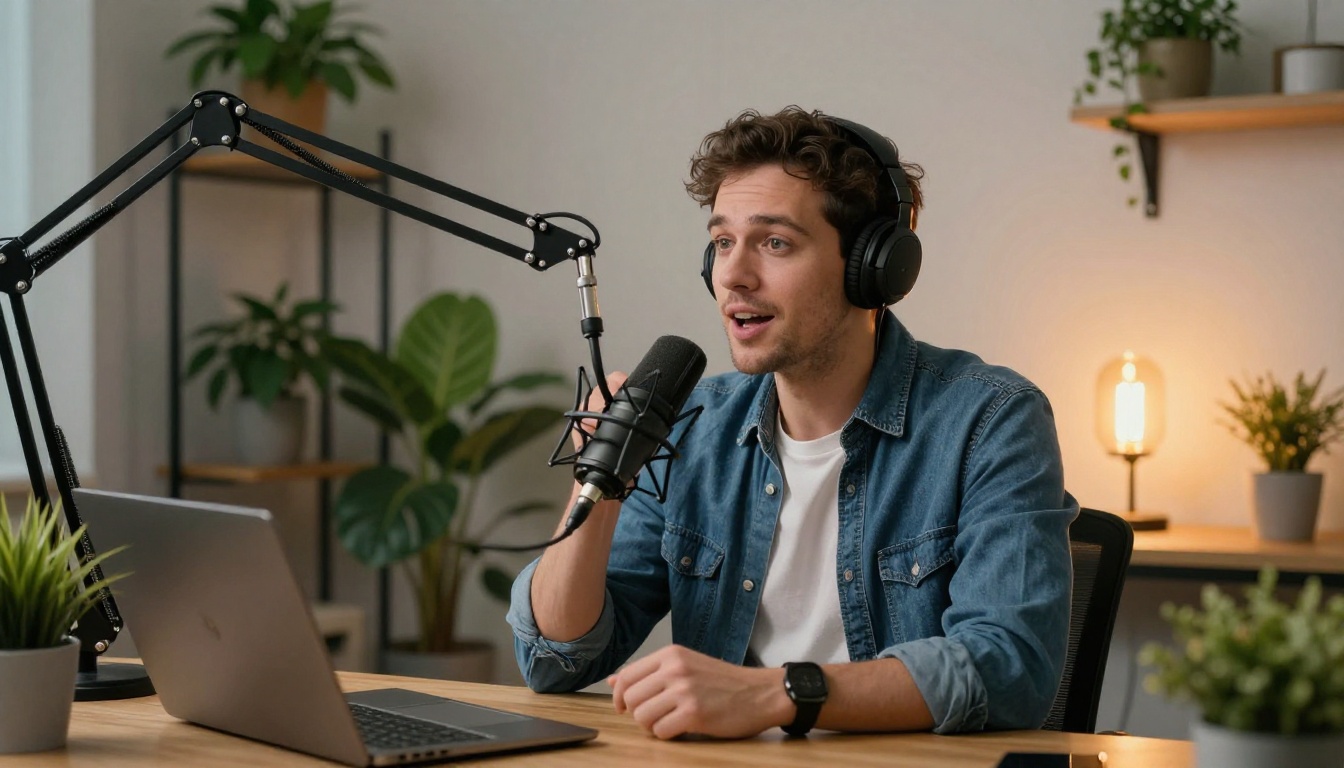
As a creator or consumer, knowing when a voice has been synthesized without consent is increasingly important. Several signs point to a cloned or AI-generated voice:
Technical Indicators
- Unnatural pauses at punctuation that do not match natural speech rhythm
- Perfect pronunciation on every word with zero hesitation or natural stumble
- Absence of breathing sounds between phrases or sentences
- Flat prosody on words that would normally carry emotional weight
- Consistent tone across emotionally varied content, no real rise or fall in delivery
Verification Options
For high-stakes situations (legal proceedings, journalism, financial transactions), use a dedicated audio forensics tool rather than relying on human listening alone. These tools analyze spectrogram patterns and artifact signatures that are invisible to the human ear but statistically distinguishable from authentic recordings.
💡 Some platforms now embed cryptographic attestation in recordings made on verified devices, creating a chain of custody that AI-generated voices cannot replicate. This is becoming standard in news and legal contexts.

Different platforms have different approaches to consent when processing voice audio. Understanding these differences matters if you are choosing a tool for professional or commercial work.
| Platform Approach | What It Means | Risk Level |
|---|
| User-owned consent | You upload audio, platform has no claim | Low |
| Opt-in voice marketplace | Actors consent to license their voice for cloning | Low |
| Open upload, no verification | Anyone can upload any audio without checks | High |
| Consent attestation required | Platform requires you to confirm consent before processing | Low |
When choosing a tool for a production project, prefer platforms that require you to attest to having consent before processing any uploaded audio. This creates accountability in the workflow itself, not just at the output stage.
3 Mistakes That Kill Your Results
Most problems with voice cloning projects come from the same handful of errors. These are worth knowing before you start:
-
Using low-quality reference audio: The single biggest quality killer. A clean recording takes five minutes to set up and saves hours of failed generations. Do not skip this step.
-
Generating too much text at once: Breaking long scripts into shorter paragraphs produces better pacing and reduces artifact risk in the middle of a long generation run.
-
Not running a test first: Always generate a short test paragraph before processing your full script. This takes 30 seconds and reveals quality issues before you have committed to a long generation run.
Start Cloning and Creating on PicassoIA
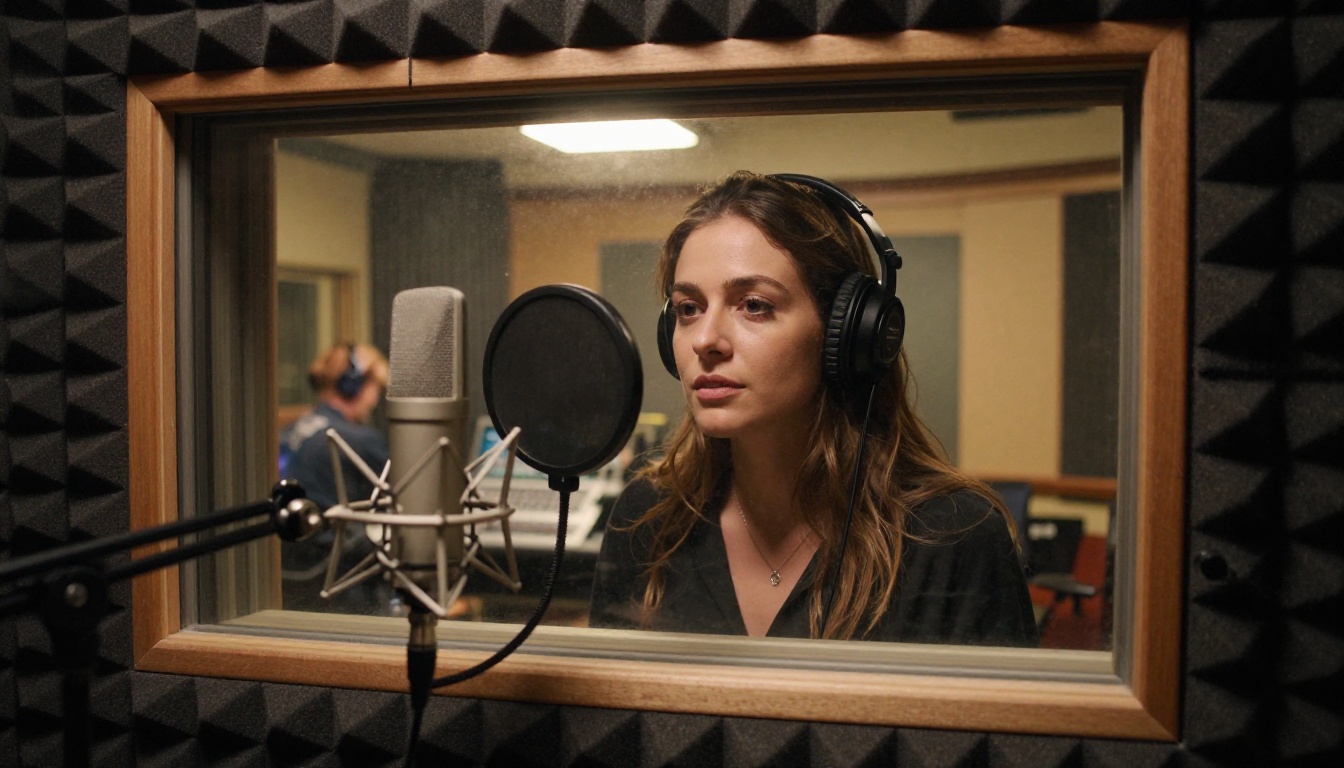
Voice cloning is one of the most practically useful capabilities that AI has put within reach of individual creators and small teams. It is now possible to narrate an entire audiobook without recording every revision, localize content across dozens of languages without hiring separate talent for each, or build a consistent audio brand identity from scratch without relying on any single person's availability.
The tools are ready. The models are capable. The only things standing between you and production-quality voice output are a clean audio recording, a clear consent agreement, and a few minutes on PicassoIA.
Try Minimax Voice Cloning to start with a direct reference clone, or experiment with Chatterbox if you want emotion-driven, expressive performance. If you want to build a completely original voice from a description without any reference audio, Qwen3 TTS lets you design one from scratch.
PicassoIA brings all of these models into a single interface so you can test, compare, and produce without switching between tools. Your next voice project is a few clicks away.


