There's a moment in every creative project when words run out and the right piece of music says everything. A theme song does that job. It's the sonic identity of a show, a game, a brand, a film, or even a personal project. And right now, AI has made composing one dramatically faster, more accessible, and more expressive than most people realize.
You don't need a music degree. You don't need a DAW. You don't need to hire a composer. You need a clear idea, a few well-written sentences, and the right AI model to bring it to life.
What a Theme Song Actually Does
Most people think of a theme song as background music. It's not. It's a contract with the listener. In the first 10 seconds, it tells them: this is the tone, this is the emotion, this is the world you're entering. Get it wrong and the rest of your project has to fight uphill against it.
The emotional job it carries
A theme song has to do three things at once. It establishes mood (dark, playful, tense, triumphant). It creates identity (memorable enough that it sticks after one listen). And it sets pace (tempo tells the audience how to feel before a single word or image appears).
This is why a film composer spends weeks on a 90-second theme while the broader score takes months. The theme is the seed everything else grows from.
Why structure matters before style
Before you think about instruments or genre, write honest answers to four questions:
- What emotion should the listener feel in the first 3 seconds?
- How long does this theme need to be? A podcast intro is 15 seconds. A game menu theme can run 3 minutes.
- Will it have lyrics, or be purely instrumental?
- What is the tempo range? Slow, mid-tempo, or driving?
Writing these down before opening any AI tool saves you five or six rounds of generation chasing the wrong direction. The model can't read your mind, but it will execute a well-written brief with precision.
Picking the Right AI Music Model
Not all AI music models work the same way. Some specialize in cinematic orchestration. Others excel at generating full pop tracks with synthesized vocals straight from a text prompt. Choosing the wrong model for your use case means outputs will miss the mark regardless of how strong your prompts are.
Here's a breakdown of the most capable models available right now.
Lyria 3 Pro for cinematic scores
Google's Lyria 3 Pro is the strongest option for orchestral and cinematic theme compositions. It generates full-length tracks with rich harmonic structures and responds well to detailed descriptive prompts. If your theme needs to sound like it belongs in a film or a high-production game, this is where you start.
Its counterpart, Lyria 3, handles shorter instrumental pieces efficiently and is faster for iterating on loop-based themes, making it useful for podcast intros and short-form content.
Minimax Music 2.6 for full vocal tracks
When your theme needs lyrics, a voice, and a full song structure, Minimax Music 2.6 is one of the most capable options available. It takes a text prompt, infers song structure (verse, chorus, bridge), and generates a finished track with synthesized vocals. The vocal quality is remarkably natural for a generated output.
For projects that need a more polished contemporary sound, Minimax Music 2.5 is also worth testing. The two models have slightly different vocal timbres and genre strengths, so running both on the same prompt is a fast way to find the better fit.
ElevenLabs Music for text-to-song
ElevenLabs Music approaches generation differently. Rather than requiring a structured lyrics prompt, it builds songs from descriptive text. Give it a mood, a tempo, a genre, and a brief theme description, and it constructs a full track. It's particularly strong for indie, folk, and acoustic-leaning styles.
Stable Audio 2.5 for instrumental loops
Stable Audio 2.5 by Stability AI specializes in high-quality instrumental audio with precise control over duration and loop structure. If your theme needs a seamlessly looping 30-second instrumental for a game menu or a podcast opener, this model produces outputs that are immediately usable without additional editing.
How to Write Lyrics That AI Actually Uses
The prompt is your instrument. AI music models don't interpret vague ideas well, but they execute detailed descriptions with precision. This section covers how to write prompts that produce usable outputs on the first or second try.
Words that signal mood and tone
Emotional language works better than genre labels alone. Instead of writing "a pop song," write "an uplifting pop song with a hopeful, triumphant feeling and a female vocal." The emotional descriptors give the model texture to work from.
Here are high-signal word categories that consistently produce strong results:
| Category | Strong Signal Words |
|---|
| Mood | triumphant, melancholic, tense, playful, serene, urgent |
| Tempo | slow, mid-tempo, uptempo, driving, lethargic |
| Vocal | female vocal, male baritone, choral, acapella, no vocals |
| Genre | cinematic orchestral, lo-fi hip hop, indie folk, dark electronic |
| Texture | sparse, layered, minimalist, full production, raw, polished |
Prompt length and specificity
Short prompts produce generic results. A 3-sentence prompt that combines mood, instruments, tempo, and use case will outperform a 5-word genre label every time. A reliable structure:
💡 [Emotion] [genre] theme with [specific instruments]. [Tempo] tempo, [vocal or instrumental]. Feels like [reference scenario].
Example: "Triumphant cinematic orchestral theme with strings, French horns, and a subtle choir. Mid-tempo, no vocals. Feels like the opening of an adventure film."
That single prompt consistently returns usable results from both Lyria 3 Pro and Minimax Music 2.6.
How to Use Minimax Music 2.6 on PicassoIA
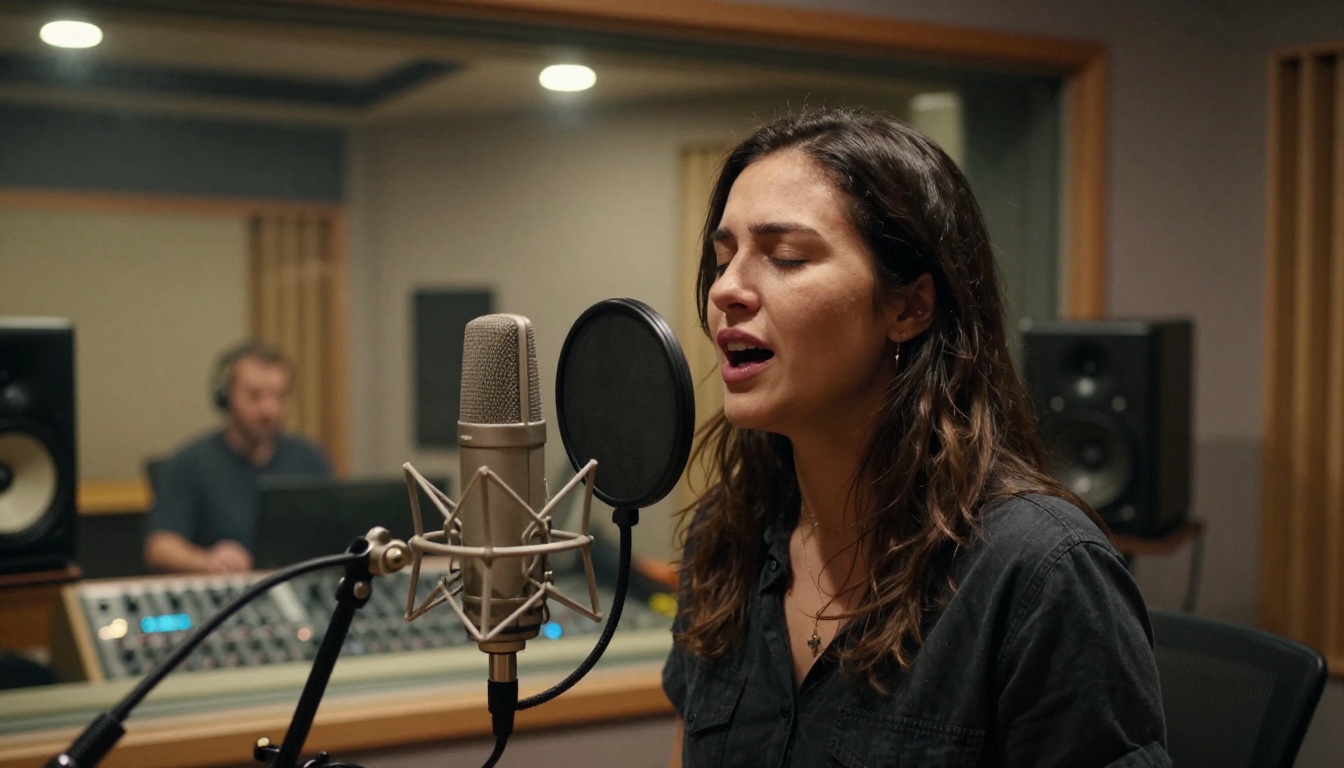
Minimax Music 2.6 is the recommended starting point for anyone building a theme song with vocals. Here's the exact workflow.
Step 1: Set up your prompt
Navigate to the Minimax Music 2.6 model page on PicassoIA. In the prompt field, write your theme description using the structure above. Include:
- The overall mood (e.g., "warm, nostalgic, cinematic")
- The genre (e.g., "indie pop," "orchestral," "electronic")
- Instrumentation if you have preferences (piano, guitar, synths, drums)
- Whether you want vocals or instrumental
If you want lyrics, write them directly into the prompt. The model will structure them into verses and a chorus automatically.
Step 2: Set genre and mood parameters
Most models on PicassoIA allow you to set a reference genre and BPM range alongside the text prompt. Use these to anchor the generation. A BPM between 70 and 90 works for emotional or dramatic themes. 110 to 130 works for upbeat, energetic openers.
💡 Tip: Generate 3 variations of the same prompt before choosing. Small differences in phrasing produce noticeably different outputs, and the second or third attempt often has better melodic structure than the first.
Step 3: Generate, listen, and iterate
Hit generate and listen to the full output before making any changes. Note specifically:
- Does the opening 5 seconds hook you? If not, the theme won't work.
- Is the energy level right for your use case?
- Does the vocal melody feel memorable?
If the answer to any of these is no, adjust one variable at a time in your prompt rather than rewriting everything. Changing just the tempo descriptor or adding one instrument reference often produces a dramatically different result.

Building the Full Sound
A theme song rarely lives as a single generated file. The best results come from treating the AI output as a strong draft and building from there.
Starting with a melody idea
If you have even a rough melodic idea, describe it in words, or reference a known song's melodic contour in your prompt. Descriptions like "rises on the chorus like an anthem" or "starts with a sparse piano line that builds into full strings" give the model a structural roadmap.
Minimax Music 01 is particularly responsive to lyric-first prompts where you write the full verse and chorus text and let the model build the melody around your words. If you have a lyric already written, this is the model to use.
Adding layers over time
One of the most effective workflows is generating a stripped-down version first (solo piano or acoustic guitar), then generating a "full production" version of the same theme, and comparing the two. Often the stripped version captures the emotional core better, while the full version adds the sonic weight you need for a proper intro.
Lyria 2 is useful here for generating layered instrumental variations, since it handles harmonic density well and can produce multiple arrangements of the same base theme.
Genre Comparison: Which Style Fits Your Project
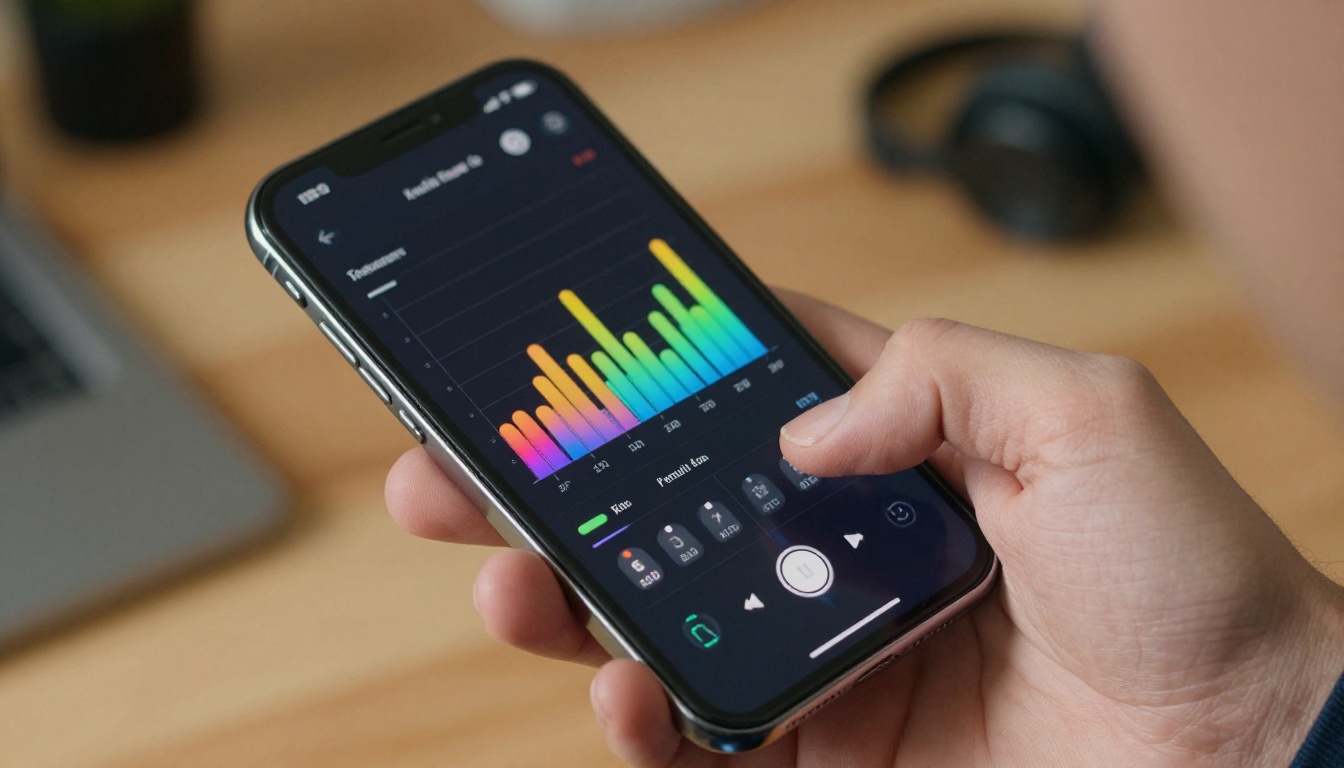
Not every project needs a cinematic orchestra. Choosing the wrong style for your content is one of the most common mistakes in theme song production. Here's a fast reference:
The style column is a starting point. Try multiple models on the same prompt and pick based on what you hear, not just what the description suggests.
Iterating Until It Sounds Right
Getting a great theme on the first try is possible but rare. The real skill is in knowing how to iterate without starting over from scratch every time.
Restyling with Music Cover
Once you have a base track you like, Minimax Music Cover lets you restyle it into a different genre while preserving the melodic structure. This is valuable when you need multiple versions of the same theme, for example a full orchestral version for the main title and a stripped acoustic version for the end credits.
The model takes an existing audio input and applies a new genre prompt to it. Your pop theme becomes a cinematic orchestral piece. Your lo-fi loop becomes an upbeat electronic version. The core identity stays intact.
Refining Lyria 3 outputs
Lyria 3 outputs can feel dense on the first generation. If your cinematic theme sounds too busy, add "sparse arrangement, chamber ensemble" to your next prompt rather than reducing instrumentation entirely. The model responds well to density qualifiers.
💡 Tip: If you want the theme to have a specific length, state it explicitly in the prompt. Most models will attempt to match the requested duration, whether that's 30 seconds, 60 seconds, or 3 minutes.
3 common mistakes in AI theme production
- Over-prompting: Writing 10 sentences of instructions produces confused, unfocused outputs. Stick to 2 to 4 strong sentences.
- Ignoring the intro: The first 5 seconds determine whether someone skips or stays. Generate specifically for that moment.
- Treating the first output as final: The first generation is a draft. Plan to produce 4 to 6 variations minimum before choosing.
Start With One Prompt
The fastest way to see what AI music generation can do is to run a single prompt through two or three models and compare the outputs side by side. You'll immediately hear the differences in harmonic richness, vocal quality, and stylistic range.
PicassoIA gives you direct access to Minimax Music 2.6, Lyria 3 Pro, ElevenLabs Music, Stable Audio 2.5, and more, all in one place, without switching between platforms or managing separate API accounts.
Write your theme brief. Pick a model. Generate. Listen. Adjust one variable. Generate again. The gap between "a rough idea" and "something that sounds like a real theme song" is smaller than you think, and it closes fast once you start.