Building a faceless YouTube channel has never been more accessible. Modern AI tools handle every stage of production: scripts, voiceovers, video generation, background music, and thumbnail design. This article covers the full workflow from niche selection and script writing to publishing on a consistent schedule, without ever showing your face.
Every day, channels with zero on-camera presence pull in hundreds of thousands of views. No face. No camera. No studio. Just well-researched content, clean narration, and visuals that keep viewers watching. If you have been waiting for the right moment to start a YouTube channel, this is it, and AI makes the entire production stack accessible whether you are a solo creator or a team of one.
This article covers the full process: picking your niche, writing scripts, generating voiceovers, producing videos, adding music, designing thumbnails, and publishing on a schedule, all powered by AI tools.
What Is a Faceless YouTube Channel?
A faceless channel is exactly what it sounds like: a YouTube channel that publishes content without the creator appearing on screen. The format has been around since the early days of YouTube, mostly in animation and screen-recording tutorials, but AI has made it dramatically more accessible.
Today, entire production pipelines can run without a camera, a recording booth, or video editing expertise. AI handles the narration, visuals, background music, and even thumbnail design.
Why It Still Works
Viewers do not come to YouTube to see faces. They come for information, entertainment, and answers. A well-produced faceless video that solves a problem or tells a compelling story performs just as well as any talking-head format, often better, because production quality can be maintained consistently without relying on anyone's performance on camera.
Several of the platform's largest channels in niches like history, finance, science, and relaxation content are fully faceless. The format is also advantageous because you can produce at scale without burnout.
Who Can Do This?
Anyone. The workflow below requires no camera, no microphone, and no editing software. If you can write a clear sentence and operate a web browser, you can run this.
Picking a Profitable Niche
The niche you choose determines everything: how fast you grow, how easy monetization is, and whether you enjoy making the content.
5 Niches That Print Views
Niche
Avg CPM
Content Type
Competition
Personal Finance
$12–25
Explainer, Tips
Medium
True Crime
$8–15
Storytelling
High
Health & Wellness
$10–20
Educational
Medium
History & Mysteries
$6–12
Narrative
Medium
AI & Technology
$15–30
Tutorial, News
Growing
These niches work because they have high advertiser demand, consistent search volume, and audiences that binge-watch multiple videos per session.
What Makes a Niche Worth It
Before committing, run these three checks:
Evergreen demand: Does the topic have stable search interest year-round? Finance and health do. Trending memes do not.
Monetizable audience: Are the viewers over 25 with disposable income? This affects your CPM significantly.
Production fit: Can AI-generated visuals realistically illustrate this niche? Abstract concepts, historical narratives, and data stories all work well.
💡 Tip: Use YouTube search autocomplete to find subtopics with high intent. "How to invest" has thousands of variations people are actively searching for right now.
Writing Scripts with AI
The script is the foundation of the video. Everything, from voiceover timing to thumbnail text, flows from a well-structured script.
The 3-Part Script Formula
Every high-performing faceless video follows a predictable structure:
Hook (0–30 seconds): State the problem or promise immediately. No intros, no channel plugs. The first sentence must justify the next.
Body (30s–7 min): Deliver the content in digestible chunks. Use numbered lists, comparisons, and story beats. Each section should answer a micro-question.
Payoff + Call to Action: Resolve the tension introduced in the hook. Then suggest the next video to watch.
Prompts That Work
Use a large language model to draft your scripts. The quality of your prompt determines the quality of the output. Here is a reliable formula:
Write a 700-word YouTube script for a faceless channel in the [niche] space.
Topic: [specific title]
Tone: authoritative but conversational
Structure: hook, 4 main points, brief CTA
Avoid filler. Every sentence must earn its place.
Iterate on the output. Tighten the hook first, then each section. Most first drafts need a shorter hook and stronger transitions between points.
AI Voiceovers That Sound Human
The voiceover is where most faceless channels either win or lose the audience. A robotic narration drives people away within 10 seconds.
Best Models Right Now
The text-to-speech landscape has improved dramatically. These are the models worth knowing about:
ElevenLabs V3 is the current benchmark for natural-sounding narration. The model handles pacing, emphasis, and emotional inflection in a way that is indistinguishable from a human voice actor at normal listening speed.
Consistency Tips
Pick one voice and stay with it. Your voice becomes part of your brand identity.
Adjust speaking rate: Slightly slower than normal speech (around 0.9x) works best for educational content.
Use punctuation as pacing cues: Commas create natural pauses. Period breaks reset listener attention.
Proof-listen at 1.5x speed: If it sounds clear at 1.5x, it will sound excellent at normal speed.
Creating Videos Without Filming
This is where AI truly changes the equation. You no longer need stock footage subscriptions or filming sessions.
Text-to-Video Models Worth Using
The text-to-video category has over 100 models. Here are the ones that deliver for YouTube content:
Veo 3 by Google stands out for its ability to generate clips with native audio, which reduces the audio mixing workload significantly. Seedance 2.0 produces some of the most temporally consistent footage currently available, making it ideal for narrative-driven videos where visual continuity matters.
Building Your Workflow
The production workflow for a 10-minute video looks like this:
Generate 15-20 short clips (5-10 seconds each) from your script sections
Export your voiceover audio from your chosen TTS model
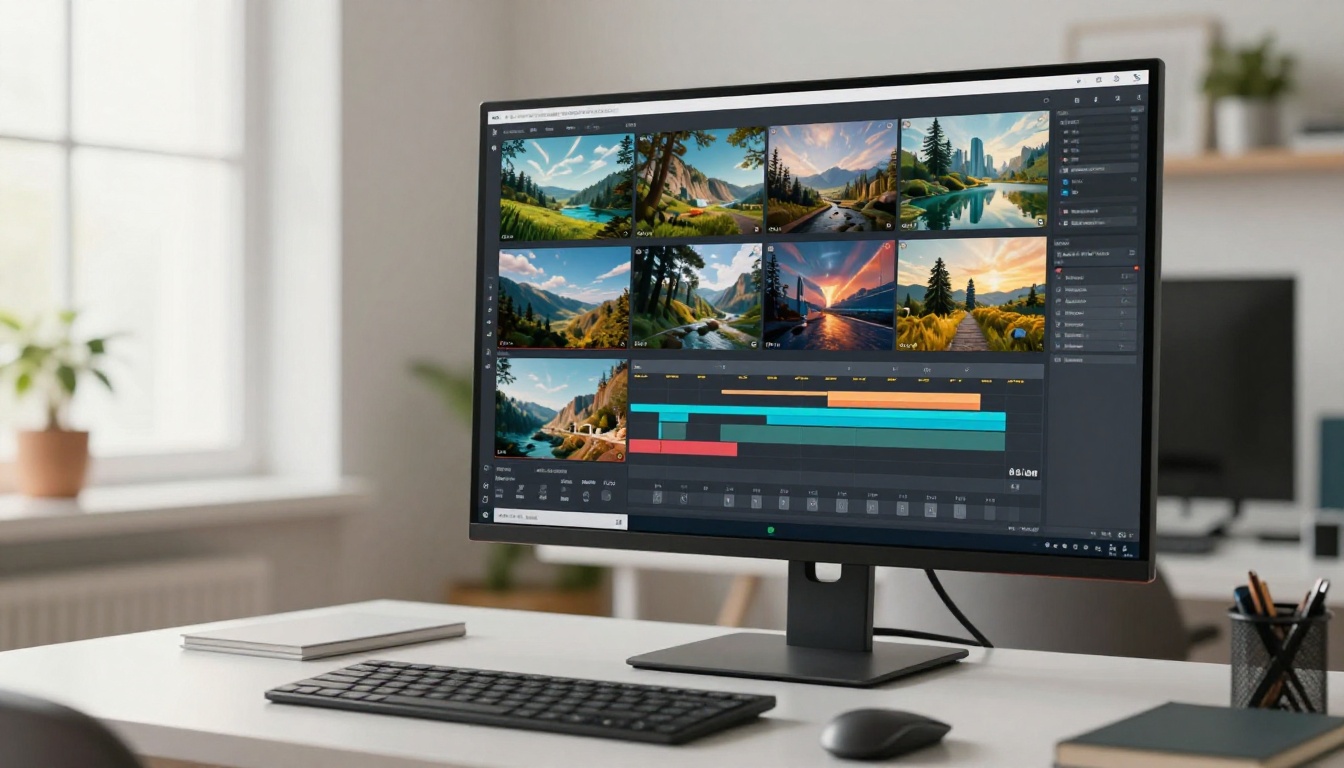
Assemble clips in a basic video editor, dropping audio onto the timeline
Add captions (auto-generated by most editors)
Export at 1080p, 30fps, H.264
You do not need to be a video editor. Free tools like CapCut or DaVinci Resolve handle the assembly, and the clips from models like Kling v3 Video are polished enough to require minimal adjustments.
💡 Tip: Write your video prompts to match the script. If the narrator says "the stock market crashed in 2008," your video prompt should describe a trading floor in distress, newspaper front pages, or empty office buildings. Visual-verbal sync increases watch time measurably.
AI Music and Sound Design
Background music is not optional. Silence is uncomfortable. The wrong music is distracting. The right music is invisible and holds the viewer in place.
Background Tracks for Every Niche
Niche
Recommended Style
Energy Level
Finance
Corporate, minimal piano
Low
True Crime
Tense, ambient strings
Medium
History
Orchestral, cinematic
Medium
Technology
Electronic, lo-fi
Low-Medium
Health
Calm, acoustic, nature sounds
Low
These models can generate original tracks from a text prompt:
Lyria 3 Pro: Full-length songs, film score quality, ideal for documentary-style content
Music 2.6: Full songs with vocals, free tier available
ElevenLabs Music: Prompt-to-song, fast generation with emotional control
Using AI-generated music means no licensing fees and no copyright strikes, which is a persistent problem on YouTube with third-party tracks. Lyria 3 Pro produces orchestral pieces that sit comfortably under narration without competing for the listener's attention.
Thumbnails That Stop the Scroll
You can have a perfect video and still lose to a worse one with a better thumbnail. The thumbnail is the first sales pitch, and it needs to work before anyone has heard a single second of your audio.
The 3-Second Rule
Viewers decide whether to click in under 3 seconds. Your thumbnail needs to communicate one clear idea at that speed.
The formula that works consistently:
One focal point: A bold number, a striking image, or a single strong visual element. Not three things. One.
High contrast: Dark text on light background or light text on dark. No middle-ground gradients.
Minimal text: 3-4 words maximum. The thumbnail supports the title, it does not repeat it.
Emotional register: Curiosity, surprise, urgency, or relief. The emotion in the thumbnail should match the video's promise.
💡 Tip: Test two thumbnails per video using YouTube Studio's A/B testing feature. The winning format compounds over time and tells you exactly what your audience responds to.
Upload, Schedule, Repeat
Production is only half the equation. Publishing consistently matters as much as content quality in the early months of a channel's life.
Metadata That Gets Clicked
Three things control your discoverability on YouTube:
Title: Include the exact search phrase your target viewer would type. Front-load the keyword. Keep it under 60 characters.
Description: The first 2-3 sentences appear in search results. Make them count. Expand with timestamps, related keywords, and links.
Tags: Less important than they used to be, but still useful for long-tail discovery. Use 10-15 specific tags per video.
Consistency Over Virality
The algorithm rewards channels that publish on a predictable schedule. One video per week is more valuable than four videos one week followed by three weeks of silence.
Set a production schedule you can hold. Two videos per week is achievable with an AI-assisted workflow. One per week is sustainable for a solo operation indefinitely.
Batch-produce. Write three scripts in one session. Generate all voiceovers in one session. Generate all videos in one session. Edit in one session. Schedule all three. This reduces context-switching and keeps quality consistent.
Real Numbers: What to Expect
Growth on YouTube is non-linear. Most channels see modest numbers for 3-6 months before an inflection point, usually one video that gets picked up by the recommendation algorithm and begins pulling in subscribers on its own.
The 90-Day Milestone
Month
Expected Subscribers
Views Per Video
Notes
Month 1
0-50
50-200
Finding your footing
Month 2
50-300
200-800
Algorithm learning your content
Month 3
300-1,000
500-2,000
First viral potential
Month 6
1,000-5,000
2,000-10,000
Monetization eligible
These are realistic ranges, not guarantees. Niche selection and thumbnail quality are the two biggest variables separating channels that grow from those that stall.
3 Mistakes That Stall Growth
1. Ignoring retention data
YouTube's analytics show exactly where viewers drop off. If 60% of people leave in the first 90 seconds, your hook is not working. Fix that before publishing the next video.
2. Inconsistent voice or tone
Switching between a calm educational register and a high-energy clickbait style confuses subscribers. Pick a tone and maintain it across every upload.
3. Skipping the description
The description is searchable text that YouTube's algorithm reads when deciding where to surface your content. A 50-word description leaves discoverability on the table. Write 200-300 words per video, weaving in related keywords naturally.
Start Building Your Channel Today
The tools covered in this article are available right now. No waitlist, no special equipment, no team required. A faceless channel built on an AI production stack can reach monetization eligibility within six months with consistent effort and a solid niche.
The workflow is repeatable: pick a niche, write a script with an AI assistant, generate narration with ElevenLabs V3, produce visuals with Seedance 2.0 or Veo 3, add a royalty-free soundtrack from Lyria 3 Pro, and publish on schedule.
The creators doing this well are not technical specialists. They are consistent. They chose a niche, refined their workflow, and published one video after another until the algorithm noticed.
If you want to see what AI-generated visuals can look like for your channel before committing to a full workflow, try generating your first batch of video clips on PicassoIA. With models like Kling v3 Video, Pixverse v6, and LTX 2 Pro available without a production setup, your first video might be closer than you think.