Video ads consistently outperform static images across every major ad platform, yet most small businesses and solo marketers still rely on expensive production agencies or clunky stock footage. That gap has closed. AI video generation has reached the point where a single well-written prompt can produce a polished, scroll-stopping ad in minutes, not weeks, for a fraction of the cost.
This article walks you through exactly how to create ads with AI video: which models to pick, how to write prompts that work, the full production workflow, and the mistakes that most marketers make on their first attempts.
Why Video Ads Win Right Now
The average person scrolls through 300 feet of content per day on social media. Static images stop the scroll for maybe half a second. A well-produced video ad with motion, story, and a clear hook stops it for three to five seconds, which is exactly the window you need to capture attention and trigger action.
The Attention Economy Problem
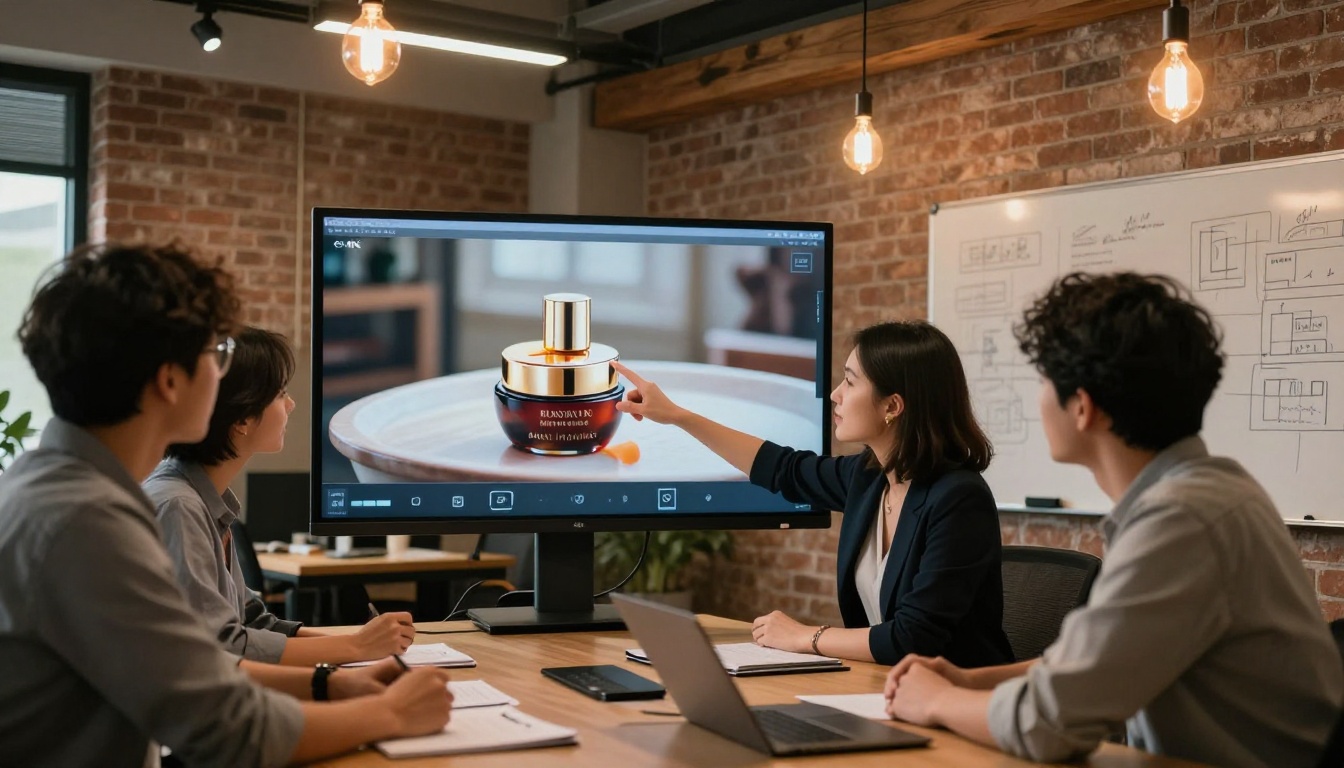
Ad spend is rising, but attention budgets are fixed. Every marketer is competing for the same finite number of eyeballs, and the ones who win are those who produce more compelling creative, faster. Video has always been the most effective format for emotional storytelling, product demonstration, and brand recall. The problem was cost and time.
A 30-second brand video used to require a concept brief, a production company, a shoot day, an editor, and two to three weeks of back-and-forth. Now it requires a well-structured prompt and about 90 seconds of generation time.
Video vs Static: The Numbers
| Format | Average CTR | View Duration | Conversion Rate |
|---|
| Static image ad | 0.8% | N/A | 1.1% |
| Carousel ad | 1.2% | N/A | 1.6% |
| Video ad (under 15s) | 2.1% | 8.2s | 3.4% |
| Video ad (15-30s) | 1.9% | 14.6s | 4.1% |
💡 The takeaway: Short video ads (under 15 seconds) deliver nearly 3x the click-through rate of static images. The first three seconds are everything.
What AI Video Generation Actually Does
Before you start generating ads, it helps to understand what you are actually working with. AI video models are not just "video filters" applied to images. They are deep learning systems trained on millions of hours of video footage that have learned to synthesize realistic motion, lighting transitions, and spatial coherence from a text description or a reference image.
Text-to-Video vs Image-to-Video
There are two main workflows for creating AI video ads:
Text-to-Video (T2V): You write a prompt describing the scene, the subject, the motion, the mood, and the camera angle. The model generates the entire video from scratch. Best for brand awareness ads, abstract concepts, and product lifestyle shots.
Image-to-Video (I2V): You provide a product photo or brand image, and the model animates it with the motion described in your prompt. Best for product ads where you already have official product imagery you want to bring to life.
Both approaches work. For most ad campaigns, Image-to-Video produces the most commercially viable results because you control the exact product appearance.
How the Models Work
Modern text-to-video models use a diffusion process, similar to image generation but extended across time. Each frame is not generated independently. Instead, the model maintains temporal coherence so that motion flows naturally. The result: a woman walking across a sunlit beach does not "teleport" between frames. The shadows move consistently. The fabric of her dress catches wind in a physically plausible way.
This is why prompt quality matters so much. The model is not just placing objects in a scene; it is predicting a believable physical sequence of events.
Picking the Right Model for Your Ad Type
With over 100 text-to-video models available, choosing the right one is the single biggest factor in output quality. Here is a breakdown of the top performers for ad production.
Social Media Short-Form Ads
For TikTok, Instagram Reels, and YouTube Shorts, you need fast generation, high motion dynamics, and strong visual punch in the first two seconds. The best models for this:
- Kling v3 Omni Video: Produces cinematic 1080p output with natural motion and consistent subject tracking. Excellent for lifestyle ads featuring people.
- Seedance 2.0: Bytedance's flagship model with built-in audio generation. Ideal for ads that need both visual and sound in a single pipeline.
- Pixverse v5.6: Fast generation with strong prompt adherence. A reliable choice when you need to iterate quickly on multiple creative variants.
Product Demo Videos
Product demos require precise object handling, controlled environments, and clear focus on the item being advertised. These models perform best:
- Wan 2.7 T2V: Delivers sharp 1080p video with excellent product detail retention. Particularly strong at close-up shots with controlled lighting.
- LTX 2.3 Pro: 4K output makes this the go-to for high-end product ads destined for connected TV or large-format displays.
- Hailuo 2.3: Cinematic color grading right out of the pipeline. Minimal post-processing needed.
Brand Awareness Campaigns
For top-of-funnel brand storytelling where emotion and aesthetics take priority over product accuracy:
- Veo 3: Google's flagship model with native audio. The cinematic quality rivals production studio output. Best for premium brand positioning.
- Gen 4.5: Runway's workhorse with cinematic motion and strong scene coherence across longer clips.
- Sora 2 Pro: OpenAI's most capable model for HD video with exceptional prompt fidelity. Best for complex scenes with multiple subjects.
Model Comparison
How to Write Prompts That Produce Ad-Ready Videos
Most people who try AI video generation for the first time get mediocre results not because the models are weak, but because the prompts are vague. A prompt like "a woman using a skincare product" will produce something generic. A prompt built with the formula below will produce something publishable.

The Prompt Formula
Every strong ad video prompt needs these five components:
- Subject: Who or what is the focal point? Be specific. "A woman in her 30s" is better than "a woman." "A matte black perfume bottle" is better than "a perfume."
- Action: What is happening? Include motion direction and intensity. "Walking slowly toward the camera" versus "browsing a shelf."
- Environment: Where does the scene take place? What is in the background? What surfaces, materials, and textures surround the subject?
- Lighting: This is where most prompts fall short. Specify the direction, quality, and color temperature of light. "Soft golden hour light from the left" versus just "outdoor."
- Camera: Specify angle and motion. "Low-angle shot slowly pushing forward" creates drama. "Wide static shot" creates context. "Close-up dolly" creates intimacy.
Optional but powerful: Add a mood or emotional tone. "Aspirational and calm" versus "energetic and playful" changes the entire feel of the output.
5 Prompts That Work
Beauty / Skincare Ad:
"A beautiful woman in her late 20s with glowing skin gently applies serum to her face in a bright bathroom, soft diffused morning light from a skylight above, close-up slow-motion shot, shallow depth of field, warm neutral tones, photorealistic."
Fashion / Apparel Ad:
"A confident woman in a flowing white sundress walks along a sun-drenched Mediterranean terrace overlooking the sea, camera tracking her from slightly behind at waist height, golden hour backlight, hair catching wind, slow motion, cinematic."
Tech / App Ad:
"A young professional man looks at his smartphone with a satisfied expression in a modern co-working space, natural window light from the right, camera slowly pushing in from medium to close-up, warm and aspirational mood, cinematic grain."
Food / Beverage Ad:
"A perfectly poured glass of sparkling water with ice and a lemon slice, water droplets running down the outside of the glass, macro close-up from a low angle, dramatic side light from the left creating specular highlights, slow motion pour, photorealistic."
Fitness / Wellness Ad:
"A fit woman in her 30s in athletic wear completes a morning run on a misty forest path, camera running alongside her at eye level, dappled early morning light through trees, motion blur on background, energetic and fresh mood."
💡 Pro tip: Always include a camera movement instruction. Static cameras produce flat-looking ads. Even a subtle "slowly pushing in" or "gentle handheld movement" adds production value that audiences immediately associate with quality.
How to Use Kling v3 on PicassoIA
Kling v3 Omni Video is one of the most capable models for ad production. It produces 1080p cinematic output with tight prompt adherence, realistic motion, and a fast generation speed that makes iteration practical. Here is how to use it.
Step 1: Open the Model
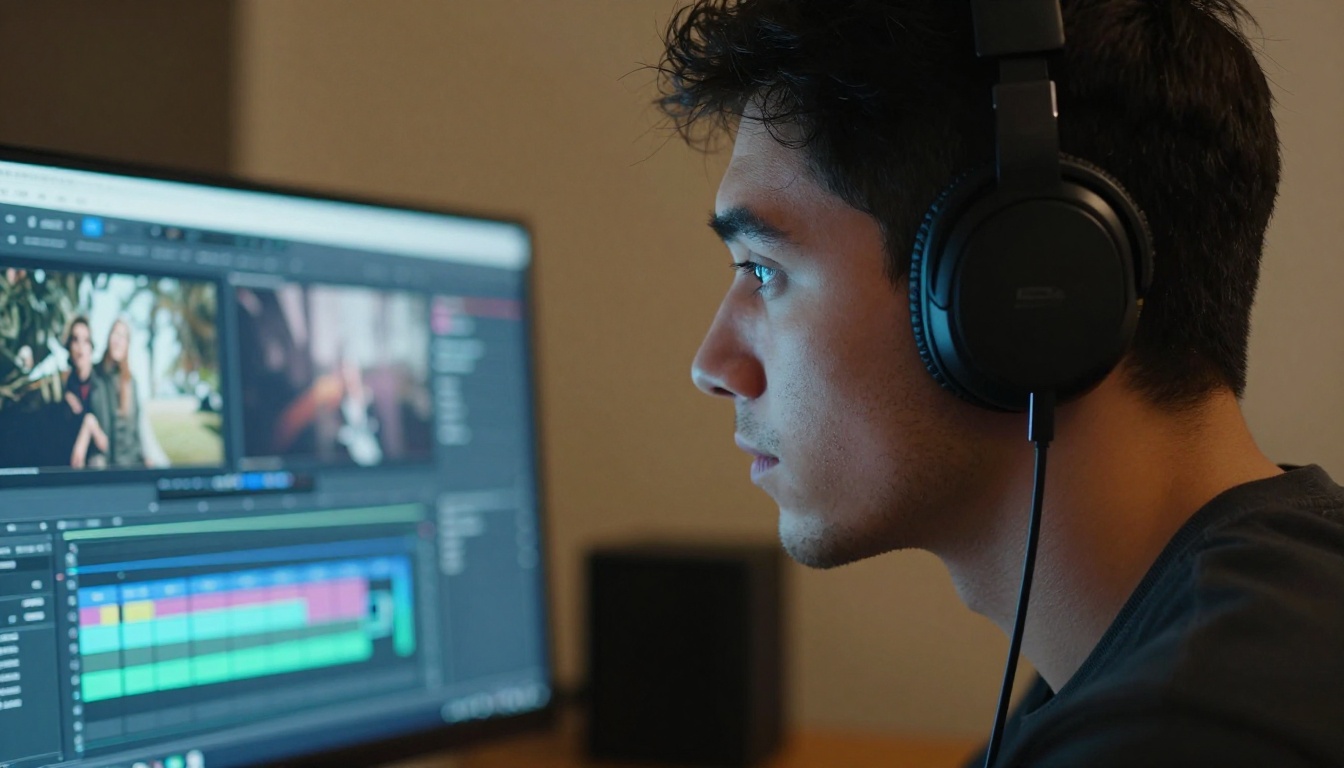
Navigate to Kling v3 Omni Video on PicassoIA. You will see the model input panel with fields for your prompt, duration, and aspect ratio.
Step 2: Write Your Prompt
Use the five-component formula above. For a social media ad, aim for 60 to 100 words in your prompt. More detail is not always better. Contradictory instructions (for example, "fast motion" and "slow motion" in the same prompt) will confuse the model and produce artifacts.
Aspect Ratio by Platform:
- 9:16 for TikTok and Instagram Reels
- 1:1 for Instagram Feed and Facebook
- 16:9 for YouTube ads and connected TV
- 4:5 for Facebook and Instagram Feed with highest organic reach
Step 3: Set Duration and Parameters
Most ad-quality clips work best at 5 to 8 seconds. Longer is not better for ads. The first three seconds do the heavy lifting, and six seconds is enough to include a hook, a product shot, and a subtle call to action.
Key parameters to adjust:
- Motion intensity: Lower values produce smoother, controlled shots. Higher values produce more dynamic, energetic movement.
- Negative prompt: Use this field to exclude unwanted elements. "Blurry, deformed hands, text overlay, watermark" keeps the output clean.
Step 4: Generate and Iterate
Run the first generation. If the output is 80% of what you need, do not discard it. Identify specifically what needs to change (lighting too dark, subject moves too fast, background is wrong) and refine the prompt accordingly. Most professional ad creators run three to five iterations before settling on a final clip.
💡 Batch your variations: Generate multiple prompt variations simultaneously. One clip per target audience segment. You will have a complete creative set in under 30 minutes.
From Prompt to Published: The Full Workflow
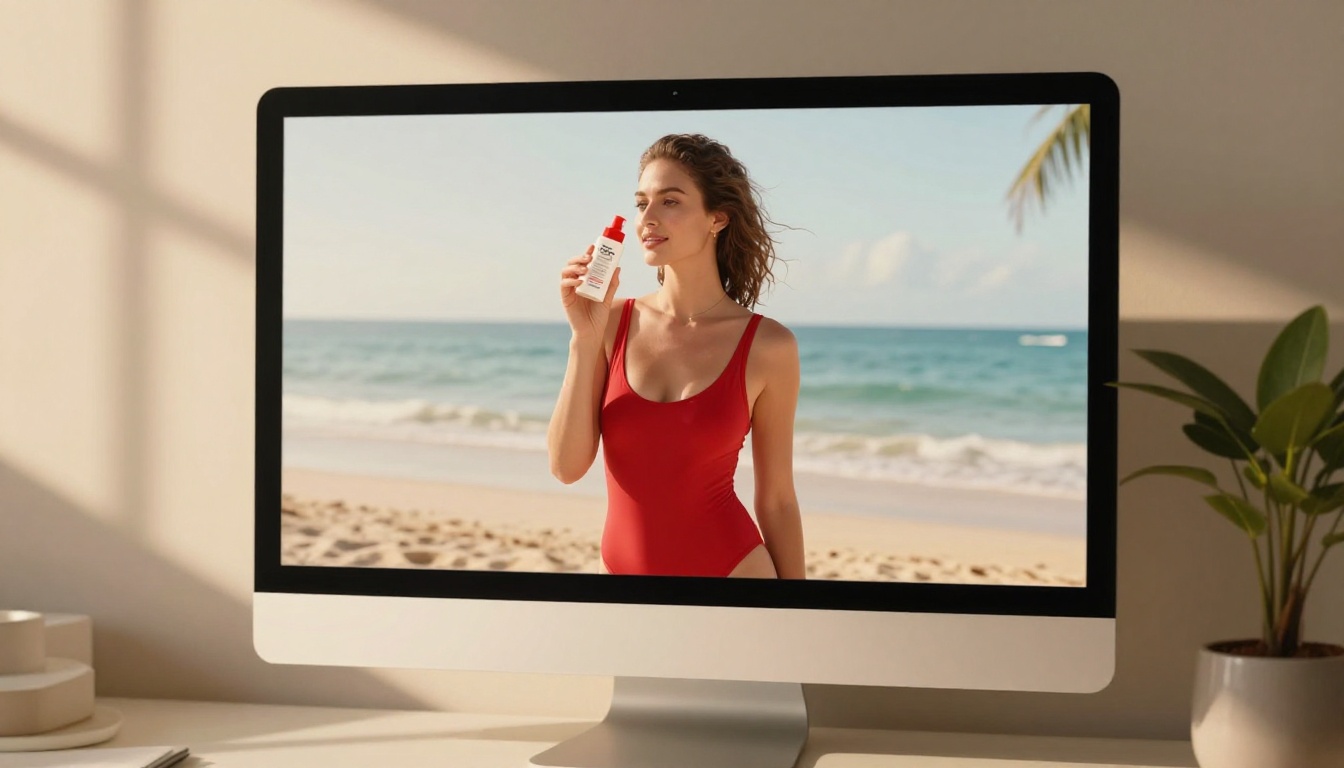
Understanding how individual prompts work is one part of the process. Running a complete ad production workflow is another. Here is how to structure an end-to-end AI video ad campaign.
Planning Your Ad Concept
Before writing a single prompt, answer these four questions:
- Who is this for? Define the target audience in one sentence. Age, aspiration, problem they have.
- What is the one thing this ad should communicate? Not three things. One. If you cannot say it in six words, your concept needs tightening.
- What emotion should the viewer feel? Aspirational? Curious? Relieved? The right emotion shapes every creative decision.
- Where will this ad run? Platform determines aspect ratio, duration, and the required pacing of the hook.
Write these down before touching the generation interface. It sounds obvious. Most people skip it and then wonder why their ads do not convert.
Generating Your Video
With your concept locked, generate the following assets per ad:
- 1 hero clip: The main video. 5 to 8 seconds. This is the ad.
- 2 alternative takes: Different camera angles or lighting variations of the same concept. Use these for A/B testing.
- 1 product close-up: A tight shot of the product, label, or app interface. Used for the final two seconds of the ad.
For close-up and product-focused shots, Ray 2 720p and Wan 2.7 T2V both deliver strong detail retention.
Quality Check Before Publishing
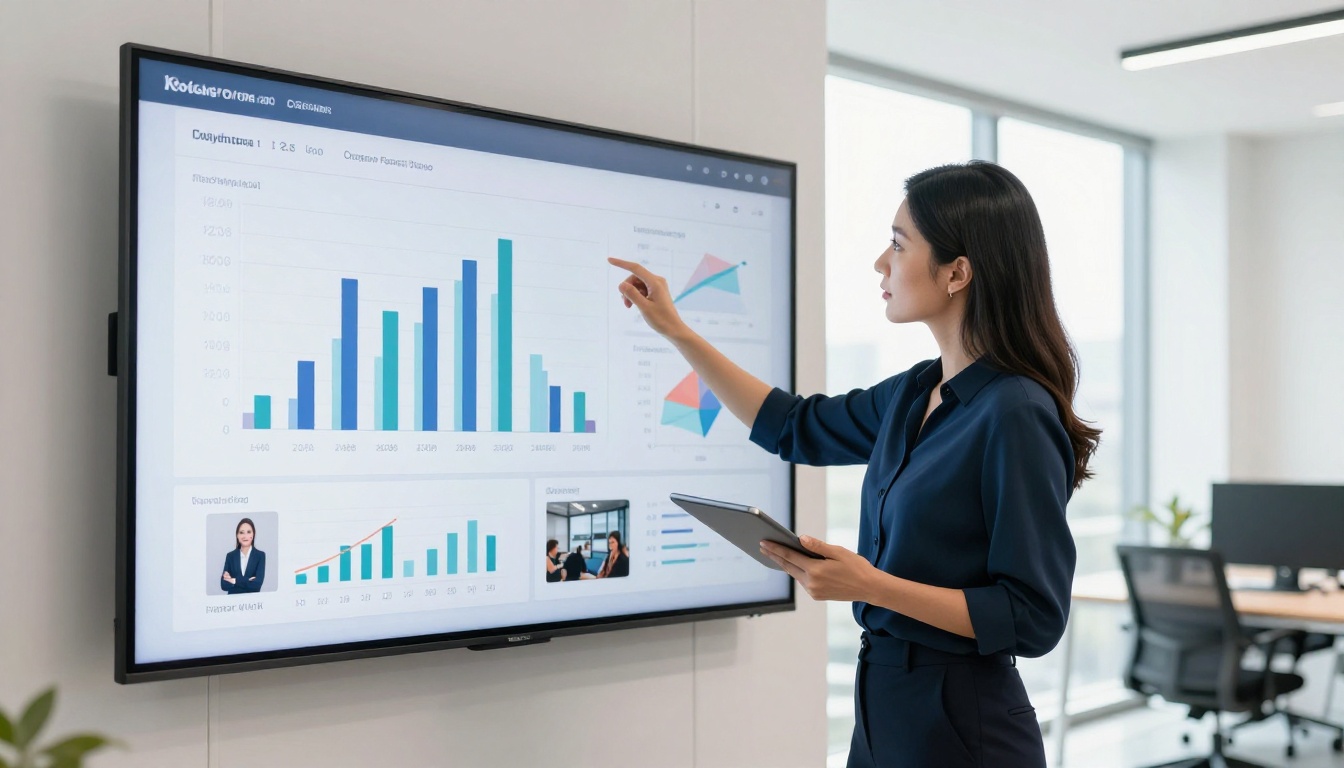
Before any AI-generated video ad goes live, run it through this checklist:
3 Common Mistakes That Kill Results
Most failed AI video ad campaigns come down to one of three problems. These are avoidable.
Vague Prompts
"A person using a product" produces generic output. The model does not know what product, what person, what action, what light, what mood. Every piece of information you omit is a decision the model makes for you, and those decisions will rarely align with your creative vision.
Fix: Write prompts that are 60 to 120 words long. Use adjectives that describe texture, light direction, subject emotion, and camera movement. Treat it like writing a shot list for a director who has never seen your product.
Wrong Aspect Ratio for Platform
A 16:9 video on TikTok will be pillarboxed with black bars and will immediately signal "low effort" to users scrolling vertically. A 9:16 video on YouTube looks amateurish. Platform-native aspect ratios are non-negotiable.
Fix: Match aspect ratio to platform before generating. It is much easier to generate at the correct ratio from the start than to crop or reformat after the fact.
Skipping the Hook
The first two seconds of a video ad are doing one job: stopping the scroll. If your ad starts with a slow product reveal or a long establishing shot, you have already lost the viewer.
Fix: Start with the most visually arresting moment of the entire ad. A close-up. A surprising element. A strong reaction. Front-load the drama. Context and product details can come after the viewer is already watching.
3 More Models Worth Trying
Beyond the core models above, these are worth testing depending on your use case:
Kling v3 Motion Control: For ads that require precise character animation or specific body movements. The motion control feature lets you define trajectories directly, useful for choreographed product reveals.
Seedance 1.5 Pro: A proven model from Bytedance with strong resolution and consistent output quality. A reliable choice when you need predictable, high-quality results fast.
Pixverse v4.5: Excels at visual effects-heavy content. If your ad concept involves product transformations, atmospheric effects like mist or rain, or dramatic lighting changes, Pixverse handles these better than most models.
💡 Cost-efficiency tip: For high-volume campaigns, use Pixverse v5.6 or Ray 2 720p for rapid creative exploration, then switch to premium models like Veo 3 or Sora 2 Pro only for the final, proven concepts.
The Real ROI of AI Video Ads
The economics of video ad production have changed. A traditional video ad through an agency runs anywhere from $5,000 to $50,000 for a single 30-second spot. Timeline: two to eight weeks. Revisions cost extra. Creative testing across multiple variants is cost-prohibitive.
With AI video generation, the numbers look like this:
| Production Type | Cost | Time | Variants |
|---|
| Agency production | $5,000 to $50,000 | 2 to 8 weeks | 1 to 3 |
| Freelance videographer | $500 to $5,000 | 1 to 3 weeks | 1 to 2 |
| AI video (solo creator) | $20 to $200/month | 30 to 90 minutes | Unlimited |
The unlimited variants column is the transformative part. With AI generation, you can test 20 different creative concepts, five different hooks, and three different product framings in a single afternoon. You find your best performer faster, spend less on media before finding it, and iterate on winners in real time.
Start Creating Your First AI Video Ad
The barrier to producing professional video ads has dropped to almost nothing. You do not need a production budget. You do not need a film crew. You do not need two months of lead time. You need a clear concept, a well-structured prompt, and the right model for your format.
PicassoIA gives you access to over 100 text-to-video models in a single platform. You can generate your first ad clip in under five minutes. Test Kling v3 Omni Video for social media lifestyle ads, Veo 3 for premium brand campaigns, and Seedance 2.0 when you need a complete ad with audio included.
Pick your concept. Write your prompt. Generate your first video ad today.


