Your thumbnail is a billboard on a highway where every driver moves at 100mph. You have about 2 seconds to make someone stop. Most creators fail this test not because their content is bad, but because their thumbnail is forgettable. The difference between a channel with 500 subscribers and one with 500,000 often comes down to this single small image. AI image generation has completely changed the economics of making it right, and this article gives you the full workflow from psychology to published result.
The Real Reason People Skip Your Content

Most creators assume their low click-through rate is a distribution problem. They blame the algorithm, the timing, the niche. But YouTube's own internal data tells a different story: thumbnails account for over 70% of the decision to click on any given video. Before someone reads your title, before they see your subscriber count, they see your thumbnail.
The problem is not effort. Most creators put effort into their thumbnails. The problem is psychology and execution. A thumbnail that works is not just attractive. It is engineered to create a specific emotional response in the 2 seconds a viewer scans it.
Three things kill a thumbnail before it gets a chance:
- Low contrast: If your subject does not stand out from the background, the brain registers it as noise and scrolls past.
- Too much information: A thumbnail with four different subjects, two paragraphs of text, and a gradient background is processing overload. The brain skips it entirely.
- Neutral expression: A face showing no emotion communicates no stakes. No stakes means no reason to click.
Fix these three things and your CTR will climb. AI helps you fix all three, fast, at scale, and without a photography budget.
What Makes a Thumbnail Click-Worthy
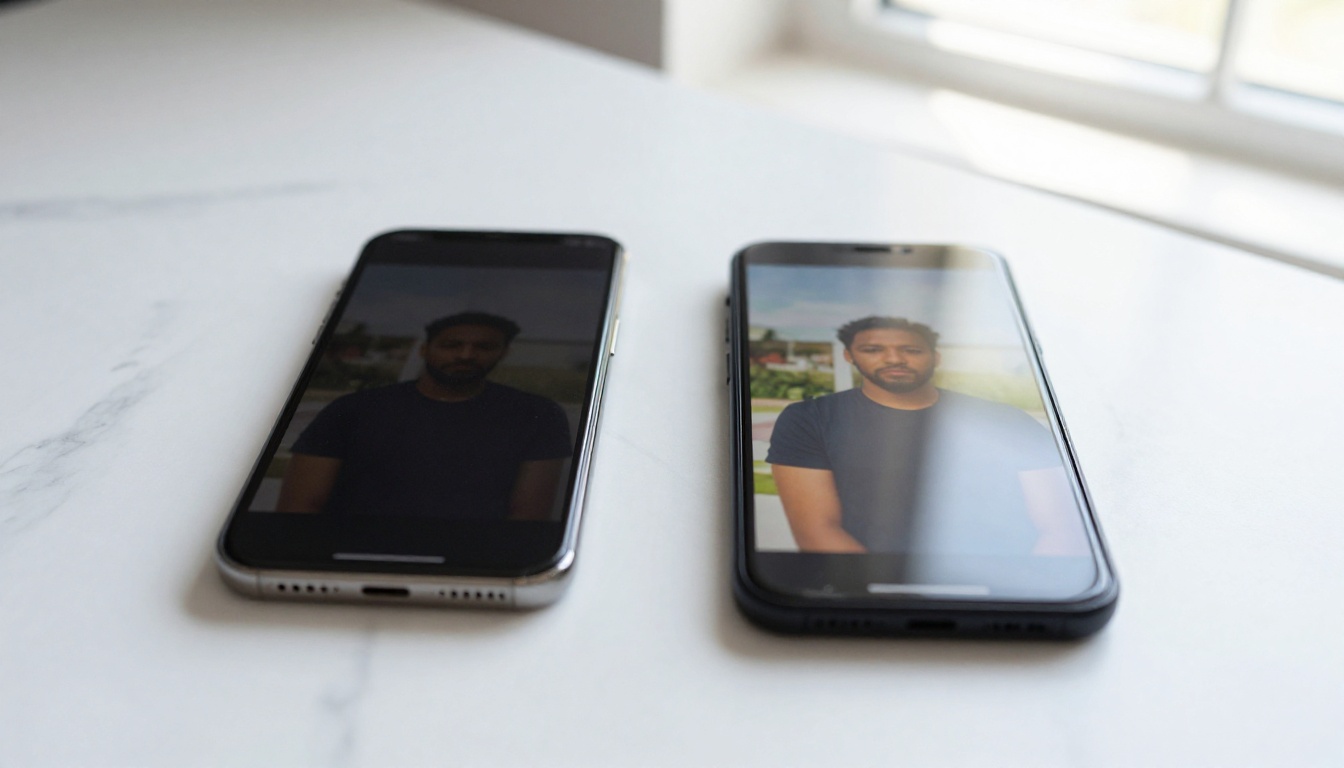
Thumbnails that consistently drive high click-through rates share a set of observable patterns. These are not opinions. They are repeatable formulas that analysis of millions of videos confirms, across niches and audience sizes.
The 3-Second Rule
A viewer's decision to click happens before conscious thought. Your thumbnail must communicate its core premise visually in under 3 seconds. That means one dominant subject, one clear emotion, and one readable visual element. Everything else adds friction and reduces clicks.
💡 Pro tip: Squint at your thumbnail. If the main subject disappears when you squint, your contrast is too low. The subject should remain identifiable even at reduced visual resolution, which is exactly how mobile viewers experience it in a feed.
Color Contrast and Visibility
Color is not decoration. It is signal. The most clicked thumbnails use high contrast color pairings that stay visible at small sizes, because most thumbnails are seen on mobile screens and sidebar previews at under 200 pixels wide.
| Color Pairing | CTR Impact | Best Use Case |
|---|
| Yellow on Black | Very High | Bold, dramatic, urgent content |
| White on Deep Red | High | Tutorial and how-to content |
| Orange on Dark Blue | High | Educational and informative |
| Bright on Dark | Medium | Gaming and tech content |
| Pastel Tones | Low | Lifestyle only, soft niches |
Facial Expressions That Convert
Surprise, excitement, curiosity, and shock consistently outperform neutral or smiling faces in thumbnail performance research. The exaggeration reads as authentic emotion at thumbnail scale. A subtle closed-mouth smile disappears at 200x113 pixels. An open-mouth look of genuine surprise does not.
This is exactly where AI changes the equation. Generating a photorealistic face showing the precise emotional expression you need, at the exact angle, with the exact lighting, used to require a photographer, a model, and a full shoot. Now it takes 30 seconds and a well-written prompt.
Text Overlay Principles
Less text performs better in nearly every niche. If you use text at all, follow these rules:
- Maximum 5 words visible on screen
- High contrast between text color and background
- Bold, thick typefaces that read at small sizes
- Position at the rule of thirds intersection, not centered
💡 Generate your visual with AI, then add text in Canva or a design tool. AI models still struggle with clean, readable typography inside generated images. Separating the two steps gives you photorealistic imagery with pixel-perfect text.
AI Image Generators That Change What's Possible

For years, content creators who could not afford professional photography were locked out of high-quality thumbnails. Stock photo libraries gave generic results. Canva templates gave every creator the same visuals. AI image generation removes both constraints entirely.
You now have access to tools that generate a photorealistic image of exactly what you describe, with the specific lighting, composition, angle, and emotional tone you specify. The only skill required is knowing how to describe what you want, and that skill takes about 20 minutes to develop.
PicassoIA Image for Custom Thumbnails
PicassoIA Image is the platform's core text-to-image model, built for high-quality photorealistic output with strong prompt adherence. It handles complex compositional requests well, including specific lighting directions, emotional expressions, and scene descriptions.
For thumbnails, the workflow is simple: describe the scene you want, including subject, background, lighting, and mood. Generate. Iterate until the output matches your vision. No photography skills required.
GPT Image 2 for Photorealistic Human Subjects
GPT Image 2 excels at photorealistic human subjects with accurate anatomy and natural-looking expressions. If your thumbnail needs a face, a human reaction, or a person in a specific context, this model produces results that pass for genuine photography.
The model is particularly strong on three things:
- Natural lighting behavior: Indoor and outdoor scenes where light interacts realistically with surfaces and skin
- Facial expression accuracy: Consistent emotion rendering across different angles and skin tones
- Contextual environments: Backgrounds that feel like genuine locations rather than AI composites
Flux Redux Dev for Style Variations
Once you have a thumbnail concept that performs, Flux Redux Dev lets you generate variations of that concept without rebuilding from scratch. Upload your base image, adjust the prompt, and generate five different versions in one session. Test them. Keep what performs.
This is the AI equivalent of A/B testing thumbnails before a video ever goes live. You pick the variation with the strongest visual pull before publishing, rather than guessing.
Seedream 4.5 and Wan 2.7 Image Pro for 4K Output
For creators who publish on platforms where maximum resolution matters, Seedream 4.5 generates images at 4K quality, and Wan 2.7 Image Pro produces 4K images from text with exceptional fine detail. Both are worth using when the sharpness of the final thumbnail directly affects how professional your channel looks on high-resolution displays.
How to Use PicassoIA to Build a Thumbnail Workflow

PicassoIA has multiple models that are purpose-built for this use case. Here is the step-by-step process from blank page to upload-ready thumbnail.
Step 1: Pick the Right Model
Your choice of model depends on what the thumbnail needs:
Step 2: Write a Prompt That Works
Prompt quality determines output quality. Weak prompts produce generic images. Strong prompts produce exactly what you need. Use this structure:
[Subject + Emotion] + [Environment] + [Lighting Direction] + [Camera Angle and Lens] + [Style and Quality Tags]
Weak prompt:
"A surprised person looking at a phone"
Strong thumbnail prompt:
"Young woman in her late 20s, mouth open in genuine surprise, looking down at a smartphone with wide eyes. Bright home kitchen in background, soft morning window light from the left, natural skin texture with visible pores, 85mm f/1.8 shallow depth of field, Kodak Portra 400, 8K photorealistic, no text --ar 16:9"
The difference is specificity. Every detail you add removes ambiguity and reduces the chance of a generic output.
Step 3: Generate Multiple Variations
Never use your first generation as the final result. Run the same prompt 3 to 5 times with slight wording variations or different seed values. This gives you a set of options to evaluate rather than forcing you to work with a single output.
Look for the variation where:
- The subject is most visually dominant
- The emotional expression reads most clearly at small size
- The composition creates natural white space for text overlay
- The lighting creates contrast without flattening the subject
Step 4: Upscale Before Finalizing
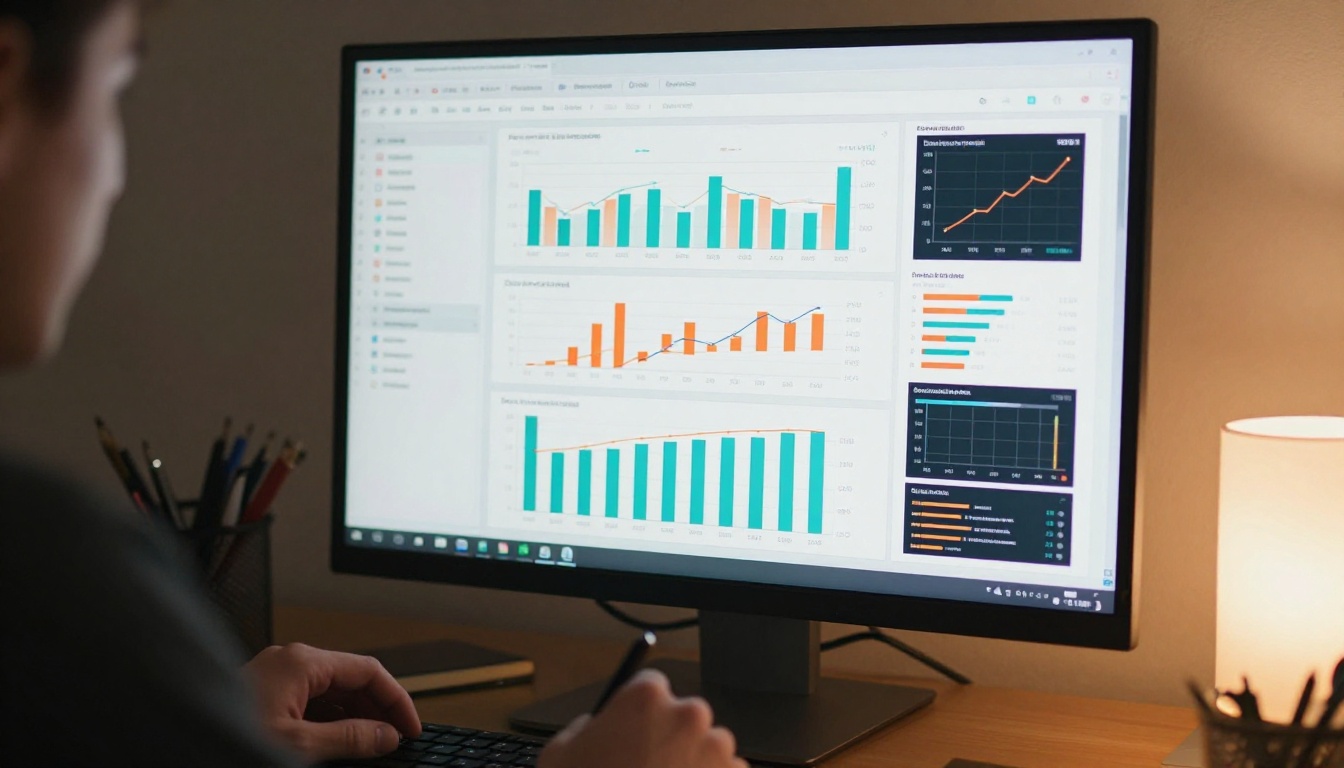
Your strongest variation goes through an upscaler before it becomes a thumbnail. At 1280x720, every pixel matters. A slightly soft AI-generated image is immediately distinguishable from a crisp photograph.
Clarity Pro Upscaler adds photorealistic micro-detail during the upscaling process and is ideal for portraits and close-up shots. Real ESRGAN handles general upscaling with strong edge preservation at 4x enlargement. For maximum output quality, Topaz Image Upscale goes up to 6x without visible quality loss.
Run your chosen image through the upscaler, download the result, add your text overlay in your design tool of choice, and export at the platform's recommended dimensions.
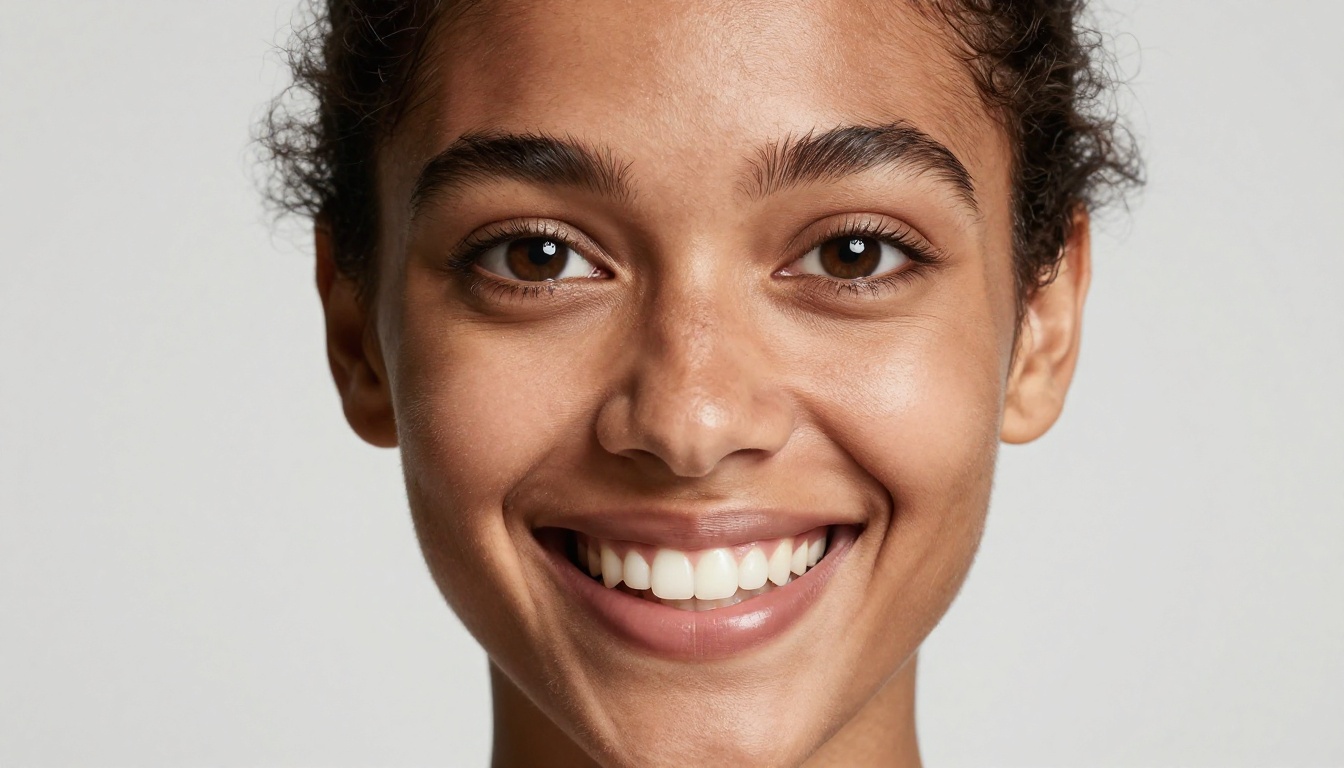
You do not need to reinvent the wheel for every thumbnail. High-performing content relies on a small set of repeatable visual formulas, validated at scale across millions of videos in dozens of niches.
Formula 1: The Reaction Face
Close-up portrait with an extreme emotional expression (shock, excitement, disbelief) against a high-contrast background. Works for reactions, reveals, tutorials, and opinion content in nearly every niche.
Formula 2: The Before and After Split
Two images side by side showing a clear transformation. Works for fitness, home improvement, tutorials, product reviews, and any content where change is the central story.
Formula 3: The Bold Number
A large visible number (3 mistakes, 7 tips, 10x results) positioned over a strong visual. Works for list content, tips videos, and ranked comparisons. The number creates an instant content promise.
Formula 4: The Curiosity Gap
An image that implies something important is hidden or about to be revealed. A hand pointing at something outside the frame, a blurred element with one thing in sharp focus. Works for secrets, reveals, and investigative content.
Formula 5: The Social Proof Visual
Real numbers, graphs, or results shown as visible evidence. A screenshot of actual earnings, a before and after chart, or a ranking graphic. Works for business, finance, and case study content where credibility drives clicks.
💡 Combine formulas for higher CTR. A Reaction Face paired with a Bold Number is one of the most consistently high-performing thumbnail patterns across YouTube. The face draws the eye; the number provides the hook. Together, they outperform either element alone.
Why Upscaling Matters for Professional Results
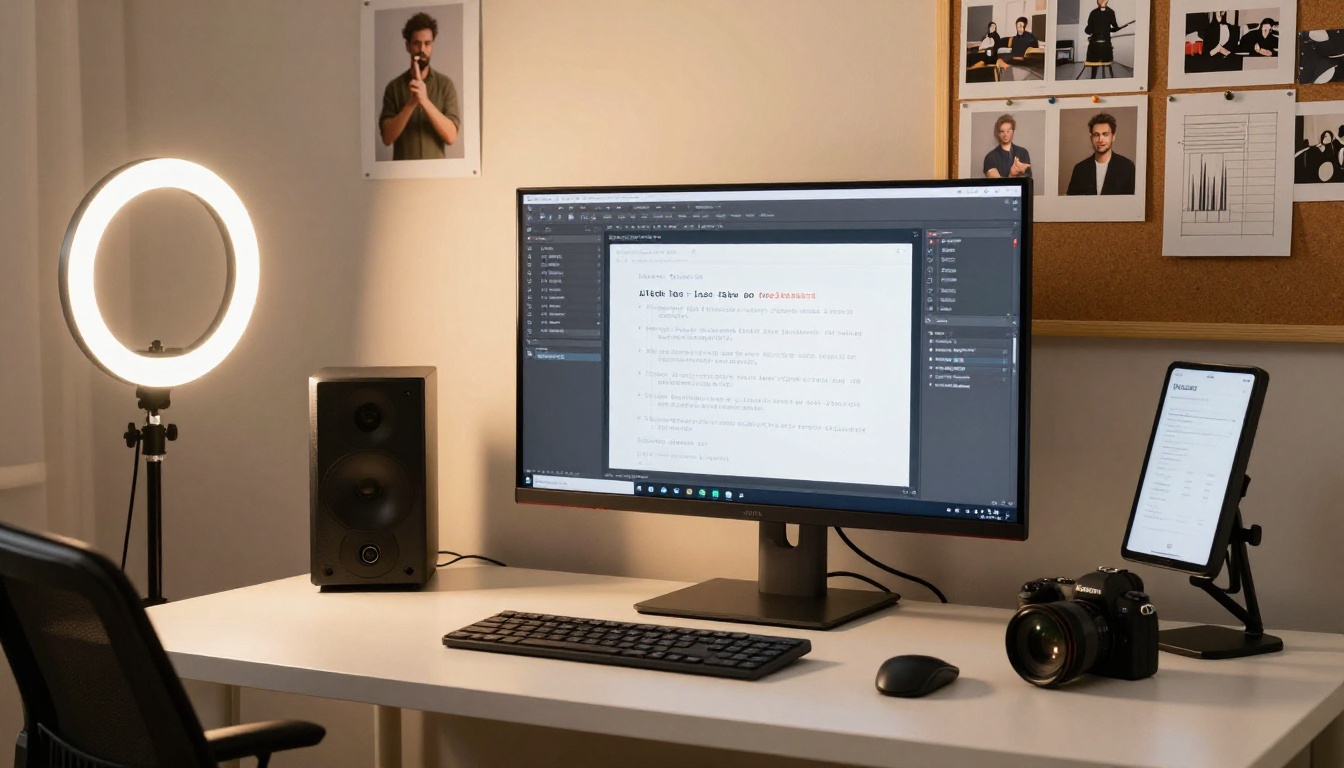
There is a visible quality gap between a raw AI-generated thumbnail and one processed through a professional upscaler. At small preview sizes this difference is minimal. At full size on a desktop browser or a 4K television, it is immediately apparent and signals to viewers whether your channel is professional or amateur.
The three upscalers worth knowing on PicassoIA:
- Clarity Pro Upscaler: Adds micro-detail during upscaling. Best for portraits and close-up shots where skin texture and facial sharpness matter most.
- Real ESRGAN: Fast and reliable general-purpose upscaler. Strong edge detection preserves sharpness at 4x enlargement without introducing artifacts.
- Topaz Image Upscale: The highest-ceiling option at 6x enlargement. Worth the extra processing time for hero images and channel art.
The workflow is generate in PicassoIA, upscale, add text overlay in a design tool, then export. Four steps. The difference in final quality at publication justifies all of them.
Test, Iterate, and Win with Data
AI makes thumbnail creation fast. Fast creation means more testing. More testing means better data. Better data means better thumbnails over time. This compounding advantage separates creators who use AI systematically from those who treat it as a one-time shortcut.
Here is the testing system that works:
- Generate 3 to 5 variations of every thumbnail using Flux Redux Dev or by running the same prompt with different seed values.
- Pick the 2 strongest visually. Apply the squint test and the 3-second rule to narrow the field.
- Run them as A/B tests using YouTube's built-in Test and Compare feature, available to channels above 1,000 subscribers.
- Analyze CTR after 48 to 72 hours. The winner stays. The loser informs what to change in the next iteration.
- Build a swipe file of your highest-performing thumbnails. Over 20 to 30 videos, patterns specific to your audience will emerge. Those patterns become your thumbnail system.
The creators who grow consistently are not the ones with the best natural eye for design. They are the ones who test the most systematically, because they have removed the time and cost barrier to iteration. AI removes that barrier completely.
Your First AI Thumbnail Starts Here

Every creator has a backlog of videos that deserved better thumbnails. Every content plan has upcoming videos that need them. The gap between knowing what makes a thumbnail work and actually having one has always been time, skill, or budget.
AI removes all three barriers simultaneously.
PicassoIA Image generates photorealistic visuals from a text description, no photography required. GPT Image 2 produces accurate human expressions and natural scene environments. Flux Redux Dev generates variations until one is right. Clarity Pro Upscaler sharpens the final output to professional quality.
The entire workflow from idea to upload-ready thumbnail takes under 10 minutes once you have run it twice.
Pick one video from your channel today. Write a strong prompt using the structure from this article. Generate five variations on PicassoIA. Pick the strongest one, upscale it, add your text overlay, and publish it as an updated thumbnail. Watch what happens to that video's CTR over the following week.
That is not theory. Every tool in that workflow is live on PicassoIA right now, and the only thing between your current thumbnails and ones that actually get clicks is deciding to start.


