Most TikTok creators spend hours shooting footage, trimming clips, and re-recording takes that never quite land. That cycle made sense when there was no alternative. Veo 3.1 is the alternative. Google's most precise video generation model outputs 1080p vertical clips with synchronized native audio directly from a text description, cutting your production time from an afternoon to under ten minutes. Whether you run a travel channel, a faceless educational account, a beauty brand, or a food page, Veo 3.1 gives you professional-looking TikTok content without a camera, a crew, or an editing suite. This article covers how the model works, how to use it step by step on PicassoIA, how to write prompts that actually produce what you imagined, and how to build a sustainable batch workflow that keeps your posting schedule full.

What Veo 3.1 Actually Does
To use any AI video model well, you need to know what it was built to do and where it sits relative to what came before. Veo 3.1 is a direct evolution of Veo 3, which itself replaced Veo 2. Each version raised the bar on a specific dimension.
Native Audio That Matches the Scene
Earlier text-to-video models delivered silent clips. You received an MP4 and had to go into an editing app to add music, sound effects, or ambient noise manually. Veo 3 changed that by introducing native audio generation. Veo 3.1 refines it. If your prompt describes waves on a beach at sunrise, the output includes the sound of those waves. A street market in Bangkok includes the ambient noise of a crowd, distant mopeds, and vendor calls. For TikTok specifically, this matters more than it might seem. The platform's ranking algorithm rewards content that retains viewers who have sound enabled, and audio generated in sync with the visual content reads as intentional rather than slapped on as an afterthought.
1080p Output and Fluid Motion
Compressed or blurry video signals low production value to a TikTok viewer within the first second, and they scroll away before your hook lands. Veo 3.1 outputs at 1080p with what Google describes as cinematic motion quality. Walking figures maintain anatomically correct movement through a full stride cycle. Liquid pours, crowds shift, clouds drift, and camera dollies track without the warping artifacts that plagued earlier generative models. The result is a clip that reads as filmed rather than generated to most viewers scrolling quickly through their feed.
First-Try Prompt Accuracy
One consistent frustration with first-generation AI video tools was prompt drift: you described a scene precisely and received something loosely inspired by it. Veo 3.1 follows spatial instructions, lighting conditions, subject actions, and camera movements with considerably more fidelity. A prompt specifying "close-up from behind at waist level" produces a close-up from behind at waist level. That accuracy means fewer regeneration cycles and faster time from prompt to published post.
TikTok Video Specs You Cannot Ignore
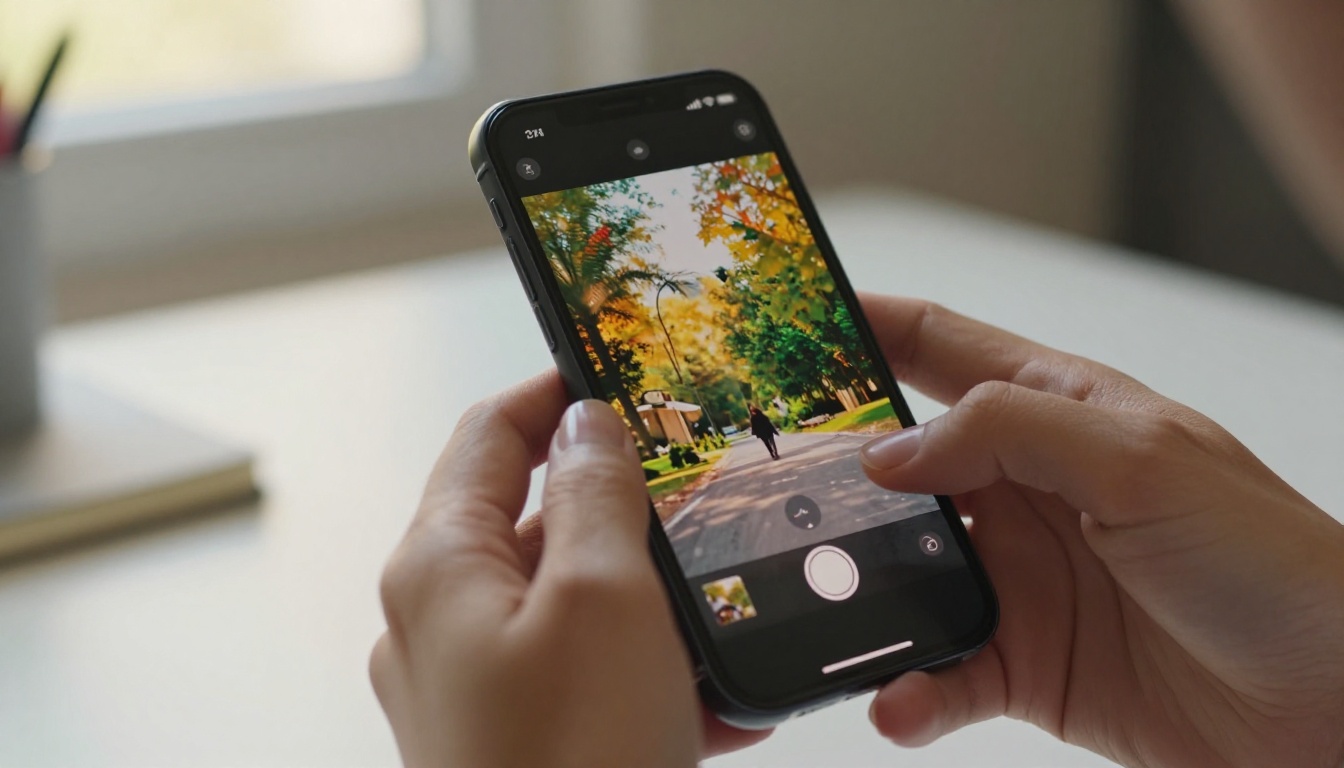
Generating a high-quality AI video means nothing if it violates TikTok's format expectations. Before writing a single prompt, internalize these three requirements.
Vertical Format and Aspect Ratio
TikTok is a portrait-first platform. The correct format is 9:16 aspect ratio, which means 1080 pixels wide by 1920 pixels tall. Any landscape or square video gets letterboxed with blurred bars on the sides or simply underperforms because it was not designed for the screen it is viewed on. When using Veo 3.1 on PicassoIA, select the vertical preset before generating. Beyond the technical setting, your prompt should also describe scenes that work in a portrait frame: a subject centered in frame with depth behind, a person filmed from the street level looking slightly up, or a close-up subject with a long narrow environment stretching behind them.
Duration, Completion Rate, and Audio
TikTok's algorithm ranks content heavily on completion rate: the percentage of viewers who watch a video to the end. A 5-to-8 second clip that someone watches completely scores higher than a 60-second clip that most people exit halfway through. Veo 3.1 generates clips in that 5-to-8 second range, which is the sweet spot for new and growing accounts. For series-format content or storytelling arcs, generate each segment separately and string them together in TikTok's native editor or in a simple video tool like CapCut. On audio: TikTok tracks whether viewers watch with sound on. Native audio from Veo 3.1 provides a complete sensory experience that retains sound-on viewers longer, without requiring you to layer in anything yourself before posting.
How to Use Veo 3.1 on PicassoIA
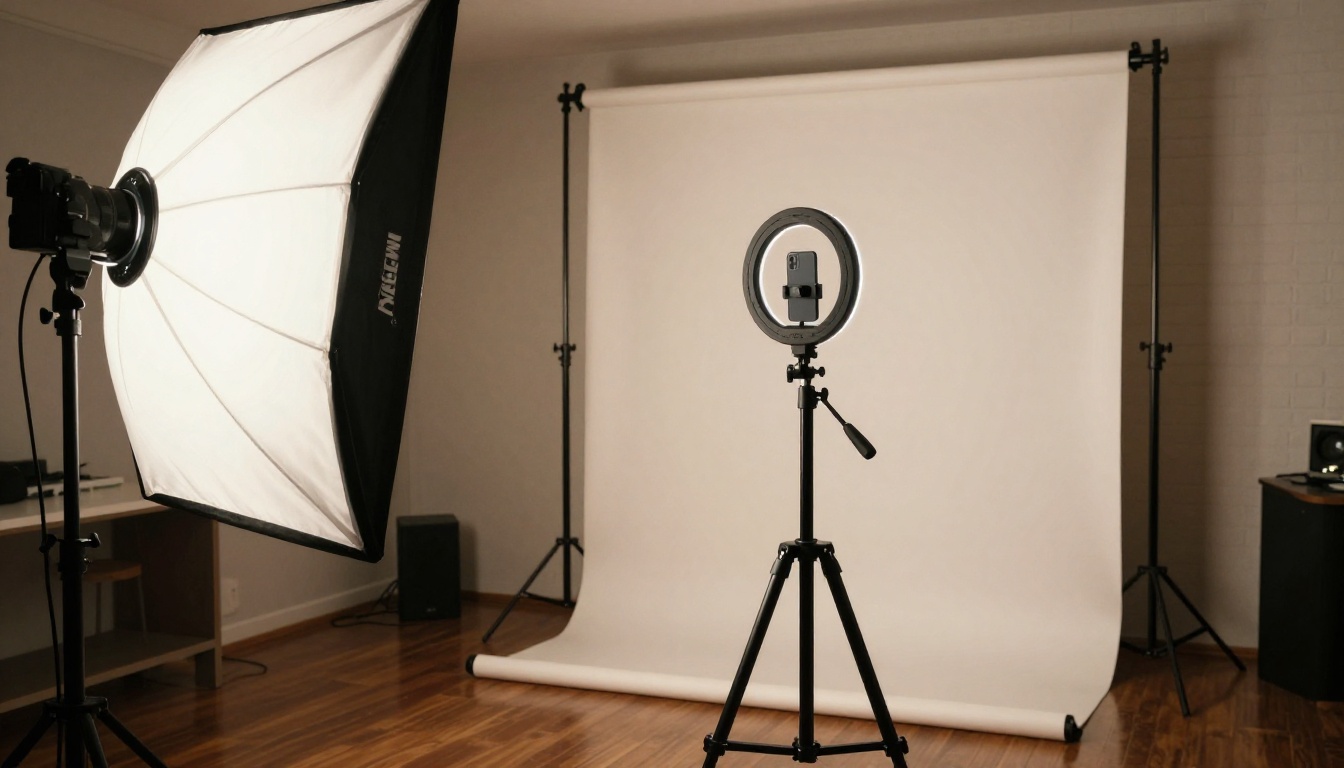
PicassoIA gives you direct access to Veo 3.1, Veo 3.1 Fast, and Veo 3.1 Lite without API keys, billing configuration, or developer setup. You open a browser, write a prompt, and receive a downloadable MP4 within minutes.
Finding the Model and Writing Your Prompt
Go to picassoia.com/en/all-models and browse the Text to Video category, or use the search bar to find Veo 3.1 directly. You will see three variants: Veo 3.1 for maximum quality, Veo 3.1 Fast for speed, and Veo 3.1 Lite for rapid prototyping at lower cost.
💡 Tip: Start with Veo 3.1 Lite when testing a new prompt concept. Once you have confirmed the framing and motion work the way you want, switch to standard Veo 3.1 for the final generation.
The prompt field accepts plain text with no special syntax. Focus on four elements in your description: who or what is in the shot (subject), what they are doing or what is happening (action), where the scene takes place including time of day and weather (environment), and how the camera is positioned and moving (camera angle and motion).
From Generation to Posting in Five Steps
Step 1 — Select Veo 3.1 in the PicassoIA model catalog. Choose 9:16 vertical as your aspect ratio and 1080p as the output resolution. Enable native audio.
Step 2 — Write your prompt using the four-element formula above. Be specific. "A woman walks through a market" is a starting point, not a finished prompt. See the prompt section below for how to make it precise.
Step 3 — Generate and preview in the browser. Veo 3.1 typically returns results within 60 to 90 seconds. Watch the full clip with sound before downloading. If the motion reads correctly and the audio fits, proceed.
Step 4 — Download the MP4 and confirm the file is in 9:16 format before moving on. Check the resolution in your file info or a quick phone preview.
Step 5 — Upload to TikTok using the plus button in the app. You can add captions, layer a trending sound on top of the native audio, and drop in text overlays before publishing. The Veo 3.1 audio sits as the base layer and coexists with any music you add.

The Anatomy of a Great Veo 3.1 Prompt
The quality of your output is almost entirely determined by the quality of your input. Here is the framework that separates TikToks that perform from ones that get buried under the first wave of new content.
The Three-Part Prompt Formula
Every strong Veo 3.1 prompt for TikTok follows this structure:
[Subject + Action] + [Environment + Lighting] + [Camera Movement + Mood]
This three-part structure gives the model everything it needs without hallucinating details you did not ask for. A prompt that only specifies the subject and action leaves lighting and camera decisions to the model, and those defaults are rarely the most cinematic choice. Specifying all three parts consistently produces more visually intentional clips on the first try.
Prompt Examples by TikTok Niche
| Niche | Example Prompt |
|---|
| Travel | "A wooden longboat glides through emerald water between limestone karsts in Halong Bay, morning mist rising off the water, aerial wide shot slowly descending" |
| Food | "A chef's hands flip a golden crepe in a Paris bistro kitchen, steam rising, close-up over-the-shoulder angle, warm tungsten light from a single pendant above" |
| Fitness | "A woman runs on an empty beach at sunrise, slow motion, low tracking shot following from behind, soft golden rim light, natural sand texture in the foreground" |
| Fashion | "A model in a flowing cream linen dress walks through a lavender field in Provence, magic hour light from the right, slow push-in from directly in front" |
| Tech | "Hands unbox a sleek matte-black laptop on a white marble desk, careful deliberate motion, overhead close-up from directly above, cool soft studio light" |
| Nature | "A red fox trots through a snowy pine forest, breath visible in cold air, handheld follow shot from the side matching the fox's pace, overcast diffused light" |
What Kills a Prompt
- Vague subject descriptions: "A cool city video" gives the model no meaningful visual target
- Conflicting time signals: Describing "sunrise" and "midnight" in the same prompt creates incoherent lighting
- Too many subjects: A 5-to-8 second clip with five distinct characters competing for attention produces visual chaos
- Requesting generated text overlays: Veo 3.1 is a motion model, not a typography tool. Add words in TikTok's editor after generation
💡 Tip: The single most effective upgrade to any prompt is specifying the camera movement. "Slow dolly-in," "gentle pan right," "drone descending from above," or "handheld follow" immediately raise the perceived production value of a clip and signal directorial intent to the model.
Veo 3.1 vs. Other AI Video Models for TikTok
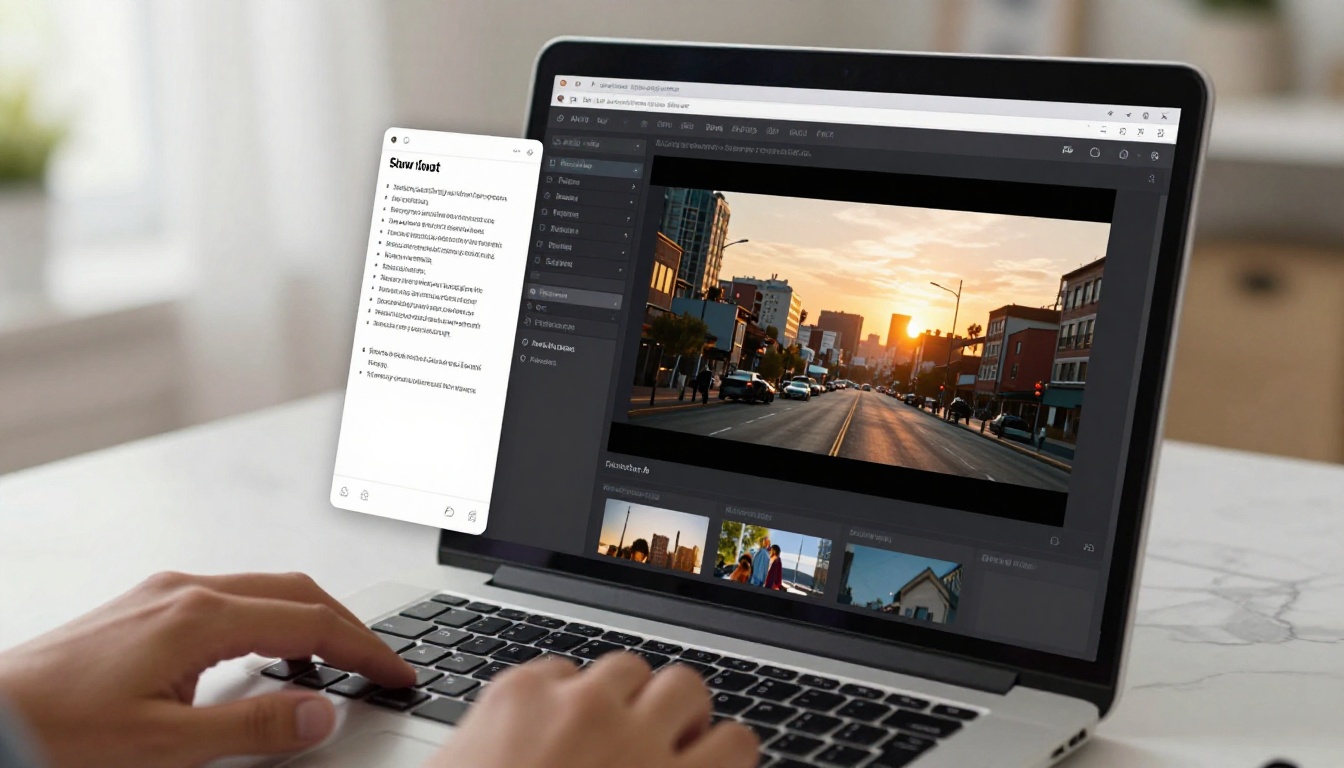
PicassoIA hosts over 100 text-to-video models. Veo 3.1 is not the right pick for every content type. Here is how it compares against the alternatives you will actually encounter in your workflow.
| Model | Strength | Best For | Output |
|---|
| Veo 3.1 | Native audio, photorealism | Lifestyle, travel, nature | 1080p |
| Veo 3.1 Fast | Speed at high quality | Rapid prototyping, daily posting | 1080p |
| Seedance 2.0 | Built-in audio, polished style | Trendy clips, product content | 1080p |
| Kling v3 Video | Cinematic character motion | Character-driven scenes | 1080p |
| Ray 3.2 | HDR quality, saturated color | Vibrant product and beauty shots | 1080p |
| Wan 2.7 T2V | Longer clip support | Tutorial walkthroughs | 1080p |
| Sora 2 | Multi-element scene complexity | Narrative-driven content | HD |
When Veo 3.1 Fast Is the Smarter Pick
If you are producing ten or more videos per day, Veo 3.1 Fast makes more sense than the standard model. Quality is only marginally lower, and generation time is roughly half. For faceless TikTok channels where a single creator needs to post daily across multiple accounts or niches, that time saving adds up to hours per week. Use standard Veo 3.1 for your anchor posts, and Veo 3.1 Fast for supplementary or experimental content.
When Seedance 2.0 Wins Instead
Seedance 2.0 from ByteDance has a visual character that leans more polished and saturated than Veo 3.1's naturalistic output. For TikTok niches that reward bright, pop-energy visuals, like beauty, fashion hauls, product reviews, and lifestyle brands with a glossy aesthetic, Seedance 2.0's output often resonates better because it matches the visual expectations of those specific audiences. Think of it as a choice between documentary realism (Veo 3.1) and editorial polish (Seedance 2.0).
For Stylized or Animated Content
If your TikTok channel uses illustrated or animated aesthetics, look at Kling v3 Video or LTX 2 Pro instead. Veo 3.1 was built for photorealism and will always trend toward natural live-action aesthetics regardless of how the prompt is worded. Trying to force it into an illustrated or stylized output produces inconsistent results compared to models purpose-built for those styles.

4 Mistakes That Ruin AI TikToks
Most creators who get poor results from AI video tools make the same errors repeatedly. Avoiding these four puts you ahead of the majority of people using the same models.
1. Overloading a clip with motion. Veo 3.1 handles motion well, but packing too many simultaneous movement elements into a 5-to-8 second clip creates visual chaos. A scene where a person runs through a crowd while the camera spins and rain falls and lights flash will look incoherent regardless of how good the model is. Pick one or two motion elements and let them breathe. Restraint produces more watchable, professional-feeling TikTok content than complexity.
2. Skipping the audio review. Veo 3.1 generates audio automatically. Sometimes it is perfect. Sometimes the model generates ambient noise that conflicts with the visual context or sounds jarring at the volume TikTok plays it. Always preview with sound before downloading. A slightly reworded prompt usually fixes audio mismatches, or you can mute the native audio on upload and use a TikTok trending sound as the primary layer instead.
3. Wrong aspect ratio in the downloaded file. Generating in vertical format and then exporting or converting to landscape is a surprisingly common error when downloading from browser-based tools. Confirm your MP4 is 9:16 before uploading. TikTok will accept landscape video but fills the sides with blurred bars, which signals to the algorithm that the content was not made natively for the platform and often suppresses distribution.
4. Treating every niche identically. A travel account, a finance channel, and a fashion page have completely different visual languages on TikTok. The slow cinematic pan that works for a nature account will bore a fast-cut beauty audience into scrolling away. Study successful creators in your specific niche before writing prompts, and match the pacing and visual style those audiences already respond to.
Batch-Creating TikTok Content with AI
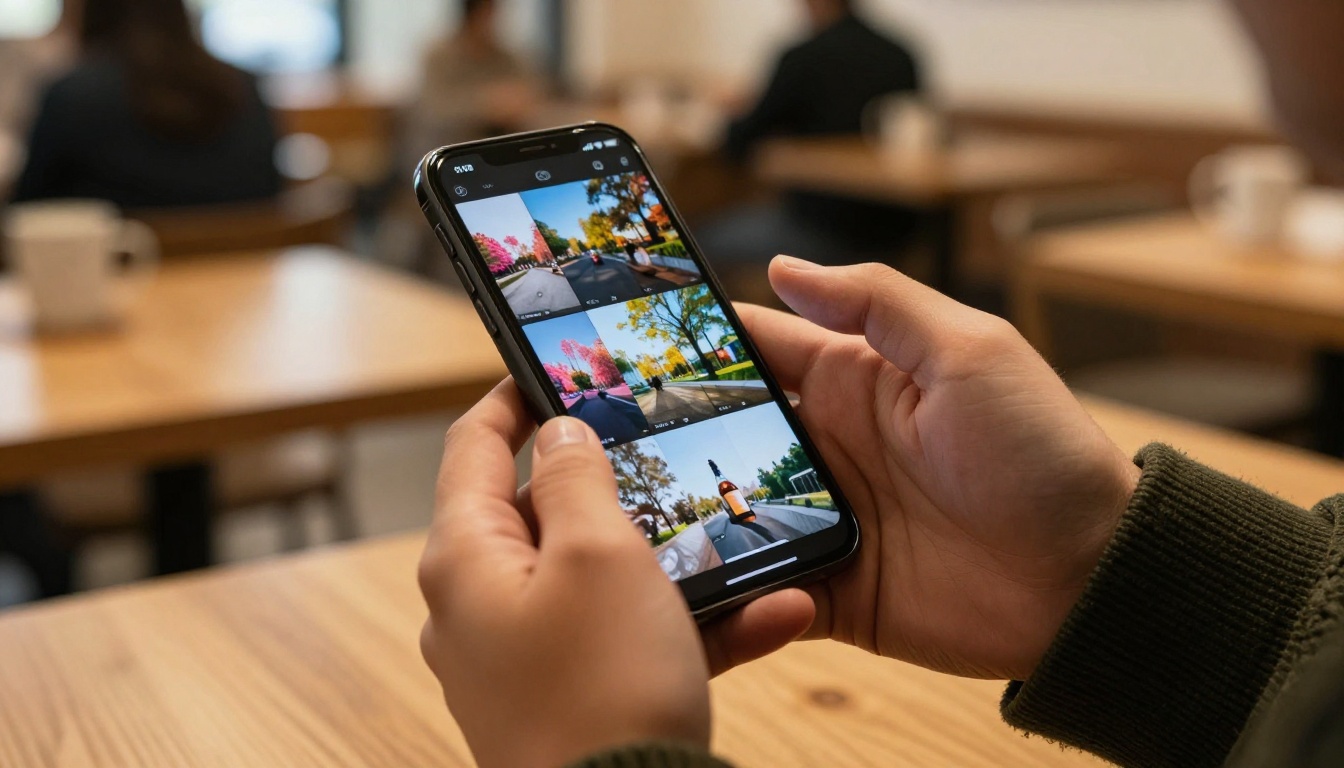
One of the most practical advantages of using Veo 3.1 on PicassoIA is producing large volumes of content in a single focused session without creative fatigue or shooting logistics.
Planning 30 Clips in One Session
Here is a repeatable system for producing a month of TikTok content in one afternoon:
- Pick 6 content themes that fit your niche. For a travel account these might be: beaches, cities, mountain trails, local markets, sunsets, and street food.
- Write 5 prompt variations per theme using different camera angles, times of day, weather conditions, and subject positions. That gives you 30 distinct prompts.
- Generate sequentially through PicassoIA's interface, reviewing each clip as it arrives and downloading the ones that work. Expect an 80 to 90 percent usable rate with well-written prompts.
- Label and organize by theme in a folder before uploading. Name files clearly so you can schedule them without re-watching every clip.
- Schedule uploads using TikTok's built-in scheduler or a tool like Buffer or Later. Post one clip per day for a month without touching the interface again.
💡 Tip: Run your first pass through all 30 prompts using Veo 3.1 Fast. Then regenerate your five highest-priority clips with standard Veo 3.1 for the posts where quality matters most, like your weekly pinned post or a paid collaboration.
Reusing Assets and Adding Effects
A 9:16 Veo 3.1 clip requires zero modification to work on Instagram Reels and YouTube Shorts. The same video that goes up on TikTok at 9am can post to Reels at 3pm and Shorts the following morning. That is three times the distribution from one generation, without touching the file.
For clips that need refinement after generation, PicassoIA's effects catalog gives you over 500 video effects to alter the mood, color grade, or texture of a clip without regenerating from scratch. If a Veo 3.1 output has strong motion but the color feels flat, an effects pass can shift the warmth or add film grain without re-running the full generation cycle. The Wan 2.2 S2V model on PicassoIA also lets you regenerate or replace the audio track of an existing clip, which is useful when Veo 3.1's native audio is good but not quite what a specific scene calls for.
For creators who need very high volume with no per-generation cost ceiling, the PicassoIA Video model offers unlimited generations, making it practical for daily posting schedules across multiple accounts without tracking credits.
Start Posting AI TikToks Today
The creators building consistent TikTok audiences with AI video right now are not the ones with the most expensive setups. They are the ones who post every day, write specific prompts, and iterate quickly when something does not perform. Veo 3.1 is the model that makes that pace sustainable. You do not need a camera, a location, or a post-production team. You need a good prompt and a clear idea of what your audience wants to see.
The model is available on PicassoIA right now alongside Veo 3.1 Fast, Veo 3.1 Lite, and every other model mentioned in this article. If you want to see what else is possible before you commit to a workflow, browse the full text-to-video catalog on PicassoIA, where you will find Seedance 2.0, Kling v3 Video, Ray 3.2, Pixverse v6, Hailuo 2.3, Q3 Turbo, LTX 2.3 Fast, and over 100 other models ready to generate your next piece of content.
Pick the one that fits your niche, write your first three-part prompt, and post. The gap between "thinking about starting" and "already posting" is the only thing that actually matters on TikTok.


