Three years ago, creating a production-ready 3D model meant weeks of manual sculpting, UV unwrapping, and texture baking. In 2027, you can type a description and have a usable mesh with basic textures in under ten minutes. That shift happened faster than most studios expected, and the tools driving it are now accessible to anyone with a browser and an idea.
This article breaks down what actually works in 2027: the tools, the workflows, the limitations, and where AI-generated concept art fits into the 3D creation pipeline. Whether you're building game assets, product prototypes, or character rigs, there's a practical path here for your use case.
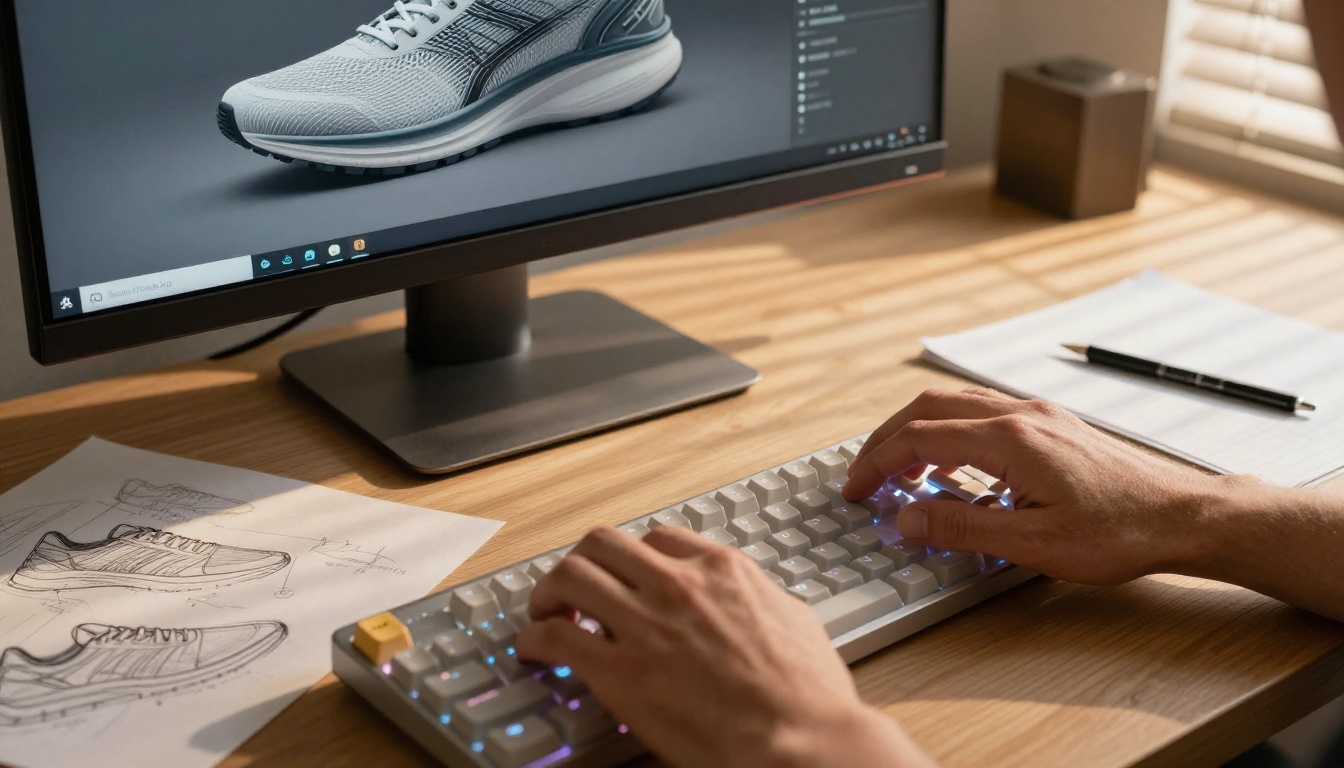
Why AI 3D Generation Changed Everything
The jump from 2023 to 2026 in AI-assisted 3D work has been dramatic. Three years ago, most "AI 3D tools" produced low-resolution meshes with broken topology requiring extensive manual cleanup. That changed when diffusion models stopped treating 3D generation as an afterthought and started training directly on volumetric data, depth maps, and multi-view image sets.
What Changed Between 2023 and 2026
The two biggest breakthroughs were multi-view diffusion and feed-forward 3D reconstruction. Multi-view diffusion generates 12 to 24 consistent views of an object simultaneously, giving downstream reconstruction models enough geometric information to build accurate meshes. Feed-forward models replaced the slow, iterative NeRF (Neural Radiance Field) optimization process with a single fast pass, dropping generation time from hours to seconds.
Here's what that looks like in practice:
| Method | 2023 Time | 2026 Time | Quality |
|---|
| Text to mesh | 45-90 min | 30-120 sec | Production-near |
| Image to mesh | 20-40 min | 10-30 sec | High |
| AI texturing | 30-60 min | 5-15 sec | PBR-ready |
| Manual retopology | 2-8 hours | AI-assisted: 20 min | Professional |
The Three Core AI Approaches
Before picking a tool, it helps to know which approach fits your workflow:
- Text-to-3D: Type a description, receive a mesh. Best for concept exploration and props.
- Image-to-3D: Feed in one or more photos, get a textured model. Best for real-world objects and product scans.
- AI-Assisted Traditional Modeling: Use AI for specific steps like texturing, retopology, and rigging inside your existing DCC software. Best for professional production pipelines.
Each approach has real tradeoffs. Text-to-3D is fast but gives you less control over proportions and surface detail. Image-to-3D requires a solid photoshoot setup but delivers higher fidelity for real objects. AI-assisted traditional modeling takes the longest to set up but produces the cleanest results for demanding work.

Text-to-3D: Type a Prompt, Get a Model
Text-to-3D is where most people start, and for good reason. You describe what you want, the model generates multiple views, a reconstruction network turns those views into a mesh, and an AI texturing system applies materials. The whole process takes less than two minutes on the best tools available in 2027.
How Text-to-3D Actually Works
The process under the hood involves several stages working together:
- A multi-view diffusion model generates 6 to 24 images of your object from different angles simultaneously, maintaining consistency in shape and lighting
- A 3D reconstruction model (based on large reconstruction model architectures like InstantMesh or TripoSR variants) takes those images and outputs a 3D Gaussian splat or mesh
- An AI texture model projects colors and PBR material data onto the mesh surface
- Optional retopology tools clean up the polygon flow for use in animation or games
💡 Prompt tip: Be specific about the object's shape, material, and intended use. "A ceramic coffee mug with a wide base, matte white exterior, and subtle fingerprint texture on the handle, product shot angles" consistently outperforms "a coffee mug."
Best Text-to-3D Tools in 2027
The market has split into two camps: browser-based tools for quick generation and local tools for production control.
Meshy 4 remains the most popular browser tool for non-technical users. Its texture quality jumped significantly in the last two model versions. The free tier offers limited generations; the paid plans are reasonable for freelancers.
Tripo3D produces some of the cleanest base meshes available. It handles hard-surface objects (mechanical parts, furniture, architecture) better than any other browser tool and outputs clean quads in many cases.
Rodin Gen-1.5 by Hyper3D focuses on character-class assets. Its "quality" mode produces results close to hand-modeled work and is clean enough for rigging without retopology in many cases.
CSM (Common Sense Machines) specializes in game-ready assets with automatic LOD generation. Their pipeline handles the full chain from text prompt to Unity or Unreal-ready export.
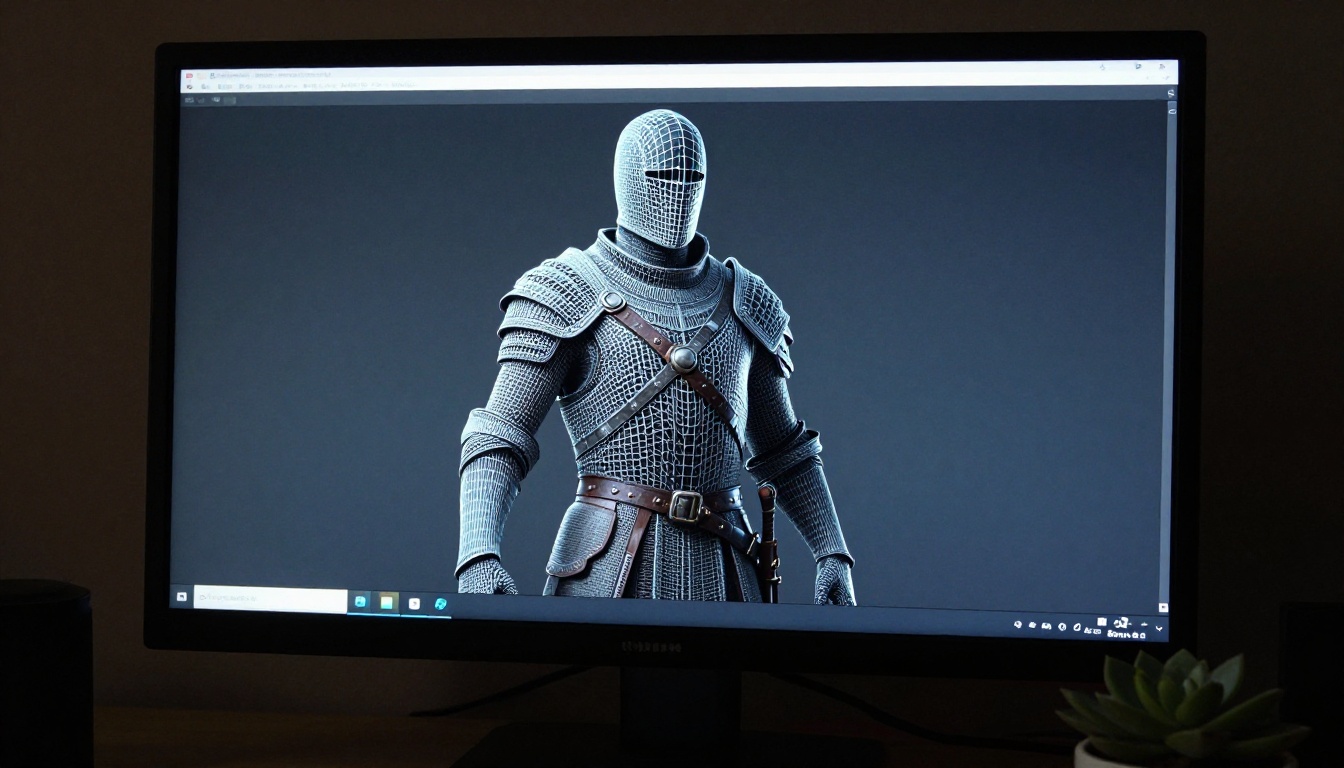
Image-to-3D: From Photo to 3D Asset
Image-to-3D tools are the better choice when you need high fidelity to a real object. Shoot it from multiple angles, upload the images, and the AI builds a textured mesh that matches the original.
What You Need for Good Results
The number one factor in image-to-3D quality is the photography, not the AI. These conditions consistently produce better meshes:
- Lighting: Soft, diffused, even light from multiple directions. Hard shadows confuse depth estimation models.
- Coverage: 30 to 60 images from a full 360-degree rotation, including the top and bottom of the object.
- Background: Plain backgrounds help the AI separate the object from the environment. A light box or white sweep works well.
- Scale: Include a reference object (a known-size item like a coin or ruler) if you need accurate real-world dimensions in the output.
AI vs. Traditional Photogrammetry
Traditional photogrammetry tools like Reality Capture or Metashape produce highly accurate meshes but require careful camera calibration, controlled lighting, and significant processing time. AI-based image-to-3D tools trade some accuracy for speed:
| Factor | AI Image-to-3D | Traditional Photogrammetry |
|---|
| Setup time | 5-10 min | 30-60 min |
| Processing | 30-60 sec | 10-90 min |
| Scale accuracy | Approximate | Sub-millimeter |
| Mesh cleanliness | Good | Excellent |
| Texture quality | Good | Excellent |
| Best for | Quick assets, prototypes | Scanning, heritage, film VFX |
💡 When to use which: If accuracy to the millimeter matters (engineering, restoration, film VFX), use photogrammetry. For everything else in 2027, AI tools are faster and good enough.
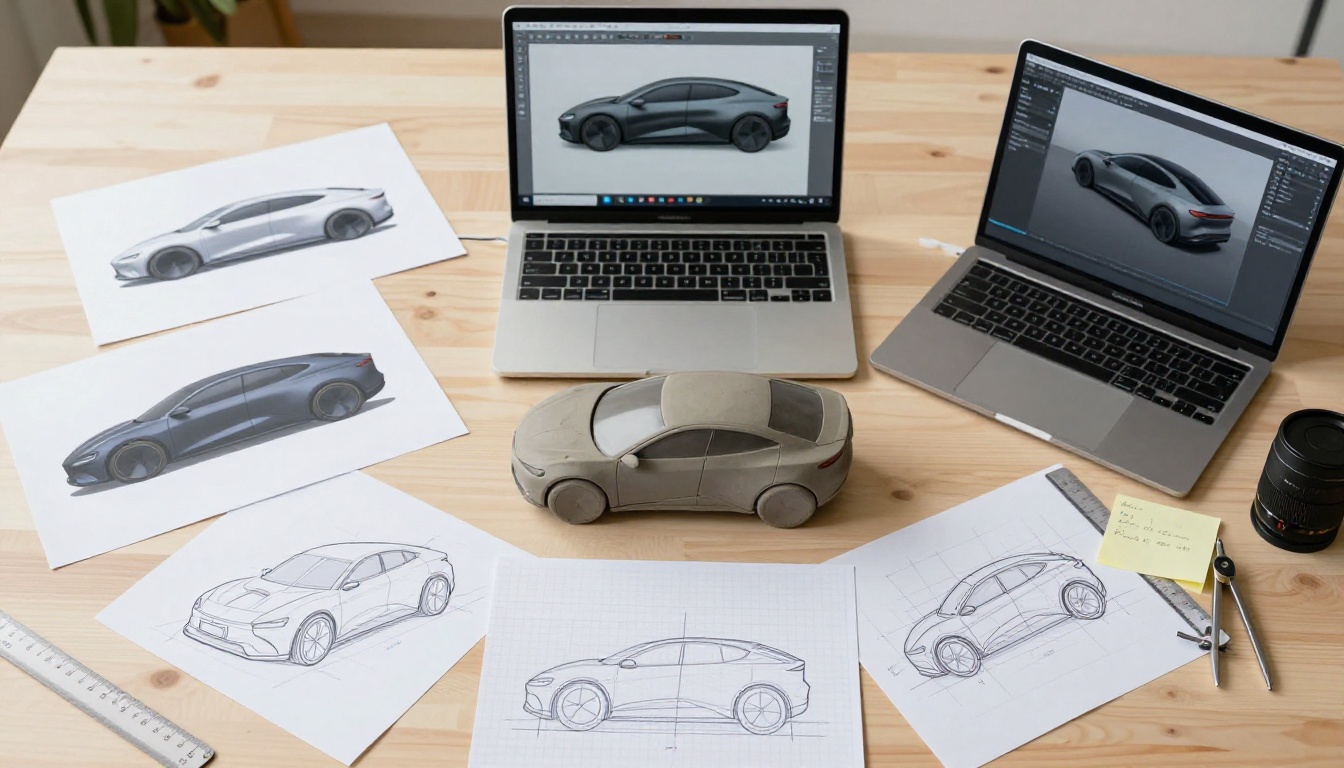
AI Texturing: The Biggest Time Saver
Even if you create your 3D mesh through traditional means, AI texturing is worth adding to your workflow immediately. It's the single highest-impact time saver in 3D production right now.
Why Texturing Takes So Long Without AI
A professional texture set for a single game asset typically includes:
- Albedo map: The base color information
- Normal map: Surface detail simulation through lighting tricks
- Roughness map: How shiny or matte surfaces appear
- Metallic map: Which parts of the surface behave like metal
- Ambient occlusion map: Where light doesn't reach in crevices
Creating all five maps by hand for a single medium-complexity asset takes an experienced artist 4 to 8 hours. AI tools now do this in 15 to 45 seconds from a text description or reference image.
How AI Texturing Works in Practice
The best current AI texturing tools use text-conditioned UV projection. You describe the material and style you want, and the model projects consistent, seamless textures from multiple angles simultaneously, solving the historical problem of seams at UV boundaries.
For example: "weathered iron gate, rust accumulating at weld points, mossy patches at the base, aged patina on flat surfaces" produces a dramatically more specific and useful result than any stock texture library can offer.
Practical steps for AI texturing:
- Import your untextured mesh into your texturing tool of choice
- Write a detailed material description covering surface type, age, condition, and specific details
- Generate and preview the texture set in real-time 3D preview
- Export the texture maps as standard PBR files (PNG or EXR) at your target resolution
- Import into your DCC or game engine as you normally would

Generating 3D References with PicassoIA
One stage in the 3D pipeline that's often overlooked is concept art. Strong concept images dramatically improve the quality of AI 3D generation because they give reconstruction models clearer reference material. This is where a platform like PicassoIA becomes genuinely useful in a 3D workflow.
Using Concept Images as 3D Input
The most reliable path through AI 3D generation in 2027 looks like this:
- Generate high-quality concept images of your subject from multiple angles using a text-to-image platform
- Feed those images into an image-to-3D tool to generate the base mesh
- Use AI texturing to apply materials
- Refine topology and export to your engine or DCC
PicassoIA's text-to-image platform offers over 91 models for photorealistic and stylized concept generation. For 3D work, photorealistic references with controlled lighting produce the best downstream mesh quality because they give the reconstruction model clear surface normal information.
Step-by-Step: Multi-Angle Reference Workflow
Here's a specific workflow for generating 3D reference images on PicassoIA:
Step 1: Write a base subject description. Be specific about materials, scale, and overall shape.
Step 2: Generate your first image with a frontal view. Include "front view, orthographic, neutral grey background, studio lighting" in your prompt.
Step 3: Generate additional views using the same subject description but changing the angle: "side view 90 degrees," "rear view," and "three-quarter view."
Step 4: Generate a detail shot focusing on areas with complex surface information (face, hands, mechanical joints, etc.).
Step 5: Upload all views to your image-to-3D tool and let it reconstruct the mesh.
This approach produces significantly better mesh topology than using a single reference image because the reconstruction model has full 360-degree surface information from the start.
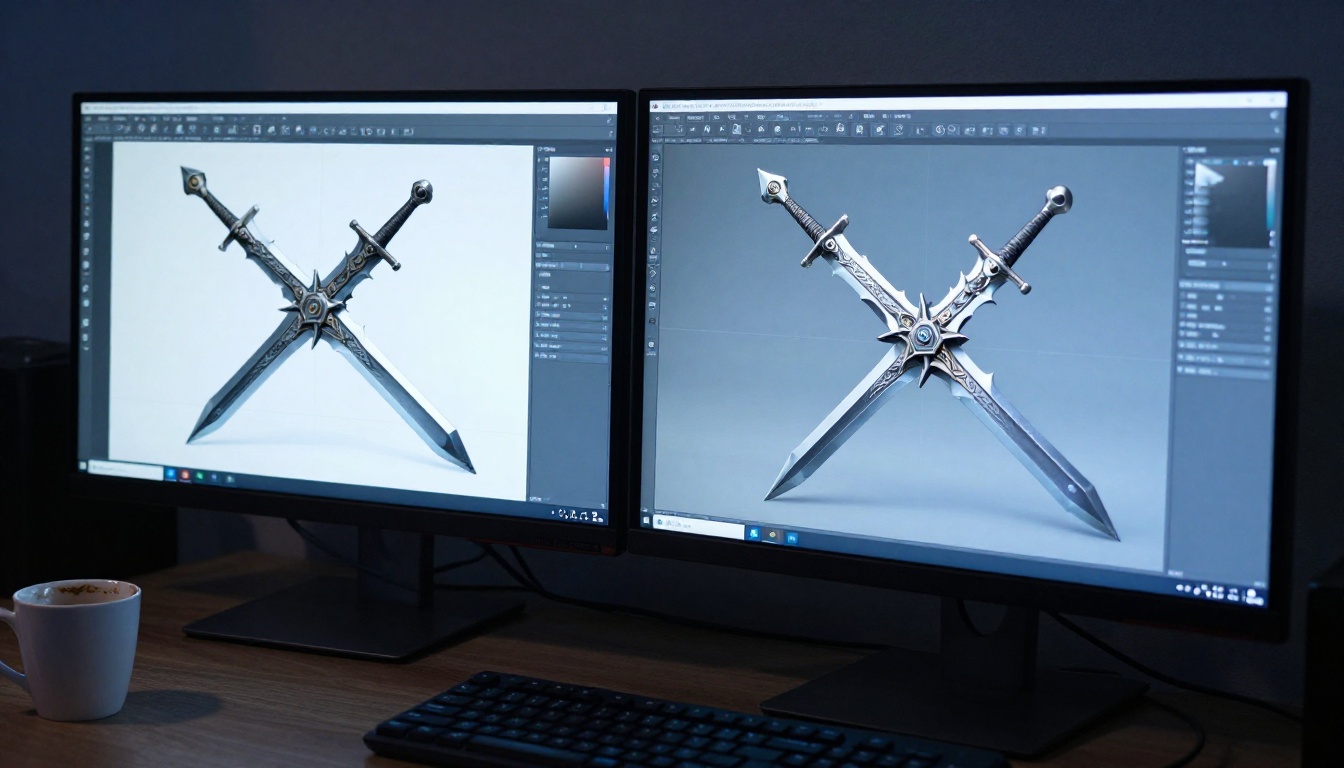
Upscaling and Refining AI 3D Outputs
Raw AI 3D outputs often need refinement before they're production-ready. Two areas where AI tools can accelerate this refinement are super resolution for render quality and AI-assisted retopology for animation-ready meshes.
AI Super Resolution for 3D Renders
When presenting 3D work to a client or building a portfolio, render quality matters. If your AI 3D tool outputs texture maps at 512px or 1024px, super resolution tools can take those maps to 4K without introducing artifacts.
PicassoIA's super resolution collection includes several strong options:
- Clarity Pro Upscaler: Produces photorealistic upscaling with strong edge preservation. Works well on texture maps with fine surface detail.
- Google Upscaler: Enlarges renders up to 4x while maintaining color accuracy. Particularly good on architectural and product renders.
- Real ESRGAN: The free 4x option for texture maps. Handles organic surfaces better than most alternatives.
- Image Upscale by Topaz Labs: Enlarges any render up to 6x. The highest ceiling of any upscaler on the platform.
- Recraft Crisp Upscale: Best for hard-surface renders where clean edges are critical.
💡 Workflow tip: Upscale your albedo and normal maps separately for the best results. Applying a single upscale pass to a composite render works less well than upscaling each texture map individually before the final render.
AI Retopology: Cleaning Up the Mesh
Most AI-generated meshes come out as triangulated geometry with variable polygon density. For static props, that's often acceptable. For characters, vehicles, or anything that needs to deform during animation, you'll want clean quad-based topology.
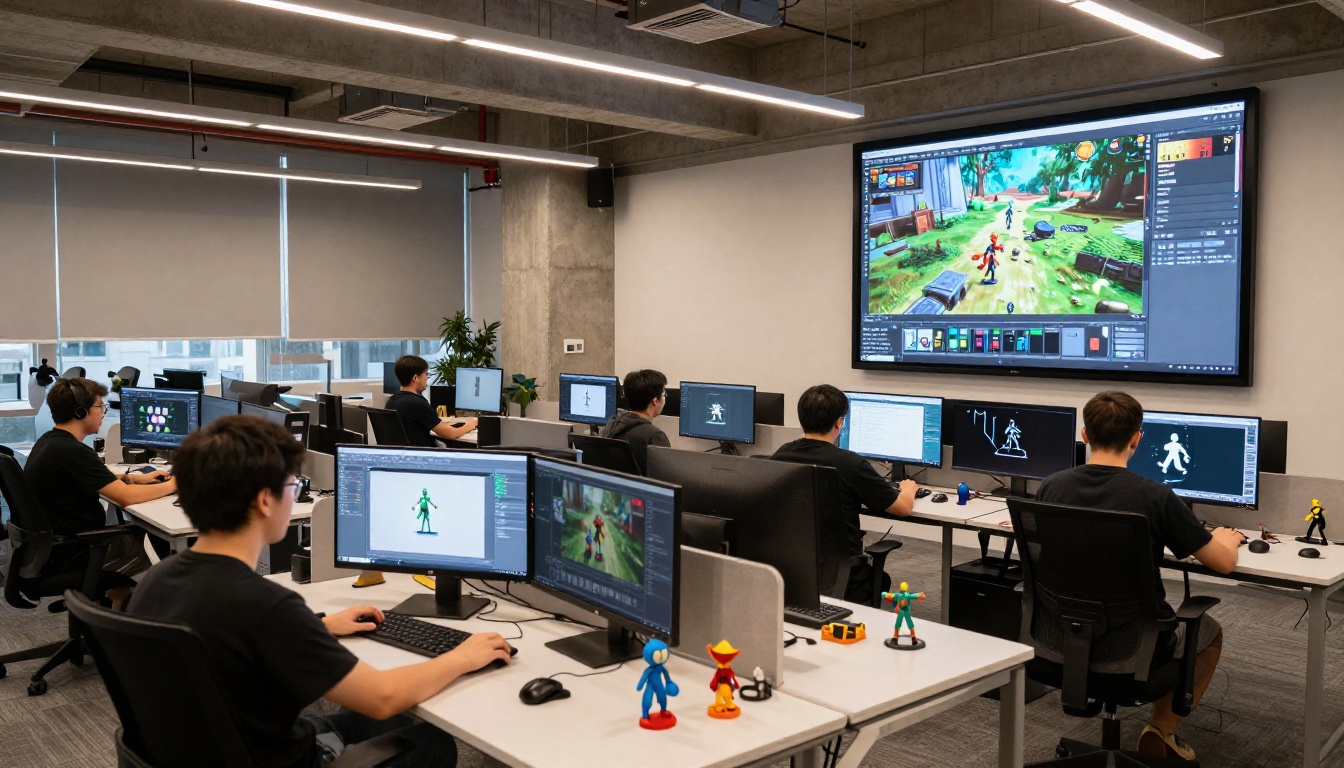
AI retopology tools like ZRemesher (built into ZBrush), RetopoFlow, and several newer standalone options can automatically generate animation-ready topology in minutes. You still need to review the output, especially around joints and facial topology, but the time savings over fully manual retopology are substantial.
Animating 3D Models with AI Video
Once you have a 3D model or a high-quality 3D render, AI video tools open up a new output category: animated showcases without needing rigging, skinning, or keyframe animation.
From 3D Render to Video
The workflow is straightforward. Render a high-quality still from your 3D model at any angle and with any lighting, then pass that render through an image-to-video model. The AI infers the object's volume from the single image and generates realistic motion, rotation, or camera movement around it.
PicassoIA has a strong selection of image-to-video models for this use case:
- Seedance 2.0: Produces text-to-video and image-to-video outputs with built-in synchronized audio. Strong on smooth camera movements and realistic material behavior during animation.
- LTX 2 Pro: Generates 4K video from text or image input. The highest quality ceiling on the platform for showcasing 3D renders in motion.
- P Video Animate: Animates still photos and renders into video quickly. Good for rapid prototyping of 3D animation concepts.
- Wan 2.7 I2V: Animates any image into video with strong physics simulation for cloth, liquid, and organic movement.
This approach won't replace full rigging for games or film production, but for product showcases, portfolio pieces, and client presentations, it produces polished results in minutes.
Where AI 3D Is Being Used Right Now
The adoption of AI in 3D production is happening across industries, often faster than the tools themselves can keep up with.
Game Development
Indie studios are the biggest beneficiaries. A two-person team can now build a full prop library in weeks rather than months. Mid-size studios use AI 3D tools for rapid prototyping: generating rough assets to test game mechanics before committing artist time to final-quality versions.
The current constraint is that AI-generated character meshes still struggle with hands, teeth, and complex mechanical joints. Studios working past those limitations use AI for environment assets, props, and background characters while reserving manual work for hero assets.
Product Design and Prototyping
Consumer goods designers use image-to-3D and text-to-3D to generate multiple design directions in a single morning session. What used to take a week of back-and-forth between design and modeling is now a same-day process:
- Generate 8 to 12 rough design directions via text-to-3D
- Select 2 or 3 worth developing further
- Refine manually in Fusion 360 or Rhino
- Use AI texturing for presentation renders
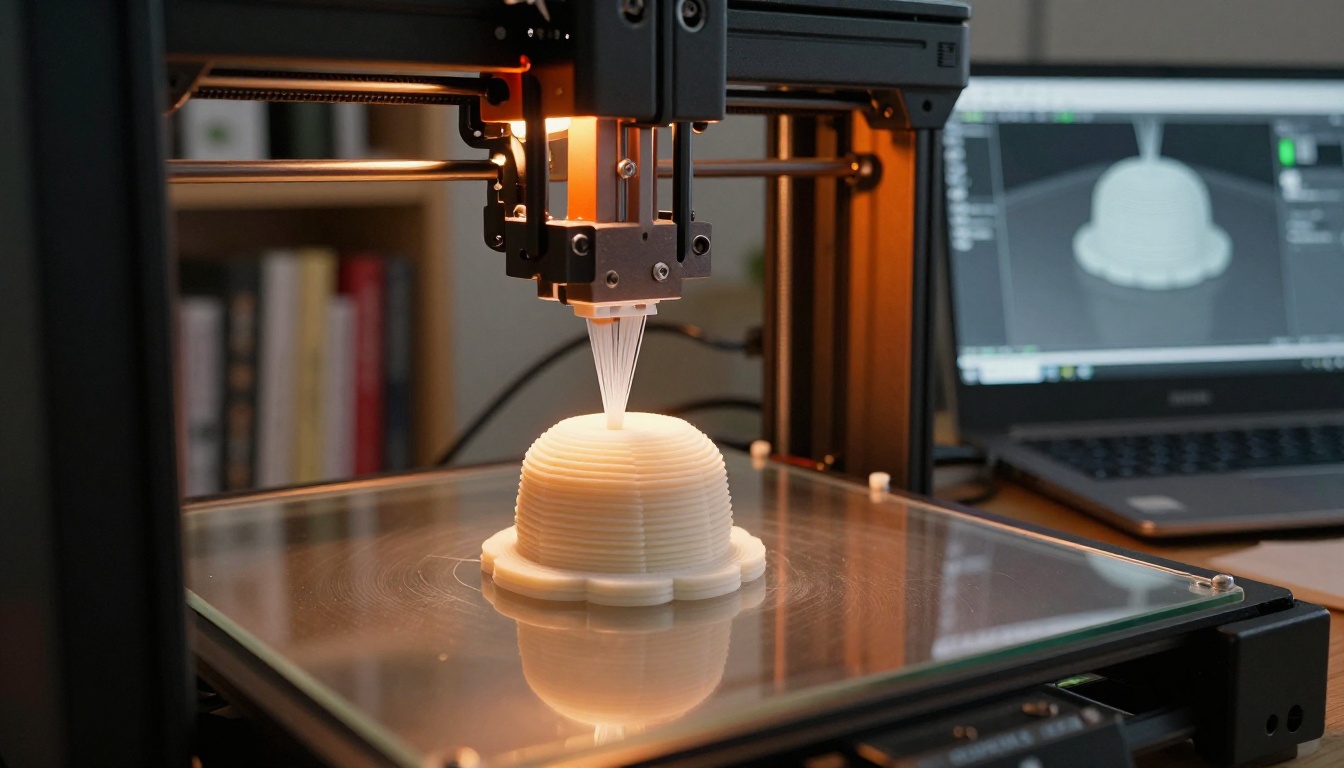
- 3D print via standard slicing software
Film and VFX
The most demanding use is also where AI 3D tools are least mature. Film production requires sub-millimeter accuracy, clean animation topology, and tight integration with established pipelines. Current AI tools don't meet those bars for hero assets.
Where they're being used is background population: generating hundreds of unique props, background elements, and environment details that would never receive sufficient budget for hand modeling. AI handles the quantity; artists handle the quality.
Try AI 3D Creation Yourself
The barrier to entry for AI 3D model creation in 2027 is as low as it's ever been. The tools are browser-based, many offer free tiers, and the quality gap between AI and manual work continues to narrow every month.
The most practical starting point: pick one project, one tool, and one clear use case. If you're a designer, try text-to-3D for product concept exploration. If you're a game developer, try image-to-3D for prop scanning. If you work in architecture, try AI-generated concept renders as reference input for your modeling pipeline.
For the concept image stage of any 3D workflow, PicassoIA's text-to-image platform gives you access to over 91 models built for photorealistic generation. Strong reference images are what separate clean AI 3D outputs from mediocre ones, and that's a variable you control from the first minute.
Browse the full model catalog at picassoia.com/en/all-models. Whether you're generating architectural references, product renders, character concepts, or environment art, there's a model there built for your specific output type. Start with a single image and build your 3D pipeline from there.


