Bad lipsync ruins ads. It doesn't matter how good your product is or how sharp your visuals look: if the mouth movement doesn't match the audio, viewers clock it immediately and trust drops. AI has changed the equation, but not all AI lipsync tools deliver equally clean results. Knowing which ones work for advertising, how to prepare your footage, and where to avoid common pitfalls is what separates polished commercial content from amateur-looking output.
This breaks down exactly how to get the cleanest lipsync results for your ads using AI, from choosing the right model to fixing the small details that most people miss.
What "Clean" Lipsync Actually Means
"Clean" lipsync in advertising has a specific definition. It's not just "the mouth moves." It means the lip movements match the phonemes of the audio in real time, with no delay, no rubber-looking skin deformation, and no ghosting artifacts around the jaw.
The Three Signs of Bad Lipsync
When lipsync fails in an ad, it fails in one of three ways:
- Temporal misalignment: The audio plays a fraction of a second before or after the mouth moves. Even 80ms of drift is perceptible to most viewers.
- Phoneme mismatch: The lip shapes don't correspond to the actual sounds being spoken. The mouth opens for an "ah" sound but the audio says "oh."
- Texture artifacts: The jaw area shows warped skin, smearing, or unnatural blending where the AI has composited the new mouth movement over the original face.
All three are immediate credibility killers in a paid ad context where production value is assumed.
Why Ads Are Harder Than Regular Videos
Social content can get away with rough lipsync. Ads can't. When someone is watching a pre-roll or a sponsored post, their brain is already slightly skeptical. Any production flaw confirms that skepticism. Beyond that, ads typically feature clean, well-lit close-ups of faces, which makes imperfect sync far more visible than it would be in a shaky handheld vlog format.
The good news: AI lipsync models have improved dramatically, and the best ones now match what you'd get from a professional dubbing studio at a fraction of the time and cost.
How AI Lipsync Works Today
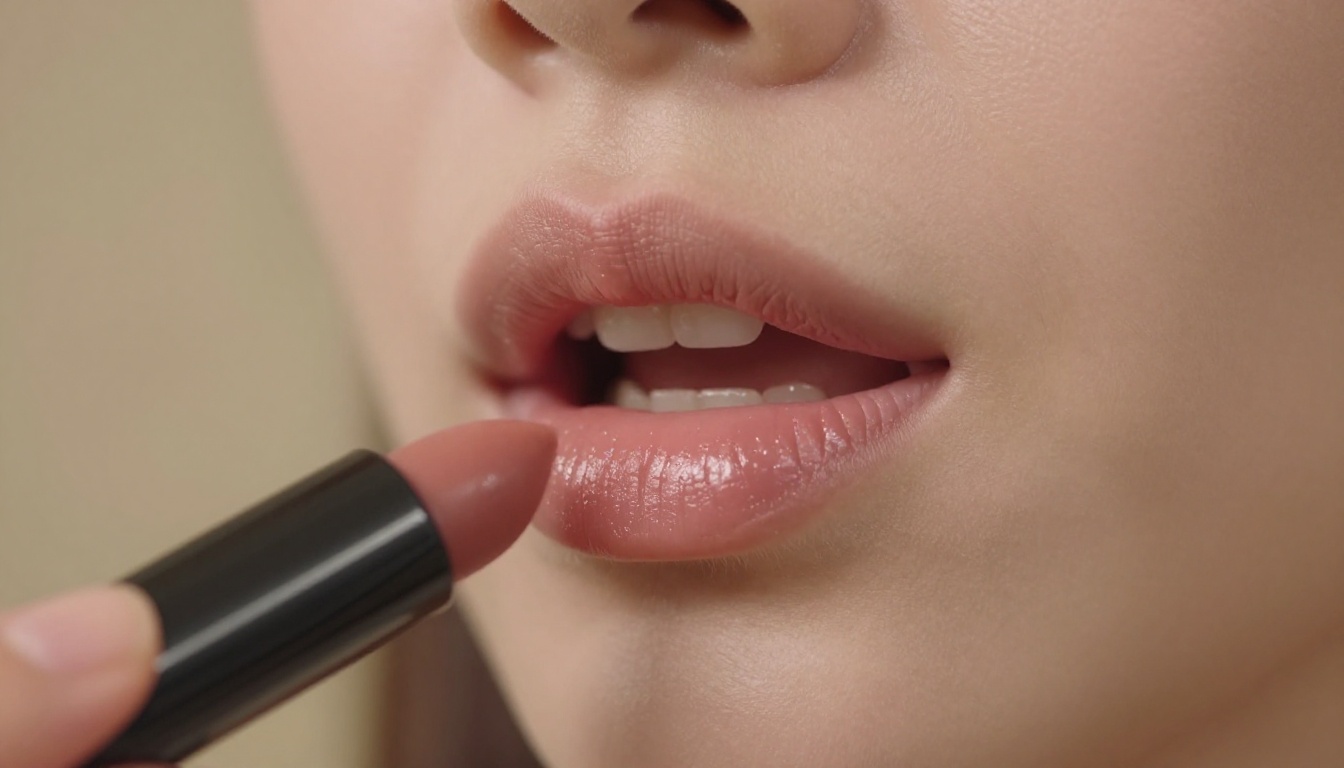
Modern AI lipsync operates on a deceptively simple principle: take an audio track and a video with a human face, then generate new mouth and jaw movements that match the phoneme sequence of the audio. The actual execution involves several interacting systems.
Audio-Driven vs. Video-Driven Sync
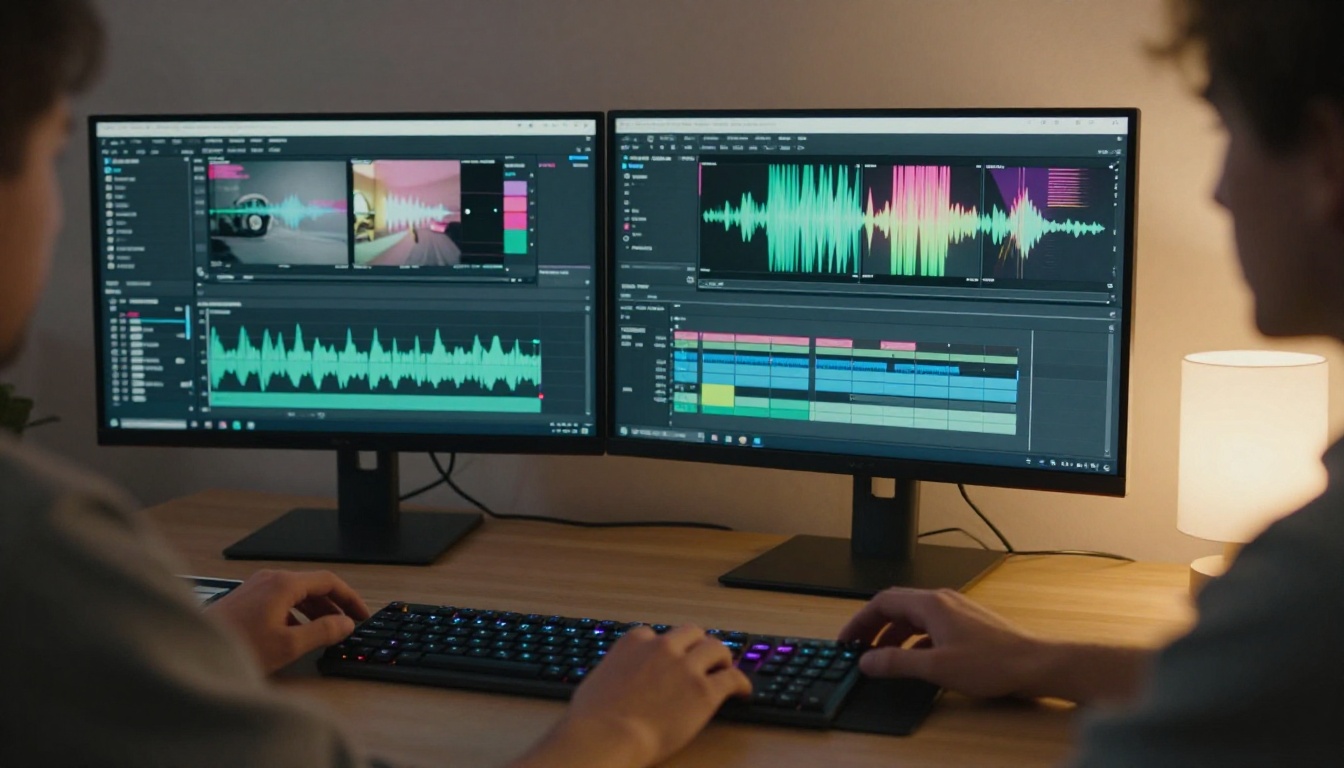
Most consumer AI lipsync tools are audio-driven. They analyze the incoming audio waveform, extract phoneme data (the individual units of sound), and then generate corresponding lip shapes frame by frame. The output is a new video with the original face but new mouth movements.
Some newer models are video-driven, meaning they use an existing reference video of a person speaking to generate motion patterns, then apply those patterns to a different audio track. This approach tends to produce more natural-looking secondary facial movements (eyebrows, cheeks, jaw tension) because it's trained on real human expression data rather than just phoneme shapes.
The Role of Face Detection
Before any sync happens, the model needs to locate and isolate the face in the frame. This is why face detection quality matters: if your source video has partial occlusion (a microphone in front of the mouth, a hand near the face, strong shadows over the jaw), the model either produces artifacts or fails entirely. Stable face detection requires a clear, unobstructed view of the lower half of the face for the entire duration of the clip.
Best Models for Ad Lipsync Right Now
Not all lipsync models are built for advertising use cases. Some are optimized for speed, some for realism, and some specifically for dubbing workflows. Here's where each one fits.
Sync Lipsync 2 Pro for Precision
Lipsync 2 Pro from Sync is the current benchmark for clean, phoneme-accurate lipsync in high-quality footage. It handles nuanced mouth shapes, tracks multiple speakers in a single video, and produces minimal skin-deformation artifacts. For hero ad content where close-up face quality is non-negotiable, this is the starting point.
Its sibling, Lipsync 2, offers slightly faster processing with comparable results for most standard ad formats.
HeyGen Lipsync Precision for Dubbing
If your ad campaign involves multilingual versions, Lipsync Precision by HeyGen is built specifically for this workflow. It syncs dubbed audio to existing footage with high accuracy across languages that have significantly different phoneme patterns (Spanish to English, for example, involves very different mouth shapes and cadence). The Lipsync Speed variant from HeyGen trades some accuracy for dramatically faster output, useful for large-volume campaigns where turnaround matters more than pixel-perfect sync.
For full translation workflows, HeyGen's Video Translate handles both voice generation and lipsync in a single pass, supporting 150+ languages.
Bytedance Omni Human 1.5 for Avatars
Omni Human 1.5 from Bytedance takes a different approach: rather than syncing an existing video, it animates a static photo into a fully talking, moving avatar. For brands that don't have video footage of a spokesperson but have a high-quality still image, this opens up the ability to create talking-head ad content from a single photo. The motion quality, including body sway and natural head movement, is noticeably better than first-generation avatar tools.
Kling Lip Sync for Speed
Kling Lip Sync from Kwaivgi prioritizes throughput. For social ad teams producing large volumes of content, where you need dozens of variations quickly rather than one perfect hero asset, Kling handles the volume without requiring careful per-clip manual adjustment.
React 1 by Sync and Pixverse Lipsync round out the options for teams that want quick, solid results without the depth of configuration that Pro-tier models require.
How to Use Lipsync 2 Pro on PicassoIA
Lipsync 2 Pro is available directly on PicassoIA. Here's exactly how to use it for an ad clip.
Step 1: Prepare your video
Export your ad video clip as an MP4 file. Keep it under 120 seconds for the first test. Make sure the speaker's face is clearly visible, well-lit, and unobstructed. Avoid clips where someone's hand, microphone, or on-screen graphic covers the mouth area during any frame.
Step 2: Prepare your audio
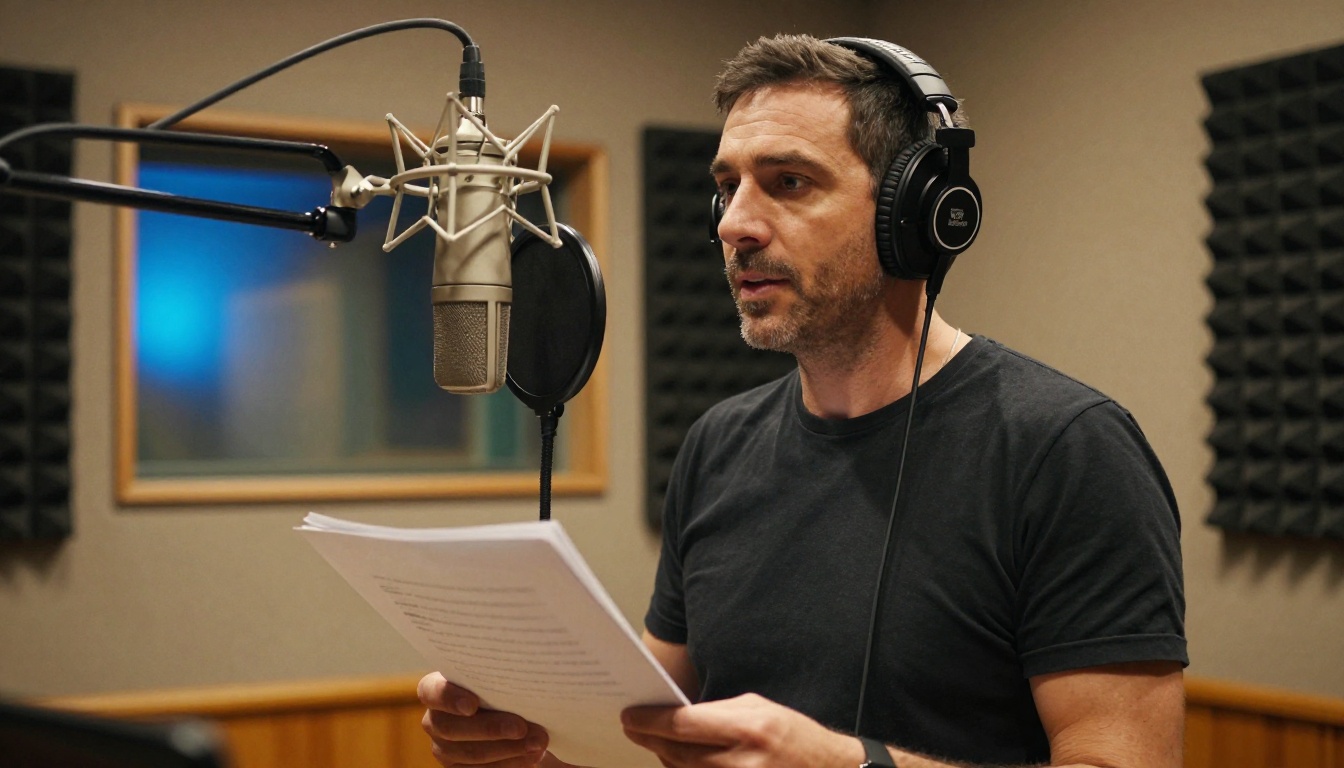
Export your voiceover or dubbed audio as a clean WAV or MP3 file. Use 44.1kHz or 48kHz sample rate. The audio should be dry (no reverb or room echo) for the most accurate phoneme detection. If your audio has background music, use a version with just the voice track for sync processing, then mix the music back in post.
Step 3: Open Lipsync 2 Pro on PicassoIA
Go to Lipsync 2 Pro on the PicassoIA platform. Upload your video file and your audio file in the respective input fields.
Step 4: Set sync parameters
The model lets you adjust the sync offset if your audio was recorded with a specific timing offset relative to the original video. Start at 0 and review the output before making adjustments. For multilingual dubbing where the speech tempo differs significantly from the original, enable the "duration match" option if available.
Step 5: Generate and review
Click generate. Processing typically takes 30 to 90 seconds depending on clip length. Download the result and review it at 1x speed first, then at 0.5x speed to check for any frame-level artifacts around the jaw and lips.
Step 6: Post-process if needed
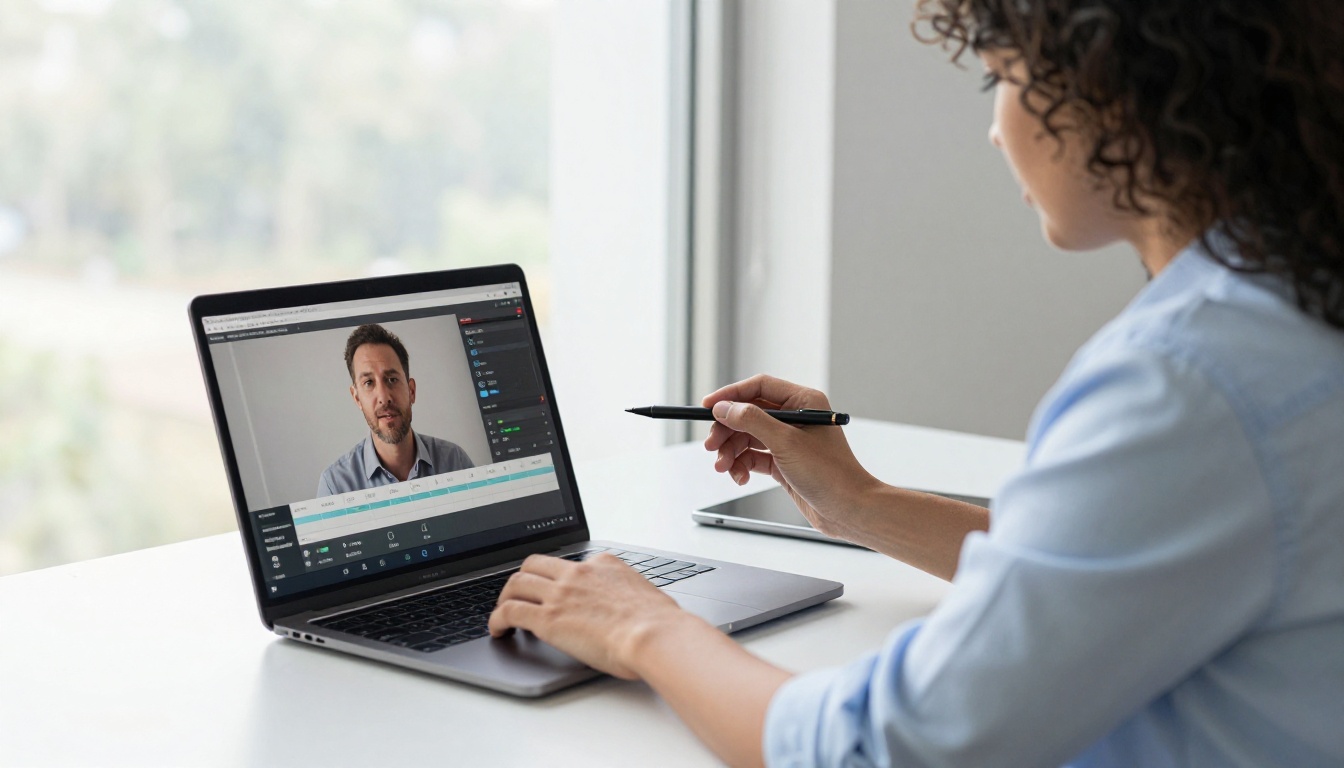
For hero assets, take the synced clip into your video editor and check the transition frames where the speaker begins and ends speech. These are the most common locations for artifacts. A slight blur mask or color grade can smooth any minor imperfections before final export.
Tip: If you notice persistent artifacts on specific phonemes (usually "p", "b", and "m" sounds which require full lip closure), try re-running with the original video slightly stabilized. Camera movement during these sounds is the most common cause of compositing artifacts.
5 Tips for Cleaner Results
These are the specific details that separate professional-quality AI lipsync from the mediocre outputs you see floating around social media.
Audio Quality Comes First
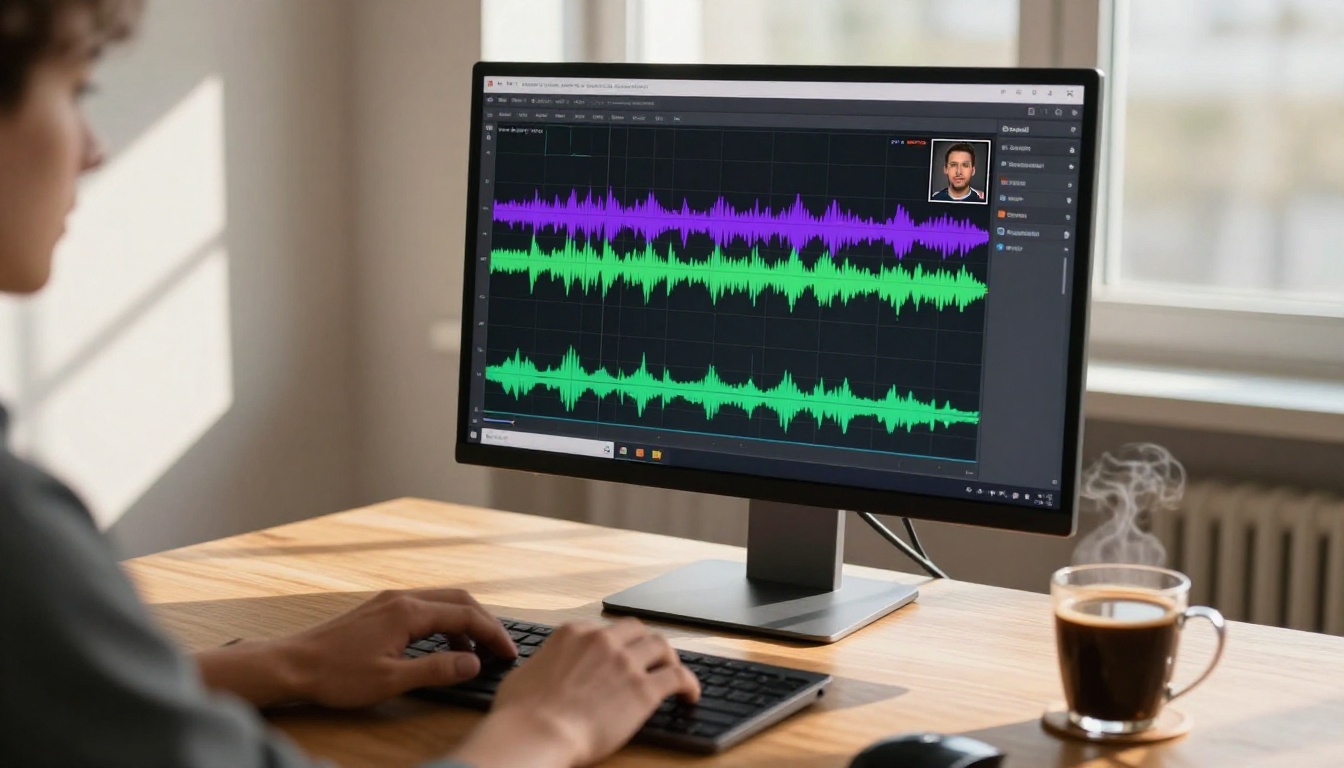
The AI cannot produce clean lipsync from noisy audio. If the phoneme detection is working from a recording with background HVAC noise, room reverb, or compressed artifacts from a mobile phone microphone, the output will be blurry and imprecise. Record voiceover in a treated space or use noise reduction software before uploading. Adobe Audition, iZotope RX, or free options like Audacity's noise reduction filter will do this job adequately.
Lighting and Face Angles Matter
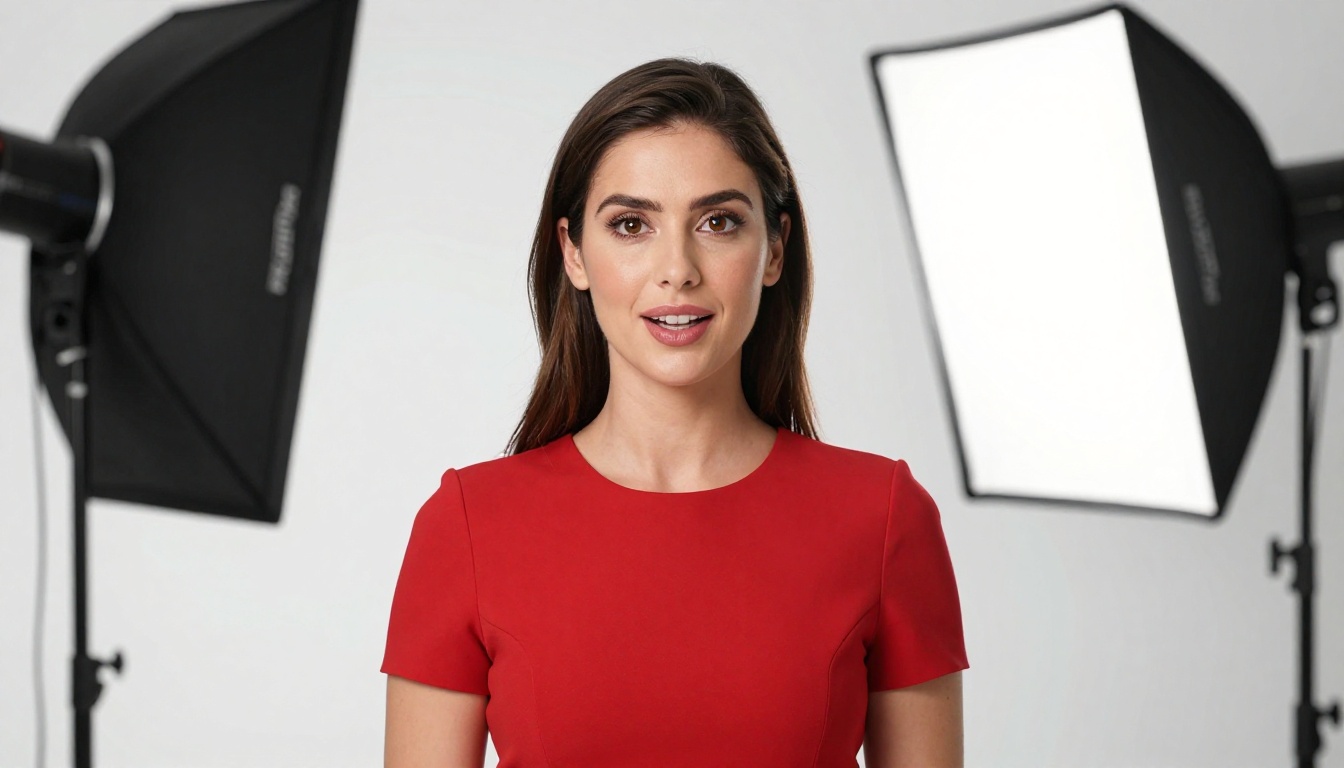
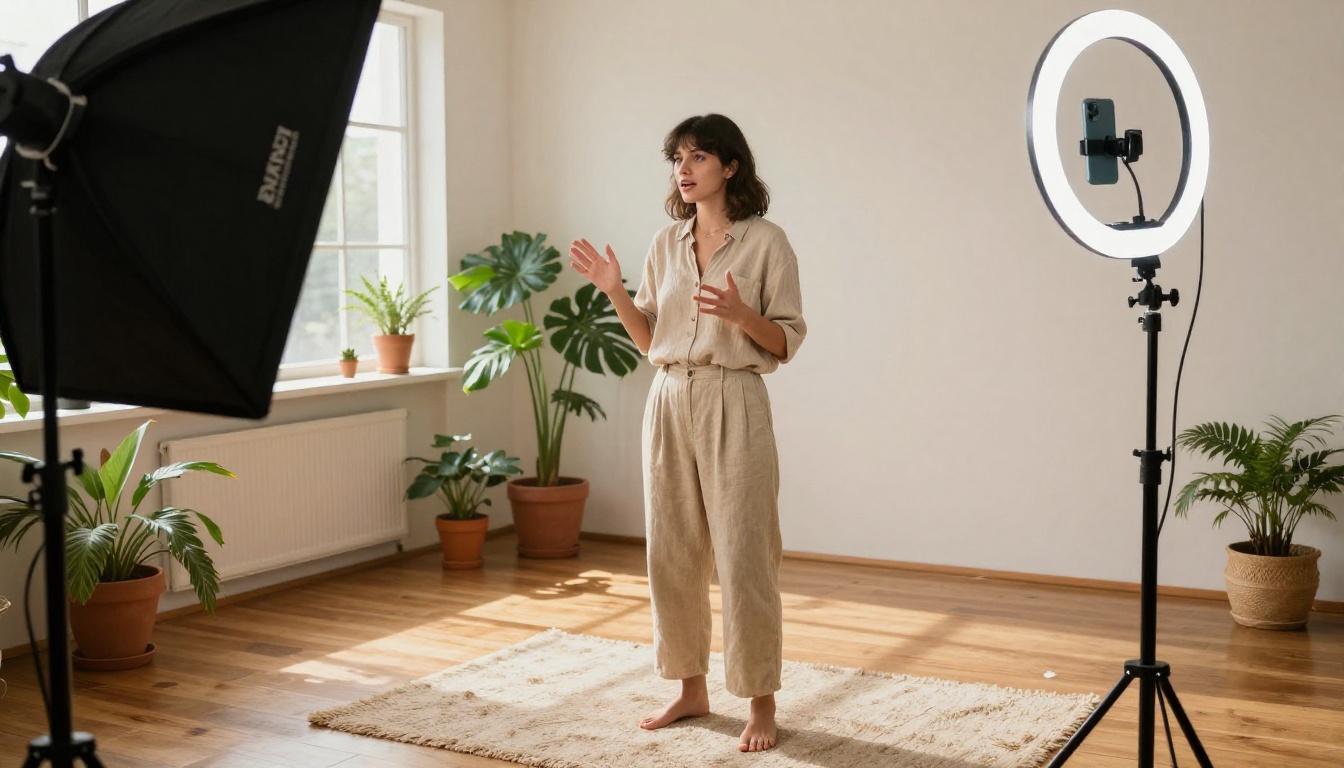
Flat, even lighting on the speaker's face gives the model the most accurate facial geometry to work with. Strong side lighting or underexposure in the jaw area introduces uncertainty in the face detection system, and that uncertainty shows up as artifact smearing around the chin and neck. Front-facing shots, head-on with minimal tilt (less than 20 degrees left or right), produce the cleanest lipsync. Profile shots and extreme angles are still possible with the stronger models, but they require higher-quality source footage to compensate.
One Speaker at a Time
Multi-speaker clips with overlapping speech are extremely difficult for current AI lipsync models to handle cleanly. If your ad has two people speaking in dialogue, process each speaker's sections separately and reassemble the clip in editing. This takes more time but produces dramatically cleaner results than attempting to run the whole clip through in a single pass.
Common Mistakes That Ruin Lipsync
These are the issues that regularly produce bad outputs, even when people are using high-quality models.
Wrong Video Formats
H.264 MP4 is the format that plays well with every lipsync model currently available. ProRes, HEVC, VP9, or AV1 files sometimes cause processing errors or quality degradation during the internal transcoding step. If your production workflow outputs ProRes (which is standard in agency settings), convert to H.264 MP4 at a high bitrate (10 to 20 Mbps) before uploading. This single step resolves a significant portion of "why does my output look worse than the input" complaints.
Background Noise Kills Sync
Music beds, ambient sound, and wind noise are not just audio quality problems: they actively confuse the phoneme detection system. The AI is trying to isolate vocal formants from your audio signal, and competing frequencies in the same range as human speech (typically 85Hz to 3kHz) reduce the precision of that detection. For best results, use a completely isolated voice track for the sync pass. Mix in your background audio after the sync is complete.
Tip: When dubbing into a second language, always have a native speaker review the lip movement before publishing. Phoneme shapes differ visually between languages, and a native viewer will catch mismatches that a non-native reviewer will miss entirely.
Real Use Cases in Advertising
Understanding where AI lipsync creates the most value helps prioritize which campaigns to apply it to first.
Multilingual Ad Campaigns
This is the highest-ROI application. A single English-language hero ad, once produced, can be dubbed into Spanish, French, Portuguese, German, and Japanese without re-casting talent, rebooking studios, or rebuilding sets. Using HeyGen's Video Translate or Lipsync Precision, the dubbed audio is synced to the original spokesperson's mouth movements automatically. For brands running global campaigns, this cuts localization costs by 60 to 80% compared to traditional dubbing workflows.
Talking Product Demos
E-commerce and SaaS brands regularly produce product demo videos where a presenter explains features. When the product updates, the script changes, but re-shooting the presenter is expensive and creates continuity issues (different hair, clothes, location). AI lipsync allows brands to record new voiceover for updated scripts and sync it to the original presenter footage. The P Video Avatar model from PrunaAI extends this further, allowing a static product photo or brand representative image to become a fully animated talking spokesperson.
AI Spokespeople for Social Media
Short-form ad content for platforms like Instagram, TikTok, and YouTube requires extremely high content velocity. Producing unique talking-head ad variations at scale is resource-intensive with traditional production. Using Omni Human or Fabric 1.0 from Veed, brands can generate dozens of spokesperson variations from a small set of base images and a bank of voiceover scripts, producing content at a scale that would be impossible with human production teams alone.
Tip: For social media ad testing, generate 5 to 10 short lipsync variations with slightly different voiceover scripts using the same base video, then A/B test them against each other. The production cost difference compared to shooting 10 separate takes is enormous.
Create Your Own Ad Content Now
The technology for clean AI lipsync at production quality is accessible today, without a dubbing studio, without expensive post-production software, and without specialized technical knowledge. The models available on PicassoIA, from Lipsync 2 Pro to Omni Human 1.5 to Kling Lip Sync, cover every advertising use case from precision hero content to high-volume social production.
Start with a piece of existing ad footage you already have. Record a new voiceover take, clean it up, and run it through Lipsync 2 Pro on PicassoIA. The first output will show you immediately what this technology can do for your workflow. From there, it's a matter of refining your source footage quality and audio preparation to get results that are indistinguishable from a traditional production shoot.
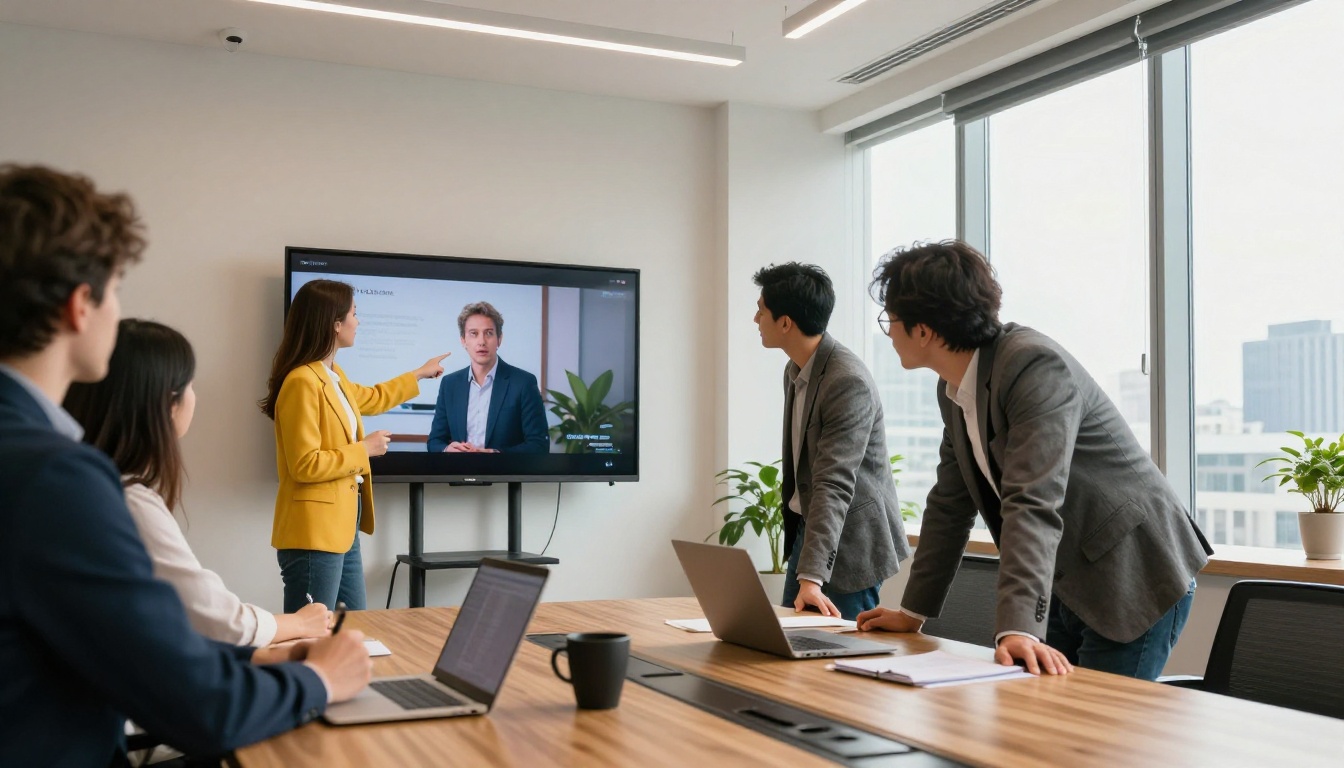
The brands already using AI lipsync at scale are producing localized campaigns in days rather than months and iterating on ad creative at a pace their competitors can't match. The tools are here. The workflow is straightforward. What's left is using it.


