How to Iterate on a Prompt for Better Results in AI Image Generation
Most people generate one image, dislike the result, and start over from scratch. That is the wrong approach. This breaks down the precise iteration workflow for turning vague AI outputs into stunning, accurate images, including seed locking, modifier stacking, negative prompts, and the best models for fast testing on PicassoIA.
Most people approach AI image generation the same way: type something, generate, hate the result, delete it, and try again from scratch. That cycle burns time and credits fast, and it rarely produces the image you actually had in mind.
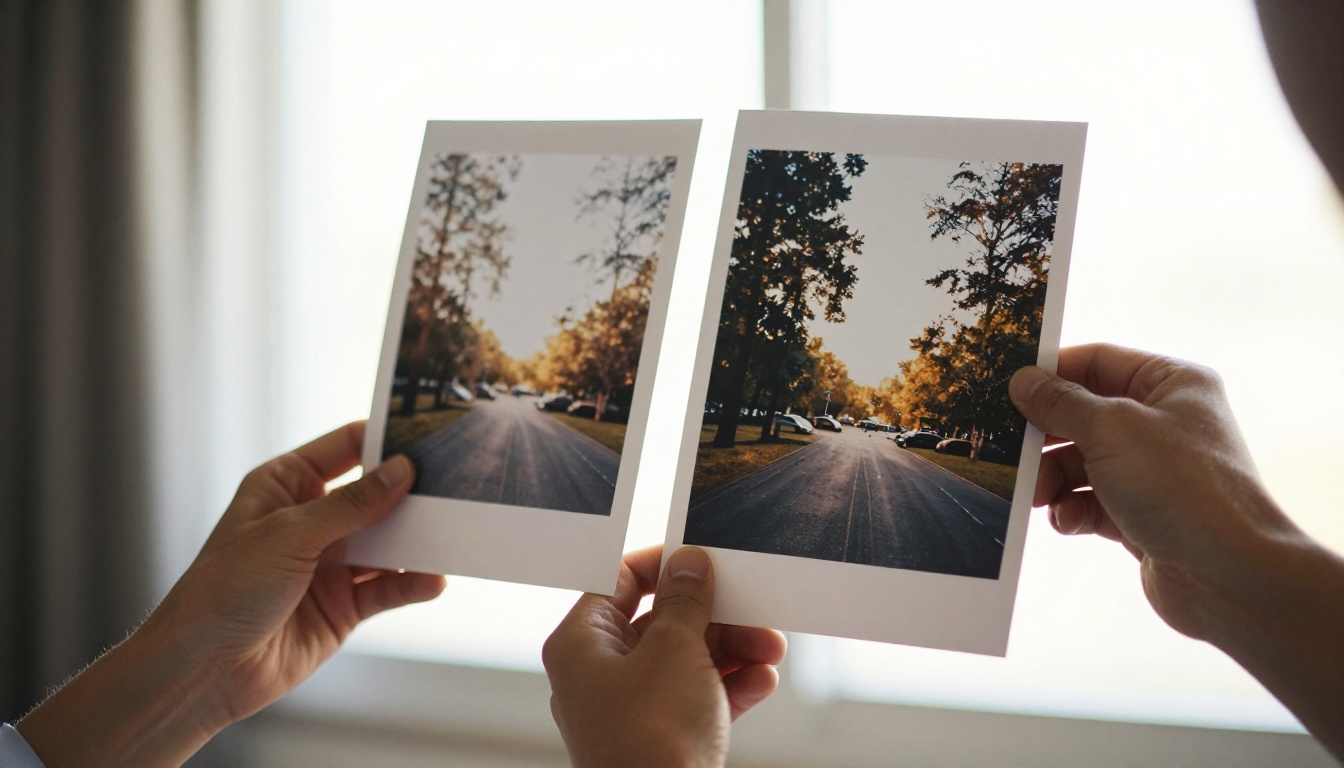
The real process is iteration, not reinvention. Every output, even the ones that look completely wrong, contains information about what the model understood from your words. If you know how to read that information and respond with small, deliberate changes, you will reach the image you visualized in far fewer attempts than you think.
This is the workflow that makes that happen.
Why Your First Prompt Almost Never Works
The blank canvas problem
When you sit down to generate an image, you have a specific picture in your mind. The model has no idea what that picture looks like. You are describing a vision to a system that has never seen it, using language that is inherently imprecise.
Your first prompt is almost always too vague. "A woman in a forest" describes thousands of different possible images. The model picks one interpretation, and that interpretation is rarely yours. This is not a failure. It is the starting point of a process.
Think of it this way: a film director does not shoot a single take and call it finished. They run the scene, watch the playback, note what is off, then adjust one element before the next take. Prompt iteration is the same discipline applied to a different medium.
What the model is actually reading
AI image models do not parse prompts the way a human reader does. They treat your text as a collection of weighted tokens, concepts that influence the latent space where your image is constructed. Some tokens carry more weight than others. Word order matters in certain models. The placement of modifiers (lighting, style, mood) relative to your subject can shift the output significantly.
Understanding this changes how you write prompts. You are not writing a sentence for a human reader. You are writing a weighted instruction set for a probability system, and every word competes for influence over the final output.
Models like Seedream 4.5 can interpret more natural language phrasing due to their training on complex caption data. Flux Redux Dev is built specifically for generating variations from a reference, making it useful once you have a base composition you want to build on. Knowing the strengths of different models tells you which one to use at which stage of your process.
The Core Iteration Loop
Start broad, then narrow
Effective prompt iteration moves from general to specific in distinct phases:
Phase 1: Anchor the subject. Write the minimum viable prompt. "Portrait of a woman, soft light." Generate once. Check if the base composition is roughly correct before adding anything else.
Phase 2: Add environment. Once the subject reads correctly, add context. "Portrait of a woman, soft morning light, standing in a sunlit kitchen, warm tones."
Phase 3: Lock the mood. Layer in atmosphere and emotional direction. "Portrait of a woman, soft morning light, standing in a sunlit kitchen, warm tones, candid posture, slight smile, natural shadow under chin, relaxed shoulders."
Phase 4: Add quality modifiers. Only at this stage add technical parameters like "8K, RAW photography, Kodak Portra 400, shallow depth of field, 85mm f/1.4 lens." Placing these too early can conflict with the model's interpretation of your subject and environment.
Each phase narrows the possibility space without overwhelming the model with conflicting instructions in a single pass.
Change one thing at a time
This is the single most important rule in iterative prompting, and the one most people break first.
When a result comes back wrong, the instinct is to rewrite the entire prompt. Do not. Instead, identify the one element that is most off, change only that, and regenerate. This way you know exactly what caused any shift in the output. If you rewrite five elements simultaneously and the image improves, you cannot attribute the improvement to any specific change, which means you have no reusable information.
What looks wrong
What to change
Wrong lighting quality
Modify the lighting descriptor only
Wrong composition or framing
Add a camera angle or distance spec
Wrong emotional tone
Add atmosphere or feeling words
Wrong visual style
Modify style tokens only
Subject anatomy looks off
Rephrase the subject description only
One change per iteration. It feels slower in the moment and is dramatically faster overall.
Lock your seed
Every generation uses a random seed to initialize the noise that becomes your image. If you change your prompt but leave the seed random, you cannot determine whether the output changed because of your prompt edit or because of the new random initialization.
PicassoIA Image Editor Pro lets you pin a specific seed value. Once you find a generation with a composition worth refining, copy that seed and keep it locked throughout your iteration cycle. This isolates the prompt as the only variable in the experiment, which is the only way iteration produces reliable information.
Anatomy of a Strong Prompt
Subject, context, and mood
A strong prompt operates on three layers simultaneously:
The subject describes who or what appears and what they are doing. "A woman" is insufficient. "A woman in her early thirties, slightly tilting her head, making direct eye contact with a relaxed, open expression, wearing a light linen shirt" is specific enough for the model to commit to a single interpretation.
The context places the subject in a credible world. Do not just write "in a forest." Write "in a dense pine forest at golden hour, shafts of light breaking through the canopy from the upper right, dry pine needle carpet on the ground, slight atmospheric haze in the background." The more textural and spatial the context, the more consistent the model's interpretation.
The mood tells the model how the image should feel to a viewer. This is the most underwritten element in most prompts. Words like "melancholic," "serene," "tense," and "joyful" function as real semantic signals. The model was trained on millions of image-caption pairs that include emotional descriptors, and those tokens carry measurable weight in the output.
Quality modifiers that actually work
There is a whole category of quality modifier that looks authoritative but does very little in practice: "masterpiece," "award-winning," "perfect," "epic quality." Most modern models have been trained on such large datasets that these words are effectively diluted into noise.
Modifiers that consistently influence output:
Camera and lens specifics: "85mm f/1.4 lens," "Canon EOS R5," "medium format photography," "Hasselblad 503CW"
Lighting precision: "volumetric morning light from the upper left," "Rembrandt lighting," "overcast diffused daylight," "warm golden rim light from behind the subject"
Texture and surface detail: "visible fine film grain," "skin pores in sharp focus," "woven fabric texture visible," "surface micro-detail"
These work because they are specific and reference real photographic conventions the model was trained on from actual photography collections.
Negative prompts as your filter
A negative prompt instructs the model to suppress certain visual elements. Most people either skip negative prompts entirely or paste in a generic block of discarded tokens from a forum post.
Neither approach is optimal.
Write targeted negative prompts based on what you actually observe going wrong. Faces coming out slightly warped? Add "deformed face, asymmetrical features, distorted eyes." Lighting too harsh? Add "harsh shadows, blown highlights, overexposed areas." Getting illustrative elements in a photorealistic prompt? Add "cartoon, illustration, painting, digital art, 3D render, CGI."
The negative prompt is a diagnostic tool, not a boilerplate. It only produces results when it is responding to a specific, observed failure in your outputs.
How to Read Your Output for Clues
What bad results are telling you
Every unwanted output carries a diagnostic message:
Everything is soft or blurry: The model could not establish a clear focal point. Add an explicit focus instruction ("razor sharp focus on the subject's eyes") and a specific aperture like "f/1.8."
Wrong framing or cropping: Your subject description may be implying a different composition than intended. Be explicit: "waist-up portrait," "full body shot standing," "close-up face crop."
Style is drifting toward illustration: Style tokens placed late in a long prompt carry less weight. Move photorealism-related descriptors toward the front.
Subject anatomy looks incorrect: Add anatomical intent explicitly. "Both hands visible and relaxed, natural finger position" signals to the model that hand accuracy matters in this image.
Background is overwhelming the subject: Reduce background description detail and add "shallow depth of field, background softly defocused into bokeh, subject sharp against blurred environment."
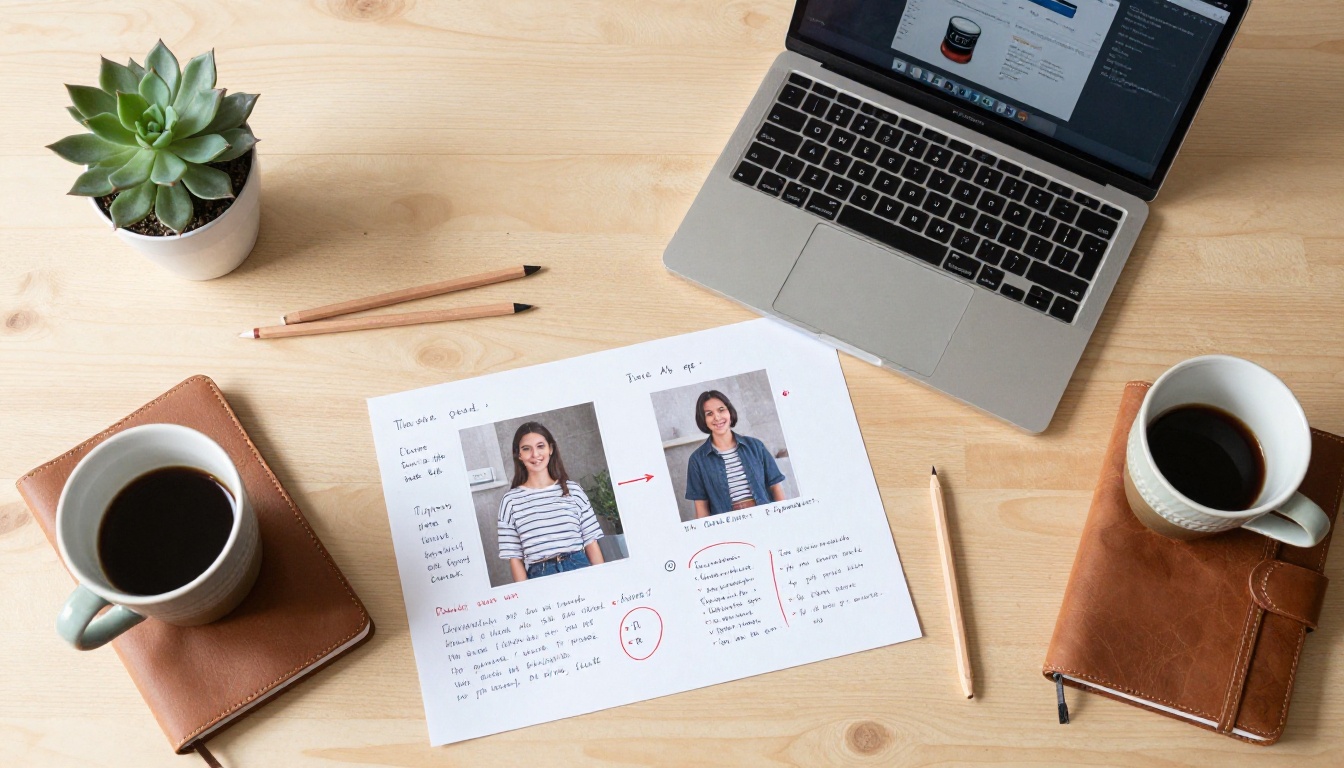
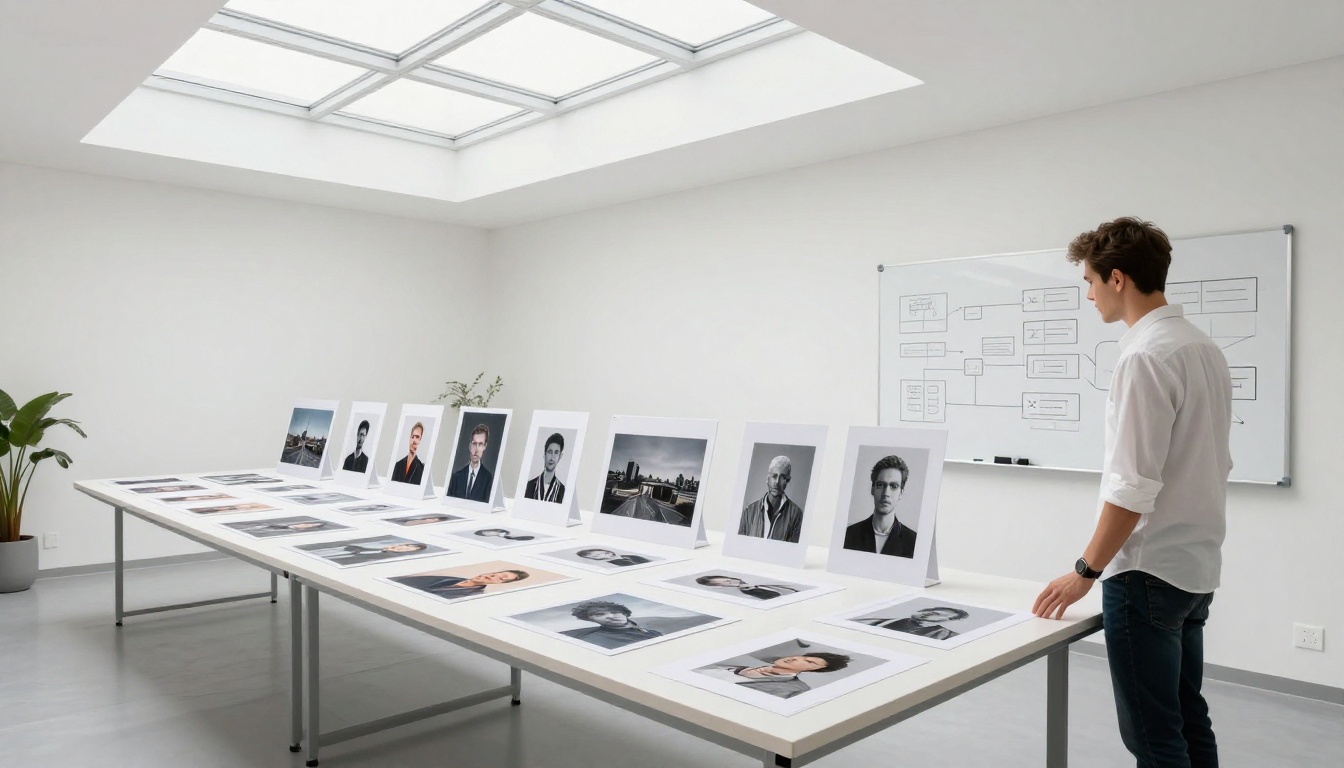
💡 Screenshot every generation, including the ones you dislike. Comparing a series of outputs side by side tells you far more about cause and effect than examining only the final result.
When to tweak vs. start fresh
There is a point in every iteration where diminishing returns set in. After eight targeted changes with no meaningful progress, the problem is usually one of two things.
The concept may be too complex for a single-pass generation. Some images benefit from a compositing approach: generate the environment first, then use an inpainting tool to place the subject into it. The PicassoIA Image Editor Pro supports inpainting workflows that can handle exactly this kind of two-stage production.
Alternatively, the model you chose may not be suited to this type of image. GPT Image 2 handles complex multi-element scene composition differently than Wan 2.7 Image Pro, which prioritizes photographic surface detail. Switching models before abandoning a concept is almost always worth attempting.
Prompt Modifiers Worth Testing
Lighting and atmosphere
Lighting modifiers offer the highest return on investment of any prompt category. A single lighting change affects perceived mood, perceived realism, and compositional weight simultaneously. Testing lighting modifiers with a locked seed is one of the fastest ways to feel how much individual tokens move the output.
Lighting modifiers worth cycling through:
"Volumetric morning light from the left": visible light rays, warm and soft, creates a painterly atmosphere
"Rembrandt lighting": strong directional light, dramatic shadow on one side of the face, high contrast
"Overcast diffused daylight": no harsh shadows, even exposure, clinical or melancholic tone
"Golden hour backlight": warm rim lighting, subject slightly silhouetted against bright sky
"Candlelight": extremely warm, low key, intimate and close atmosphere
Run each of these against the same base prompt with a locked seed and compare the series. The variation reveals exactly how much of an image's emotional character comes from a single descriptor.
Camera and lens specifics
Focal length changes the visual character of an image at a fundamental level:
Extreme surface detail, miniaturized sense of scale
Including the camera body name also shapes the result. Canon, Sony, Leica, Fujifilm, and Hasselblad each pull the model toward the characteristic color science and tonal rendering associated with that manufacturer's imaging pipeline.
Best Models on PicassoIA for Prompt Iteration
For fast testing
Speed matters when you are in the middle of an iteration cycle. Running twelve variations through a slow model kills momentum and makes you less willing to experiment aggressively.
For fast iteration:
PicassoIA Image: Quick generation, wide prompt compatibility, ideal for volume testing without long waits between attempts.
Recraft 20B: Fast and consistent, particularly strong for testing stylistic variations of the same scene composition.
Stable Diffusion 3: Reliable for quick compositional checks before committing to a higher-fidelity model for the final output.
For final quality renders
Once your prompt is producing the right composition, subject, and mood at a fast-generation level, move to a high-fidelity model for the final render:
Seedream 4.5: 4K output, excellent natural language prompt interpretation, ideal for final renders when the prompt is already refined.
Wan 2.7 Image Pro: 4K photorealistic output with strong performance on portrait and product photography subjects.
Hunyuan Image 2.1: 2K output with strong compositional control and excellent skin rendering for close-up portrait work.
The practical two-stage workflow is to iterate fast on PicassoIA Image, then take your dialed-in prompt to Seedream 4.5 or Wan 2.7 Image Pro for the final high-resolution output.
3 Mistakes That Kill Your Iterations
Changing too much at once
The most common mistake by a large margin. When a result misses the mark, the impulse is to aggressively overhaul everything. Resist it. Make one change, observe the result, then decide what to change next.
This applies especially to stacking new modifiers all at once. Adding "cinematic" and "8K" and "RAW photography" and "Kodak Portra 400" in a single revision means you cannot attribute any specific quality improvement to any specific token. The iteration produced data you cannot read. You are generating, not iterating.
Skipping negative prompts
Running without negative prompts is acceptable during initial broad testing. Once you are in focused refinement mode, negative prompts are not optional. At this stage, you are not trying to give the model creative freedom. You are eliminating specific failure modes you have already identified in prior outputs.
Write negative prompts incrementally, the same way you build your positive prompts. Add a term to the negative side when a specific unwanted element appears in an output. A generic paste-in list is a starting point, not a substitute for targeted diagnostic prompting.
Not documenting what works
This is the quietest mistake and among the most damaging. You find a lighting modifier combination that produces exactly the texture you were after. You do not record it. Two sessions later, you are starting from scratch trying to recreate it from memory.
Build a prompt file. A plain text document organized by category — lighting modifiers, camera specs, mood descriptors, subject templates — is more than sufficient. PicassoIA Image Editor Pro supports unlimited generations, which makes it the right environment for high-volume testing. But volume without documentation is just spending resources without building anything reusable.
💡 What to record every time: the exact seed value, the full positive prompt, the full negative prompt, the model name, and the output resolution. That combination is fully reproducible. A rough paraphrase written from memory is not.
Build Your Own Prompt Library
Templates that scale
A prompt template is a reusable structure with variable slots. Here is a photography-style template that works consistently across both portrait and environmental compositions:
[Subject description + pose or expression], [environment description + time of day], [lighting type + direction], shot with [camera body] and [lens + aperture], [depth of field note], [film stock or color profile], [grain or texture note], photorealistic, 8K RAW photography --ar 16:9
Filled in:
A woman in her mid-twenties looking directly at the camera with a relaxed expression, standing in a sunlit cafe in late afternoon, warm diffused light from the left creating soft shadows on her right cheek, shot with a Sony A7R IV and 85mm f/1.4 lens, background completely defocused into warm golden bokeh, Kodak Portra 400 color profile, visible fine film grain, photorealistic, 8K RAW photography --ar 16:9
This structure lets you swap single variables while keeping the quality scaffolding stable. Change the subject. Change the environment. Change the lighting direction. Each swap produces a new image while maintaining the baseline quality established through prior iteration work.
Remix prompts from strong examples
The most efficient way to build a personal prompt library is to start with prompts that already produce strong results, then reverse-engineer what makes them effective. The model pages on PicassoIA show generation examples alongside their source prompts. Study the structure: where the author placed lighting descriptors, how they framed the subject description, which quality modifiers they used and in what order.
Run those prompts yourself. Then deliberately remove elements one at a time and observe the degraded output. What breaks tells you what each element was actually contributing to the result. This approach is faster than building from zero, and the failures are more informative than the successes.
Try It Now
The most valuable thing you can do with everything in this article is go test it. Pick one image you want to create. Write a minimal prompt. Generate once. Look at what is wrong. Change exactly one thing. Generate again.
Repeat that ten times, and you will have absorbed more about how AI image models respond to language than any written explanation can give in the abstract. The gap between a rough first generation and a finished image is not talent. It is the number of deliberate iterations you are willing to run.
PicassoIA Image Editor Pro is the right environment for this kind of iterative work. Unlimited generations mean you can afford to be experimental without rationing attempts. Run twenty variations of the same prompt. Test every lighting modifier in your library one at a time. Push a concept past the point where most people would give up.
The image you had in mind when you started is reachable. Iteration is what gets you there.