Getting a face to sing perfectly in sync with a song used to require a full motion capture studio, a VFX team, and weeks of post-production. Today, a single AI model does it in under two minutes with nothing more than a photo or video clip and an audio file. That shift has opened the door for independent creators, musicians, marketers, and developers to produce content that was once strictly the territory of big-budget productions.
The demand is real. Music creators want animated lyric videos. Social media managers want shareable clips. Language teachers want dubbed sing-along content. Advertisers want faces that speak directly to regional audiences in their own language, with properly synced mouths. AI lipsync is the answer to all of these at once.
What AI Lipsync Actually Does
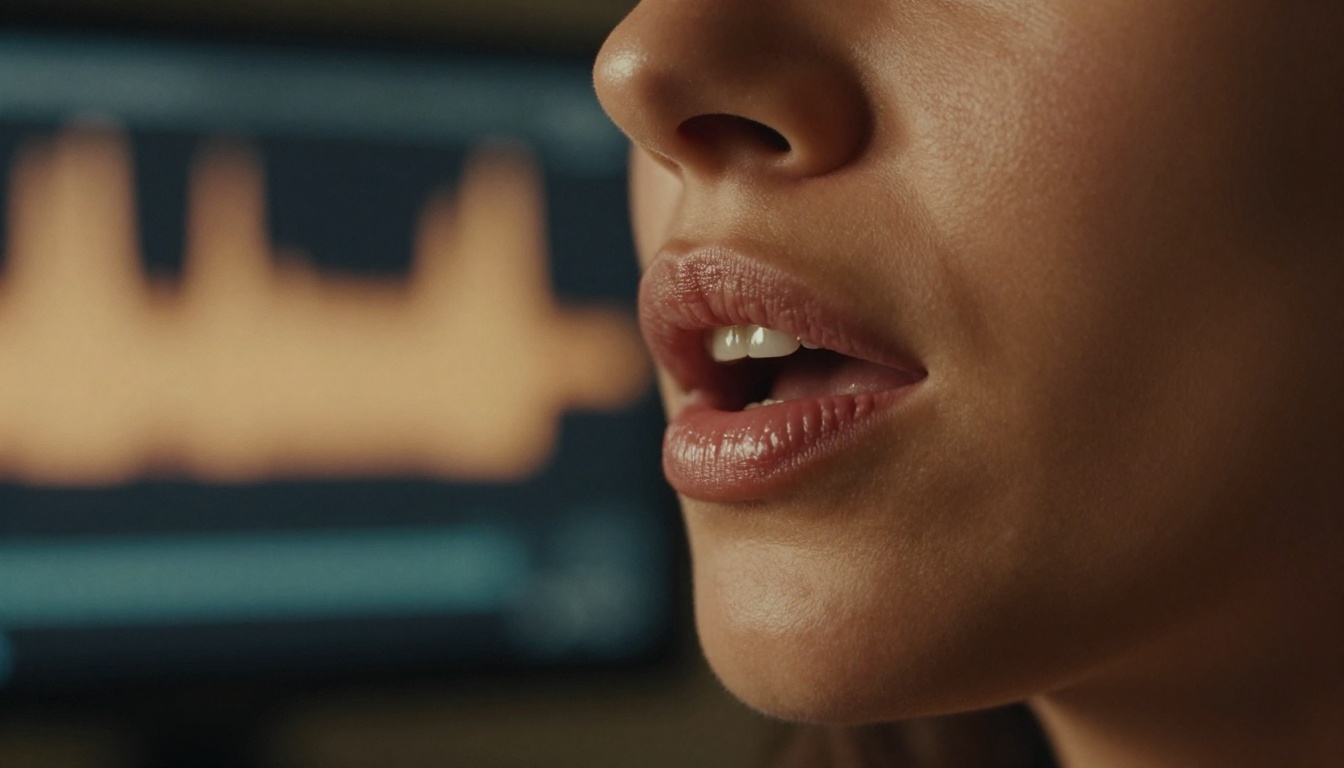
At its core, AI lipsync is a generative video process. A model takes an audio file and a source video (or image), analyzes the phoneme sequence in the audio, and maps corresponding mouth shapes, jaw movements, and facial muscle deformations frame by frame onto the source face. The result is a new video where the visible mouth movements match the audio with high temporal precision.
This is meaningfully different from dubbing. Traditional dubbing changes only the audio track. AI lipsync physically alters the visual output of the video so the face appears to actually be speaking or singing the new audio. It is a video synthesis process, not audio editing.
The Tech Behind Mouth Sync
The best current lipsync models use a combination of several distinct processes working in sequence:
- Phoneme detection: the audio is parsed into its smallest sound units
- Facial landmark tracking: the model identifies and tracks 68 to 478 facial points on the source video
- Generative frame synthesis: new video frames are generated where the mouth region matches each phoneme
- Temporal smoothing: transitions between frames are blended to avoid jitter or flickering
Models like Lipsync 2 Pro and React 1 use attention-based neural networks trained on millions of hours of spoken and sung audio-video pairs, which is how they generalize to new faces and new voices they have never seen before.
💡 Worth knowing: The model does not need to "know" the face ahead of time. It adapts to any new input face on the fly during inference, with no fine-tuning required.
Why Songs Are Harder Than Speech
Speech lipsync is a largely solved problem at this point. Songs introduce two complications that pure dialogue does not have.
First, sustained vowels. In speech, vowel sounds last 50 to 200 milliseconds. In singing, a single vowel can hold for two seconds or more. The model must maintain a natural, realistic open-mouth pose for extended durations without producing static or frozen-looking frames.
Second, pitch-driven facial tension. When a person sings a high note, their facial muscles visibly tighten: the platysma in the neck engages, the lips draw back slightly, the nostrils flare. Good lipsync models capture this. Basic ones do not, producing a flat result where the mouth moves but the surrounding face looks like it is at rest.
This is why choosing a purpose-built model matters. Omni Human 1.5 is specifically designed for full-face expressiveness, not just isolated mouth movement.

The Best Models for Song Lipsync
Not all lipsync models perform equally with musical content. Some are optimized for speech dubbing, others for animated avatars, and a few are purpose-built for the nuances of song.
Precision vs Speed
There is a real trade-off between output quality and processing time.
| Model | Strength | Best For |
|---|
| Lipsync 2 Pro | Highest accuracy, natural facial expression | Music videos, professional content |
| Lipsync 2 | Solid accuracy, faster processing | Social clips, iterative testing |
| Lipsync Precision | Frame-perfect sync, multi-language | Dubbed song productions |
| Lipsync Speed | Fastest output | Quick drafts, short reels |
| React 1 | Realistic micro-expressions | Close-up face shots |
| Kling Lip Sync | Strong on natural footage | Real-person song sync |
For music video work, Lipsync 2 Pro is the current top performer for sustained vocal passages and high-note facial expressions.
Avatar-Based vs Direct Video Sync
There is also a meaningful distinction between two core approaches:
Direct video sync takes an existing video of a real person and replaces the mouth region with a newly generated version synced to new audio. Lipsync 2 Pro, Lipsync Speed, and Kling Lip Sync work this way.
Avatar generation takes a single still photo and generates a full video of that face performing the audio from scratch. Omni Human 1.5, Omni Human, P Video Avatar, and Fabric 1.0 work this way.
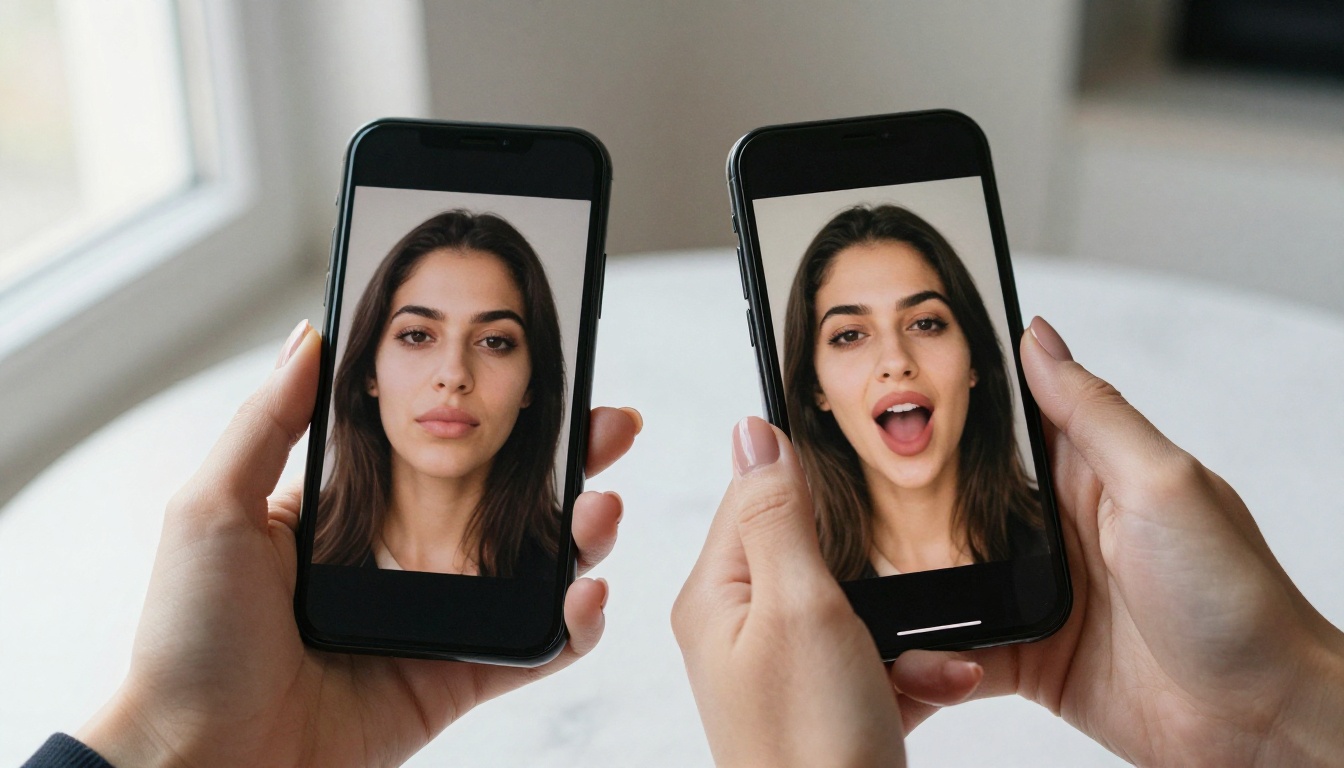
If you have an existing video and want to revoice it, direct sync is your path. If you have only a photo (say, a band's press shot or a product mascot), avatar generation produces a full singing video from a single still image.
How to Use Lipsync 2 Pro on PicassoIA
Lipsync 2 Pro by Sync is the most capable model for song lipsync on the platform. Here is how to use it from start to finish.
Step 1: Prepare Your Video Clip
Your source video needs to meet a few requirements for best results:
- Face visibility: the face must be clearly visible and unobstructed for at least 80% of the clip
- Lighting: avoid heavy shadows across the lower half of the face, as this makes mouth tracking harder
- Resolution: 720p minimum, 1080p recommended
- Length: the model handles clips up to several minutes, but shorter clips under 60 seconds process faster and are easier to quality-check
If you are working from a still photo instead, Omni Human 1.5 is the better choice, as it generates the full performance video for you directly from the image.
Step 2: Upload Your Song Audio
The audio file is where most people make their first mistake. A few things to get right before uploading:
- Use a clean vocal track if possible, not a full mix. A mix with heavy bass can confuse phoneme detection.
- WAV or MP3 both work. WAV at 44.1kHz is ideal.
- Trim silence from the start of the file. Even 0.5 seconds of leading silence will cause the sync to start late.
💡 Pro tip: If you are using a full song mix, try running it through an audio separation tool first. Giving the lipsync model a cleaner vocal signal produces noticeably sharper mouth movements throughout the output.
Step 3: Set Sync Parameters
Inside the Lipsync 2 Pro tool on PicassoIA, you will find options for:
- Sync mode: choose "song" or "music" if available, otherwise select the highest precision setting
- Output quality: always select the highest available, especially for final exports rather than drafts
- Mouth region blend: controls how much of the surrounding face is affected by the generation. For song content, a slightly wider blend looks more natural as it allows the cheeks and chin to move with the singing motion.
Step 4: Download and Share
Once processing completes (typically 30 to 90 seconds for a 30-second clip), download your output and play it back against the original audio. Check these specifically:
- Does the sync hold through the chorus without drifting?
- Do long vowel holds look natural and fluid?
- Are there any artifacts or flickering around the mouth edges?
If the sync feels slightly late, this is usually an audio offset issue. Try trimming another 100 to 200 milliseconds from the start of your audio file and re-running.
Audio Quality Makes or Breaks It
The single most impactful variable in your output quality is not the model, the video resolution, or the face you are using. It is the audio.
File Formats That Work
| Format | Quality | Notes |
|---|
| WAV 44.1kHz | Best | Zero compression artifacts |
| FLAC | Excellent | Lossless, smaller than WAV |
| MP3 320kbps | Good | Acceptable for most uses |
| MP3 128kbps | Fair | Audible artifacts can affect phoneme detection |
| AAC | Good | Default on iPhone recordings |
Avoid processing heavily compressed audio. If your source track is a low-bitrate stream recording, the phoneme detection will be less accurate and the lip movements will appear softer and less precise.
Fixing Sync Drift After Export
Some models produce outputs where the sync is accurate at the start but gradually drifts by the end of the clip. This is usually a frame rate mismatch between your source video and the model's output format.
Here is a simple fix:
- Check the frame rate of your source video (24fps, 30fps, or 60fps)
- Re-export the source video at exactly 25fps before uploading to PicassoIA
- Many models are trained predominantly on 25fps data and perform more consistently at that frame rate
For persistent drift that does not respond to this fix, Lipsync Precision handles frame rate inconsistencies more robustly than most other models on the platform.
3 Ways to Use AI Song Lipsync
The practical applications go well beyond novelty. Here are three real use cases with meaningful creative and commercial value.
Music Video Production on a Budget
Independent musicians no longer need to hire a director, camera crew, and location to produce a music video. With a single portrait photo or a 10-second selfie video, you can generate a full lipsync performance clip of yourself or a stylized avatar singing your track.
Omni Human 1.5 and P Video Avatar are particularly strong for this workflow. Upload a photo, upload your song, and get a full performance video. Add a background in post, color grade it, and you have a release-quality visual in under an hour without any filming.
Social Media in Half the Time
Short-form content on TikTok, Reels, and YouTube Shorts depends on fast, consistent output. Waiting days for a video editor is not viable when you need to post multiple times a week.
Lipsync Speed is built for exactly this use case: fast processing, solid output quality, optimized for short clips. Pair it with Pixverse Lipsync for quick stylized variations on the same source clip.
💡 Content tip: Sync a talking avatar of your brand mascot or a recurring character to trending audio for instant, scroll-stopping content without ever appearing on camera yourself.
Singing in Other Languages
This is one of the most powerful and underutilized applications. Take any song, translate the lyrics, generate new vocals in the target language using a text-to-speech model, and then sync that audio back to the original singer's face using Lipsync Precision or Video Translate.
The result is a version of the song where the singer appears to be performing in a language they never actually recorded. For artists, this opens international markets without re-recording sessions. For educators, it produces native-language versions of popular songs for language learning content.
Video Translate supports over 150 languages and handles both translation and lipsync in a single workflow, making it the most efficient option for multilingual production.
Comparing the Top Lipsync Models
Here is a full breakdown of all the models available on PicassoIA for lipsync work:
The right choice depends entirely on your source material and your goal. If you have video, start with Lipsync 2 Pro for quality or Lipsync Speed for drafts. If you have only a photo, Omni Human 1.5 produces the most expressive full-body animation from a still image.
Push Your Output Further
Once you have your synced video, several additional tools on PicassoIA can take the quality even higher. Super resolution models upscale your output from 720p to 4K without re-running the lipsync process. AI video upscaling tools can stabilize the footage and reduce compression artifacts that sometimes appear during generation around the mouth region.
For music video work specifically, consider pairing your lipsync output with a generated background. Use a text-to-image model to generate a scene that matches the mood of your track, use it as a background plate, and composite your lipsync video on top. The combination of a photorealistic background and a properly synced face produces a final result that would be indistinguishable from a traditionally filmed production to most viewers.
If your song needs a visual identity from scratch, AI music generation models can also create full backing tracks from prompts, so the entire production, song included, stays inside a single platform.
Start Your First Lipsync Now
The tools exist, they are accessible, and they produce real results. Whether you are syncing a pop track to your own face for a social video, producing a multilingual version of a client's campaign, or building a singing avatar for a music project, PicassoIA has the right model for it.
Pick your source material, pick your audio, and pick your model from the lipsync collection. The first result takes less than two minutes to generate. From there, iteration is fast and the ceiling on what you can produce is genuinely high.
Your song. Any face. Any language. Right now.


