Dubbing a video used to mean renting a studio, hiring a voice actor, and spending three days in post trying to match every syllable to every frame. Today, AI lipsync tools handle that alignment automatically, in minutes, with results that hold up on social media, online courses, corporate content, and multilingual publishing. But not all lipsync tools are equal, and picking the wrong one for your use case will cost you time and credibility.
What Lipsync Actually Does to a Video
The Science of Mouth-to-Audio Alignment
When a video is dubbed, the original audio is replaced by a new recording in a different language or voice. The visual problem: the speaker's mouth movements were shaped around the original words. "Hello" and "Hola" use entirely different mouth positions. Without correction, the result looks like a badly dubbed foreign film from the 1970s.
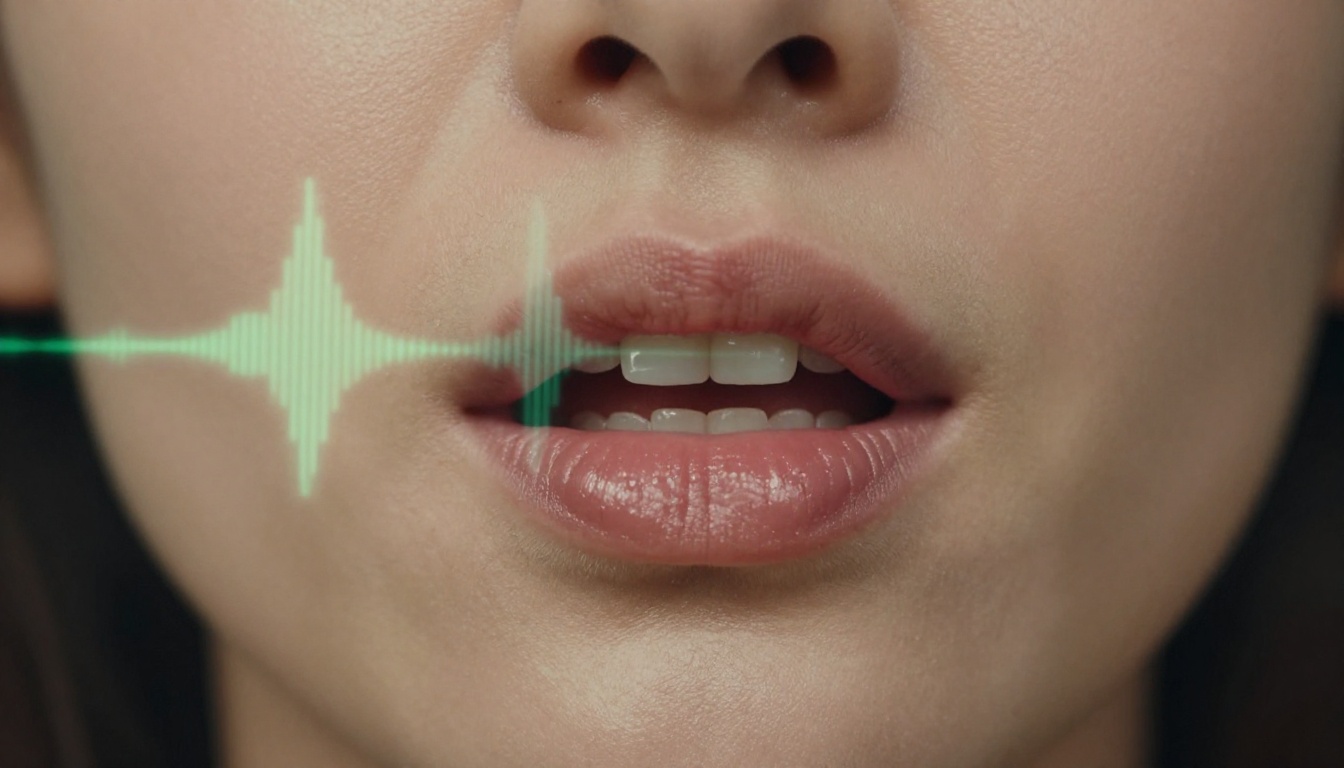
Lipsync AI solves this through phoneme mapping, a process where the model breaks down the new audio into individual mouth sounds and adjusts the video frames so the face reflects each sound correctly. The algorithm identifies the face region, tracks muscle groups across the jaw, lips, and cheeks, and warps them frame by frame to match the new phoneme sequence.
Modern models like Lipsync Precision by HeyGen go further, incorporating head movement compensation and natural blink patterns to prevent the "mannequin" look that plagues older sync tools.
Why Bad Sync Kills Viewer Retention
Humans are wired to detect audio-visual mismatches instantly. It is the same mechanism that makes a badly dubbed movie jarring even when the translation is accurate. Research in perceptual psychology consistently shows that even a 100ms desynchronization between audio and lip movement triggers discomfort in viewers.
For content creators, this translates directly to drop-off rates. A localized video with sloppy lip sync loses credibility in the first ten seconds. Your audience will assume poor production quality even if the rest of the video is excellent.
Note: The quality of your input audio has more impact on final lipsync accuracy than almost any other variable. Clean, noise-free recordings at 44.1kHz or higher give the AI the clearest phoneme data to work with.
When You Need Lipsync (Real Use Cases)
Content Localization Across Languages
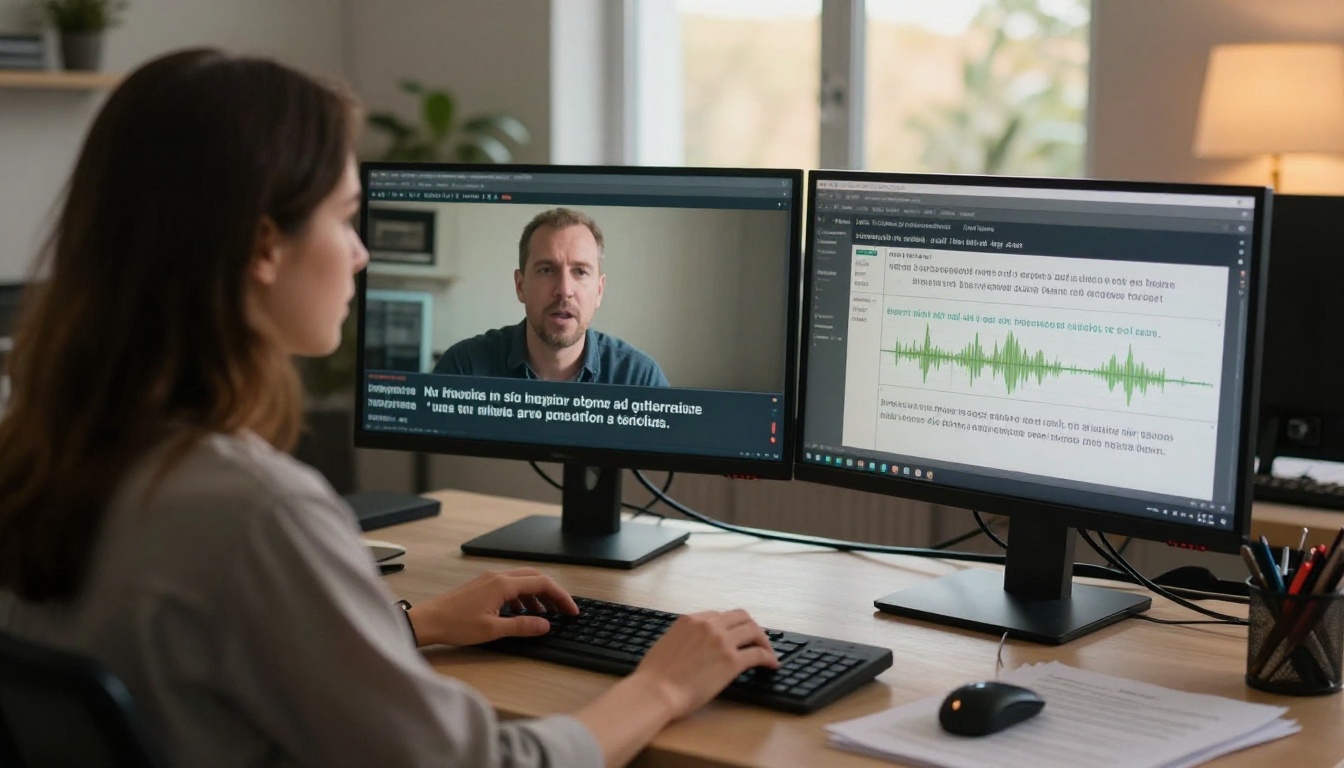
The most obvious use case: you have a video in English and need to publish it in Spanish, French, Portuguese, or Mandarin. Traditional dubbing required separate post-production for each language. With tools like Video Translate by HeyGen, which supports 150+ languages, you can translate the audio, synthesize a matching voice, and sync the lips in a single workflow.
This is used heavily in:
- E-learning platforms publishing courses for international markets
- Corporate training videos deployed to global offices
- YouTube channels targeting non-English-speaking audiences
- Marketing campaigns adapted for regional markets
YouTubers and Course Creators
Creators who want to grow into new language markets without re-recording their entire video library are one of the fastest-growing user groups for lipsync tools. Instead of learning to speak Spanish, a creator can dub their existing catalogue and have synchronized, natural-looking results ready to publish.
The workflow is simple: upload the video, provide the dubbed audio, and let the AI handle mouth movement. Tools optimized for single-speaker content like Lipsync Speed by HeyGen process clips in seconds, not minutes.
Brand Videos and Corporate Training
B2B companies with international operations often need the same training video in four or five languages. Hiring a studio for each version is expensive and slow. AI lipsync cuts that cost dramatically while maintaining consistent visual presentation: the same on-screen presenter, the same brand feel, just in a different language.
Choosing the Right Lipsync Model
Speed vs. Precision
The lipsync tool landscape in 2027 breaks into two broad camps: speed-optimized models for quick turnarounds and precision models for broadcast-quality output. Knowing which you need before you start saves you from reworking clips.
Picking for Your Resolution
High-resolution videos (1080p, 4K) need models with strong detail preservation. Lipsync 2 Pro by Sync and Lipsync Precision by HeyGen both handle high-resolution source material without blurring or ghosting around the mouth region, a common failure mode in cheaper tools.
For short social clips under 30 seconds, Lipsync Speed by HeyGen or Pixverse Lipsync return results faster with output quality that holds up at the resolutions social platforms use.
PicassoIA hosts over a dozen lipsync models in one place. No separate subscriptions or accounts are required. Here is exactly how to use the main tools for dubbing workflows.
Step 1: Prepare Video and Audio
Before uploading anything, get these two things right:
- Video: MP4 format, clear frontal or near-frontal face, consistent lighting. Avoid heavy motion blur or faces at extreme angles.
- Dubbed Audio: WAV or MP3, clean recording with minimal background noise. Match the duration of the original video within one or two seconds.
Pro tip: If your dubbed audio is significantly longer than the original clip, the AI will struggle to fit the phoneme mapping without visible stretching. Keep audio duration within 10% of the original clip length for best results.
Step 2: Run Lipsync Precision
Lipsync Precision by HeyGen is the best starting point for professional dubbing. Here is the workflow:
- Open the model page on PicassoIA.
- Upload your source video (the one with the face you want to re-sync).
- Upload the dubbed audio file in your target language.
- Select your output resolution.
- Click Generate and wait for processing (typically 1-3 minutes for a 60-second clip).
- Preview the output, paying close attention to consonant sounds (B, P, M, F, V) which are the hardest to sync correctly.
- Download and integrate into your editing timeline.
Step 3: Run Lipsync Speed
When you need a fast iteration or are working with social media content, Lipsync Speed by HeyGen cuts processing time significantly. The parameters are identical to Precision, but the model prioritizes processing speed over micro-detail in the mouth region.
Best for: TikTok, Instagram Reels, YouTube Shorts in multiple languages.
Step 4: Dub with Video Translate
For complete video translation workflows, Video Translate by HeyGen handles the full pipeline: speech-to-text transcription, translation into the target language, voice synthesis, and lipsync in a single pass.
- Supports 150+ languages
- Preserves the original speaker's vocal tone characteristics
- Handles multi-speaker videos with speaker separation
This tool is specifically built for creators who want to publish the same video in multiple languages without managing separate audio files for each one.
Step 5: Use Kling for Stylized Clips
Kling Lip Sync by Kwaivgi performs well on content that is not purely documentary-style, including animated characters, illustrated avatars, and stylized video content. If your content has an artistic visual style rather than photorealistic footage, Kling handles non-photorealistic face regions better than models trained purely on live-action footage.
Common Mistakes That Break Sync
Audio Quality Issues
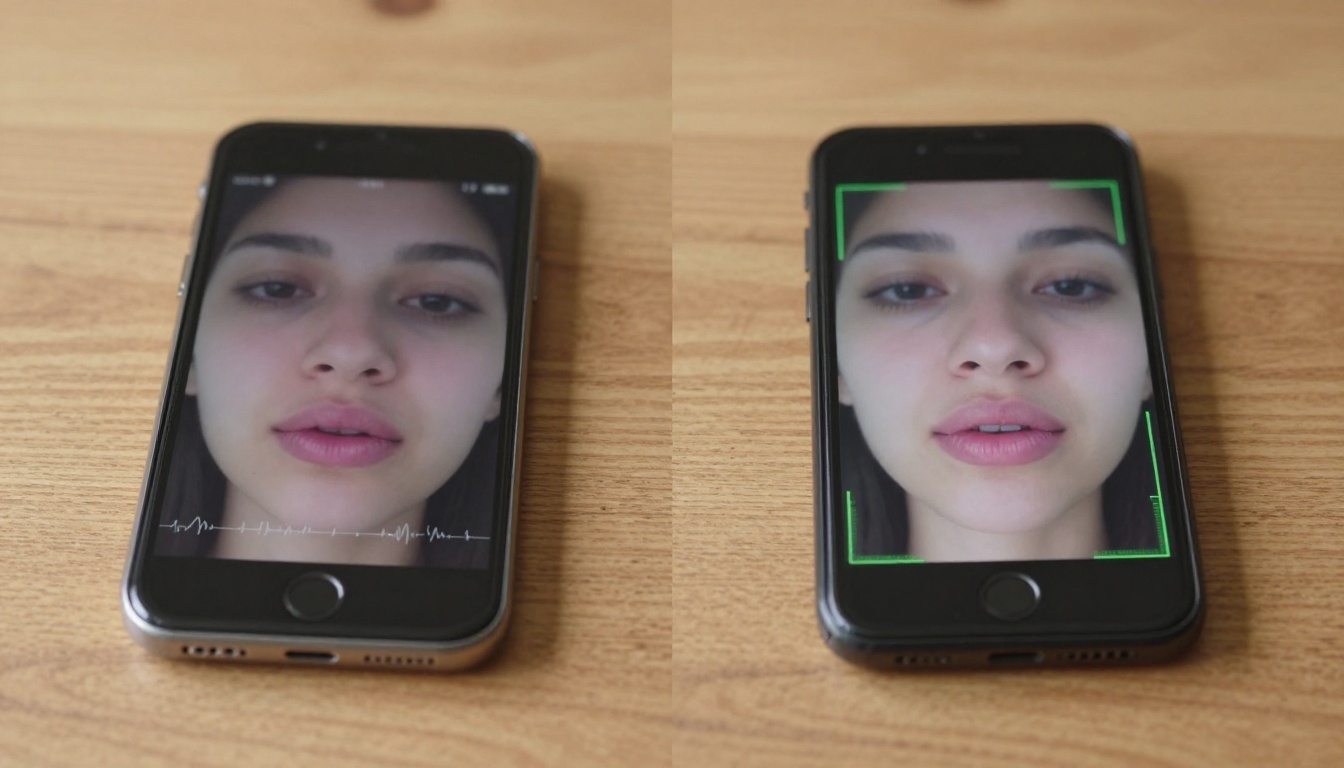
The most common failure mode in AI lipsync is low-quality audio input. If the dubbed audio has:
- Background hiss or room noise
- Clipping or distortion
- Heavy compression artifacts (over-compressed MP3)
- Echo or reverb
...the model's phoneme detection suffers. Run your audio through a noise reduction pass before uploading. Free tools like Adobe Podcast Enhance or Auphonic clean audio in seconds.
Wrong Face Angle
Lipsync models are trained predominantly on frontal and near-frontal face footage. A face turned more than 30-40 degrees from center will see degraded sync quality because the model cannot see enough of the mouth structure to map phonemes accurately.
For footage with angled faces, models like React 1 by Sync have been optimized for more variation in head pose, but even these have limits.
Clip Length Mismatches
If your dubbed audio is three seconds longer than the original video, one of two things happens: the model either compresses the audio unnaturally to fit, or it leaves the last few seconds out of sync. Always trim or pad your audio to match the video length before processing.
Rule of thumb: Audio duration should be within 5% of video duration for clean results. Beyond 10% difference, plan to edit the video length itself before running lipsync.
Pro Tips for Cleaner Results
Record Audio for Dubbing, Not Just Translation
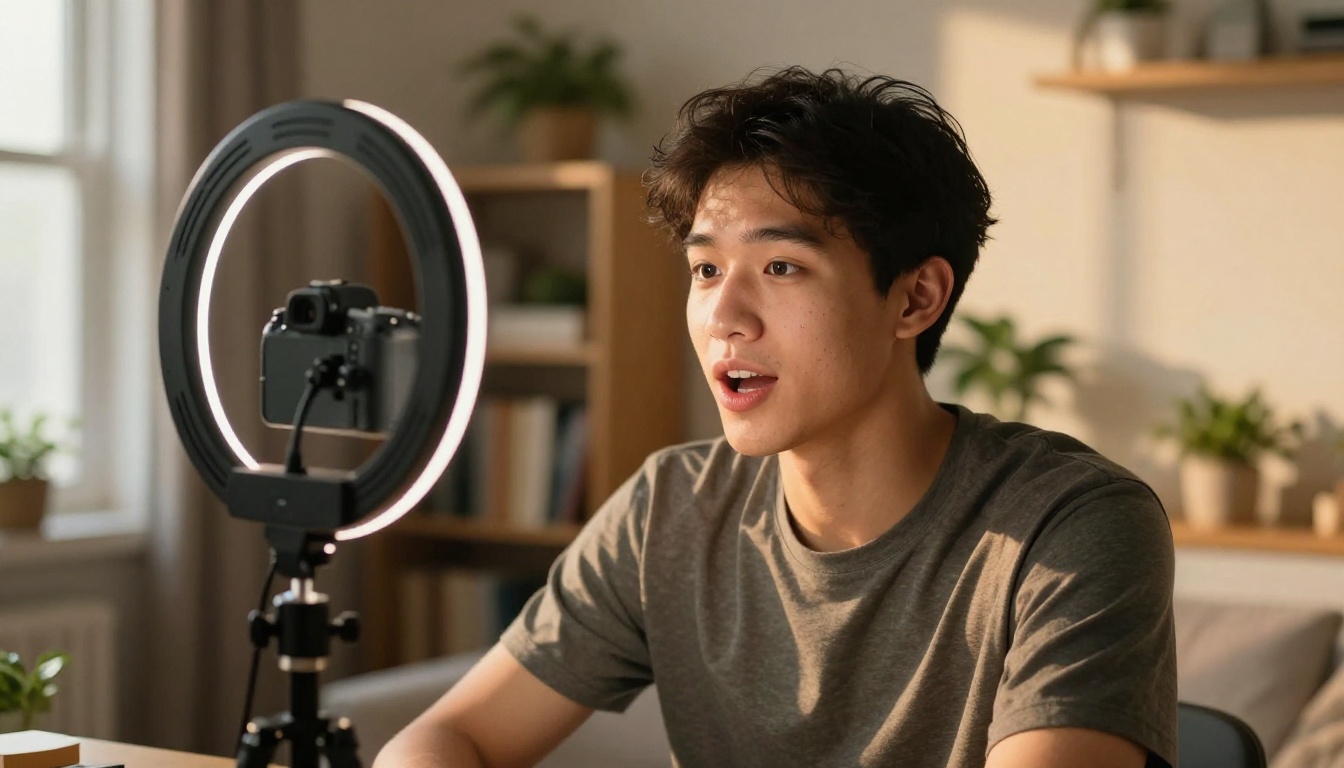
There is a difference between translation audio and dubbing audio. Translation audio is recorded naturally, the way a native speaker would read a text. Dubbing audio is recorded with attention to rhythm matching: the voice actor adjusts their pace to align with the original speaker's pauses, sentence lengths, and breathing patterns.
When your dubbed audio respects the original timing, the lipsync model has a much easier job. The AI is correcting small positional differences, not trying to cram twice as many syllables into half the time.
No Camera? Use Talking Avatar Models
If you are starting from scratch without existing video footage, models like Omni Human 1.5 by ByteDance and P Video Avatar by PrunaAI can generate a talking head video directly from a still photo and audio file. This is useful for:
- Creating spokesperson content without a camera
- Generating avatar-based explainer videos
- Producing talking head content from historical photos
The Fabric 1.0 model by Veed also handles still-to-talking-video with strong lip detail, especially for portrait-style photos with clear frontal face visibility.
Batch Processing for Long-Form Content
For documentaries, courses, or long interviews, break the content into 60-90 second segments before processing. Most models handle short clips more accurately than long ones, and segmenting gives you granular control over which sections need reprocessing if one segment does not come out clean.

Lipsync in a Full Dubbing Pipeline
A professional dubbing pipeline for a five-minute video in 2025 looks like this:
| Stage | Tool | Time |
|---|
| Transcription | Speech-to-text model | 2-3 min |
| Translation | LLM (rhythm-aware) | 5-10 min |
| Voice Synthesis | Text-to-speech model | 3-5 min |
| Lipsync | Lipsync Precision or Lipsync 2 Pro | 3-8 min |
| QA Review | Manual | 10-15 min |
| Export | Final render | 2-3 min |
Total: under 45 minutes for a professionally dubbed five-minute video. The same process in a traditional studio would take one to three days.
The Video Translate model by HeyGen collapses stages 1 through 4 into a single automated step when you want maximum speed over granular control.

What the Numbers Say About Lipsync Quality
Not all lipsync is created equal. Here is what separates good output from great output, by the numbers:
- Frame accuracy: Top models achieve sub-frame sync at 30fps (within 16ms per frame)
- Phoneme coverage: Models trained on phoneme-level data handle 42+ English phonemes; weaker models generalize in broad groups
- Face resolution: Models like Lipsync 2 Pro maintain output quality up to 4K; budget models degrade at 1080p
- Language support: Video Translate covers 150+ languages; single-language models are optimized for one or two phoneme sets
Note: When comparing lipsync models, always test with content that includes hard consonants (P, B, F, V) and wide vowels (A, O). These are where model differences become most visible.
For creators who need talking head content without source video, Omni Human by ByteDance is the baseline model to compare against before upgrading to Omni Human 1.5 for production work.
Start Dubbing Your Own Videos
If you have a video that needs dubbing, whether it is one clip for social media or an entire course library for an international market, the tools exist right now to do it without a studio, without a voice actor on set, and without spending a week in post.
PicassoIA brings together the full lipsync model catalogue in one place: Lipsync Precision for broadcast-quality work, Lipsync Speed for fast iteration, Kling Lip Sync for stylized content, and Video Translate for end-to-end multilingual publishing. You can try any of them without switching between platforms or juggling multiple accounts.
Pick your video, prepare clean audio, and run your first sync. The results will show you exactly what AI dubbing can deliver in 2027.