Video content doesn't need a language barrier. If you have a 10-minute tutorial in English and you want it speaking fluent Spanish, Mandarin, or Portuguese tomorrow, AI lipsync has removed every excuse for not doing it.
The old process was brutal: hire translators, book voice actors in each target language, send files back and forth for weeks, then sync audio manually in post-production. Thousands of dollars and the result still looked slightly off. Today, tools like HeyGen Video Translate can process a full video into 150+ languages in under 10 minutes, with lip movements that actually track the new audio.
This article breaks down how the technology works, which models are worth your time, and a full step-by-step walkthrough for localizing your first video on PicassoIA.
Why Most Videos Stop at One Language
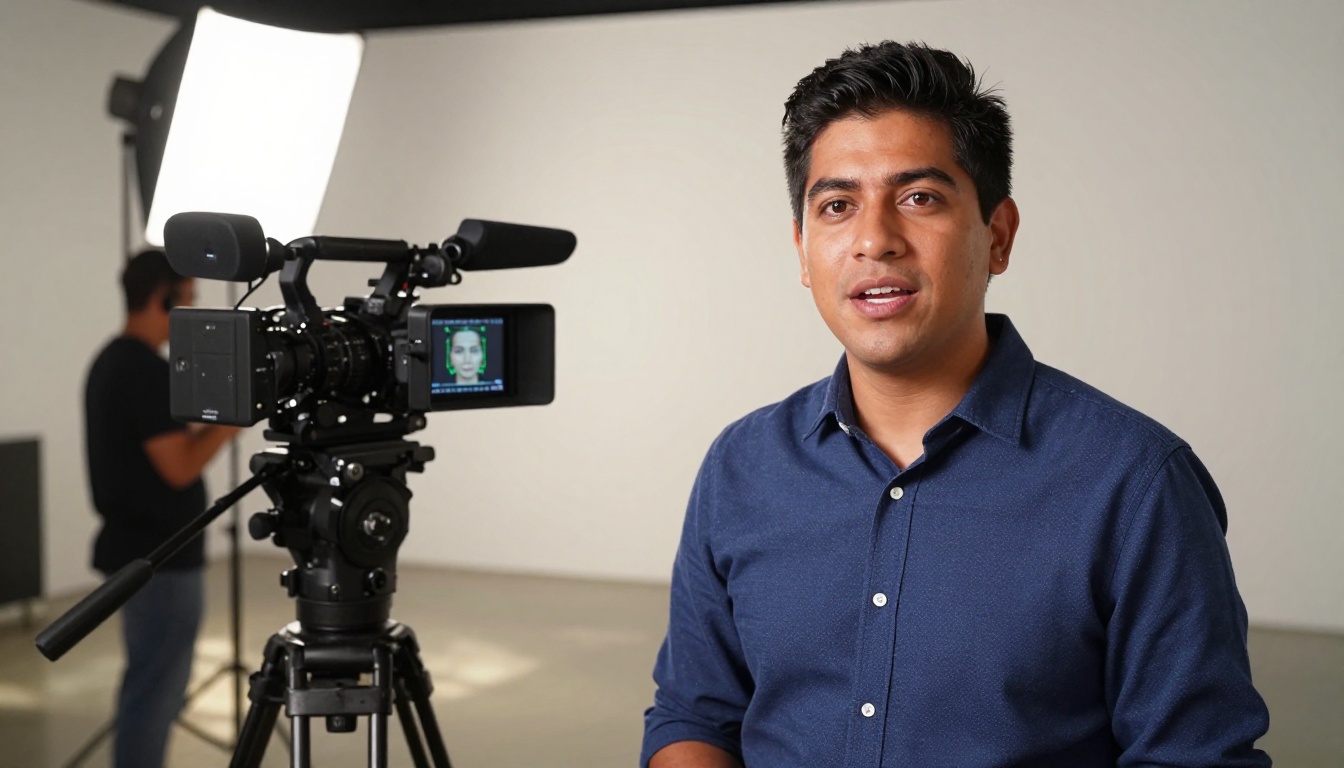
The market you're leaving behind
English makes up roughly 25% of internet users. The remaining 75%, including Spanish speakers, Mandarin speakers, Hindi, Arabic, Portuguese, French, and Japanese audiences, see most English-only content and scroll past it. Not because they can't read subtitles. Because they don't want to.
Watch time drops significantly when viewers have to read while watching. The brain splits attention between reading and watching, and the emotional connection you built through tone, pacing, and vocal energy gets lost the moment someone is reading text rather than listening.
If you're a course creator, a YouTuber, a marketer, or a brand producing video content, publishing only in English means choosing to reach a fraction of the people who could benefit from what you're saying.
What changes when you add a localized dub
A properly dubbed video doesn't feel translated. It feels native. The speaker's mouth moves with the new language. The voice tone matches the visual energy of the delivery. Viewers in Brazil or Mexico watch your content the same way North American viewers do, without a reading tax on their attention.
That changes watch duration, session time, and revenue. YouTube channels that add Spanish and Portuguese dubs routinely see 40-60% audience expansion without producing a single new piece of content. That's real return sitting unused in most existing content libraries.
Why creators keep avoiding localization
The perception problem is cost and complexity. Historically, both were genuine barriers. Professional dubbing studios charge $500-2,000 per finished minute of localized video, and turnaround is measured in weeks.
AI lipsync has collapsed both the cost and the time. A 5-minute video can be dubbed into Spanish, French, and German in under 30 minutes, at a fraction of historical pricing. The barrier isn't money or time anymore. It's knowing which tools to use and how to use them effectively.
How AI Lipsync Actually Works
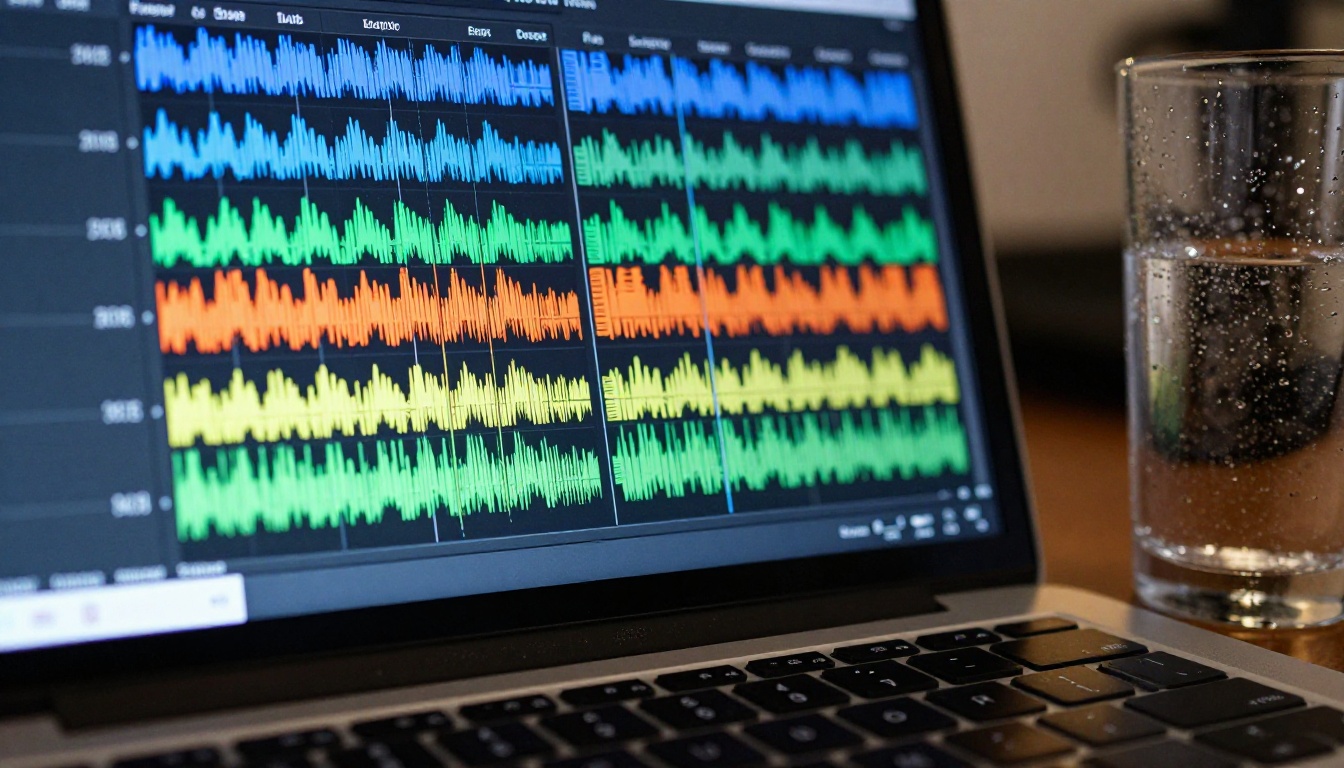
From audio track to mouth movement
The core localization pipeline runs through four sequential stages:
- Transcription: The original speech is converted to text using a speech-to-text model with high temporal accuracy, preserving word-level timestamps.
- Translation: A large language model translates the text into the target language while preserving meaning, sentence rhythm, and pacing cues.
- Voice synthesis: A text-to-speech model generates the dubbed audio in the target language. In high-quality pipelines like HeyGen Video Translate, the model also clones the original speaker's voice characteristics to maintain vocal identity across languages.
- Lipsync rendering: Computer vision maps facial landmarks on the original video frames, and the mouth region is re-rendered frame by frame to match the phoneme shapes of the new audio.
The last stage is where quality diverges most sharply between tools. Basic implementations overlay a blurry mouth region. High-quality models like Sync Lipsync 2 Pro analyze the biomechanics of how specific phonemes shape the lips, jaw, and surrounding facial tissue, producing movement that holds up to close-up scrutiny.
What "lipsync accuracy" actually means
Two videos can both claim accurate lipsync and look completely different in practice.
The distinction is temporal alignment vs. phonemic accuracy. Temporal alignment means the mouth is open when audio plays and closed when it stops. That's the floor, not the standard. Phonemic accuracy means the specific mouth shape corresponds to the actual sound being made: the letter "M" requires closed lips, the "O" vowel requires a rounded aperture, and "F" requires the upper teeth to contact the lower lip.
Models trained on phonemic datasets produce noticeably better results, especially in close-up shots where the face fills most of the frame. This is the single most important technical specification when selecting a lipsync model for professional use.
The role of voice cloning in localization
Beyond mouth movement, voice cloning is what separates a localized video from a merely translated one. When the dubbed audio sounds like a different person, viewers hear a translation. When the dubbed audio sounds like the same person speaking a different language, they experience a native version.
HeyGen Lipsync Precision and Video Translate both include voice cloning in their pipeline. For workflows where you're providing your own dubbed audio recorded by a human voice actor, models like Sync Lipsync 2 Pro and React 1 are the better fit since they focus purely on the synchronization problem.
5 Models Worth Using for Video Localization
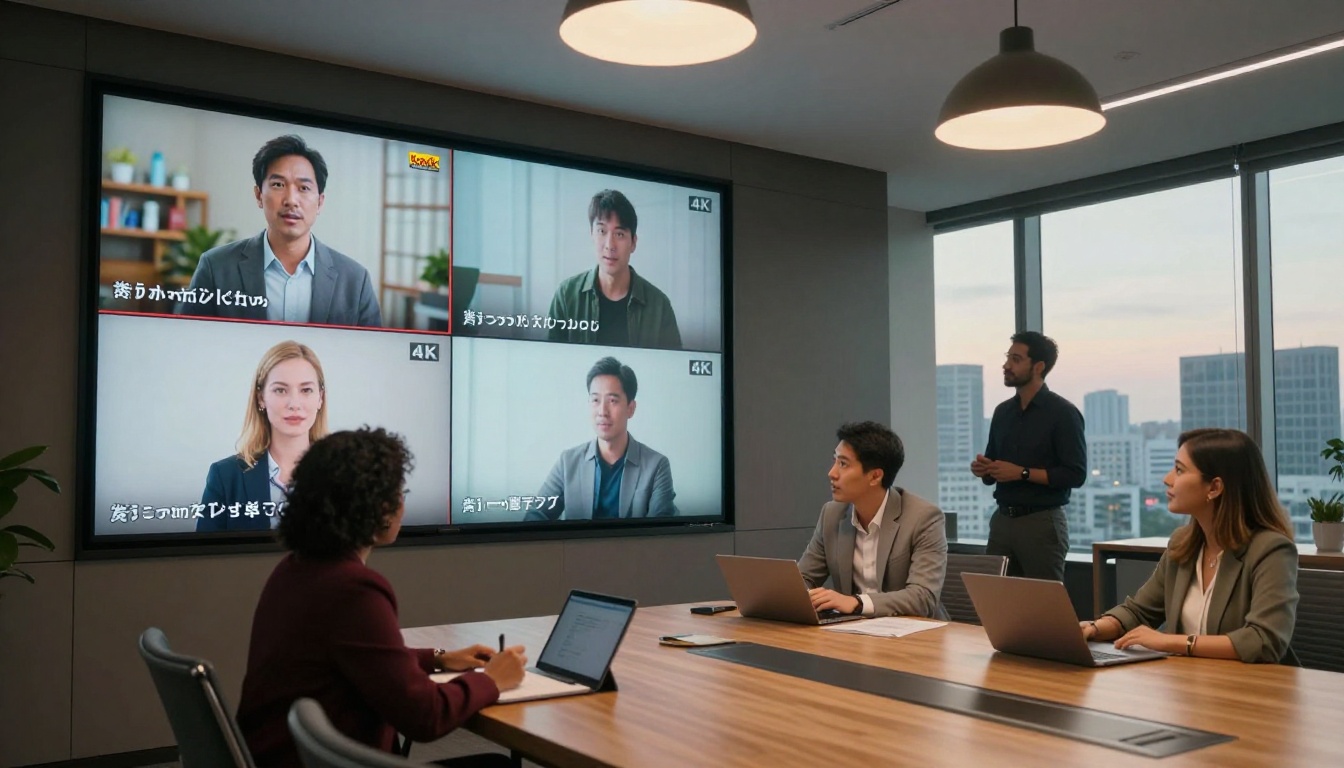
Each of these models is available directly on PicassoIA. They handle different use cases, so selecting the right one for your specific format matters.
This is the workhorse for full video localization workflows. Upload a source video, select a target language, and HeyGen handles transcription, translation, voice cloning, and lipsync in a single pipeline. Supports over 150 languages with strong results in Spanish, French, German, Japanese, Korean, and Portuguese.
The voice cloning component is particularly strong. The dubbed output uses a synthetic version of the original speaker's voice in the target language, so personality carries across language boundaries naturally.
Best for: Long-form content, full video localization, YouTube channels, course creators.
If you have your dubbed audio track ready and need the video mouth to match it precisely, Lipsync 2 Pro is the highest-accuracy option in the PicassoIA lipsync library. It focuses entirely on the synchronization problem rather than the full translation pipeline. You bring the audio; it handles the face.
Results are noticeably sharper on close-up shots than most alternatives. The model handles multiple speaker cuts in a single video and maintains consistency across scene changes.
Best for: Corporate videos, advertisements, brand content where lip accuracy will be scrutinized.
Kling Lip Sync: Fast dubbing for short-form
When throughput is the priority, Kling Lip Sync processes quickly and handles the 15-60 second clips that dominate social media. Strong performance on face-forward shots with clear, consistent lighting.
Best for: TikTok, Instagram Reels, YouTube Shorts localization.
Omni Human 1.5: Talking avatars from a photo
Technically an avatar generator, Omni Human 1.5 solves a specific localization problem: creating a new language version without existing footage. Upload a single still photo of a person plus a voice track in any language, and it generates a fully animated talking video. Useful for localizing content where re-recording isn't possible, or when you want a branded avatar speaking multiple languages from a single image asset.
Best for: Brand ambassadors, AI presenters, localization without source video.
React 1: Retrofit any existing video
React 1 by Sync is designed specifically for applying lipsync to existing video content, including archival footage, interviews, and older recordings that weren't shot with localization in mind. It's forgiving on input quality and handles variable lighting and head movement better than precision-focused models.
Best for: Repurposing existing content libraries, news archives, documentary footage.
How to Use HeyGen Video Translate on PicassoIA
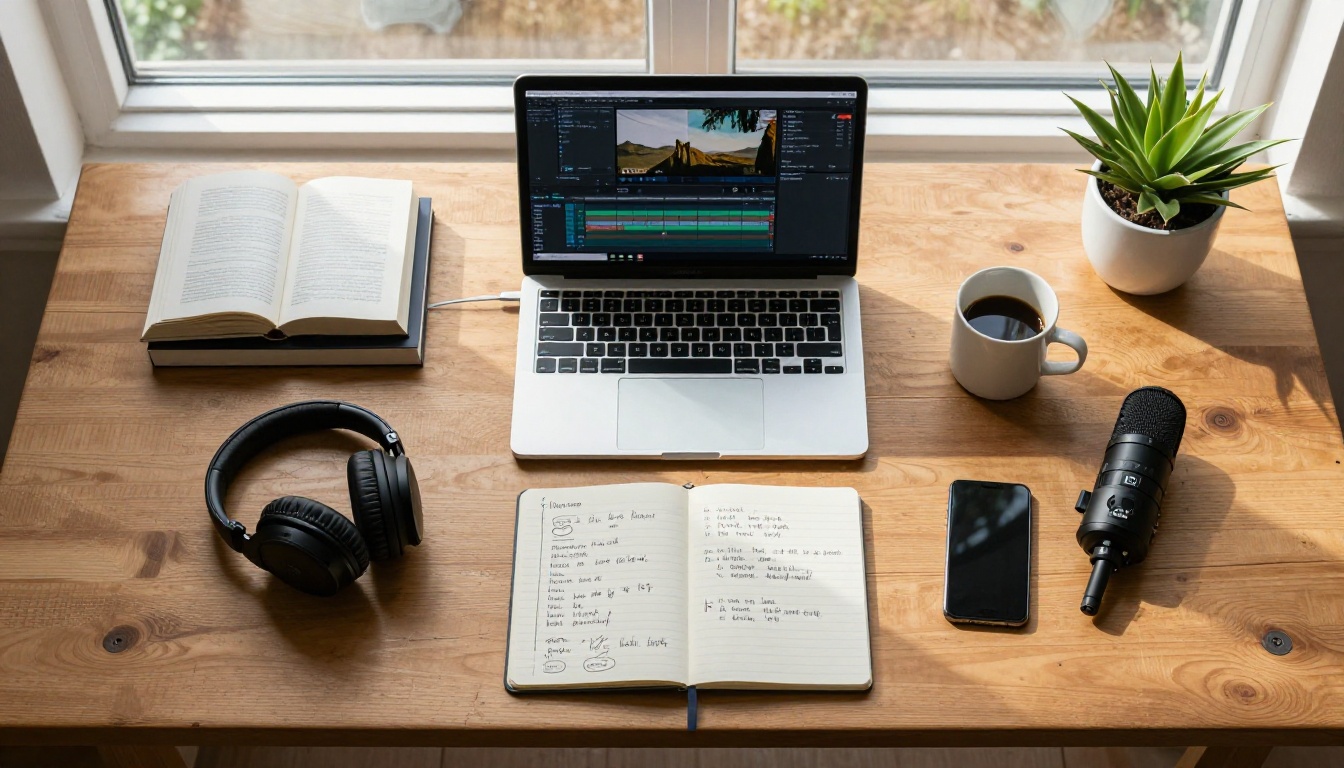
HeyGen Video Translate is the fastest path to a fully localized video. Here's the exact process.
Step 1: Prepare your source video
Before uploading, confirm your source video meets these conditions:
- Single main speaker is ideal. Multi-speaker videos work but require more processing time and produce slightly less consistent lipsync across cuts.
- Clean audio: Background music should be absent or minimal. Music mixed under dialogue confuses the transcription layer and produces mistranslations in the output.
- Clear face visibility: At least one frontal face shot in the first few seconds helps the model establish accurate facial landmark tracking for the rest of the video.
- Format: MP4 or MOV with H.264 encoding recommended. Export at the highest quality available.
💡 If your source video has background music mixed into the dialogue track, export a clean dialogue-only audio file separately and use that as your audio input. The difference in output quality is significant.
Step 2: Select target language and voice settings
Once uploaded to Video Translate, configure these options:
| Setting | What It Does |
|---|
| Target Language | Selects the output language from 150+ options |
| Voice Clone | Replicates the speaker's original voice characteristics in the new language |
| Speaking Speed | Adjusts pacing to account for natural length differences between languages |
| Lip Sync Strength | Controls how aggressively mouth movement is re-rendered per frame |
Set Lip Sync Strength to High for any content with close-up face shots. For talking-head videos where the face is consistently visible, this setting makes the most visible difference in output quality.
💡 Spanish text tends to run longer than English for the same meaning. If your video has tight timing with cuts aligned closely to speech endpoints, reducing speaking speed slightly prevents dubbed audio from running past visual cuts.
Step 3: Process and review the output
Processing time scales approximately with video length: typically 1-5 minutes for a 5-minute video. Once complete:
- Watch the full output before downloading. Scan specifically for close-up shots where lip movement is most visible to viewers.
- Check sentence boundaries: AI translation sometimes distributes timing differently than the original. If a cut occurs mid-sentence in the dubbed version, note the timestamp for manual adjustment.
- Download at source resolution: There is no automatic upscaling in the pipeline, so the quality of your source determines your output ceiling.
- Add subtitles to the dubbed output: Subtitles on a dubbed video provide a second accessibility layer and improve indexability on platforms like YouTube.
Subtitles vs. Dubbing: The Real Comparison
This comparison comes up constantly in localization discussions. The honest answer depends entirely on what you're optimizing for.
| Factor | Subtitles | AI Dubbing |
|---|
| Production time | Minutes | 5-30 minutes |
| Cost | Near zero | Low |
| Viewer retention | Lower on long content | Higher |
| Emotional connection | Reduced | Preserved |
| Accessibility | High (deaf and hard-of-hearing viewers) | Standard |
| Search indexability | High | Depends on platform |
| Feels native to viewer | No | Yes |
| Works for children's content | No | Yes |
When subtitles are the right call
- Short clips under 60 seconds where reading speed matches viewing pace
- Content where the original voice is part of the brand identity
- Accessibility-first content with specific compliance requirements
- Platforms where auto-generated captions already exist and only need correction
When dubbing is the right call
- Tutorial or educational content over 5 minutes where reading competes with watching
- Sales videos and product demonstrations where tone and vocal energy matter
- Children's content where reading is not an option for the audience
- Markets where dubbing is culturally expected: Germany, Spain, Italy, Brazil, and France all have strong dubbing cultures where subtitled content measurably underperforms against dubbed alternatives
The practical default for most creators: do both. AI dubbing takes 5-30 minutes per language. Adding subtitles to the dubbed output takes another 5 minutes. Full coverage, minimal incremental effort.
Common Mistakes in AI Dubbing
Ignoring source audio quality
The single biggest factor in output quality is not the AI model. It's the quality of the source audio you feed into the pipeline. Noisy audio, inconsistent levels, or background music mixed under dialogue degrades every downstream stage: transcription accuracy, translation quality, voice synthesis fidelity, and lipsync precision.
Record clean dialogue from the start. If you're working with existing footage that has audio issues, run it through an audio cleanup tool before feeding it into the localization pipeline.
Skipping the output review
Most creators watch 30 seconds, decide it looks fine, and publish. Problems typically appear in specific scenarios:
- Fast cuts: Lipsync can stutter at hard cuts between shots when the facial landmark mapping resets
- Profile and angled shots: Models are trained primarily on frontal faces; side angles and tilted head positions degrade lipsync accuracy noticeably
- High-energy moments: Laughter, raised voice, and intense emotional delivery challenge both voice synthesis and face rendering simultaneously
Watch the full output once before publishing. It takes the same time as it took the model to generate.
Using the wrong model for your format
Sync Lipsync 2 Pro is high-accuracy but processes more slowly. Lipsync Speed by HeyGen prioritizes throughput over frame-perfect accuracy. Using a precision tool when you need batch processing speed, or a speed-optimized tool when you need close-up accuracy for a brand video, is the most common avoidable error in this workflow.
For batch processing or quick social clips, HeyGen Lipsync Speed is the right tool. For a hero video that represents your brand, use Lipsync 2 Pro or React 1.
Not accounting for language rhythm differences
Translation is not a 1:1 word swap. German runs longer. Japanese compresses differently. Arabic has pacing rhythms in speech that don't map directly to English sentence structure. AI translation handles most of these differences automatically, but the speaking speed calibration still benefits from a native-speaker review pass for professional-grade outputs.
💡 For markets where your brand has significant revenue exposure, budget for a native speaker to review the dubbed output before publishing. Thirty minutes of review against the cost of shipping something that sounds off to your target audience is an obvious investment.
The Full Lipsync Model Lineup
Beyond the five primary models covered above, PicassoIA offers additional lipsync tools for specific scenarios:
- Pixverse Lipsync: Instant audio-to-video sync with fast processing, solid for batch localization workflows.
- Sync Lipsync 2: The standard-tier version of the Pro model, balancing speed and accuracy for regular production use.
- VEED Fabric 1.0: Animates still photos into talking videos, useful for creating localized presenter avatars without source footage.
- P Video Avatar: Generates fully animated talking avatar videos from minimal input, strong for branded AI presenter content in multiple languages.
- Omni Human: The standard version of Omni Human 1.5, useful when you want a talking video from a photo without the full 1.5 model's processing requirements.
- HeyGen Lipsync Precision: Accuracy-first dubbing with precise phoneme matching, HeyGen's quality-optimized option for professional outputs.
Stop Leaving Audiences Behind

Most content creators wait until they've "built an audience" before thinking about localization. That logic is backwards. Localization is how you build the audience.
A single well-performing video, localized into Spanish, Portuguese, and French, reaches three times the potential viewers with far less effort than producing three new videos from scratch. The marginal work per language drops with every video you add to your library.
PicassoIA's full lipsync library is available now, including HeyGen Video Translate for end-to-end localization, Sync Lipsync 2 Pro for precision sync work, and 10 additional models covering every use case from social clips to archival dubbing.
Pick one video from your existing library. Pick one target language your audience speaks. Run it through Video Translate and see what your content sounds like in another language in under 10 minutes. The quality will surprise you, and the audience on the other side has been waiting.


