Ten seconds. That's exactly how long a viewer gives your ad before scrolling. Not ten minutes, not ten seconds of patience. Ten seconds of brutal, unforgiving attention span. The brands winning on Instagram, TikTok, and YouTube Shorts already know this, and they are not paying $50,000 production budgets to stay in the game. They are using AI video tools that turn a single line of text into a polished commercial clip in under three minutes.
This is exactly how you make a 10-second ad with AI video, from prompt to final cut, with zero camera equipment and zero crew.
Why 10 Seconds Hits Different
The 10-second format is not a limitation. It's a weapon. Research from social platforms consistently shows that ads under 15 seconds outperform longer formats on completion rate and click-through. When every second counts, clarity wins over complexity every single time.
Here's what a 10-second ad actually needs to accomplish:
- 0-2s: Hook. Stop the scroll with a visual or motion that disrupts the feed.
- 2-6s: Problem or desire. Show what your product solves or what your viewer wants.
- 6-9s: Product in action. One clear shot, one clear benefit.
- 9-10s: Call to action or brand beat. Logo, tagline, link.
That structure is rigid for a reason. Every second that doesn't serve one of those four purposes is wasted screen real estate.
💡 Pro tip: Write your script before you generate anything. 10 seconds at 30fps equals 300 frames. You're directing a micro-film, not making a GIF.
The Real Cost of Traditional Video Production
Hiring a production crew for a 10-second ad is not cheap. Here's what that typically looks like:
| Line Item | Estimated Cost |
|---|
| Videographer (half day) | $800 - $2,500 |
| Location rental | $200 - $1,000 |
| Talent / models | $300 - $1,500 |
| Equipment rental | $150 - $600 |
| Post-production editing | $500 - $2,000 |
| Total | $1,950 - $7,600 |
A single 10-second ad with a modest budget. For one iteration. If the product changes, the season shifts, or the A/B test says try a different angle, you start over.
AI video tools eliminate that entire cycle. You iterate in minutes, not weeks.
Which AI Models Actually Work for Ads
Not all text-to-video models are built for commercial advertising. The ones that matter for short-form ads need three things: realistic motion, 1080p output, and speed. Here are the top performers.
Seedance 2.0 for Full-Audio Ads
Seedance 2.0 from ByteDance is the go-to for ads that need built-in audio. It generates video with synchronized sound effects and ambient audio, which means you're not manually layering audio tracks after the fact. For product demos, lifestyle shots, and food advertising, the motion quality is cinematic without requiring post-production polish.
Kling v2.6 for Cinematic Motion
If you need that big-budget camera movement, Kling v2.6 produces fluid, cinematic clips with realistic depth-of-field simulation. It handles complex product scenarios, human subjects, and outdoor environments with consistency that other models struggle to match.
Pixverse v6 for Speed
Pixverse v6 generates fast with audio output and handles high-motion content exceptionally well. If your ad concept involves action, quick cuts, or lifestyle moments, Pixverse v6 delivers them with a polished finish.
Veo 3 for Realism
Google's Veo 3 is the benchmark for photorealism in AI video. Text prompts produce stunning visual fidelity with native audio. When the ad needs to pass as real footage, Veo 3 is the correct choice.
Hailuo 02 for 1080p Output
Hailuo 02 from Minimax delivers sharp 1080p output that holds up on large screens. For e-commerce brands running ads on connected TV or larger digital placements, resolution matters, and Hailuo 02 does not compromise it.
Writing Prompts That Actually Convert
Most people write bad AI video prompts. Not because the models are limited, but because they describe what they imagine instead of what a camera would actually see.
A prompt for an AI video ad is a camera direction. Treat it exactly like that.
Weak prompt:
"A coffee cup in a cozy atmosphere"
Strong prompt:
"Close-up shot of a steaming espresso cup on a rustic wooden table, morning golden light from the left window, steam rising in slow motion, camera slowly pulling back to reveal a person's hands wrapping around the cup, warm 85mm f/1.8 depth of field, Kodak color science, photorealistic"
The difference is specificity. Lighting direction, lens choice, motion intent, color science. The model executes what you describe. If you are vague, the output is vague.
The 5-Element Prompt Formula
Every strong ad prompt for AI video contains these five elements:
- Subject: What is in the shot? Be specific. "A woman" vs "A woman in her 30s wearing a white linen blazer, holding a glass bottle of serum."
- Environment: Where is it? Not "outdoors" but "a sun-drenched Mediterranean terrace with terracotta tiles and blurred olive trees in the background."
- Lighting: The single biggest quality determinant. "Natural morning light from left" beats "good lighting" every time.
- Camera: Angle, movement, lens. "Low-angle tracking shot, 35mm wide" creates a completely different mood than "eye-level static close-up."
- Motion intent: For video, describe what moves. "Steam rising," "hair moving in wind," "product rotating slowly" gives the model motion direction.
💡 Prompt tip: Add "photorealistic, 8K, Kodak Portra color science, cinematic" to almost any prompt. It consistently improves output quality across models.
Step-by-Step: Making Your 10-Second Ad
Here is the exact workflow. No shortcuts, no skipped steps.
Step 1: Define the Ad Concept
Before opening any tool, write these three things on paper or a doc:
- Who sees this ad? (specific person, not "everyone")
- What do they feel in the first 2 seconds? (curiosity, recognition, desire)
- What is the single action you want? (click, swipe up, visit site)
A 10-second ad can only do one job. Pick it before you generate a single frame.
Step 2: Write Your Shot List
A 10-second clip typically needs 2-4 shots depending on cut pace. Each shot is a separate generation. Map them out:
| Shot | Duration | Description | Motion |
|---|
| 1 | 2s | Hook visual: product hero close-up | Slow zoom in |
| 2 | 3s | Use case: person interacting with product | Handheld natural movement |
| 3 | 3s | Benefit moment: the reaction or result | Static close-up |
| 4 | 2s | CTA frame: product on clean background | Slow rotation |
Step 3: Generate Each Shot
Use Kling v3 Omni Video for shots requiring controlled motion, Seedance 2.0 for lifestyle moments with integrated audio, and LTX 2 Pro when you need 4K output for premium placements.
Each generation takes 30-90 seconds depending on the model. Generate 2-3 variations of each shot and select the best performer.
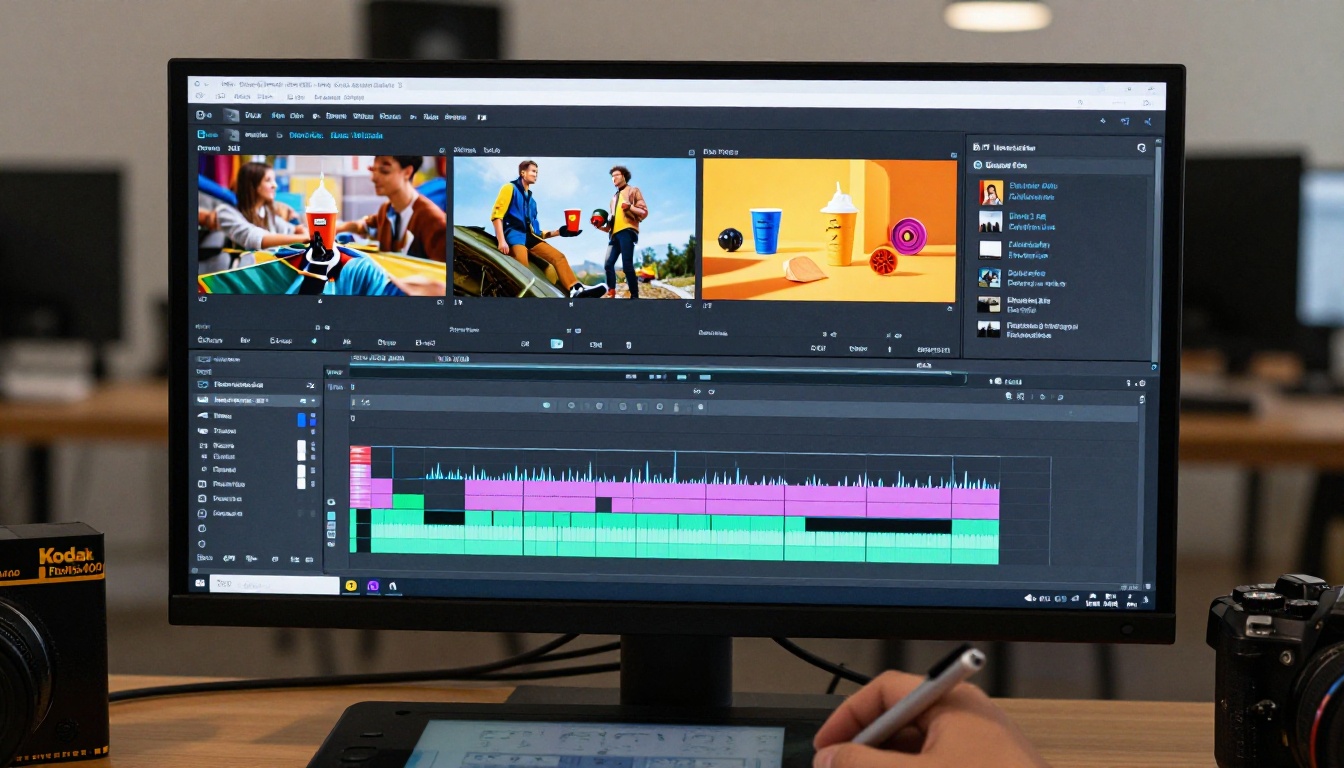
Step 4: Assemble and Polish
Drop your clips into any video editor. Trim, sequence, add music if needed. If the output resolution is 720p and you need it sharper, run it through Crystal Video Upscaler or Video Upscale by Topaz Labs to bring it to 4K.
Total time for a polished 4-shot, 10-second ad: 15-30 minutes.
Choosing the Right Model for Your Product Type
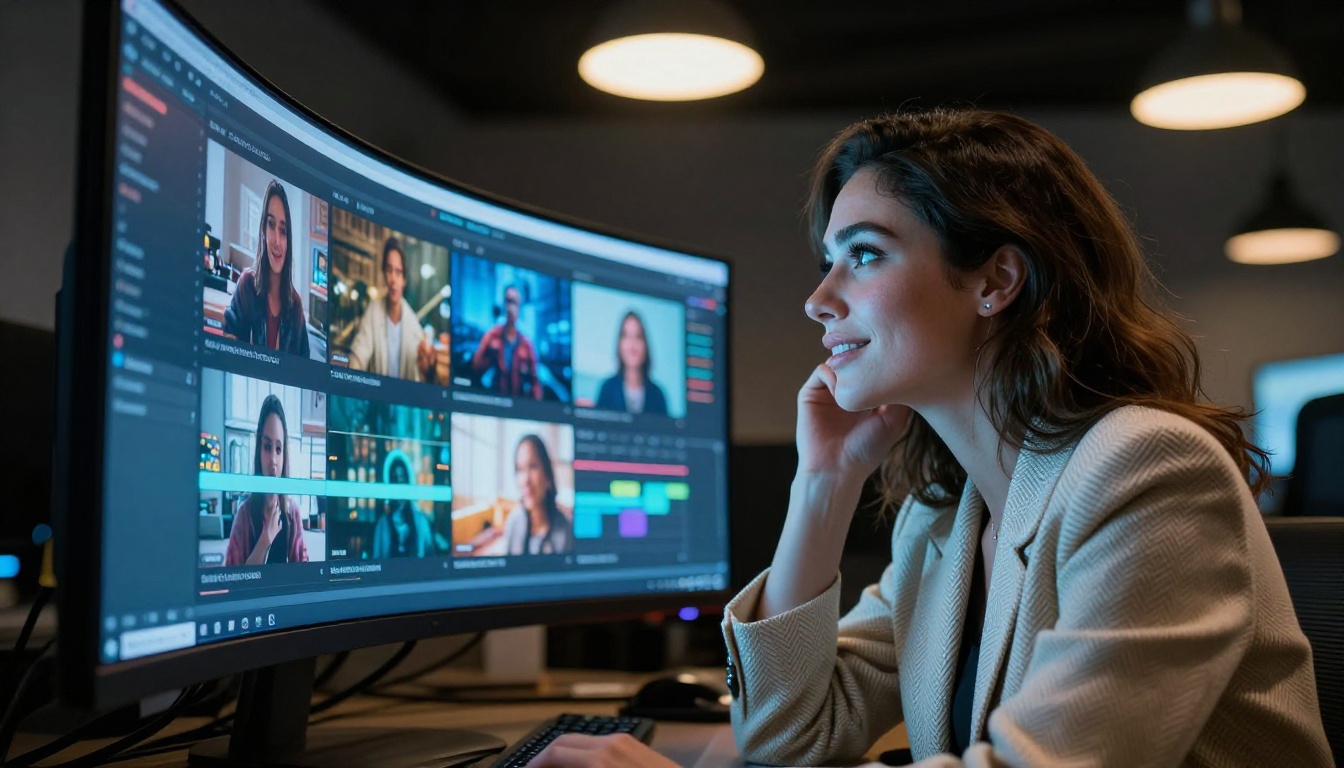
Different products perform better with different video models. Here's a practical breakdown:
| Product Type | Recommended Model | Why |
|---|
| Beauty / Skincare | Veo 3 | Skin texture realism, soft lighting |
| Fashion / Apparel | Kling v2.6 | Fabric motion, human movement |
| Food / Beverage | Seedance 2.0 | Texture fidelity, steam and liquid motion |
| Tech / SaaS | Pixverse v6 | Clean environments, screen mockups |
| Fitness / Lifestyle | Hailuo 02 | High-motion, outdoor realism |
| Luxury / Premium | Sora 2 | Cinematic fidelity, art direction |
3 Common Mistakes That Kill the Output
These are the patterns that ruin most AI video ad attempts.
Prompts That Are Too Abstract
Saying "make it feel premium" tells the model nothing. Cameras don't capture feelings, they capture light, texture, and motion. Describe what a premium scene physically looks like: shallow depth of field, matte surfaces, controlled directional lighting, slow deliberate movement.
Ignoring Duration Limits
Most AI video models generate 5-10 second clips by default. Some allow longer durations. Know your model's output length before you design your shot list. Wan 2.7 T2V generates 1080p clips that are easy to trim and sequence. P Video handles both text and image inputs, giving you flexibility to animate an existing product photo directly into a video clip.
Skipping Upscaling
A 720p clip in a 1080p ad breaks visual credibility instantly. Always pass your final clips through an upscaling step if the original output falls below your target resolution. The Video Upscale tool from Topaz Labs adds sharpness and detail without artifacts.
How to Use Seedance 2.0 for a Full Ad
Since Seedance 2.0 includes built-in audio generation, it's the most self-contained single-model solution for a 10-second ad. Here's how to use it effectively.
Step 1: Navigate to Seedance 2.0 in the text-to-video collection.
Step 2: Write a prompt that includes an audio cue description. For example:
"A barista's hands carefully pouring steamed milk into an espresso, creating a leaf latte art pattern, close-up at 70mm, soft morning window light, ceramic cup on dark wood, the sound of espresso machine and quiet cafe ambience"
Step 3: Select your preferred duration (5 or 10 seconds depending on the scene).
Step 4: Generate 2-3 variations. The audio Seedance generates is derived from the visual and text context, so more specific prompts produce more fitting soundscapes.
Step 5: Download the clip with audio and bring it directly into your editing timeline. No additional audio layering needed for atmospheric ads.
For ads requiring voice-over or music tracks, generate the video first, then add audio in post. But for ambient lifestyle ads, Seedance 2.0's integrated audio saves significant production time.
💡 Seedance tip: Include environment-specific audio cues in your prompt. "The sound of crashing waves," "city traffic ambience," or "a busy restaurant hum" produces context-accurate audio that matches the visual perfectly.
Scaling Ad Production with AI
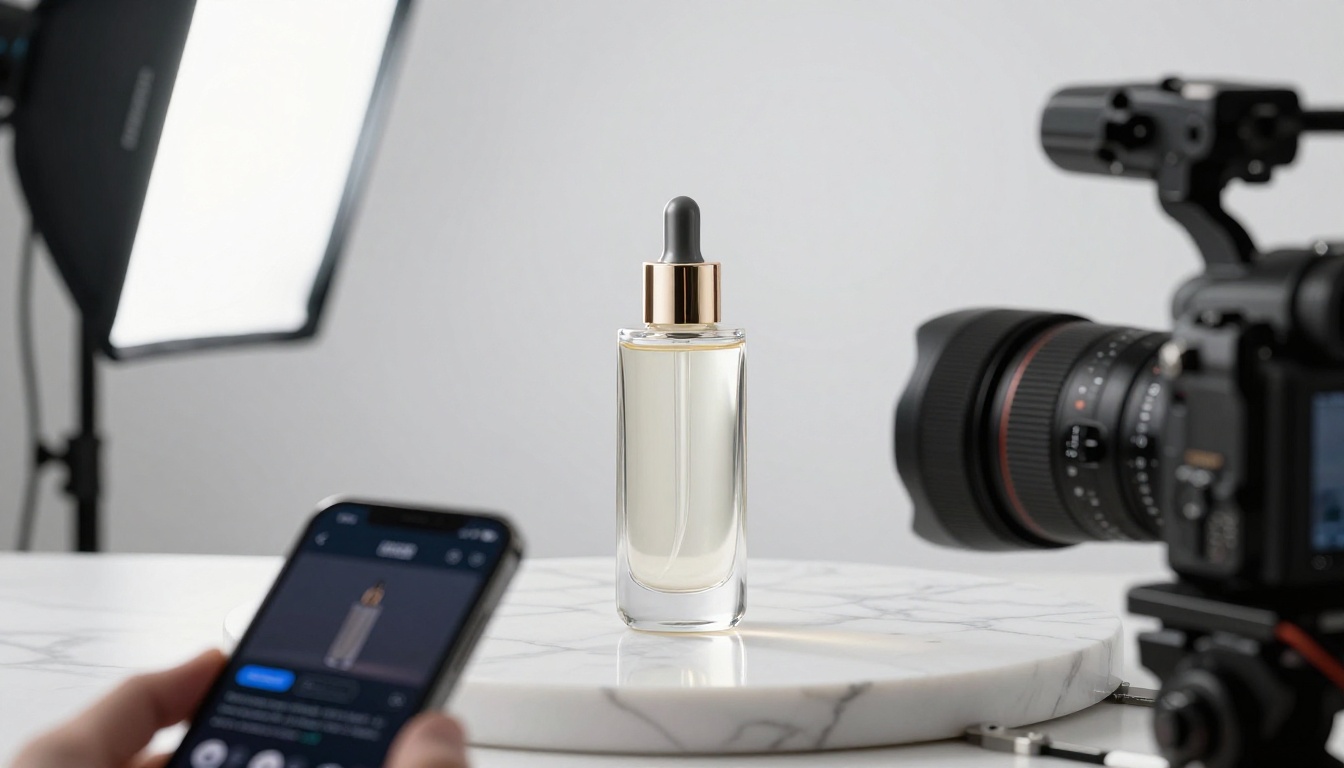
Once you've made one successful 10-second ad, the real power is replication at scale.
A single product can have 10-15 video ad variants in the same time it used to take to produce one. Different angles, different color palettes, different use cases, all from the same product concept with adjusted prompts.
This is how performance marketers are now operating. They generate 10-20 video ad variations, run them simultaneously, and let the data tell them which hooks convert. The cost per variation with AI video tools is a fraction of traditional production.
Variation strategies that work:
- Hook swap: Same ad structure, different first 2 seconds
- Color palette shift: Warm vs. cool tone versions of the same scene
- Audience targeting: Same product, different lifestyle contexts (urban professional vs. outdoor adventurer)
- Seasonal adaptation: Change the environment and lighting context to match the time of year
With Gen 4.5 by Runway and Kling v2.1 Master, you can generate cinematic variations quickly while maintaining visual consistency across a campaign, without the logistical cost of reshooting.
What Good Output Actually Looks Like
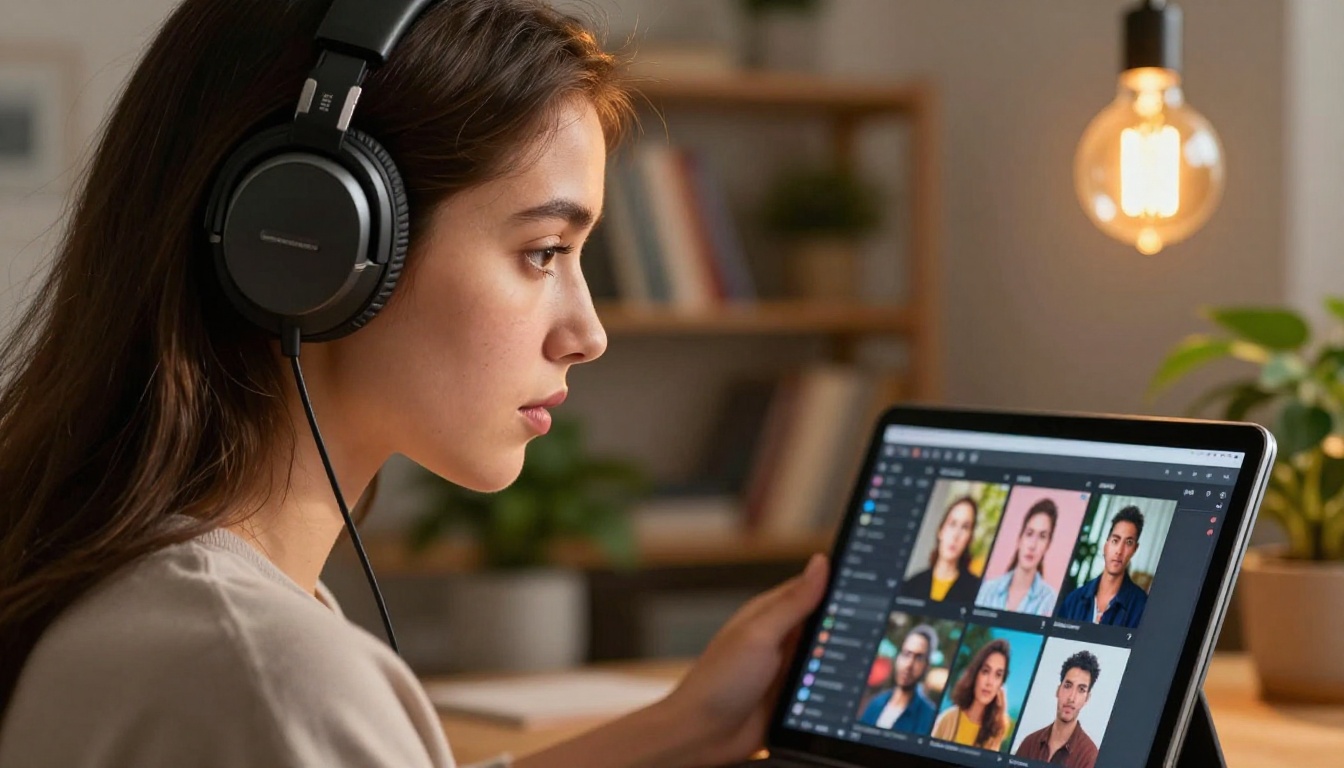
The benchmark for a production-ready AI video ad clip is simple: someone watching it should not immediately know it was AI-generated.
That means:
- No static backgrounds behind moving subjects
- No impossible physics in liquid, smoke, or fabric movement
- Consistent skin tones across frames if human subjects are present
- Believable camera movement, not mechanical sweeps
When a clip fails these checks, go back to the prompt. The most common fix is adding motion specificity. "Camera slowly dollies left" produces better motion than "moving camera." "Steam rises gently upward" produces better results than "show the coffee is hot."
The models available cover over 87 text-to-video options, from fast 480p previews using Ray Flash 2 720p for quick concept tests, to full 4K cinematic output with LTX 2.3 Pro for final campaign delivery. The models have been trained on cinematic footage and they respond to cinematic direction language.
Try It Right Now
The fastest way to understand what AI video ads can do is to make one right now. Pick a product you believe in, write a 5-element prompt following the formula above, and generate your first clip. Within three minutes you'll have your first AI video ad variation ready for review.
Start with the concept. Write the prompt. Run the generation. Your first 10-second AI video ad is less than five minutes away, and it costs a fraction of what a single hour with a film crew would run you. The tools are ready. The only missing piece is your prompt.


