The shot takes about four seconds. A person stands in a room, reality ripples around them, and then they are simply gone. Or they appear from nothing, particles coalescing into a full human form. A few years ago, nailing that effect meant compositing software, a capable GPU, and hours of rotoscoping. Today you type a sentence and a model builds it for you.
This is not about software tutorials for Final Cut or After Effects. This is about using AI video generation to create a convincing teleport effect from a text prompt alone, no editing timeline required.
What a Teleport Effect Actually Needs
Before picking a model, it helps to know what you are asking the AI to do. A teleport effect is made of three distinct visual moments:
- The subject in full - solid, normal, grounded in the scene
- The transition - where the visual tension lives: dissolving particles, a shockwave ripple, a blinding flash, or a warp distortion
- The empty space - the scene continuing without the subject, or the subject materializing where there was nothing
Most AI video models handle the first and third moments well. The transition is where prompting strategy matters. The more specific you are about how the person disappears or appears, the better the result.
Note: There is no single "teleport" model. What you are doing is prompt-engineering a visual sequence with a text-to-video AI. The quality comes from how precisely you describe the physics of the effect.
AI Video Models Worth Using

Not every text-to-video model responds the same way to effect-driven prompts. Here is how the main options stack up for teleport work:
Pixverse v6 is particularly responsive to dramatic effect prompts because its training emphasizes cinematic motion. Kling v3 Video handles physics-based transitions well, which makes it a strong pick for particle-dissolve and energy-ripple effects. For 4K output with sharp detail on the transition frames, LTX 2 Pro is worth the extra generation time.
How to Prompt the Disappear Shot
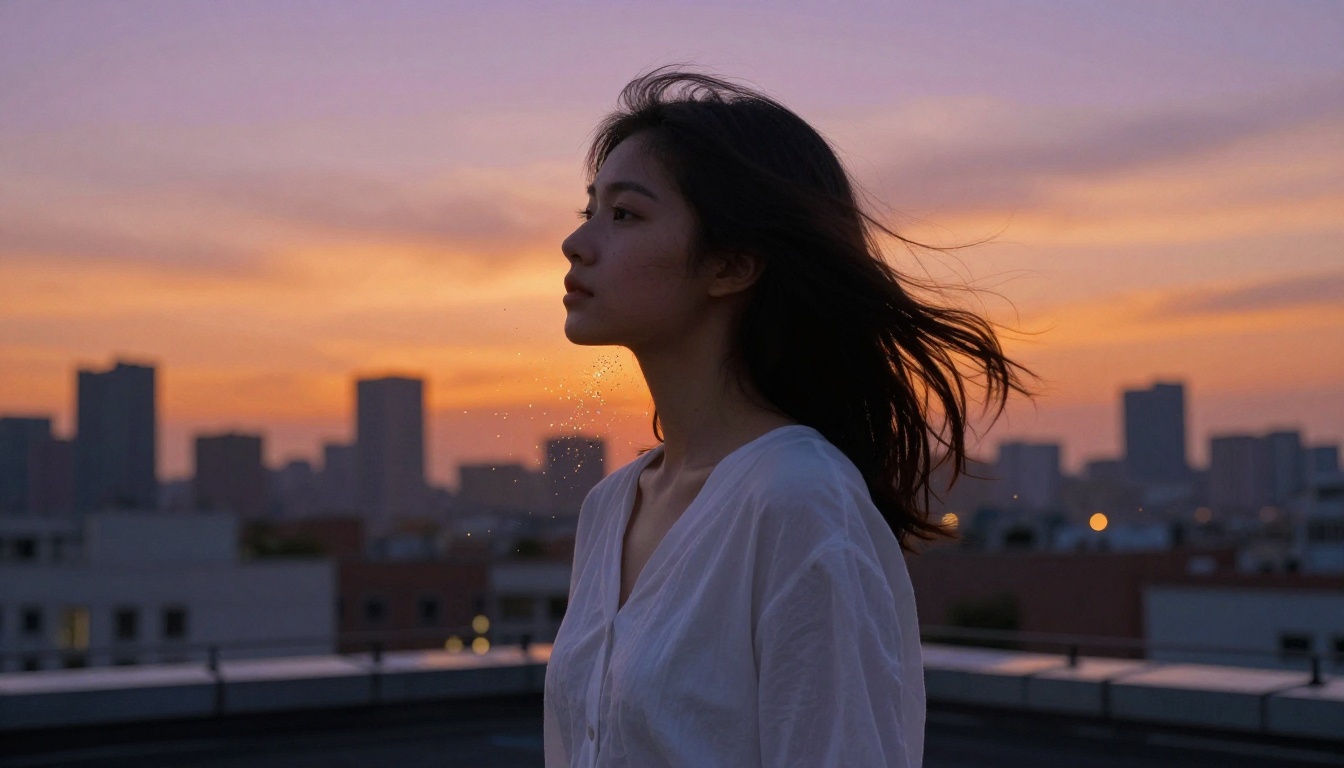
The disappear shot is the first half of any teleport sequence. The subject needs to be present and then absent. How you bridge that gap determines everything.
The Particle Dissolve
This is the most requested teleport style. The body breaks into suspended particles and drifts away. Your prompt needs to specify:
- Direction - do the particles float upward, scatter outward, or collapse inward?
- Speed - a slow dissolve reads as ethereal; a fast burst reads as explosive
- Density - sparse particles feel dreamlike; dense particles feel physical and sci-fi
Example prompt:
A woman standing in a sunlit park, her body slowly dissolving from the feet upward into thousands of tiny golden particles that drift upward and scatter in the wind. She remains calm, eyes closed. The background stays fully intact. Cinematic, photorealistic, 8K, natural morning light, 24fps.
The Shockwave Exit
Here, the subject disappears in a single frame with a radial shockwave emanating from where they stood. Faster, more abrupt, more action-oriented.
Example prompt:
A man in a dark jacket standing in a concrete alleyway. In a single instant he vanishes, leaving behind a circular pressure wave that distorts the air and sends debris scattering outward. Photorealistic, dramatic, 8K, available light, 24fps.
The Blur-Warp Exit
The subject accelerates impossibly fast and streaks out of frame. This reads as speed-teleportation rather than molecular disassembly.
Example prompt:
A woman standing near a window, then suddenly blurring into a horizontal streak of motion and disappearing from the shot at superhuman speed. The camera stays locked. Natural indoor light. Photorealistic, 4K, cinematic, subtle motion blur trail remaining in the air for a half-second.
How to Prompt the Reappear Shot
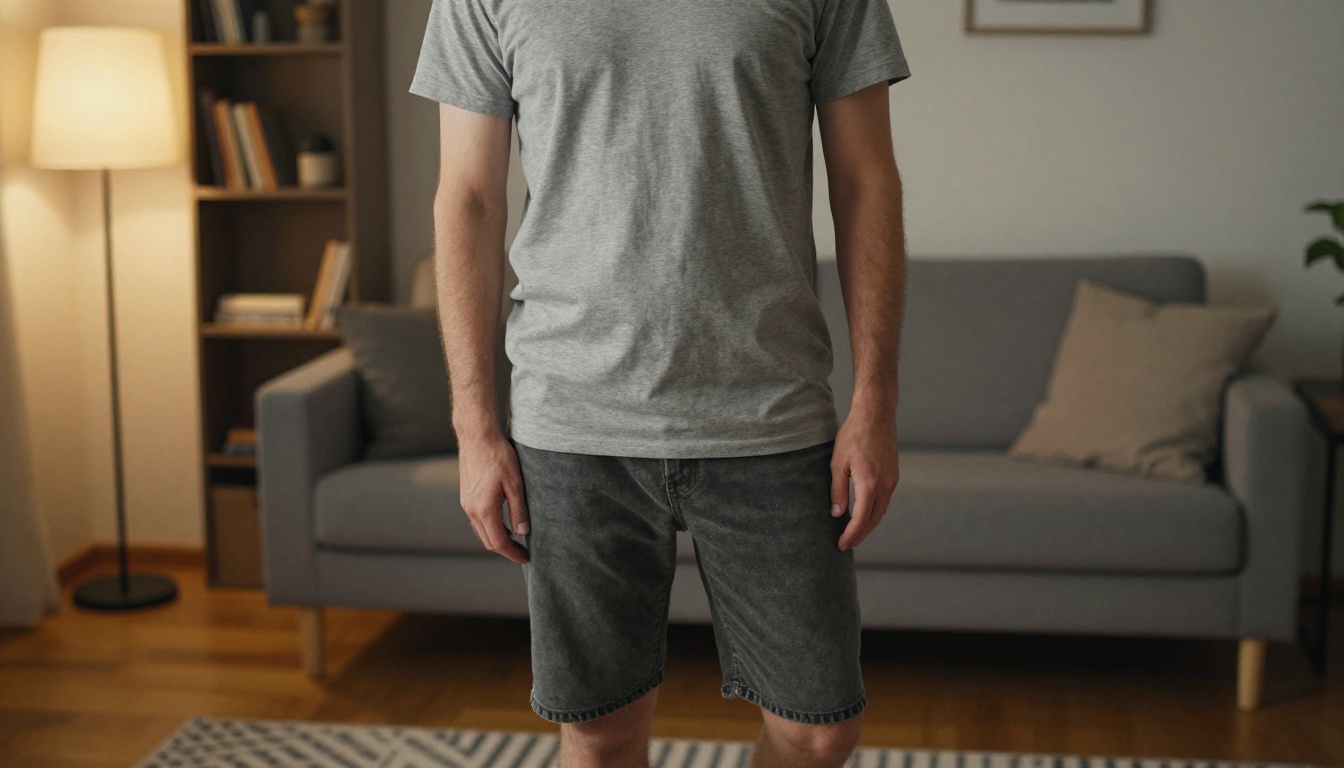
The reappear shot reverses the physics. You are asking the model to show something coming into existence from nothing.
The Particle Materialization
An empty urban rooftop at dusk. Thousands of tiny golden particles begin gathering in the center of frame, swirling and condensing until they fully form into a standing person wearing a grey jacket. The particles settle. The person opens their eyes. Cinematic, photorealistic, 8K, golden hour light.
The Fade-In from Air
Subtler. The subject simply becomes visible, as if a cloaking device is switching off.
A bare concrete room. A figure slowly becomes visible from nothing, fading in from translucent to fully opaque over three seconds, as if materializing from air. Photorealistic, soft overhead light, 4K.
Tip: Prompt the reappear shot as a separate generation from the disappear shot. Trying to include both in one prompt often confuses the temporal structure of the generation.
Teleport Effect Variations Worth Trying
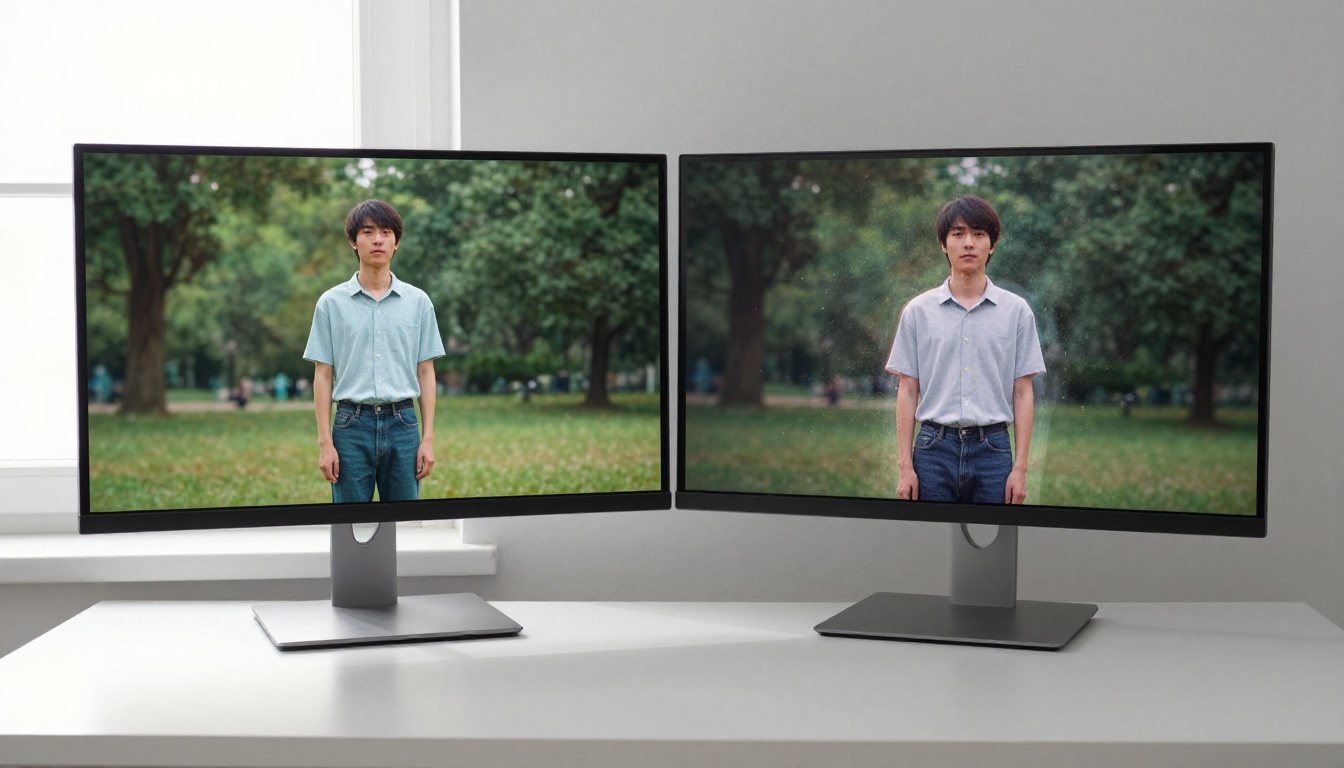
Once you have the basic shots, there are several creative directions that push the effect further.
The Mid-Action Teleport
Placing the teleport during physical movement, a run, a jump, a reach, makes it feel more dynamic. The motion carries through even as the subject vanishes or appears.
A person sprinting down a hallway, then vanishing mid-stride, their footsteps echoing in the empty corridor. Cinematic, motion blur, photorealistic.
The Environmental Reaction
The best teleport effects show the environment responding. Displaced air, falling dust, a ripple in a puddle.
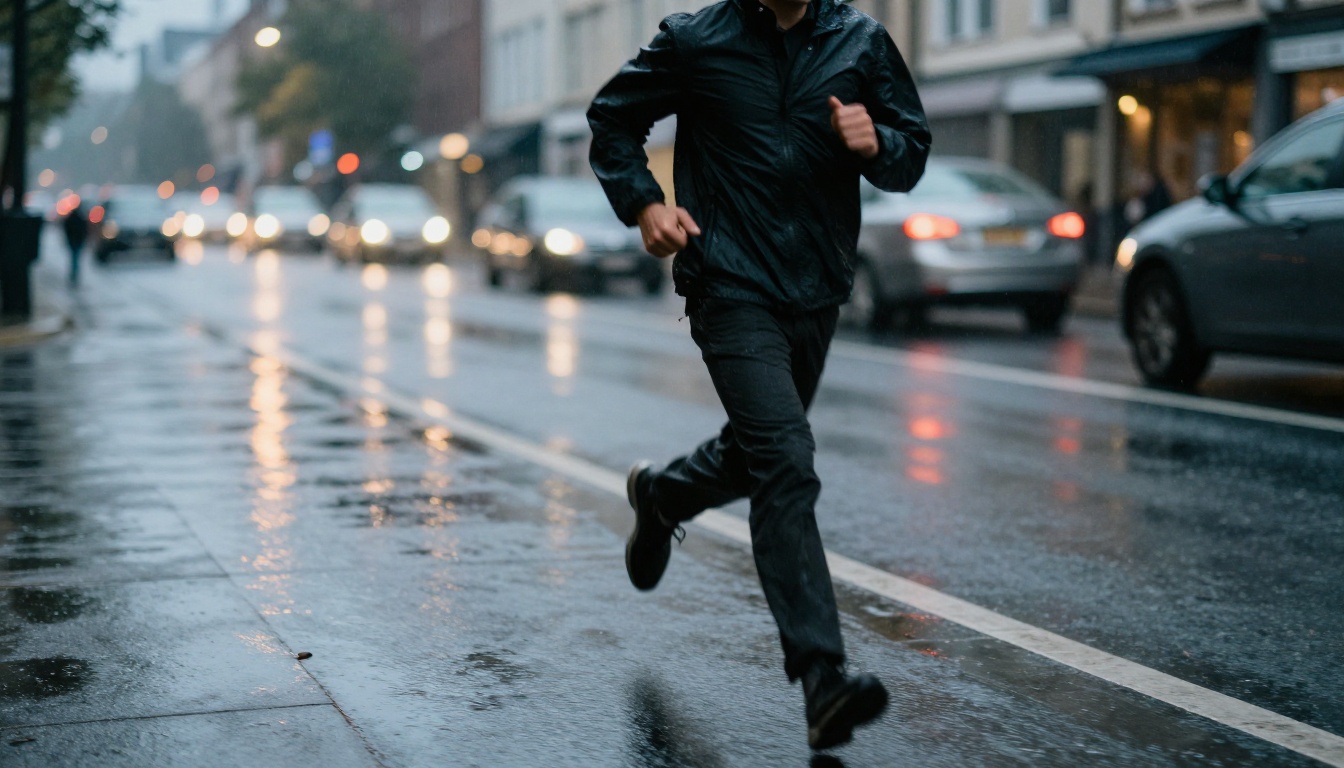
A person standing on a rain-slicked street. They disappear suddenly. The puddle beneath where they stood ripples outward as if displaced by a sudden pressure change. Rain continues falling normally. Photorealistic, 4K.
The Double-Location Cut
This is two separate generations edited together: person disappearing in Location A, person appearing in Location B. You handle the cut in any video editor, no special software needed beyond basic trimming.
Using Image Generation for Still Teleport Frames
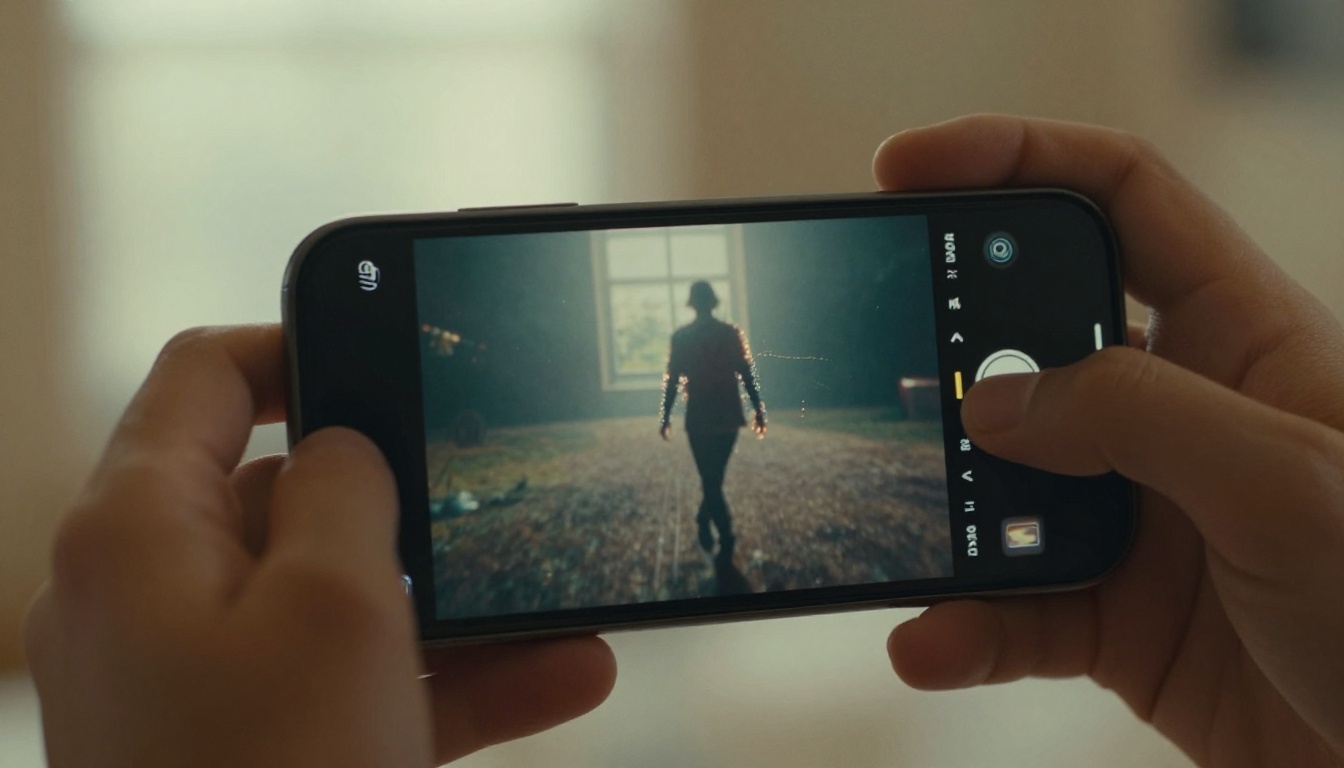
For thumbnails, social media posts, or printed promotional material, a still image mid-teleportation can be more useful than a video clip. AI image models handle this well because there is no temporal consistency requirement.
With image generation, you can push the particle density and visual drama further than most video models allow, since you are not asking the model to maintain consistency across 48 frames.
Effective still teleport prompt structure:
[Subject description] + [specific moment in the teleport transition] + [environment] + [lighting direction and quality] + [camera lens and angle] + [film stock/texture]
For the mid-dissolve moment specifically, describe the percentage of the body that remains: "lower half fully present, upper half 60% dissolved into scattered particles" gives the model a clear target.
3 Common Mistakes
1. Describing the Effect Without the Physics
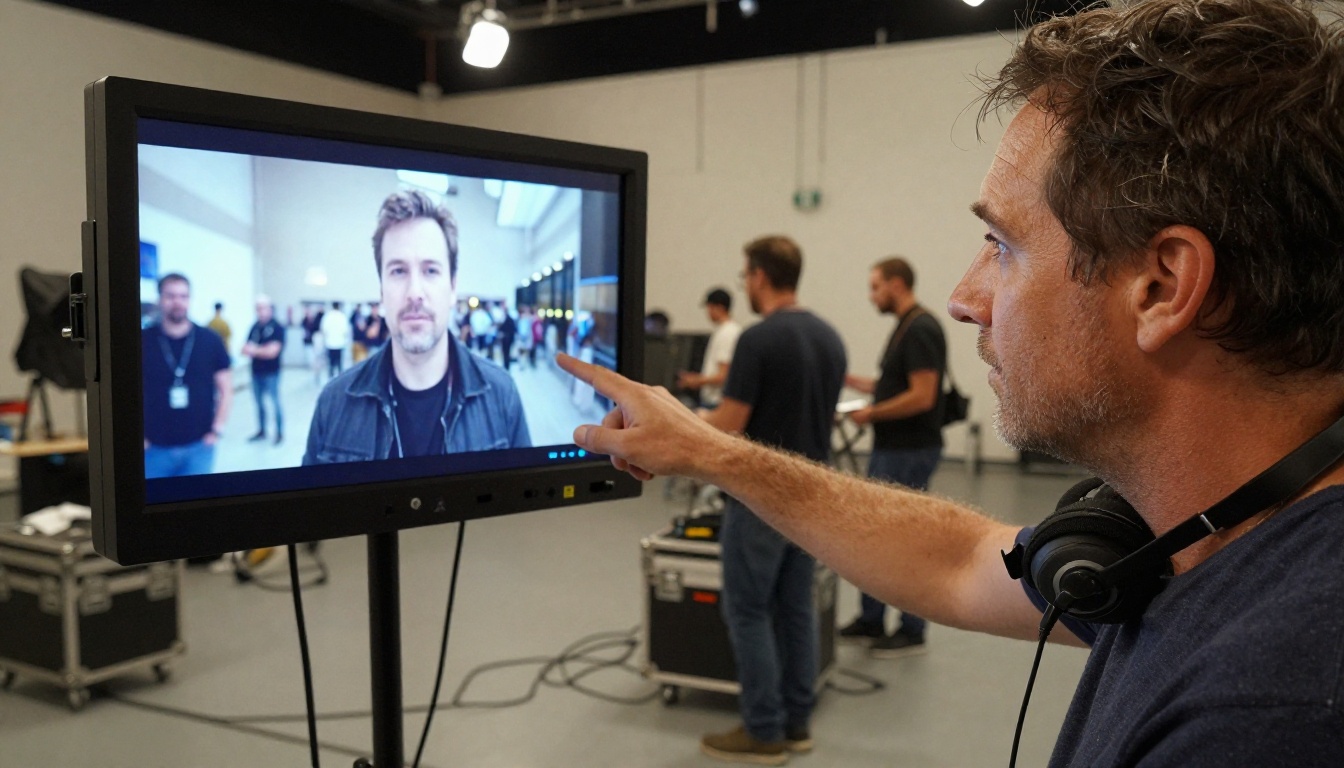
"A person teleporting" is not a useful prompt. The model has no reference for what teleporting looks like. Describe the physical mechanism: particle dissolution, shockwave, light warp, speed blur. That specificity is what produces convincing results.
2. Asking the Model to Handle Both Shots in One Clip
"A person who disappears and then reappears" usually produces a confused clip where neither moment is well executed. Generate the disappear and reappear as separate clips. They edit together cleanly.
3. Ignoring the Background
The teleport effect lives in the contrast between a changing subject and a static background. If your prompt does not specify that the environment stays the same, the model may animate the background too, killing the effect. Always include: "the background remains unchanged and static throughout."
Working with Wan and Kling for Repeated Iterations

Getting the exact transition you want usually takes three to five generations. This is where model speed matters. Wan 2.7 T2V and Kling v2.6 are particularly useful for iteration because they turn around results quickly.
Iteration workflow:
- Generate a first clip from your base prompt
- Identify the single weakest element: timing, particle density, camera angle, subject position
- Adjust only that one element in the next prompt
- Generate again
Changing multiple variables at once makes it hard to know what improved the result. One variable per iteration keeps your prompt optimization clean.
For longer clips with richer motion, Kling v3 Video and Seedance 2.0 are worth the extra generation time. Seedance 2.0 in particular adds ambient audio automatically, which can make a disappear shot feel more cinematic with a pressure-drop sound built in.
Matching the Effect to Your Visual Style
Different teleport styles read as different genres. Matching the visual style to your intended tone before prompting saves several rounds of iteration:
| Visual Style | Genre Feel | Best Model |
|---|
| Particle dissolve (slow) | Fantasy, spiritual | Pixverse v6 |
| Shockwave burst | Action, superhero | Kling v3 Video |
| Light fade-in/out | Sci-fi, stealth | Veo 3 |
| Speed blur streak | Sports, thriller | Hailuo 02 |
| Air ripple / cloaking | Military sci-fi | LTX 2 Pro |
Prompt Templates to Copy
These are copy-paste-ready starting points. Adjust the subject, location, and lighting to your specific shot:
Particle dissolve (disappear):
[Subject] standing in [location], body slowly dissolving from the feet upward into suspended particles that drift and scatter. Background remains static and unchanged. Photorealistic, cinematic lighting, 8K, 24fps.
Shockwave exit:
[Subject] standing in [location]. A radial pressure wave bursts outward from their position as they vanish in an instant. Debris displaced by the shockwave settles slowly. Background unchanged. Photorealistic, 4K.
Particle materialization (appear):
Empty [location]. Particles begin gathering in the center of frame, swirling and condensing into [subject description] who opens their eyes once fully formed. Background unchanged throughout. Photorealistic, cinematic, 8K.
Fade-in from invisible:
[Subject] slowly becoming visible in [location], transitioning from fully transparent to fully opaque over three seconds. Natural [lighting description]. Background static. Photorealistic, 4K.
Your First Clip Is One Prompt Away

The fastest way to test any of these prompts is to run them directly through the models on Picasso IA. Pixverse v6 and Kling v3 Video are both accessible without configuring an API or managing cloud credits. You pick your model, paste your prompt, and the clip comes back ready to use.
If you want to build a full two-shot teleport sequence, start with the disappear clip, iterate until the transition frame looks right, then generate the reappear shot to match the same environment and lighting. Trim both in any basic video editor and cut on the frame where the subject is fully absent.
The result is a convincing teleport effect built entirely from text, in under an hour, without a green screen or a compositing license. Try your first prompt with Wan 2.7 T2V if you want fast results, or with LTX 2 Pro if maximum resolution is the priority.


