The feed never stops moving. Every minute, thousands of new AI-generated images are published across social platforms, blogs, and brand channels. Most disappear within seconds. A small fraction gets saved, shared, and returned to days later. The difference is not resolution or model quality. It comes down to whether an image creates a specific, emotional, human response.
This article is about how to produce that response, consistently, using AI tools built for exactly this purpose.
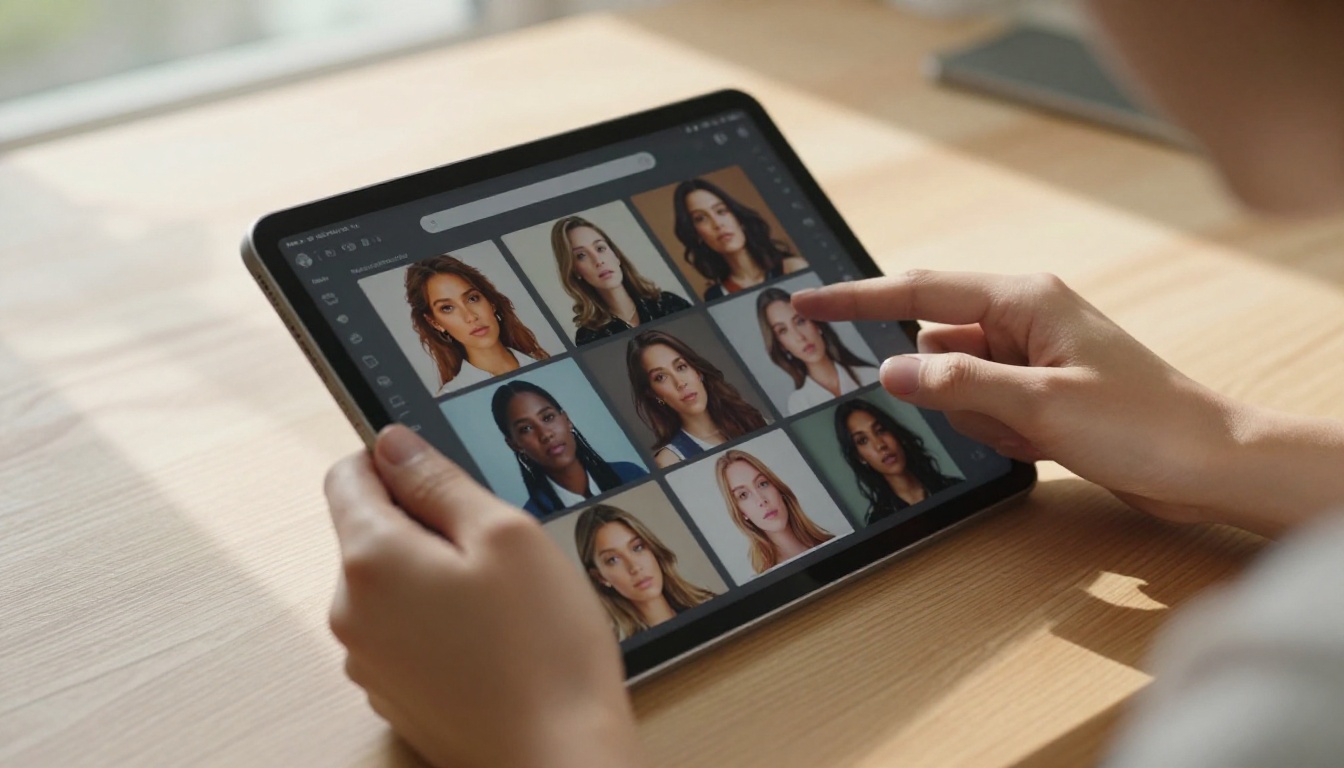
Why Most AI Content Gets Forgotten
Understanding the problem is the first step to solving it. Generic AI content fails for reasons that are identifiable and fixable.
The Noise Problem
When every content creator uses the same three models with variations of the same prompt structures, the output converges toward a visual mean. Audiences develop pattern recognition for AI content fast. The slightly oversmoothed skin, the mathematically perfect composition, the subtle spatial incorrectness in reflective surfaces. None of it triggers genuine attention.
This is not a criticism of AI models. The models are capable of extraordinary specificity. The problem is that most creators ask for surface quality — resolution, style keywords, lighting labels — instead of the deeper qualities that make an image feel true.
What Differentiates Memorable Content
After analyzing which AI content performs best across performance metrics, the same three qualities appear consistently: specificity (a detail so precise it implies a real moment), emotional tension (something unresolved that the viewer's mind completes), and contextual truth (a setting grounded in recognizable lived experience). Content that carries at least two of these three qualities gets remembered. Content that carries none gets scrolled.
A strategy before the prompt is what separates creators who reliably produce memorable work from those who treat generation as a lottery.
Specificity Beats Perfection Every Time
"A woman working at a desk" produces generic results because it is a generic description. "A woman at a cluttered corner desk, leaning back slightly with hands around a half-full mug, afternoon light cutting across a notebook full of crossed-out lines" produces something specific enough to feel true. That truth is what creates recognition, and recognition creates memory.
The mechanism is simple: when a viewer sees something that matches a real experience they have had, their brain registers it as confirmation of shared reality. That confirmation is emotionally reinforced, which means it gets stored.
Tip: Add one completely unexpected specific detail to every prompt. Not a lighting style or a composition choice. A detail that only appears in real life: a specific time of day, a particular object in an unexpected context, a small imperfection that precision would have removed.
Composition That Implies Before and After
Every compelling photograph contains narrative. It shows a moment that implies something that happened just before and something about to happen. Use this principle in your prompts: "a woman's hand hovering over a send button", "a door ajar with light from another room", "two coffee cups, one empty, one full". Implication creates tension, and tension creates attention.

The Psychology Behind Visual Memory
Knowing why certain images stick changes the way you build them.
How the Brain Encodes Images
Visual memory is not random. Research in cognitive psychology identifies that images encoding into long-term memory share common characteristics: they trigger emotional arousal, social relevance, or novelty relative to the viewer's current visual context. The Von Restorff effect applies directly here: the image that breaks the visual pattern of its context gets encoded more strongly than the images that fit.
In a feed of AI-generated content, this means the image that subverts the conventions of AI output, that feels real rather than generated, that carries a specific emotional charge, gets remembered when everything around it does not.
The Emotion-Encoding Connection
Emotional response does not need to be dramatic to drive memory formation. Mild nostalgia, a moment of quiet beauty, a surprising juxtaposition, a flash of recognition: any of these is sufficient to trigger the encoding process. Build emotion at the scenario level, not the style level. "Cinematic lighting" is a style instruction with no emotional content. "A child's drawings on a refrigerator door with a single adult shopping list underneath" is a scenario with its own emotional weight that emerges regardless of style.
What Structure Does That Images Cannot
Pairing strong imagery with concrete, scannable information creates a different kind of memory: procedural memory. The reader stores both the visual and the information structure together. This is why articles that combine strong imagery with well-formatted tables and lists outperform pure-image or pure-text approaches for long-term recall and return traffic.

Writing Prompts That Create Emotional Impact
Prompt engineering for memorable content is about precision, not volume. More descriptors do not automatically mean better output.
The Anatomy of a High-Impact Prompt
Strong prompts for emotionally resonant imagery consistently include five components:
| Component | What It Controls | Example |
|---|
| Subject specificity | What makes the subject feel real | "man in his 40s, reading glasses on forehead, jacket over chair back" |
| Environmental truth | Grounding context | "narrow kitchen in a city apartment, morning light, counters slightly cluttered" |
| Light source | Mood and dimensionality | "east-facing window light, soft and slightly hazy" |
| Camera language | Depth and perspective | "50mm f/1.8, eye level, focus on hands" |
| Sensory texture | Physical reality | "visible weave of linen shirt, condensation on glass, light film grain" |
When you include all five, the model has enough anchors to generate something that feels photographed rather than generated.
3 Mistakes That Kill Your Output
- Style stacking: Combining "photorealistic 8K cinematic dramatic golden hour natural light" dilutes every quality. Pick two strong variables and let the subject carry the rest.
- Prompting for perfection: Real life has texture, imperfection, and specificity. A slightly wrinkled collar, a chip in a coffee mug, afternoon fatigue in someone's posture. These are what make images believable.
- No focal anchor: Without a specific primary subject, models average everything. Define one thing the image is about, then let all other elements serve that focus.

The Best AI Models for Content That Sticks
The right model for your content depends on your goals. Different models have genuine strengths, and using only one model for all your content is itself a reason output looks generic.
Photorealistic Models for Human Subjects
- Flux 2 Pro: Exceptional prompt adherence with natural color output. The best choice for complex scene compositions with human subjects and environments.
- Seedream 4.5: Notably strong on portrait work. Skin texture, hair detail, and light interaction with faces are among the most realistic available on the platform.
- Imagen 4: Google's model brings compositional intelligence that produces images that feel placed rather than assembled. Outstanding for environmental and lifestyle content.
- Flux 1.1 Pro Ultra: For ultra-high resolution output where surface texture and fine detail need to hold at full size, this model leads.
Models for Creative and Branded Work
- Ideogram v3 Quality: The most reliable model for content involving text, typography, or conceptual imagery where precision matters.
- Recraft V3: Ideal for brand-consistent illustration aesthetics with sharpness and color control.
- Flux Kontext Pro: Built for text-based image editing workflows, making it uniquely useful when you need to modify existing images with precision.
- p-image: Fast generation with solid quality for secondary content and batch production at volume.

How to Use Flux 2 Pro on PicassoIA
Flux 2 Pro is currently one of the strongest performers on the platform for content that feels photographed. Here is the workflow that consistently produces strong results.
Step-by-Step Workflow
- Open Flux 2 Pro on PicassoIA
- Write your prompt starting with the subject doing something specific right now, in this moment — not a general description but an action
- Continue in the same sentence with the environment: a natural description, not a keyword list
- Specify light source and direction explicitly: "late afternoon light from a west window" beats "warm light"
- End with camera language: focal length, aperture, shooting position
- Set aspect ratio to 16:9 for social and web use
- Generate at minimum three variants and select based on one criterion: which one has the most convincing detail in the focal area
Parameter Tips for Flux 2 Pro
- Prompt length of 60-100 words is the sweet spot. Below 40 you lose specificity. Above 150 the model starts resolving conflicts between competing instructions.
- Start with subject, not style: Let the subject drive the aesthetic rather than leading with "photorealistic 8K". Style qualifiers work better placed at the end of the prompt.
- Vary the light first: Of all prompt components, lighting direction has the highest impact on emotional resonance. If an output feels flat, change the light source description before anything else.
Building a Consistent Visual Language
One memorable image is a moment. A consistent body of work with a recognizable aesthetic is a brand. The creators whose content gets remembered reliably have both.
Style Coherence at Scale
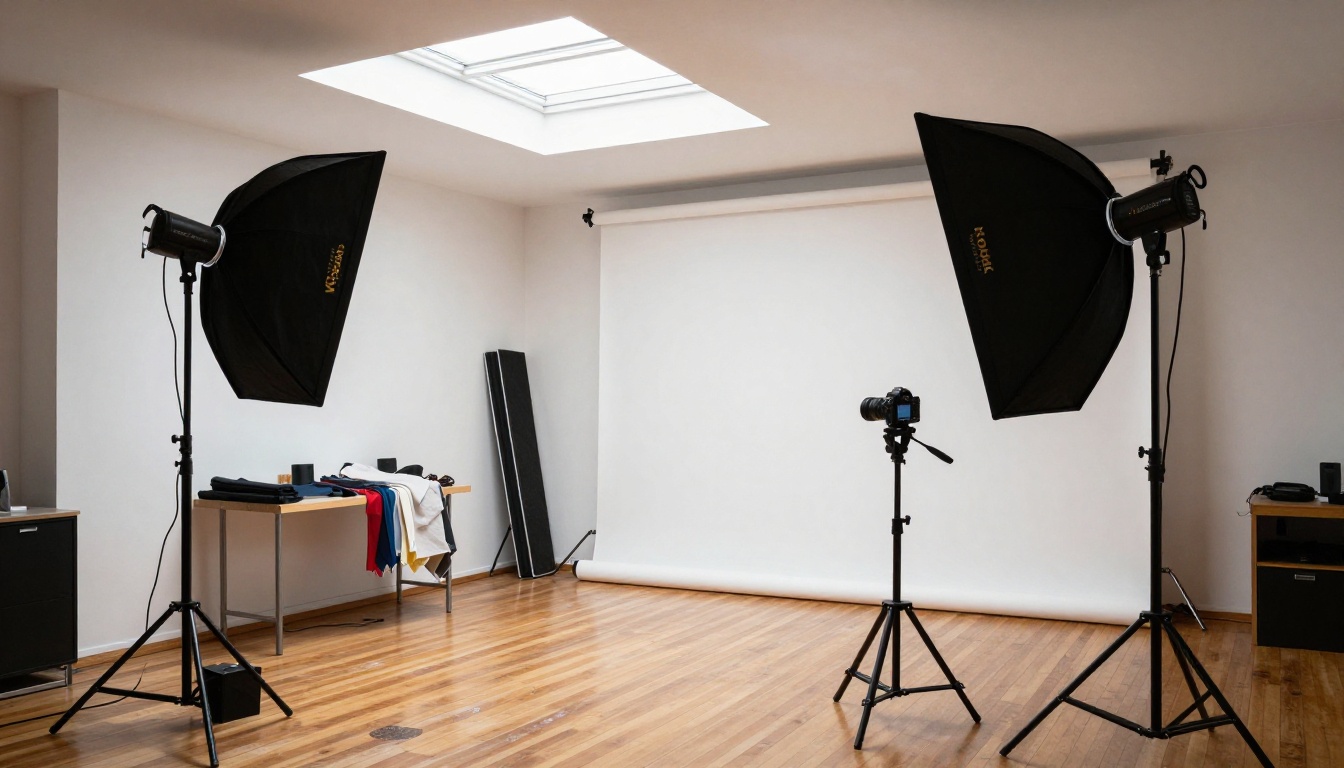
Style coherence means your audience identifies your content before they see your name. It requires defining a small set of fixed parameters applied to every prompt:
- One dominant light quality: soft diffused morning, harsh midday overhead, or warm side light at golden hour
- One color temperature: warm amber, neutral white, or cool blue
- One focal length preference: wide environmental or tight portrait
- One surface texture: fine grain, smooth and clean, aged and weathered
These constraints feel restrictive. They are also what creates recognition. Your audience builds a mental model of your visual language and instantly confirms it each time new content appears.
Color Memory in Practice
Color associations encode strongly in memory. Decide on a two-color palette and apply it through specific tonal language in your prompts: "muted ochre shadows", "desaturated sage midtones", "warm cream and amber highlights". Consistent color across posts builds the visual signature that audiences recognize even when they cannot articulate why.
From Images to a Full Content System
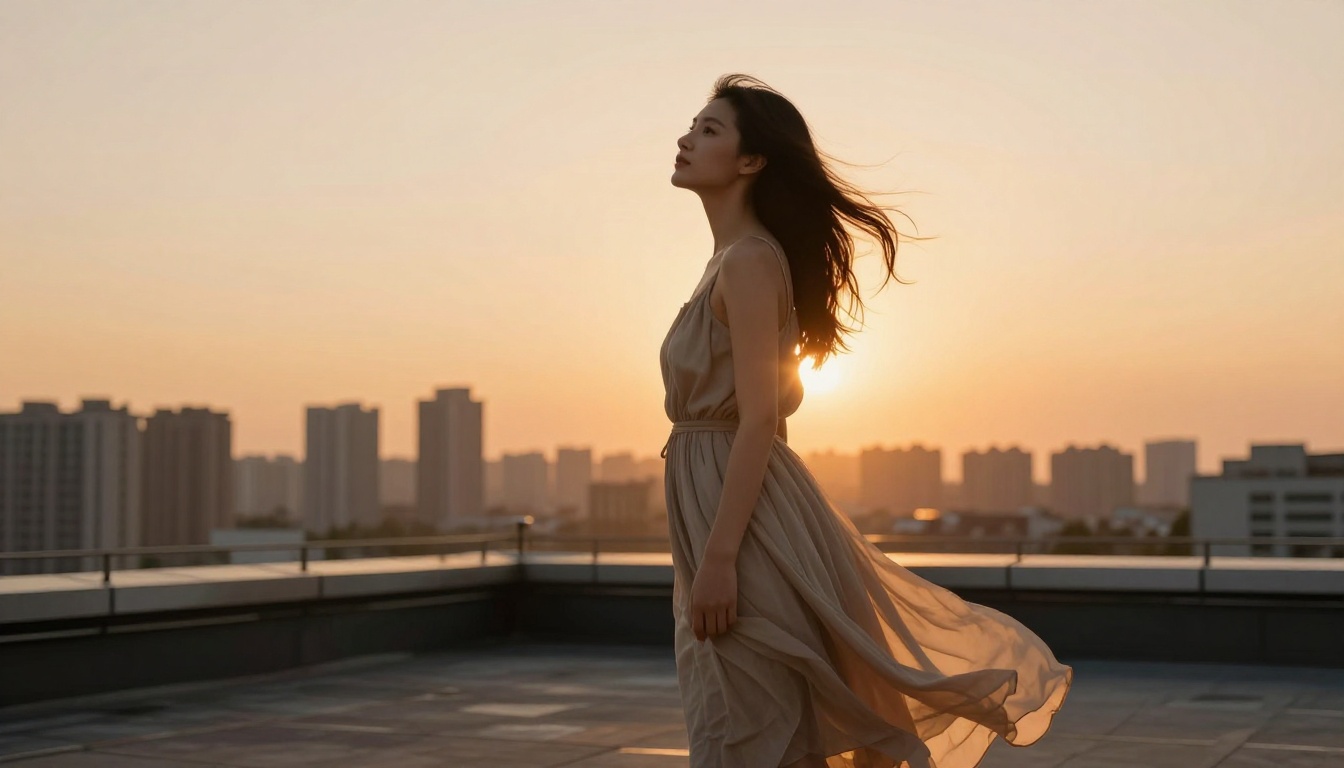
Creating one strong image is a skill. Creating consistent high-quality output at volume, every week, is a system.
Batching Your Visuals
Batch creation means generating a full week or two weeks of content in a single focused session, using one consistent set of prompt parameters. The workflow:
- Define your topic cluster for the period (5-7 related themes)
- Write a master prompt template with fixed variables: model, aspect ratio, light quality, camera language
- Write individual prompts by changing only subject and environment
- Generate all images in one session on PicassoIA
- Review, select, and schedule
Benefits include coherence across all posts, efficiency from not restarting from scratch daily, and a posting buffer that lets you maintain schedule without daily creation pressure.
Multi-Model Strategy for Variety
Within a consistent visual language, you can use different models for different content types without breaking coherence:
The model choice serves the content type, not the other way around.

Theory is useful, but specific platform behavior in 2027 determines what you should prioritize.
Saves Over Everything Else
Every major platform's algorithm weights saves more heavily than likes or comments. A save signals that the viewer found the content worth returning to, which is the strongest performance signal available. The images that get saved are almost always ones that contain information, emotion, or beauty that cannot be fully absorbed in a single pass.
For prompt writing, build density. An image that rewards a second look, a detail invisible at thumbnail size but visible on tap, a composition where the eye keeps moving. These mechanics drive saves more reliably than surface quality.
What this means practically: Design every image to be slightly more than can be taken in at once. There should always be one more thing to notice.
Consistency of Schedule Over Frequency
A consistent posting schedule matters more than posting frequency. Two posts every Tuesday and Friday for three months will outperform daily posting that stops after six weeks. Audiences build pattern expectations that translate to loyalty, not just reach.
Use PicassoIA's generation speed to batch two to three weeks of content in a single session, then schedule it out. This removes daily pressure and keeps your schedule stable even when you are not actively creating.
The Feedback Loop Most Creators Skip
Most creators look at which posts performed best and try to repeat the surface characteristics: same subject, similar composition, similar colors. This rarely works because the surface is not what drove performance. The driver is almost always one of the three qualities from the start of this article: specificity, emotional tension, or contextual truth.
When you audit your top-performing content, ask: which of the three qualities is strongest in this image? Then build your next batch around that quality, not the visual surface.
Build Your Visual Identity Starting Today
The distance between content that disappears and content that people return to is not a better model or a higher resolution. It is specificity of vision, consistency of application, and a prompt strategy built around emotional truth rather than technical output.
PicassoIA gives you access to over 91 text-to-image models, including Flux 2 Pro, Seedream 4.5, Imagen 4, Flux Kontext Pro, and Ideogram v3 Quality, all accessible from a single interface without API management or tool switching.
Start with one model, one defined light quality, one subject type. Generate ten images in a session. Find the two or three that feel most specific, most true, most human. That is your visual language. Build your system from there.
Every creator with a recognizable aesthetic started with one defining session. Yours is a few clicks away.
See all models on PicassoIA


