You don't need a film degree, an expensive editing suite, or three hours of free time to make a great video anymore. AI video generation has collapsed the skill barrier so completely that typing a sentence is now the hardest part of the process. This article breaks down how that actually works, which models are worth your time, and how to get polished video output from a plain text prompt today.

Why Most People Never Make Videos
Talk to anyone who has thought about creating video content and you'll hear the same story. The idea sounds exciting. The execution feels impossible. Learning traditional software takes weeks. Getting footage, editing cuts, syncing audio, color grading: each step is a separate discipline with its own steep learning curve.
The Editing Barrier Is Real
Traditional video production assumes you already know your way around a timeline. Software like Premiere Pro or DaVinci Resolve is powerful but designed for professionals who work with it daily. For someone who just wants to make a single product video or a short social clip, the process is genuinely prohibitive.
The result is that most people who want to make videos either hire someone, settle for shaky phone footage, or don't make them at all.
What Changed in 2025
The shift happened gradually, then all at once. AI models trained on billions of video frames can now accept a plain text description and return a finished video clip. The models handle motion, lighting, camera work, and in many cases synchronized audio. No timeline. No cuts. No color grading. You describe what you want, and the model figures out the rest.
This is not a compromise. The output from current generation models is genuinely cinematic at high resolutions, including 1080p and 4K, from a free browser-based tool.
How AI Video Generation Actually Works
Understanding the mechanism helps you write better prompts and set the right expectations.
Text to Video: Type, Wait, Done
Text-to-video models accept a written description and synthesize video from scratch. You describe the subject, the action, the setting, and the mood. The model interprets that description and generates a clip that matches as closely as it can.
The generation process typically takes between 30 seconds and 3 minutes depending on the model and resolution. The output is a downloadable MP4 ready to post.
💡 Prompt tip: Treat your prompt like a brief to a cinematographer. Describe the subject, what they're doing, the camera angle, and the lighting. "A woman walking through a sunlit wheat field, slow dolly shot, golden hour light from the left" will outperform "woman in a field" every time.
Image to Video: Animate What You Already Have
Image-to-video models take a still image as input and generate motion from it. This is useful when you already have a photograph or a generated image and want to bring it to life. The model anchors the first frame to your image and extends it forward in time.
Models like Wan 2.7 I2V and Seedance 2.0 are particularly strong at this. You get consistency between your input image and the video output, which is critical for brand work or product content.
The Quality Gap Is Closing Fast
Two years ago, AI video looked like a hallucinating fever dream: faces morphing, fingers multiplying, objects phasing through walls. That era is effectively over. Current top-tier models produce output that holds up on a large screen. Faces stay consistent. Physics mostly behaves. Motion is smooth.
What you get today is professional enough for social media, website backgrounds, product demos, and educational content without any post-production.
The Best AI Video Models Right Now
Not every model is equal. Some are faster. Some produce better motion. Some include native audio. Here is a breakdown of the top options available on PicassoIA today.
Seedance 2.0 (Built-In Audio)
Seedance 2.0 from ByteDance is one of the most complete packages available. It generates 1080p video with synchronized native audio already included in the output. You don't need a separate audio tool. The model interprets ambient sound cues from your prompt, so a beach scene arrives with waves, and a city scene arrives with ambient traffic.
For anyone who wants a finished, shareable video with no post-production required, this is the model to start with. Seedance 2.0 Fast provides the same quality at a faster generation speed when you need results quickly.
Kling v2.6 (Cinematic Control)
Kling v2.6 excels at controlled, cinematic motion. Camera movements are smooth and intentional. Subject consistency across the clip is strong. If you are creating content where the motion needs to feel deliberate rather than chaotic, Kling is a reliable choice.
The Kling v3 Omni Video variant pushes this further with full 1080p omni-generation capability and expanded motion control.
Veo 3 Fast (Google's Speed Play)
Veo 3 Fast from Google combines fast generation with native audio output. The model handles complex lighting scenarios well and produces results that feel grounded and realistic. It is a solid pick when you need something that looks polished and sounds finished without waiting for slow generation cycles.
The full Veo 3 model trades speed for even stronger audio-visual coherence when the project calls for it.
Wan 2.7 T2V (1080p at Scale)
Wan 2.7 T2V is a workhorse for high-detail 1080p generation. The model handles complex scenes with multiple subjects and environmental elements better than most. When you need video that holds up at full screen, this is a strong and reliable option.
LTX 2.3 Fast (4K Without the Wait)
LTX 2.3 Fast from Lightricks is the only 4K option in this list that doesn't punish you with long generation times. If resolution matters most, for large format display or high-end brand content, this is the right pick. The LTX 2 Pro version trades speed for even more detail when you need the absolute best output.
How to Use PicassoIA Video
PicassoIA Video is the platform's own free, unlimited text-to-video generator. It's the fastest way to start if you've never created an AI video before.
Step 1: Write Your First Prompt
Go to the PicassoIA Video page and type your prompt in the input field. Start simple. A single sentence describing your scene is enough to get your first result.
Example prompts to try:
- "A barista pouring latte art in a coffee shop, close-up, morning light, realistic"
- "Aerial view of a coastal road at sunset, slow camera pan from left to right"
- "A golden retriever running through autumn leaves in a park, slow motion, warm light"
Step 2: Pick Your Model
Once you have a prompt, select the model from the dropdown. For your first video, Seedance 2.0 Fast gives you a quick result with audio already included. If you want 4K output from the start, switch to LTX 2.3 Fast.
Step 3: Iterate on the Result
Your first result will rarely be your best result. The goal is to treat each generation as a draft. Adjust the prompt based on what you see. Add specifics about lighting direction, camera angle, or subject behavior. Two or three iterations is usually enough to get something genuinely good.
💡 When the output doesn't match expectations: If motion feels too fast, add "slow motion" or "gentle movement." If the subject changes mid-clip, add "consistent subject, static camera." If lighting is flat, add "volumetric light from the left, soft shadows."
Writing Prompts That Actually Work
Prompt quality is the only real skill involved in AI video creation. Everything else is handled automatically.
3 Prompt Structures That Deliver
Structure 1: Subject + Action + Setting + Style
"A chef chopping vegetables in a professional kitchen, close-up on hands, natural overhead light, cinematic, photorealistic"
Structure 2: Camera First
"Slow dolly shot moving toward a woman reading at a café window, shallow depth of field, warm afternoon light, no text"
Structure 3: Mood-Led
"Peaceful morning scene, a dog sleeping on a wooden porch, soft sunrise light from the right, 24mm wide lens, quiet atmosphere"
Common Mistakes to Avoid
- Overloading the prompt: Too many instructions create conflict. Pick the three most important details and focus there.
- Forgetting the camera: Models don't invent a camera angle if you don't specify one. Default results are often flat medium shots. Specify "close-up," "aerial," "over-the-shoulder," or "wide angle."
- Ignoring lighting: Lighting direction is one of the single biggest quality differentiators. Add "morning light from the left" or "soft overhead studio light" and the output improves noticeably.
- Expecting perfection on the first try: AI video generation is iterative. Budget for 2 to 4 generations per finished clip.
| Weak Prompt | Stronger Version |
|---|
| "A woman walking" | "A woman in a beige coat walking through a rainy street, overhead angle, natural city light, slow motion" |
| "Coffee shop video" | "Barista steaming milk behind a counter, close-up from the side, morning sunlight through a window, realistic cafe ambiance" |
| "City at night" | "Aerial shot of a city at blue hour, slow pan to the right, city lights reflected on wet pavement below, photorealistic" |
Real Use Cases With Zero Editing
The barrier to entry isn't just technical. A lot of people don't know what to actually make. Here are three concrete use cases where AI video delivers real value with no editing skills required.
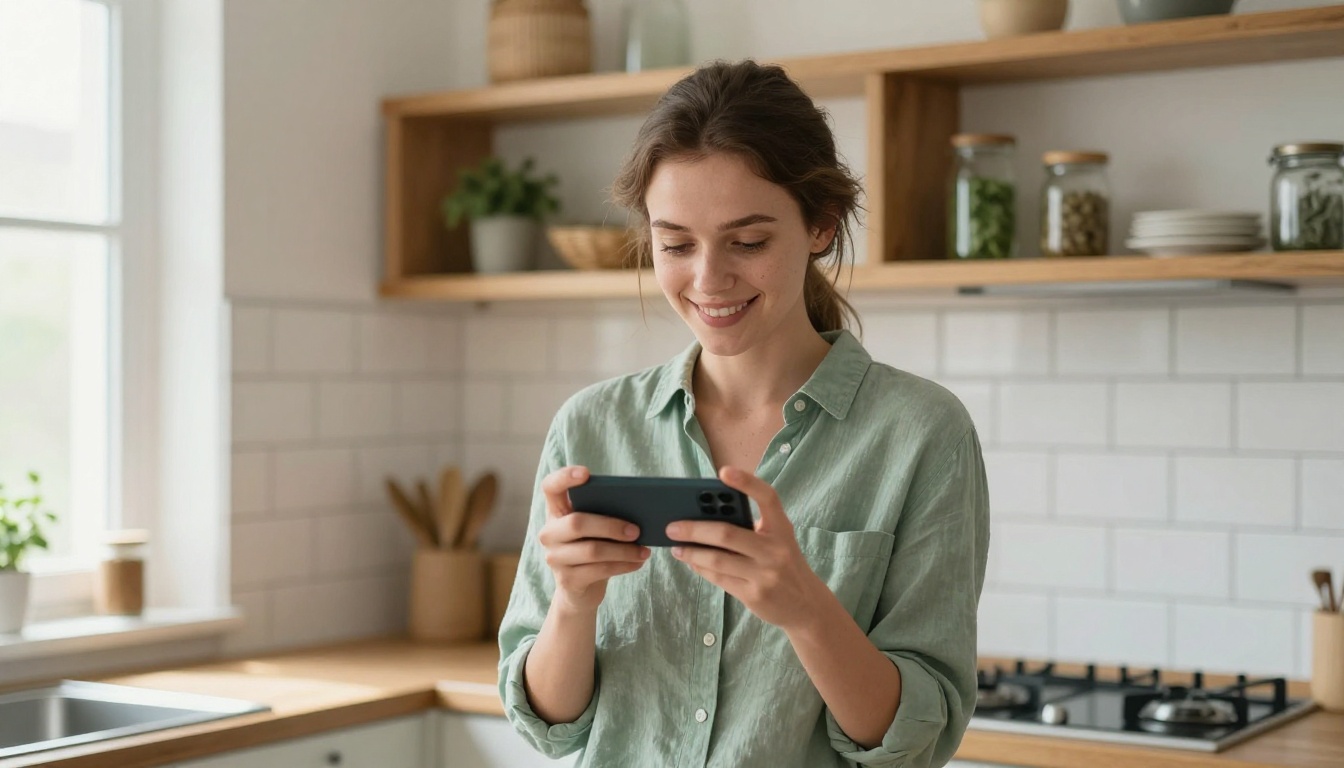
Social Media Content
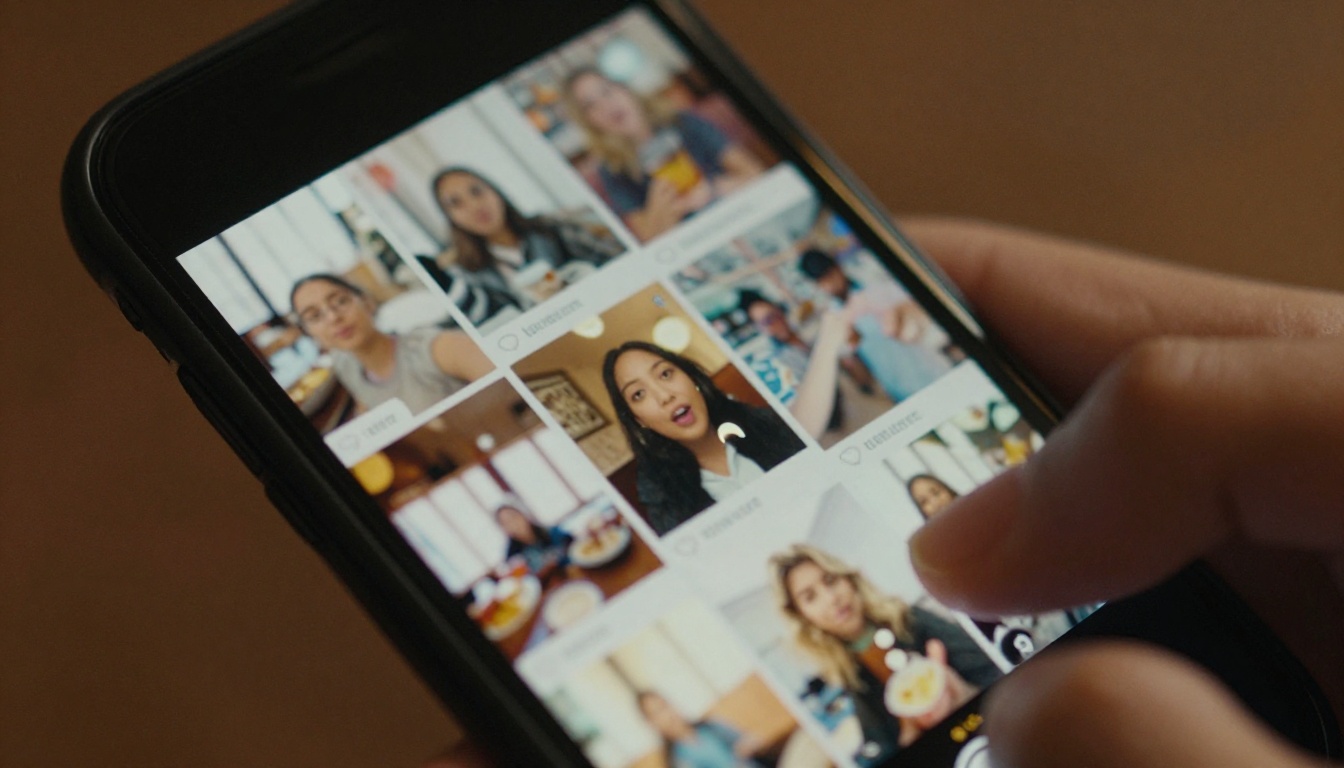
Short-form video is the dominant format on every major platform right now. AI video lets you produce 5-second clips at a pace that manual production can't match. You can batch-generate a week's worth of visual content in an afternoon, each with a different scene, lighting, and subject.
Pixverse v5 is well-suited for social content. It handles a wide range of styles and subjects without requiring long, complex prompts. For content that needs to be consistent across a series, Kling v2.6 provides better subject-to-subject stability.
Product Demonstrations
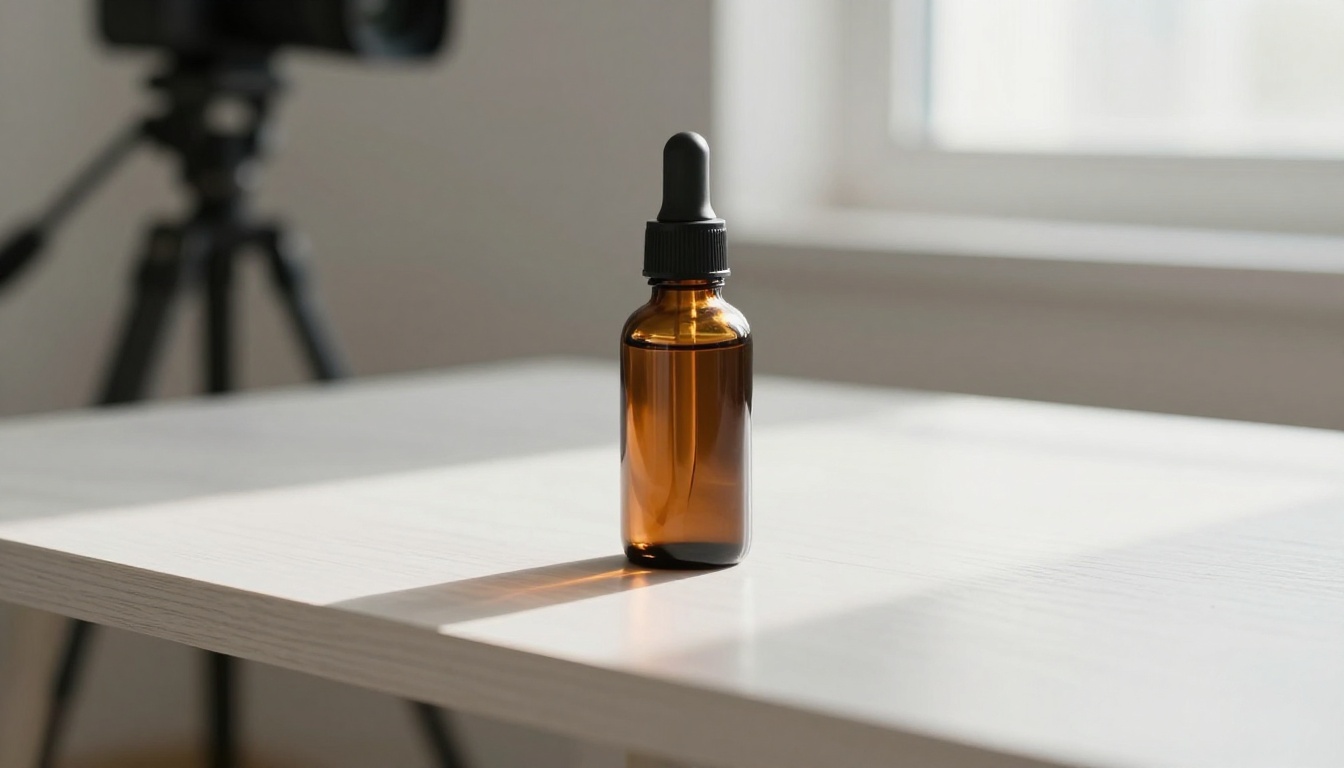
E-commerce brands lose sales when they can't show their product in motion. Hiring a videographer for every SKU is not practical at scale. AI image-to-video solves this cleanly. You feed the model a product photo and a motion prompt, and it returns a short clip of the product in context.
Wan 2.7 I2V is particularly effective for product work. The image-to-video pipeline preserves product details while adding natural motion around the subject: rotation, ambient light shifts, subtle environmental movement.
Personal and Creative Projects
Not everything needs a commercial purpose. AI video opens up creative storytelling to people who have never held a camera. Short films, visual poetry, travel montages from photos, animated memories: all of this is now within reach at no cost.
Hailuo 02 offers fast 1080p generation that works well for creative projects where you want to move through ideas quickly without long generation cycles slowing down your creative momentum.
3 Habits That Separate Good Results From Bad
There is a clear difference between people who get consistently good results from AI video and people who don't. It comes down to three behaviors:
-
Describe what the camera sees, not what you want to feel. "Emotional sunset" tells the model nothing. "Golden hour light from the left, slow zoom out from a silhouette against the horizon" tells it everything.
-
Generate at least three variations before committing. Random seeds produce different results from the same prompt. Running the same prompt twice often gives two very different outputs. Pick the best one and iterate from there.
-
Treat audio separately when it matters. Models with built-in audio like Seedance 2.0 and Veo 3 Fast handle ambient sound well. For videos where a specific music track or voiceover is needed, generate the video silent and add audio afterward. Don't fight the model's default audio interpretation.
PicassoIA isn't just a video platform. The same account that gives you access to 87+ text-to-video models also gives you access to image generation, face swap, background removal, super resolution upscaling, AI audio generation, and lipsync tools.
This matters for video creation specifically because strong video workflows often involve multiple steps. You might generate a source image with a text-to-image model, animate it with Wan 2.7 I2V, upscale the output with a super-resolution model, and add a voiceover with a text-to-speech model. Every step of that chain is available in the same place.
The full model catalog, across every category including text-to-video, effects, lipsync, enhancement, and more, is available at picassoia.com/en/all-models.
Start Creating Right Now
The only thing standing between you and a finished AI video is a prompt. No software to install. No timeline to learn. No footage to film.
Go to PicassoIA Video, type what you want to see, and generate your first clip. If it's not quite right, change one detail in the prompt and generate again. Most people get something they're satisfied with in under ten minutes.
The models at the top of the list: Seedance 2.0, Kling v2.6, and Veo 3 Fast are worth trying first. Each produces a noticeably different aesthetic. Once you know which style fits your use case, you'll know exactly where to go every time.
The skill floor for video creation is now: can you type a sentence? If yes, you can make a video.


