Wan 2.7 Pro is not just another video model. It is the first open-weight architecture that consistently produces motion with the weight and intentionality that used to require a full VFX pipeline, and the gap between what it generates and what a professional camera operator captures is narrowing fast. If you have been generating AI video that looks floaty, weightless, or like footage on loop, the problem is almost never the model itself. It is the prompt strategy and the motion vocabulary you are feeding into it.
This article breaks down exactly how to write for cinematic motion, which of the three Wan 2.7 Pro variants to use for each scenario, and how to get consistently film-quality results on PicassoIA.
What Makes Wan 2.7 Pro Different
Most AI video models treat motion as an emergent property of the image. Wan 2.7 Pro treats motion as a first-class input. The architecture was trained on a dataset biased toward high-production-value footage, which means it has internalized the grammar of professional cinematography: weight, inertia, follow-through, secondary motion, and the subtle camera breathing that separates a handheld film shot from a tripod-locked surveillance clip.
Three specific improvements define 2.7 over earlier Wan releases:
- Higher temporal consistency: Objects maintain their shape, texture, and proportional relationships across all frames, even under aggressive camera movement.
- Physics-aware motion: Hair, fabric, water, and smoke move according to implied physical forces rather than looping or morphing.
- Directional motion control: You can specify vector-based camera movements in plain language and the model will follow them with high fidelity.
💡 Pro tip: Wan 2.7 Pro responds dramatically better to motion verbs than to aesthetic adjectives. "The camera slowly dollies forward" produces better results than "cinematic beautiful video."
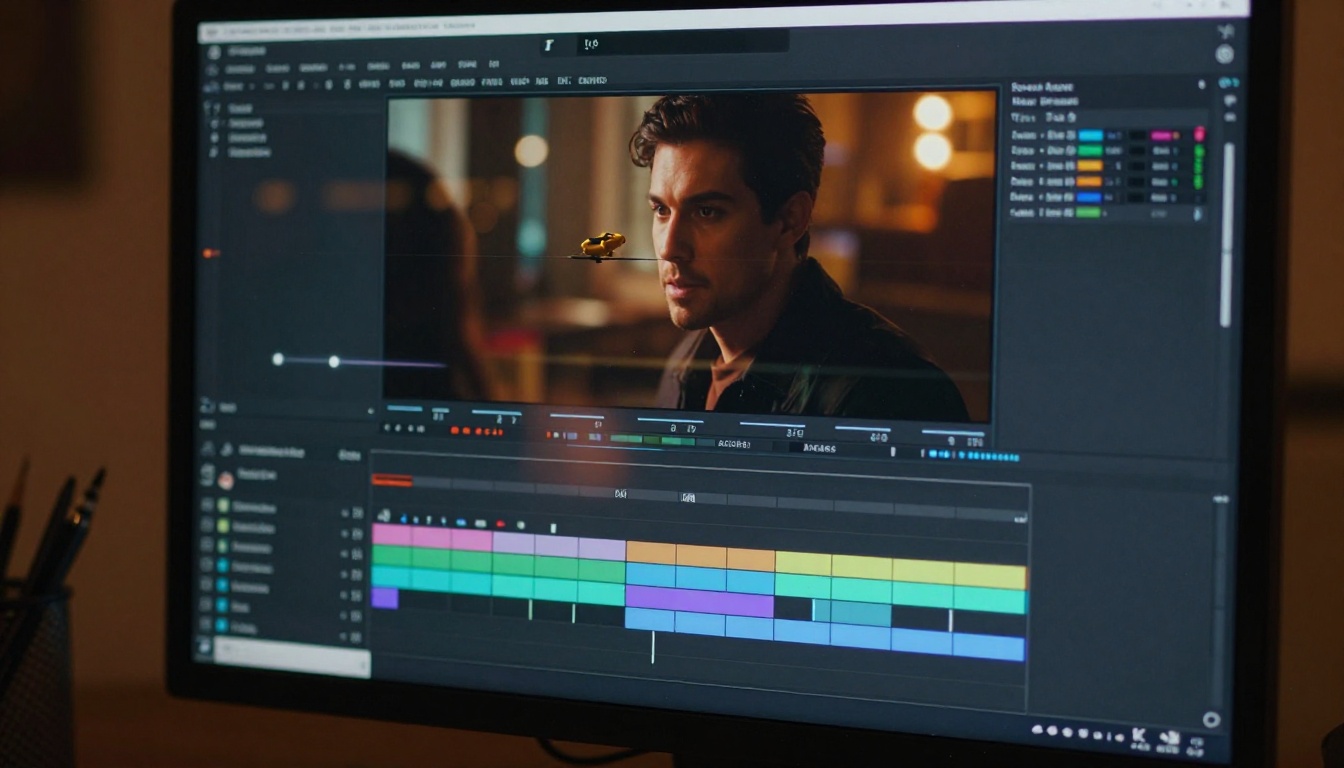
The model's biggest strength is what cinematographers call "secondary motion": the reactive movements that follow a primary action. When a character walks, their coat swings, their hair shifts, and their shoulders counter-rotate. These secondary elements are what make footage feel inhabited rather than simulated. Wan 2.7 Pro generates them without explicit prompting, as long as the primary motion description is clear and physically grounded.
The Three Modes of Wan 2.7
PicassoIA hosts all three major variants of the Wan 2.7 family, and choosing the right one is the single biggest variable in your output quality.
T2V: Pure text to video
Wan 2.7 T2V takes a text prompt and generates video with no input image required. This is the right choice when you are building a scene from scratch, have a very specific environment in mind that is hard to photograph, or want full compositional control. The 1080p output from T2V mode is sharp enough for social media and short-form content without any upscaling pass.
I2V: Animate a still image
Wan 2.7 I2V takes an input image and animates it according to your motion prompt. This is the most powerful mode for cinematic work because you can spend as long as you want perfecting the composition and lighting of the still frame, then apply precise motion on top. The model reads depth cues from the image to produce parallax motion that is physically plausible.
R2V: Reference-guided motion
Wan 2.7 R2V lets you specify a reference subject and animate it independently of the background. This is ideal for character motion, where you want a specific person or object to move while the environment remains appropriately static or moves at a different rate.
| Mode | Best For | Input Required |
|---|
| Wan 2.7 T2V | Scene-building from scratch | Text prompt only |
| Wan 2.7 I2V | Animating a composed still | Image + motion prompt |
| Wan 2.7 R2V | Character or object animation | Reference image + prompt |
Writing Prompts That Actually Move
The single biggest mistake people make when prompting Wan 2.7 Pro is writing static image descriptions and adding a motion word at the end. "A beautiful woman standing in a field, cinematic, slow motion" is an image prompt with "slow motion" bolted on. It will not produce consistent, intentional motion.
Cinematic motion prompt structure works like this:
Subject + starting state + motion action + camera movement + environmental response
Here is a practical example of the difference:
Weak: A woman in a wheat field, golden hour, cinematic slow motion
Strong: A woman in a wheat field stands still with her arms slightly raised, her cotton dress and loose hair begin to billow from a gentle wind gust moving left to right, the camera executes a slow 15-degree clockwise rotation while pushing forward slightly, wheat stalks in the foreground sway in rhythmic waves, dust particles catch the low backlight
The second prompt gives the model specific physics to simulate, a clear camera instruction, and environmental secondary motion that makes the scene feel lived-in.
The motion vocabulary that works
Wan 2.7 Pro responds reliably to these specific motion descriptors:
- Camera moves: dolly in, dolly out, slow pan left/right, tilt up/down, crane up, Dutch angle rotation, handheld drift
- Subject motion: walks toward camera, turns slowly, raises hand, cloth billows, hair catches wind
- Environmental motion: rain falls diagonally, leaves fall, steam rises, crowd moves in background
- Speed modifiers: slow motion, 0.25x speed, time-lapse, real-time, subtle drift
💡 Avoid: "epic", "amazing", "beautiful", "cinematic quality" as standalone modifiers. These are aesthetic judgments, not motion instructions. Describe the physics, not the feeling.
LSI keywords to weave into your prompts
Working knowledge of AI video prompt engineering means understanding the semantic space the model was trained on. Terms like motion blur, temporal coherence, parallax depth, focal pull, inertia, and follow-through activate the physics simulation layer more reliably than creative adjectives. Your prompts should read more like a camera operator's brief than a creative writing exercise.
Camera Control: The Secret to Film-Quality Motion
Professional cinematographers think in terms of camera movement axes: dolly (forward/backward), truck (left/right), pedestal (up/down), pan (horizontal rotation), tilt (vertical rotation), roll (rotational), and zoom (focal length change). Wan 2.7 Pro has internalized these axes and responds to them when described clearly.
The dolly vs. zoom distinction
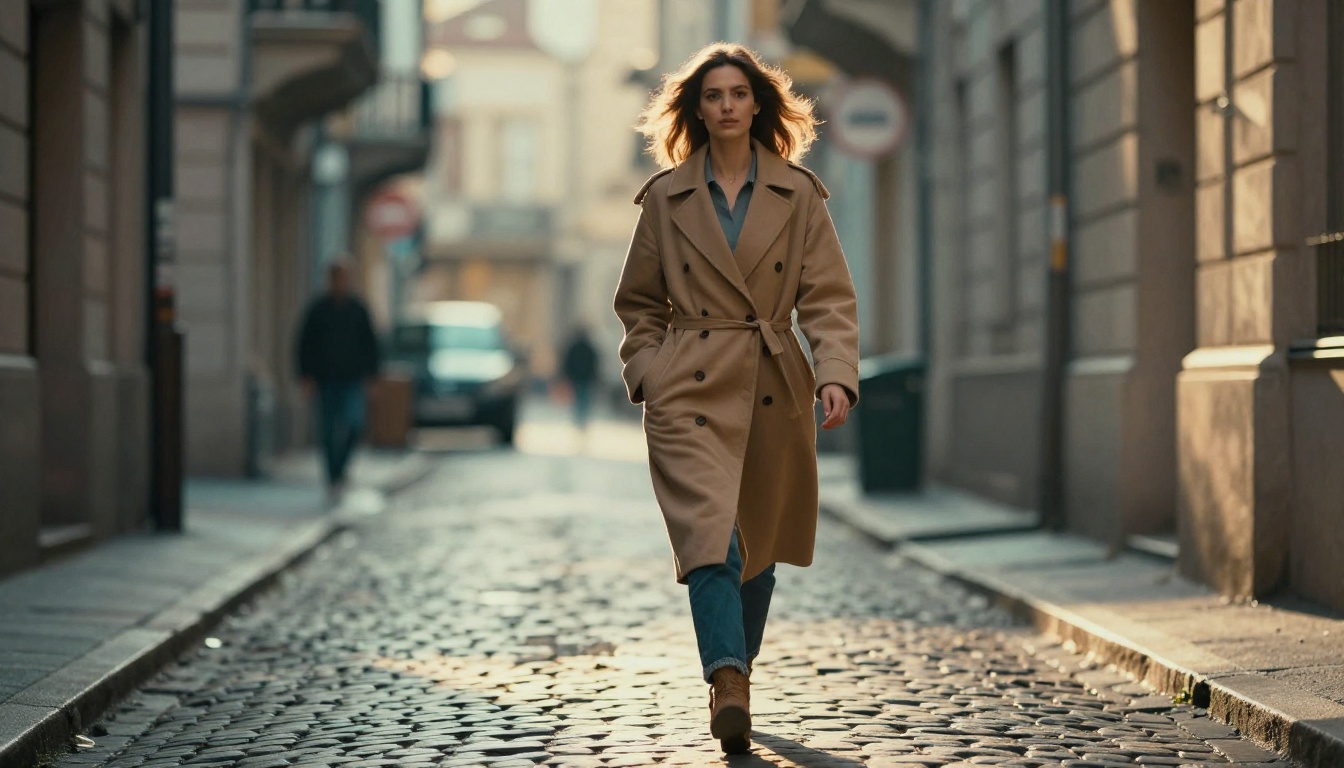
This is one of the most impactful techniques you can apply immediately. A dolly-in physically moves the camera toward the subject, which changes the perspective and makes background objects appear to shift in relation to the foreground. A zoom-in changes only the focal length, keeping perspective locked while magnifying the frame. Real cinema almost always uses the dolly; AI-generated video defaults to zoom unless you specify otherwise.
In your prompt: "the camera slowly dollies in on the subject" will produce the parallax-correct perspective change. "the camera zooms in" will produce a flat magnification. Both are valid but serve different purposes.
Handheld vs. locked camera
A locked-off tripod shot implies formality and stability. Handheld implies intimacy and presence. Wan 2.7 Pro can simulate both with precision:
- Locked: "camera is static and locked on a tripod, no camera movement"
- Handheld: "subtle handheld camera drift with organic micro-movements, slight breathing motion"
For most cinematic content, a slight handheld drift on otherwise static shots adds enormous naturalism without the chaos of fully handheld footage.
Rack focus as motion
Changing the focal plane over the duration of a clip is one of the most cinematic camera moves available, and Wan 2.7 handles it well. Try: "the camera begins focused on the foreground subject, then the focus pulls to a figure in the background, rack focus transition over 3 seconds." This creates a narrative pivot within a single shot that draws the viewer's attention exactly where you want it.
How to Use Wan 2.7 on PicassoIA
PicassoIA hosts all three Wan 2.7 variants and makes them accessible without any local GPU setup, API credentials, or technical configuration. Here is the workflow for getting your first cinematic shot.
Step 1: Pick your mode
Navigate to the Wan 2.7 collection on PicassoIA:
Step 2: Structure your prompt
Use the Subject + State + Motion + Camera + Environment formula. Write at minimum 3-4 sentences. Do not pad with adjectives. Every word should describe something physically observable.
Step 3: Set resolution
For social content, 720p is fast and high enough quality. For professional output intended for large screens or further editing, 1080p is the right choice. Both options are available directly in the model settings on PicassoIA.
Step 4: Generate and evaluate motion first
On your first generation, focus exclusively on whether the motion type is correct. Is the camera doing what you specified? Is the subject moving in the right direction? Do not worry about fine details yet. Once the motion reads correctly, iterate on the prompt to refine.
Step 5: Switch to I2V for the final pass
Once you have a prompt that generates the right motion in T2V mode, switch to Wan 2.7 I2V and provide a reference image with the exact composition and lighting you want. The model will apply your proven motion prompt to your preferred still frame, combining the best of both inputs.
Comparing Wan 2.7 to Other Top Models
PicassoIA hosts a wide selection of competing video models, and understanding where each one excels helps you route the right job to the right tool.
| Model | Strength | Best Scenario |
|---|
| Wan 2.7 T2V | Physics-accurate motion, open weights | Cinematic motion, character movement |
| Seedance 2.0 | Native audio sync, high coherence | Music videos, social content with audio |
| Kling v3 Video | Cinematic quality, motion detail | Film-grade output, high production value |
| Kling v3 Motion Control | Explicit trajectory control | Precise choreographed camera moves |
| Pixverse v6 | Fast generation, built-in audio | Rapid iteration, social media clips |
| LTX 2.3 Pro | 4K output, real-time speed | High-resolution professional output |
| Gen 4.5 | Cinematic motion, scene consistency | Narrative video, scene extension |
Wan 2.7 Pro's specific advantage is in the physics simulation layer. When you need fabric to move like fabric, hair to respond to wind with inertia and follow-through, or water to flow with realistic turbulence, Wan 2.7 outperforms most commercial alternatives at equivalent or lower cost.
💡 When to switch models: If you need native audio generation alongside your video, Seedance 2.0 or Pixverse v6 are worth running in parallel since Wan 2.7 Pro produces video only.
Common Mistakes and How to Fix Them
Motion freezes after 1 second
This usually means your subject description is too static. The model will try to maintain a stable image if the prompt does not give it ongoing motion to sustain. Fix: add continuous action verbs. "He continues walking forward" or "the camera continues its slow dolly throughout the entire clip."
Objects morph or deform mid-clip
This is a temporal consistency failure, typically caused by ambiguous depth information. Fix: add explicit depth cues. "The subject is in the foreground, approximately 2 meters from the camera, with the background clearly separated by shallow depth of field."
Camera movement feels robotic
Sharp, mechanical camera moves result from missing smoothness descriptors. Fix: add "the camera move is smooth and organic, easing in gently and decelerating before stopping" or "the movement has natural cinematic inertia."
Scene flickers or has texture instability
This is a prompt conflict issue where parts of the prompt fight each other. Fix: remove conflicting lighting descriptions. Do not write both "bright sunlight" and "dark moody shadows" without specifying their spatial relationship.
The Depth of Field Effect
Shallow depth of field is one of the most recognizable markers of professional video. It separates your subject from the background, draws the viewer's eye, and implies a high-quality optical system. Wan 2.7 Pro simulates it well when you specify it clearly.
Effective depth of field prompting:
- "Shot at 85mm f/1.4, shallow depth of field, subject in sharp focus, background blurred to smooth bokeh"
- "Rack focus from foreground to background over 2 seconds"
- "The subject's face is in sharp focus while their shoulder falls slightly out of focus, extreme shallow DOF"
The model will not invent depth of field from nothing. You need to specify the lens characteristics and focal plane explicitly. Think of it as briefing a focus puller on set.
Motion Speed: Slow Motion Done Right
Wan 2.7 Pro handles slow motion as a first-class feature. The model can generate footage that implies high frame rate capture and temporal slowing, with the characteristic motion blur and subject separation that makes true slow motion footage feel weightless.
For effective slow motion results:
- Specify the implied speed reduction: "0.25x speed", "extreme slow motion at approximately 120fps equivalent"
- Add motion blur: "subtle radial motion blur on moving elements"
- Describe the subject motion at the non-slowed rate: "a water droplet falls rapidly, the slow motion capture showing every internal ripple and surface tension deformation"
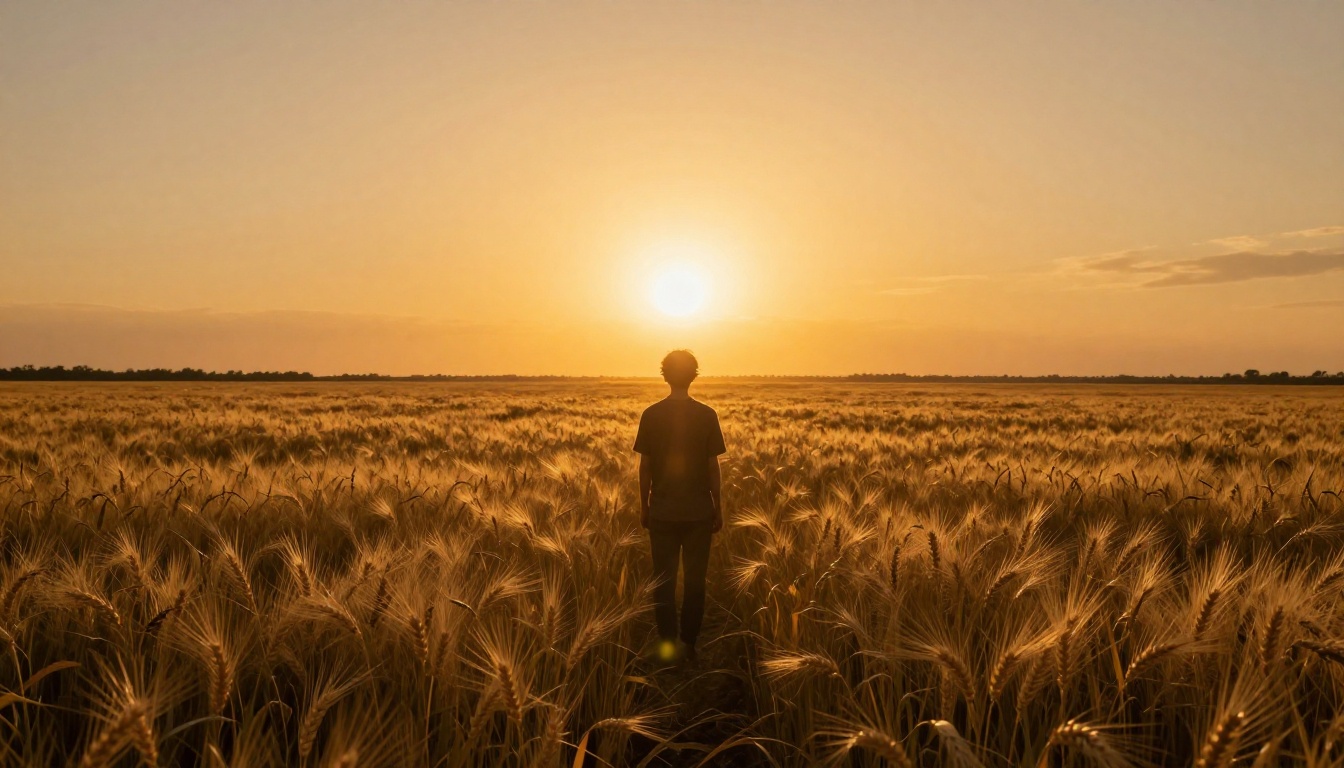
Slow motion works best on high-energy subjects: water, fire, fabric billowing, athletic motion, and particle effects. Slow motion on a person simply standing still produces an awkward freeze rather than a dramatic moment.
💡 Combine slow motion with speed ramps: "The clip begins at normal speed as the subject runs, then transitions to extreme slow motion as they leap, holding the peak of the jump in suspension." Wan 2.7 handles this temporal transition reliably when the transition point is described clearly.
Speed ramps in practice
Speed ramping is the editorial technique of transitioning between different playback speeds within a single clip. It is commonly used in sports footage, action sequences, and music videos to create emotional punctuation. The ramp itself, when done well, is barely perceptible as a technical effect and reads simply as emphasis. Wan 2.7 can simulate the motion blur characteristics of a genuine speed ramp when the transition timing is written into the prompt.
Film Grain and Color Science
Wan 2.7 Pro also responds to color science descriptors that shift the overall look of the footage toward specific film stocks. While this does not affect motion directly, it is worth including in any cinematic workflow:
- "Kodak Vision3 500T color science, warm shadow rolloff"
- "Fuji Eterna 500 stock, slightly desaturated highlights"
- "Bleach bypass processing, high contrast, desaturated midtones"
- "Warm teal and orange color grade, muted saturation"
These descriptors work best in Wan 2.7 T2V where the entire scene is generated from scratch. In Wan 2.7 I2V, the color of the input image dominates the output and color science descriptors have less effect.
Try It on PicassoIA Right Now
The fastest way to see what Wan 2.7 Pro can do for your workflow is to run a simple test. Take any still photo you have, write a three-sentence motion prompt using the Subject + State + Motion + Camera + Environment structure, and feed it into Wan 2.7 I2V on PicassoIA.
If you want to start from text, Wan 2.7 T2V generates full scenes from scratch at 1080p. If you are working with a specific character or subject that needs to be preserved precisely across frames, Wan 2.7 R2V is built for exactly that use case.
For projects that need native audio alongside the motion, pair your Wan 2.7 generation with Seedance 2.0 or Pixverse v6 for a fully realized clip with synchronized sound. For the highest resolution output at 4K, LTX 2.3 Pro handles professional-grade generation that holds up on large screens.
For cinematic character control with explicit trajectory paths, Kling v3 Motion Control gives you point-to-point animation control that complements Wan 2.7's physics simulation approach.
All of these models are available today at picassoia.com/en/all-models. The prompting knowledge you build on one model transfers directly to the others, which means every hour you spend refining the motion vocabulary pays dividends across every video tool on the platform.


