Faceless videos went from a quiet corner of YouTube to one of the most profitable formats on every short-form and long-form platform. Channels with zero on-camera presence are pulling millions of weekly views using AI voiceovers, synthetic b-roll, and tight editing rhythm that holds attention better than most talking-head content. The barrier to entry has never been lower, and the income ceiling has never been higher.
This article breaks down the full faceless workflow used by creators making real money in 2026: niche selection, scripting, AI narration, visual production, editing, captions, music, and packaging. Every step here is something a solo creator can do from a laptop in a single afternoon. By the time you finish reading, you will have a working playbook to publish your first faceless video this week.
Why Faceless Channels Win Right Now
Faceless content removes the single biggest blocker for new creators: camera fear. It also strips away the production overhead that comes with shooting yourself, the lighting setup, the wardrobe choices, and the social anxiety of putting your image on the internet forever. What replaces all of that is a writing and editing process that scales much faster than traditional vlog-style content.
The Shift in Viewer Habits
Viewers no longer care whether a creator is on screen. They care about story, information density, and audio quality. A faceless explainer with crisp narration and rhythm-driven b-roll keeps people watching longer than a poorly framed talking head. Retention is everything, and faceless formats win on retention because the visual track is always changing.
Lower Production Friction
A faceless creator can produce three to five videos in the same time it takes a vlogger to edit one. There is no green screen to manage, no makeup to redo, no schedule to align with a friend behind the camera. The whole pipeline becomes: write, narrate, illustrate, cut. That is it.

💡 Tip: Treat your faceless channel like a writing business with a video output. The script does 80% of the work.
Pick a Niche That Actually Pays
Niche choice is more important than every other decision combined. A great script in a dead niche pulls 200 views; a mediocre script in a hungry niche pulls 200,000. The math is brutal but simple, and it is the one variable beginners underestimate the most.
Niches With Steady Demand
The niches that keep paying year after year share three traits: emotional hook, evergreen search demand, and strong CPM advertiser interest. Consider topics like personal finance breakdowns, true crime retellings, mythology and folklore, AI tool reviews, productivity systems, scary stories, motivational sports edits, and luxury lifestyle reviews. All of them work without a face.
Avoiding Saturated Topics
Saturation is not a death sentence, but it raises the quality bar. If you walk into a crowded space, your script structure, voiceover quality, and visuals all need to be in the top 10% of what is already published. A quick test: search your topic on YouTube and watch the top three videos at 2x speed. If you cannot beat them on hook, pacing, or visual variety, pick a sharper sub-niche and rebuild from there.
| Niche Type | Average CPM | Difficulty | Faceless Fit |
|---|
| Personal Finance | $15 to $40 | High | Excellent |
| True Crime | $7 to $12 | Medium | Excellent |
| AI Tools and Tutorials | $10 to $25 | Medium | Excellent |
| Mythology and Folklore | $4 to $8 | Low | Excellent |
| Motivational Edits | $3 to $6 | Low | Strong |
| Productivity Systems | $8 to $15 | Medium | Strong |
| Luxury Reviews | $20 to $50 | High | Strong |
Scripts That Hold Attention
The script is the single highest-leverage asset in your whole pipeline. A strong script with mediocre visuals still wins. A weak script with cinematic visuals still loses. Spend the time here, even if you have to spend less time everywhere else.
Hook in the First Eight Seconds
The first eight seconds decide whether someone watches the rest. The hook needs to do one of three things: promise a specific result, pose a contrarian question, or open a story loop the viewer needs closed. Avoid intros that start with "Welcome back" or "Today we are talking about." Skip the throat-clearing and get into the substance immediately.
Pacing and Word Count
For a ten-minute long-form video, aim for roughly 1,500 to 1,800 spoken words. That gives the editor enough room to breathe between sentences without dragging. For a 60-second short, the target is 130 to 160 words, delivered fast but never rushed.
Story Structure That Works
Every section of your script should end on a question the next section answers. This creates what editors call open loops, which keep viewers locked in. Map your script as: hook, promise, story, evidence, payoff, next loop. Repeat that pattern across six to eight beats and you have a retention machine.

AI Voiceovers Worth Listening To
The voice is what separates a forgettable faceless video from one that feels like a polished podcast. Audio quality is non-negotiable. Tinny, robotic, or over-compressed voiceovers tank watch time in the first 30 seconds, no matter how good the script or visuals are.
Pick a Voice That Fits Your Niche
A finance channel needs a calm, authoritative voice. A horror channel needs a slow, breathy delivery. A motivational channel needs a deep, rhythmic punch. There is no one-size-fits-all voice, and matching tone to topic is what makes a channel feel cohesive across every upload.
For studio-grade narration, use ElevenLabs v3 when the script calls for emotional range, or Speech 2.8 HD when you want broadcast-clean delivery. For multilingual channels, Gemini 3.1 Flash TTS handles 70+ languages without losing natural cadence between them.
Voice Cloning For Brand Consistency
Once you find a voice that works, lock it in. Using Voice Cloning, you can create a custom voice that stays identical across hundreds of uploads. This is what gives faceless channels their podcast-like familiarity, and it is what turns first-time viewers into subscribers.
Audio Polish In 90 Seconds
Before finalizing the narration, do three things: normalize loudness to around minus 16 LUFS, add a subtle de-esser to soften harsh consonants, and apply a mild parametric EQ that boosts presence around 3 kHz. These small adjustments take 90 seconds and make the difference between amateur and professional output.
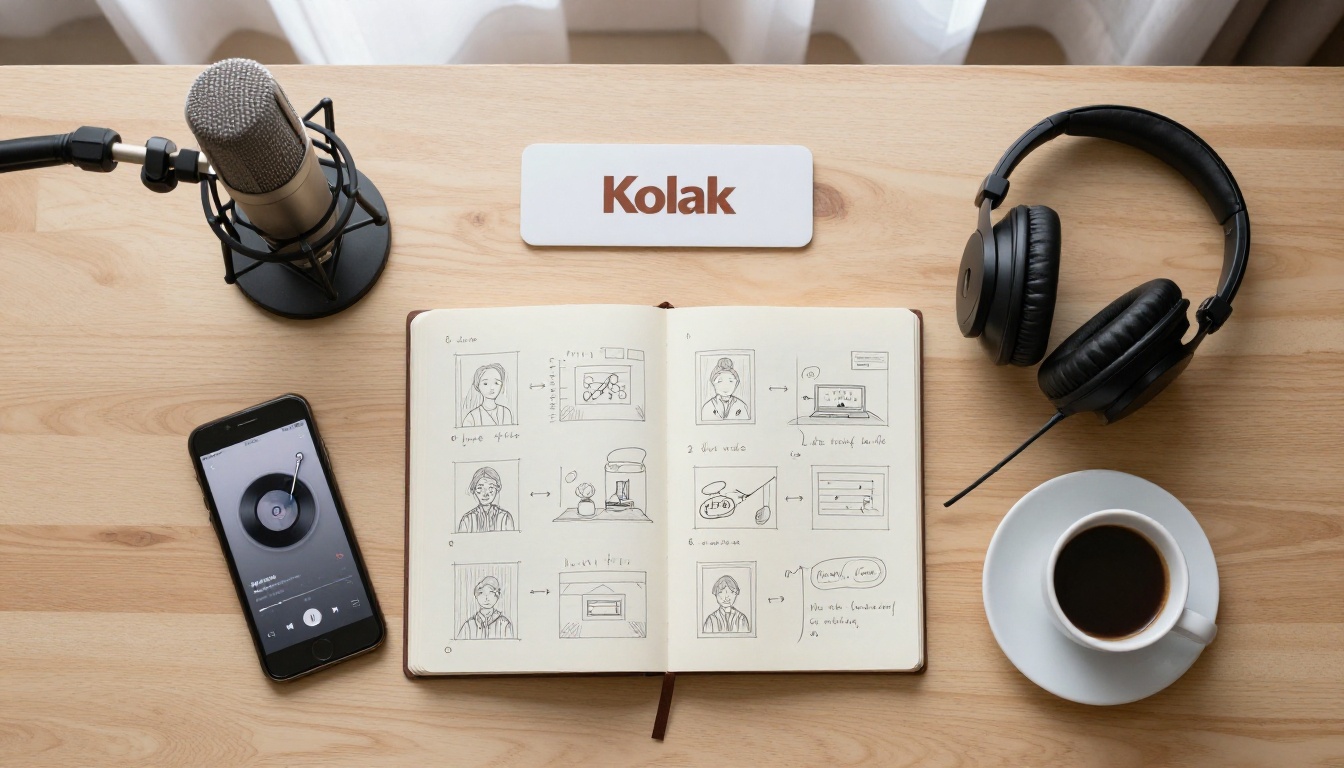
💡 Tip: Record one full minute of room tone before your first take. You will need it for clean fades and gap fills during the edit.
B-Roll Without Owning a Camera
Visuals carry the second half of the watch-time battle. Even with perfect narration, a static screen kills retention. Faceless creators in 2027 source visuals from three places: stock footage libraries, AI video generators, and animated still images.

AI Video Generation
Text-to-video generators have closed the gap with stock footage at speed. Veo 3.1 produces 1080p clips with native synchronized audio, which is ideal for cinematic intros or atmospheric sequences. For longer narrative b-roll, Sora 2 and Kling v2.6 handle multi-shot scenes with believable physics. For dialogue-driven content, Seedance 2.0 generates clips with built-in audio that match a script's tone on the first attempt most of the time.

Animating Still Photos
When you already have a strong still image, animate it. Wan 2.6 I2V and Kling v2.6 Motion Control turn photos into 5-second clips with controlled camera moves. This is the fastest way to produce variety without writing 50 new text-to-video prompts.
Free Unlimited Generation
If you are starting out with no budget, PicassoIA Video offers free unlimited generations from text or image. That removes the per-clip cost pressure that stops most beginners from producing the volume needed to find their voice in the first three months on the platform.
Talking Avatars Without A Camera
For channels that want a recurring on-screen presence without revealing the creator, animated avatars are the answer. Omni Human 1.5 animates a single still portrait into a talking video synced to your AI voiceover. Combine that with Lipsync 2 Pro for cleaner mouth motion on close-ups and you have a fully voiced character without ever stepping in front of a camera.
Mixing Stock and Synthetic
The pros mix both. Stock footage gives you real-world authenticity for cities, nature, and people. AI video fills the gaps where stock is too generic or too expensive. A solid 10-minute faceless video usually contains 60 to 80 distinct visual cuts, and around half will be AI-generated in 2026.

💡 Tip: Generate three or four alternate b-roll options for every script beat. Pick the strongest in the edit, then save the rest for shorts and platform reposts.
Editing, Captions, and Music
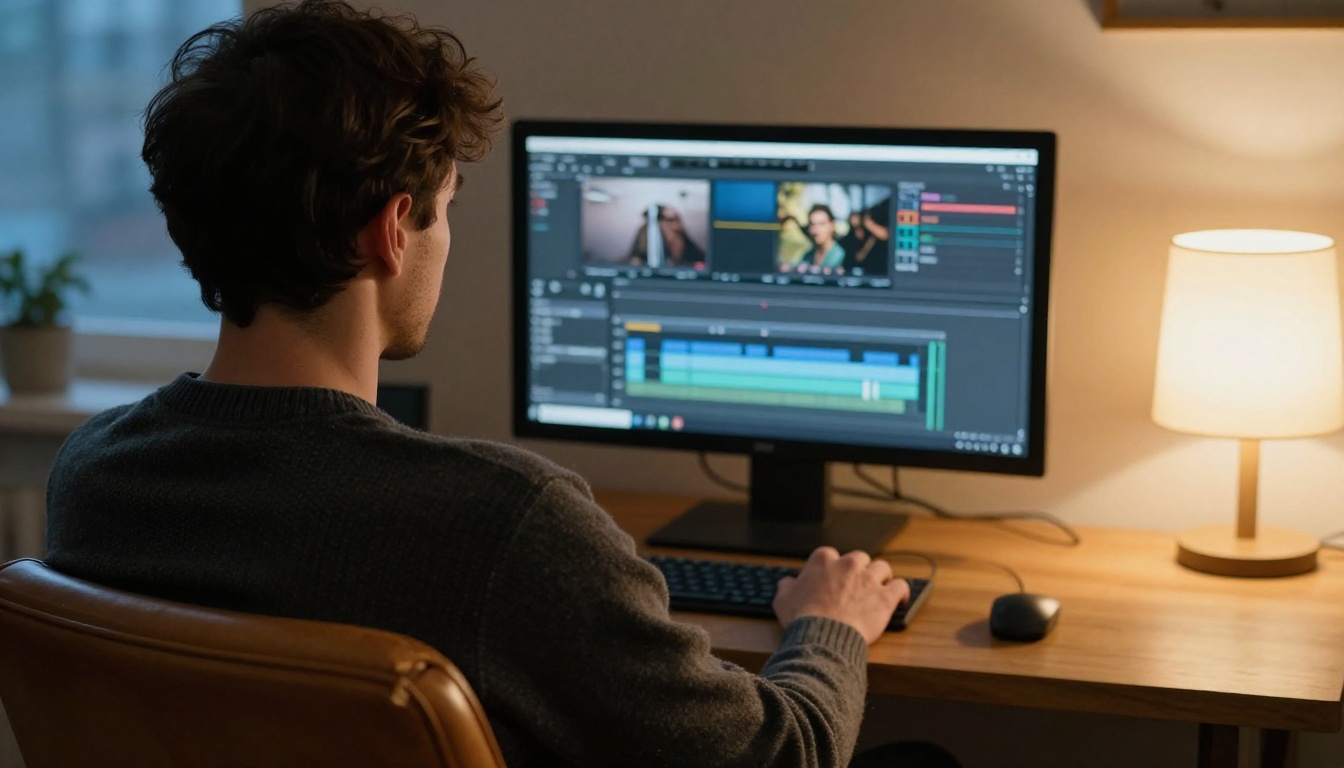
Editing is where the script and visuals fuse into something watchable. This is also where most beginner faceless videos fall apart, because they treat the edit as assembly rather than rhythm.
Smart Cuts and Pacing
The rule of thumb: change something on screen every two to four seconds. That does not mean a hard cut every two seconds, it means motion, zoom, pan, image swap, or color shift. The eye needs change to stay engaged. Tools like Lucy Edit 2 let you restyle and recut existing clips using plain-text instructions, which speeds up the b-roll pass significantly.
Auto Captions Done Right
Around 75% of short-form viewers watch with sound off, and around 40% of long-form mobile viewers do the same. Burned-in captions are no longer optional. Autocaption produces synced captions with custom styling, which you can drop directly into your final cut. Keep them large, high-contrast, and animated lightly.
Music and Sound Effects
Music sets emotional tone faster than any other element. Use Lyria 3 Pro to compose original tracks that fit your script length exactly, or ElevenLabs Music for genre-specific underscoring. For sound effects, MMAudio adds context-aware sound design automatically based on what is on screen, which would otherwise take an hour of manual foley work.

Reformatting Across Platforms
You should be publishing one main video and three to five platform-native cuts. Reframe Video automatically converts a 16:9 source into 9:16 vertical and 1:1 square without awkward cropping. This single workflow change can triple your weekly output without adding a single new script.
Thumbnails and Titles That Earn Clicks
A great video with a bad thumbnail is invisible. CTR is the metric the algorithm watches before it watches anything else. Spend 15 to 30 minutes per video on packaging, and treat it as part of the production, not an afterthought.
Title Formulas That Work
Three formulas outperform everything else for faceless content: the curiosity gap ("I tested 7 AI voice tools, only 2 sound human"), the specific number ("This 4-minute habit changed how I work"), and the contrarian claim ("Stop buying stock footage in 2026"). Avoid vague titles that promise nothing concrete to the viewer.
Thumbnail Composition Rules
Strong faceless thumbnails follow four rules: one focal subject, two to three high-contrast colors, three or fewer words of text, and visible negative space. The thumbnail needs to read in 0.4 seconds at the size of a postage stamp. Test variants on a phone screen before publishing, never on your editing monitor.

Title and Thumbnail Pairing
The title and thumbnail must work together but say different things. The thumbnail catches the eye; the title earns the click. If both say the same thing, the viewer has no reason to click through. Pair a visual question with a written answer, or a visual answer with a written question.
Posting Cadence and Channel Growth
Frequency matters less than consistency. A channel uploading once a week for 18 months will outgrow a channel uploading three times a week that quits after four months. Pick a cadence you can hold for a full year, then hold it.
Batching Production
Batch every step. Write four scripts in one session. Record four voiceovers in the next. Generate all your b-roll in a single afternoon. Edit one video per day for the rest of the week. Batching cuts context-switching costs and is the only way a single creator survives a weekly publishing schedule long-term.
Analytics Without Obsession
Check your numbers once a week, not once an hour. Watch retention curves first, click-through rate second, average view duration third. Subscriber count is the least useful metric in the first 12 months because it lags everything else by several weeks.
Start Your First Faceless Channel Today
Faceless video is the format with the lowest production cost and the highest leverage available to a solo creator in 2027. With the right voice, the right visuals, and a script that respects the viewer's time, a single person can run a channel that competes with full production studios. The tools are ready. The audience is ready. The only thing missing is your first upload.
Pick a niche this afternoon. Write your first script tonight. Generate the visuals using any of the AI models linked above, then ship the finished video within the week. The platform rewards creators who actually publish, and PicassoIA gives you every model you need under one account, with no caps and no software to install. Open the platform at picassoia.com/en/all-models, pick a voice, pick a video model, and start building the channel you have been thinking about for months.


