Creating a professional phone system that actually sounds human used to require a recording studio, a hired voice artist, and a production schedule that stretched across weeks. AI has made that process obsolete. Today, with the right text-to-speech tools, you can produce polished IVR (Interactive Voice Response) prompts in minutes, with complete control over tone, pace, and language. The quality is no longer a compromise.
What IVR Prompts Actually Are
The anatomy of a phone menu system
IVR stands for Interactive Voice Response. It is the audio layer that greets callers when they ring a business, routes them through menu options, puts them on hold, and delivers recorded information. Every prompt in that system is a short audio file, usually between 3 and 30 seconds long, triggered by the caller's input.

A typical IVR setup includes several types of prompts:
- Welcome greeting: The first thing a caller hears
- Menu options: "Press 1 for billing, press 2 for support"
- On-hold messages: Queue wait announcements and marketing messages
- Confirmation prompts: "Your appointment is confirmed for..."
- Error prompts: "I didn't catch that. Please try again."
- Closure messages: After-hours recordings
Each file needs a consistent voice, tone, and pacing across all recordings. That consistency is what makes AI a better solution than rotating voice talent.
Why callers judge your brand in 3 seconds
The first audio a caller hears sets their expectations for everything that follows. A poor-quality recording, a robot-sounding voice, or a script that reads like a legal document all signal the same thing: this company does not care about the experience it delivers. A well-crafted IVR prompt, on the other hand, builds trust before a single human agent answers.
💡 Tip: The average caller decides whether to stay on hold or hang up within the first 8 seconds. Your greeting script and voice quality are the two variables you control completely.
Why Traditional Recording Falls Short
The cost of booking a voice talent
Professional voice-over rates for IVR prompt packages typically range from $200 to $1,500 per project, depending on the number of files, language requirements, and revision rounds. That is before studio fees, file processing, and the delay that comes with scheduling. For a business that needs to update seasonal messages, add new menu options, or localize into multiple languages, those costs multiply fast.
The revision problem
Traditional recordings lock you into the version you approved. Changing a phone number in one prompt means rebooking the session or paying for a patch recording that never quite matches the original tone. AI removes that constraint entirely. You change the script, regenerate, done.
Consistency across updates
A business that hires a new voice talent for its second batch of prompts ends up with an IVR system that sounds like two different companies. AI maintains perfect consistency: same voice, same prosody, same style, no matter how many months pass between updates.
Writing IVR Scripts That Actually Work
Keep it short and direct
The most effective phone prompts share one quality: they waste no words. Callers are not in a reading mode. They are in a task mode. They called for a specific reason and want to be directed there as quickly as possible. Every extra word is friction.
| Prompt Type | Ideal Length | Max Length |
|---|
| Welcome greeting | 8 to 12 seconds | 15 seconds |
| Menu option set | 15 to 20 seconds | 25 seconds |
| On-hold message | 20 to 30 seconds | 45 seconds |
| Confirmation | 5 to 10 seconds | 15 seconds |
| Error/retry | 5 to 8 seconds | 10 seconds |
Sentence structure for spoken audio
Text that reads well on a page often sounds wrong when spoken aloud. Write IVR scripts as you would speak them in a conversation. Short sentences. No nested clauses. Spell out numbers and abbreviations.
Bad example: "To be connected to one of our highly trained customer support representatives who can assist you with any billing-related inquiries, please press the number one on your keypad now."
Good example: "For billing, press 1. For technical support, press 2. To speak with an agent, press 0."
The menu option limit rule
Human working memory holds about 5 to 7 items reliably. IVR systems that offer 9 or 10 options in a single menu cause decision paralysis and caller abandonment. Keep any single menu to 4 options maximum. If your system is more complex, use sub-menus with clear labels.
💡 Tip: Always place the most common reason people call as option 1. Do not organize menus by internal department structure. Organize by caller behavior.
How AI Text-to-Speech Changes the Workflow
From script to audio in under 2 minutes
The modern AI TTS workflow for IVR production is straightforward. You write your script, paste it into the tool, select a voice, and export. The turnaround that used to take days now takes minutes. More importantly, you can iterate in real time, adjusting pacing, emphasis, and tone in the same session.
Voice consistency across all prompts
AI voices do not have off days. They do not catch a cold, change their delivery style between sessions, or charge you more for a rush turnaround. Once you select a voice and configure your settings, every prompt you generate with that voice sounds like it came from the same recording session.
Multilingual without multilingual budgets
Businesses serving multiple regions used to need separate voice talent for each language. AI text-to-speech handles dozens of languages and accents from a single interface. ElevenLabs v2 Multilingual supports over 30 languages natively, and Gemini 3.1 Flash TTS covers more than 70 languages. The same workflow produces Spanish, French, Portuguese, and German versions of your entire IVR in a single afternoon.
How to Use ElevenLabs V3 on Picasso IA
Picasso IA gives you direct access to ElevenLabs V3, one of the most natural-sounding voice synthesis models available. Here is a step-by-step process for producing IVR prompts with it.
Step 1: Open the model
Navigate to ElevenLabs V3 on Picasso IA. The interface loads with a text input field and a voice selector panel on the right.
Step 2: Paste your script
Enter your prompt text exactly as you want it spoken. For IVR, this means short, clear sentences. Example:
"Thank you for calling. For sales, press 1. For support, press 2. To speak with the next available agent, press 0."
Step 3: Select your voice
V3 offers a range of voices including neutral professional tones ideal for business telephony. Choose a voice with a mid-range pitch and moderate speaking speed. Avoid overly warm or theatrical voices for IVR, as they can feel inconsistent with caller expectations.
Step 4: Adjust key parameters
- Stability: Set between 0.6 and 0.75 for IVR. Higher stability reduces expressiveness but increases consistency between files.
- Clarity: Keep at 0.75 or above for phone audio, where codec compression reduces high-frequency detail.
- Style: Set to 0 for professional IVR. Style enhancement adds expressiveness suited to storytelling, not automated menus.
Step 5: Generate and export
Click generate. The output is a clean audio file ready to upload into your IVR platform. For most phone systems, export in WAV at 8kHz or 16kHz mono, or MP3 at 64kbps for cloud-based systems.
💡 Tip: Generate all prompts in a single session. Do not switch voices or restart the platform between files. Session-level consistency produces the best matching results across your full prompt library.
The Best AI Voice Models for Phone Audio
Different platforms offer different strengths. Here is how the main options compare for IVR use cases specifically.

Speed versus quality
For businesses that need to produce prompts quickly and at scale, ElevenLabs Flash v2.5 offers fast generation with solid output quality. Speech 2.8 HD by Minimax prioritizes audio fidelity, making it better for brand-critical recordings where quality is non-negotiable.
Voice cloning for brand continuity
If your business already has a recognizable voice from previous recordings, Minimax Voice Cloning and Qwen3 TTS allow you to create a custom AI voice from existing audio samples. This preserves brand continuity while giving you the full flexibility of AI generation going forward. No more chasing down the original voice talent every time a script changes.
For multi-agent dialogue prompts
Some IVR systems use conversational flows where two voices alternate. PlayHT Play Dialog is purpose-built for this: it generates natural two-speaker dialogue audio from a single script input, making it useful for demonstration prompts or welcome sequences that simulate a conversation.
Audio Quality Considerations for Phone Systems
The telephony codec problem
Phone networks compress audio aggressively. The standard G.711 codec used in most PSTN and VoIP systems operates at 8kHz, which cuts off any audio frequency above 4kHz. That means the detail in a rich, studio-quality AI voice recording is partially lost in transmission. The fix is simple: generate your prompts at the target sample rate from the start.

For traditional telephony:
- Format: WAV, PCM 16-bit
- Sample rate: 8,000 Hz mono
- No compression at source level
For VoIP and cloud systems (Twilio, Vonage, Amazon Connect):
- Format: MP3 or WAV
- Sample rate: 16,000 Hz or 22,050 Hz mono
- Bitrate: 64kbps to 128kbps
💡 Tip: Always test your generated prompts on an actual phone call before deploying to production. Speaker quality on a smartphone is not representative of what callers hear through a telephone codec.
Normalization and headroom
AI-generated audio often has inconsistent loudness levels between files. Before uploading to your IVR platform, normalize all audio to -16 LUFS (the broadcasting standard for speech). Any free audio editor like Audacity can batch-normalize your files in under a minute. This single step eliminates the jarring volume jumps callers notice between your greeting and your menu options.
Common IVR Prompt Mistakes

Saying "please" too many times
Politeness in IVR prompts has diminishing returns. One "please" in the welcome message is appropriate. Saying "please press 1, please hold, please listen carefully to the following options" accumulates dead time that callers resent. Trim every unnecessary "please" after the first.
Burying the most-used option
If 70 percent of your callers want option 3, put it first. Most businesses organize IVR menus by internal hierarchy (sales first because sales matters most internally) rather than by actual caller behavior. Audit your call logs and reorder based on call volume per option. Your callers will notice, even if they cannot explain why the system feels faster.
Using jargon callers do not recognize
"Press 1 for our Client Success team" means nothing to a caller who just wants help with a billing error. Use plain language: "Press 1 for billing questions." Internal department names have no place in caller-facing audio.
Not recording a timeout prompt
Every IVR menu needs a timeout message for callers who do not press anything within a set period. A good timeout prompt re-reads the options once, then routes to a live agent or voicemail. Without it, silence followed by a disconnect is what callers experience, and that destroys the brand impression you spent money building.
Build Your IVR Library Today
The old production pipeline for phone audio had real friction: booking talent, waiting for files, paying for revisions. The tools available through AI platforms remove all of that. You can write a complete IVR script in the morning and have production-ready audio files by afternoon, in every language your business operates in, with a voice that stays consistent for years.
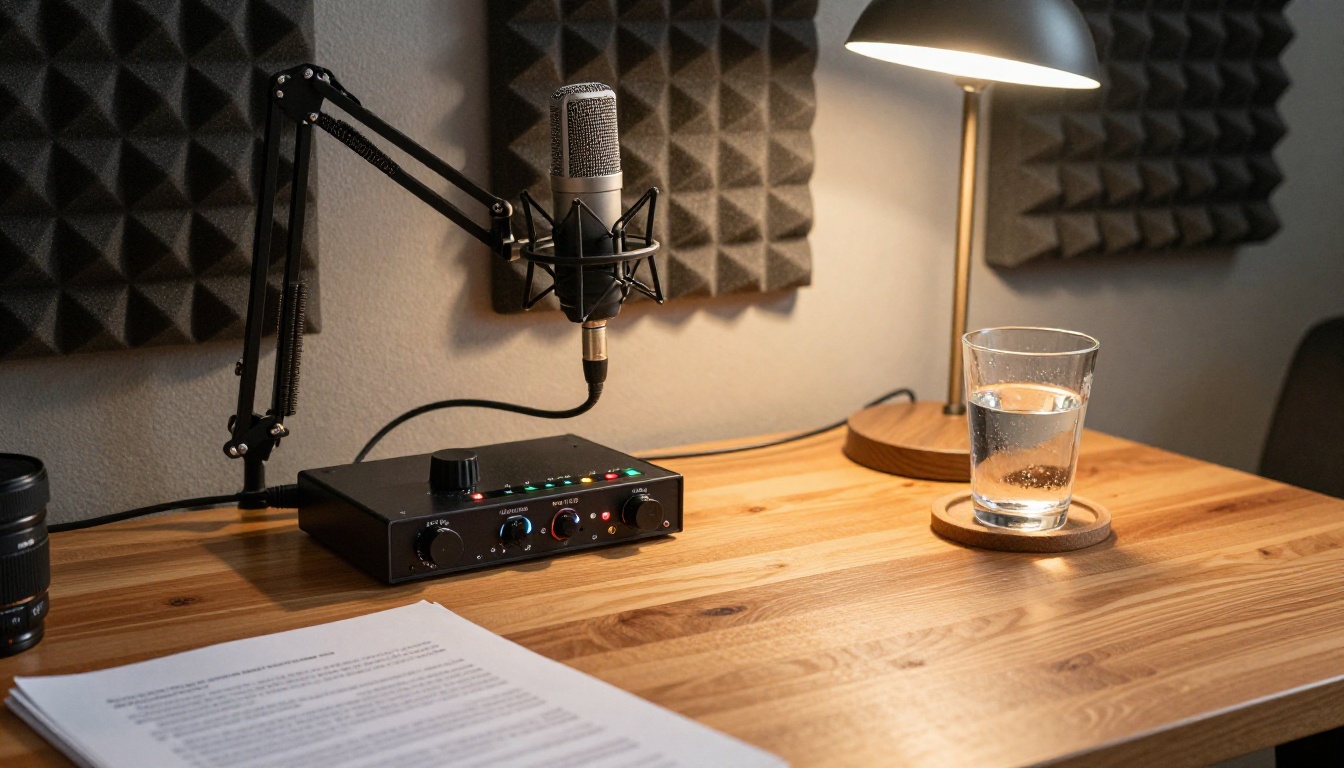
Picasso IA gives you access to the most capable text-to-speech models in a single place, including ElevenLabs V3, Speech 2.8 HD, Gemini 3.1 Flash TTS, and Turbo v2.5 for fast multilingual output. You do not need a separate subscription to each platform. You also have access to speech-to-text tools if you need to transcribe existing recordings before remaking them with AI voices.
Pick a model, write your first prompt script, and generate. The difference between a phone system that sounds like a real company and one that sounds like an afterthought is one afternoon of focused work.


