You recorded a perfect voiceover. Your video is shot. But the mouth movements do not match, the language is wrong for your target audience, or you simply need the audio and lips to align without booking another shoot. That is exactly what AI lipsync solves in 2027, and it does it so precisely that most viewers cannot tell the difference between an original recording and a lip-synced version.
AI lipsync has crossed a real threshold this year. The output from models like Omni Human 1.5, Lipsync 2 Pro, and Kling Lip Sync is no longer "close enough." It is accurate at the phoneme level, temporally aligned to the millisecond, and capable of handling everything from a 10-second social clip to a 60-minute dubbed corporate video. This article walks through how it all works, which models are worth your time, and exactly how to run the process from upload to finished file.
What AI Lipsync Actually Does
Most people assume lipsync is just swapping one audio track for another. The audio swap is the straightforward part. What AI lipsync actually does is modify the facial geometry in the video so that the mouth, lip corners, jaw, and surrounding cheek muscles move in sync with the new audio signal. The original performance, expression, and personality stay entirely intact. Only the mouth region changes.
The Sync Engine Behind the Results
Modern lipsync models are trained on hundreds of thousands of hours of annotated video, building a precise map between phoneme sequences and facial muscle deformations. When you upload a video and an audio file, the model runs a multi-stage pipeline:
- Face detection runs on every frame, identifying the face region and extracting a mesh
- The audio is analyzed at the phoneme level, with each speech sound timestamped
- New mouth geometry is generated for each frame based on the corresponding phoneme
- The generated geometry is composited back into the original face using inpainting, preserving skin texture, color, and lighting
The output is a person who appears to say exactly what is in the audio, in whatever language, at whatever speed, with their original identity fully preserved.
Why 2026 Output Looks Real
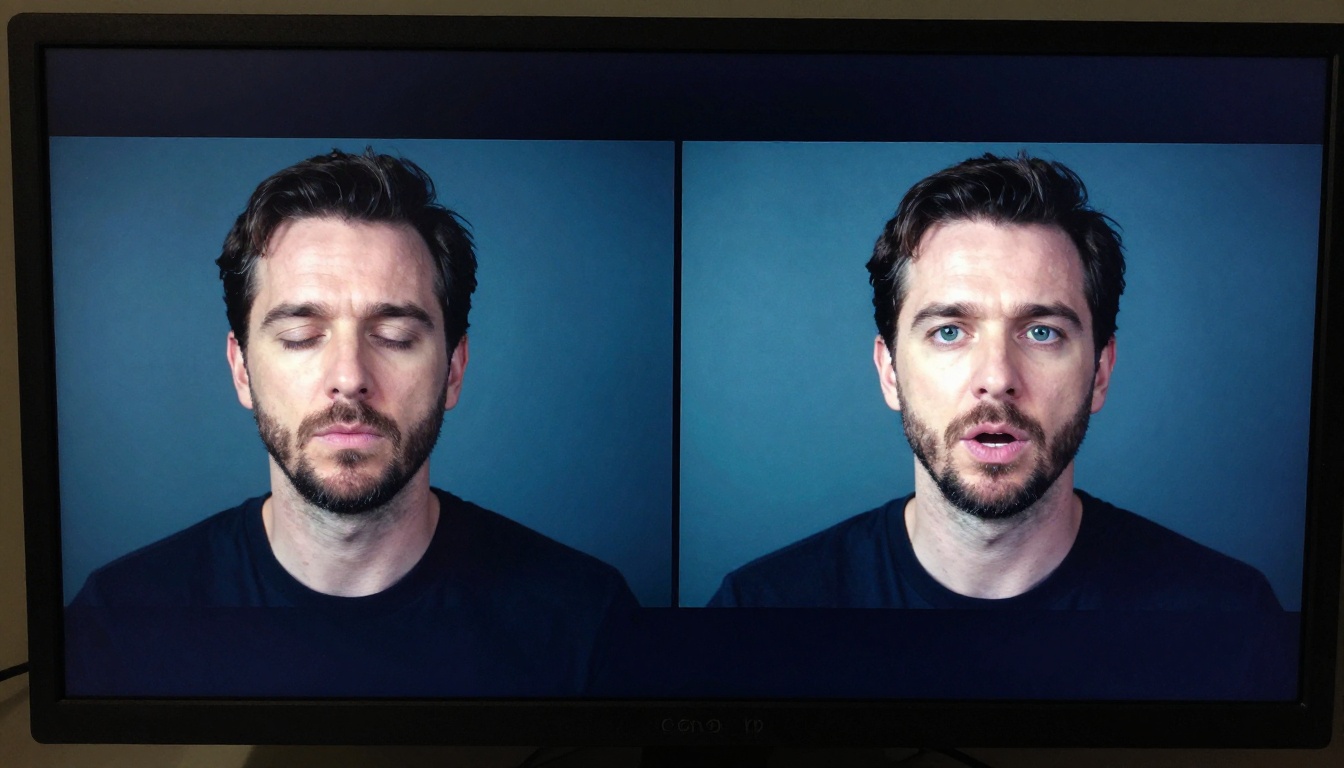
Three years ago, AI lipsync was detectable. The lip edges blurred slightly, the teeth looked unrealistic, and phoneme transitions were choppy at fast speech speeds. Today, diffusion-based synthesis has replaced older GAN architectures. Models now operate at a per-frame inpainting level, re-rendering only the mouth region while preserving every other element including skin pores, stubble, lipstick texture, and teeth.
💡 The biggest perceptible improvement in 2026 is teeth rendering. Earlier models struggled with the inside of the mouth at wide-open phonemes like "ah" and "ay." Current models reconstruct individual tooth geometry that matches the original person's dental structure, eliminating the plastic look that previously gave AI lipsync away.
The Best AI Lipsync Models Right Now
There are now more than a dozen production-grade AI lipsync models available on PicassoIA. These are the ones that consistently produce broadcast-quality results across different use cases:
Lipsync 2 Pro: The Precision Standard
Lipsync 2 Pro by Sync Labs is the current benchmark for accuracy in the category. It handles audio-visual alignment at the sub-frame level, meaning you can feed it audio with irregular cadence, regional accents, overlapping syllables, or rapid speech and still get clean output with no mouth drift.
This is the model of choice for:
- Corporate video localization to international markets
- Documentary post-production where ADR was recorded separately
- Online course content that needs updated narration without reshooting the original lesson footage
The tradeoff is processing time. Lipsync 2 Pro is not the fastest option in the category. When you need a draft in 30 seconds, use Lipsync Speed instead. When the deliverable is final, use 2 Pro.
Its sibling, Lipsync 2, sits in between: faster than the Pro version with very good quality, making it the best default for iterating on a project before committing to the precision pass.
Omni Human 1.5: From a Single Photo to Full Video
Omni Human 1.5 by ByteDance does something categorically different from the other models. You do not need existing video footage at all. Upload a single photo, provide an audio file, and the model generates a full talking head video from scratch. Facial geometry, expression dynamics, natural head movement, and eye blinks are all synthesized from the static image.
This makes it exceptionally useful for:
- Creating spokesperson videos without a camera or crew
- Building avatar content from a single headshot
- Social media content where you want a consistent on-screen personality without repeated filming sessions
Its predecessor, Omni Human, was already impressive. The 1.5 update significantly improved micro-expression accuracy and blink timing, which were the most detectable signs of synthetic video in the earlier version. Natural blink intervals and slight head tilts mid-sentence are what make 1.5 outputs feel genuinely human.
💡 For best results with Omni Human 1.5, use a high-resolution headshot with even, diffused lighting and a neutral expression as the source image. The model uses the initial facial geometry as its baseline, so a clean input produces a much cleaner output.
Kling Lip Sync: Fast and Social-Ready
Kling Lip Sync is optimized for speed on short content. It processes clips under 60 seconds extremely quickly, making it the right tool for Instagram Reels, TikToks, and YouTube Shorts where turnaround time matters as much as quality. The sync accuracy is very good for rapid speech and casual delivery styles, and it handles vertical video formats natively, which is still a limitation for several other models.
How to Make a Lipsync Video in 5 Steps
The core workflow is consistent across every model. The inputs are always the same: a video (or photo) and an audio file. The output is always a video with mouth movements synchronized to the new audio. Here is the full process.
Step 1: Prepare Your Source Video
The source video needs a clear, unobstructed view of the face in the majority of frames. The model needs to detect and track the mouth region throughout the clip. Common issues that cause sync problems or face-tracking failures:
- Hands covering the mouth or lower face
- Extreme side profile angles beyond 60 degrees from center
- Low resolution below 480p, or heavy film grain
- Multiple faces in frame with no clear primary subject
- Rapid camera cuts with changing face positions
If your footage has any of these, trim or crop to the sections where the face is clean and visible. Most models handle moderate angle variation well, up to about 45 degrees from front-facing.
Step 2: Record or Upload the Audio
Your audio file should be:
- Clean: no background music, reverb, or ambient noise under the speech
- Normalized: consistent volume level from start to finish with no sudden peaks
- Standard format: WAV or high-quality MP3 (both are accepted by all models)
💡 If you are generating the voice with a text-to-speech model, PicassoIA has a full Text to Speech suite. Generate the voice first, download the audio file, then feed it into the lipsync model. This two-step workflow gives you full control over the voice quality before the sync step.
Step 3: Choose the Right Model
Match the model to your actual need:
Step 4: Run the Sync
Upload your video and audio to the selected model. Most models provide:
- A face detection preview confirming the face tracking area before processing starts
- A sync offset control to shift the audio by a few milliseconds if the original recording has a slight start delay
- Resolution and format output controls for the final file
For standard recordings with clean face visibility, the default settings produce clean output without any manual adjustment needed.
Step 5: Review and Refine
When the render finishes, watch the output at 1x speed. Check specifically for:
- Plosive phonemes ("p," "b," "m") where the lips should fully close before opening
- Silent pauses where the mouth should return to a natural rest position
- Laughter or emotional shifts mid-sentence where expression and sync need to co-occur
If any of these look slightly off, re-run using Lipsync Precision as an alternative. It handles complex phoneme mapping at accent boundaries better than most speed-tier options.
Turn Any Photo into a Talking Avatar
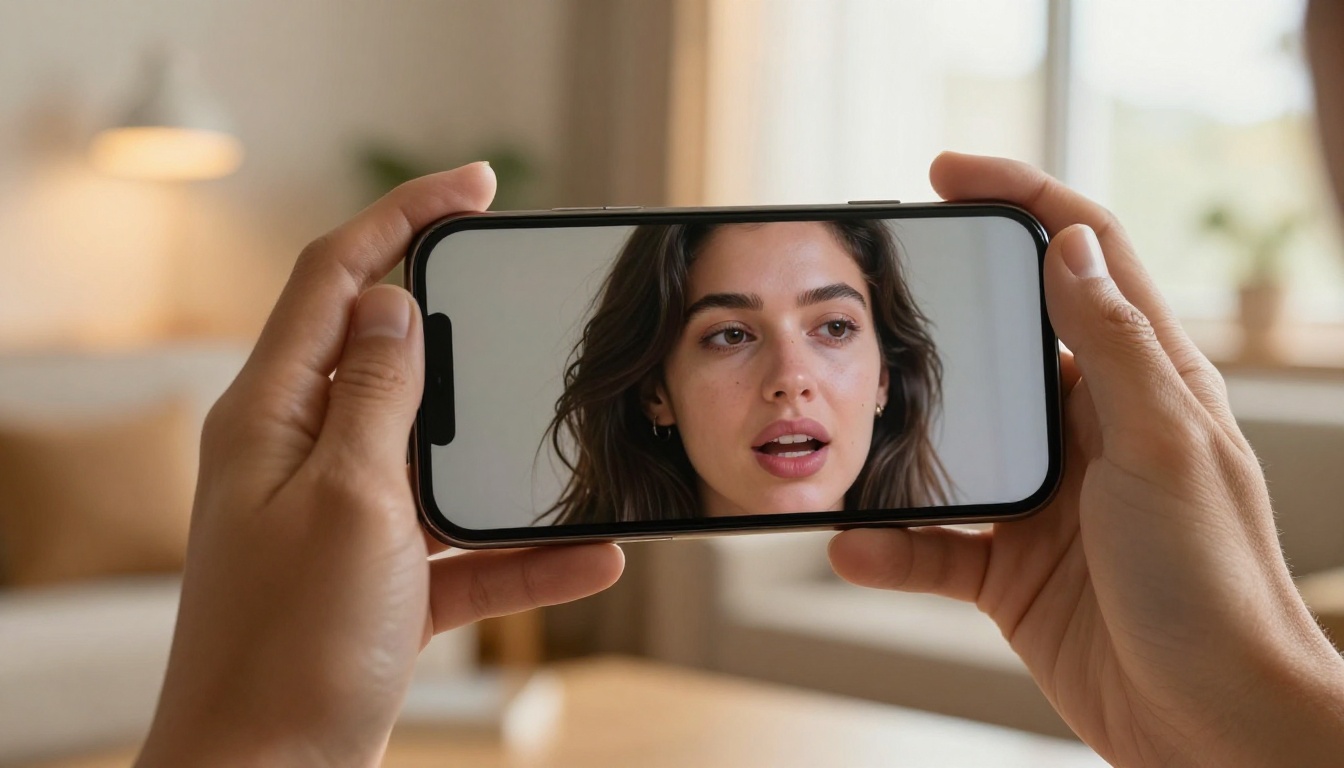
The most commercially valuable lipsync use case in 2027 is not about syncing existing footage. It is about creating video that never existed. You provide a single photo and an audio file, and the model generates a full talking head video with no source footage required.
Omni Human 1.5 in Practice
Omni Human 1.5 does not just animate the mouth from a photo. It generates:
- Natural head micro-movements: subtle nods, slight lateral tilts mid-sentence
- Realistic eye blinks at statistically natural intervals throughout the clip
- Shoulder and upper body movement consistent with the breathing rhythm implied by the audio
The result is not a static head with moving lips. It is a person who appears to be genuinely speaking. For creators who need a consistent on-screen presence without appearing on camera themselves, this has moved from experimental to production-ready.
Fabric 1.0 and P Video Avatar
Fabric 1.0 by Veed offers a simplified photo-animation workflow. It is designed for ease of use with streamlined controls, and performs particularly well for static environments like customer service bots, product explainers, and e-learning presenters. It processes faster than Omni Human 1.5 at the cost of some expressiveness in the generated head movement.
P Video Avatar takes a slightly different approach, focusing on maintaining consistent facial identity across longer outputs. When you are creating a recurring character or brand spokesperson who will appear across many videos, P Video Avatar's identity consistency makes it the more practical choice over time.
Dubbing vs. Lipsync: What is the Difference
These two terms get used interchangeably but they describe different workflows with different outputs. Understanding the distinction saves time when picking the right tool.

When You Need Dubbing
Dubbing replaces the original audio track with a new one in a different language, different voice, or different style, and then adjusts the video mouth movements to match. Film studios have done this manually for decades. AI now runs the entire pipeline automatically.
Use dubbing when:
- Translating content into another language for a new audience
- Replacing a specific voice while keeping the original video intact
- The original audio has quality problems and needs a clean replacement
Video Translate by HeyGen is the standout model for this workflow. It handles 150+ languages and combines three automated steps: script transcription, AI voice generation in the target language that matches the original speaker's vocal style, and lipsync applied to the resulting video. The full pipeline runs from a single upload.
When Pure Lipsync Is the Better Choice
Lipsync without translation is what you need when:
- You have the right language but the audio was recorded separately from the video
- You want to re-voice the same video with a different speaker or cleaner recording
- You are creating content from a photo with AI-generated audio and no source footage at all
React 1 by Sync Labs adds an important layer here: it synchronizes not just lip movement but facial micro-expressions to the emotional content of the audio. If the audio sounds excited, the face reflects that. If it is calm, the expression follows. This makes it particularly strong for content where the emotional performance needs to match the new audio track, not just the timing.
Translating Videos with AI Lipsync
Video translation is where AI lipsync delivers the most immediate commercial return in 2027. A video produced in one language can now reach a global audience across 150 languages without reshooting, without hiring voice talent for each market, and without the uncanny valley problem that made earlier dubbing AI unusable in professional contexts.
Video Translate by HeyGen
Video Translate handles the complete pipeline automatically. You upload a video in any language, select your target language, and the model:
- Transcribes the original speech to text
- Translates the script using a language model optimized for natural spoken output
- Synthesizes a voice in the target language that matches the original speaker's pace, tone, and speaking energy
- Applies lipsync to the video so mouth movements match the new audio
The voice matching is one of the most underrated features in this model. It does not generate a generic synthetic voice in the target language. It attempts to preserve the original speaker's vocal characteristics including delivery speed, natural pauses, and emotional register. The result sounds like the original speaker fluent in the new language, not like a text-to-speech robot.
💡 When dubbing content for social media, keep clips under 90 seconds for best sync accuracy across all models. Longer videos can develop slight timing drift in the latter half, particularly when the source audio has rapid topic changes or scene cuts.
React 1 for Emotionally Consistent Dubbing
React 1 adds expression alignment to the dubbing workflow. When a translation changes the rhythm or emphasis of the original speech, React 1 ensures the micro-expression layer adapts to match the new audio's emotional content rather than reflecting the original take. For marketing content where tone and energy need to feel native to each market, this layer of expression sync matters significantly.
Speed vs. Precision
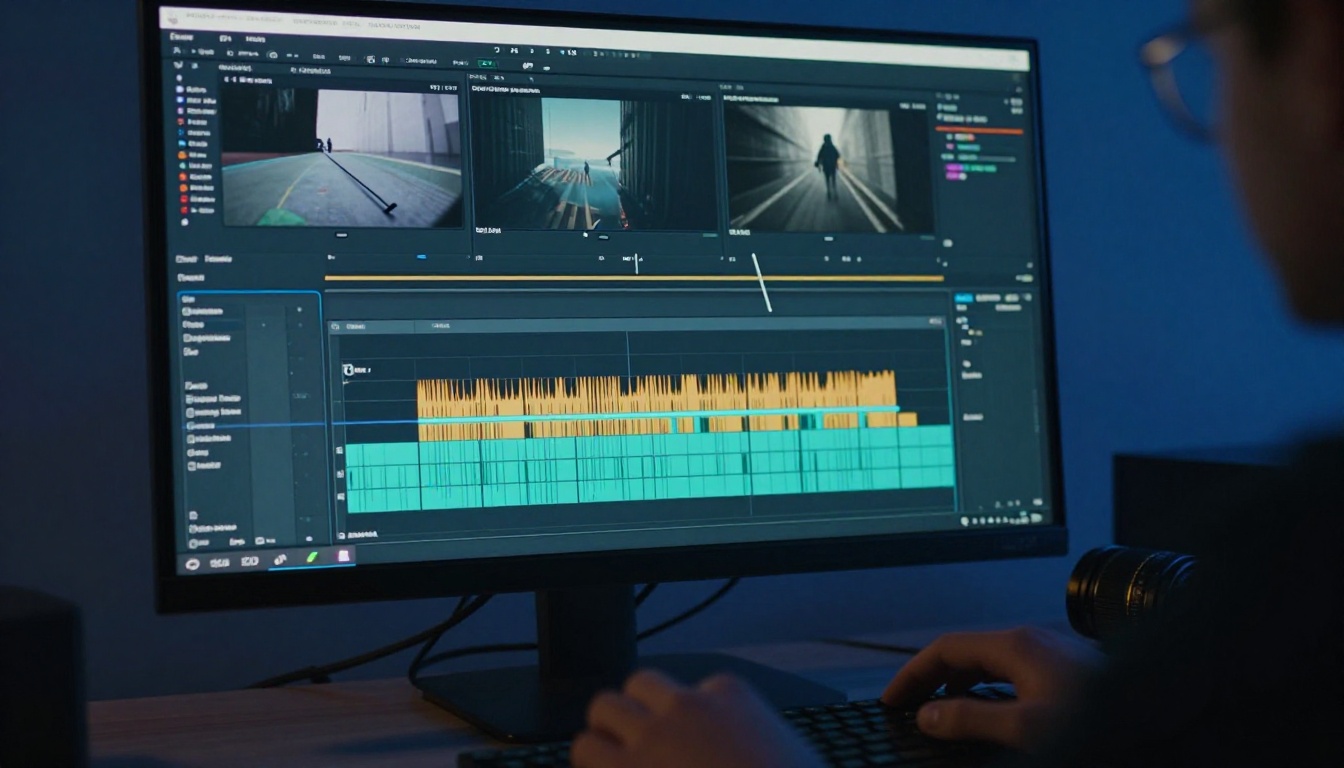
The most practical decision point when running AI lipsync is choosing how much output quality the specific piece of content actually requires. Over-specifying the model wastes processing time. Under-specifying it risks visible artifacts in deliverables.
The Speed Tier
For content where turnaround time matters more than perfection:
- Lipsync Speed: Render times measured in seconds. Sync quality is very good for clips under 30 seconds and adequate for clips up to 90 seconds.
- Kling Lip Sync: Best-in-class for vertical video and short-form. Fast processing with natural-looking output for casual speech styles.
- Lipsync by Pixverse: Strong on animated and stylized content, not just live-action footage. If your source video is not photorealistic, this handles the rendering consistency better than strictly live-action models.
The Precision Tier
For content where a single visible artifact would damage credibility or trust:
- Lipsync 2 Pro: Sub-frame accuracy, handles every phoneme type cleanly, processes longer videos without temporal drift.
- Lipsync Precision: Built specifically for accent-heavy audio and complex phoneme-to-viseme mapping. Strong on non-native speaker audio where vowel sounds differ significantly from standard training data.
- Omni Human 1.5: When precision includes full facial believability, not just lip movement in isolation.
The practical rule: use the speed tier for drafts, iteration, and social content. Use the precision tier for anything that goes into a final deliverable, paid placement, or broadcast.
What You Can Build Right Now
The creative and commercial applications of AI lipsync in 2027 are no longer theoretical. Here is what is actually being built:
- Language tutors generating native-speaker pronunciation videos from photos of real instructors, without booking studio time
- Marketing teams localizing ad campaigns into 10 or more languages from a single master recording in an afternoon
- Podcasters creating video versions of audio-only shows by animating a headshot to the full episode audio
- E-learning platforms updating courses recorded years ago with corrected narration, without pulling instructors back on camera
- Independent filmmakers dubbing short films into multiple languages for international festival submissions at near-zero cost
The barrier to any of these workflows is now a browser tab and a file upload. The compute runs in the cloud and delivers output in minutes. No local GPU, no installed software, no technical configuration.
Every model in this article is live on PicassoIA, covering the full range of lipsync workflows: photo animation, video dubbing, multilingual translation, talking avatar creation, and expression-synced performances. The full collection is available at picassoia.com/en/all-models.
Start here based on your situation:
Upload your files, pick the model that fits your workflow, and see the output in under five minutes. The technology is ready. The only thing left is running it.


