Pet photography used to require patience, a cooperative animal, studio lighting, and years of practice behind a camera. Today, all of that fits inside a prompt box. AI image generators have matured to a point where a carefully written description can produce a golden retriever portrait sharp enough to see individual hair follicles and the catchlight reflected in each amber eye. The difference between an AI pet that looks convincingly real and one that looks like a plastic toy is not the model you use. It is the specificity of what you ask for.
This article covers exactly how to write prompts that generate realistic AI pets, which elements of animal anatomy AI struggles with most and how to fix them in your prompt, the best AI models on PicassoIA for pet portrait generation, and how to take those images from a draft resolution to a print-ready file using professional upscaling tools.
What Makes AI Pets Look Fake
Before writing a single word of your prompt, it helps to know where AI generators fall apart. Most failures in AI pet images come from the same handful of sources:
- Fur that looks like paint. Instead of individual strands, AI defaults to smooth color gradients unless you explicitly ask for strand-level detail.
- Dead, glassy eyes. Without specific language about iris texture, corneal reflections, and catchlights, eyes come out flat and lifeless.
- Missing or melted whiskers. Whiskers are thin and high-contrast, which confuses diffusion models. They either vanish or merge into the background.
- Plastic noses. The nose leather of a dog or cat has a specific texture with visible pores and moisture. AI skips this unless told not to.
- Wrong lighting direction. Without specifying a light source and direction, AI places ambient light everywhere, eliminating the shadows that make a subject look three-dimensional.
Every one of these problems has a prompt-level fix, and we will cover each one in detail.
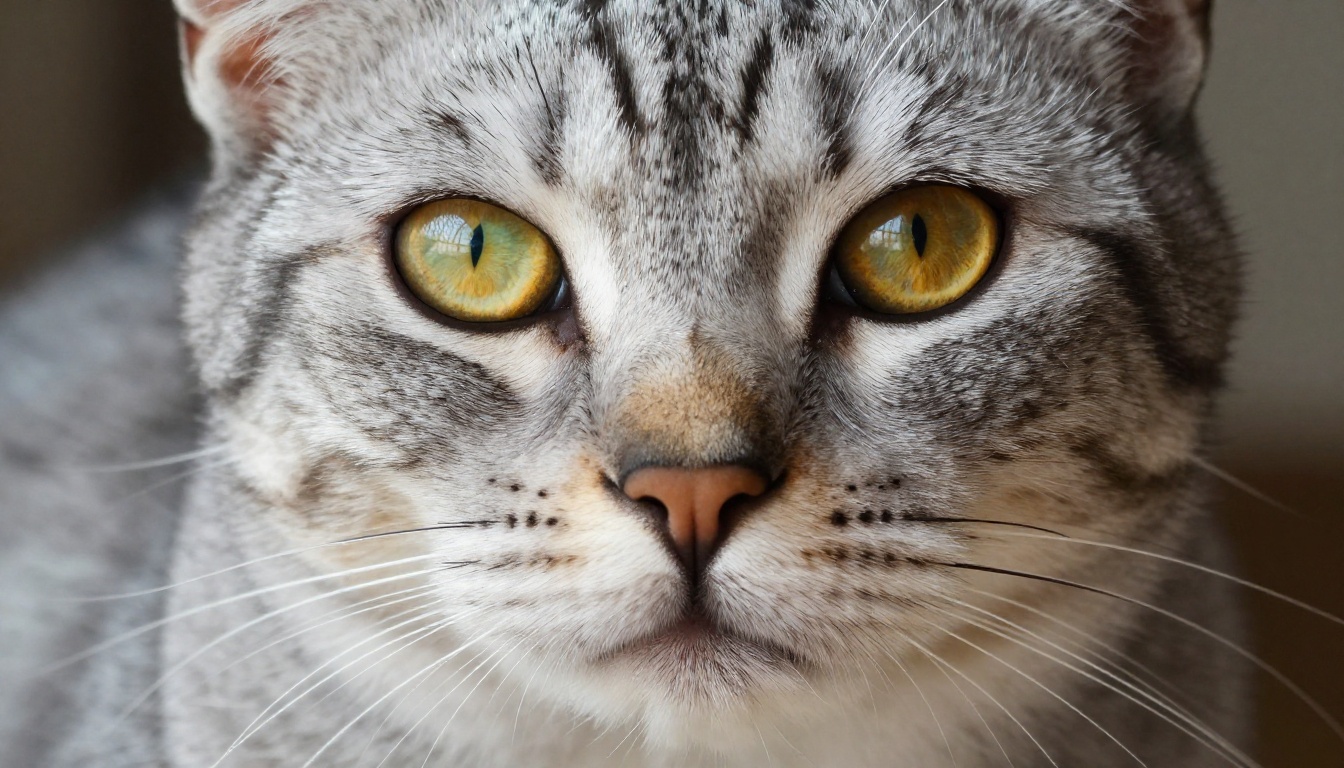
The Anatomy of a Realistic Pet Prompt
A prompt for a realistic AI pet portrait is not a sentence. It is a technical brief. You are telling the model what to photograph, how to light it, what camera captured it, and what the final output should feel like. When all four layers are in place, the result stops looking like AI.
Fur, Coat, and Texture Details
The single most important phrase you can add to any pet portrait prompt is "individual fur strands" combined with a description of how the coat behaves physically. Different breeds have very different coats, and your prompt needs to match.
| Breed Type | Coat Description Phrases to Use |
|---|
| Short-haired dog (Lab, Boxer) | "short dense coat, visible skin tension under fur, individual guard hairs" |
| Long-haired dog (Golden Retriever) | "wavy feathering on legs and chest, layered coat with undercoat visible at parting" |
| Double-coated (Husky, Collie) | "thick double coat with outer guard hairs over soft undercoat, layered depth" |
| Short-haired cat (Tabby, Siamese) | "tabby striping with clear edge definition, close-lying fur showing body contours" |
| Long-haired cat (Maine Coon, Persian) | "massive chest ruff with individual curl and volume, tufted ear furnishings" |
Add a material descriptor whenever possible: "Kodak Portra 400 film grain" tells the model to treat the image like a photograph rather than a rendering, which dramatically improves texture authenticity.
Eyes That Feel Alive
Eyes are where most AI pets fail, and where you need the most prompt precision. Three elements determine whether an eye looks alive:
- Catchlights: A reflection of the light source inside the pupil. Write "catchlight reflecting the window" or "small catchlight dot in upper-left of pupil."
- Iris texture: Real irises have visible radial patterns. Write "visible iris texture with radial striations" or "clearly defined iris rings."
- Corneal reflections: The curved surface of the eye reflects its environment. Write "faint environmental reflection on cornea" to trigger this.
💡 Tip: Specify the eye color precisely. "Amber eyes" is better than "brown eyes," and "chartreuse-gold with slit pupils" is better than "green eyes." The more specific the color, the more intentional the result.
Lighting That Sells Realism
Lighting is the single most powerful factor in photorealism. Flat ambient light looks like a render. Directional light looks like a photograph.
Use phrases like:
- "volumetric morning light streaming from the left"
- "soft diffused window light from the right creating gentle shadow gradients"
- "late afternoon storm light breaking through clouds creating a single directional beam"
- "dappled woodland light filtering through the canopy"
Always include both where the light comes from and what it does. "Warm amber light from the left casting a soft shadow across the right cheek" gives the model a complete picture.
How to Make AI Dog Portraits
Dogs offer enormous variety in coat types, body shapes, and settings. A Chihuahua portrait requires completely different prompt logic than a Siberian Husky in snow. The following sections break down the most popular dog portrait styles.
Golden Hour Dog Photos
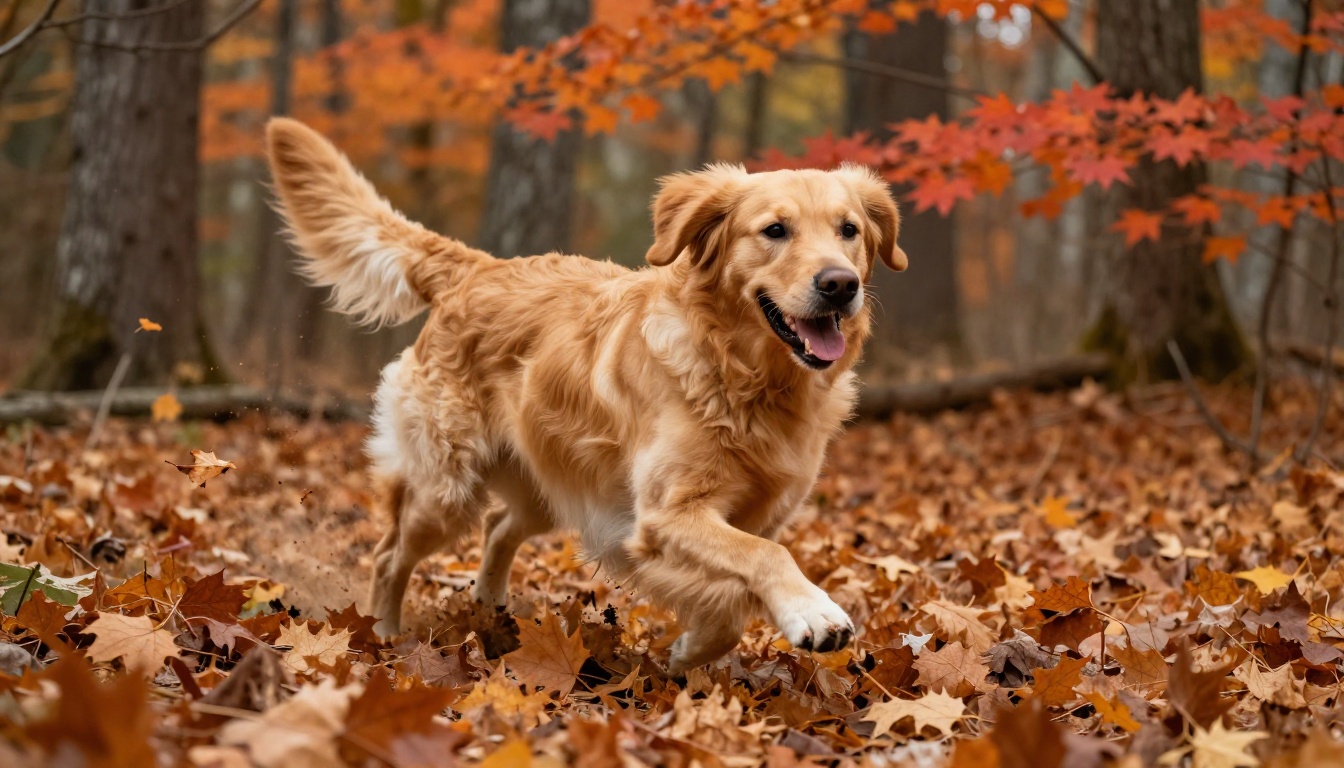
Golden Retrievers and Labradors photograph beautifully in warm afternoon light. The trick is letting the light interact with the fur rather than simply illuminating it from the front.
A strong prompt structure: [breed] + [specific action or pose] + [environment with depth] + [directional warm light with lens flare or rim light] + [camera and film specs]
The result below shows how an autumn environment adds context that makes the scene feel real rather than staged.
Working Dogs and Breed-Specific Portraits
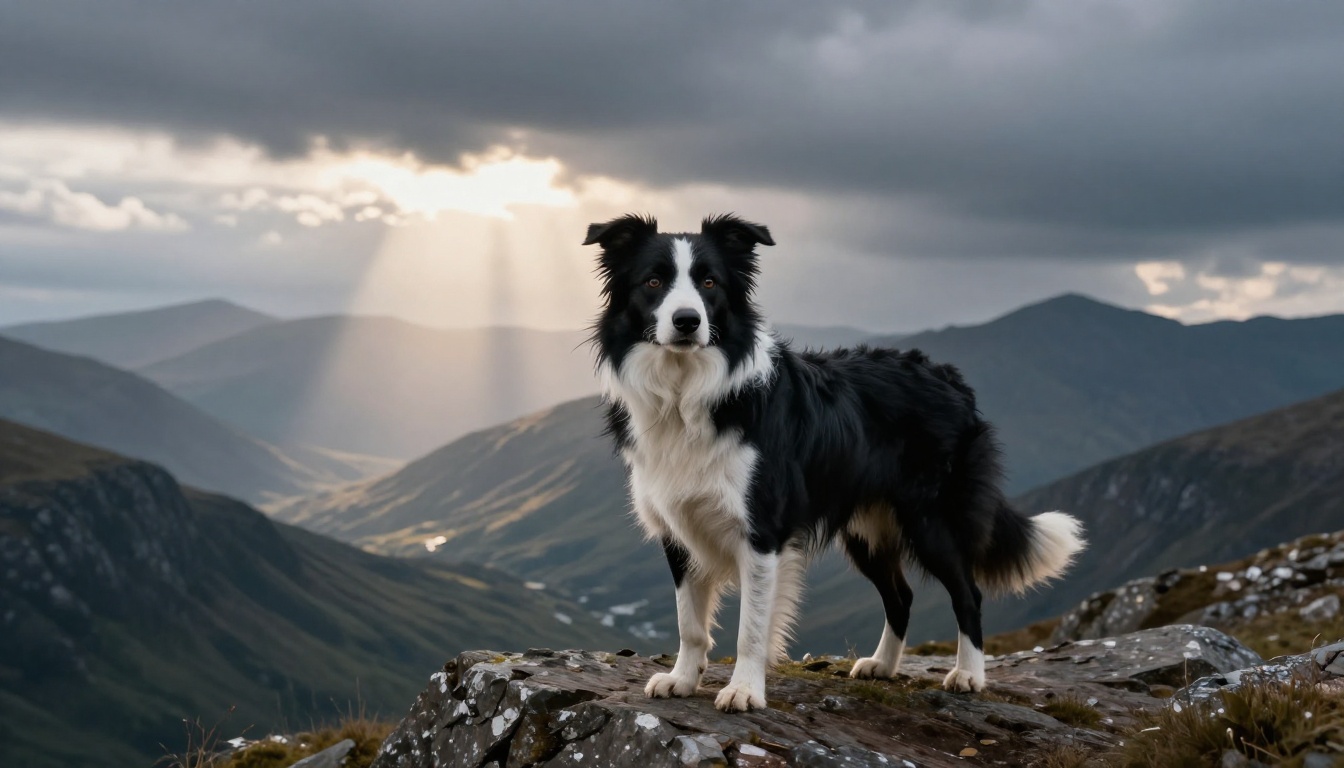
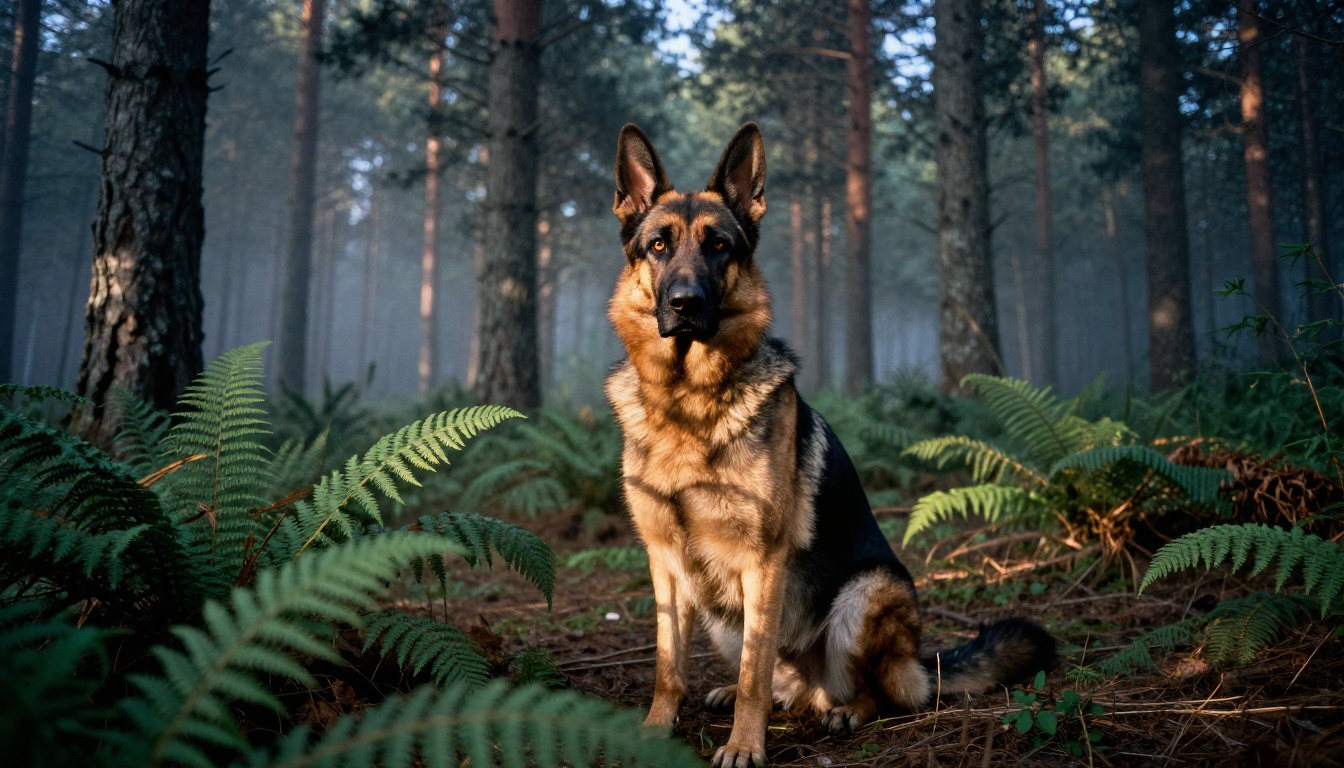
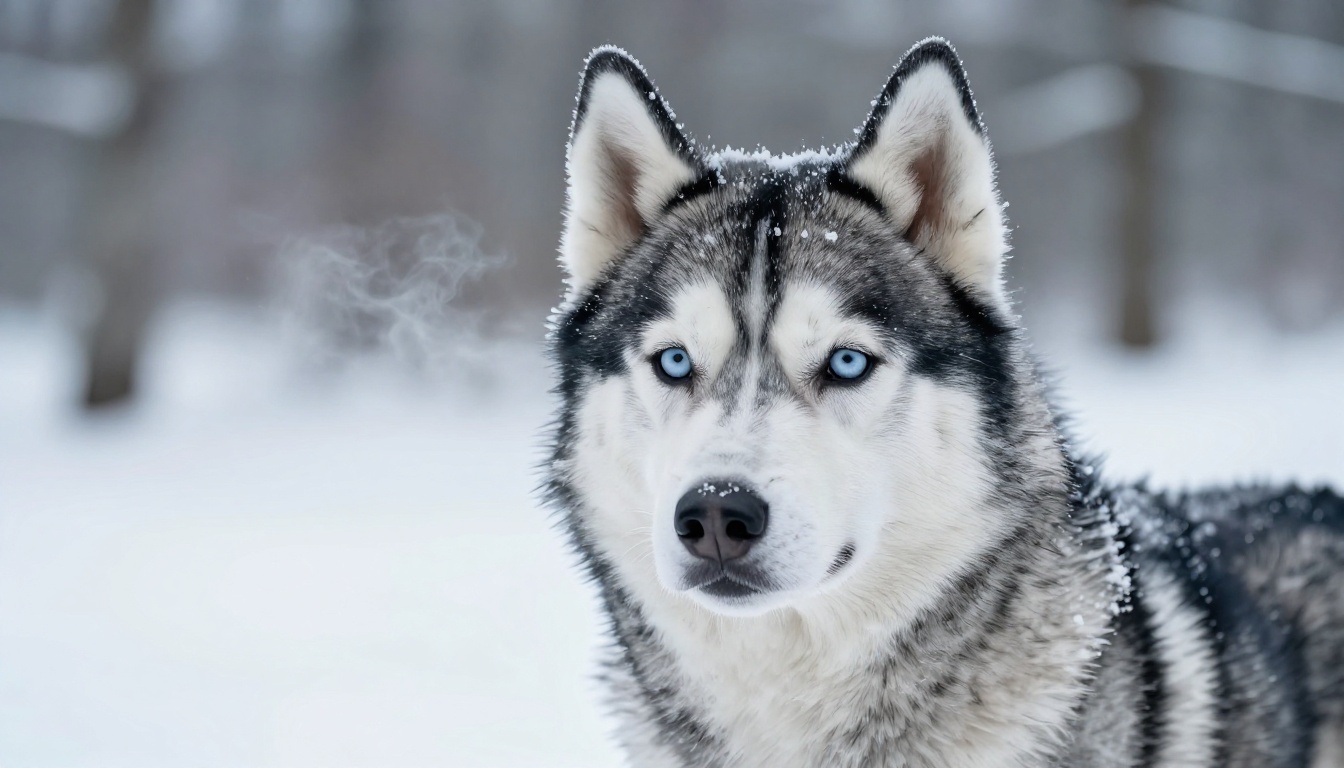
Working dog breeds like Border Collies, German Shepherds, and Huskies carry a natural intensity that translates powerfully in portraits. Place them in environments that match their working origins: highland ridges, dense forest, or snow-covered clearings.
For Border Collies, the black and white coat needs explicit contrast handling. Write "strong contrast between dark fur and pale background" to keep the coat definition crisp against the sky or landscape.
Puppies vs. Adult Dogs
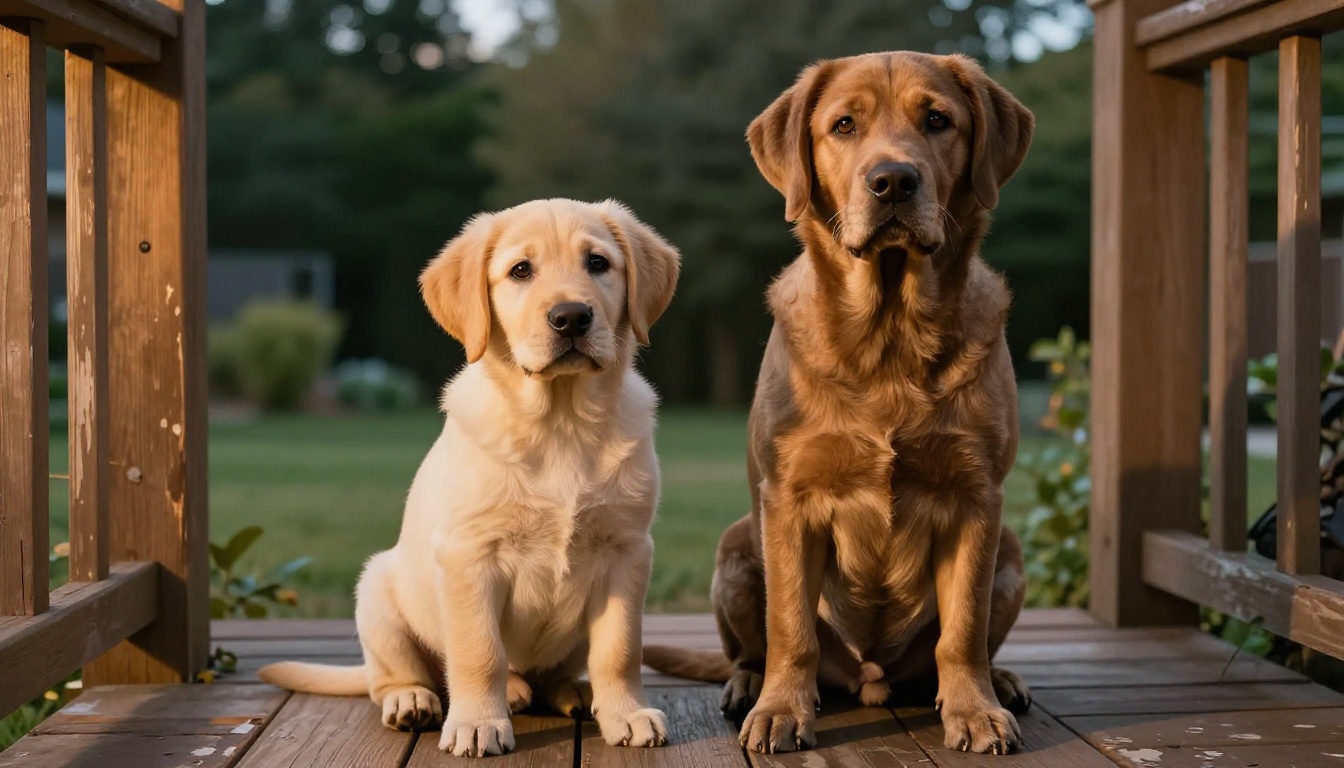
The difference in prompt language between a puppy and an adult dog comes down to three physical details:
- Puppy: "oversized paws relative to body, oversized rounded head, soft puppy fur, floppy ears not yet erect"
- Adult: "muscular neck and chest, erect ears, mature coat texture, strong jaw definition"
Mixing these in one scene creates a natural age contrast, as shown below with a Labrador puppy alongside a chocolate Labrador adult.
How to Make AI Cat Portraits
Cats present different challenges than dogs. The anatomy of a cat face is more symmetrical and delicate, which means any imperfection in whisker rendering or eye shape is immediately visible.
Domestic and Short-Haired Cats
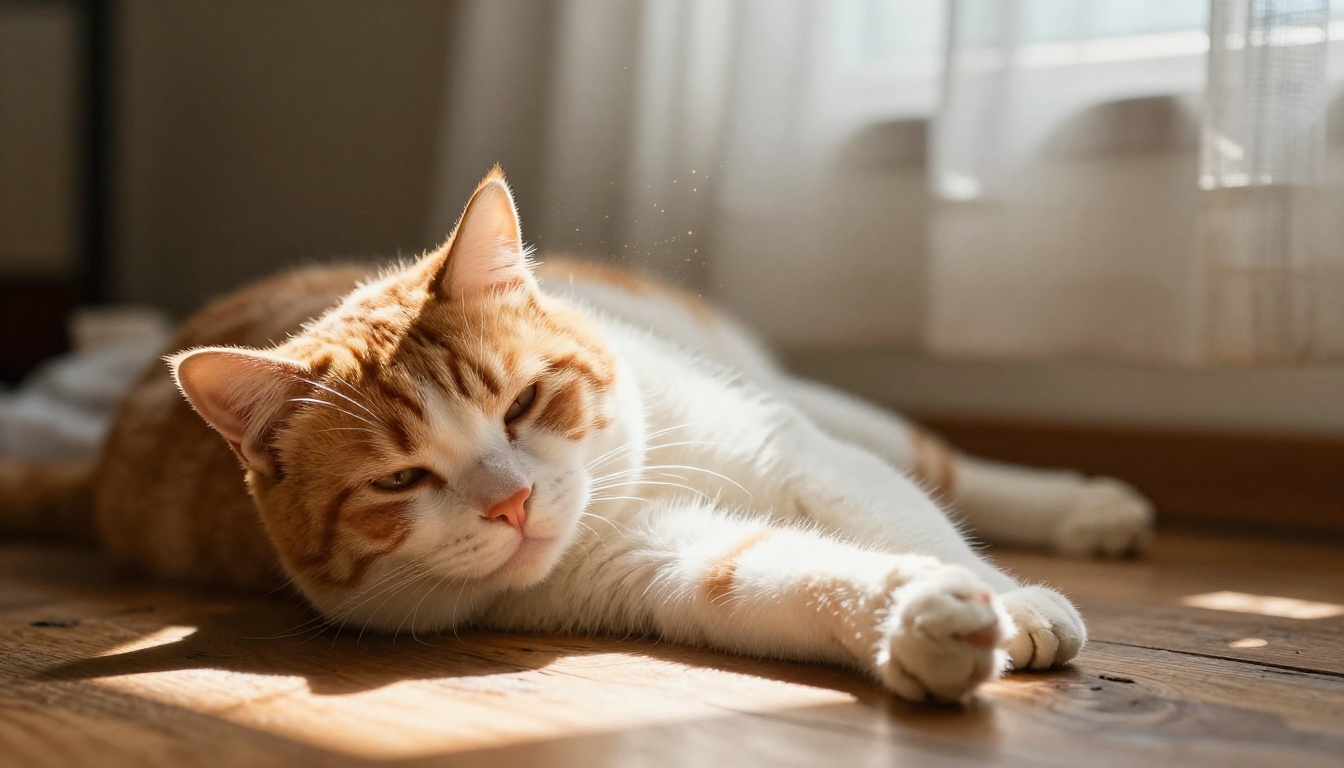
For tabby cats and shorthairs, the challenge is capturing the pattern clarity of the coat markings. Tabby stripes have hard edges on the dorsal surface and softer blending on the flanks. Write "tabby striping with clear edge definition on back, softly blending on sides" to capture this.
Cats in natural indoor light, especially sunbeams, produce some of the most striking AI portraits. The transmitted light through fur creates a natural halo that is immediately recognizable as photographic.
Long-Haired Breeds
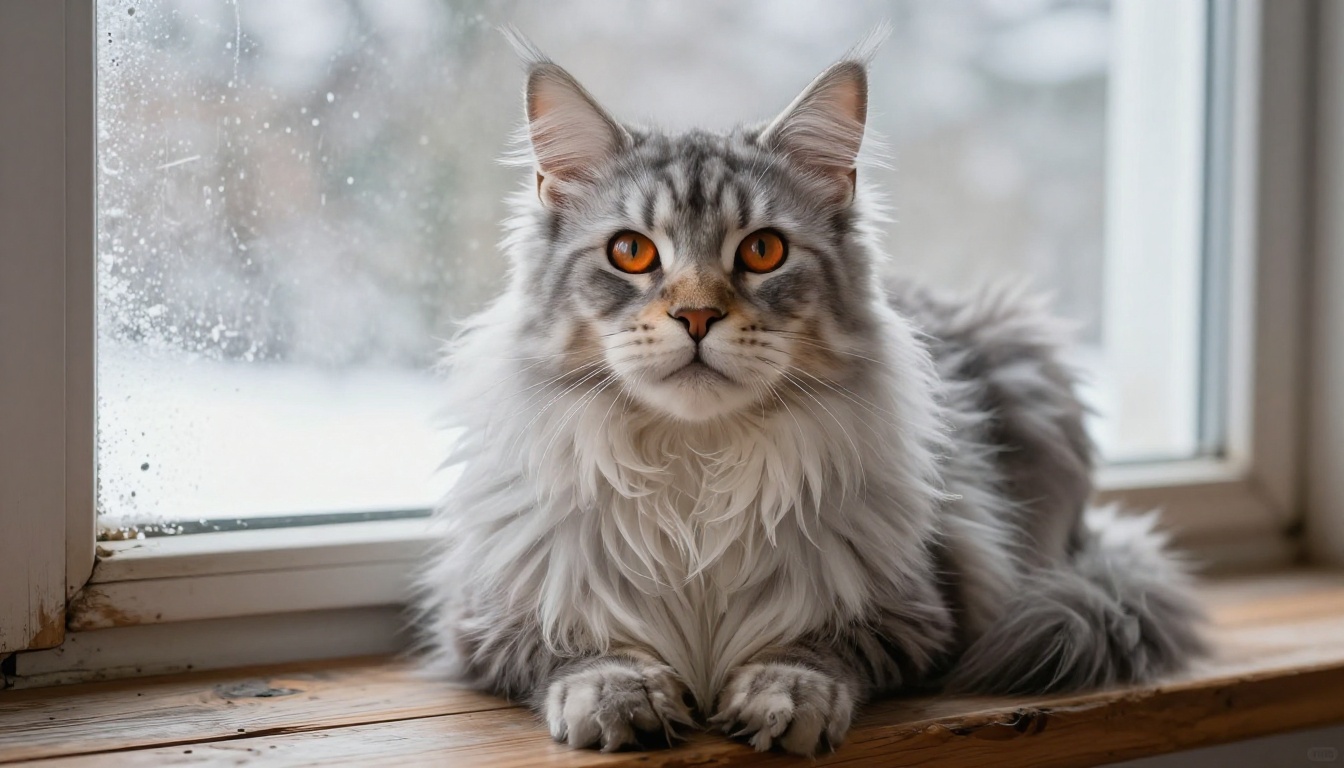
Long-haired cats like Maine Coons and Norwegian Forest Cats require explicit volume description. The fur is not just long: it has structure. The chest ruff forms a specific silhouette, the ear tufts extend beyond the ear tip, and the tail is a plume rather than a simple cylinder.
For Maine Coons specifically, write: "enormous lion-like chest ruff with individual curls and volume, tufted ear tips extending beyond the ear leather, bushy tail held low."
Flat-Faced Breeds
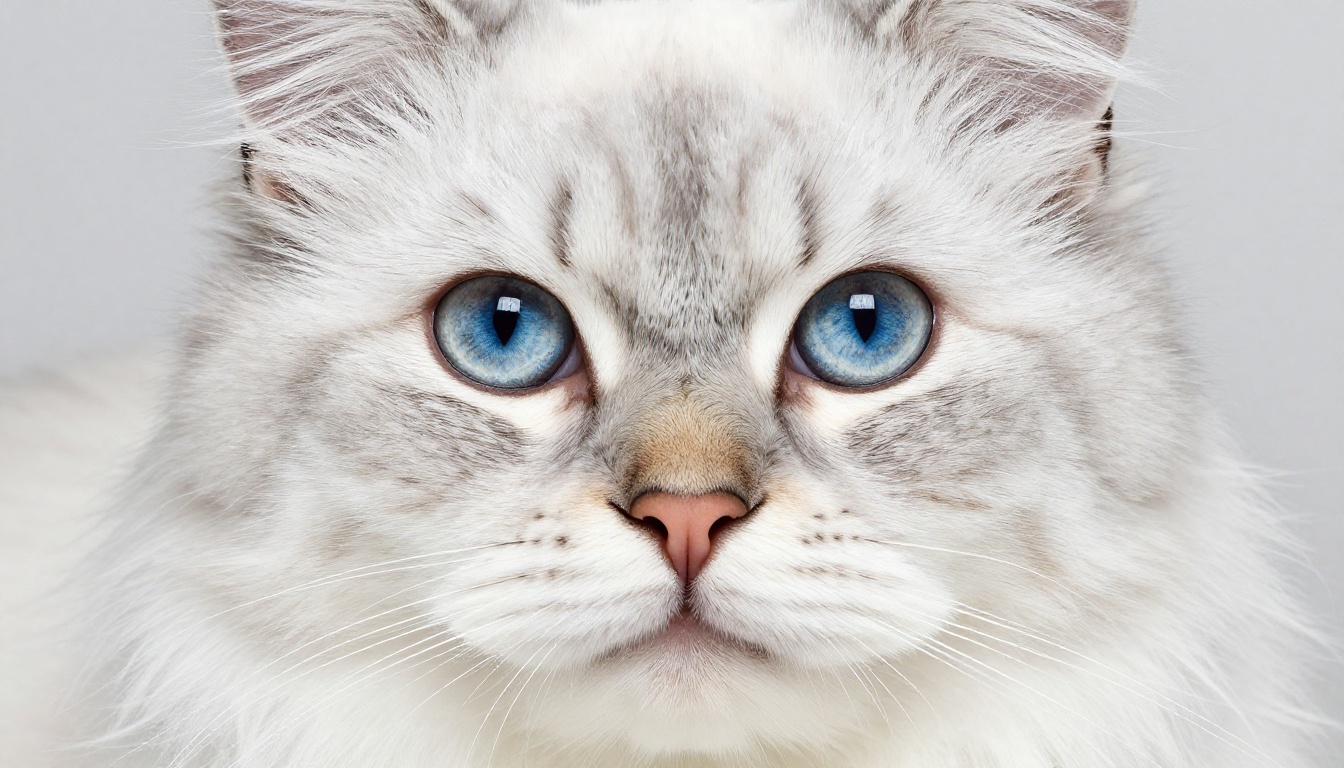
Persians and Scottish Folds have facial anatomy that AI models frequently distort. The pushed-in nose, wide-set round eyes, and compact muzzle need to be described in anatomical terms rather than aesthetic ones.
Write: "flat-faced profile with pushed-in nose, tiny nostrils, wide-set round eyes, compact muzzle with minimal snout projection." Adding "studio box light from directly above" eliminates the harsh shadows that make flat-faced breeds look strange in AI renders.
Best Models for Realistic Pet Images on PicassoIA
Not all text-to-image models perform equally on animal subjects. Some models are better at photorealistic texture rendering; others excel at lighting and atmospheric detail. PicassoIA gives you access to over 91 text-to-image models, so picking the right starting point matters.
When choosing a model for pet portraits, look for these characteristics:
- High frequency detail preservation: Models that retain fine detail at the pixel level render fur strands individually rather than as smooth color fields.
- Photorealistic color grading: Film-simulation-aware models respond better to Kodak Portra or Fuji Velvia style prompts.
- Accurate anatomy: Models fine-tuned on photography datasets improve animal anatomy accuracy significantly over general-purpose models.
💡 Tip: On PicassoIA, start with a model that generates at 1024x576 or higher native resolution. Lower native resolutions lose fur detail at the pixel level, which makes upscaling more difficult later.
The P-Image Upscale model is a strong starting point for anyone who already has a good draft and wants to recover detail at higher resolution. For more control over the enhancement, Clarity Pro Upscaler adds sharpness and texture while keeping the image looking photographic.
How to Upscale AI Pet Photos
The most common complaint about AI-generated pet portraits is that they look good at thumbnail size but fall apart when enlarged. This is a resolution problem, and it is completely solvable with the right upscaling approach.
From Draft Resolution to Print-Ready
Most text-to-image models output at 1024x576 or 1024x1024. This is fine for web use but too small for printing at 8x10 inches or larger. Upscaling adds the detail needed to fill those extra pixels convincingly.
The factor that separates AI upscalers from simple resizing is context awareness. A good AI upscaler understands that a blurry edge near a whisker is probably the whisker, not random noise. It fills in detail based on what the subject actually is, rather than averaging neighboring pixels.
The Best Upscalers for Fur Detail
PicassoIA offers several dedicated super-resolution models, each with a different approach:
For fur and whisker detail specifically, Crystal Upscaler and Clarity Pro Upscaler consistently outperform generic upscalers because they are tuned for portrait photography, where facial and texture detail is the primary concern.
The Increase Resolution model from Bria is worth testing on longer-haired breeds where you need the upscaler to generate fur detail rather than just sharpen existing edges. For print runs at 8x10 inches or larger, Image Upscale by Topaz Labs at 6x is the most reliable option in the PicassoIA super-resolution lineup.
How to Use PicassoIA for Realistic Pet Portraits
PicassoIA is a browser-based platform that brings together 91+ text-to-image models, multiple image editing tools, and the super-resolution suite mentioned above, all without requiring any local GPU or software installation.
Step 1: Select a text-to-image model
Go to picassoia.com/en/all-models and filter by "Text to Image." Look for models described as photorealistic, photography-based, or fine-tuned on real photographs rather than illustrations.
Step 2: Write your prompt using the structure from this article
Build your prompt in layers: subject with breed-specific physical traits, environment with depth cues, directional lighting with quality description, camera lens and film simulation, and the raw style flag. Keep it long and specific. A 60-word prompt will almost always outperform a 10-word one.
Step 3: Generate and evaluate
Run 3 to 4 generations at your starting seed. Look at the eyes, the whiskers, and the nose leather. If any of these appear flat or blurry, add more specific language for that element and regenerate.
Step 4: Upscale with a super-resolution model
Once you have a generation you like, take the output URL and feed it into Clarity Pro Upscaler or Crystal Upscaler. Set the scale factor to 4x for web use or 6x for print.
Step 5: Fine-tune with image editing
PicassoIA's inpainting and outpainting tools let you fix specific areas that did not generate correctly, such as a melted whisker or an odd background element. Select the area, write a targeted correction prompt, and regenerate only that region.
💡 Pro tip: Save your best prompt as a template. Once you find the lighting language, camera specs, and texture phrases that work for your favorite breed, the same formula works across dozens of variations with only minor adjustments to the subject or setting.
Start Creating Your Own AI Pet Portraits
The gap between a forgettable AI pet image and a genuinely convincing photograph-quality result comes down to specificity. Every element you name explicitly, from the direction of the morning light to the texture of the nose leather, is an instruction the model can follow. Every element you leave vague is something the model will average.
Take the prompt structures from this article, apply them to your favorite breed, and start iterating on PicassoIA. The platform's range of text-to-image models means you can test multiple approaches on the same prompt without leaving the browser. When you find a generation that works, run it through one of the super-resolution models and you will have a pet portrait that genuinely looks like a photograph.
Visit picassoia.com/en/all-models to see every available model and start generating.


