A weekend, a laptop, and a story you actually care about. That is now enough to make a short film that looks like it walked out of a real festival pipeline. Sora 2 Pro from OpenAI changed what a solo filmmaker can pull off, and when you run it on a flat-rate platform like Picasso IA, the math gets even better. No render farm, no crew, no insurance forms. Just a strong idea and a few well-written prompts.
This article walks you through making a full short film with Sora 2 Pro from blank page to festival submission. Real workflow. Real prompts. No filler.
Why Sora 2 Pro Wins
Sora 2 Pro is not just another text-to-video model. It is the first widely available system that handles long shots, character consistency, and synchronized audio in a single pass. That sounds like marketing copy until you try generating a 12 second dialogue scene and realize the lips actually move with the words.

You can run Sora 2 Pro on Picasso IA without an OpenAI subscription, alongside Veo 3.1, Seedance 2.0, and Kling v2.6 all from the same dashboard. That matters because no single model is best at everything, and a good short film usually mixes two or three engines per project.
Native Audio That Actually Works
Older text-to-video tools produced silent footage. You had to find sound effects, record voiceover, and fight to sync everything inside your editing timeline. Sora 2 Pro generates audio inside the same render. Dialogue, room tone, footsteps, breathing. All of it arrives baked into the clip.
The result feels less like an animation and more like found footage. That single shift saves an indie filmmaker hours of foley work per minute of finished film, and the audio is contextual instead of stock.
Cinematic Quality In One Pass
💡 Tip: Sora 2 Pro outputs feel three-dimensional because the model knows how lenses behave. Tell it "shot on 85mm with a slow dolly pull" and you get exactly that, with the bokeh, the compression, and the realistic camera weight.
Most short films fail visually because the lighting is flat or the framing is amateur. Sora 2 Pro produces well-lit, well-framed shots by default. You still have to be specific in your prompts, but the floor is much higher than it used to be even six months ago.
Plan Your Story First
This is the part people skip. Do not skip it. A clever prompt cannot rescue a story that has nothing to say. Before you touch any AI tool, sit down with a paper notebook and write. Real ink, real pages, no autocomplete.
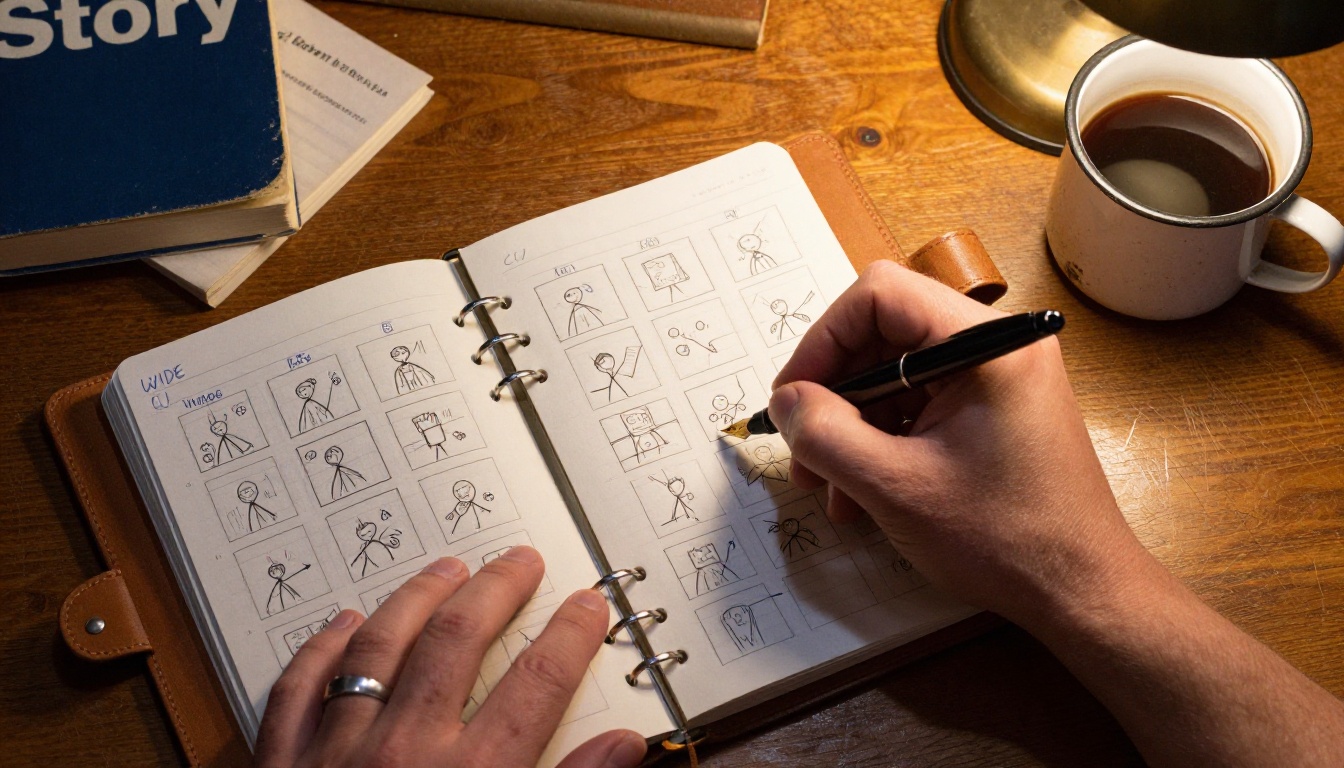
Pick A Single Emotion
Short films do one thing well. They do not have time for subplots, slow character arcs, or world-building. Choose one emotion you want the audience to feel at the final cut to black and write toward it. Grief. Hope. Awe. Shame. Joy. Pick one and write it on a sticky note above your desk.
If you cannot name that emotion in a single word, your story is not focused enough yet. Keep cutting until it fits.
Write A Three Beat Outline
Forget Save the Cat for now. For a short film under five minutes, three beats is plenty:
- Setup: introduce a character and a quiet problem
- Turn: something forces a decision
- Echo: show how the decision changed them
Each beat gets roughly equal screen time. If your finished film is four minutes, that is about 80 seconds per beat. You are now budgeting around 16 shots at 5 seconds each. Suddenly the project feels finite instead of infinite.
Storyboard With Sticky Notes
Buy a stack of small sticky notes. Draw one shot per note in pencil. Write the prompt on the back. Stick them on a wall. Move them around until the rhythm feels right. This sounds silly until you do it once and realize how much editing happens before you generate a single frame of footage.
Write Prompts Like A Director
A bad prompt is a paragraph of adjectives. A good prompt reads like instructions to a cinematographer who knows their job. Be specific. Be brief. Be visual. Every sentence should be something a real DP could shoot tomorrow.
Subject, Action, Camera, Lighting
Stick to this order. It maps to how a real director of photography thinks on set:
| Element | Weak Example | Strong Example |
|---|
| Subject | a woman | a woman in her 30s with red hair and a yellow raincoat |
| Action | walks | walks slowly toward a phone booth, glances over shoulder |
| Camera | (missing) | tracking shot at 50mm, low angle, dolly right |
| Lighting | nice light | overcast afternoon, soft north window light, no direct sun |
Notice the strong column is not longer because of fancy words. It is longer because every word adds information the model can actually act on. Adjectives without specifics produce mush.
Lock Your Visual Language Early
Pick two or three style anchors and repeat them in every single prompt. Examples:
- shot on Arri Alexa 35
- Kodak Vision3 250D color science
- aspect ratio 2.39:1
- natural light only, no practicals
These phrases tell Sora 2 Pro to keep the same camera, the same film stock, and the same framing across every shot. Without them you get a film that looks like it was photographed by twelve different crews on twelve different days.
Generate Your Hero Shots
Once your prompts are written and your style anchors are locked, you are ready to render. This is the fun part. It is also where new filmmakers waste the most credits, so go in with a plan and stick to it.
Use Sora 2 Pro on PicassoIA
Here is the exact workflow that has worked for every filmmaker I have shown it to:
- Open the Sora 2 Pro model page on PicassoIA
- Paste your first prompt from your sticky note stack
- Set duration to the shortest viable length, usually 5 seconds
- Generate one shot at a time, never in bulk
- Watch the result with the sound on
- Move the sticky note to a "done" column or rewrite the prompt
Doing them one at a time sounds slow but it is faster overall. You catch problems early instead of generating a batch of 16 shots that all share the same problem with consistency. Watching with sound on is non-negotiable because Sora 2 Pro is rendering audio at the same time and you need to confirm it fits.
💡 Pro tip: Picasso IA offers unlimited generations on a flat subscription. That means you can iterate on prompts without watching a credit counter tick down. The psychological difference is huge. You become braver, and braver prompts produce better films.
Iterate Without Burning Budget
The first version of every shot is rarely the best. Plan to render each prompt three to five times with small variations. Change the camera angle. Adjust the lighting time of day. Push or pull on the actor's emotional state. Keep the best one and move on.
If a shot still does not work after five attempts, the problem is upstream. Rewrite the prompt or rethink whether you need that shot at all. Sometimes the answer is that the storyboard was wrong, not the model.
When Sora 2 Pro feels wrong for a specific shot, try a different engine. Veo 3.1 is strong for dialogue with native audio. Kling v2.6 handles wide cinematic motion beautifully. LTX 2.3 Pro can push to 4K when you need a hero shot for the poster. Sora 2, the standard tier, is great for B-roll and inserts where you do not need the full Pro quality.
Edit For Rhythm Not Length
Editing is where amateur films die. You have your beautiful shots. You love every one of them. You will be tempted to keep them all. Do not. Editing is the act of throwing away most of what you made so the rest can shine.
Cut Cold, Sleep On It
After your first rough assembly, walk away for at least 24 hours. Come back and watch the film with the sound off. Every shot that does not move the story forward visually is now obvious. Cut it without ceremony.
Then watch the film with sound only and no picture. Every line of dialogue or sound effect that is not pulling weight becomes equally obvious. Cut that too.
A four minute short usually wants to be two minutes and forty seconds. Trust the trim.
Color Grade In One Look
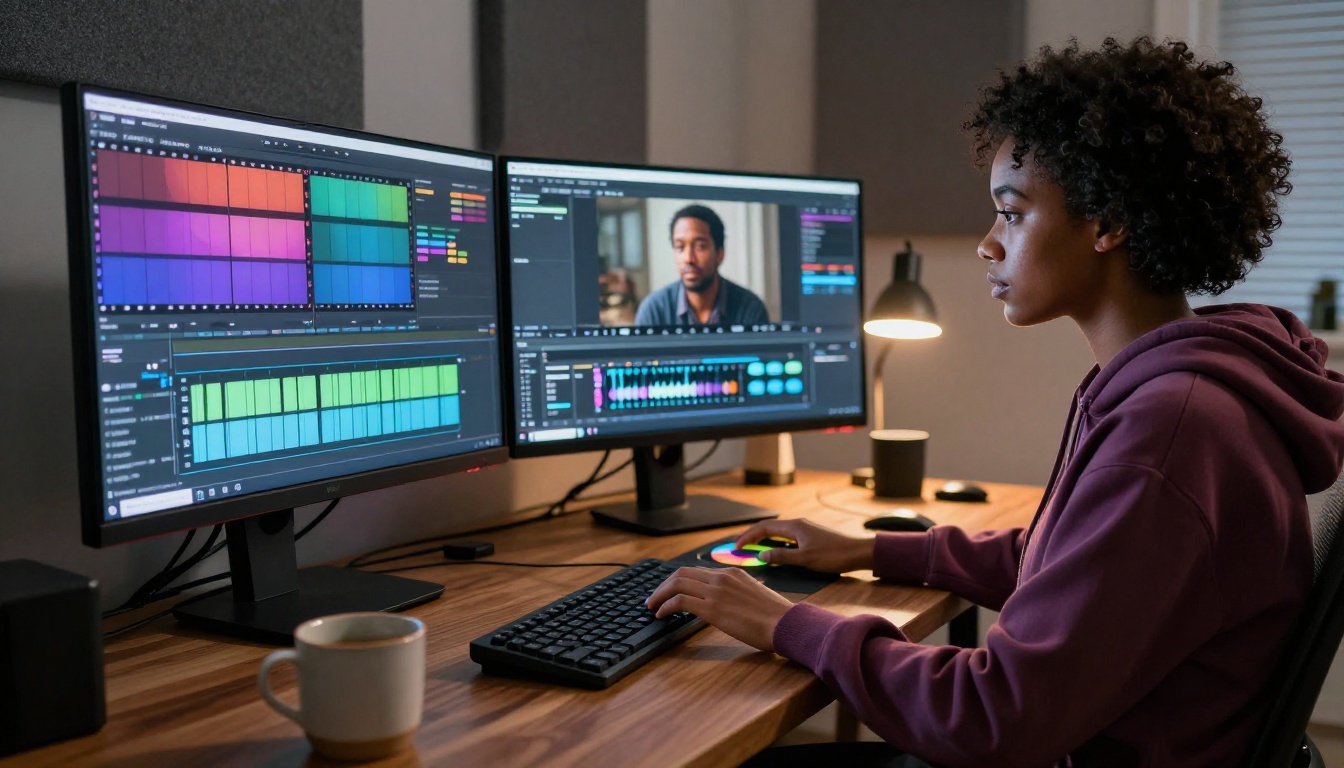
Pick one color story and stick with it across every frame. Warm yellows and teal shadows. Bleach-bypass desaturation. Cool blue daylight with amber practicals. Whatever the look is, commit. Tools like Gen 4 Aleph and Lucy Edit 2 on PicassoIA let you restyle entire clips to match a target frame, which is a lifesaver when one of your generations came back with the wrong color temperature or a slightly different palette.
Polish Sound And Voice
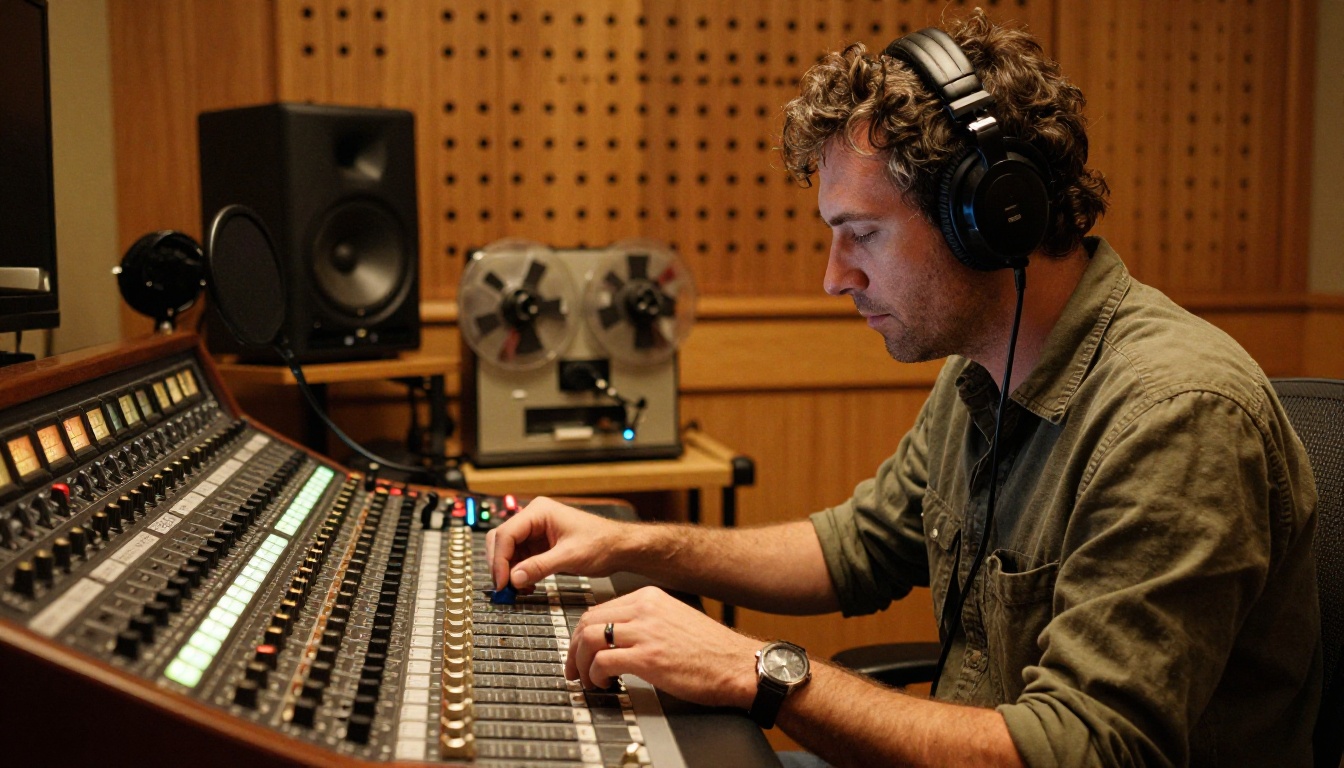
Even with Sora 2 Pro's native audio, your final soundtrack should be layered. Native generation gives you a strong base. Real sound design gives you the depth that pulls an audience in and keeps them there.
Build A Layered Soundscape
Think of your audio mix in four distinct lanes:
| Lane | Purpose | Example |
|---|
| Dialogue | What characters actually say | The protagonist's whispered "I'm sorry" |
| Foley | Physical actions and movement | Footsteps, cloth rustle, a coffee cup placed down |
| Ambience | Room and world tone | Distant traffic, wind in trees, fluorescent hum |
| Score | Emotional shaping | A single piano note held under the final shot |
Video to SFX v1.5 is brilliant for generating foley that matches your footage automatically. Feed it a clip and it returns synced ambient sound that fits the action on screen. For final mixing, Video Audio Merge lets you replace or layer soundtracks without ever leaving the browser.
Add Captions And Music
Most short films are first watched on phones with the sound muted. Captions are not optional in 2027. Use Autocaption to generate burned-in subtitles in seconds. Pick a clean sans-serif at a comfortable size and lock it to the lower third of the frame.
For music, choose one simple cue and stretch it across the whole film. Multiple music tracks fight each other in a short. One melody, reprised at the climax, hits harder than a full original score that the audience cannot hum afterward.
Finish, Upscale, Then Submit
You are nearly done. The temptation to publish immediately is real. Resist it. The final ten percent of polish is what separates a film that gets watched from a film that gets shared.
Upscale Before Export
Sora 2 Pro renders at HD by default. Festival programmers prefer 4K, and online platforms now favor higher resolution in their recommendation algorithms. Use Topaz Video Upscale on Picasso IA to push your final edit to 4K with cleaner motion. It takes minutes and the difference on a cinema screen is dramatic.
If your festival requires a specific aspect ratio that does not match your renders, Luma Reframe Video can adjust the frame without ugly black bars or stretched faces.
Pick The Right Festivals
A short film is only as far-reaching as its submission strategy. Tier your festivals into three groups:
- Tier 1: Sundance, SXSW, TIFF, Tribeca. Long shot but worth one entry each year.
- Tier 2: Regional and genre-specific festivals. Much better acceptance odds.
- Tier 3: Online-only festivals and YouTube curation channels. Real audiences fast.
Submit to twenty festivals across all three tiers within your first month after finishing the film. A short that sits in a folder dies in that folder. Push it out into the world even when it feels imperfect.
Make Something This Weekend
You now have a workflow that fits in a single weekend. Saturday morning to write and storyboard. Saturday afternoon to generate. Sunday morning to edit. Sunday afternoon to mix and upscale. By Sunday evening you have a finished short film that did not exist 48 hours earlier.
A few traps catch almost every new AI filmmaker. Skim this short list before you commit to a render schedule:
- Treating prompts as wishes: Vague language gets vague results. Be a director, not a customer placing an order.
- Generating too much: More footage is not better footage. Render what your storyboard calls for, no more.
- Ignoring sound: Audiences forgive imperfect visuals but never bad audio. Spend real time on the mix.
- Skipping the storyboard: Every minute spent storyboarding saves ten minutes in editing later.
- Showing the rough cut to friends: Friends are polite. Polite is not useful. Show it to people who can be honest.
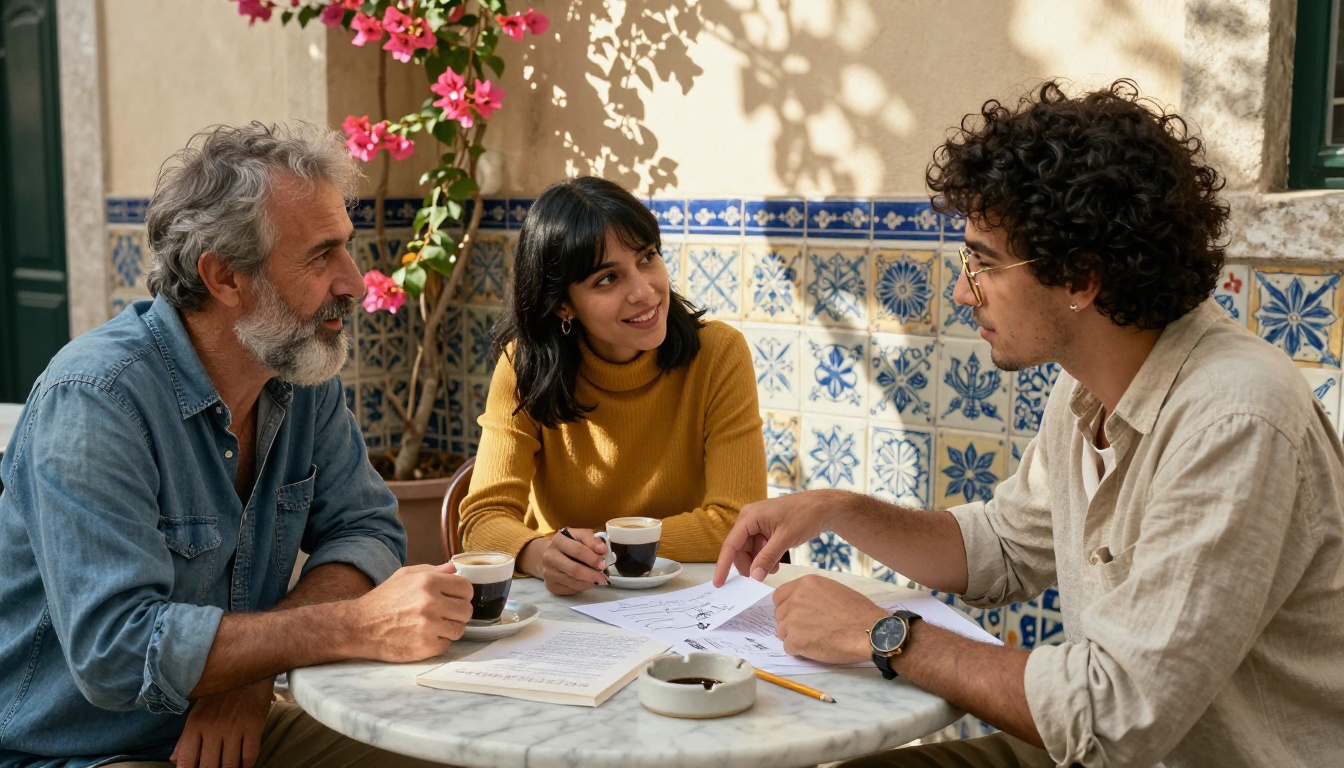
The barrier to making cinema is now almost nothing. The only thing left between you and your first short is the story you have been carrying around for years and have not written down yet.
Sit down. Open Picasso IA. Pick Sora 2 Pro. Write the first prompt. Make the film you want to see in the world. The rest is just iteration, and iteration is the easiest part now that the tools have caught up to the imagination.


