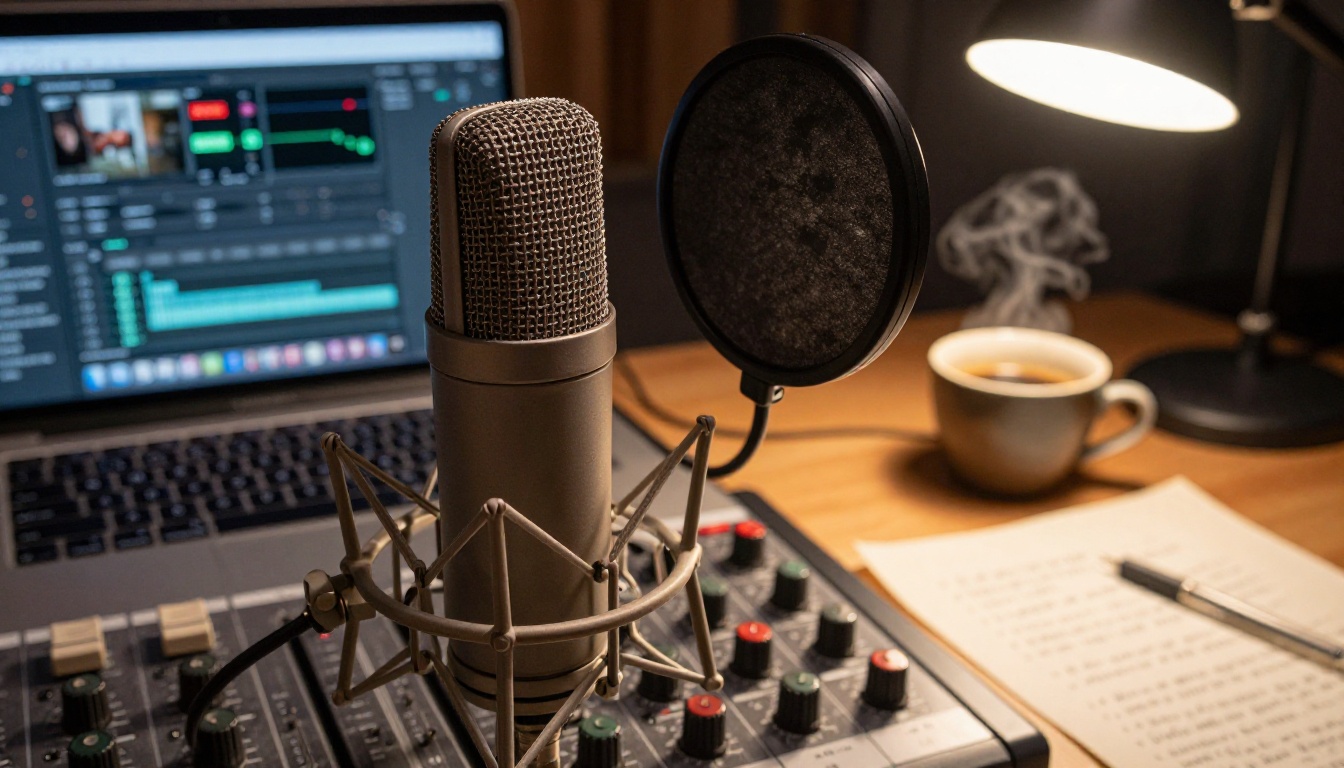
Podcast listening is at an all-time high, yet most shows stay invisible because they have no visual hook. A 60-second trailer changes that. It pulls listeners from a scroll into a subscription on Instagram, TikTok, YouTube Shorts, and LinkedIn. The problem? Traditional video production costs real money and takes real time. AI removes both barriers completely. Below is a practical breakdown of how to make trailers for your podcast with AI, from blank page to publishable clip, without touching a camera or hiring an editor.
Why Your Podcast Needs a Video Trailer
Most podcast growth depends on word of mouth and platform algorithms. Both have limits. Word of mouth is slow. Algorithms favor active uploaders who post consistently across formats. A video trailer solves the algorithm problem by giving you a shareable, discoverable asset that audio alone cannot provide.
The Numbers That Actually Matter
Short-form video consistently outperforms static images and text posts for reach and saves. Podcasts that post video clips see measurably higher subscriber conversion rates because potential listeners can preview the energy, tone, and expertise of the show in seconds. A still cover art tells no one anything. A 30-second trailer tells them everything they need to decide.
Audio-Only Podcasts Are Invisible on Social
Spotify, Apple Podcasts, and RSS feeds are subscription environments. Social media is a discovery environment. Those are two completely different contexts. On social, audio does not auto-play, links get penalized by algorithms, and text posts compete with video. A trailer gives you a native format that social platforms actually want to distribute.
What Makes a Podcast Trailer Work
Before touching any AI tool, you need a structural template. The most effective podcast trailers share three components regardless of genre or topic.
The Hook: First 3 Seconds
The first frame decides everything. Start with your most provocative statement, your biggest claim, or the most surprising moment from the episode. Do not open with your show name. Do not open with music. Drop the listener into something that creates an immediate question in their mind. That question is what keeps them watching.
The Promise: What They Will Get
After the hook, spend 10 to 20 seconds clarifying what this episode or show actually delivers. Be specific. "We talk about business" converts nobody. "We break down how a $40 product became a $200M brand in three years" converts curious people into listeners. Specificity is your best marketing tool.
The Payoff: The Call to Action
End with one clear instruction. Follow, subscribe, listen. Pick one. Do not stack three calls to action into the last five seconds. Trailers that end with a single, confident request perform better than those that list every platform, handle, and website simultaneously.
How to Make Trailers for Your Podcast with AI
Here is the full production workflow, step by step. Each step uses a different AI capability, and you can complete this entire process in under two hours on the first attempt.
Step 1: Write Your Trailer Script
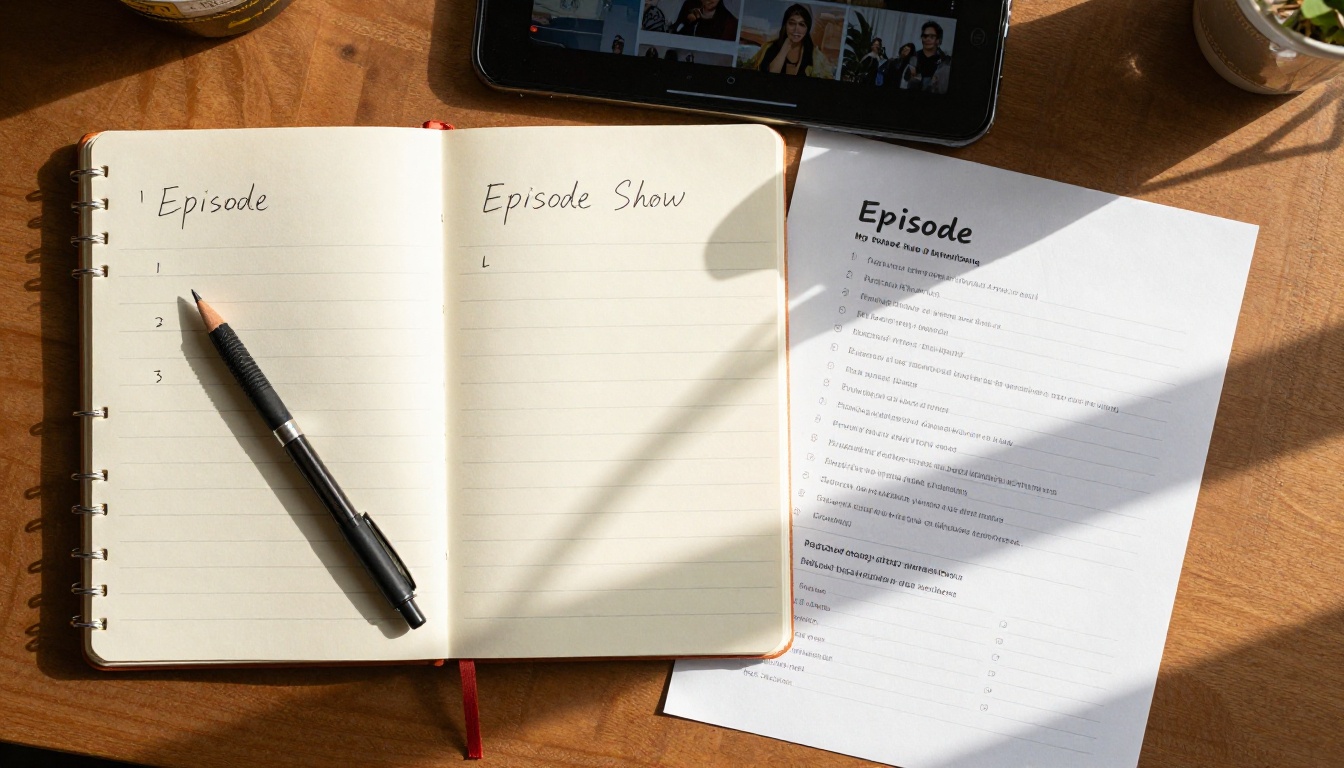
Your script is the foundation. A 60-second trailer needs roughly 120 to 150 words. Write three sections: hook (1 to 2 sentences), episode or show summary (3 to 5 sentences), and a call to action (1 sentence). Keep sentences short. Read every line out loud. If it sounds like writing, rewrite it to sound like speaking.
💡 Tip: Record a raw voice note of yourself pitching the episode to a friend. Transcribe it. That transcription is often 80% of your final script. Real speech patterns outperform polished writing every time in short-form video.
Step 2: Generate Visuals with AI Video Models
This is where AI does the heavy lifting. You have two options: generate visuals from text prompts (text-to-video) or animate a static image you already have (image-to-video). For podcast trailers, text-to-video typically works better because you can generate abstract, cinematic B-roll that matches your topic without needing source footage.
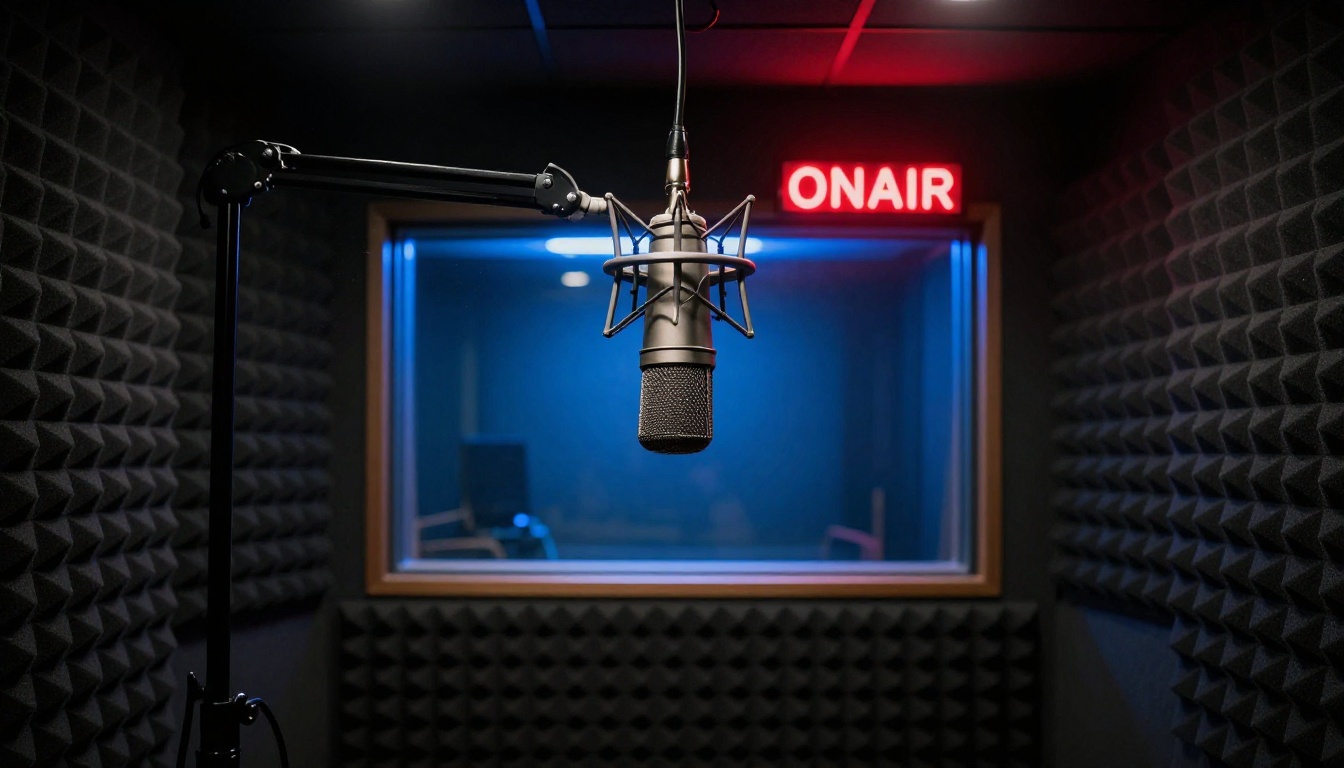
The key to good AI video for podcast trailers is prompt specificity. Vague prompts produce generic results. Describe the mood, lighting, camera movement, and subject in the same sentence. "A dimly lit podcast studio with dramatic rim lighting, slow camera push-in, film grain" produces something usable. "A podcast studio" does not.
Step 3: Add Voiceover with Text to Speech
Record your own voice for the narration if you can. Your voice is part of your brand, and trailers that feature the actual host's voice perform better for conversion. If you cannot record cleanly, AI text-to-speech has reached the quality level where it works well for social clips.
The workflow is straightforward: write your script, feed it to a text-to-speech model, download the audio, then sync it with your visuals in a basic editor. Many AI video models now include audio generation directly in the output, which removes this step entirely.
Step 4: Sync Audio and Visuals
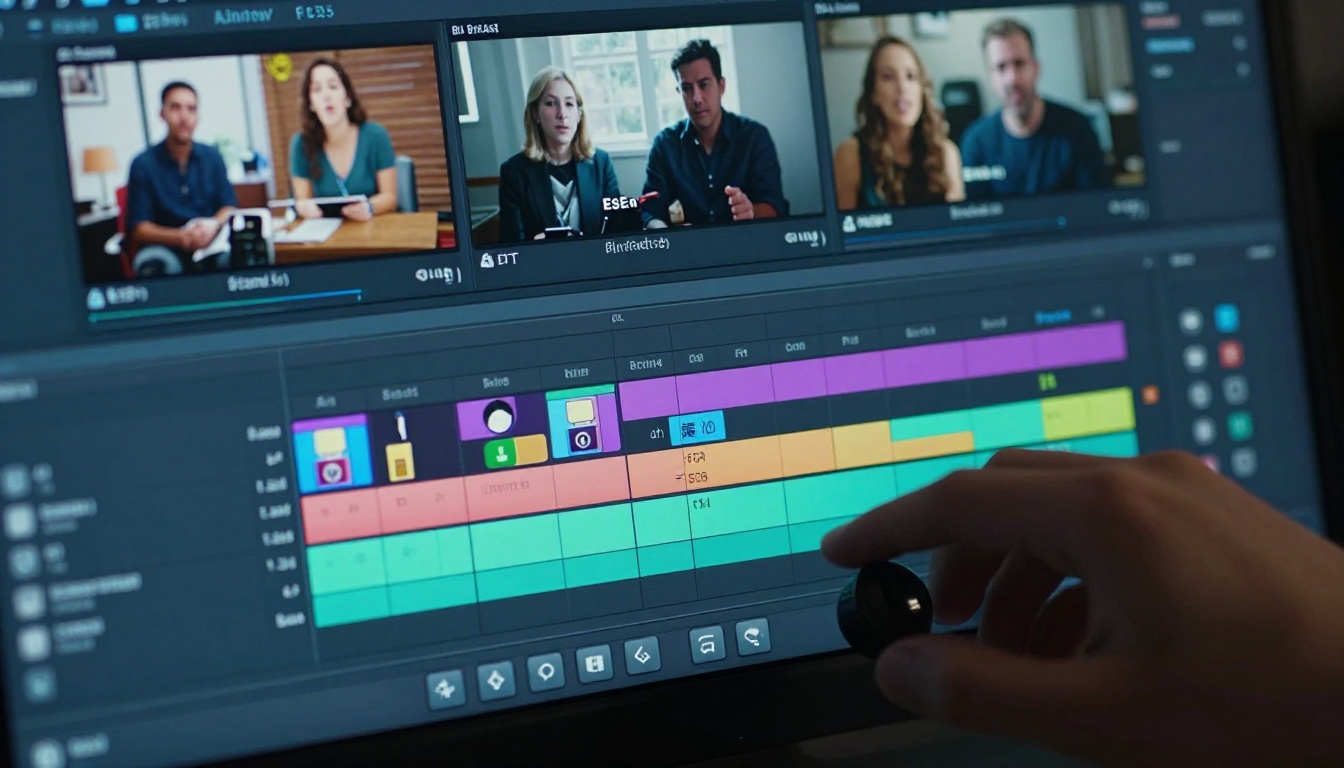
You do not need professional editing software. Free tools like CapCut, DaVinci Resolve (free tier), or even Instagram's built-in Reels editor handle basic cuts. The structure is simple: lay your audio track first, then cut the video clips to the beats and pauses in your voiceover. This rhythm is what makes a trailer feel polished without expensive production.
💡 Tip: Place a visual cut every 2 to 3 seconds. Faster cuts feel more energetic. For shows about intense topics like crime, business drama, or confrontational interviews, fast cuts reinforce the tension.
Step 5: Export and Distribute
Export at the highest resolution your tool allows. For Instagram Reels and TikTok, vertical (9:16) works better. For YouTube Shorts and LinkedIn, 9:16 also dominates. For your podcast landing page or press kit, keep a 16:9 horizontal version as well. One production session should yield at least three format variants without any extra recording.
The Best AI Video Models for Podcast Trailers
Not all AI video models produce the same output. For podcast trailers specifically, you want models that generate cinematic motion, realistic textures, and optional native audio. Here is a breakdown of the top options available on PicassoIA.
Seedance 2.0 for Trailer Production
Seedance 2.0 from ByteDance is the strongest all-in-one choice for podcast trailer production. The reason: it generates video with built-in audio in a single generation pass. For podcast trailers, this means you get cinematic visuals and a matching soundscape simultaneously, eliminating one entire production step.
The model handles human subjects, abstract B-roll, and scene transitions with high consistency. At 1080p output, the quality is more than sufficient for every major social platform.
Veo 3 for Maximum Realism
Veo 3 from Google represents the current ceiling for photorealistic AI video with native audio. If your podcast covers topics where realism matters, such as news, documentary-style storytelling, or serious journalism, Veo 3 produces footage that genuinely holds up under scrutiny. The native audio generation means ambient sound, dialogue, and background noise are all created alongside the visuals.
Kling v3 for Cinematic Motion
Kling v3 Video specializes in high-motion sequences. For action-oriented podcasts about sports, entrepreneurship, or adventure, Kling v3 generates clips with impressive dynamic range. Camera movements feel intentional rather than random, which matters a lot for trailer editing.
How to Use Seedance 2.0 on PicassoIA
Seedance 2.0 is available directly on PicassoIA. Here is how to use it for podcast trailer production from start to finish.
Setting Up Your First Prompt
- Open Seedance 2.0 on PicassoIA
- In the prompt field, describe your scene with camera movement, lighting, subject, and mood
- Keep prompts between 50 and 100 words for best results
- Avoid generic terms like "beautiful" or "amazing" and use specific visual language instead
Example prompt structure:
"Slow push-in toward a professional broadcast microphone on a dark studio desk, volumetric amber light from the left, shallow depth of field with acoustic foam panels blurred in background, film grain, photorealistic, cinematic"
💡 Tip: Generate 3 to 4 variations of each scene before choosing. The first result is rarely the strongest. Seedance 2.0 has enough variation between runs to make this worth doing.
Parameters That Actually Work
- Duration: Use 5 to 8 seconds per clip. Podcast trailers are assembled from cuts, not single long shots
- Resolution: Always select 1080p for social platform compatibility
- Audio: Keep the built-in audio on. Even if you plan to add a voiceover later, the ambient audio adds texture that keeps viewers engaged
- Prompt language: English prompts consistently outperform other languages for adherence and realism
Assembling the Final Trailer
After generating 6 to 10 clips, arrange them in this sequence in your editor:
- Open with your most dramatic clip (studio, action, or abstract scene)
- Cut to host speaking or a title card with the episode hook text
- B-roll clips matching the episode topic
- Close with show branding and the call to action
The total assembly time for a well-structured trailer, once you have the clips, is 20 to 40 minutes in any basic editor.
Types of Podcast Trailers Worth Making
Not every trailer serves the same purpose. Here are the three main formats and when each one works best.
Season Trailers
A season trailer promotes an entire run of episodes before launch. It is the most production-intensive format but also the most powerful for building anticipation. Use 30 to 60 seconds. Feature clips from multiple episodes if available. Prioritize the emotional arc of the season rather than individual episode details.
AI video is especially useful here because you can generate compelling visuals even before you have recorded a single episode. The trailer can exist before the content does.
Episode Teasers
Episode teasers are 15 to 30 second clips that promote a single upcoming episode. They are the highest-volume format because every episode can have one. For AI production, this means generating 2 to 3 fresh clips per episode, writing a 3-sentence script, and assembling in under an hour. At scale, this becomes a repeatable system.
Audiograms vs Full Video Trailers
An audiogram is a static or animated image combined with an audio waveform visualization. Full video trailers use actual moving footage. Audiograms are easier to produce but convert worse. Full video trailers require more effort but generate significantly more reach on algorithmic platforms. With AI video tools like Pixverse v6 and LTX 2 Pro, the production gap between audiograms and full trailers has essentially closed.
💡 Tip: Use audiograms for quick daily posting. Use full AI video trailers for episode launch days and whenever you are running a paid promotion.
Distributing Your Podcast Trailer
Production is only half the work. Where and how you post your trailer determines whether it finds new listeners.
Instagram Reels and TikTok
These two platforms are the highest-ROI distribution channels for podcast trailers right now. Both prioritize video in their algorithms, both have large audio-content communities, and both allow direct links in bio that you can update each week to point to the latest episode. Post within the first hour of your episode going live to capitalize on the algorithm boost.
YouTube Shorts
YouTube Shorts is underutilized by podcasters. The platform converts viewers to long-form content more effectively than any other social app because YouTube users are already comfortable watching longer videos. A 60-second Short that hooks someone will often result in them watching your full episode on the same app. That conversion path is almost frictionless.
Your Podcast Landing Page
Every podcast episode should have a landing page. Embedding your trailer video on that page increases session duration and reduces bounce rate, both of which signal to search engines that your content is worth ranking. For SEO, this is a significant and often overlooked benefit of video trailers.
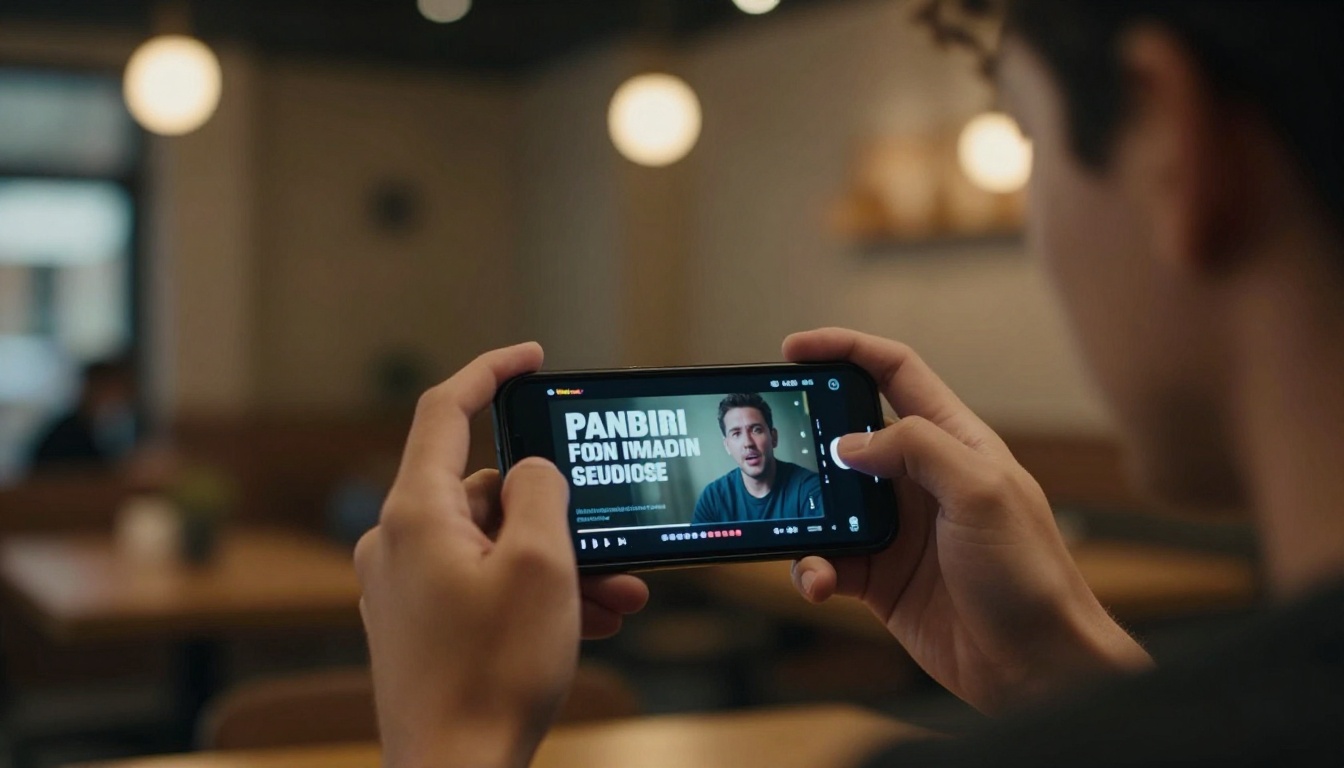
Build a Trailer System, Not a One-Off
The podcasters who win with video trailers do not treat each one as a separate project. They build a repeatable system: one prompt template, one editing workflow, one distribution checklist. Every episode follows the same process. The quality compounds over time as you refine what works for your specific audience.
AI video models like Seedance 2.0, Veo 3, and Kling v3 Video make it possible to maintain this system without a video team or a production budget. The barrier is no longer technical. It is operational.
If your podcast exists, it deserves to be seen. Not just heard.
Start creating your own podcast trailer visuals on PicassoIA. Every model mentioned in this article is available to use right now. Generate your first clip, see what it looks like, and build from there. Most people who try it produce a usable trailer on the first session.


