Matching the wrong music to a video can make even the best footage feel flat, awkward, or completely disconnected. Most creators spend hours scrubbing through royalty-free libraries hoping something fits. AI changes that entirely, and the results are faster, more precise, and often far better than manual selection ever could be.
This article walks through how AI reads video mood, which tools deliver the most accurate music-video alignment, and how to use specific models on PicassoIA to generate or sync music that hits every emotional beat.
Why Music-Video Mismatch Kills Viewers
The 3-Second Rule
Viewers decide whether to keep watching within the first three seconds of a video. Before they consciously register the visuals, they feel the audio. An upbeat track under slow, melancholic footage sends a conflicting signal that triggers discomfort. The brain resolves that discomfort by closing the tab.
This isn't theory. Studies on audiovisual congruence consistently show that mismatched audio-visual stimuli reduce viewer retention and emotional impact. The music has to carry the same emotional weight as what's on screen.
What Viewers Actually Feel
When music and video mood align correctly, viewers report:
- Higher emotional investment with the story
- Longer watch time without conscious awareness of the music
- Stronger memory formation around the content
- Increased trust in the creator's professionalism
The goal isn't just to avoid jarring mismatches. It's to create emotional resonance where the audio amplifies every visual choice you've made.
How AI Reads Video Mood
Tempo and Scene Analysis
Modern AI tools analyze video content across multiple dimensions simultaneously. They look at:
- Visual tempo: how fast cuts occur, motion blur intensity, and scene transitions
- Color palette: warm vs. cool tones, saturation levels, brightness curves
- Subject matter: faces and their emotional expressions, environments, movement patterns
- Narrative arc: how tension builds or releases across the timeline
Based on these signals, the AI generates a mood profile that maps to musical characteristics: BPM range, tonal signature (major/minor), instrumentation type, and dynamic range.
Emotion Tags and AI Scoring
More sophisticated systems use emotion tagging, where each video segment receives a score across dimensions like:
| Emotion Axis | Low Score | High Score |
|---|
| Energy | Ambient, slow | Driving, fast |
| Valence | Melancholic, minor | Joyful, major |
| Tension | Calm, resolved | Suspenseful, unresolved |
| Intimacy | Wide, cinematic | Close, personal |
These scores feed directly into AI music generators that produce tracks calibrated to those exact emotional coordinates. The result isn't a generic "upbeat track," it's a composition built specifically for your video's emotional fingerprint.
AI Music Generators That Sync
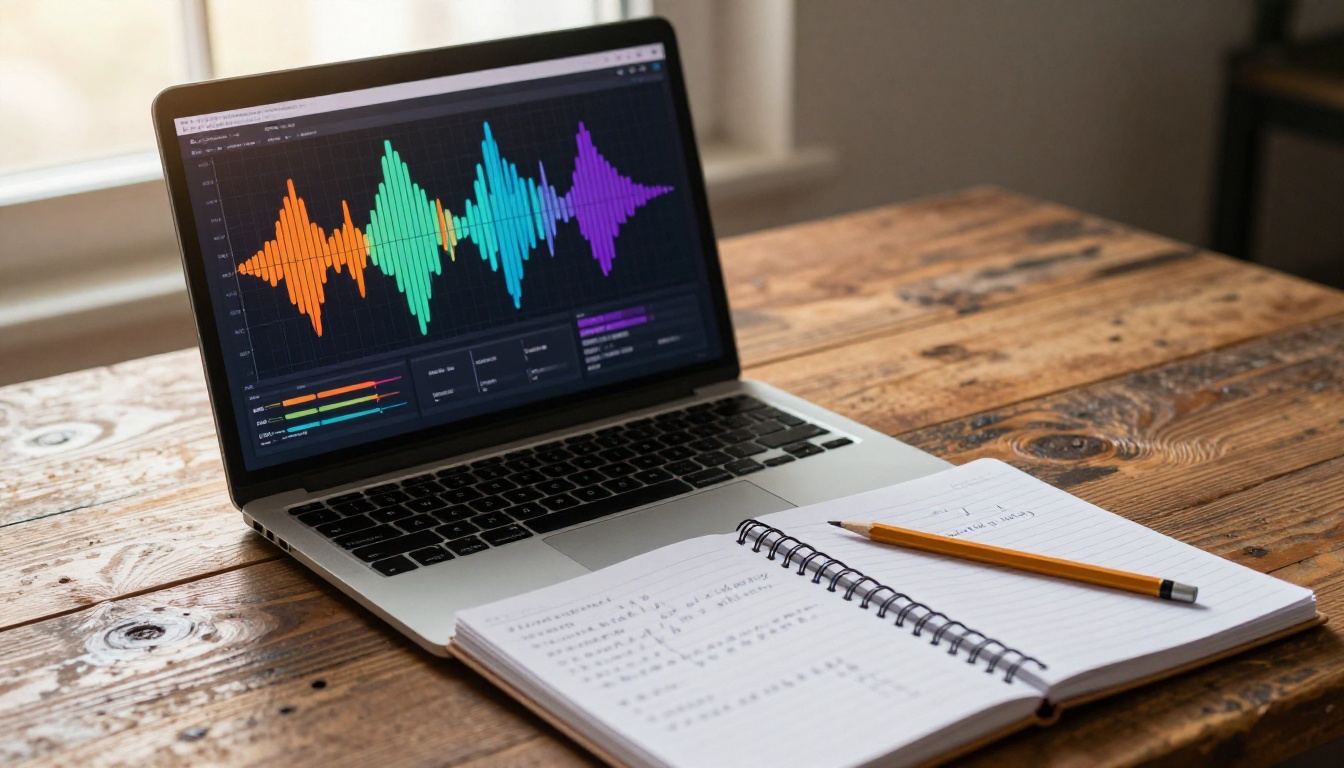
PicassoIA offers several AI music models that generate custom tracks from text prompts, making it possible to describe your video's mood in natural language and receive a matching composition.
Google Lyria 3 Pro is the most capable option for full-length, professionally structured songs. Feed it a mood description and it outputs multi-layered compositions with harmonic depth, handling everything from orchestral tension to minimal acoustic warmth.
Minimax Music 2.6 excels at generating songs with full vocal arrangements, making it ideal when your video needs a complete musical piece rather than an instrumental backdrop.
ElevenLabs Music is built for prompt-driven music composition directly from text. Its strength lies in fast generation and broad genre coverage, from cinematic orchestral swells to lo-fi bedroom beats.
Stability AI Stable Audio 2.5 handles textural and ambient music particularly well, making it a go-to for documentary footage, meditation content, or any video that requires atmospheric sound design rather than melodic structure.
💡 When writing your music prompt, describe the scene rather than the genre. Instead of "upbeat pop," try "warm, energetic morning light through city streets, running pace, optimistic, forward motion." This gives the AI richer emotional data.
Video Models with Built-In Audio
The newest generation of AI video models generates synchronized audio as part of the video itself, eliminating the separate music matching step entirely.
Seedance 2.0 from ByteDance generates video with built-in audio that is contextually matched to the visual content. The model analyzes what it's creating and scores music to match in real time during generation.
Google Veo 3 produces native audio alongside video, including ambient sound, music, and dialogue, all synchronized with the visual content from a single text prompt.
Pixverse v6 focuses on cinematic video with AI-generated audio designed to match the mood and pacing of its visual output.
How to Use Seedance 2.0 for Mood-Synced Video
Seedance 2.0 is the most direct path to video with matching music because the audio is generated alongside the video from the same prompt. Here's how to get the best results:
Step 1: Write a Mood-First Prompt
Start your prompt with the emotional tone before describing the visuals. The model weighs early words heavily.
Example: "Melancholic, slow, intimate. A woman walks alone along a grey autumn beach, waves crashing softly, overcast sky, her coat moving in the wind."
The first three words set the musical temperature for the entire generation.
Step 2: Specify Pacing Cues
Add tempo signals to your visual description:
- Use words like "slow pan," "lingers on," "unhurried" for calm music
- Use "fast cuts," "dynamic," "rushing" for high-energy scores
- Use "builds to" for tracks with crescendo structure
Step 3: Include Instrumentation Hints
Seedance 2.0 responds to genre and instrumentation cues embedded in scene descriptions:
- "Sunlit mountain trail, hiking boots on gravel, acoustic guitar mood"
- "Neon-lit night market, crowded, vibrant, electronic ambient backdrop"
- "Empty cathedral interior, morning light through stained glass, orchestral silence"
Step 4: Review and Iterate
Generate 2-3 variants at different mood intensities. The model's audio output varies meaningfully between generations. Choose the version where the first 3 seconds feel immediately right for the footage.
How to Generate Custom Music with Lyria 3 Pro
When you have existing footage and need a custom track built to match it, Google Lyria 3 Pro is the right tool. Its ability to generate full-length, structurally complex compositions makes it particularly strong for longer video projects.
Step-by-Step with Lyria 3 Pro
Step 1: Analyze Your Video First
Before writing a prompt, watch your video twice. Write down the overall emotional arc, the visual tempo, the dominant color temperature, and any specific moments where you need the music to shift.
Step 2: Write a Layered Prompt
Lyria 3 Pro performs best with prompts that describe three layers:
- Instrumentation: "Piano, subtle strings, light percussion"
- Mood: "Nostalgic, bittersweet, introspective"
- Arc: "Starts softly, builds through the middle, ends with resolution"
Full example: "Acoustic piano with soft strings, nostalgic and bittersweet tone, starts gently and builds to an emotional peak at 1:30, no percussion until the chorus, ends quietly and resolved."
Step 3: Match BPM to Visual Cuts
Count your video's average cuts per minute. A video cutting every 2 seconds (30 cuts per minute) feels natural with music between 60-90 BPM. A video cutting every second (60 cuts per minute) needs faster music between 110-140 BPM.
Step 4: Generate Multiple Variations
Generate 3-5 versions with slight prompt variations. Keep notes on what changed between versions so you can refine toward exactly what the footage needs.
💡 Minimax Music 2.6 is an excellent alternative when you need full vocals. ElevenLabs Music works best for fast turnaround across multiple genres.
Audio-to-Video: When Music Leads the Edit
Sometimes you have the perfect track and need the video built around it. This reverses the usual workflow and often produces stronger emotional results because the music sets the creative ceiling.
The Audio-First Workflow
Audio to Video by Lightricks takes an audio file and an image, then animates the image with motion timed and matched to the audio's rhythm and emotional character. The AI literally responds to the music, making it one of the most direct tools for mood matching available.
Wan 2.2 S2V generates audio-synced videos where the visual pacing aligns with sound waveform characteristics. It's particularly strong for music visualizers, lyric videos, and any content where the beat needs to drive the visual timing.
The audio-first workflow looks like this:
- Generate or select your music track using Lyria 3, Music 2.6, or Stable Audio 2.5
- Upload the audio to Audio to Video along with a still image or short clip
- The model generates motion that breathes with the music's rhythm and emotional quality
- Export and edit the result in your preferred video editor
This approach works exceptionally well for music videos, brand content where the music is already locked, and social media content where audio trends drive the visual style.
Mood Matching by Genre
Quick Reference Table
Different video genres have established emotional conventions. AI works best when you align your prompts with these conventions rather than fighting them.
| Video Type | Ideal Music Mood | BPM Range | Instrumentation |
|---|
| Travel vlog | Adventurous, warm, energetic | 100-130 | Acoustic guitar, light percussion |
| Wedding film | Romantic, intimate, emotional | 60-80 | Piano, strings, no drums |
| Product commercial | Confident, clean, modern | 110-140 | Electronic, minimal, punchy |
| Documentary | Thoughtful, serious, reflective | 70-95 | Ambient pads, light piano |
| Sports/action | High energy, driving, powerful | 130-160 | Distorted guitar, heavy drums |
| Social media reel | Trendy, upbeat, catchy | 120-140 | Pop, trap, electronic |
| Corporate video | Professional, calm, trustworthy | 90-110 | Soft piano, minimal strings |
| Horror/thriller | Tense, unsettling, dark | Variable | Dissonant strings, low drones |
💡 Don't just match the genre to the table above. Match the specific emotional moment in your video. A wedding film still needs tense music during the preparation sequence. A travel vlog needs quiet music during the introspective sunset shot.
3 Common Mistakes
Matching Energy Instead of Emotion
High-energy music doesn't always mean positive emotion. A driving metal track has high energy but negative valence. A slow acoustic ballad has low energy but deeply positive emotional weight. Match the emotional direction, not just the intensity level.
Ignoring the Edit Rhythm
The music's beat should roughly align with your cut points. When cuts land consistently off-beat, viewers feel vague discomfort without understanding why. AI tools like Seedance 2.0 solve this natively by generating audio to match the visual rhythm. For manually edited videos, count your cuts and match BPM accordingly.
Using Generic Prompts
"Happy background music for a travel video" produces generic output from any AI model. The more specific your prompt, the more precisely calibrated the result. Describe the exact scene, the time of day, the emotional state of the subject, and the pacing of the footage. Treat your music prompt like a shot list, not a search query.
AI Music Generation vs. Manual Library Search
| Factor | Manual Library Search | AI Music Generation |
|---|
| Time to first result | 30-120 minutes | 30-90 seconds |
| Mood accuracy | Hit or miss | Highly configurable |
| Licensing | Varies widely | Typically included |
| Unique output | Shared tracks | Custom per project |
| Iteration speed | Slow (manual browsing) | Fast (prompt refinement) |
| Genre range | Limited by library | Near-unlimited |
| Long-form content | Often requires loops | Full-length tracks |
For professional content creators, the efficiency gains alone justify switching to AI music generation. For independent creators, the ability to get custom, mood-matched tracks without a library subscription is even more significant.
Start Matching Music to Video Right Now
The fastest way to see this in practice is to pick a video you've already created and generate a custom track for it.
Start with Google Lyria 3 Pro if you want a full composition with real harmonic depth. Use ElevenLabs Music if you need something fast across a range of genres. Try Stable Audio 2.5 for atmospheric and textural sound design.
If you're building video from scratch and want the music baked in from the start, Seedance 2.0 and Veo 3 are the most direct path to audio-visual alignment from a single prompt.
For audio-first creation, Audio to Video gives you a completely different creative workflow where the music shapes every frame.
All of these tools are accessible on PicassoIA. Pick the one that fits your current project, write a detailed mood prompt, and start generating. The difference between a forgettable video and one that genuinely moves people often comes down to whether the music was chosen for that specific footage, or grabbed from a generic library.