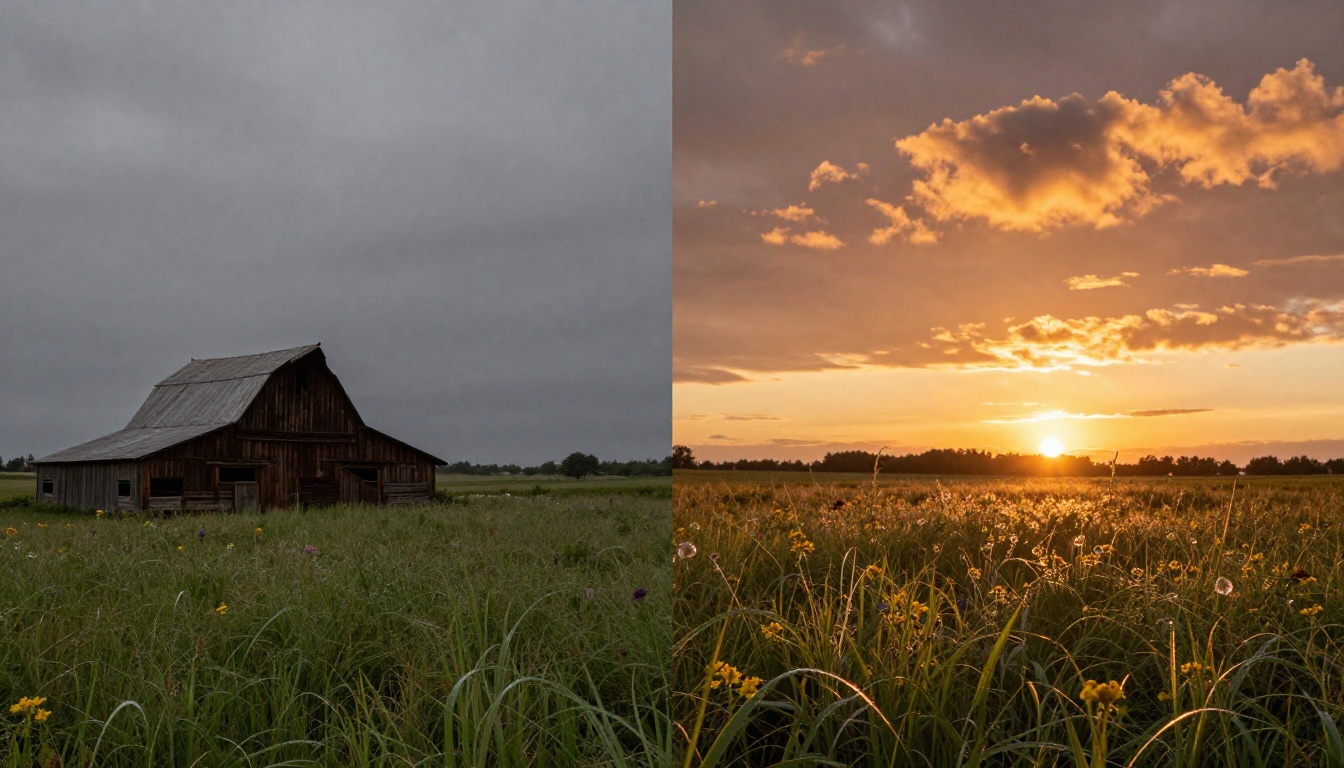
Sky photos don't lie, but they do disappoint. The difference between a forgettable shot and one that stops people scrolling is often what's happening above the horizon. A flat white sky or a blown-out grey overcast turns even the best composition into something ordinary. AI sky replacement changes that equation entirely, and it's now fast enough to do in under two minutes.
What AI Sky Replacement Actually Does
Sky replacement used to be a multi-step manual job: select the sky with a wand tool, refine the edges around trees and structures, mask the background, drop in a new sky layer, then spend another thirty minutes matching the lighting so nothing looked pasted. Most people gave up halfway.
AI sky replacement tools work differently. Instead of asking you to draw masks, they use semantic segmentation to identify the sky region automatically. The model looks at the image, recognizes the boundary between sky and non-sky (buildings, trees, people, water), then generates or blends a replacement sky that respects those edges.
The best AI tools go further than a simple swap. They:
- Adjust color temperature in the foreground to match the new sky's light source
- Simulate atmospheric haze so distant objects feel consistent with the new weather
- Handle complex edges like bare winter trees or power lines without leaving halos
- Apply reflection matching in water or glass surfaces automatically
- Relight shadows and highlights on subjects to be consistent with the new light direction
💡 The result looks shot-in-camera, not edited, because the AI reasons about the whole scene rather than just swapping one layer.
When You Need a Sky Swap (And When You Don't)
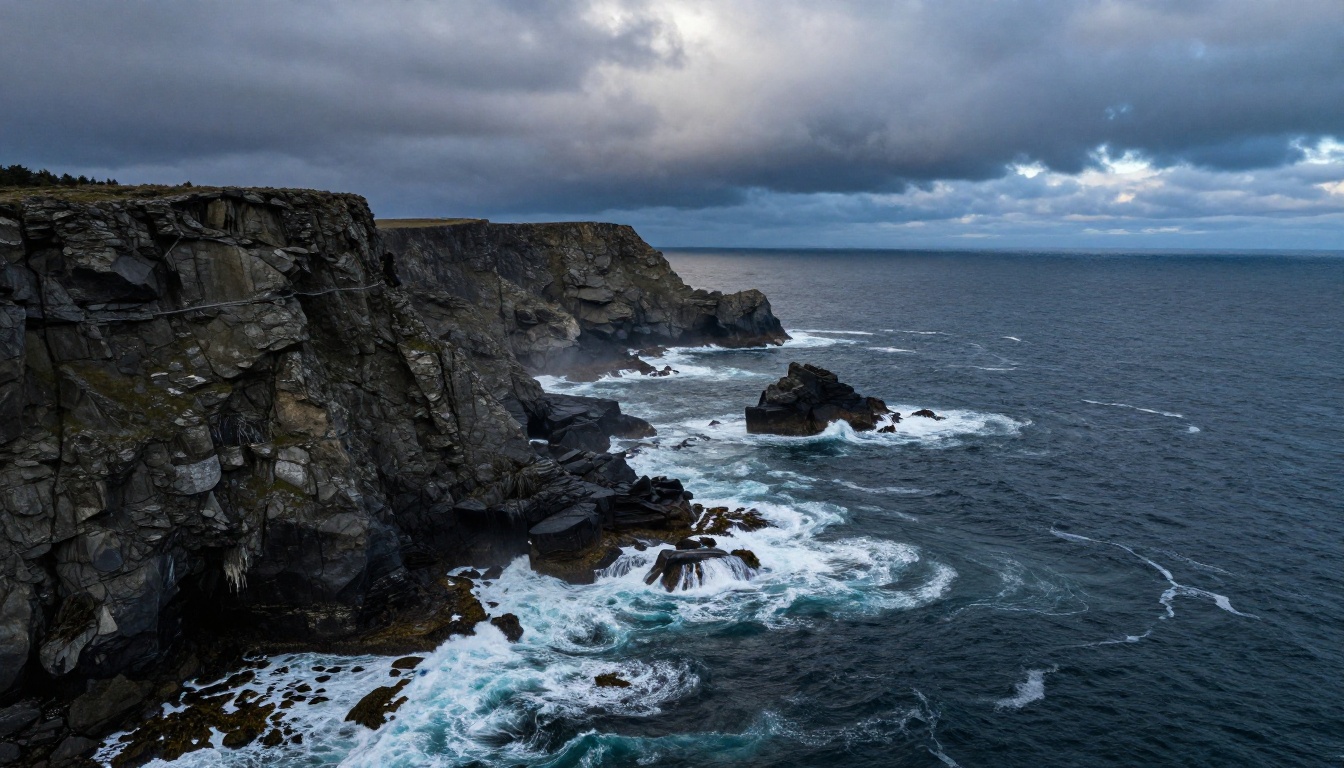
Not every photo needs a sky replacement. Knowing when to use it saves time and keeps your work honest.
Strong candidates for sky swap:
| Scenario | Why it works |
|---|
| Overcast landscape shoots | Flat light kills foreground detail the camera captured well |
| Real estate exterior shots | A blue sky with clouds adds perceived value to property listings |
| Wedding outdoor portraits | Overcast ceremony days can be salvaged without reshooting |
| Travel photography | Weather is unpredictable but post-processing isn't |
| Product photography outdoors | Consistent sky makes a series look cohesive |
| Architectural photography | Grey skies flatten structural depth and texture |
When to skip it:
- The composition is already strong and the existing sky adds authentic mood
- You're working in photojournalism or documentary contexts where altering skies crosses an editorial line
- The foreground lighting is so clearly overcast that any bright sky would create an impossible scene
- The original sky has interesting detail worth keeping (dramatic clouds, sunbeams, mist)
The line between creative photography and deceptive imagery depends entirely on context. For commercial, personal, and artistic work, AI sky replacement is a standard post-processing tool in 2027.
Types of Sky Replacements Worth Having
Not all sky replacements serve the same purpose. Building a solid library of sky types gives you options for every situation.
Golden Hour Skies are the most versatile. The warm amber and crimson tones flatter almost any subject, from landscapes to portraits. Golden hour also has directional light that adds depth without looking artificial. This is the first sky type to collect because it works in the widest range of scenes.
Dramatic Storm Skies work well for architectural photography, editorial work, and any scene where you want tension. Dark cumulonimbus clouds with silver backlighting turn average compositions into cinematic frames. Use these sparingly since they dominate whatever they're paired with.
Clean Blue Skies with White Clouds are the workhorse of real estate and product photography. They communicate stability without competing with the subject. A simple blue-and-white sky is often the most commercially useful replacement in your library.
Milky Way and Starfield Skies serve a growing niche in landscape and travel photography. AI-generated starfields can be blended with twilight foregrounds in ways that would require dedicated astrophotography gear to capture authentically.
Sunrise Gradient Skies offer a cooler, more subtle alternative to golden hour. The rose-gold and soft lavender tones photograph well for fashion and portrait work where warm saturation would be too heavy.
Overcast but Beautiful Skies sound like a contradiction, but a well-textured dramatic grey sky with movement and depth is entirely different from a flat white blown-out one. Replacing a dead grey sky with an interesting one keeps the mood without introducing artificial warmth.

The Technology Behind It
AI sky replacement at its core is an image inpainting task. The model receives the original image and a mask (either user-drawn or automatically generated) indicating the region to modify. It then generates new content for that masked region that is visually consistent with the surroundings.
Modern inpainting models are trained on millions of images and are capable of:
- Respecting lighting physics: if the replacement sky is a sunset on the right, shadows in the foreground tilt left
- Matching color grading: the new sky inherits a color profile compatible with the rest of the image
- Handling partial transparency: semi-transparent elements like mist, window glass, or moving water blend naturally
- Inferring depth: elements at different distances from the camera receive different amounts of atmospheric influence from the new sky
- Preserving edge detail: fine structures like branches, wire fences, and architectural lattices are preserved at the boundary
💡 The best sky replacement results come from photos with sharp, well-defined horizon lines and good foreground exposure. AI handles edge cases, but it works hardest when the base photo is technically solid.
AI Sky Replacement vs. Manual Masking
The table below shows where AI-based replacement wins and where manual masking still has an edge:
| Factor | AI Sky Replacement | Manual Masking |
|---|
| Speed | 10 to 60 seconds | 30 to 120 minutes |
| Edge accuracy on clean horizons | Excellent | Excellent |
| Edge accuracy on complex subjects | Good, occasionally needs refinement | Full control |
| Foreground relighting | Automatic | Manual |
| Reflection matching | Automatic on most tools | Manual |
| Learning curve | Minimal | Steep |
| Batch processing capability | Yes | No |
For most photographers, AI wins on every dimension except absolute control over complex scenes. Even then, using AI as a starting point and refining manually is faster than a full manual approach from scratch.
How to Replace Skies with AI Step by Step
The exact workflow varies by tool, but the core steps are consistent across all AI sky replacement software.
Step 1: Start With the Right Source File
Work from the highest resolution version of your image available. A 24-megapixel RAW export will produce sharper results than a compressed JPEG. The AI needs pixel detail at the horizon line to segment accurately.
Checklist before starting:
- Foreground is properly exposed (not too dark)
- Horizon line is relatively clean, with minimal heavy compression artifacts
- File is at full native resolution
Step 2: Select Your Target Sky
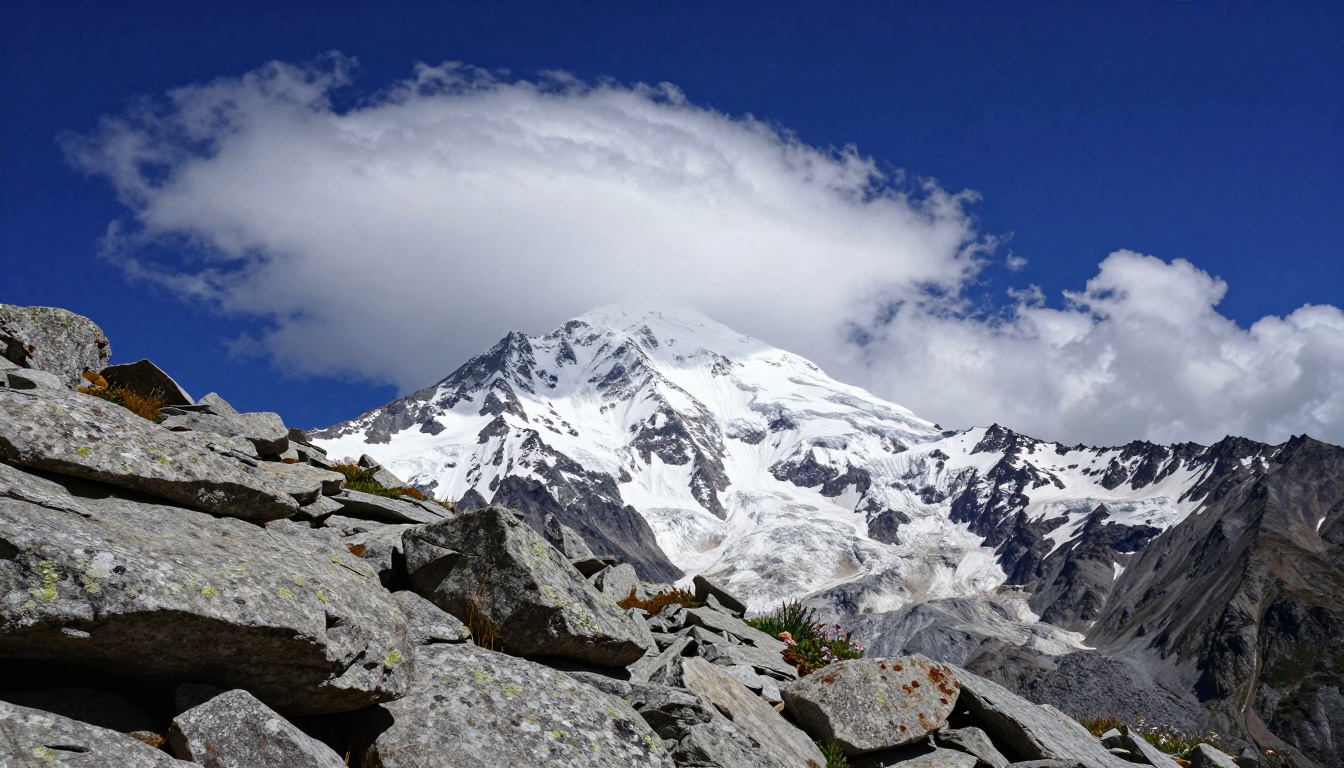
Choose a replacement sky that makes physical sense for the location and time of day. A clear blue sky works for a beach scene. A dramatic storm sky works for an isolated barn or mountain. A mismatched sky (tropical sunset over an arctic landscape) reads fake immediately.
Think about the emotional tone you want. Golden hour for warmth and nostalgia. Storm for drama and tension. Blue sky for clarity and commercial appeal.
Step 3: Run the AI Segmentation
The tool automatically identifies the sky region. Most AI tools are accurate on standard landscape and architecture shots. For complex scenes with dense foliage, wire-frame structures, or subjects that break the horizon line, you may need to refine the mask with a manual brush.
Step 4: Adjust the Blending Parameters
After the sky is placed, adjust:
- Opacity/blend: reduces hard transitions at the horizon
- Foreground relighting: how aggressively the AI shifts the foreground color to match the new sky's light source
- Atmospheric haze: adds depth-appropriate desaturation to distant objects
- Sky positioning: move the sky layer to find the best cloud composition within the frame
Step 5: Match the Color Grade
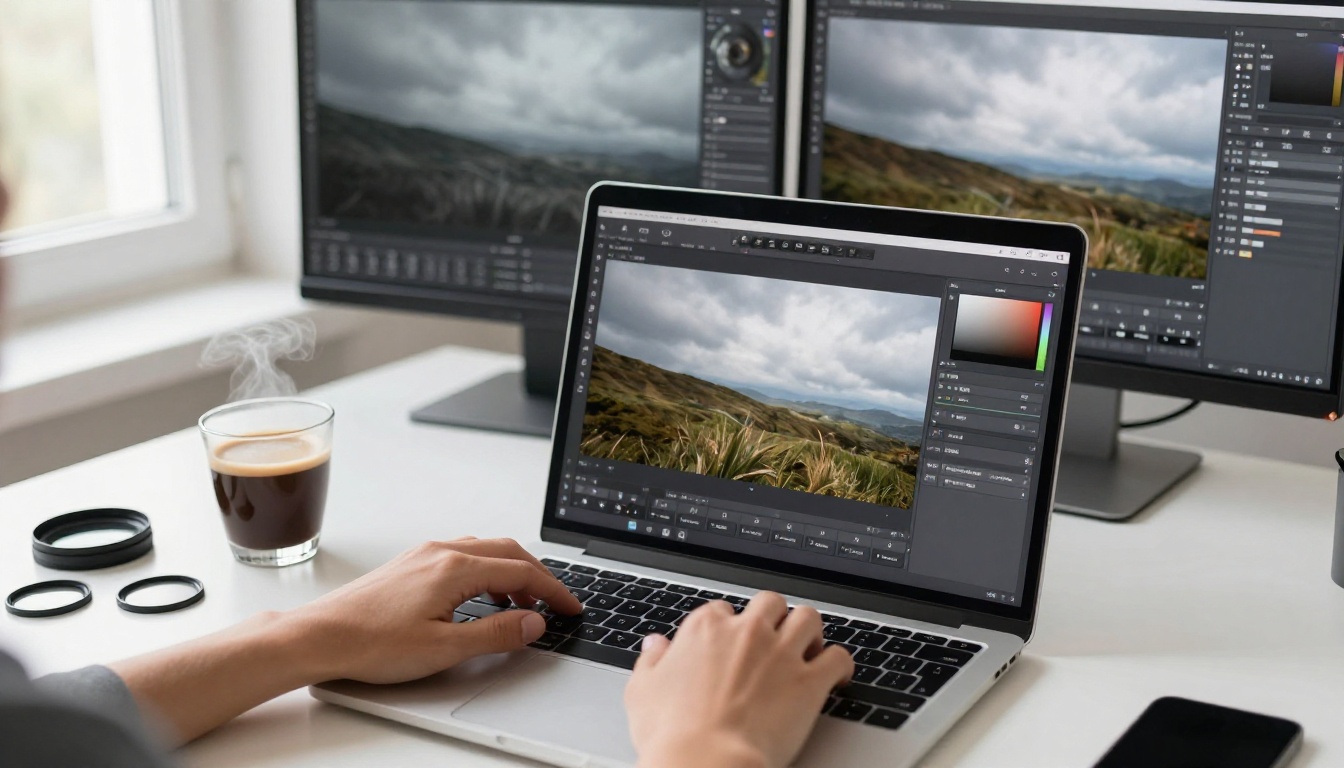
The single biggest giveaway in AI sky replacements is a color mismatch between sky and foreground. After the replacement, run a quick color grade on the full image to unify the tones. A slight warm push on shadows and a cooler highlight adjustment usually ties golden-hour skies together convincingly.
Step 6: Export at Full Resolution
Always export at full native resolution. If the output appears soft, run it through a Clarity Pro Upscaler to recover sharpness and add fine detail back to both the sky and the foreground.
Sky Replacement for Specific Photo Types
Landscape Photography
Landscape photos benefit most from sky replacement. A technically perfect composition with a boring sky is one of the most common frustrations for outdoor photographers who can't control the weather.
For landscapes, prioritize atmospheric consistency: if the foreground shows wet grass after rain, a blazing clear-sky replacement looks impossible. A post-rain sunset with scattered clouds and soft directional light is more believable because the conditions could actually co-exist.
Real Estate Photography
Real estate agents and property photographers use AI sky replacement more than any other industry. A blue sky with white clouds increases the perceived curb appeal of exterior shots significantly. Most real estate platforms allow this as standard post-processing.
Tips for real estate sky swaps:
- Keep the sky simple (no overly dramatic storm clouds above a suburban house)
- Match the season (winter trees under a tropical sky reads immediately as fake)
- Use consistent skies across all exterior photos in a single listing
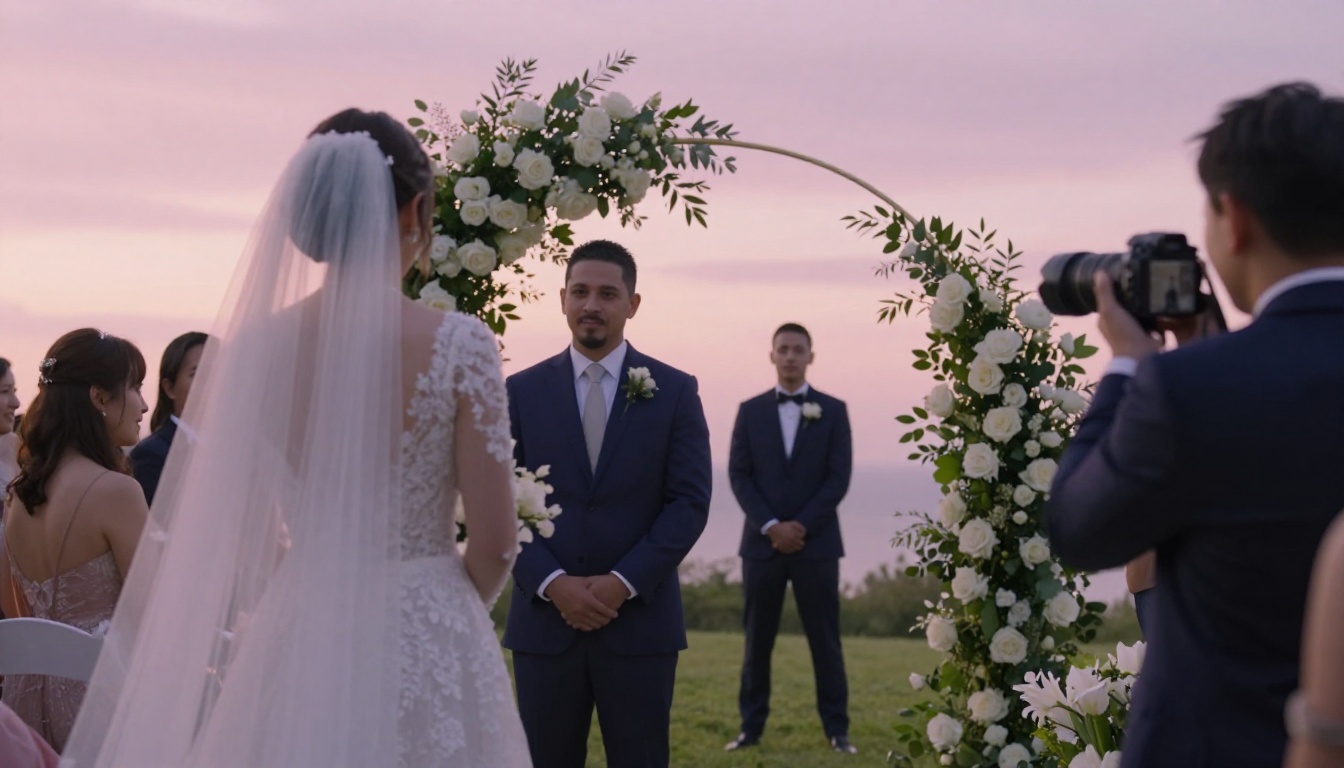
Wedding Photography
Wedding photographers often deal with unpredictable weather, and a grey ceremony sky is disappointing for clients who planned outdoor shoots for months.
💡 A soft pastel pink or lavender sunset sky works best for wedding photos. It's warm and romantic without looking garish or overdone.
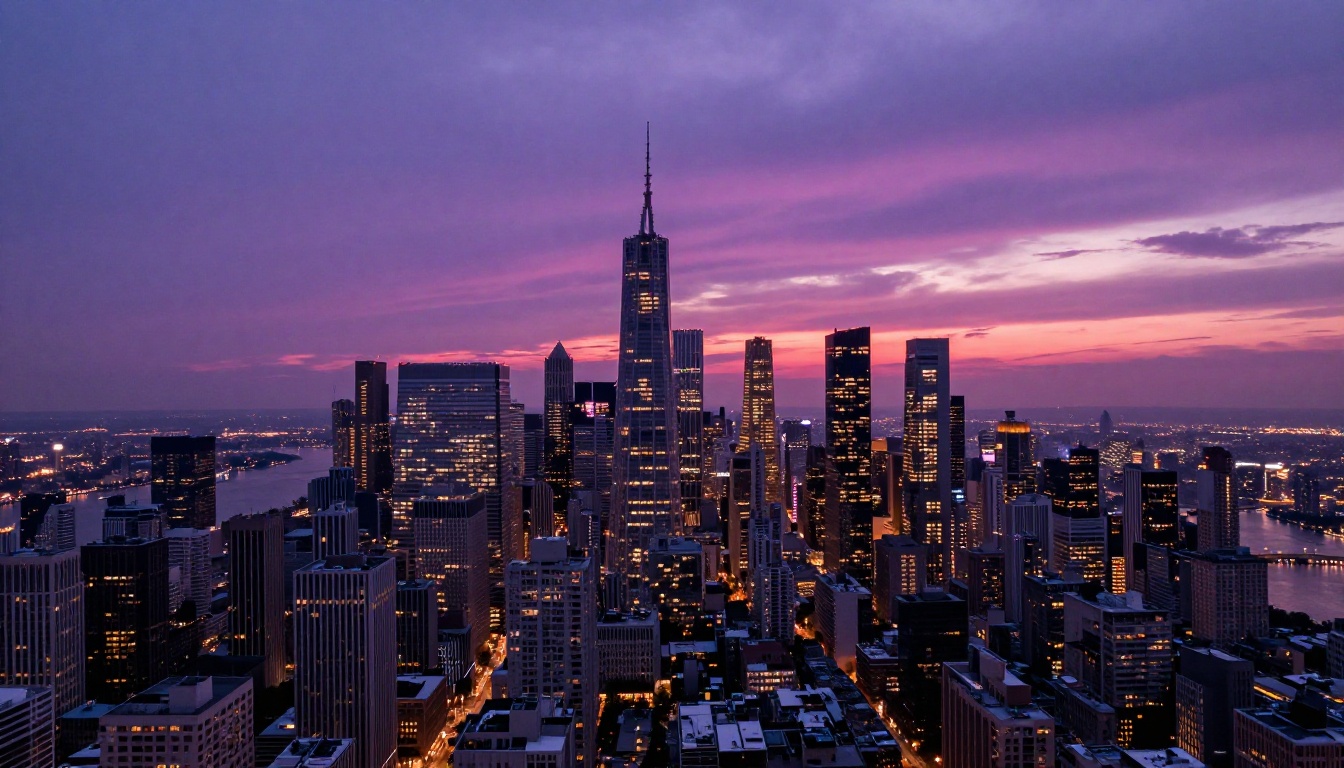
Urban and Architectural Photography
City skylines and architectural shots benefit from sky replacements that add mood without distracting from the structures. A deep violet and magenta twilight sky brings out building lights while keeping the architecture as the primary subject.
Common Mistakes That Break Realism
Even with good AI tools, specific mistakes make sky swaps obvious. Avoiding these keeps results looking authentic.
Wrong light direction: If the original photo has shadows falling to the right (sun on the left), a replacement sky with a setting sun on the right is a visual contradiction. Check where light is coming from in both the foreground and the new sky before committing.
Mismatched color temperature: A warm golden-hour sky over a foreground that was clearly shot in cold overcast light reads as artificial. Adjust the foreground's white balance slightly warmer to close the gap before or after the replacement.
Hard edges at the horizon: This is the most common giveaway. If the AI segmentation left a sharp, hard line where sky meets trees or rooftops, use feathering or manual mask refinement to soften it. A one-pixel feather applied to the mask edge is often enough.
Impossible weather combinations: Wet reflective streets with a bright clear-blue sky. Fresh snow on the ground with a summer storm approaching. These visual contradictions override any technical quality in the compositing.
Over-dramatic skies on quiet subjects: A nuclear-orange apocalyptic sky over a suburban backyard is jarring. Match the drama level of the sky to the energy of the subject.
Ignoring reflections: Any water, wet pavement, or glass surfaces in the foreground need to reflect the new sky's color. An unchanged reflection from the original grey sky next to a vivid sunset replacement is immediately obvious.
Using AI Inpainting for Precise Sky Control
Standard sky replacement tools swap the entire sky region automatically. AI inpainting gives you surgical control over specific regions of the sky. You can mask just a section of overexposed sky near the horizon, generate new content for only that area, and leave the rest of the image untouched.
This approach works well when:
- Only part of the sky is blown out or distracting
- You want to add or remove specific cloud formations in targeted areas
- The existing sky is mostly good but contains a lens flare, sensor artifact, or unwanted aircraft
- The scene has complex foreground elements where full sky swaps leave visible errors
PicassoIA's text-to-image inpainting collection lets you draw a mask directly on the sky region and describe what you want to generate there in plain language. "Dramatic golden sunset clouds with warm amber light" becomes a prompt, and the model generates exactly that content within your masked area, blending seamlessly with the unmasked foreground below.
💡 Inpainting outperforms automated sky replacement tools when the scene has complex elements like tree branches, power lines, or building spires that intersect the sky region.
The Bria Background Remover offers another angle: instead of replacing the sky, isolate the foreground subject entirely with a clean cutout, then place it on a fully AI-generated sky background. This approach gives you complete control over the sky without any masking refinement workflow.
After the Sky: Finishing Touches That Matter
A good sky replacement is about 80% of the work. The remaining 20% comes from finishing touches that make the composite look like a single captured moment rather than two images stuck together.
Foreground relighting: Add a subtle gradient or dodge-and-burn adjustment to simulate the new sky's light hitting the ground. Even a 10% warm overlay at the horizon line tied to the sky's light direction reads as real to most viewers.
Reflection correction: Any water, wet roads, or glass in the foreground needs to reflect the new sky color. A hue and saturation adjustment isolated to reflective surfaces closes this gap quickly.
Sharpening and noise matching: Run the final image through a super-resolution model like Clarity Pro Upscaler or Real ESRGAN to add fine detail and match the texture grain between the replaced sky and the original foreground. This matters most when the source sky and the replacement came from images shot on different cameras with different noise profiles.
Upscaling for print: If the final image is going to print or large-format display, the Topaz Image Upscale handles up to 6x enlargement with detail preservation that standard bicubic resizing cannot match.
Color grading as the final unifier: A consistent color grade applied to the entire image after the sky replacement is the fastest way to make it look cohesive. A single color balance adjustment that touches highlights, midtones, and shadows binds the composite together convincingly.

The Sky in Your Photos Starts Here
Every photo you've ever taken with a bad sky has a second chance. The AI tools that make sky replacement fast and photorealistic are available right now, and they don't require Photoshop expertise or hours of manual masking. The entire workflow can happen in under two minutes when you know which tools to reach for.
PicassoIA brings these capabilities together in one platform. The text-to-image inpainting collection lets you describe the exact sky you want and generate it directly into a masked region with precision. For shots that need a resolution boost after compositing, the Clarity Pro Upscaler, Topaz Image Upscale, and Google Upscaler preserve fine detail at 4x and 6x enlargements. And the Bria Background Remover handles precise subject isolation when your workflow calls for it.
Start with one photo that has a sky you've always wished looked different. Upload it, mask the sky region, describe what you want, and watch the result appear. The hard part of sky replacement isn't the editing anymore.


