You have 47 hours of podcast recordings and need to find the moment a guest said something specific. You have 200 meeting recordings and need the one where someone mentioned a budget number. Searching inside audio the old way means pressing play and waiting. AI changes that entirely.
Why Audio Is Basically Unsearchable
The Core Problem
Audio is the only major content format that defies instant search. A PDF, a spreadsheet, a photo with metadata: all of these respond to a keyword in milliseconds. But audio requires ears and time.
The moment you record a conversation, an interview, a podcast episode, or a voice note, that content becomes locked. You know it contains useful information. You just cannot retrieve it without listening back, minute by minute.
This is not a minor inconvenience. For journalists reviewing interview recordings, legal teams processing depositions, content creators editing podcasts, or businesses archiving meeting footage, the inability to search audio costs real time every single day.
What Changes When AI Gets Involved
AI speech-to-text models solve this by converting audio into text first. Once your audio exists as a transcript, it becomes as searchable as any other document. You can Ctrl+F for a name. You can run semantic search for topics. You can filter by speaker.
The result: a 3-hour recording stops being a 3-hour commitment and becomes a searchable document you can query in seconds.
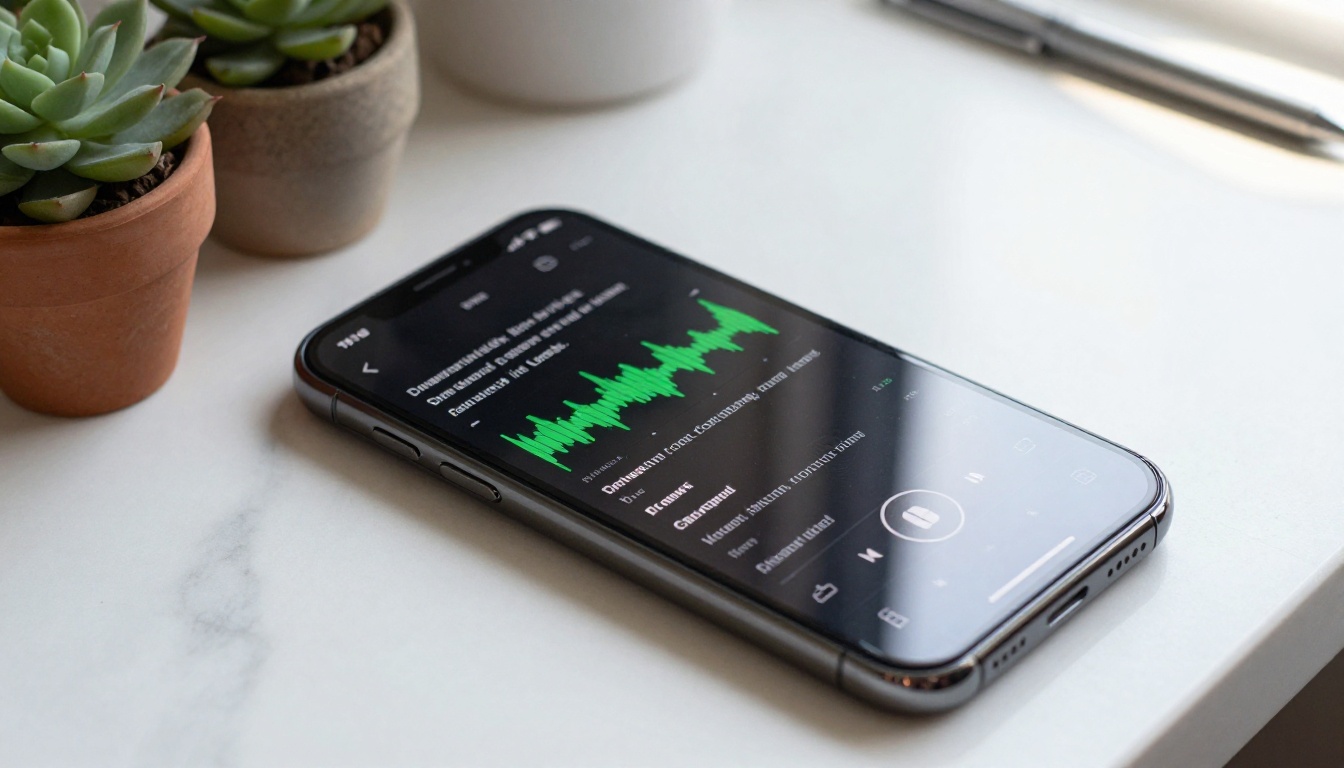
How AI Converts Audio Into Searchable Text
From Sound Waves to Words
Modern AI transcription does not simply pattern-match sounds to phonemes. State-of-the-art models are trained on billions of hours of speech across languages, accents, environments, and recording qualities. They understand context: if a speaker says "write" versus "right," the surrounding sentence tells the model which word belongs there.
The best models today produce word-level timestamps, meaning the transcript does not just tell you what was said, it tells you exactly when. Click a word in the transcript and the audio jumps to that exact second. This is the feature that turns a transcript from a static document into an interactive search index.
Why Accuracy Determines Everything
A transcript that is 80% accurate is not 80% useful. It is barely useful at all. If "quarterly revenue" comes out as "quarterly review," your keyword search for the actual topic returns zero results. If names are transcribed incorrectly, finding a specific person's statements becomes impossible.
This is why model choice matters. Not every speech-to-text model performs equally across accents, technical vocabulary, background noise, or multiple overlapping speakers. Choosing the right model for your specific audio type is one of the most important decisions in your workflow.

3 Ways to Search Inside Audio with AI
Once your audio is transcribed, there are three distinct search strategies worth knowing.
Keyword Search on Transcripts
The most immediate method. Run a simple text search on the transcript document for any word or phrase. This works instantly for proper nouns, specific terminology, quoted phrases, or named individuals.
Best for: Legal depositions, meeting minutes, technical interviews, journalism.
Limitation: Only finds exact matches. "Cost reduction" will not surface a moment where someone said "cutting expenses."
Topic and Semantic Search
More sophisticated. Semantic search uses AI to find content by meaning, not just word match. You search for "project delays" and the model returns passages about "falling behind schedule" or "timeline pushback" even if those exact words never appeared.
This approach requires pairing your transcript with a language model or a vector search database, but the payoff is significant for large audio archives.
Best for: Research, content discovery, competitive intelligence, archive mining.
Speaker Identification Search
When your audio contains multiple voices, AI can segment and label each speaker individually. This is called speaker diarization. Once labeled, you can filter the transcript to show only what a specific person said.
Want every question an interviewer asked? Want only the CEO's remarks from an all-hands meeting? Speaker-based search makes this a single filter, not a manual skim.
Best for: Multi-person interviews, panel discussions, recorded meetings, depositions.
Best AI Models for Audio Search on PicassoIA
PicassoIA offers several high-accuracy speech-to-text models, each with different strengths depending on your use case.
| Model | Best For | Language Support |
|---|
| GPT-4o Transcribe | High accuracy, any audio type | 50+ languages |
| GPT-4o Mini Transcribe | Fast, cost-efficient transcription | 50+ languages |
| Gemini 3 Pro | Long audio files, multimodal | Multi-language |
| Granite Speech 4.1 2B | Multilingual 6-language support | 6 languages |
| Granite Speech 3.3 8B | Robust multilingual transcription | Multi-language |
GPT-4o Transcribe
GPT-4o Transcribe is the benchmark for accuracy across the entire category. It handles noisy recordings, strong accents, technical jargon, and rapid-fire speech with consistently high fidelity. If you need the transcript to be right the first time, this is the model to run.
💡 GPT-4o Transcribe produces word-level timestamps by default, meaning you can jump directly to any moment in the original recording straight from the transcript text.
GPT-4o Mini Transcribe
GPT-4o Mini Transcribe trades a small amount of accuracy for significantly faster processing. For high-volume workflows where you need to transcribe dozens of files quickly, or where the audio is clean and well-recorded, Mini Transcribe is the practical choice.
Gemini 3 Pro
Gemini 3 Pro handles long-form audio particularly well. Where other models may struggle with hour-long recordings, Gemini 3 Pro maintains consistent accuracy across extended content. Its multimodal architecture also gives it an edge when audio includes mixed media elements or when you want to follow up transcription with in-depth analysis.
Granite Speech Models
IBM's Granite Speech 4.1 2B supports six languages with strong accuracy across all of them, making it the go-to for non-English and mixed-language recordings. Its counterpart Granite Speech 3.3 8B runs a larger parameter set for more demanding multilingual transcription tasks where maximum fidelity matters more than processing speed.

How to Use GPT-4o Transcribe on PicassoIA
This is the fastest path from an audio file to a searchable transcript. The entire process takes under two minutes for most recordings.
Step 1: Open the Model Page
Go directly to GPT-4o Transcribe on PicassoIA. No installation required, no software to download or configure. Everything runs in the browser.
Step 2: Upload Your Audio File
Click the upload area and select your file. Supported formats include MP3, WAV, M4A, FLAC, and OGG. For recordings longer than 60 minutes, splitting the file into 30-minute chunks produces the most reliable results and avoids any input length constraints.
💡 Audio recorded in quiet environments with a single speaker consistently produces the most accurate transcripts. If your file has significant background noise, a noise reduction pass beforehand will noticeably improve the output quality.
Step 3: Run the Transcription
Submit the file. The model processes your audio and returns a full text transcript with timestamped segments. The output appears directly in the interface and can be copied or downloaded immediately.
Step 4: Search the Output
Copy the transcript into any text editor, paste it into a document, or pipe it into your preferred search tool. Use Ctrl+F for instant keyword lookup. For longer documents, paste the transcript into a language model like Gemini 3 Pro and ask semantic questions directly: "What was said about the Q3 budget?" or "Summarize everything the second speaker mentioned about timelines."
💡 Saving your transcripts in a plain text folder creates a personal audio search archive. Over time, a simple desktop search tool becomes capable of surfacing content from every recording you have ever made.

Use Cases That Change How You Work
Podcast Editing and Research
For podcast creators, searchable transcripts are a genuine productivity shift. Instead of scrubbing through an hour of raw audio to find a quote you remember only vaguely, you search for a single word and jump there instantly.
Transcripts also enable content repurposing at scale. The same recorded conversation becomes a newsletter excerpt, a social media clip, a written blog post: each one found and pulled in seconds from the searchable text rather than through hours of re-listening and manual timestamping.
Meeting Notes and Follow-ups
Anyone who has sat through a two-hour meeting and tried to reconstruct action items afterward knows the problem. AI transcription with speaker diarization turns that recording into a labeled, searchable document you can query immediately.
Find every moment someone said "I will take that." Filter to only your manager's comments before a performance review. Surface every open question that was raised but never answered. Tasks that previously required a second full listen become a search query.
💡 Combine transcription with a language model to generate automatic meeting summaries. Run your transcript through Gemini 3 Pro and ask it to extract all commitments made during the call, then format them as a numbered action list.
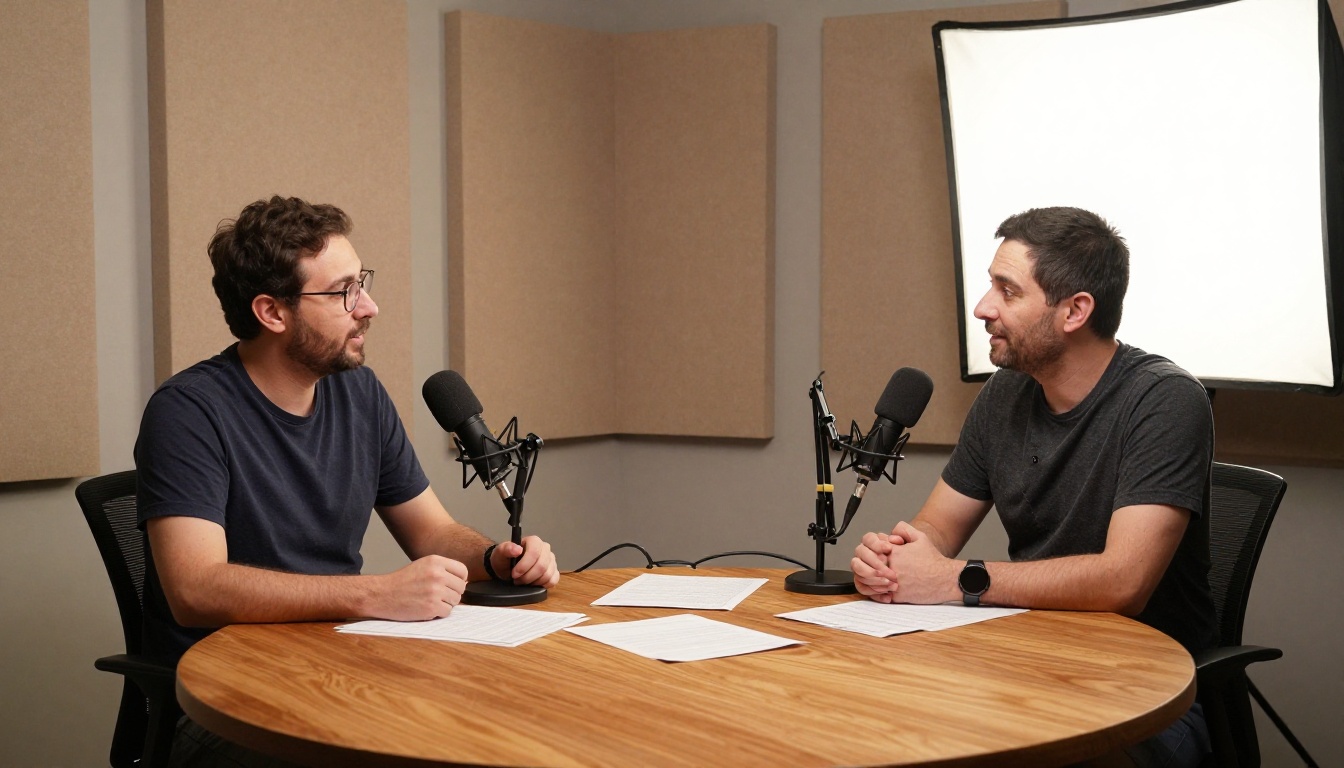
Legal and Interview Transcripts
Legal professionals reviewing depositions, journalists reviewing source interviews, researchers processing qualitative interview data: all of these workflows require precision search across large audio archives. High-accuracy models like GPT-4o Transcribe produce records that hold up to scrutiny and dramatically reduce the hours spent on manual review.
For journalists specifically, searchable transcripts protect against misquotation. The exact phrasing is in the document, timestamped to the second, creating a verifiable record of every word.
Voice Memos and Personal Archives
The least obvious but surprisingly valuable use case. Most people accumulate a backlog of voice memos, recorded ideas, verbal notes, and voice messages they never revisit. Transcribing this archive turns scattered audio fragments into a searchable personal knowledge base.
One session with GPT-4o Mini Transcribe and a batch of old voice memos can surface ideas and connections you completely forgot you had captured.

Real Limits You Should Know
No tool is without constraints. Knowing where AI transcription struggles helps you get better results before you commit to a workflow.
Accents, Dialects, and Code-Switching
AI models are trained on large datasets, but those datasets are not always balanced across every accent or dialect. Speakers with heavy regional accents, non-native speakers mixing languages mid-sentence, or conversations that shift between two languages may produce transcripts with higher error rates than standard recordings.
What to do: Test two or three models on a short sample clip from your audio before processing the entire file. Granite Speech 4.1 2B frequently outperforms general-purpose English-centric models on specific language pairs.
Background Noise and Overlapping Speech
Recordings made in noisy environments, including cafes, outdoor locations, and crowded events, challenge even the best models. Multiple people speaking simultaneously is particularly difficult: the model may merge voices, skip segments, or misattribute words to the wrong speaker.
💡 For audio with overlapping speech, consider running the file through an AI audio source separation tool first to isolate individual voices before passing them to the transcription model.
Long Files and Token Limits
Some models have input length limits. Audio files longer than 60 to 90 minutes may need to be split into chunks before processing. Always check the model's documentation for maximum file duration, then use a tool like Audacity or ffmpeg to split accordingly before uploading.
The Before and After in Real Numbers
| Task | Without AI | With AI Transcription |
|---|
| Find a specific quote in a 1-hour file | Manual scrubbing, 15 to 45 minutes | Ctrl+F on transcript, under 10 seconds |
| Summarize a 2-hour meeting | Re-listen and take notes, 90+ min | Paste transcript, ask LLM, 2 minutes |
| Find all mentions of a single topic | Impossible without full playback | Keyword or semantic search, instant |
| Build a clip from a podcast episode | Listen for the right moment manually | Search transcript, jump to timestamp |
| Legal review of a 4-hour deposition | Half a day of focused listening | Hours of keyword-driven search |
The time savings compound quickly. Ten meeting recordings a week becomes ten instantly searchable documents. A podcast archive of 200 episodes becomes a knowledge base you can query at any moment. A folder of old voice memos becomes an idea repository rather than a graveyard.
Start Searching Your Own Recordings
The fastest way to feel what AI audio search actually does is to run a file you already have, one you have avoided going back to because it felt too long.
Upload it to GPT-4o Transcribe on PicassoIA. Read the transcript. Search for a single word you know was said somewhere in that recording. That is the moment it clicks.
PicassoIA gives you direct access to the strongest transcription models available today, without setting up APIs, managing infrastructure, or writing code. Every model in the speech-to-text collection is ready to run in your browser right now.
If audio is part of your work, whether recorded meetings, interviews, podcasts, lectures, or personal notes, the move from manual listening to AI-powered search is one of those workflow shifts that is genuinely hard to reverse once you have experienced the difference.
Start with one file. See what you have been missing.