AI-generated images have crossed a threshold that makes casual detection nearly impossible. What once took a trained eye to spot, such as warped hands, blurry edges, and wrong proportions, now requires a systematic approach. The artifacts have become microscopic, the outputs photorealistic, and the tools generating them accessible to anyone with a browser. This article gives you a practical, step-by-step system for catching synthetic images before they catch you.
Why AI Images Are Harder to Call Out Now
For years, the dominant image synthesis method was the GAN (Generative Adversarial Network), where two neural networks played cat-and-mouse to produce realistic outputs. GANs left distinctive fingerprints: skin textures that shimmered, backgrounds that blurred into abstract soup, and the now-infamous mangled hands.
Diffusion models changed everything. By starting from pure noise and progressively refining toward a coherent image, they produce outputs with consistent fine detail, natural backgrounds, and dramatically more convincing anatomy. Platforms like PicassoIA host dozens of these models, capable of generating photorealistic faces, full-body shots, and complex environmental scenes that pass a casual glance without raising any suspicion.
The Realism Threshold in 2027
In multiple academic studies published over the last two years, human participants rated AI-generated faces as "more trustworthy" than photographs of real people at statistically significant levels. The uncanny valley is no longer a valley. It has become a plateau where synthetic images sit comfortably beside authentic ones. But the cracks are still there. You just need to know where to press.
The core reason detection remains possible is that AI image generators learn statistical correlations, not physical laws. They know what things tend to look like next to each other based on training data, but they do not simulate gravity, light physics, or human anatomy from first principles. That gap is where every reliable detection method lives.
The Body Parts That AI Still Gets Wrong
Human anatomy is extraordinarily complex at the level of surface detail. Skin does not simply cover muscle; it wrinkles, folds, creases, and stretches in contextually appropriate ways based on posture, age, tissue type, and ambient temperature. AI learns from images of those outcomes but cannot reason about the underlying causes. When it encounters a body configuration that is rare in the training set, it produces the statistically most probable output, which is often anatomically wrong.
Hands and Fingers Are the Biggest Tell
Hands remain the single most reliable signal in AI-generated images. Before doing anything else, count the fingers. Look at finger length ratios: in a real hand, the middle finger is the longest, followed by the ring finger, then the index, then the pinky, with the thumb clearly shorter and set apart. Check knuckle alignment. The three knuckle joints on each finger should be in a consistent angular relationship with each other.
AI frequently produces six or seven fingers, fused digits, nails that shift size between adjacent fingers, or joints that appear to shift position when you trace from one finger to the next. The webbing between fingers is also a reliable tell: real hands have consistent depth and angle to the interdigital webbing that AI consistently misrepresents as either too shallow or too deep.
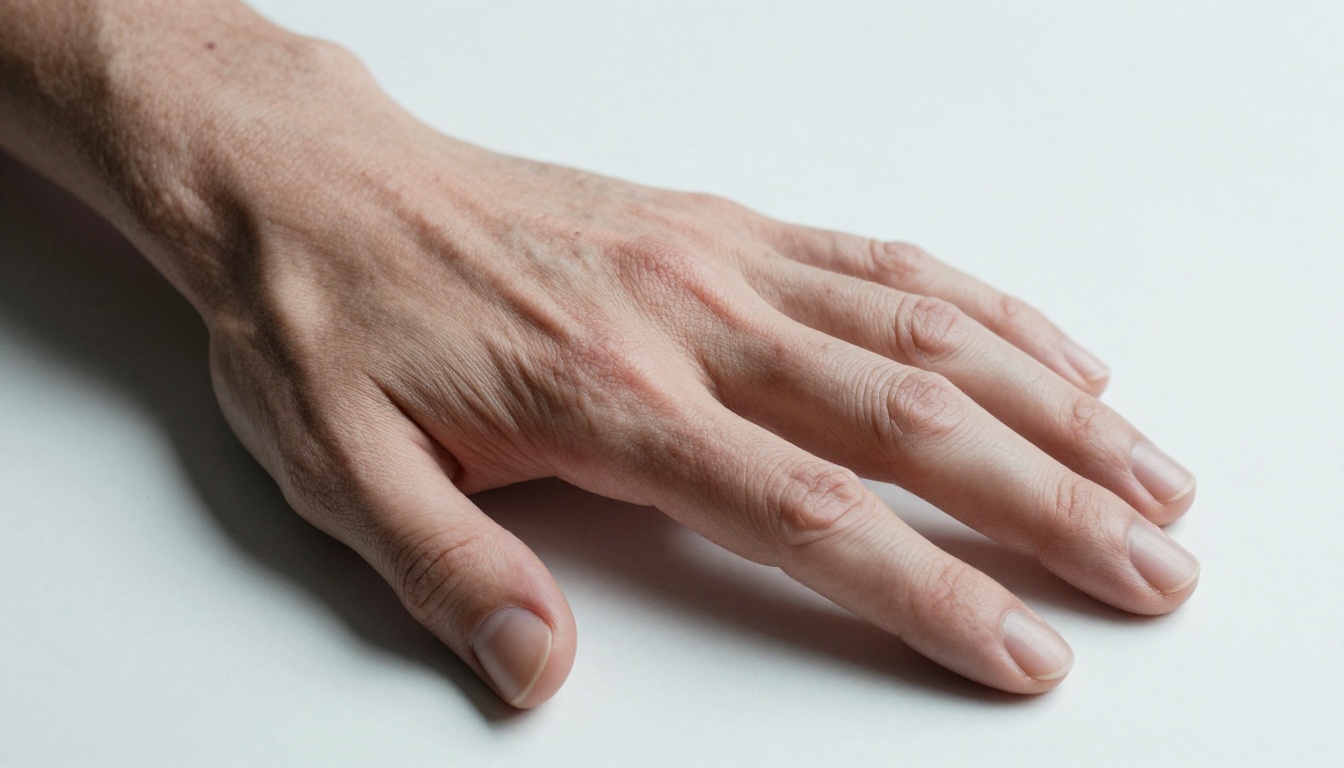
Also examine the wrist. The radius and ulna bones create a specific visible profile at the wrist joint that changes with rotation. AI-generated wrists are frequently flat, symmetrical, and free of the subtle bony landmarks that characterize real wrist anatomy.
Eyes That Look Too Perfect
Eyes in AI images carry a very specific kind of wrongness: they are often too symmetrical and too vivid. Real eyes have subtle asymmetry. One eyelid typically sits slightly lower than the other. The iris is rarely perfectly centered. The whites show minimal but visible vascular patterns, and they are rarely pure white, usually appearing slightly cream or pink-tinted in real lighting conditions.
AI-generated eyes frequently have perfectly centered irises with radially symmetric, almost fractal-like patterns. The catchlights (the small bright reflections in the iris) do not correspond to any identifiable light source in the surrounding image. Eyelashes are too evenly distributed, too uniform in length, and often separate from each other in an unnaturally clean way.
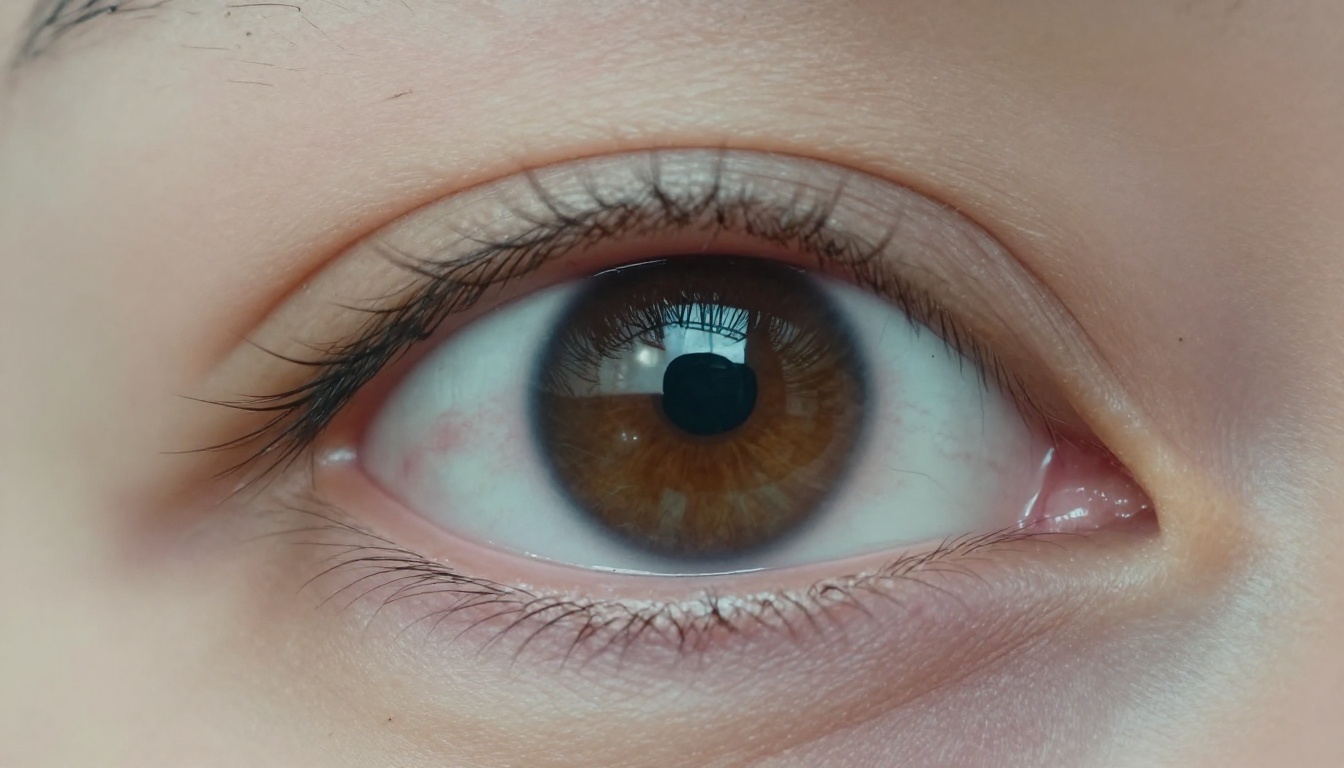
💡 Tip: Use your phone's pinch-zoom on any suspected image. Look at each eye individually and compare iris shape, pupil position, and catchlight placement. Identical eyes are a red flag. Real faces almost never have perfectly mirrored eyes.
Hair at the Boundary Zones
Where hair meets a complex background is where diffusion models struggle most visibly. Maintaining individual strand continuity while simultaneously rendering background elements like trees, crowds, or walls requires the model to solve a very difficult spatial reasoning problem. AI frequently merges strands together at the edges, produces a painted-on quality at the hair outline, or creates soft halos of averaged color where fine individual strand detail should be visible.
Pay particular attention to flyaway hairs. Real photography of dark hair against a light sky shows individual thin strands with natural curl and movement. AI either omits these entirely or produces strands that fade into the background with a watercolor-like quality rather than terminating naturally.
Text, Logos, and Backgrounds
Garbled Letters Are a Definitive Signal
Ask any AI image generator to produce a scene with readable signage, an open book, a label, or a t-shirt with text, and the result is nearly always garbled. Diffusion models do not understand language or letter structure. They know what letter-shaped patterns look like in a statistical sense, and they reproduce that approximate appearance without producing actual words.
The output is plausible at thumbnail size: you can see there is "text" in the image. On close inspection, the letters blend into each other, repeat in wrong sequences, or form strings that look like words from a distance but are entirely unreadable when zoomed.
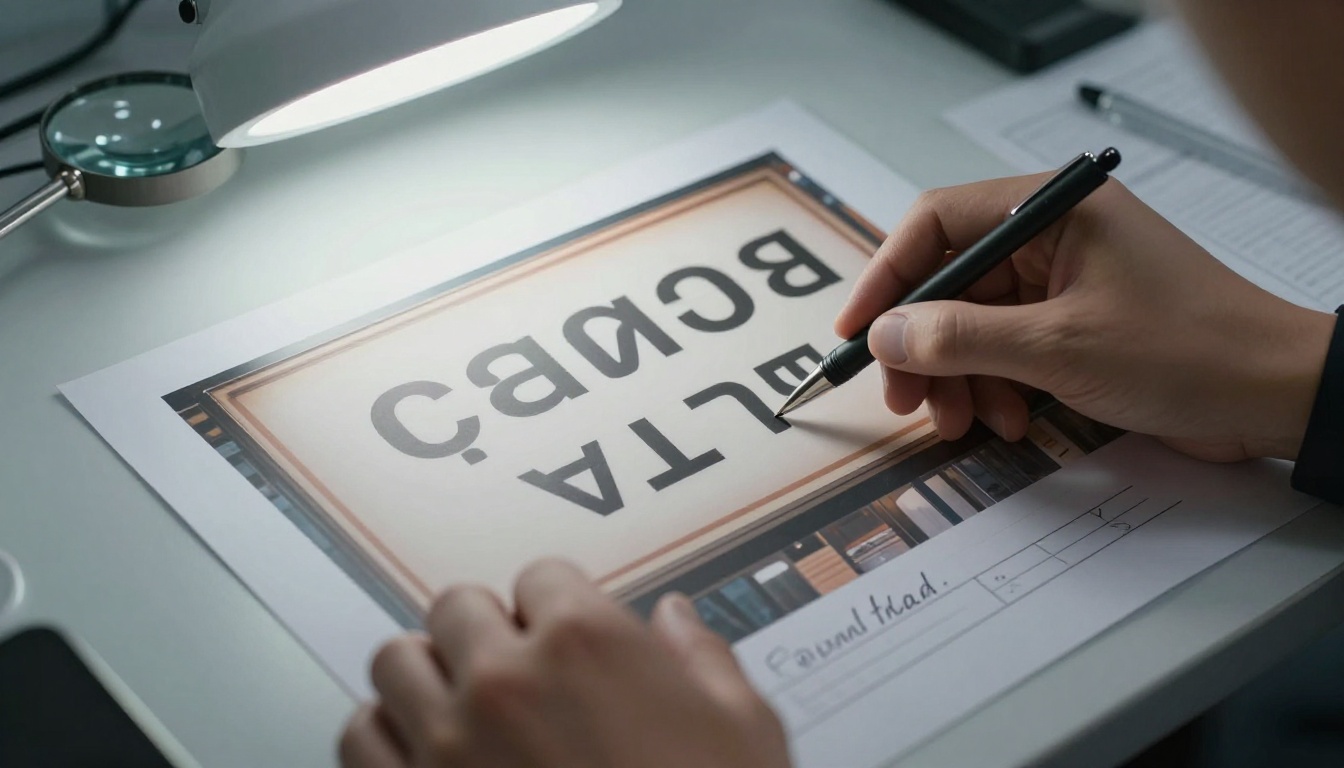
This is one of the fastest checks you can do: zoom into any visible text in an image. If it is not legible, the image is suspect. Note that some newer models handle simple text better when prompted explicitly, but multi-word signs, product labels, and book spines remain consistently unreliable for AI generation.
Repeating Patterns in Complex Backgrounds
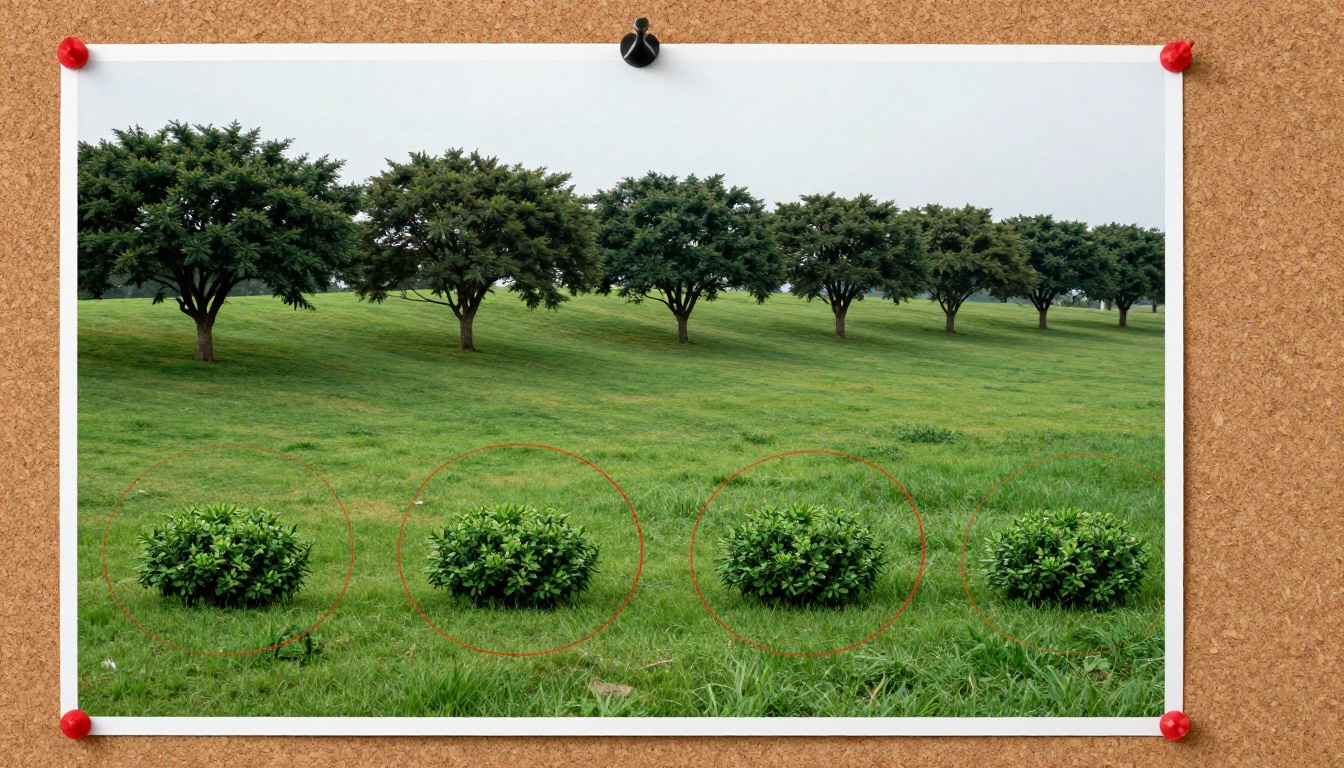
When AI generates complex scenes like forests, crowds, or tiled surfaces, it often tiles or mirrors texture patches to fill the frame. This creates repetition that no real photograph would contain. The same rock formation appearing three times at regular intervals, the same tree silhouette mirrored in the mid-ground, or floor tiles that share an identical crack pattern are all strong signals.
Scan backgrounds methodically by dividing the image into a grid and comparing sections. Crowd scenes are particularly prone to this: if you identify two faces that share the same bone structure and proportions, the image was almost certainly generated synthetically.
How Lighting and Physics Expose AI
This category of detection is among the most reliable because physical laws are absolute and AI does not simulate them from first principles.
Shadow Directions Must Be Consistent
Every light source in a real scene casts shadows in a direction that is geometrically consistent with the source's position. If the sun is to the upper right, every object casts its shadow toward the lower left, at an angle consistent with the sun's elevation. AI image generators learn the appearance of shadows but not the physics governing their direction and length.
In complex multi-object scenes, AI frequently places shadows in directions that are inconsistent between objects, as if each object were lit by a different sun. The inconsistency is often small (maybe 20 to 30 degrees of divergence) but consistent across multiple objects.

Check systematically: identify at least three objects in the image and trace the direction their cast shadows point. If they diverge significantly, you have a strong signal. Pay particular attention to the ground plane where multiple shadows from nearby objects should converge toward a single vanishing point.
Reflections That Violate Scene Logic
Reflective surfaces must reflect what is physically present in the scene. Eyes catch light from whatever sources are active. Glasses reflect whatever is behind the photographer. Shiny floors mirror the ceiling and walls. Windows at night reflect the interior; windows in daylight show the exterior.
AI-generated reflections frequently show generic sky gradients, abstract blur, or scene content that does not exist anywhere in the frame. A particularly reliable check is sunglasses: the lenses should reflect the scene in front of the subject, meaning the photographer and environment. AI often populates those lens reflections with scenery from an entirely different context.
💡 Tip: Windows are exceptionally revealing. Check whether the window reflection is consistent with the rest of the image's lighting and environment. A nighttime indoor scene should show room interior in the window, not an outdoor sky.
Visual inspection gets you far, but structured forensic tools take you further when stakes are high, such as verifying news images, checking identity claims, or assessing content flagged for misinformation.

EXIF Metadata Inspection
Every photograph taken with a digital camera embeds metadata into the file: camera make and model, lens, ISO, shutter speed, GPS coordinates, and timestamp. AI-generated images have none of this, or they contain metadata that was clearly added after the fact rather than embedded at capture.
Use tools like ExifTool (free, command-line), Jeffrey's Exif Viewer (browser-based and free), or the metadata panel in Adobe Bridge to check these fields:
- Is a camera make and model listed, or is the field blank?
- Does any GPS location data match the claimed scene location?
- Does the software field show a camera firmware, or does it name an AI tool?
- Is the creation timestamp consistent with the claimed context?

A missing EXIF record alone does not confirm AI generation since stripping metadata before publishing is common practice. But the combination of missing camera data alongside visual anomalies significantly raises the probability of synthetic origin.
Reverse Image Search
Before spending significant time on analysis, run a reverse image search. If the image has been used before in a different context, you may surface its origin immediately.
| Tool | Best For |
|---|
| Google Images | Widest web coverage, finds near-duplicates and modified versions |
| TinEye | Tracks original upload dates and precise source tracing |
| Yandex Images | Strongest face-matching, particularly for portraits |
| Bing Visual Search | Effective for objects, landmarks, and product identification |
If a photograph claiming to be from a current news event has zero prior web presence, that warrants deeper scrutiny. If it traces back to an AI generation service or stock image site with different metadata, you have your answer.
AI Detection Software
| Tool | Detection Approach | Notes |
|---|
| Hive Moderation | Neural network classifier trained on diffusion outputs | High accuracy on recent models |
| Illuminarty | Frequency artifact detection | Strong on older GAN-based images |
| AI or Not | Multi-model ensemble | Fast, browser-based, free tier available |
| Content Authenticity Initiative (C2PA) | Cryptographic provenance verification | Definitive when the creator embedded it |
| Google SynthID | Watermark detection | Only catches Google-generated images |
💡 Important: No AI detector achieves 100% accuracy. These tools fail on heavily post-processed or compressed images, and on images from models not represented in their training data. Treat detector output as one signal among several, not a final verdict.
How AI Generators Build These Images
To detect something reliably, it helps to know how it is made. Modern diffusion models operate through these steps:
- Start with an image-sized grid of pure random noise
- Apply a text prompt (or reference image) as a conditioning signal
- Run a denoising process over dozens of iterations, each step making the image slightly more coherent
- Output the final denoised result as a pixel-perfect image
The model has no understanding of anatomy, physics, or spatial logic. It has learned statistical relationships between patches of pixels based on billions of training examples. Artifacts appear precisely in configurations that were rare in the training data: hands in unusual poses, complex reflective scenes, and dense backgrounds requiring many overlapping elements.
Super-Resolution Artifacts
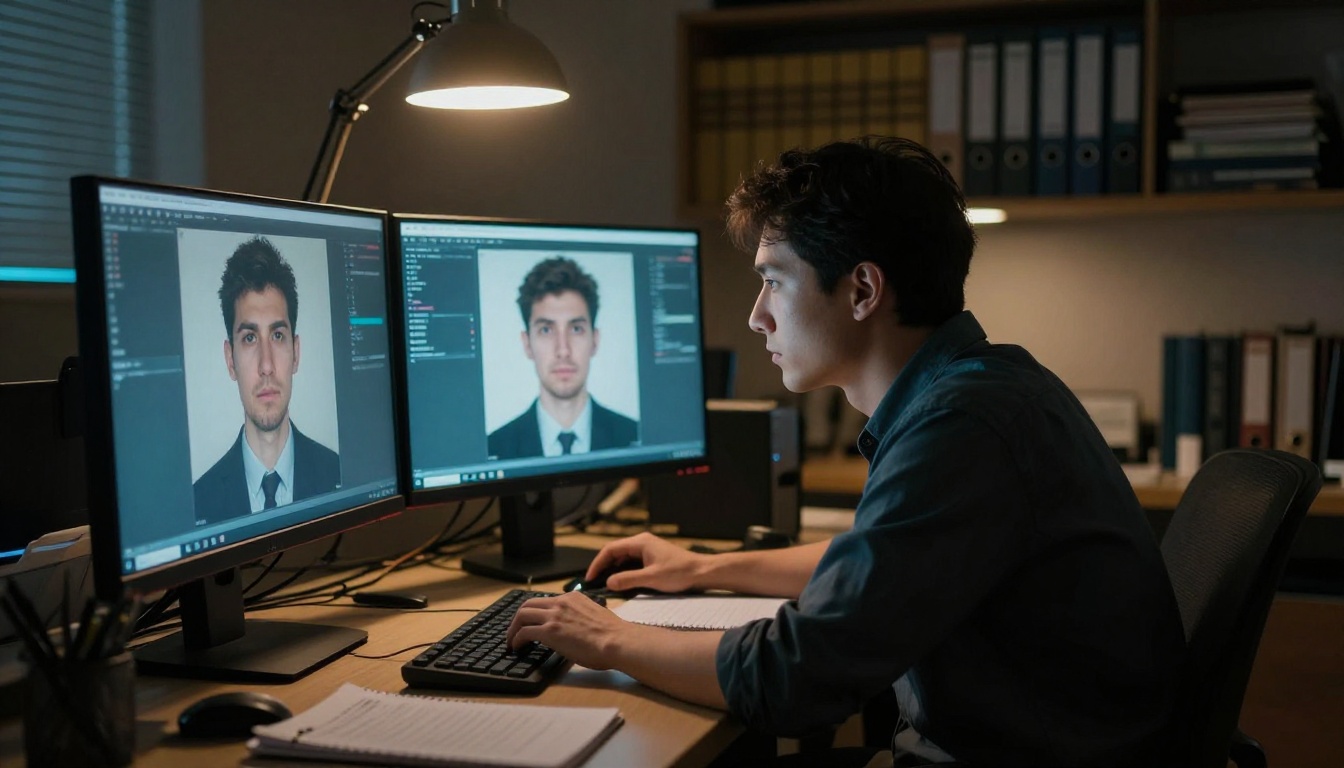
Many AI-generated images are subsequently passed through upscaling tools to increase their apparent resolution and sharpness. Tools like Real-ESRGAN and Clarity Pro Upscaler add pixel-level detail. But upscaling introduces its own distinctive artifacts: over-sharpened edges, skin textures that appear painted rather than photographed, and an almost plastic quality to surfaces that should carry natural material variation.
When you encounter an image with simultaneously high resolution and suspicious anatomical details, consider that upscaling was applied after initial AI generation. The upscaler adds detail it cannot actually retrieve from the original (because there is no original photographic capture), producing a hyper-detailed-yet-wrong visual quality.
Comparing this against tools like Topaz Image Upscale and Google Upscaler used on real photographs is instructive: applied to real photos, these tools restore natural grain and maintain consistent material textures because genuine image data exists to reference.
The Frequency Domain Beneath the Surface
Beyond visual inspection, forensic researchers analyze images in the frequency domain. Real photographs from camera sensors have a specific distribution of low-frequency and high-frequency information that reflects optical and sensor physics. AI-generated images have a different frequency signature, detectable even after the image has been heavily post-processed or recompressed.
This is how professional forensic software and tools like Google's SynthID can identify AI-generated images that pass visual inspection entirely. You do not need to run these analyses personally, but knowing this layer exists tells you when to escalate beyond your own visual assessment and bring in institutional tools.
Build Your Own Reference Eye
The fastest path to reliable detection instinct is controlled exposure. Generate images yourself, examine every artifact, and build a mental database of what "wrong" looks like at different quality levels and from different models.
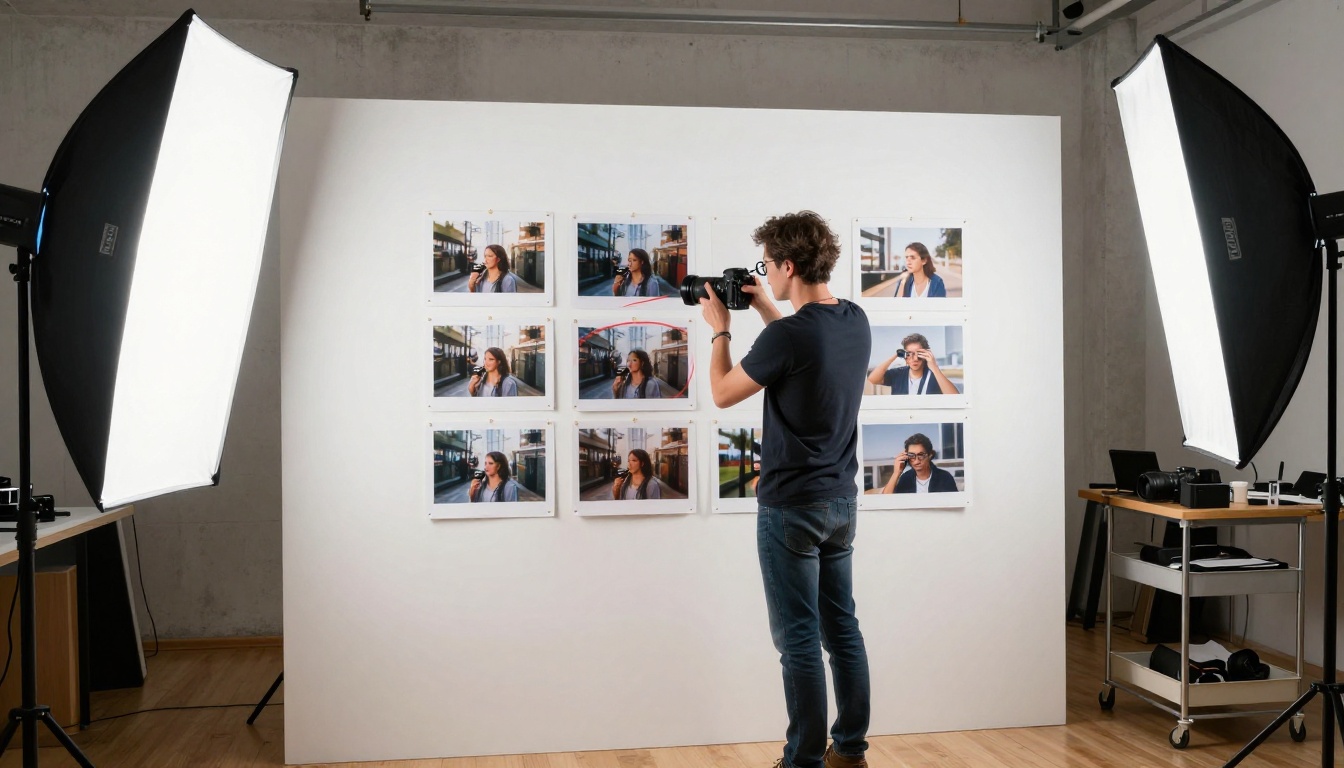
PicassoIA gives you access to dozens of image generation models at picassoia.com/en/all-models. Spend time generating prompts specifically designed to expose model weaknesses:
- "Person holding a handwritten sign" (tests text handling and hand anatomy simultaneously)
- "Crowd at a concert, wide angle" (tests background repetition and face diversity)
- "Reflective sunglasses, outdoor portrait" (tests reflection consistency)
- "Stacked books with visible titles on spines" (tests multi-word text)
- "Interior scene with hard directional lamp light" (tests shadow physics)
Each of these prompts reliably surfaces the limitations of whatever model you use. The artifacts they produce become your fingerprint reference. When you encounter a suspicious image in the wild, you have a mental catalog to compare against rather than abstract rules to consciously apply.
💡 Workflow: Generate five images of hands using different models on PicassoIA. Screenshot the artifacts you notice. When you see a suspicious social media image, compare the hand quality against your reference set. Pattern recognition built from real examples consistently outperforms theoretical checklists.
This is not just a technical skill. It is media literacy for an era where synthetic images flow through every information channel you use daily. The more deliberately you create and study AI images, the more reliably you will catch them when authenticity actually matters.
Quick Reference Checklist


