You've found an AI model that looks promising. The demo looks clean, the pricing seems fair, and a few Reddit comments swear by it. So you subscribe. Three weeks later you're grinding through outputs that don't match your prompts, the generation speed tanks under real workloads, and you're staring at a cancellation form wondering how you ended up here again.
Testing an AI model properly before committing to it is one of those skills that looks obvious until you skip it and pay the price. This article gives you a practical, no-fluff framework for doing it right, whether you're choosing an AI image generator for professional work, a creative side project, or a production pipeline.
Why Your First Choice Rarely Sticks
The AI landscape moves fast. A model that was best-in-class six months ago might now sit three spots down the leaderboard. Tools get deprecated, pricing changes overnight, and what looked like a versatile generator might turn out to be highly specialized for one narrow use case.
The Hidden Cost of Switching Later
Switching AI tools after you've built a workflow around them is expensive in ways that go beyond subscription fees. You lose:
- Prompt libraries built and tuned for a specific model's syntax
- Workflow integrations connecting your tool stack
- Team familiarity with a specific interface and output style
- Time spent recreating benchmarks and quality baselines
The earlier you test and decide, the cheaper any later switch becomes. Most people get it backwards and commit first, then test under real pressure.
What "Committing" Really Means
Committing to an AI model isn't just paying a subscription. It means:
- Building prompts tuned to that model's quirks
- Setting client or stakeholder expectations around its output style
- Structuring your delivery pipeline around its speed and consistency
- Investing time in working with its parameter controls
Any of these creates friction when changing models. That's why a few hours of structured testing upfront pays for itself many times over. The earlier you run a proper evaluation, the more room you have to pivot without disrupting active work.

A 5-Step Testing Framework That Works
This is the sequence that actually separates good picks from expensive regrets.
Step 1. Try It Free Before Anything Else
Most serious AI platforms offer free trials, limited free generations, or pay-as-you-go pricing before locking you into a subscription. Never skip this step. If a platform won't let you run even five to ten generations without a credit card, that should raise an eyebrow.
💡 Tip: Platforms like PicassoIA let you access dozens of models and run test generations without immediately committing to a monthly plan. Use that window deliberately.
During free access, focus on your actual use cases, not the examples in the marketing materials. Marketing examples are cherry-picked. Your prompts will not be. Run your own scenarios from day one.
Step 2. Run the Same Prompt on Multiple Models
Pick three to five prompts that are representative of your actual work. Not easy prompts. Not the prompts from the platform's sample library. Use ones that:
- Include specific subject matter you work with regularly
- Have a defined style or composition requirement
- Include at least one element that's typically tricky (hands, text, complex lighting)
Run each prompt across every model you're evaluating. Document the outputs. Do not rely on memory.
💡 Tip: Create a simple spreadsheet. Rows = prompts, columns = models. Score each output 1-5 on prompt adherence, visual quality, and detail accuracy.
Step 3. Check for Output Consistency
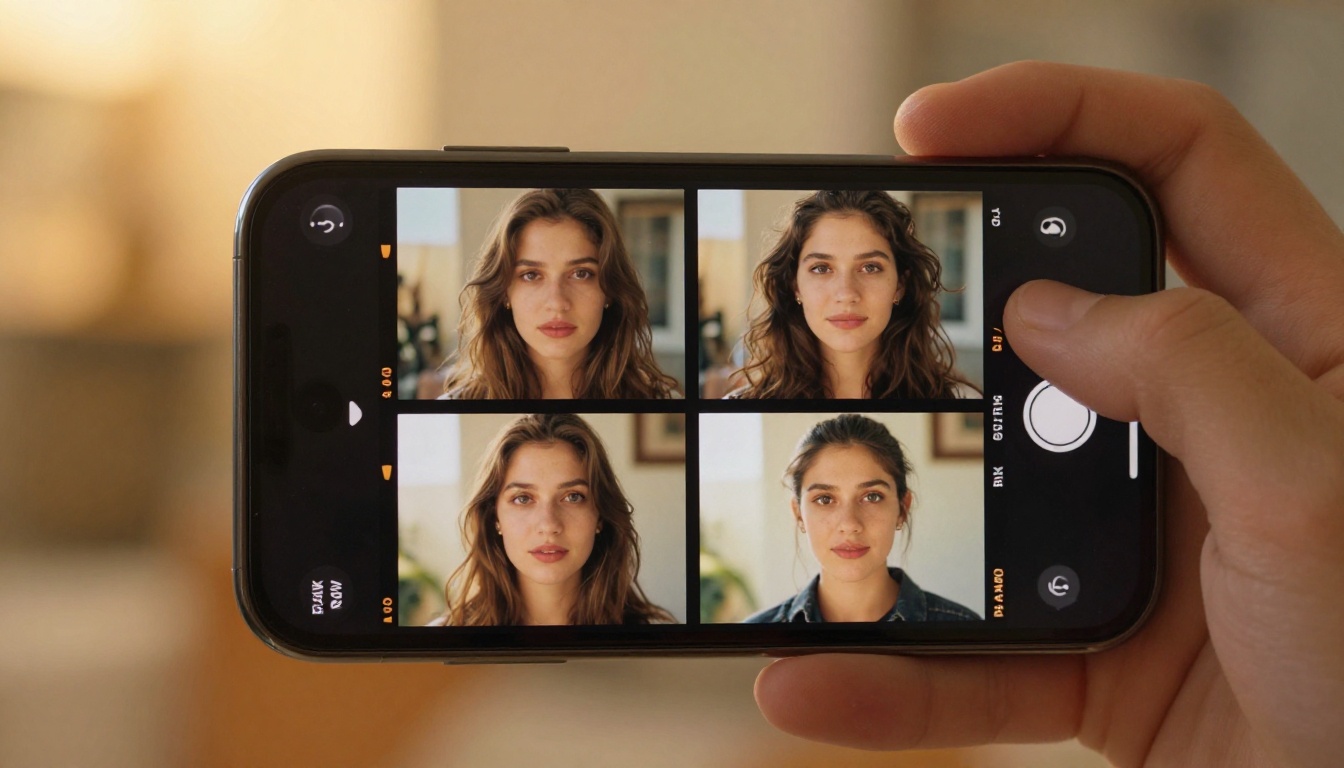
A model that generates one stunning image and nine mediocre ones is not a reliable model. Run your best-performing prompt ten times in a row on each candidate model and look at the spread of outputs.
What you're measuring is variance. A low-variance model gives you predictable results. A high-variance model is a gamble, which is fine for experimental creative work but not for professional production.
- Low variance: All 10 outputs are usable, with minor differences
- Medium variance: 6-8 are usable, 2-4 are noticeable misses
- High variance: Every run is a lottery. Walk away if your work demands reliability.
Step 4. Push It With Difficult Prompts
Every model has edge cases where it breaks. The question is where those edges are and whether they overlap with your work.
Test with prompts that include:
- Specific text in the image (signs, labels, titles): most image models struggle here
- Multiple people interacting: spatial reasoning is hard for many models
- Unusual lighting conditions: sunrise through rain, candlelight in fog
- Specific camera angles: aerial, extreme low-angle, close-up macro
If the model fails badly on prompts that are common in your workflow, you've just saved yourself weeks of frustration.
Step 5. Time the Speed Under Real Conditions
Speed is often ignored during evaluation and then becomes the biggest complaint in production. Generation time matters because:
- Slow models break creative flow for individual users
- Very slow models become bottlenecks in batch production pipelines
- Speed often degrades during peak hours on shared infrastructure
Test at different times of day. Note the actual seconds from submission to completed output. A model that takes 8 seconds during off-hours might take 45 seconds when everyone else is using it at noon.

What to Actually Measure in AI Image Generation
Once you're running your test prompts, you need to know what you're looking at. Here are the three dimensions that matter most for image generation models.
Prompt Adherence Matters Most
Prompt adherence is how closely the model's output matches what you asked for. It sounds simple but it's the most important metric. A model that generates beautiful images that ignore your prompt is useless for precision work.
Score prompt adherence by checking:
- Are the main subjects correctly placed and described?
- Is the style or aesthetic you specified present?
- Were any important elements dropped or replaced with something unrelated?
- Did the model substitute a simpler interpretation instead of attempting what you asked?
Models like Seedream 4.5 and GPT Image 2 score consistently high on prompt adherence across complex descriptions. That's worth knowing before you pick.
Realism, Texture, and Fine Detail
For photorealistic work, check the micro-details. Zoom in to 100% and look at:
- Skin and surface textures: Does skin look like skin, or like smooth plastic?
- Hair and fine structures: Sharp, realistic strands or soft, smeared approximations?
- Background coherence: Do background elements make spatial sense or look pasted in?
- Lighting consistency: Does the light source match the shadows it casts?
Many AI image generators look excellent at thumbnail size and fall apart under close inspection. If your work goes to print or large-format display, this matters a great deal. Zoom in before you approve anything.
Style Consistency Across Multiple Runs
If you're using an AI model to generate a set of images that need to feel cohesive, such as a series of editorial photos or a campaign's visual library, then style consistency becomes critical.
Generate five images with the same style description but different subjects. Do they feel like they came from the same photographer, or like five random images stitched together?
Models with strong style locking, like Flux Redux Dev for image variations, are valuable when visual cohesion matters. If the style drifts across runs without any prompt change, that's a sign the model isn't suited for campaign or series work.
Red Flags That Should Make You Walk Away
Some problems are fixable with better prompts or practice. Others are structural issues with the model that no amount of prompt engineering solves.
Inconsistent Results on Simple Prompts
If a model can't reliably produce a consistent result for a basic prompt like "woman smiling, outdoor portrait, natural light, 35mm film," something is wrong. Simple prompts are not the problem. If you see massive variance here, the model isn't ready for production use. Walk away and don't assume practice will fix it.
No Control Over Parameters
Good AI image models give you control. At minimum, you should be able to adjust:
| Parameter | Why It Matters |
|---|
| Aspect ratio | Matches your output format (social, print, web) |
| Seed locking | Reproducibility for iterations |
| Guidance scale | How strictly the model follows your prompt |
| Steps / inference depth | Speed vs. quality tradeoff |
| Negative prompts | Excluding unwanted elements |
If a model offers a single text box and nothing else, you're at its mercy. That's fine for quick exploration. It's not fine for production workflows where repeatability matters.
Poor Edge Case Handling
Every model fails somewhere. The red flag is when a model handles its failure cases badly: hallucinating extra fingers, merging objects that should be separate, or generating backgrounds that contradict the foreground lighting.
These aren't just aesthetic problems. In professional contexts, broken outputs waste review time and erode trust with clients or stakeholders. A model that fails gracefully (producing a slightly off image) is easier to work with than one that produces completely incoherent results.
How PicassoIA Makes Model Testing Easy
One practical problem with testing multiple AI models is access. Most tools require separate accounts, separate credit systems, and separate interfaces. That's friction that kills thorough comparison.
PicassoIA solves this by giving you access to over 185 text-to-image models from a single platform. You run the same prompt across PicassoIA Image, Wan 2.7 Image Pro, Hunyuan Image 2.1, or any other model in the catalog without switching tabs, accounts, or billing systems.
This matters because real evaluation requires running the same prompt in the same session. When you test across a week on different platforms with different moods and different prompts, you're not comparing models. You're comparing days.
Models Worth Testing First
Here are five models to start your comparison with, based on different strengths:

Building Your Own Evaluation Checklist
Stop relying on gut feel. A simple checklist runs faster, catches more issues, and makes your final decision defensible if you're evaluating on behalf of a team.
Here's a solid starting template:
| Evaluation Criterion | Pass / Fail / Note |
|---|
| Free or pay-as-you-go access available | |
| Output matches prompt on first 3 test prompts | |
| Variance across 10 runs is acceptable | |
| Handles difficult prompts without severe failure | |
| Generation speed is acceptable at peak hours | |
| Parameter controls are sufficient for your workflow | |
| Output resolution meets your minimum requirement | |
| Style consistency holds across a 5-image set | |
| Pricing is sustainable at your projected volume | |
| Platform has active support and update history | |
Fill this out for each model you're comparing. Score each criterion and add notes where a model partially passes. The model with the most passes in your highest-priority rows is your pick.
💡 Tip: Weight the rows that matter most to your specific workflow. A solo creative project weights style consistency higher. A production pipeline for a client weights reliability and speed higher. Rank the rows before you fill them in.
The checklist also forces you to articulate requirements you might not have written down before. That clarity is worth something even before you run a single test generation.

How to Use PicassoIA Image for Rapid Testing
PicassoIA Image is one of the most practical models for running rapid multi-prompt tests because of its balance of speed, photorealism, and prompt flexibility. Here's how to use it for a proper evaluation session:
Step 1: Open PicassoIA Image on PicassoIA and create a free account if you haven't already.
Step 2: Set your aspect ratio to match your most common output format. For editorial work or social media, 16:9 or 9:16. For print, 4:3.
Step 3: Enter your first test prompt exactly as you've written it. Do not simplify it for the model.
Step 4: Generate five to ten outputs. Note the time per generation and examine each one at full resolution.
Step 5: Try your hardest test prompt next, the one with complex lighting, multiple subjects, or text requirements.
Step 6: Compare the results to outputs from Seedream 4.5 and Hunyuan Image 2.1 using the same prompts.
If you're evaluating for editing flexibility too, switch to PicassoIA Image Editor Pro and run the same prompts with inpainting enabled. The ability to fix specific parts of a generated image without regenerating the whole thing is a major production workflow advantage that many standalone generators don't offer.
For teams that need custom styles trained on proprietary visual assets, P Image Trainer and Qwen Image Edit Plus are worth including in the same evaluation session, since fine-tuned models on your own data often outperform general models for specialized brand or product work.
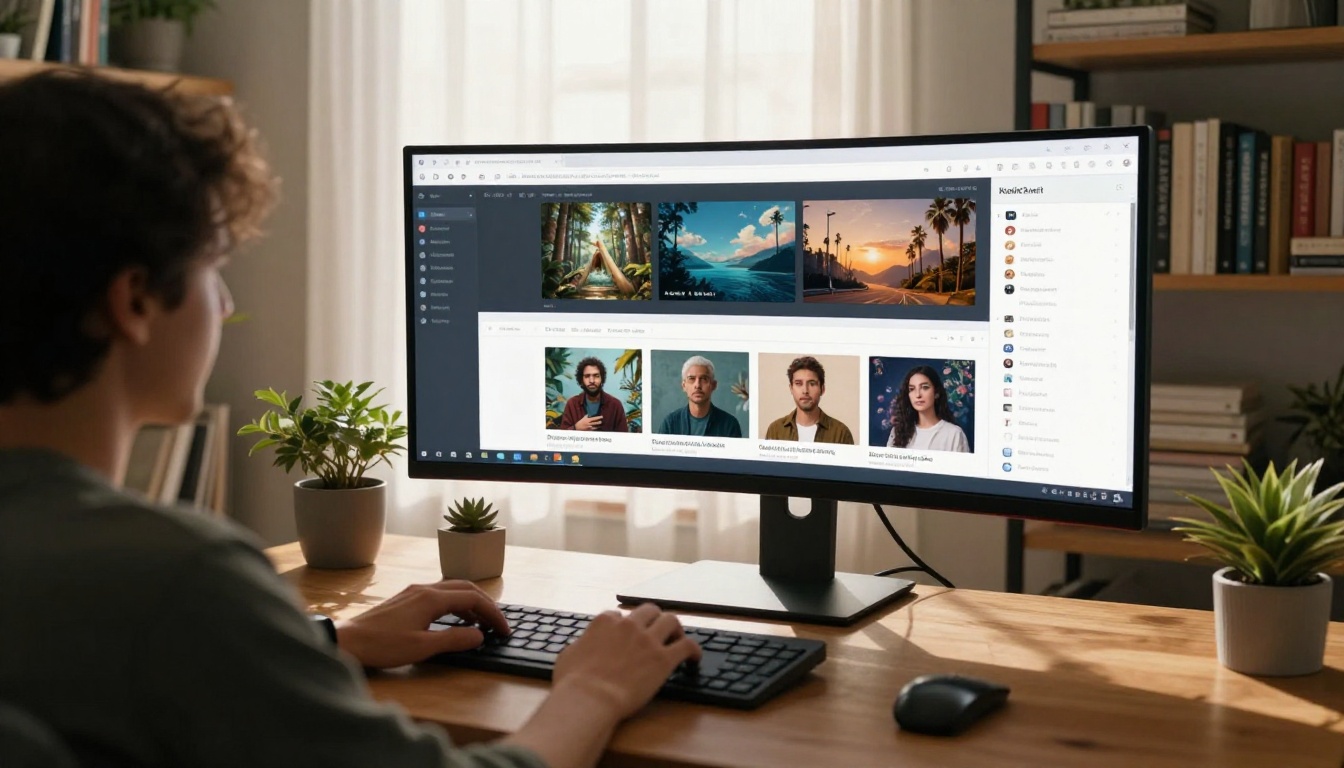
Run Your First Test Now
You now have a framework that works: start free, run identical prompts across models, measure consistency and not just peak quality, look for red flags, and fill in an objective checklist before you decide.
The models are all there for you at picassoia.com/en/all-models. Over 185 of them in one place, no account-hopping required. Run your test prompts on PicassoIA Image, compare against Seedream 4.5 and GPT Image 2 in a single session, then make a decision based on actual data instead of marketing demos.
The hour you spend testing now is the month of frustration you avoid later.


