Every journalist, researcher, and content creator knows the pain. You finish a two-hour interview, sit down at your desk, and realize the next four hours belong to rewinding, replaying, and typing. Word by word. Pause by pause. That cycle is over.
AI transcription tools have reached a point where they can process a full hour of audio in under two minutes, with accuracy rates above 95% for clean recordings. Whether you are transcribing a podcast, a qualitative research interview, or a press conversation, the right AI model turns hours of work into a five-minute task.

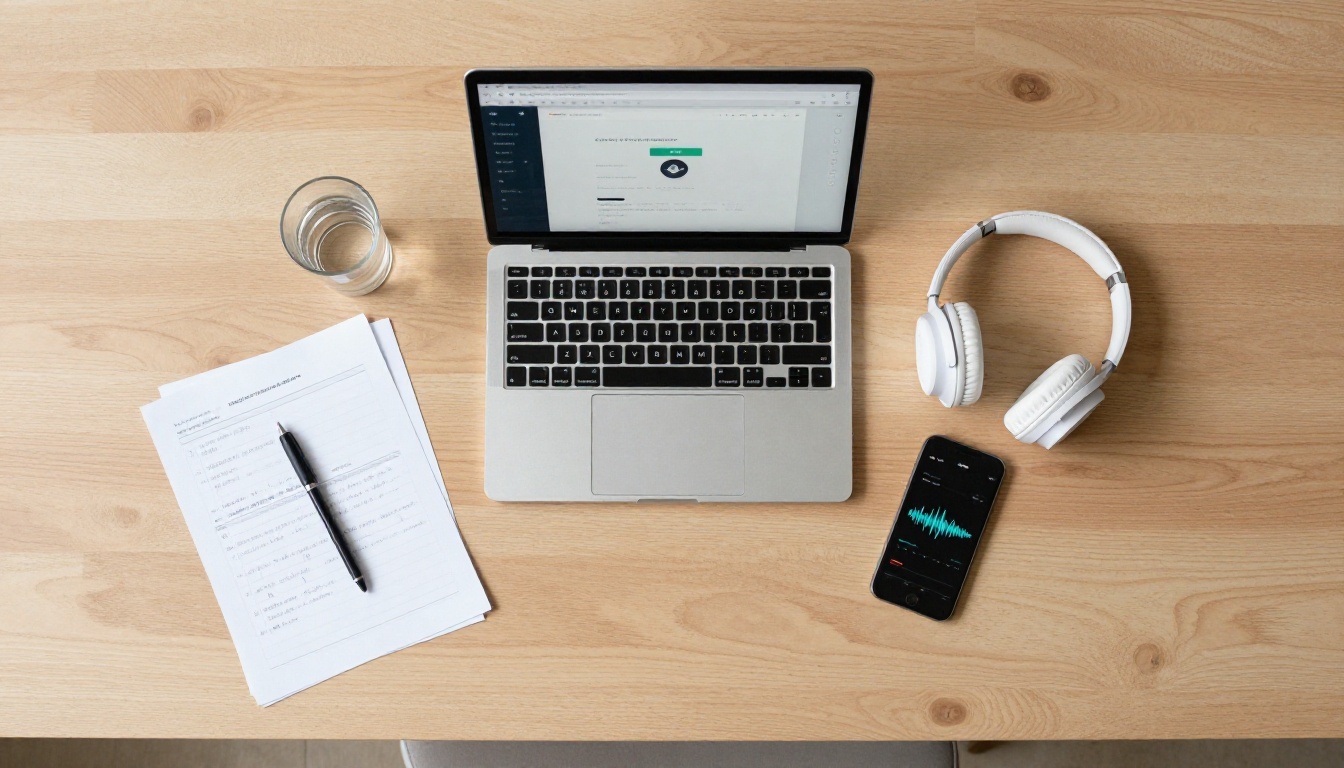
Why Manual Transcription Wastes Your Time
The real math behind hour-per-hour work
The industry estimate is blunt: one hour of audio takes four to six hours to transcribe manually. For a researcher running 20 interviews, that means up to 120 hours of transcription work before the actual analysis even starts. For a journalist on deadline, manual transcription is simply not a viable option.
Even with foot pedals and transcription software, the process still demands continuous human attention. You cannot batch it, you cannot parallelize it, and every interruption resets your mental load.
Hidden costs that add up fast
Professional human transcription services charge between $1.00 and $3.00 per audio minute. A 60-minute interview can cost $60 to $180 to outsource. At scale, that number compounds quickly.
| Method | Time per Hour of Audio | Average Cost |
|---|
| Manual (self) | 4-6 hours | Free (but your time) |
| Human service | 24-48 hour turnaround | $60-$180/hour |
| AI transcription | 1-3 minutes | $0.01-$0.10/hour |
AI transcription is not just faster. It is categorically cheaper and often more consistent.
How AI Transcription Actually Works
Speech recognition vs. neural language models
Early speech-to-text systems relied on acoustic models that matched phonemes to dictionary words. They were brittle: accents, background noise, or fast speech broke them easily.
Modern AI transcription uses transformer-based neural networks trained on thousands of hours of diverse audio. These models do not just recognize sounds. They understand context. They can infer a word from surrounding speech even when the audio is partially unclear.
The difference is generalization. A rule-based system struggles with colloquial contractions or regional pronunciations. A neural model handles casual speech, technical jargon, and multi-speaker conversations without special configuration.
What affects accuracy the most
Several factors have a direct impact on how clean your AI transcription will be:
- Recording distance: A microphone six inches from the speaker produces dramatically better results than one positioned across a table.
- Background noise: Coffee shop ambient noise, air conditioning hum, and traffic all degrade accuracy.
- Speaking pace: Very fast or very slow speech can confuse timing-based models.
- Overlapping speech: Two people talking at once is the hardest problem for any AI transcription system.
- Accent diversity: Better models are trained on multilingual and multi-accent data, but accuracy still varies by region.
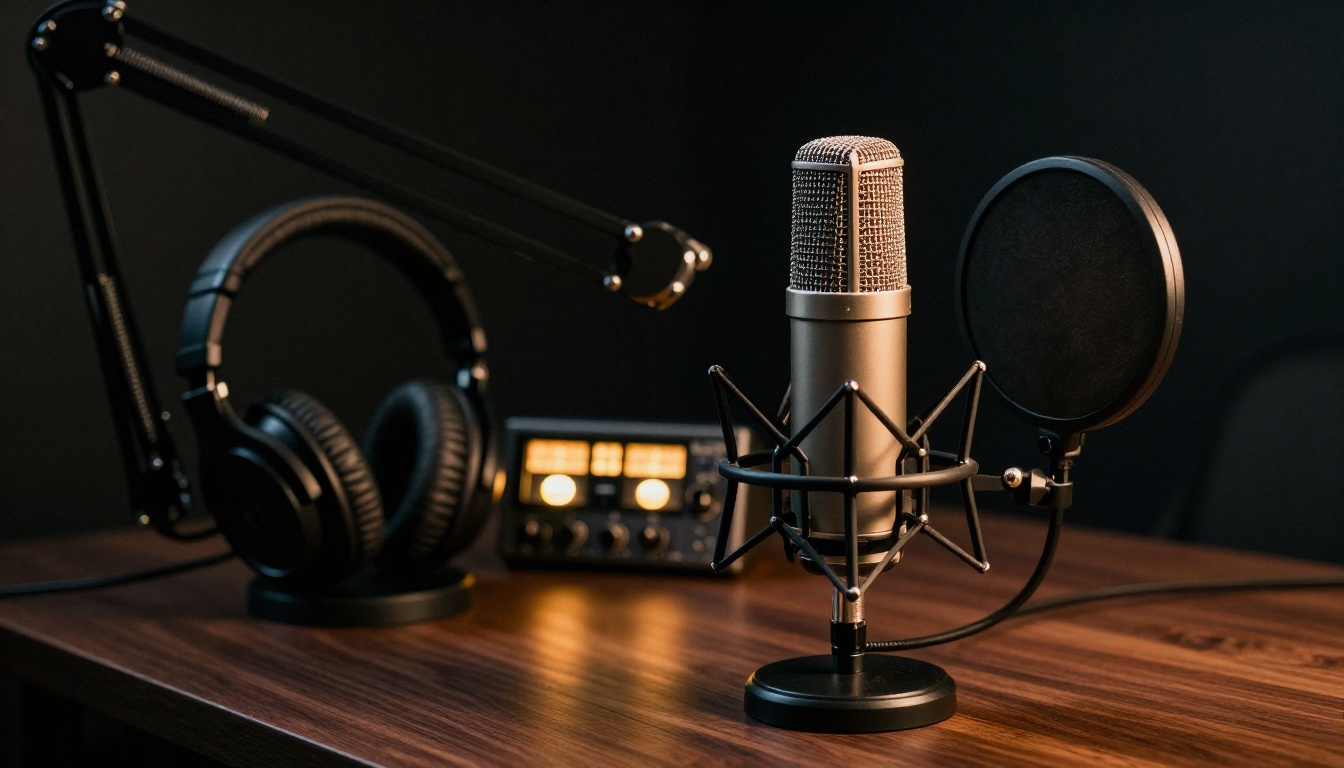
💡 Pro tip: Record your interviews with a dedicated microphone rather than a phone or laptop mic. The difference in audio quality directly translates to better transcription accuracy.
The Best AI Models for Interview Transcription
GPT-4o Transcribe: precision for high-stakes audio
GPT-4o Transcribe is one of the most capable speech-to-text models available. Built on OpenAI's multimodal architecture, it handles overlapping speech, strong accents, and noisy recordings better than most alternatives. It returns clean text with optional timestamps, making it ideal for journalistic and research applications where every word matters.
It is particularly strong when your interview involves technical vocabulary, as the underlying language model can infer specialized terms from context rather than requiring them in a fixed training vocabulary.
GPT-4o Mini Transcribe: speed and cost efficiency
GPT-4o Mini Transcribe offers a leaner version of the same architecture. If your audio is clean and your speakers have neutral accents, this model produces results nearly identical to the full GPT-4o at a fraction of the processing cost. It is the right choice for high-volume workflows where you are processing dozens of interviews at once.
Gemini 3 Pro: long-form audio without limits
Gemini 3 Pro from Google is built with an exceptionally long context window, which makes it particularly well-suited for extended interview recordings. While other models may truncate or segment audio over a certain length, Gemini 3 Pro can process full interview sessions in a single pass, preserving continuity and conversational flow across the entire recording.
Granite Speech 3.3 8B: multilingual precision
IBM's Granite Speech 3.3 8B is designed with enterprise-grade accuracy in mind, supporting six languages without switching models. If your research spans multiple language communities or you conduct cross-border journalism, this model removes the overhead of managing separate workflows per language.
Granite Speech 4.1 2B: fast multilingual transcription
Granite Speech 4.1 2B is the lighter-weight sibling focused on speed in multilingual settings. It supports the same six languages as the larger model but with faster processing times, making it a solid default for fieldwork scenarios where turnaround speed is the priority.
| Model | Best For | Speed | Languages |
|---|
| GPT-4o Transcribe | Noisy audio, technical terms | Fast | English-primary |
| GPT-4o Mini Transcribe | High-volume, clean audio | Very fast | English-primary |
| Gemini 3 Pro | Long recordings | Fast | Multilingual |
| Granite Speech 3.3 8B | Multilingual precision | Moderate | 6 languages |
| Granite Speech 4.1 2B | Multilingual speed | Fast | 6 languages |

How to Use PicassoIA for Interview Transcription
PicassoIA gives you direct access to all five speech-to-text models above in a single interface. No API setup, no code, no subscriptions to five different services. Here is exactly how to use it.
Step 1: Prepare and upload your audio
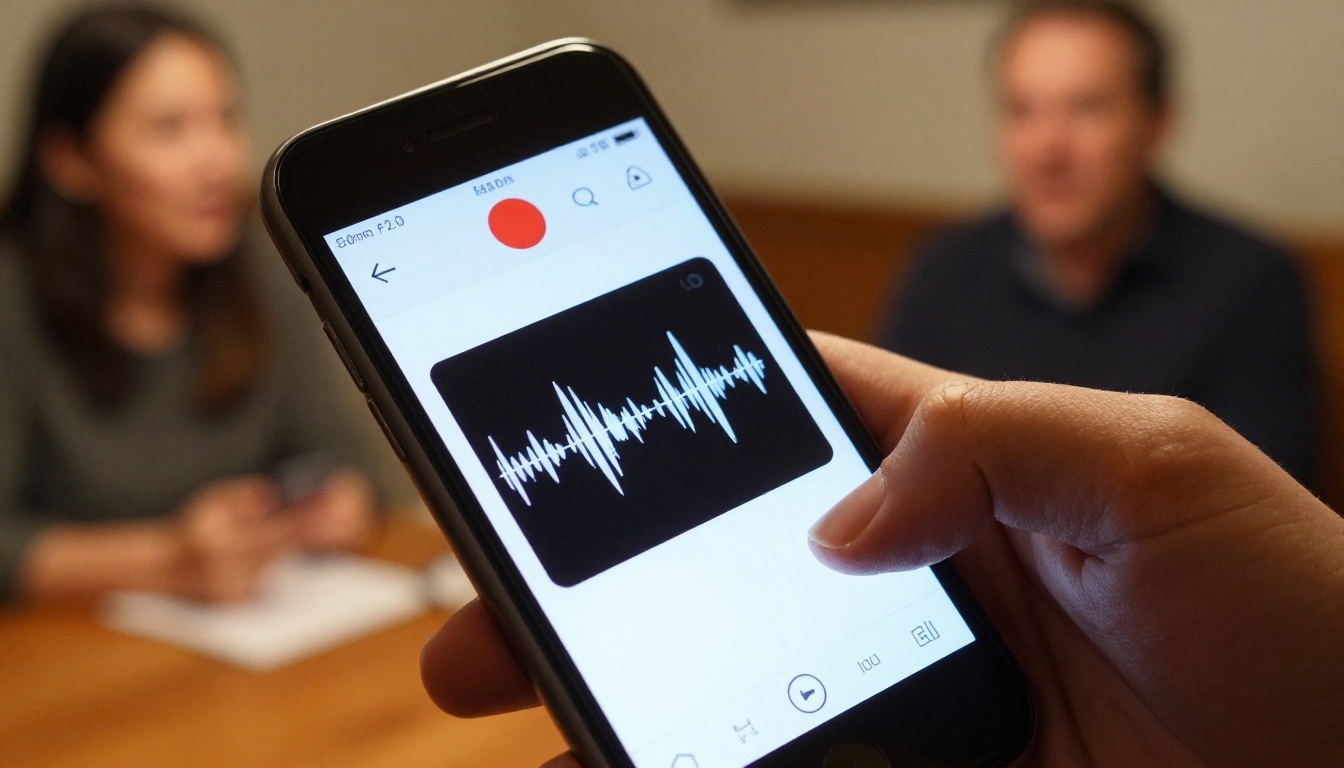
Before uploading, check two things. First, confirm your file format. All common audio formats work: MP3, WAV, M4A, FLAC, and OGG. Second, if your recording has significant background noise, consider running a quick noise-reduction pass in any free audio editor before uploading. Even a modest improvement in audio clarity meaningfully boosts transcription accuracy.
Navigate to the speech-to-text section and select the model that fits your use case. For most interview scenarios, GPT-4o Transcribe is the default recommendation.
Step 2: Choose the right model for your audio
Use this decision logic when selecting a model:
- Clean studio audio, one speaker: GPT-4o Mini Transcribe is the most efficient choice.
- Noisy field recording or multiple speakers: GPT-4o Transcribe handles this best.
- Recording longer than 45 minutes: Use Gemini 3 Pro for uninterrupted single-pass processing.
- Non-English audio: Both Granite Speech 3.3 8B and Granite Speech 4.1 2B are built specifically for this.
💡 Tip: When in doubt, run a two-minute sample of your audio through two models before committing the full recording. The preview output will immediately show which handles your specific audio conditions better.
Step 3: Review, label, and export
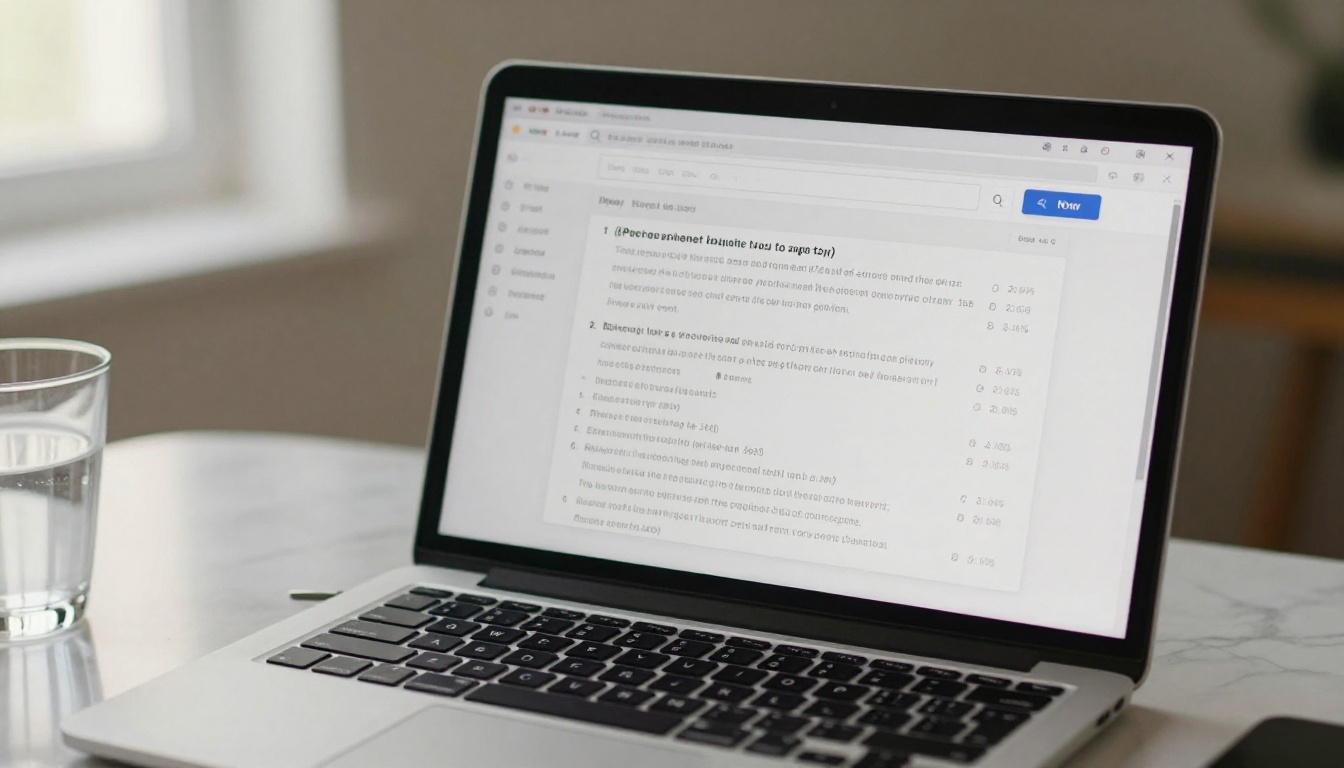
The output you receive is raw transcription text. Before using it in your workflow, do three quick passes:
- Accuracy check: Scan for proper nouns, place names, and specialized terms that the model may have approximated.
- Speaker labeling: Manually add
[Speaker A] and [Speaker B] tags if your workflow requires speaker diarization. Some models return this automatically.
- Timestamp cleanup: Remove or reformat timestamps based on your export destination, whether that is a document, a subtitle file, or a CMS.
Tips to Get Cleaner Results Every Time
Recording quality is the real variable
No AI model can recover audio that was not captured correctly. The single highest-impact investment you can make in your transcription workflow is a better microphone, positioned closer to your subject.
For in-person interviews, a small clip-on lavalier microphone connected to your phone produces interview audio that outperforms any built-in microphone by a wide margin. For remote interviews, asking your subject to use headphones dramatically reduces echo and feedback in the recording.
Use timestamps to move through long recordings
Most AI transcription models support optional timestamping, which adds time codes throughout the output text. Enable this for any recording over 20 minutes. Timestamps let you jump directly to a specific moment in the audio when you need to verify a quote or review an ambiguous passage, instead of scrubbing through the entire file.
Build a post-editing workflow
Raw AI transcription at 95% accuracy still means roughly one error every 20 words. Over a 90-minute interview that is several hundred instances that need human review. The efficient approach is not to proofread word by word. Instead:
- Read the transcription while listening to the audio at 1.5x or 2x speed.
- Correct only what sounds wrong, rather than verifying every word individually.
- Use find-and-replace to fix recurring misrecognized proper nouns in one pass.
This hybrid approach cuts review time to 20-30 minutes for most hour-long recordings.
Common Mistakes That Kill Accuracy
Using the wrong model for the audio type
Running a speed-optimized model like GPT-4o Mini Transcribe on a difficult noisy recording is one of the most common mistakes. The model is not flawed. It is simply not calibrated for that use case. Taking 30 seconds to choose the right model upfront saves 30 minutes of correction afterward.
Similarly, using an English-optimized model on a French or Spanish interview produces significantly degraded output compared to a multilingual model like Granite Speech 3.3 8B, even when accuracy metrics appear similar on English benchmarks.

Skipping the review step entirely
AI transcription is a first draft, not a final document. Treating raw output as publication-ready text introduces errors that damage your credibility. A single misrecognized name or garbled number in a published piece can have real consequences.
The review step does not need to be exhaustive. A focused 20-minute review of a one-hour transcript catches the meaningful errors. What matters is not doing zero review, especially for anything going to print, broadcast, or academic submission.
Uploading long files without audio prep
Files over an hour long with inconsistent audio quality, multiple speakers, and background noise give AI models the worst-case scenario. Breaking a two-hour interview into three 40-minute segments and running each through the model separately consistently produces better accuracy than a single upload of the full recording.
💡 Workflow tip: Label your audio segments before upload (e.g., part-1, part-2, part-3). The transcription output files will be easier to merge and organize afterward.
Start Transcribing Your Interviews Right Now
You already have everything you need to remove manual transcription from your workflow. The tools are accessible, the models are production-ready, and the accuracy is high enough for real-world use at every skill level.
Head to the speech-to-text section on PicassoIA and run your next interview recording through GPT-4o Transcribe. If your audio is in multiple languages, start with Granite Speech 3.3 8B. For long sessions that need to stay in one piece, Gemini 3 Pro handles the full recording without breaking a sweat.
Beyond transcription, PicassoIA also offers tools for every stage of your content workflow: large language models for summarizing and analyzing your transcripts, super-resolution tools for restoring older media, and text-to-speech for turning written content back into audio. The platform covers the full cycle from raw audio to finished content, all in one place.
Your next interview transcript is two minutes away.


