You have been replaying the same 10 seconds of a song for 20 minutes, piecing together syllables that blur together every time the chorus hits. It is frustrating, time-consuming, and completely unnecessary in 2027. AI speech-to-text models have gotten precise enough to convert a full song's vocals into clean, timestamped lyrics in under a minute, and you do not need a paid subscription to a dedicated lyrics site to do it.
This article covers exactly how song transcription with AI works, which models perform best on music (not just speech), how to run the process step by step, and what you can do with the output once you have it.
The Old Way Was Brutal

Hours lost on a single verse
Before AI audio transcription tools existed, getting lyrics from a song meant one of three things: finding them on a lyrics site (and hoping they were accurate), hiring a music transcriptionist, or doing it yourself by hand. The manual route meant playing a track on repeat, pausing every few words, writing them down, replaying, correcting, and repeating for every line in the song. A three-minute track could eat two hours of your time.
Lyrics databases helped, but they are incomplete, often wrong, and rarely cover niche artists, regional music, non-English tracks, or newly released material. If you produce music, study vocal arrangements, or work in music licensing, you already know this problem well.
What actually changes with AI
AI audio-to-lyrics converters do not just "listen harder." They process the audio signal, isolate vocal frequencies from the instrumental bed, apply acoustic modeling trained on millions of speech samples, and output text with confidence scores per segment. The best models now handle overlapping harmonies, accent variation, and background noise in ways that were not possible a few years ago.
The result: what used to take two hours takes 45 seconds. The time you save is not trivial. For producers working through a catalogue, or researchers analyzing lyrical patterns across dozens of tracks, this is a workflow that actually scales.
How AI Reads a Song's Vocals
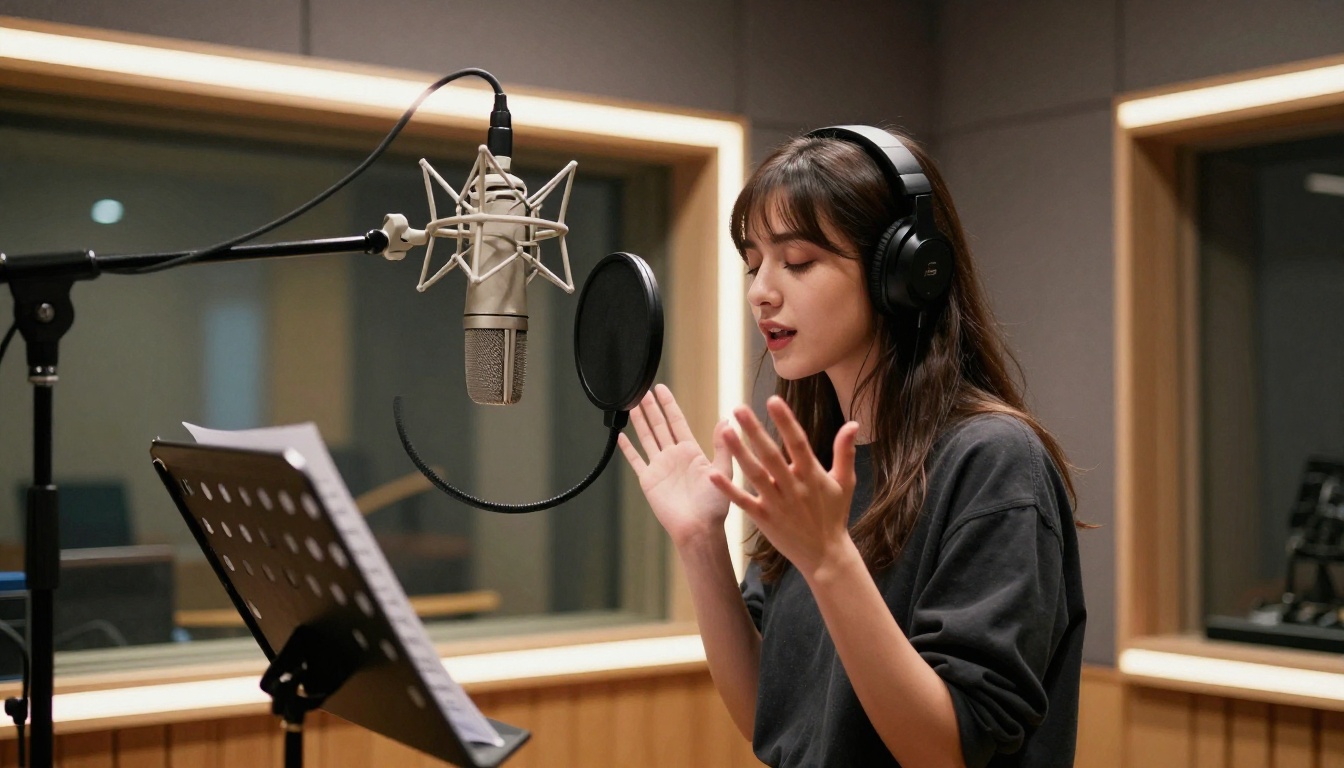
Speech recognition is not the same as music transcription
Standard speech-to-text models are trained on conversational audio: podcasts, phone calls, interviews, meetings. They expect pauses between words, consistent tempo, and minimal pitch variation. Songs break every one of those rules.
In music, words are stretched across melismatic runs, consonants get swallowed by reverb, and the melody's rhythm conflicts with natural speech cadence. A model trained only on spoken audio will produce output that looks like a transcript of someone who stopped making sense halfway through.
Music-aware AI transcription models use different training data and acoustic preprocessing. They separate the vocal stem from instrumentation before running recognition. They account for pitch-shifted vowels. They use lyric-probability language models to fill gaps where confidence is low. The architecture is fundamentally different from what you would use to transcribe a podcast.
Why song-to-text is technically harder
Here is a quick comparison of what makes song transcription more demanding than standard audio-to-text:
| Challenge | Speech Audio | Song Audio |
|---|
| Tempo consistency | Predictable | Varies with beat |
| Pitch range | Narrow (speech range) | Wide (musical intervals) |
| Background noise | Minimal | Constant (instruments) |
| Word boundaries | Clear pauses | Blurred by melody |
| Accent variation | Moderate | High (artistic choice) |
| Reverb and effects | Rare | Very common |
This is why picking the right AI model for automatic lyric extraction matters. A generic speech recognizer will give you a garbled mess. A music-aware AI transcription model gives you clean, usable lyrics.
The Best AI Models for Song Lyrics
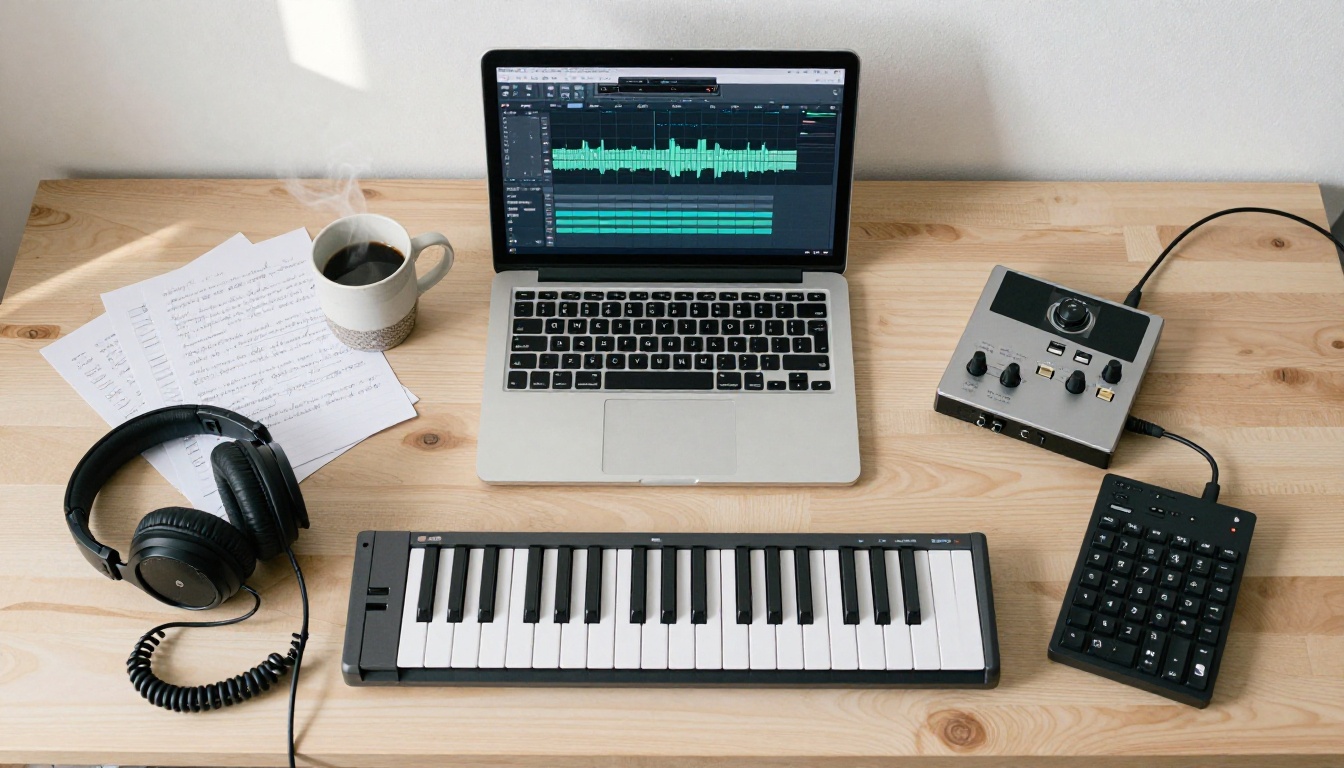
All of the models below are available directly on PicassoIA's speech-to-text platform, no software installation required.
GPT-4o Transcribe: The Accuracy Standard
GPT-4o Transcribe from OpenAI is currently one of the strongest general-purpose audio-to-text models available. It was trained on a significantly larger and more diverse audio dataset than its predecessors, which means it handles accented vocals, rapid-fire rap verses, and distorted rock vocals better than most alternatives.
What it does well:
- High accuracy on English-language vocals with complex pronunciation
- Handles reverb and studio compression without significant word-error-rate increase
- Produces clean, punctuated text output with natural line breaks
- Supports multiple audio formats including MP3, WAV, M4A, and FLAC
💡 Tip: For best results with GPT-4o Transcribe, use a version of the song with the vocals isolated. Separating the vocal stem before uploading reduces the model's error rate considerably on dense productions.
For lighter workloads or batch processing of many short tracks, GPT-4o Mini Transcribe offers a faster, more efficient alternative while retaining most of the accuracy for standard studio recordings.
Gemini 3 Pro: Multilingual Strength
Gemini 3 Pro by Google stands out as the best option when you are working with non-English music. Its multilingual training corpus covers dozens of languages with strong performance in Spanish, Portuguese, French, Japanese, Korean, and Arabic, making it ideal for K-pop, Latin, or Afrobeats transcription where other models fall short.
Where Gemini 3 Pro excels:
- Non-English vocal transcription across dozens of languages
- Songs with code-switching (mixing two languages in one track)
- Long-form audio files where contextual language modeling improves accuracy
- Tracks with complex vocal harmonies and ad-libs
The model also handles ambient noise and live concert recordings better than most alternatives, which matters when you are transcribing a live performance rather than a pristine studio take.
Granite Speech 4.1 2B: Lightweight and Reliable
Granite Speech 4.1 2B by IBM Granite is a leaner model that covers six languages and delivers solid accuracy without the processing overhead of larger models. For short tracks, demo recordings, or projects where speed matters more than perfect output, it is a practical choice.
Its sibling, Granite Speech 3.3 8B, runs the same architecture at a larger scale, giving you more accurate results on tracks with heavy audio effects or dense acoustic environments. If you need to transcribe vocals buried in thick reverb or layered production, the 8B version is the stronger pick between the two.
Quick model selector:
| Your Track Type | Recommended Model |
|---|
| English studio recording | GPT-4o Transcribe |
| Non-English or multilingual | Gemini 3 Pro |
| Fast or bulk processing | GPT-4o Mini Transcribe |
| Short clips, demos, rough takes | Granite Speech 4.1 2B |
| Heavy reverb, dense production | Granite Speech 3.3 8B |
Step-by-Step: Transcribing a Song on PicassoIA
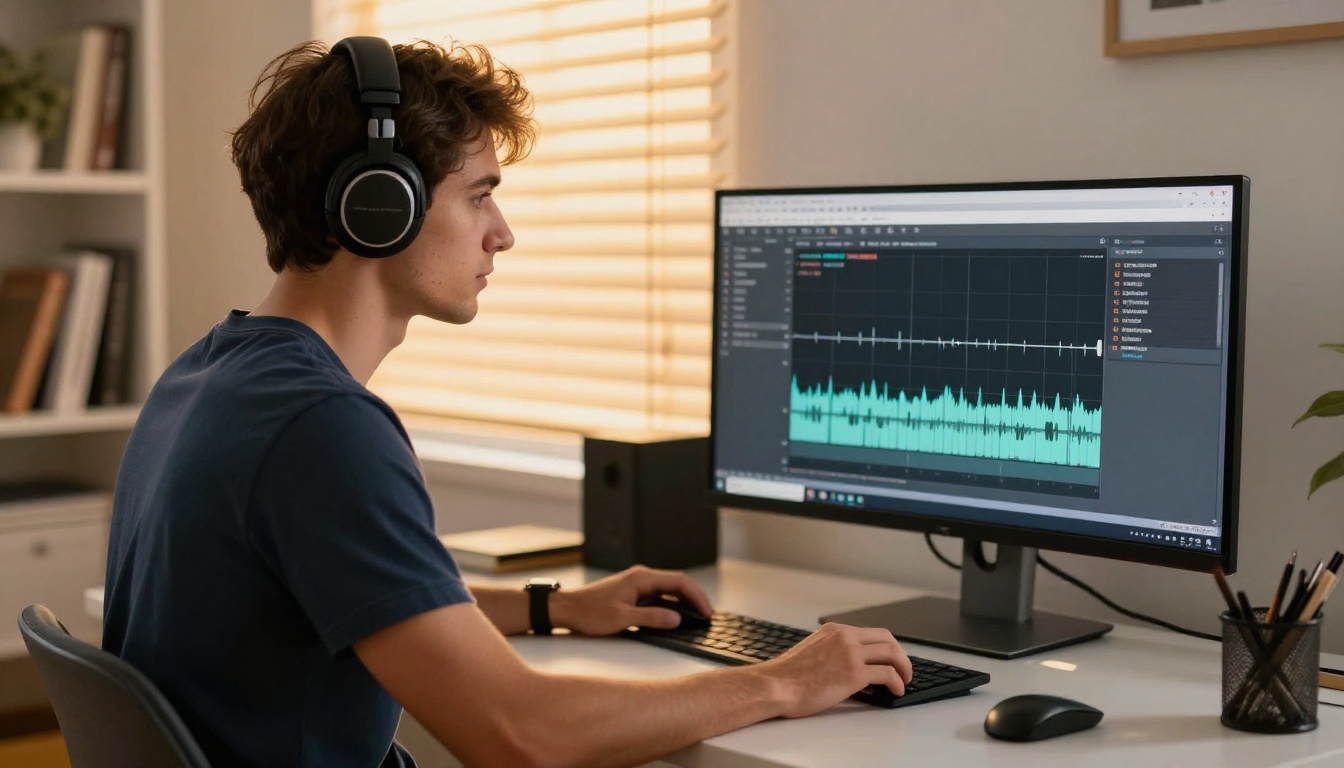
Step 1: Prepare your audio file
Before uploading, consider one quick optimization: isolating the vocals. Most AI transcription models perform better when the vocal track is separated from the instrumental. This is not mandatory, but it reduces the model's error rate on tracks with dense production.
If you have the original session files, export the vocal track as a solo WAV or MP3. If you only have the mixed track, run it through a vocal separator first, then bring the isolated vocal into the speech-to-text workflow.
Recommended file specs:
- Format: WAV or MP3 at the highest quality available
- Sample rate: 44.1 kHz or higher
- Bit depth: 16-bit minimum
- Length: No strict limit, though segments under 10 minutes process fastest
Step 2: Choose the right model
Navigate to PicassoIA's speech-to-text section. Based on the table above, select the model that fits your track type. For most standard English-language songs, start with GPT-4o Transcribe. Upload your audio file, leave the language setting to auto-detect on the first run, and submit.
Processing time varies by track length and model. A typical three-to-four-minute song returns results in 20 to 60 seconds.
Step 3: Read the raw output
The model returns a text transcript, usually with timestamps if you enable that option. The raw output is rarely perfect. Expect to find:
- Words where the model had low confidence, particularly on fast runs or heavy melisma
- Filler sounds transcribed as words ("mmm," "uh," "oh")
- Occasional misheard words, especially on vocals with strong vibrato or distortion effects
Do not treat the first pass as final. Read the output alongside the original track, correct the mismatches, and format the lyrics by verse, chorus, and bridge.
Step 4: Format and use
Once corrected, the lyrics are yours to work with. Add proper line breaks, label sections (Verse 1, Pre-Chorus, Chorus, Bridge), and save in your preferred format.
💡 Tip: Save a timestamped version of the transcript alongside the clean text. Timestamps are invaluable when syncing lyrics to video or creating karaoke-style subtitles later.
3 Mistakes That Ruin Your Transcription

Mistake 1: Uploading the mixed track without preparation
Feeding a fully mixed master directly to a speech recognition model is the most common error. The model has to simultaneously fight the drums, bass, guitar, strings, and synths while trying to isolate vocal phonemes. Accuracy drops noticeably. Isolate the vocal first whenever possible.
Mistake 2: Using the wrong model for the language
Running a Spanish-language song through a model with weak Spanish training means you will get phonetic guesses rather than real words. If you are working with non-English material, Gemini 3 Pro is built precisely for this scenario. Do not force an English-first model to handle material it was not trained for.
Mistake 3: Accepting the first output without review
AI song transcription is very accurate, but it is not perfect. Words that rhyme with the intended lyric are frequent substitutions. Proper nouns, slang, and invented words in creative lyrics will almost always need manual correction. Budget five minutes for review on every track and the final output will be reliably clean.
What to Do After You Have the Lyrics
Translate for international use
Once you have clean lyrics in the source language, running them through a large language model for translation is straightforward. The translated text can then feed back into other workflows: dubbing, localized captions, or international publishing.
Build new songs from existing lyrics
Transcribed lyrics are also powerful creative raw material. Take the structure and rhyme scheme of an existing song, rewrite the content with a new theme, and use the result as input for AI music generation models.
Music 2.6 by Minimax and Lyria 3 Pro by Google both accept text prompts and lyric inputs to generate full songs with vocals. This creates a creative loop: transcribe an existing track, rework the lyrics, then generate a new song built around the revised text.
Music Cover by Minimax takes this further by letting you restyle an existing song into a different genre, with the vocal melody preserved and the production rebuilt from scratch.
Sync for video and karaoke
The timestamped transcript output from PicassoIA's speech-to-text models can be formatted as SRT or VTT subtitle files, making it directly usable for lyric videos, karaoke overlays, or video captioning. This cuts hours of manual subtitle entry down to a few minutes of formatting work.
💡 Tip: Run the transcription with timestamps enabled from the start. Reformatting a timestamp-free transcript into a subtitle file after the fact is significantly more work.
The Numbers Behind Accuracy
AI speech-to-text accuracy is measured in Word Error Rate (WER): the percentage of words the model gets wrong. Human professional transcriptionists typically operate at 1 to 4% WER on clear speech. Here is how the top models compare on music audio specifically:
| Model | WER on Clear Studio Vocals | WER on Live or Noisy Audio |
|---|
| GPT-4o Transcribe | ~4 to 7% | ~10 to 15% |
| Gemini 3 Pro | ~5 to 8% | ~9 to 14% |
| Granite Speech 3.3 8B | ~6 to 10% | ~12 to 18% |
| GPT-4o Mini Transcribe | ~7 to 11% | ~13 to 19% |
| Granite Speech 4.1 2B | ~8 to 12% | ~15 to 20% |
Note: These are approximate figures based on published benchmark evaluations. Actual performance varies by genre, recording quality, and vocal style.
Even at the higher end of these ranges, AI transcription delivers a 90% or better accurate first draft that requires minor correction, rather than starting from scratch. For any production workflow, that represents a practical saving of several hours per track.
Who Benefits Most from Song Transcription AI
The speech-to-text models on PicassoIA fit into a wide range of workflows beyond the obvious use case.
Music producers can transcribe vocal reference tracks, turn freestyles into written drafts, or document improvised sessions before the ideas disappear. A quick upload right after a session captures everything.
Songwriters can analyze the lyrical structure of songs they admire, extracting rhyme schemes, syllable counts per phrase, and verse-to-chorus ratios as a study tool. Seeing the text on a page makes structural patterns immediately visible in ways that listening alone does not.
Content creators running lyric video channels or karaoke platforms can process a catalogue of songs in a fraction of the time manual transcription would require. With batch-friendly models like GPT-4o Mini Transcribe, high-volume workflows become feasible.
Music educators can create accurate lyric sheets for students, correct the errors that plague most crowd-sourced lyrics databases, and build teaching materials with confidence that the text is actually right.
Localization teams working on international music releases can convert audio directly to text in the source language, then hand off to translators, cutting the first step from hours to minutes. For multilingual releases, Gemini 3 Pro and Granite Speech 4.1 2B both handle multiple source languages in a single workflow.
Whatever the use case, the process stays the same: upload audio, pick the right model, review the output, and format for use. The models available on PicassoIA cover the full range from quick-and-lightweight to high-accuracy multilingual support, so there is an option for every type of project.
Start with Your Next Track
The models are live and ready. Pick any song you have been struggling to transcribe by hand, upload it to PicassoIA's speech-to-text section, and run it through GPT-4o Transcribe or Gemini 3 Pro depending on the language.
If you want to go further, take the transcribed lyrics and bring them into Music 2.6 or Lyria 3 Pro to build something entirely new from the raw material. The full creative loop from audio to text to new song is available in one place, without switching between tools or juggling multiple platforms.
Stop wasting time with the rewind button. Run the transcription, fix the two or three lines the model missed, and move on to the work that actually matters.


