Spending hours re-watching recorded lectures is one of the biggest time drains students face. This article walks you through a practical two-step AI workflow: first transcribe your recording with a speech-to-text model, then pass the text to a language model that builds structured, formatted, ready-to-study notes in minutes. No technical skills required.
Taking hours of recorded lectures and turning them into clean, ready-to-study notes is one of the biggest time drains in modern education. Most students sit through a 90-minute recording twice, pause every few minutes, and still end up with incomplete notes. There is a better way, and it does not require expensive apps or technical skills. With the right AI workflow, you can feed any recorded class into a transcription model, pass the text to a language model, and walk away with structured, searchable, formatted study notes in under ten minutes.
Why Re-Watching Wastes Your Time
The Bottleneck Nobody Talks About
The problem is not attention span. The problem is that your brain processes audio at the same pace it was recorded. A two-hour lecture takes two hours to re-listen to. You cannot skim audio the way you skim text. That is the fundamental bottleneck: audio is linear, but your study session needs to be flexible.
Students with 4 to 5 recorded classes per week easily spend 8 to 12 extra hours per month just replaying recordings. That time comes directly out of actual studying, reviewing, or sleeping.
What AI Can Do in 3 Minutes
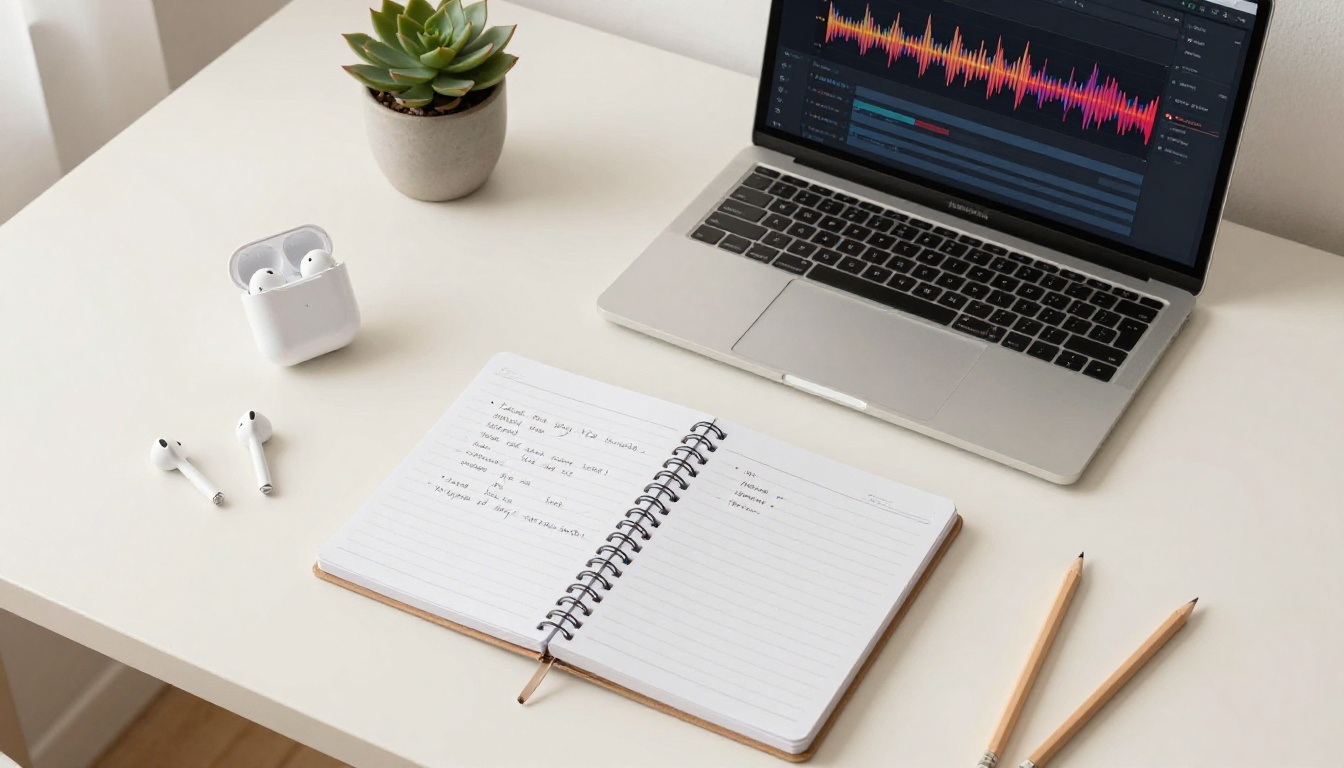
A speech-to-text model converts your audio file into a full text transcript. A language model then reads that transcript and produces structured notes with headings, bullet points, definitions, and a summary. The entire pipeline, from raw audio to formatted notes, typically takes 3 to 8 minutes depending on recording length. Compare that to 90 minutes of re-watching.
💡 The key insight: Once your lecture exists as text, AI can restructure, summarize, and format it faster than you can read it.
The Two-Step AI Workflow
The workflow is simple. Two tools. Two steps.
Step 1: Transcription
You upload your audio or video recording to a speech-to-text model. The model outputs a raw text transcript of everything spoken in the recording. This transcript is usually verbose and unformatted, but it captures the complete content of the class.
Step 2: Summarization
You take that transcript and pass it to a large language model with a specific instruction: turn this into organized study notes. The model reads the full text, identifies the main topics, extracts definitions and key points, and formats the output in a structure you can actually use.
These two steps require no special software. Both tools are available directly online.
How to Transcribe Your Recording on PicassoIA
PicassoIA offers several high-quality speech-to-text models you can use directly in your browser without installing anything.
For most lecture recordings, GPT-4o Transcribe delivers the cleanest output. It handles overlapping speech, accented speakers, and field-specific vocabulary without much trouble. If you have a short clip or want a quick draft, GPT-4o Mini Transcribe is the fastest option.
Getting Your Audio Ready
Before uploading, a few quick checks will save you from a poor transcript:
Trim silent sections: Long silences at the start or end add processing time without adding content.
Use the original file: The original recording, not a compressed export, always produces better results.
Check for background noise: Very noisy recordings may need audio cleanup first. PicassoIA's AI Video Enhancement tools can help clean audio before transcription.
Split very long files: Recordings over 2 hours are easier to handle in two parts.
Select your language if the interface asks, or leave it on auto-detect.
Click run and wait for the transcript to appear.
Copy the full transcript text.
The raw transcript will look like a wall of text with occasional speaker tags and timestamps. That is exactly what you want. Do not clean it manually. Pass it directly to the next step.
Turning Transcripts into Real Notes
This is where the AI actually saves you time. A language model reads your raw transcript and builds structured notes in seconds.
The Right Prompt Formula
The quality of your notes depends heavily on the prompt you give the model. Here is a reliable template that works with any subject:
You are a study assistant. Below is a transcript from a recorded university lecture on [SUBJECT].

Your task:
1. Write a 3-sentence summary of the main topic.
2. Create a structured outline with H2 and H3 headings for each major concept.
3. Under each heading, write 3 to 5 bullet points extracting key facts, definitions, and examples.
4. Add a "Key Terms" section listing 5 to 10 terms with short definitions.
5. Keep language concise and precise.

TRANSCRIPT:
[paste transcript here]
Replace [SUBJECT] with your actual topic, for example "organic chemistry" or "18th century European history." This gives the model context so it can prioritize relevant terminology.
Structuring for Your Study Style
Different study goals call for different output formats. You can modify the prompt above to ask for:
Flashcard format: "Output each key point as a question and answer pair."
Timeline format: "Organize events or concepts in chronological order."
Comparison tables: "Build a table comparing the main theories or models mentioned."
Exam prep: "Identify 5 likely exam questions based on the content and provide short model answers."
💡 Pro tip: Ask the model to flag any section where the speaker seemed to emphasize something. For example: "Where the speaker repeated a point or said 'this is important', add a bold [KEY] tag."
Best Models for Notes in 2027
Once you have your transcript, any capable language model can build notes. The difference between models shows in how well they handle long transcripts, technical vocabulary, and formatting consistency.
When your lecture covers complex, layered topics like philosophy, advanced mathematics, or legal theory, a reasoning-focused model produces noticeably sharper summaries:
For most students, GPT-4o Mini covers 90% of use cases at near-zero cost. For heavy research sessions or dense technical content, Claude 4 Sonnet is worth the upgrade.
3 Mistakes That Break Your Notes
Most students who try AI note-taking hit the same three problems. Here is what they are and how to avoid them.
1. Pasting a bad transcript
If your transcript is full of errors, misheared words, and garbled technical terms, the model cannot fix what was never captured correctly. Always check the first two minutes of your transcript to confirm transcription quality is acceptable before proceeding.
2. Using a vague prompt
"Summarize this lecture" produces a paragraph. That is not useful for studying. Be specific about the format you want, how many bullet points per section, and what type of content to prioritize.
3. Skipping the review step
AI notes are a first draft, not a final product. Read through the output once. Add personal context, cross-reference with your textbook, and flag anything that seems off. The goal is to save you 80% of the time, not to eliminate your involvement entirely.
Format Your Notes to Actually Stick
Getting notes out of an AI is only half the work. The format you save them in determines how well you retain the information.
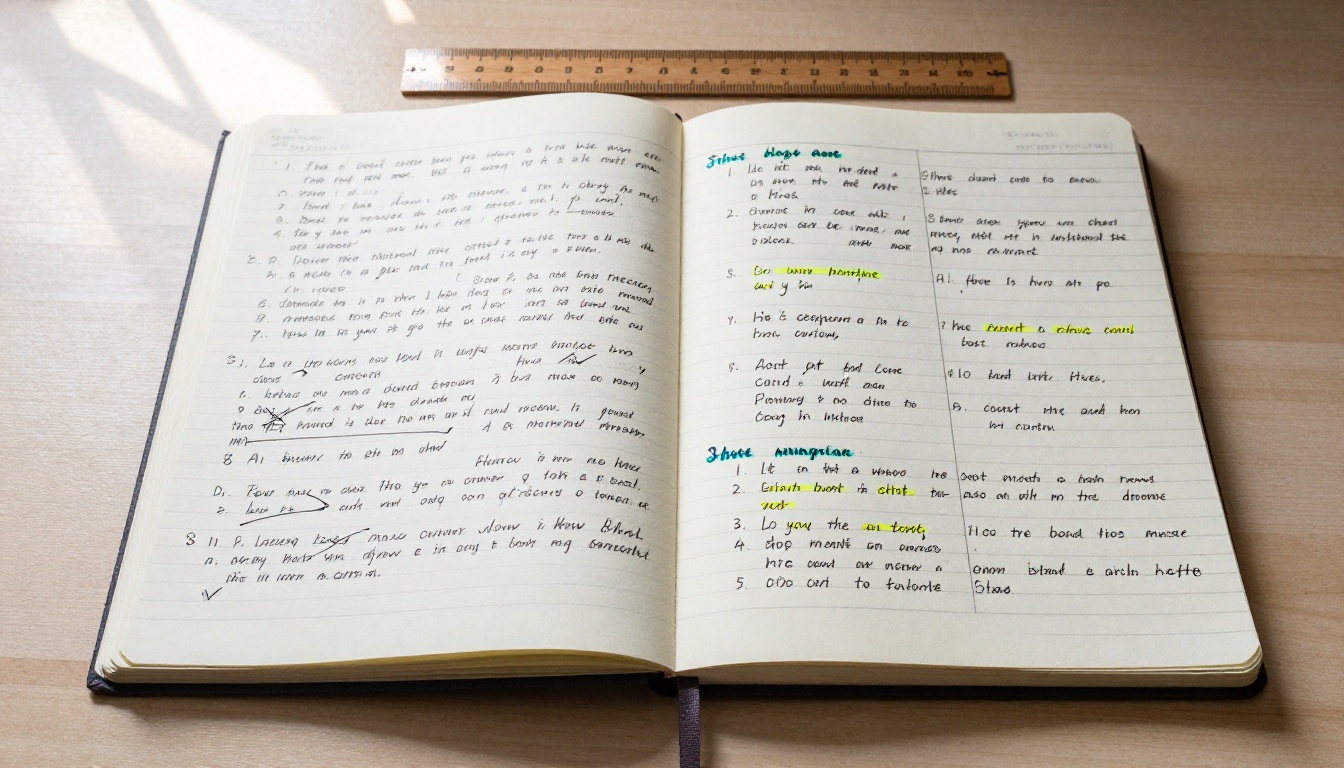
The Cornell Method in 60 Seconds
The Cornell Note format is one of the most studied layouts for retention. You can ask any language model to output your notes in this structure:
Right column (80%): Detailed notes, bullet points, and explanations.
Left column (20%): Cue questions, key terms, and concepts as single words or short phrases.
Bottom summary: A 2 to 3 sentence recap of the whole lecture.
Ask the model: "Format these notes using the Cornell Note structure with a cue column and a summary section at the bottom."
Flashcard-Ready Output
For subjects that require memorization such as anatomy, law, or languages, asking the model to produce flashcard pairs is highly effective:
Convert these notes into 15 flashcard pairs formatted as:
Q: [question]
A: [answer]
You can paste these directly into Anki, Quizlet, or any flashcard app without any extra reformatting.
💡 Combine both: Run your transcript through a language model twice with different prompts. First to build structured notes. Second to extract flashcards from those notes. Two outputs, one recording.
How Much Time Does This Really Save?
To put real numbers on it:
Task
Manual Method
AI Workflow
90-minute lecture transcription
90 min re-listen
4 to 6 min
Structured notes creation
30 to 45 min manual notes
1 to 2 min
Flashcard extraction
20 to 30 min
30 seconds
Total
2.5 to 3 hours
Under 10 min
That is a reduction of over 90% of time spent per lecture. For a student with four recorded classes per week, that adds up to 10 or more hours per week returned to actual studying or rest.
Build Your First Set of Notes Right Now
The workflow is straightforward enough that you can run it today on any recording you already have. Pick one lecture from this week, drop it into GPT-4o Transcribe, paste the transcript into Claude 4 Sonnet or GPT-5 with the prompt template above, and see what comes out.
PicassoIA brings all these models together in one place, so you do not need multiple accounts or services. Speech-to-text, large language models, and more are available from one dashboard. The platform also includes tools for other types of academic and creative work, from image generation to super resolution, in case your coursework involves visual material too.
The hardest part is uploading the first file. After that, the process becomes automatic.