Most people assume FLUX.2 Max sits behind a paywall. It does, on most platforms. But there are real, working ways to use it without spending a dollar, and this article breaks down exactly how.
FLUX.2 Max is the flagship model from Black Forest Labs, sitting at the top of the FLUX family in terms of output quality, prompt accuracy, and photorealistic detail. It is not the fastest model. It is not the cheapest to run. But when you need an image that actually looks like a photograph rather than a render, this is the one to reach for.
The free access routes exist because platforms like PicassoIA offer generous free credits on signup, no credit card required. If you play it smart, you can generate dozens of high-quality images before you ever need to consider a paid plan.
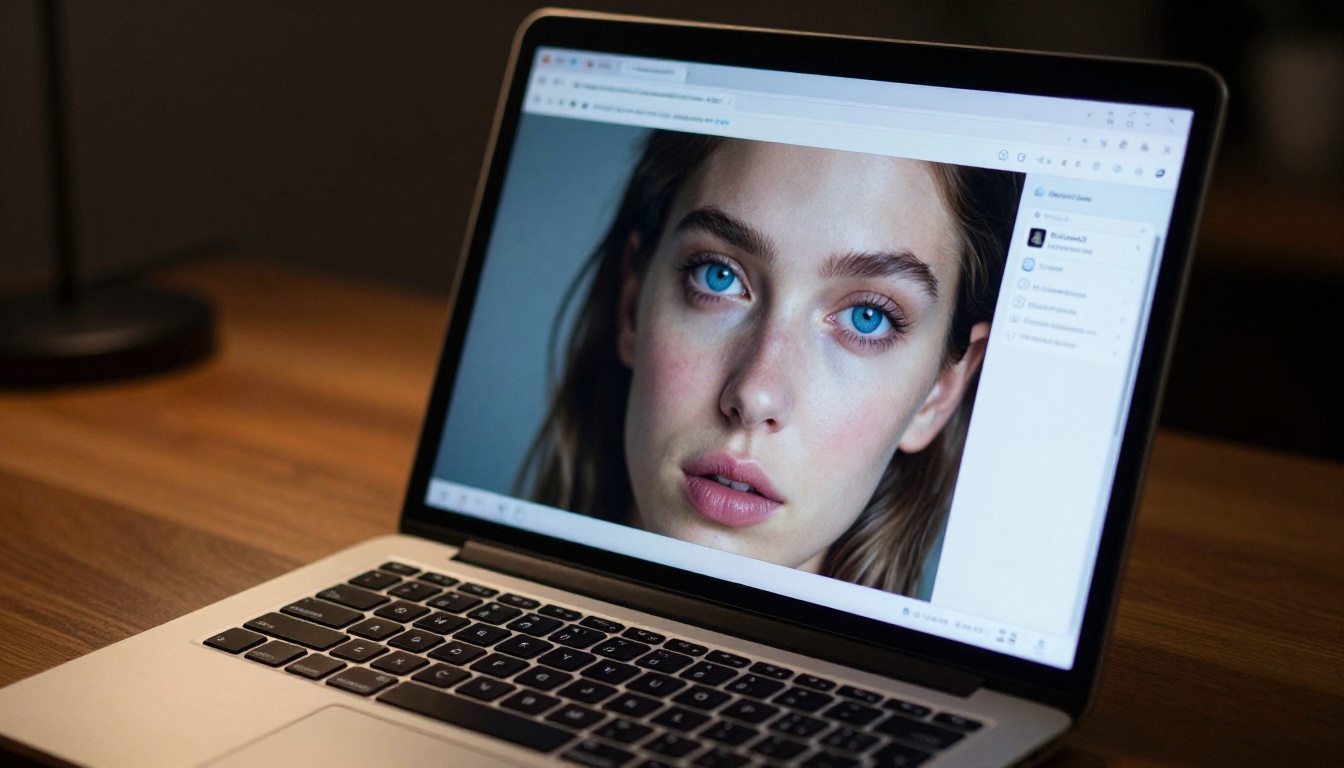
What Makes FLUX.2 Max Different
The FLUX family spans a wide range, from the lightweight FLUX Schnell built for rapid drafting, to FLUX.2 Pro in the professional middle tier, all the way up to Max at the top. The difference at the top is not just marketing.
Pixel-Level Detail at Scale
FLUX.2 Max renders at a level of detail that becomes obvious the moment you zoom in. Fabric threads, skin pores, window reflections, individual hair strands, details that mid-tier models often smear into approximate textures, all hold precise structure at high resolutions. This matters enormously for commercial applications: product photography, portrait work, architectural visualization.
The model also maintains coherent geometry across complex scenes. Ask it for a kitchen interior with specific lighting and material combinations, and it delivers consistent spatial logic rather than hallucinated geometry. Other models frequently produce surfaces that look plausible at thumbnail size but collapse under scrutiny.
Prompt Accuracy That Actually Works
One of the biggest frustrations with AI image generation is the gap between what you describe and what appears. FLUX.2 Max closes that gap more reliably than most alternatives. Color specifications, compositional instructions, and lighting descriptions translate into the output at a noticeably higher rate.
This does not mean it is perfect. Long prompt chains still produce occasional drift. But for controlled creative work, the accuracy is clearly above what you get from the free-tier alternatives.
💡 Tip: Keep your prompt under 120 words for best results. FLUX.2 Max processes long prompts, but specificity wins over volume. Five precise descriptors beat twenty vague ones every time.
Free Access Points for FLUX.2 Max
There is no single official free tier for FLUX.2 Max. Black Forest Labs does not run a consumer product. The free access comes through third-party platforms that absorb the compute cost in exchange for your eventual conversion to a paid plan. That exchange is fair, and it means you get real, usable generations, not watermarked previews.
PicassoIA and the Free Tier
PicassoIA gives new users free credits on signup with no credit card required. Those credits work across the full model catalog, including FLUX.2 Max. The platform does not gate the flagship models behind paid plans at the access level. It gates them at the volume level.
What this means practically: you can run FLUX.2 Max for free from your very first session. You have a credit budget, not a model restriction. That is a meaningful distinction.
How Credits Work
Credits on PicassoIA are consumed per generation. Higher-resolution outputs consume more credits than lower-resolution ones. FLUX.2 Max at standard settings costs more credits per image than FLUX.2 Dev or FLUX Schnell.
To stretch free credits furthest:
- Start at 1024x576 (16:9) rather than jumping to maximum resolution immediately
- Iterate prompts at lower resolution first, then upscale your final winner
- Use FLUX.2 Dev for rough drafts and switch to Max for final outputs only
- Avoid generating unnecessary variations. FLUX.2 Max is good enough that your first solid prompt often hits
💡 Credit strategy: Generate compositional test shots with FLUX Schnell, which is fast and inexpensive per generation. Switch to FLUX.2 Max only when the composition is locked in.
How to Use FLUX.2 Max on PicassoIA
PicassoIA has a dedicated model page for FLUX.2 Max that gives you direct access without navigating menus or configuring API calls. The process from signup to first generation takes under five minutes.
Step 1: Go to the Model Page
Navigate directly to the FLUX.2 Max model page. If you are not logged in, create a free account. No payment information is required at signup.
Once you are in, your free credit balance appears in the top navigation. That number is your working budget for this session.
Step 2: Write Your First Prompt
The text input accepts natural language descriptions. You do not need special syntax or negative prompts to get quality results from FLUX.2 Max. Write what you want to see, structured logically.
A prompt structure that works consistently:
[Subject] + [Environment or Setting] + [Lighting conditions] + [Camera and lens details] + [Texture and atmosphere notes]
An example that produces strong portrait output:
"A woman in her 30s sitting by a large rain-streaked window, warm interior light from the left, shallow depth of field with an 85mm lens, film grain, overcast daylight from outside creating a cool secondary fill."
Step 3: Adjust Resolution and Settings
The default settings work for most use cases. If you want to dial in further:
- Aspect Ratio: 16:9 for landscapes and scenes, 9:16 for portraits and social content, 1:1 for product shots
- Seed: Setting a specific seed lets you reproduce a similar result with prompt variations. Useful when you find a composition that works and want to iterate on it
- Steps: More inference steps produce cleaner output at the cost of generation time. The default is well-calibrated for quality versus speed
Step 4: Download and Iterate
Once generated, download the image directly from the platform. If the first output is close but not quite right, adjust one element of the prompt rather than rewriting from scratch. Small, targeted changes produce predictable shifts in output.
FLUX.2 Max vs the Free Alternatives
Not every generation needs the flagship model. Knowing where the alternatives actually work well means you spend free credits on what matters.
FLUX.2 Dev (Open-Weight)
FLUX.2 Dev is the open-weight distillation of FLUX.2 Pro. It produces excellent results at a fraction of the compute cost. The quality gap versus Max is noticeable in fine detail, particularly in faces, hair, and fabric textures, but for environments, objects, and abstract compositions the difference narrows considerably.
Use Dev when: you are testing compositions, doing rapid iteration, or working on non-human subjects where micro-surface detail is less critical.
FLUX Schnell (Speed Over Quality)
FLUX Schnell is the fastest model in the family, designed for four-step generation. The quality ceiling is lower than Dev and significantly below Max, but it is responsive enough for workflow previewing.
Use Schnell when: you need to check whether a concept works before committing credits to a full-quality generation.
FLUX.2 Flex (Custom Fine-Tuning)
FLUX.2 Flex is designed for LoRA fine-tuning and custom training workflows, giving you control over a model's specific aesthetic direction. If your project has a consistent visual style requirement, Flex is worth investigating.
Use Flex when: you have a brand aesthetic, character consistency requirement, or style definition that off-the-shelf models cannot maintain across a series.
Model Comparison
| Model | Quality Tier | Speed | Best For |
|---|
| FLUX.2 Max | Flagship | Slower | Final outputs, commercial work |
| FLUX.2 Pro | Professional | Moderate | Balanced quality and cost |
| FLUX.2 Dev | Strong | Fast | Iteration, environments |
| FLUX Schnell | Good | Very Fast | Concept testing, previews |
| FLUX.2 Flex | Variable | Moderate | Style consistency, LoRA |

5 Things FLUX.2 Max Does Best
FLUX.2 Max is not equally strong across every image type. Knowing where it excels tells you when to use it and when to reach for something cheaper.
Photorealistic Portraits
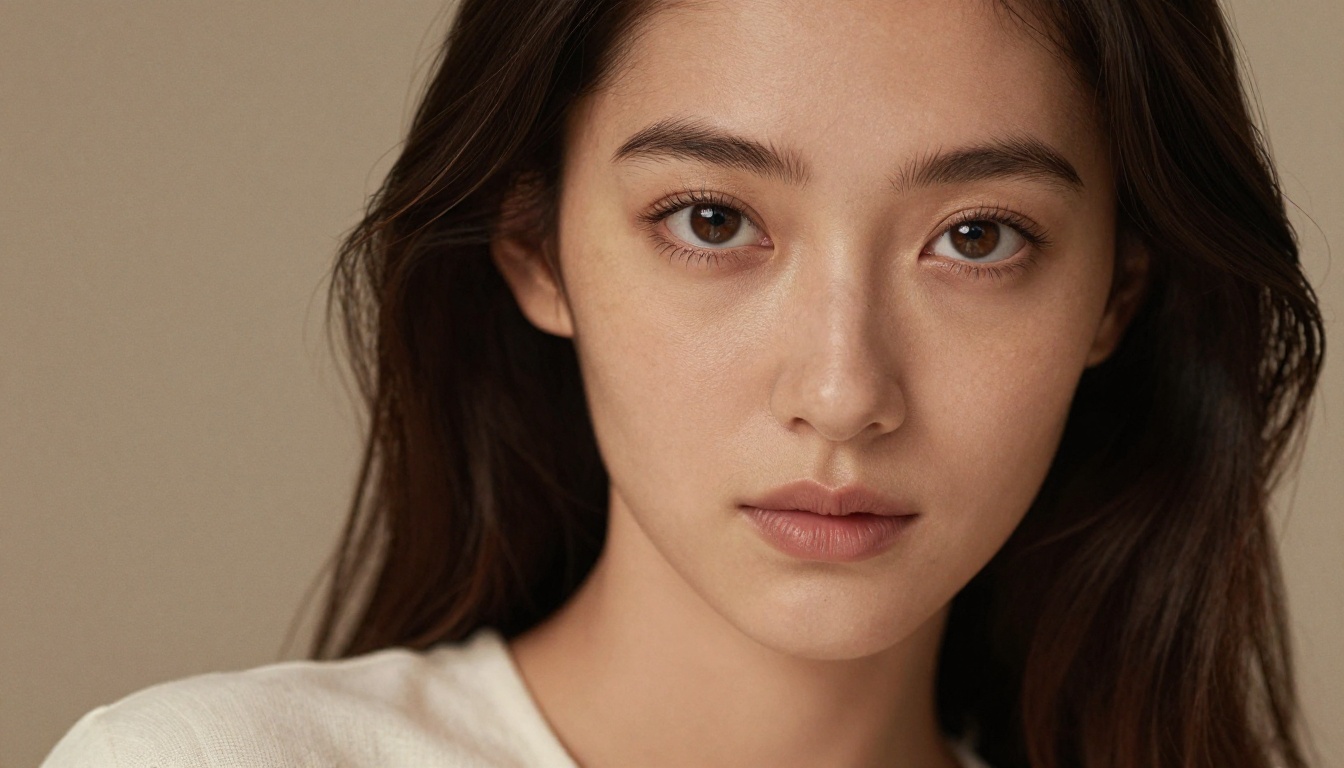
Portrait generation is where FLUX.2 Max pulls the furthest ahead of competing models. Skin texture, eye detail, and facial geometry are rendered with a level of realism that regularly passes for photography on casual inspection. The model handles diverse lighting setups, from hard rim-lit editorial work to soft window-lit intimate shots, with equal confidence.
The critical detail: it handles non-standard poses and angles without losing facial coherence. Three-quarter turns, downward gazes, profiles, all maintain plausible anatomy where many models introduce distortion at the cheekbones or jawline.
Landscape and Nature Photography
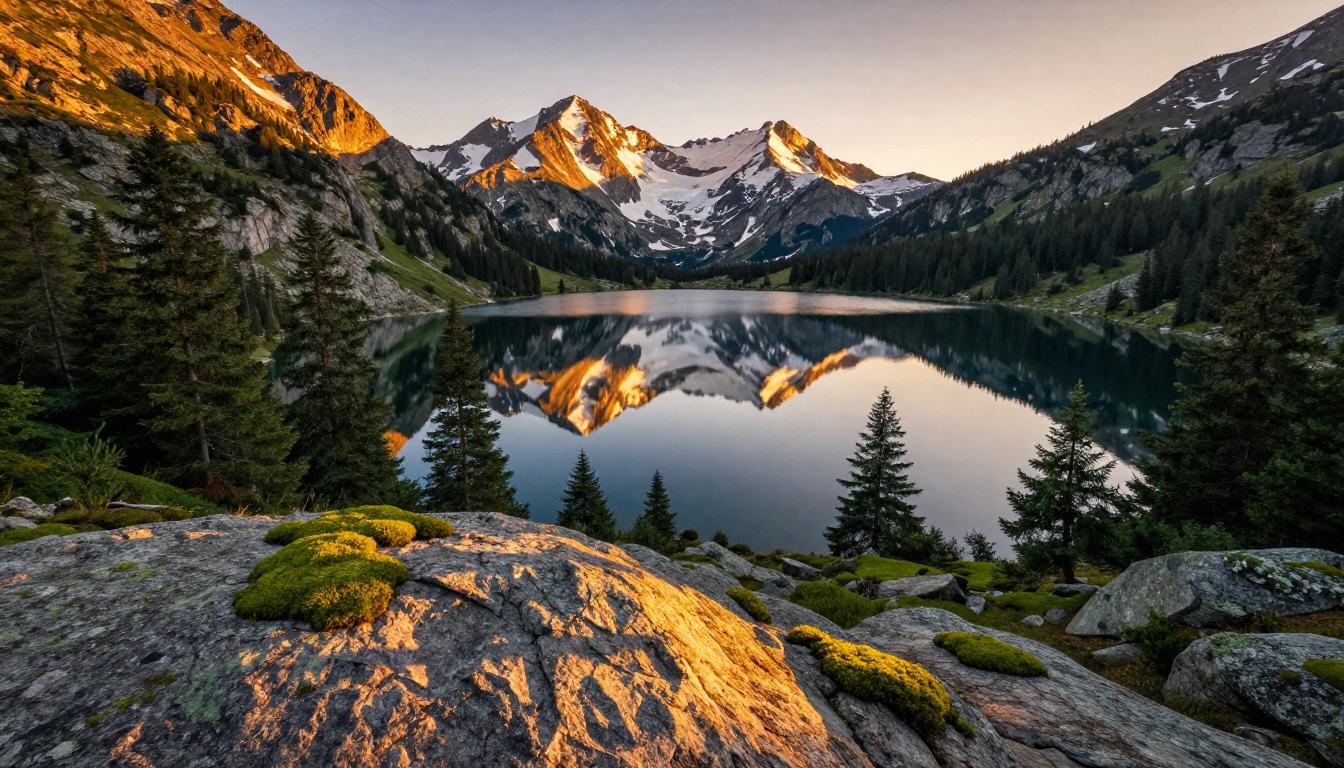
FLUX.2 Max renders complex natural environments with exceptional atmospheric depth. Fog layering in mountain valleys, the way morning light hits wet rock surfaces, the micro-detail of forest floors, these texture-heavy scenes are where its detail resolution genuinely shows.
Aerial and wide landscape compositions benefit particularly because the model maintains detail coherence at macro scale: a mountain scene at full 16:9 resolution holds sharpness both in the foreground rocks and the distant peaks simultaneously, without the peripheral smearing that affects lower-tier models.
Product and Commercial Shots
Commercial product photography is one of the highest-value use cases for FLUX.2 Max. The model renders material properties accurately: the way light passes through glass, the sheen on a lacquered surface, the matte finish of brushed aluminum. These physical properties are exactly what clients and buyers evaluate when reviewing product imagery.
For e-commerce projects, FLUX.2 Max on PicassoIA represents significant cost savings over studio photography for product concept imagery and catalog mockups.

Architectural Visualization
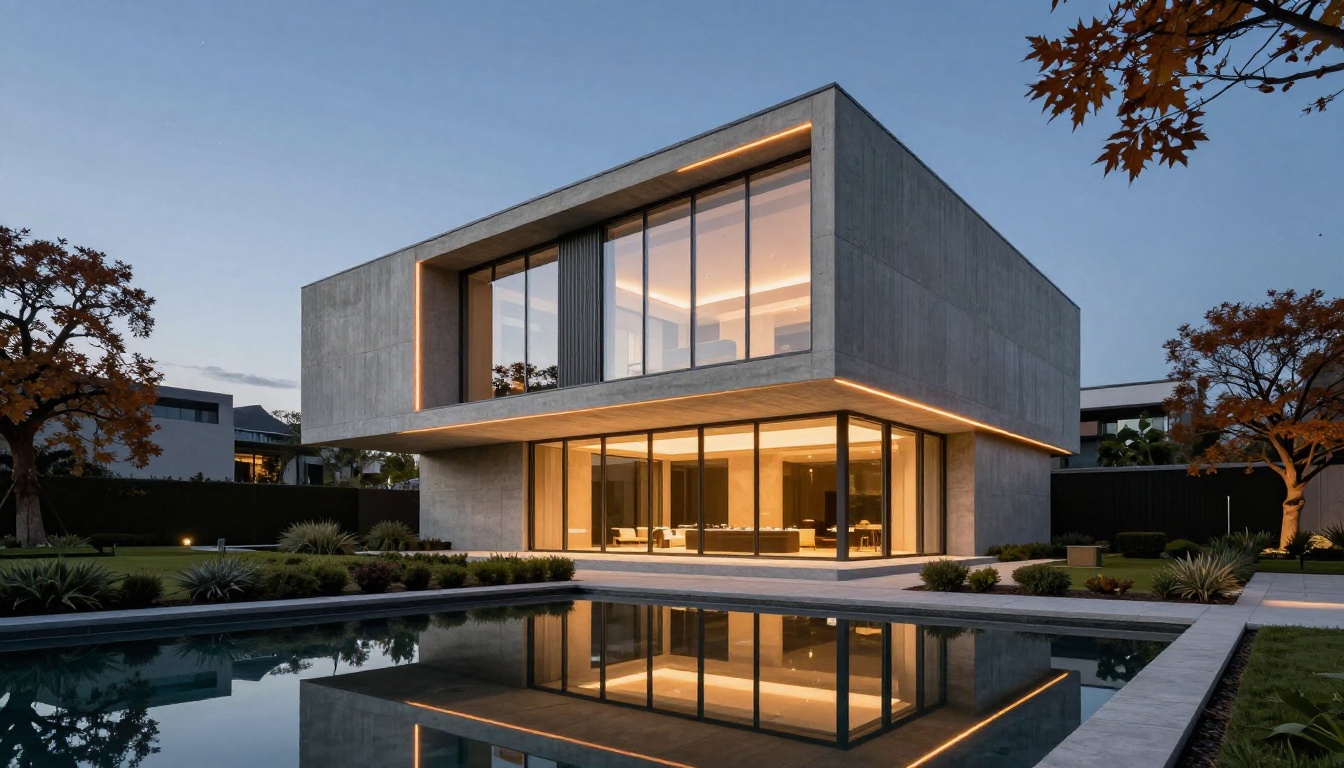
Exterior architecture renders with correct geometric precision and material differentiation. Concrete textures differ from glass, from metal, from stone, in ways that read as physically accurate rather than stylistically approximated. Interior spaces hold consistent lighting logic, a challenge for most generative models.
FLUX.2 Max also handles the blue-hour exterior shot well, where interior warmth contrasts against exterior twilight. This is a technically complex lighting situation that requires correct processing of multiple light sources at different color temperatures.
Aerial and Urban Photography
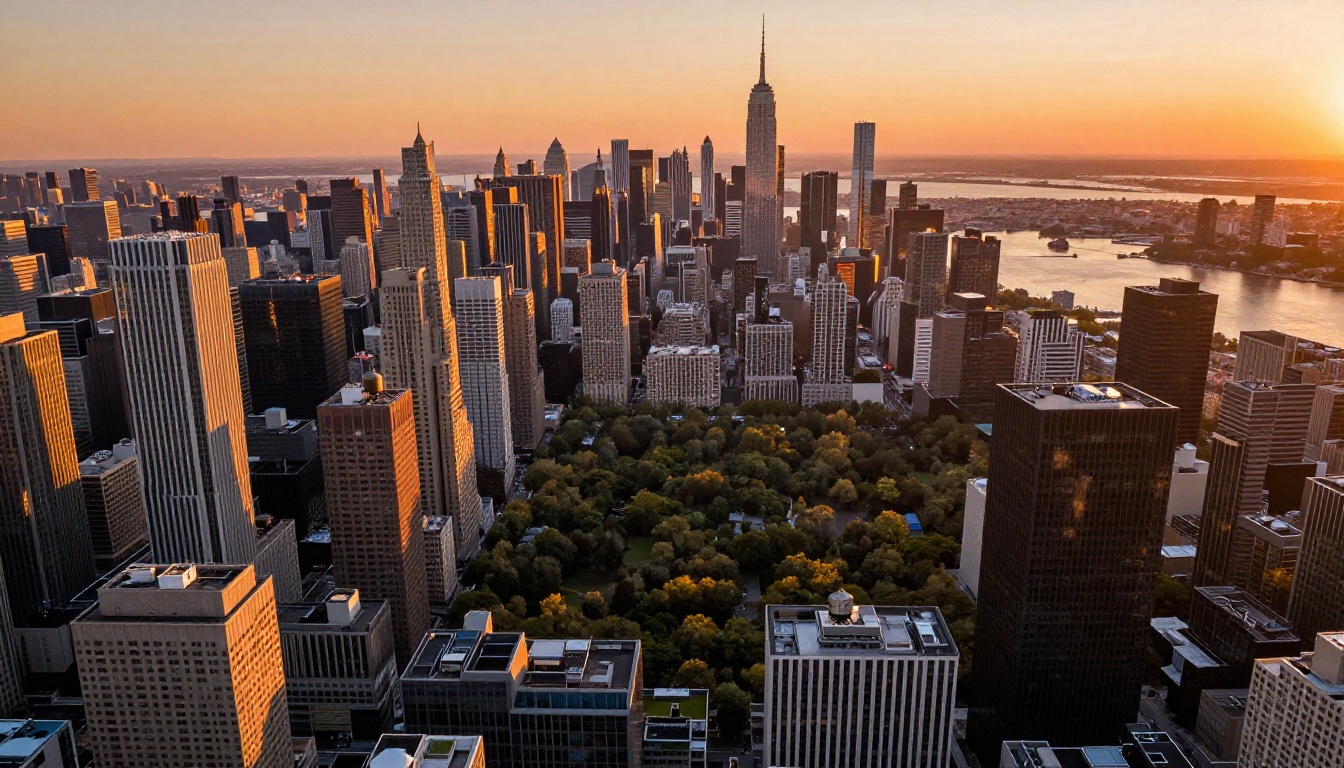
City-scale aerial compositions are another strength. The model maintains detail density across large-format urban scenes: individual windows, rooftop structures, road surface textures, all rendered at consistent quality across the entire frame rather than smearing peripheral areas into impressionism.
Prompting FLUX.2 Max the Right Way
The difference between an average and exceptional FLUX.2 Max output is almost always the prompt. The model has strong defaults, but specific input produces specific output.
Describe Light Before Subject
Lighting information embedded early in a prompt carries disproportionate weight in the final output. Rather than "a woman in a kitchen in the morning," try "warm morning light from a south-facing window casting soft shadows across a kitchen counter, a woman preparing coffee." The lighting description first establishes the dominant visual condition that everything else renders within.
💡 Lighting formula: Direction + quality (hard or soft) + color temperature + secondary source. Example: "Volumetric morning light from the left, soft diffused quality, warm 3200K, cool skylight fill from above."
Camera Specs That Boost Quality
Adding camera and lens specifications consistently improves output quality. This is not because FLUX.2 Max simulates a camera. It is because these terms are heavily associated with high-quality photographic images in training data, so they act as quality signals.
Effective additions:
- Lens focal length: 85mm for portraits, 35mm for environmental shots, 24mm for architecture
- Aperture: f/1.4 to f/2.8 for bokeh effects, f/8 for landscape sharpness across the full frame
- Film stock: "Kodak Portra 400," "Fuji Velvia," "Kodak Ektachrome" each produce distinct color responses
- Format: "Large format photography," "medium format," "full-frame sensor" all influence tonality
Style Modifiers That Actually Stick
Some style modifiers consistently influence output while others are ignored. These work reliably with FLUX.2 Max:
- "RAW photography" or "RAW file conversion" adds film grain and natural tonality
- "Natural lighting only" prevents the model from adding artificial drama
- "No post-processing" reduces over-saturated HDR looks
- "Documentary photography" pushes toward candid realism
- "Editorial photography" creates polished, magazine-quality output
Modifiers that often get ignored: "cinematic" (too vague), "photorealistic" (it already is by default), "ultra-realistic" (redundant), "8K" as a standalone modifier without additional context.
When Free Runs Out
Free credits on PicassoIA are generous but finite. When you have consumed your initial allocation, you have several options before considering a paid plan.
Speed vs Volume Trade-offs
Switch to FLUX.2 Dev for the bulk of your work and reserve FLUX.2 Max for final outputs only. Dev at high resolution with good prompting gets you close to Max quality at significantly lower credit cost. For iterative creative work, this ratio makes practical sense, and most professional workflows already operate this way.
FLUX.2 Klein 4B is another lightweight option for rapid testing, trading some quality for fast responsiveness during early concept stages.
Other Free Models to Try
PicassoIA also provides access to SDXL, which remains competitive for certain artistic styles and has a large community of prompt examples to reference when you are stuck. Realistic Vision v5.1 is specialized for photorealistic human subjects and works well for portrait-heavy projects where credit efficiency matters more than flagship-level quality.
If your project requires consistent character or object references across multiple images, FLUX Kontext Max is worth trying. It is designed for contextual consistency and reference-guided generation, making it practical for series work and branded content where visual continuity matters.
💡 Free credit lifecycle: Most platforms offering free credits also provide referral bonuses, daily credit refresh, or promotional credit during platform events. Checking your credit balance and renewal conditions on PicassoIA is worth doing before deciding you need a paid plan.
Try It and See What Happens
The most direct way to see what FLUX.2 Max is capable of is to run it yourself. Reading descriptions of output quality is one thing. Watching it produce a portrait or landscape from a prompt you wrote is another entirely.
PicassoIA has the full model catalog available to new users at picassoia.com/en/all-models, including FLUX.2 Max, Dev, Schnell, Flex, and a broader collection of 91 text-to-image models. Your free credits give you real access, not a watermarked demo.
Pick a subject you know well, something you could judge for accuracy. Whether that is a landscape you have photographed, a product you work with, or a type of portrait lighting you recognize. Write a tight 60-80 word prompt using the lighting-first approach from this article. Run it.
The first generation is almost always better than expected. FLUX.2 Max has a high floor. The ceiling is reached through iteration, but what comes out on the first solid prompt is already worth seeing.
The platform also runs FLUX Kontext Max for context-aware editing and reference-guided generation, FLUX.2 Flex for style-consistent series work, and dozens of specialized models for every creative direction. All of them are accessible from the same free account you create to start using FLUX.2 Max.
Start with one image. The rest follows from there.


