Writing image-to-video prompts is not the same as writing image prompts. The rules are different, the vocabulary is different, and most importantly, the mental model you need is completely different. A great still-image prompt describes a frozen moment. A great motion prompt describes a sequence of events unfolding in time. If you are sending your best image into an AI video model and getting results that look stiff, wrong, or just weird, the problem is almost certainly your prompt.
Why Your Prompt Is the Whole Job
Every image-to-video model, from Wan 2.7 I2V to Kling v3 Omni Video, works by interpreting two inputs: your starting frame and your motion instructions. The model reads the image for scene context, lighting, subject, depth cues, and color palette. Then it reads your prompt for what to do with all of that over the next five seconds.
If your prompt is vague, the model guesses. Sometimes it guesses right. Often it does not. If your prompt is precise and motion-specific, the model executes. That is the entire difference between a clip you would show someone and one you would delete.
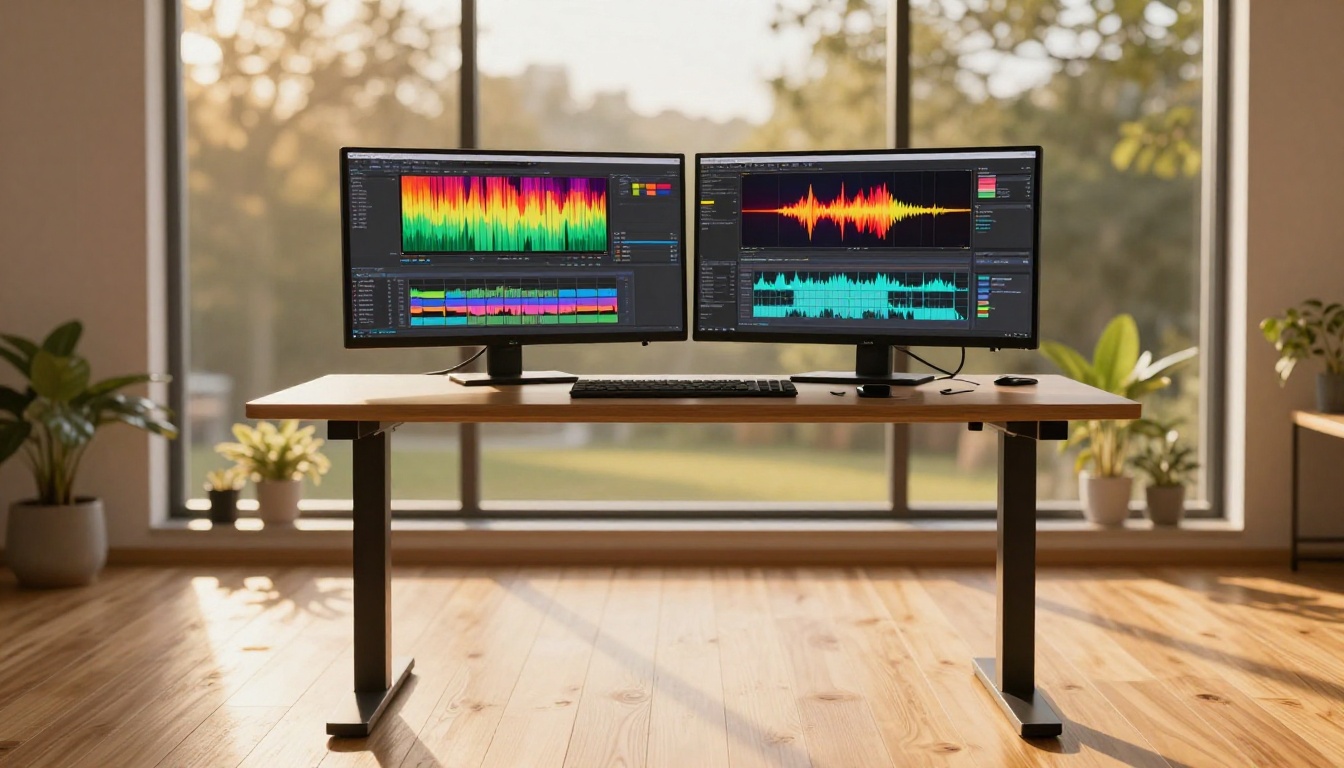
This is why you cannot copy-paste a generative image prompt into Seedance 2.0 and expect cinematic results. Image prompts are optimized for static composition. Video prompts require temporal thinking.
Static vs. Motion Thinking
A static prompt answers one question: what does this look like? A motion prompt answers a different question: what happens here, in what order, and from what camera position?
Here is a direct comparison:
| Static Prompt | Motion Prompt |
|---|
| "Woman sitting at a cafe window, morning light" | "Woman lifts her coffee cup slowly, glances left out the window, soft light shifts across her face as clouds pass" |
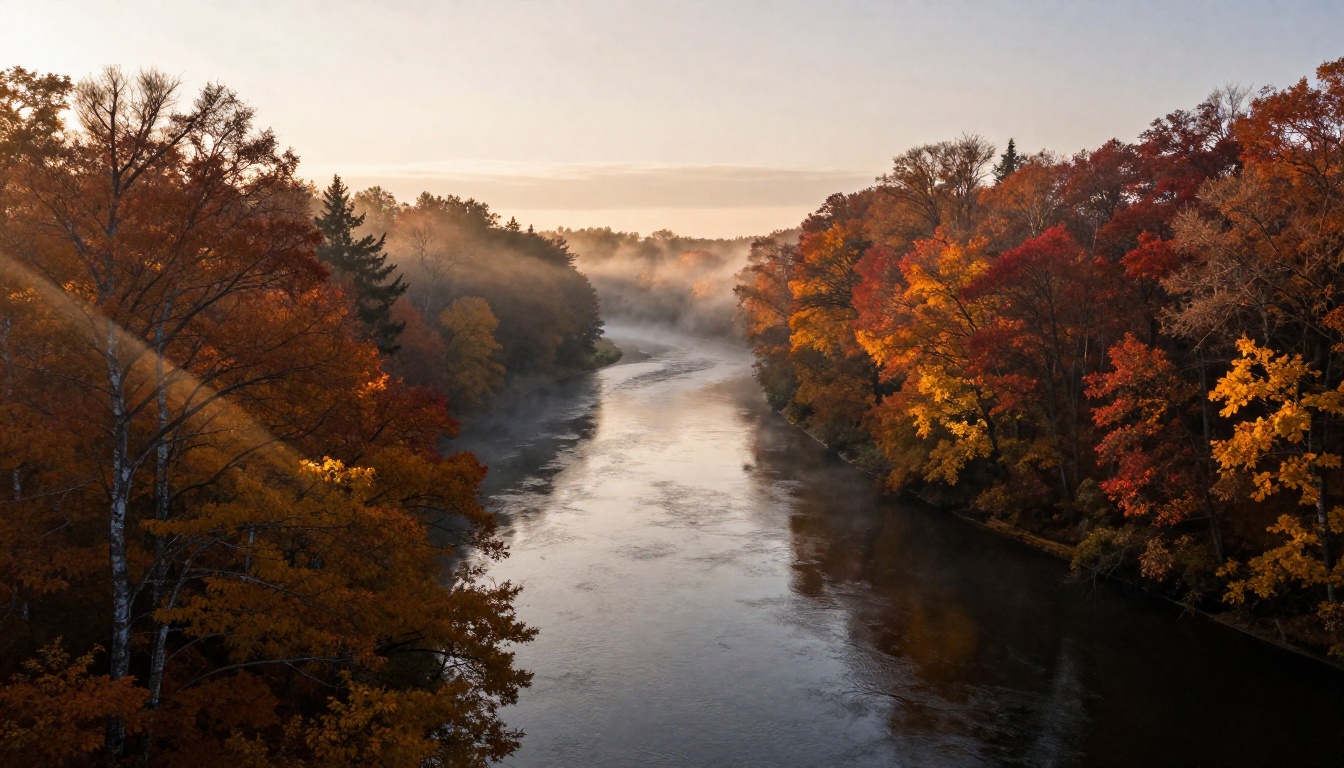
| "Forest river at golden hour" | "Camera drifts forward low over the water surface, mist peeling away from the rocks as the current moves" |
| "Man walking in the rain" | "Man strides from left to right across wet cobblestones, puddles ripple under each step, camera follows at mid-distance" |
Each motion prompt describes events in time. There is a subject, a verb, and a context for how the scene changes. That structure is what video models are built to read.
What the Model Actually Reads
AI video models weight different prompt elements in a rough priority order. Subject movement ranks highest. Camera movement is second. Atmospheric and texture details come last. If you front-load your prompt with scene descriptions and bury the motion at the end, the model may produce a visually accurate but nearly static clip.
💡 Rule: Put what moves first. Subject action in sentence one. Camera movement in sentence two. Lighting and atmosphere last.
The Anatomy of a Good Motion Prompt
Every high-performing image-to-video prompt contains three structural elements. Miss any one of them and you will get inconsistent results across generations.
Subject First, Action Second
The subject is whatever the main element of your image is. The action is what that subject does during the clip. Both need to be specific and concrete.
Weak: "A woman in a coffee shop"
Strong: "A woman raises her espresso cup with both hands, steam curling upward in the morning light"
The verb is where the animation lives. "Raises," "turns," "glances," "smiles," "walks," "tilts" all give the model something concrete to execute. Abstract verbs like "feels" or "experiences" produce nothing useful because they have no physical correlate the model can render as motion across frames.
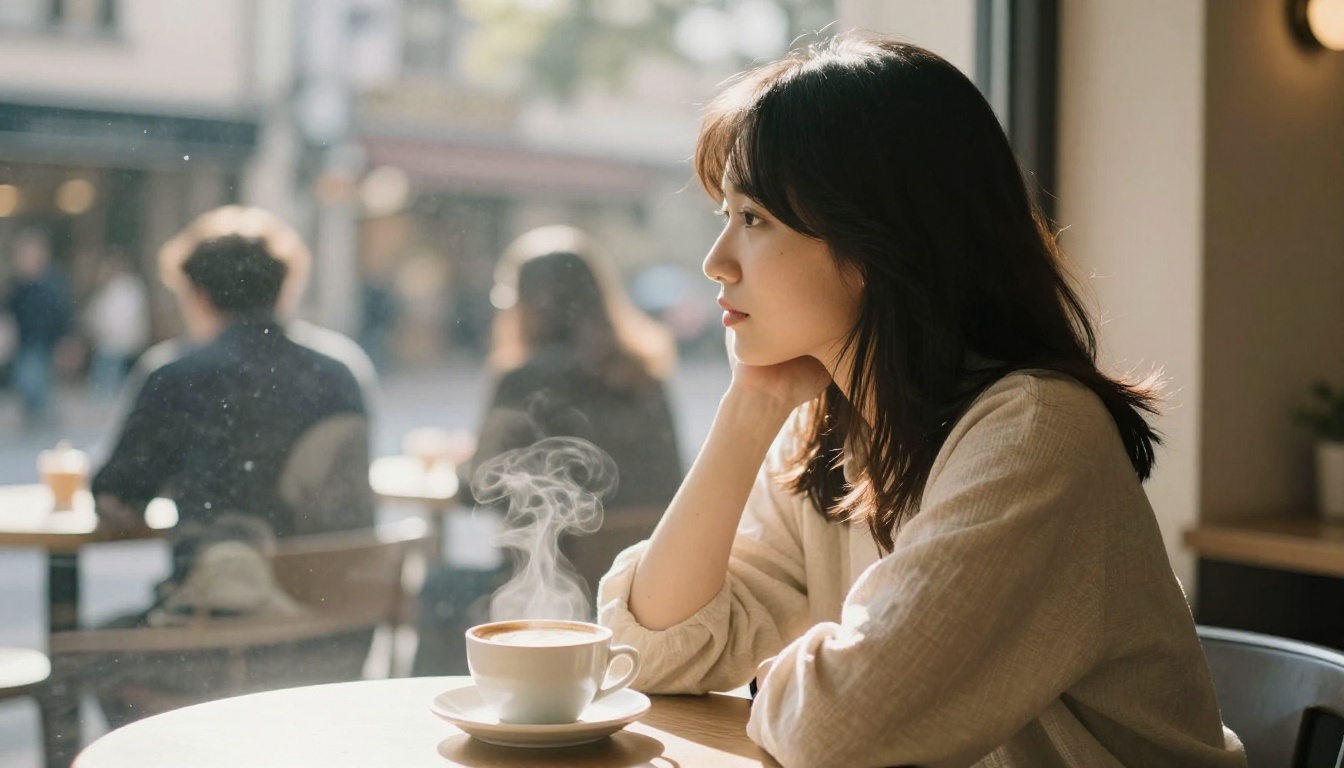
Models like Wan 2.6 I2V and Kling v2.6 Motion Control are particularly responsive to precise subject-action phrasing. The more granular your action description, the more faithfully the model can execute it across the full clip duration.
The Role of Camera Movement
Camera movement is the single most underused element in amateur motion prompts. It is also the element that most reliably turns a decent clip into a cinematic one.
| Camera Direction | What It Produces |
|---|
| Slow dolly in | Intimacy, draws attention toward the subject |
| Gentle pan left or right | Reveals the environment, creates a sense of travel |
| Low angle rise | Drama, the subject appears dominant in frame |
| Aerial descend | Arrival feeling, establishes scale and place |
| Static, locked off | All emphasis on subject motion, deliberate and contained |
| Handheld slight drift | Organic realism, a documentary quality |
| Slow zoom out | Context expansion, reveals scale progressively |
| 360-degree orbit | Product focus, shows all angles sequentially |
💡 Pick one camera movement per clip and commit to it. Mixing two camera movements inside five seconds creates visual confusion, and models rarely execute both cleanly.
Gen4 Turbo and Kling v3 Motion Control respond very well to explicit camera directives. Kling v3 Motion Control was specifically built to follow camera trajectory instructions, which makes it valuable when precise spatial control matters.
Timing and Speed Cues
Five seconds passes quickly. How fast your subject and camera move within that window changes the emotional tone of the clip entirely.
Useful speed modifiers:
- "slowly," "gently," "gradually" — calm, meditative, elegant
- "sharply," "suddenly" — high energy, dramatic
- "barely perceptibly" — atmospheric, impressionistic
- "steadily," "consistently" — controlled, deliberate
- "in bursts," "rhythmically" — dynamic, kinetic
You do not need to specify frame rates or millisecond timings. The model handles that internally. What you are doing with these words is setting the feeling of speed through adverb and adjective choices, and that feeling is exactly what gets rendered.
Motion Vocabulary That Works
The specific words you use determine what gets generated. Here is a working vocabulary organized by function, ready to pull from directly.
Words for Subject Action
Drifts, glides, surges, settles, flickers, pulses, sweeps, spirals, traces, rotates, contracts, expands, rises, falls, tilts, turns, lifts, releases, sways, shimmers
Words for Camera Movement
Dollies in, pans left, rises, descends, tilts up, tilts down, tracks right, circles, orbits, reveals, cranes up, holds still, pushes through, hangs back, follows at distance
Words for Atmosphere and Texture
Volumetric, diffused, raking, dappled, shimmering, muted, hazy, crystalline, granular, layered, scattered, soft-edged, prismatic, angular, warm-toned
How to build a sentence: [Subject from set 1] + [direction or purpose] + [camera word from set 2] + [atmosphere from set 3]
Example: "River mist drifts upward through the amber canopy as the camera eases forward at water level, diffused morning light scattering through the branches."
That is 28 words. It gives a model subject action, camera movement, and atmospheric texture. Everything it needs to produce a coherent clip.
Prompt Structure Templates
Two structures cover roughly 90% of use cases. The simpler one is faster to write and works well with most models. The detailed one produces more precise results when you need them.
The Simple 3-Part Formula
[Subject action] + [Camera movement] + [Atmosphere]
Example: "A woman turns slowly toward the camera with a slight smile. Camera drifts in gently. Warm diffused morning light."
This structure works well with fast models including Wan 2.5 I2V Fast, Seedance 2.0 Fast, and Video 01 Live. Short prompts leave room for the model to express its own motion style, which with high-quality models often works in your favor.
The Cinematic 5-Part Formula
[Subject starting state] + [Action sequence] + [Camera movement] + [Lighting behavior] + [Atmospheric detail]
Example: "A man stands at the edge of a rain-slicked street, jacket collar raised, hands at his sides. He slowly raises his gaze toward the far end of the street and takes one step forward. Camera tracks with him at low angle, rising slightly. Warm sodium lamp light glints off the wet asphalt to the left. Soft mist rolls across the background buildings."
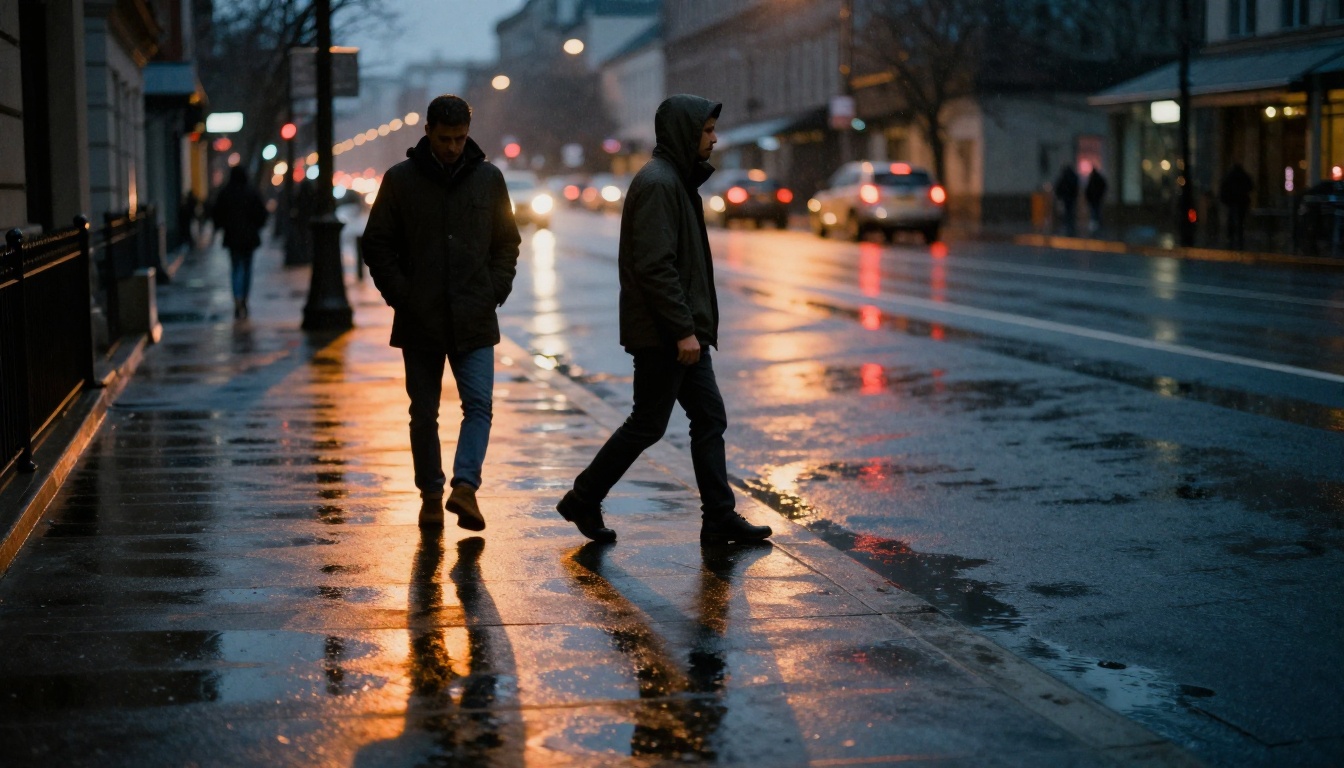
That 65-word structure gives precision models like Wan 2.7 I2V and Kling v3 Omni Video enough material to produce a genuinely cinematic clip with coherent motion across all five seconds.
When to Use Each
| Situation | Best Formula |
|---|
| Social content, rapid iterations | 3-Part Simple |
| Short film or narrative sequences | 5-Part Cinematic |
| Product animations | 3-Part Simple with product-specific action verb |
| Character scenes | 5-Part Cinematic |
| Nature or landscape shots | 3-Part Simple (models fill environmental gaps well) |
| Music video sequences | 5-Part Cinematic |
Common Prompt Mistakes
These three patterns consistently produce weak results, and all three are easy to avoid once you know what to watch for.
Overloading the Scene
Five seconds cannot contain three distinct events. If your prompt includes multiple scene changes, the model either ignores some of them or creates jarring cuts between them.
Avoid: "The woman turns around, then the camera cuts to the street outside, then zooms into a coffee cup, then the light changes from day to night."
Do instead: Pick one moment and render it fully. Save the remaining shots for separate prompts and separate generations.
Ignoring the Start Frame
The model uses your image as frame zero. If your prompt describes something that cannot follow from the image state, the model either ignores the instruction or produces distortion artifacts trying to reconcile the conflict.
If your image shows a woman seated with eyes closed and your prompt says "she opens her eyes and runs out the door," you are asking the model to contradict its own input. Work from the image state, not against it.
💡 Before writing your prompt, write one sentence describing exactly what your image shows. Then write a prompt that naturally continues from that state. That single habit eliminates most failed generations.
Using Image Generation Language
Phrases that work in image generators actively confuse video models:
- "Highly detailed, 8K, photorealistic" — the model handles resolution internally; these words waste prompt tokens
- "In the style of [photographer]" — style references work for static composition, not for describing temporal motion
- "Cinematic color grading" — color grade is applied by the model internally; this phrase does not direct motion
- "Sharp focus, bokeh background" — focus is defined by your input image; the prompt should not re-describe the static state
Replace each of these with a motion directive. Every token you spend on "highly detailed" is a token you did not spend on telling the camera to rise.
Image-to-Video Models on PicassoIA
PicassoIA hosts over 100 video generation models, including the most capable image-to-video systems currently available anywhere.
Best Models for Motion Prompts
How to Use Wan 2.7 I2V on PicassoIA
Wan 2.7 I2V is consistently one of the strongest image-to-video models available for prompt-responsive animation. Here is how to get reliable results from it:
- Upload your starting image to the model interface. A minimum of 512px wide gives the model enough pixel data for consistent motion.
- Write your prompt using either formula. Subject action first, then camera movement, then atmosphere. Keep the first sentence entirely about what the subject does.
- Choose resolution: 720p gives the best quality-to-speed ratio for most use cases. Use it as your default.
- Iterate with verb changes: Generate three variations of the same prompt using different motion verbs. "Drifts" and "glides" produce different motion feels from identical inputs. Verb vocabulary is your primary iteration lever.
- When motion is too subtle: If Wan 2.7 gives results that are too restrained, run the exact same prompt through Kling v3 Motion Control. Kling consistently produces more pronounced movement from the same text input, which makes the two models natural complements for finding the right motion intensity.
Real Prompt Examples
These are complete, ready-to-use prompts for four common image types. Copy the structure and adapt the specifics to your own images.
Portrait Animation
Starting image: Person looking slightly left, soft studio light
Prompt: "She slowly turns her head toward camera, a faint smile forming at the corner of her mouth. Camera holds still, locked off. Soft diffused studio light from upper left catches her cheekbone and the edge of her shoulder."
Best models: Ovi I2V, Video 01 Live
Landscape Motion
Starting image: Autumn forest canopy, river visible from aerial angle
Prompt: "The river surface catches the light as the camera descends slowly toward the water, the treetops parting on each side. Mist drifts across the upper canopy. Light shifts from amber to warm gold as the descend angle changes."
Best models: Wan 2.7 I2V, Wan 2.6 I2V
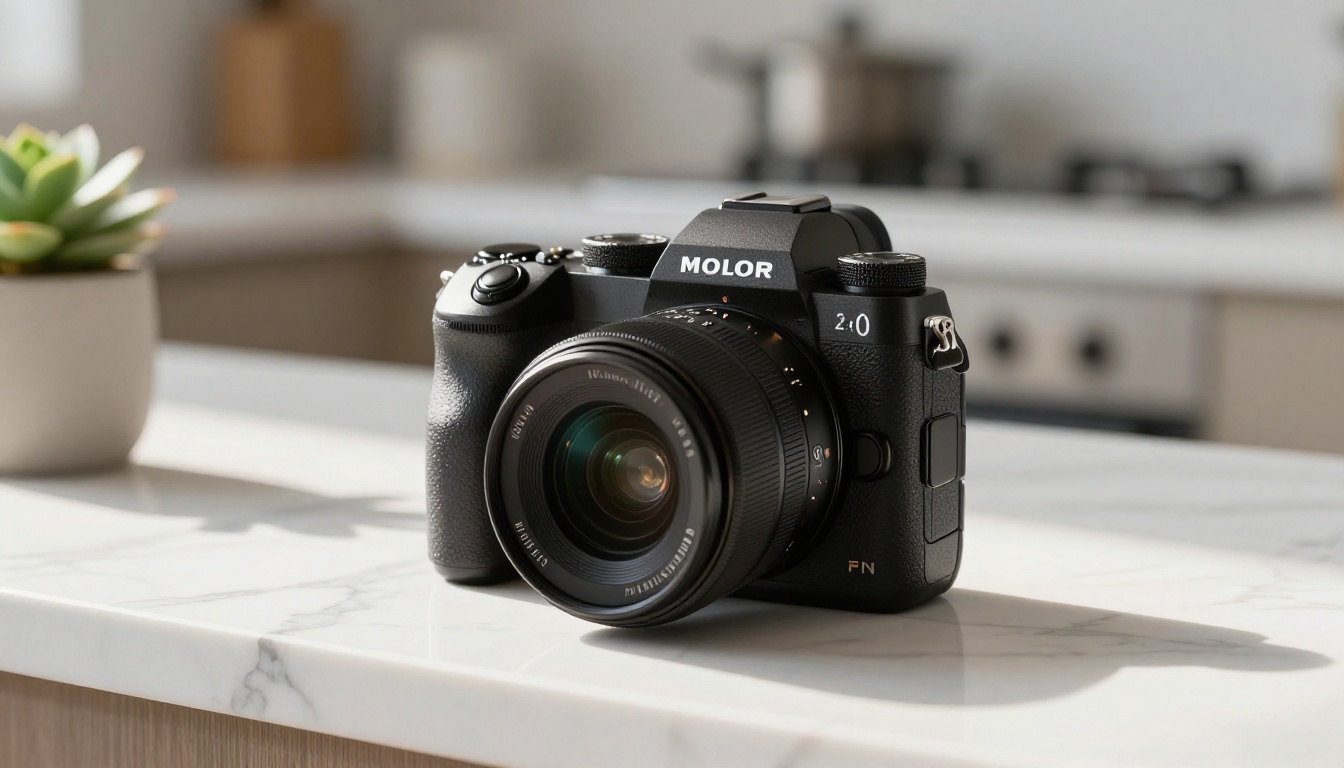
Product Showcase
Starting image: Camera body on marble counter, window light visible
Prompt: "The camera body sits motionless on the marble surface as a slow 180-degree orbit begins from the right side, progressively revealing the grip texture and dial details. The light patch shifts across the marble veining as the angle changes. Smooth, continuous, commercial."
Best models: Gen4 Turbo, Seedance 2.0
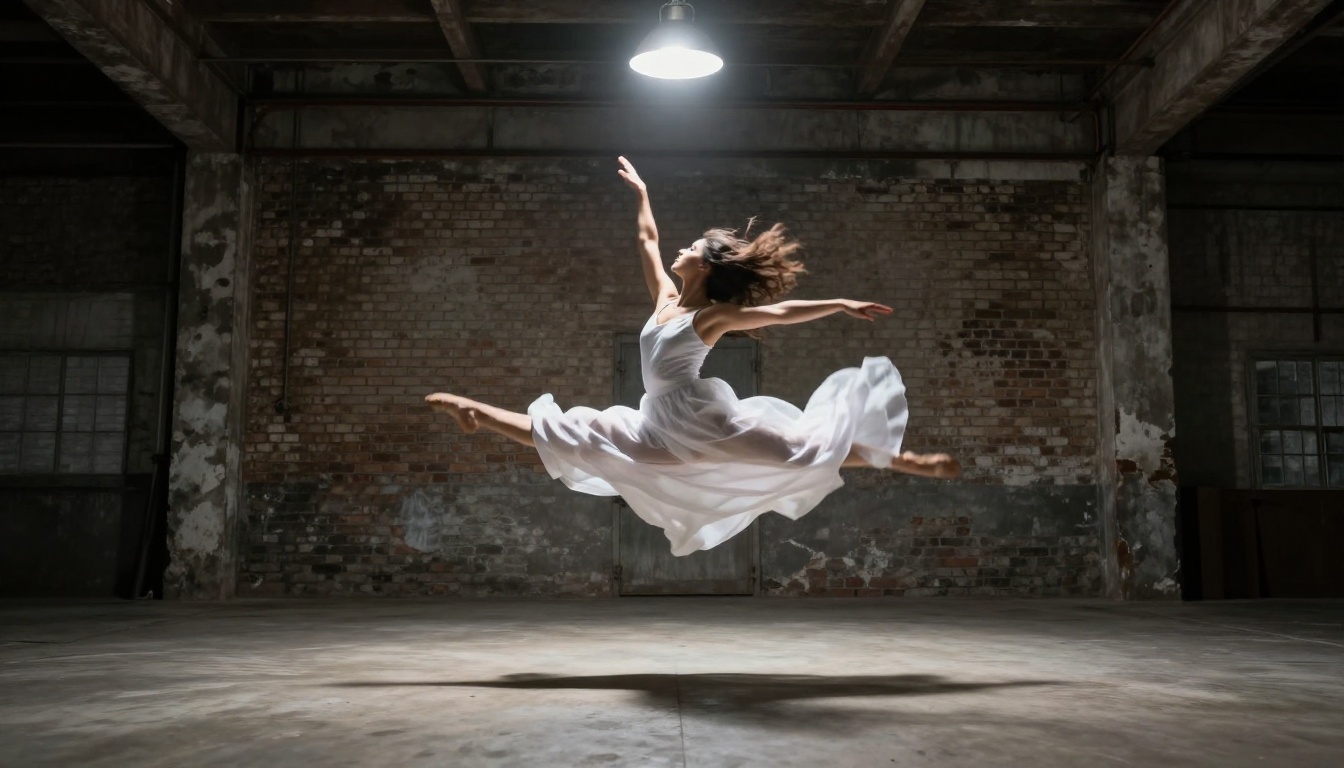
Action Sequence
Starting image: Dancer mid-leap in warehouse
Prompt: "She lands from the leap and immediately launches into a slow spin, arms extending outward from her sides. Camera rises slightly and drifts left, keeping her centered in frame throughout. The single overhead lamp casts her rotating shadow across the concrete floor beneath her. High contrast, deliberate, contained."
Best models: Kling v3 Video, Hailuo 2.3
What Separates Good from Great
At this point you have the structure: subject-action, camera movement, atmosphere, in the right order, with precise vocabulary. What separates results you would delete from results you would actually use is specificity at the level of how something moves, not just what moves.
Compare these two prompts for the same image:
Adequate: "The leaves blow in the wind."
Impressive: "Individual leaves separate from the branch tips and spiral downward in slow arcs, turning over as they fall, the camera rising gently as the last one settles onto the ground."
The second version describes trajectory, physics, and the camera's relationship to the event across the full duration of the clip. That level of detail gives the model something real to work with from frame one through frame 120.
One practical note on iteration: if your results are starting to look repetitive, change your motion verbs before you change anything else. Replace "slowly" with "gradually." Replace "drifts" with "glides." Small vocabulary changes in the subject-action sentence produce meaningfully different motion outputs because models are more sensitive to verb choice than most people expect.
Your Images Are Already Ready
Every image you have ever made is a potential starting frame. The AI video models on PicassoIA handle the rendering. Your job is to describe what happens next, in motion language the model can execute.
Pick one image. Write a subject-action sentence. Add a camera movement. Add one atmosphere note. Paste it into Wan 2.7 I2V or Seedance 2.0 and generate. The output will be noticeably stronger than anything produced before applying this structure. Then change one verb and run it again. That is how a prompt-writing practice actually develops.
Browse all 100+ video generation models at picassoia.com/en/all-models and start with the model from the table above that best matches your use case.


