You type a perfectly normal prompt, a woman in a satin dress on a rooftop at sunset, and the tool answers with a polite refusal. Or worse, it quietly blurs the result and asks for a subscription. That frustration is exactly why people search for an image generator without restrictions. They want a tool that follows the prompt, delivers a sharp photorealistic result, and does not make them fill in a form first.
The good news: those tools exist. The less good news: the label "no restrictions" gets stretched far beyond what it means. Some sites hide a paywall behind it. Others are slow, low resolution or full of watermarks. This article sorts the real options from the noise, shows what free and no sign up actually look like, and gives you prompt examples you can copy today.
💡 Quick answer: For photorealistic, adult-friendly results with fewer refusals, start with Seedream 4.5, then move to PicassoIA Image Editor Pro when you want unlimited generations and quick edits.
What "Without Restrictions" Really Means
The phrase covers three very different things, and mixing them up is how people end up disappointed.
Fewer content filters
Mainstream assistants from big technology companies apply strict safety layers. A swimsuit photo, a glamour portrait or a stylized fashion shoot can trigger a block even when nothing explicit is involved. An unrestricted generator relaxes those filters so that suggestive, attractive and artistic images are allowed.
No usage caps
The second meaning is about quantity. Free plans usually give you a handful of credits per day, then stop. "Unlimited" tools let you keep generating, which matters because good results rarely appear on the first try. Realistic work often needs ten to thirty attempts per final image.
No account wall
The third meaning is access. Some people only want to open a page, type a prompt and get a picture. Others are fine with a quick account if it unlocks higher quality and a saved gallery. Both are reasonable, but you should know which one you are getting before you spend an hour on a site.
💡 Important limit: "Without restrictions" never covers illegal content. Images of real people without their consent, anything involving minors, and deceptive fake photos are off the table on every reputable platform, and they should be off the table for you too.
Free Options That Actually Work
Free is not one thing. It comes in four flavors, and each has a catch.
| Free model | How it works | Typical catch |
|---|
| Daily credits | A small number of images per day | Runs out fast, queue times at peak hours |
| Free trial | A one-time pool of credits | Ends after a few sessions |
| Open weights, self hosted | You run the model on your own computer | Needs a strong graphics card and setup time |
| Free tier with watermark | Unlimited but branded images | Not usable for client or social work |
Daily credits
This is the most common format. It works well if you generate once or twice a day. For anything more serious, such as testing a prompt across several variations, you will hit the wall by the third batch.
Self hosted models
Running a model locally gives you total control, and no one can refuse your prompt. The price is time. You will install software, download several gigabytes of files, and troubleshoot drivers. If your goal is a fast portrait, not a weekend project, a hosted tool is simply easier.
What to check before you commit
Spend two minutes on these questions before you invest in any free tool:
- Resolution: Can you download at least 2K without paying?
- Watermark: Is it removed, or does it sit on every file?
- Speed: Does a single image take seconds or minutes?
- Realism: Do hands, eyes and skin look natural, or plasticky?
- Filter behavior: Does it refuse tasteful swimwear and glamour prompts?
No Sign Up: Real or Marketing?
Here is the honest picture. A "no sign up" generator is possible, but it comes with trade-offs that rarely show up in the headline.
Why sites ask for an account
Generating an image costs real computing power. An account lets a service limit abuse, count your credits and store your gallery. A site that skips this step usually compensates somewhere else: lower quality, slower queues, ads, or stricter caps per visitor.
When no sign up makes sense
Use it for a quick test. If you only need to check how a prompt behaves, an anonymous tool is fine. If you are building a set of images for a project, an account is worth it because you keep your prompts and results in one place, and you can usually reach better models.
Red flags to avoid
- A site that asks for a credit card before showing a single result.
- Downloads that require installing a browser extension or app.
- "Unlimited" claims with no explanation of how the limit works.
- No visible model names. Good platforms tell you which model is running.
💡 Rule of thumb: If a tool will not tell you which model it uses, assume it uses an older one.
The Best Picks, in Order
After comparing speed, realism and filter behavior, this is the order that makes sense for photorealistic, adult-friendly work.
1. Seedream 4.5 for realism
Seedream 4.5 is where I would start. It produces sharp images up to 4K, handles skin texture and fabric well, and follows long prompts closely. Glamour, swimwear and fashion editorial scenes come out looking like real photography, not like an illustration. Lighting words in your prompt, such as "warm side light from the left", are respected more often than not.
2. PicassoIA Image Editor Pro for volume
PicassoIA Image Editor Pro is the one to open when you want to keep going. Generations are unlimited, so you can iterate on a single idea twenty times without watching a credit counter. It also edits: you can change an outfit, a background or a mood on an existing photo instead of starting from zero.
3. Fast options for quick drafts
When you want to test ten prompt ideas in a few minutes, a fast model saves time. Z Image Turbo returns sharp results in seconds, which makes it ideal for drafting. Once a prompt works, rerun it on Seedream 4.5 for the final version.
4. Style control with LoRA
Flux 2 Klein 9B Base LoRA is useful if you want a consistent look across a set, such as the same film grain, color palette and mood in every image. It rewards people who like to tune details.
5. Detail and photographic skin
Qwen Image 3 Pro is a strong fourth option when you want crisp photographic detail and good prompt understanding for scenes with several elements.
Examples You Can Copy
The following scenes show what a relaxed generator can produce while staying tasteful. Every one of these is a photorealistic, non-explicit image. The point is that none of them should trigger a refusal on a tool built for adult-friendly photography.
Glamour on a rooftop
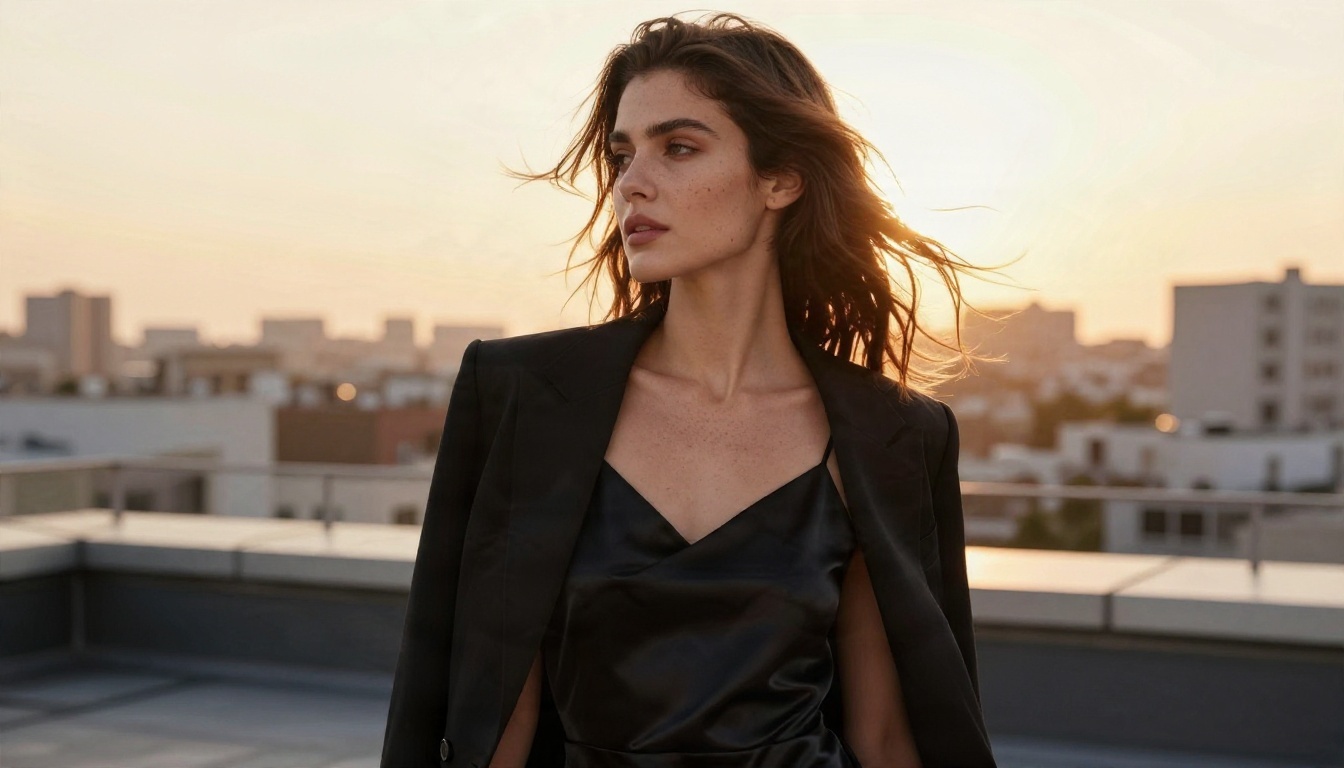
Prompt idea: Low-angle photograph of a woman in her thirties on a rooftop terrace at golden hour, black satin slip dress with a tailored blazer over her shoulders, wind in her hair, warm backlight, 35mm f/2, natural skin texture, Kodak Portra 400 grain.
Notice what carries this image: the lens, the light direction and the texture words. Not the adjectives like "beautiful" or "stunning".
Beach and summer light
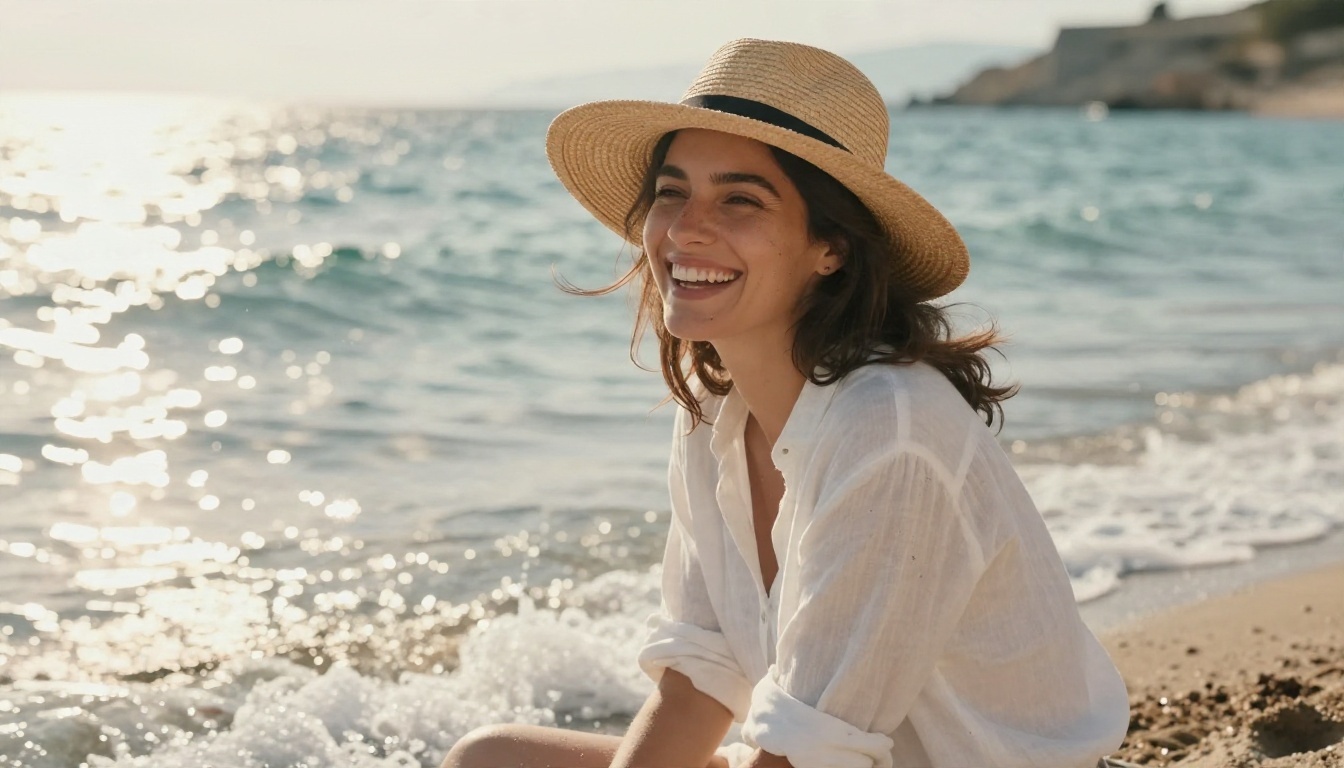
Prompt idea: Medium shot of a woman in a white linen shirt and straw hat laughing on a sunlit Mediterranean beach, foam around her ankles, warm side light from the left, 85mm f/1.8, sand grains on skin, windblown hair.
Beach scenes are the quickest test of a generator's filters. A tool that refuses this one is not worth your time.
Poolside swimwear
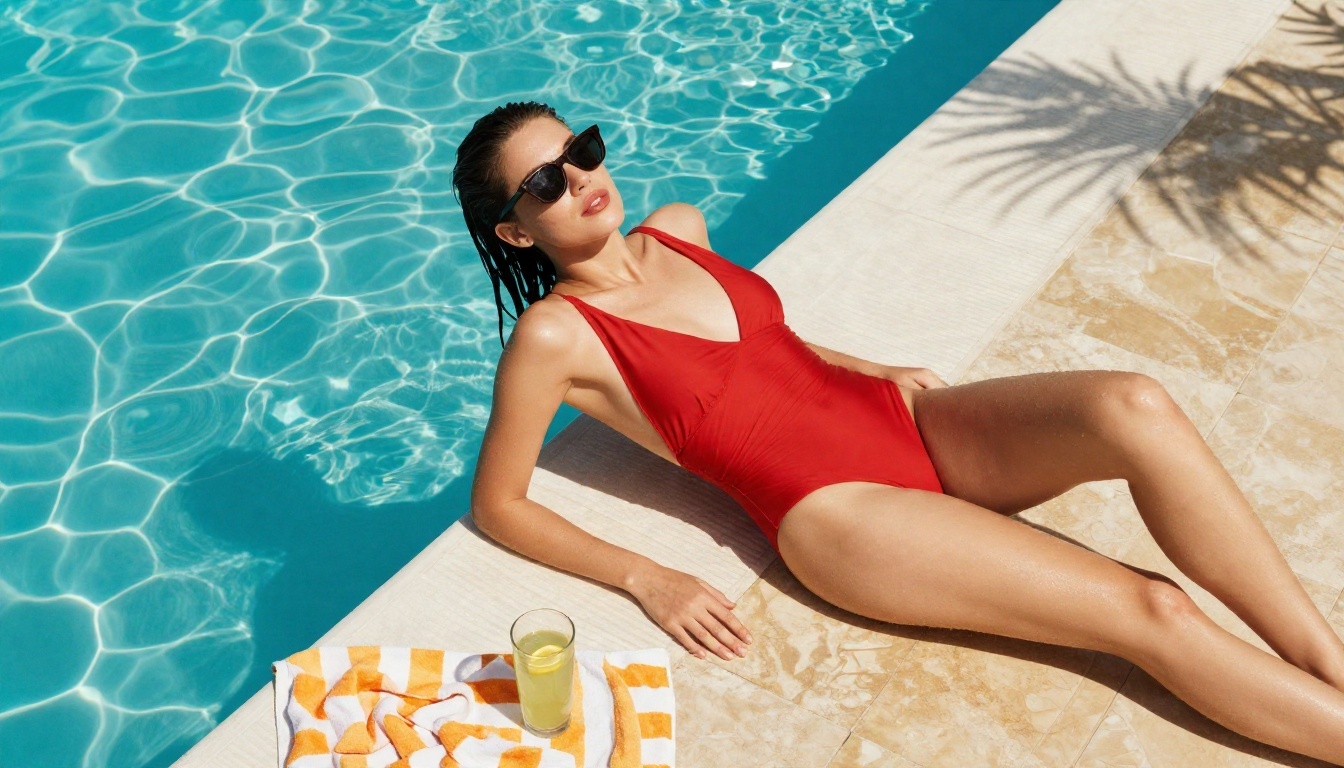
Prompt idea: Dutch angle photograph of a young woman in a red swimsuit cover-up and sunglasses by a hotel pool, glossy water ripples, striped towel, lemonade on the tile, bright midday light softened by a palm shadow, 50mm f/2.
Swimwear is a perfect example of the gap between mainstream and relaxed tools. It is ordinary vacation photography, yet some assistants treat it as a problem.
Street scenes with mood
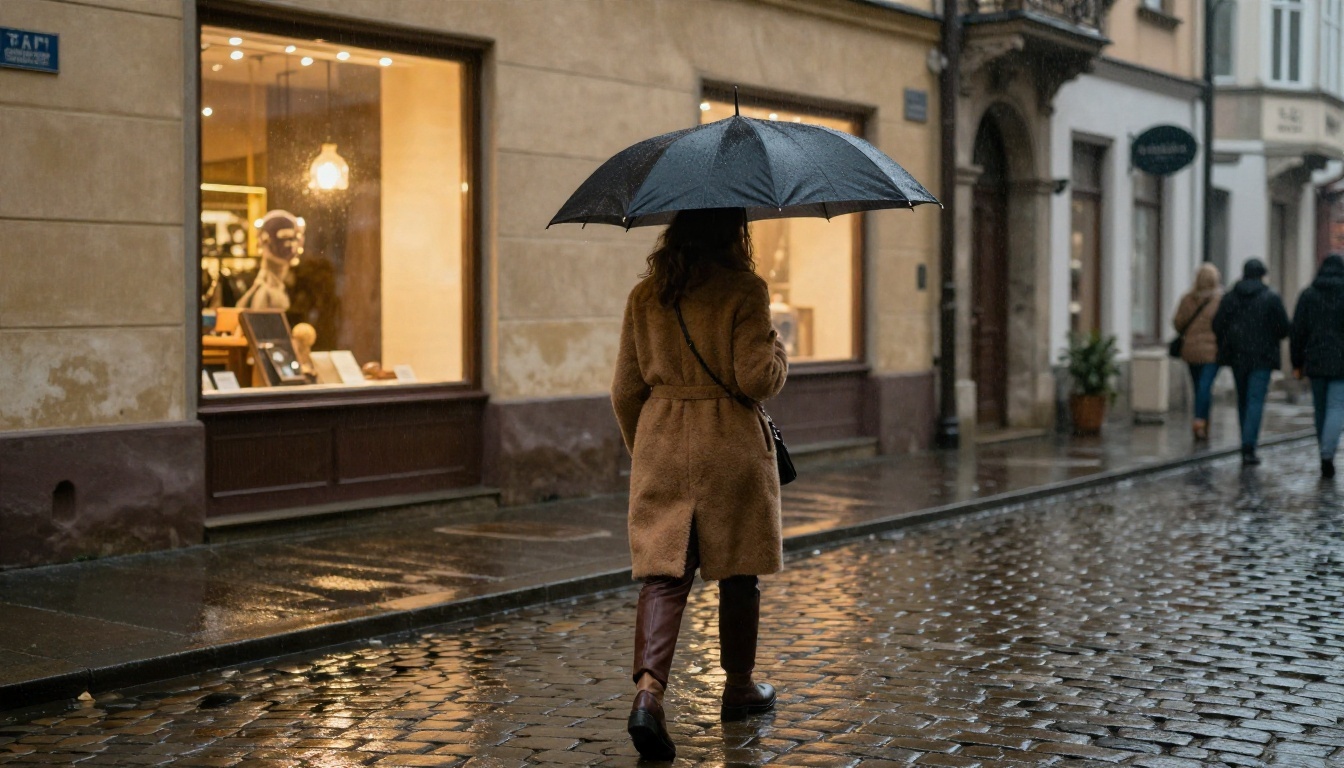
Prompt idea: Medium shot of a woman in a camel wool coat crossing a rainy cobblestone street at dusk, warm shop window light reflected on the wet stones, umbrella in hand, 70mm f/2, subtle fog.
Not every unrestricted image has to be glamour. Freedom to prompt also means no unexpected blocks on moody, cinematic, everyday scenes.
Prompting for Realism
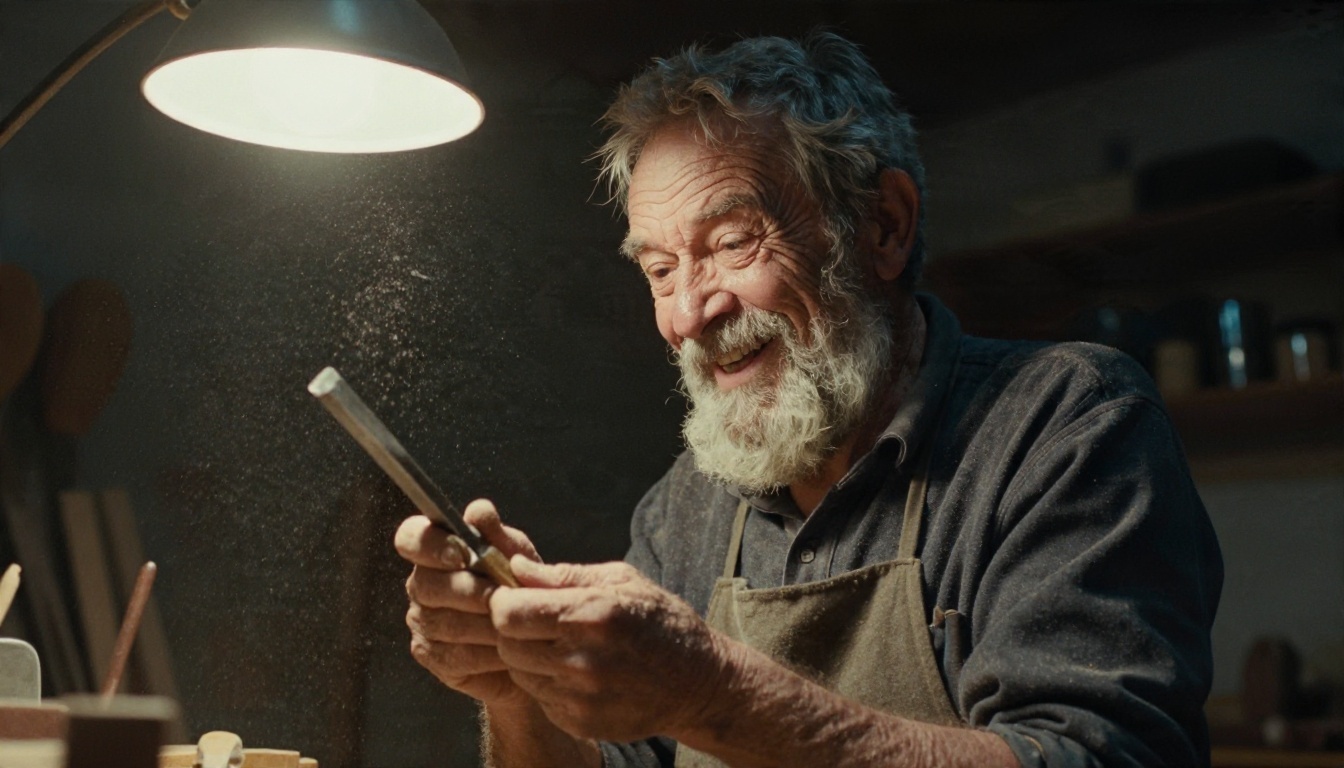
Removing filters does not automatically give you better pictures. A relaxed tool with a lazy prompt still produces plastic skin and strange hands. The realism comes from how you write.
Use a consistent structure
A reliable prompt follows this order:
- Subject and action: who, doing what, in which pose.
- Environment: where, with two or three concrete objects.
- Light: direction, time of day, softness.
- Camera: lens length, aperture and angle.
- Texture: skin, fabric, surface details.
Name the camera, not the art style
Words such as "85mm f/1.8", "Kodak Portra 400" and "film grain" push a model toward photography. Words such as "masterpiece" or "ultra detailed 8K" do much less than people think.
Describe skin honestly
Add "natural skin texture, light freckles, no heavy retouching". It stops the airbrushed look that gives AI images away at first glance.
Vary the angle
If you generate a set, change the angle every time: low, high, over the shoulder, close-up, wide. A set shot from the same eye level looks like a single image repeated.
💡 Tip: Keep a note of every prompt that worked. After a week you will have your own library, and new images take half the time.
How to Use Seedream 4.5 on PicassoIA
Here is the workflow that gives the cleanest results with Seedream 4.5.
Step by step
- Open the Seedream 4.5 page and go to the generator.
- Paste a prompt that follows the five-part structure above.
- Choose the 16:9 aspect ratio for landscape scenes, or a portrait ratio for full-length fashion shots.
- Select the highest resolution available for final renders.
- Generate, then compare the result with your intent: light, pose, skin, background.
- Change one thing at a time and run it again.
Parameter tips
- Aspect ratio: pick it before you write the prompt. A wide frame invites environment details, a tall frame invites full outfits.
- Resolution: draft low, finish high. Do not spend time on a 4K render of a prompt you have not tested.
- Wording: short, concrete sentences beat long lists of adjectives.
- Seed: if the tool offers one, save it once you like a composition so you can vary only the details.
Then refine in Image Editor Pro
Once you have a strong base image, open PicassoIA Image Editor Pro to change the outfit, adjust the background or adjust the mood. Because generations are unlimited, you can try as many versions as you want. For a very sharp final, an upscaler can finish the job.
Sometimes the first choice is not right for the job. Here is how to switch quickly.
If results look too smooth
Move from a fast model to Qwen Image 3 Pro or back to Seedream 4.5, and add explicit skin texture words to the prompt.
If you need many variations fast
Draft on Z Image Turbo. It returns images in seconds, so you can check ten compositions before spending time on a final render.
If you want one consistent look
Try Flux 2 Klein 9B Base LoRA and keep the same style words in every prompt.
If you only have a quick edit to make
Skip generation entirely. Edit an existing photo in PicassoIA Image Editor Pro.
Mistakes That Waste Your Time
- Chasing the word "uncensored": a site that shouts it often delivers poor quality. Judge a tool by its sample images.
- Writing one giant prompt: past a certain length, details get ignored. Be specific, not endless.
- Ignoring light: the single biggest difference between a flat image and a convincing one.
- Changing five things at once: you will never know what helped.
- Skipping the draft step: use a fast model first.
Your Turn to Create
You now have the full picture: what "without restrictions" means, which free options hold up, what no sign up realistically offers, and a set of prompts that work. The fastest way to see the difference is to try it yourself.
Open Seedream 4.5, paste one of the prompts above, and change a single detail: the lens, the light, the location. Then take your favorite result into PicassoIA Image Editor Pro and keep refining without counting credits. When you want to see what else is available, browse every model at picassoia.com/en/all-models and build the set of images you had in mind from the start.


