If you've ever tried generating an image with text in it, you know the frustration. Letters that melt together, words that invented their own alphabet, and storefront signs that look like someone wiped the blackboard before the photo was taken. For years, this was just an accepted limitation of AI image generators, something you worked around rather than solved.
That's no longer true. Two models available right now on PicassoIA were specifically built with text rendering as a priority: Google Imagen and Nano Banana Pro. They approach the problem differently, and their results are not equal. This article runs them through five text scenarios, gives you concrete prompt engineering methods for each, and tells you exactly which one to reach for depending on what you're making.
Why Text in AI Images Was Always Broken
The diffusion model problem
Standard text-to-image diffusion models are built on statistical patterns from enormous image datasets. The fundamental problem with text-in-images is that a letter is not just a visual shape. It is a semantic unit. The character "A" carries meaning that "a triangle balanced on two legs" does not. To render text correctly, a model has to understand that specific pixel arrangements carry specific meanings, not just that they look a certain way.
Early models like Stable Diffusion had no mechanism for this distinction. Letters were treated as any other visual element, patterns to be approximated from statistical averages. The result was hallucinated characters, blended letterforms, confident misspellings, and text that looked plausible at thumbnail size but dissolved into gibberish on closer inspection.
What actually changed
The breakthrough in text rendering came from two simultaneous developments. First, training datasets began including explicit image-text relationship annotations. Instead of just knowing that a sign looks a certain way, models started associating the specific visual representation of particular character sequences.
Second, newer architectures built tighter coupling between the language model component and the image generation component. The result is a model that does not approximate "letters in general" but attempts to render the specific string you typed.
Both Imagen 4 and Nano Banana Pro benefit from this architecture shift, though they implement it differently and with different tradeoffs.
What Google Imagen Actually Is
Imagen is Google DeepMind's text-to-image family, and it is one of the most photorealistic systems available to the public. Its cascade architecture generates images at progressively increasing resolutions, conditioning each stage on the text prompt. This produces unusually coherent output where the semantic content of the prompt is preserved in fine detail across the entire image, including any text.
Imagen 3 vs Imagen 4 vs Imagen 4 Ultra
PicassoIA hosts five versions of the Imagen family, each with different speed and quality tradeoffs:
Imagen 4 Ultra is the top tier for text accuracy. It takes longer to generate but produces letterforms that remain crisp even in cursive scripts, condensed typefaces, and small point sizes. For anything going into a finished design or professional deliverable, the wait is justified.
How Imagen handles text rendering
Imagen uses a diffusion transformer architecture where text tokens from your prompt are directly coupled to spatial regions during the denoising process. When you write "a neon sign saying OPEN in red letters," Imagen attempts to localize the word "OPEN" to the sign region specifically, not just anywhere in the frame.
This spatial localization of text is where Imagen holds a measurable advantage over models that treat written strings as generic visual descriptors.
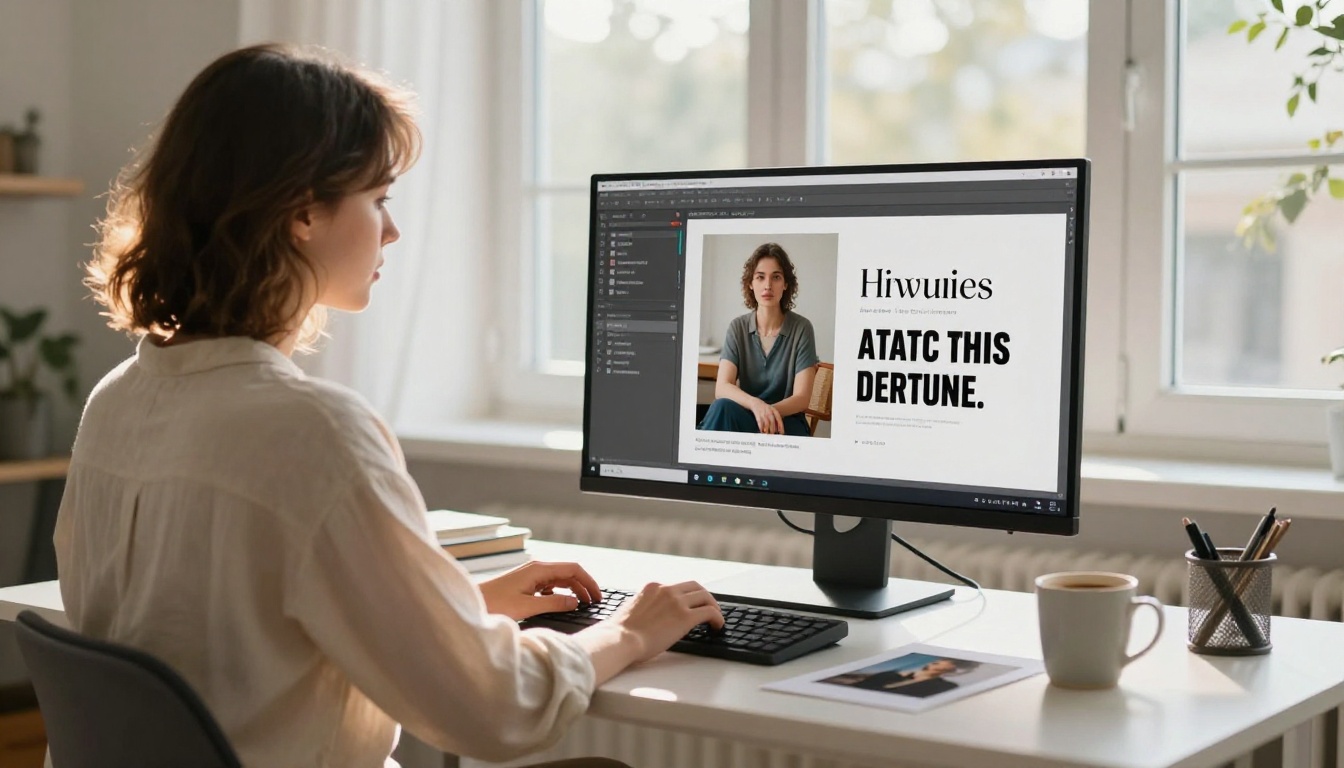
💡 Tip: Imagen consistently performs better when you isolate your text string in double quotes within the prompt. Write: a storefront sign reading "Fresh Bread Daily" rather than a sign that says fresh bread daily. The quotes signal a literal string to render, not a descriptive phrase.
Nano Banana Pro: The Challenger
Nano Banana Pro is the latest in Google's Nano Banana series, which also includes Nano Banana and Nano Banana 2. It is a leaner, faster architecture built with one primary goal: faithfully execute the instructions in the prompt, including rendering whatever text you specify.
What makes Nano Banana different
Where Imagen is engineered for maximum image quality across all dimensions (photorealism, lighting, composition, fine detail), Nano Banana Pro optimizes specifically for instruction adherence. Its training pipeline gives heavy weight to outputs where the generated image matches the textual description closely. Text strings are treated as high-priority directives.
The practical effect is that Nano Banana Pro requires less prompt engineering to get text to appear correctly. Short strings often render accurately on the first attempt without any special syntax.
Speed vs quality tradeoff
The leaner architecture comes with a real cost. Nano Banana Pro generates faster, but photorealistic quality in areas outside the text is often softer than Imagen 4. Lighting, texture, and compositional coherence are not as strong. If your goal is a portfolio-quality photorealistic image where text happens to appear, Imagen is the better foundation.
If your goal is a functional mockup, product concept, or social media graphic where the text itself is the main deliverable, Nano Banana Pro is often faster and sufficient.
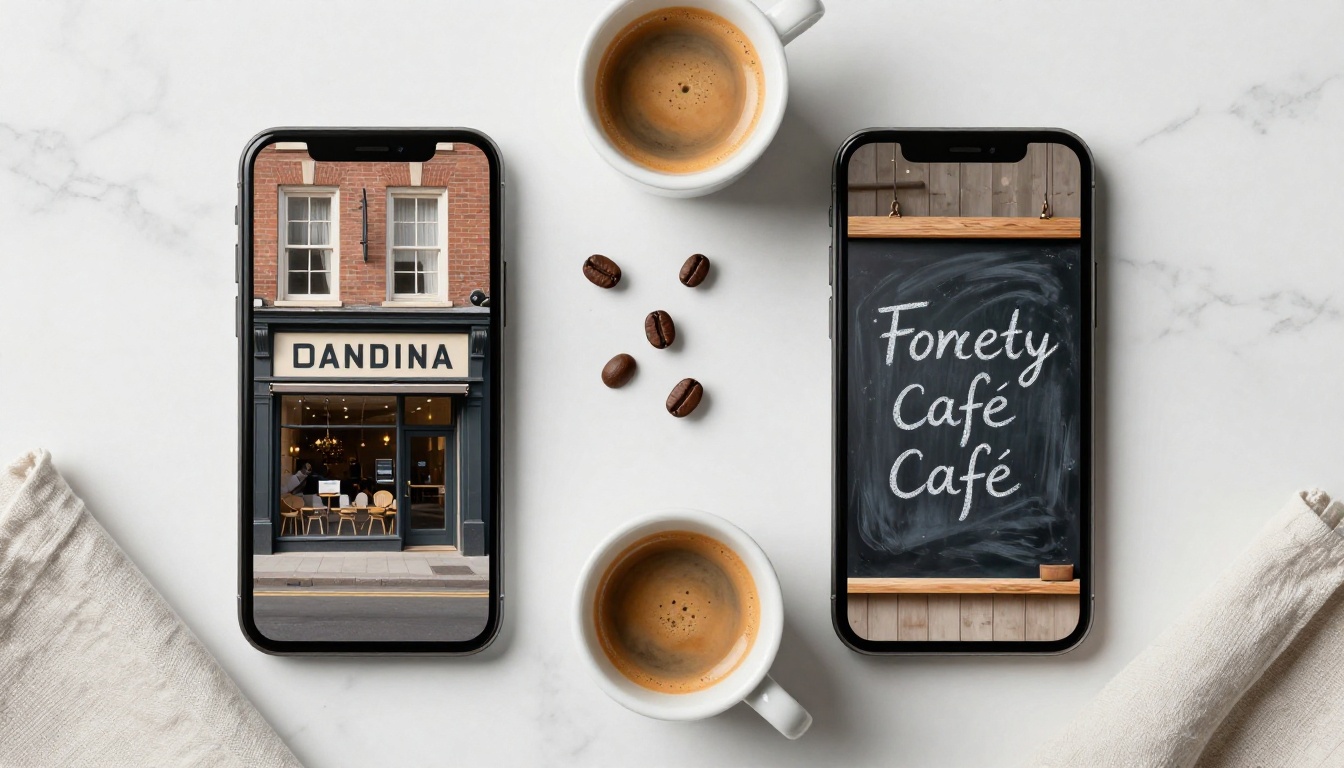
💡 Tip: Nano Banana Pro works best for product packaging mockups, social media graphics, and label designs where the text is short, the background is simple, and speed of iteration matters.
Head-to-Head: 5 Text Scenarios
1. Single words and short labels
Both models perform well at this level. A prompt like: a coffee bag product shot with the word "BLEND" in bold capitals on the front produces readable, accurate text in both Imagen 4 and Nano Banana Pro.
Winner: Nano Banana Pro wins on speed. Imagen 4 wins on surrounding image quality.
2. Full sentences and longer phrases
This is where the gap widens. Imagen 4 Ultra handles multi-word phrases with noticeably fewer character errors. A sign with a full address, a book cover with a subtitle, or an advertising poster with a six-word tagline all render more accurately.
Nano Banana Pro starts introducing character substitutions in words beyond six or seven letters. Words like "photography" or "architecture" frequently produce one or two incorrect letters that break the text.
Winner: Imagen 4 Ultra, clearly.
3. Logo and stylized type
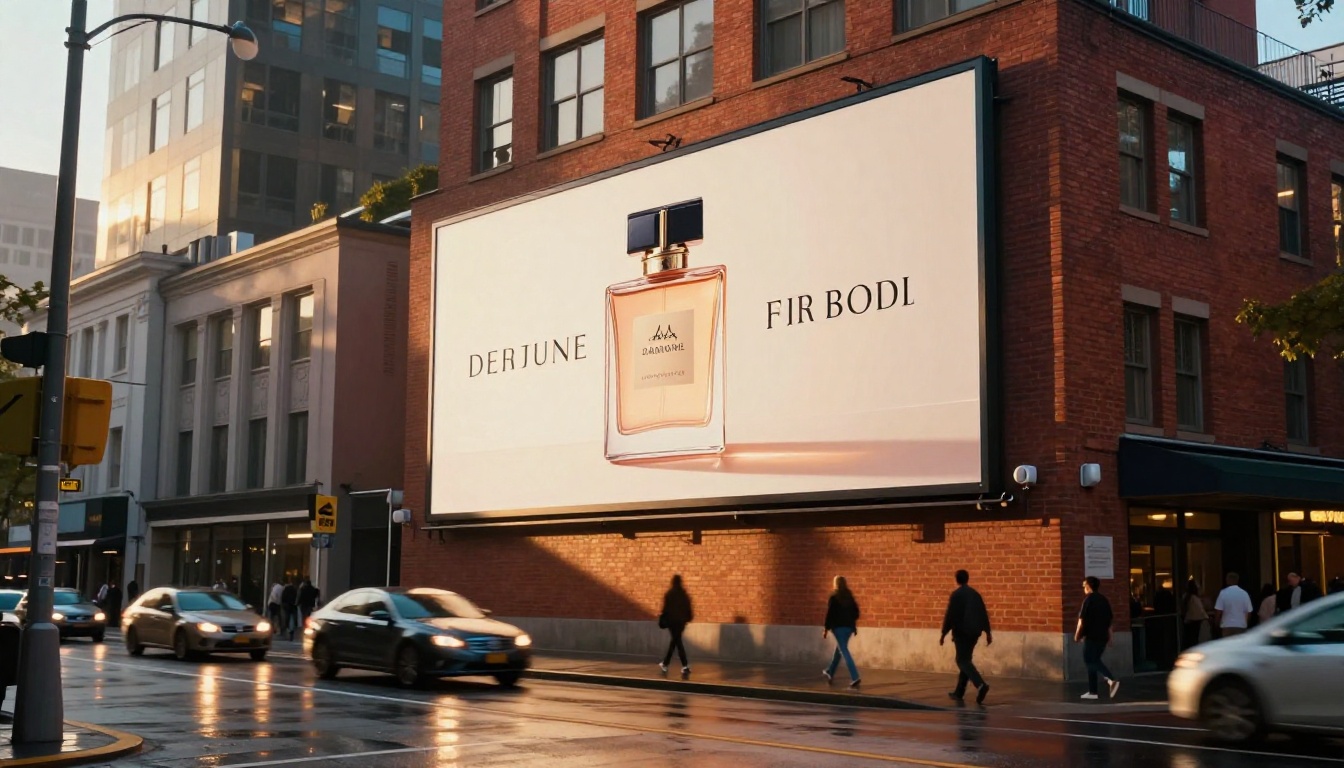
Logo generation is among the hardest tasks for any image model because it demands both text accuracy and stylistic intention. The letters must be correct, and they must look deliberately designed.
Imagen 4 Ultra handles this best when you add explicit style descriptors alongside the text string: "sans-serif, geometric, bold weight, black on white, minimal" significantly improves both accuracy and aesthetic coherence.
Nano Banana Pro tends to add uninstructed decorative elements around logos, such as ligatures, swirls, or drop shadows. This can be a creative accident or an error depending on the project.
Winner: Imagen 4 Ultra for precision. Nano Banana Pro for exploratory variation.
4. Multilingual and special characters
Neither model is fully reliable here, but the difference matters. Imagen 4 handles Western European accented characters (é, ü, ñ, ç) reasonably well. Cyrillic, Arabic, and CJK scripts are inconsistent in both models, but Imagen at least produces characters that resemble the target script even when individual glyphs are wrong.
Nano Banana Pro on non-Latin scripts frequently produces visual noise that looks like the target script but is not actually readable by a native speaker.
Winner: Imagen 4 for anything outside basic Latin characters.
5. Mixed text in complex scenes
This is the scenario most designers actually face: a realistic scene where text appears on an object within a complex environment. A menu board on a café wall. A price tag on a jacket. A street sign in a busy cityscape.
Imagen 4 Ultra handles contextual text placement reliably. It recognizes that text on a sign belongs in a specific spatial region and renders accordingly. Nano Banana Pro struggles with spatial disambiguation when multiple text-bearing objects appear in the same scene.
Winner: Imagen 4 Ultra.
Prompt Engineering for Better Text
What works for Imagen
The single most reliable method across all Imagen versions is wrapping text strings in double quotes in your prompt. Beyond that:
- Be explicit about placement: "the text appears on the label of the bottle" not just "a bottle with text on it"
- Describe the typeface: "bold black sans-serif capitals" outperforms generic descriptors like "text" or "words"
- Limit text length per element: Under 25 characters per text string produces substantially cleaner output
- Use Imagen 4 Fast for drafts, Imagen 4 Ultra for finals: The Ultra version's slower generation is worth it on production assets
What works for Nano Banana Pro
Nano Banana Pro responds best to simpler, more direct prompts with less surrounding noise:
- Short strings only: Keep text to 1-4 words per element for best results
- One text element per prompt: Multiple text elements in one image consistently reduce accuracy
- State text prominence explicitly: "the text is large and centered" or "the text is the main visual element" helps the model prioritize it
- Simple, clean backgrounds: Complex environmental elements draw model capacity away from text fidelity
What works for both models
| Method | Why It Works |
|---|
| Wrap text in quotes | Marks string as literal, not descriptive |
| Specify font weight (bold, thin) | Reduces ambiguous letterform averaging |
| One text element per prompt | Eliminates spatial competition |
| High contrast (dark text on light bg) | Reduces errors at letter edges |
| State text size explicitly | Prevents tiny, illegible output |
💡 Negative prompting matters: Adding "blurry text, misspelled words, garbled letters, illegible text" to your negative prompt field reduces error rates in both models. This is one of the highest-impact adjustments you can make with no extra effort.
When to Use Each Model
The choice comes down to what matters more for your specific output.
Use Imagen 4 Ultra when:
- The text contains more than 5 words
- You need multilingual or accented characters
- Both image quality and text fidelity are critical
- You're generating production assets: book covers, advertising mockups, poster designs
- The scene contains multiple objects and the text must appear on a specific one
Use Nano Banana Pro when:
- You need fast iteration with short text strings
- Making product labels, packaging concepts, or social media graphics
- Speed of output matters more than maximum image quality
- You want creative variation in type styling without over-specifying
Both models are substantially better at text rendering than general-purpose alternatives like Flux Dev or Flux Schnell. Those models remain excellent for everything else, and Flux Pro and Flux 1.1 Pro show improved text handling over their predecessors. But when text accuracy is the priority, the Imagen and Nano Banana families are purpose-built for the job.
How to Use These Models on PicassoIA
Both Imagen 4 Ultra and Nano Banana Pro are available directly on PicassoIA with no setup or API keys required. Here is a working workflow:
Step 1: Go to Imagen 4 Ultra or Nano Banana Pro from the text-to-image collection.
Step 2: Write your prompt with the text element in double quotes:
a luxury perfume bottle on white marble, the label reads "BLOOM" in gold serif capitals, product photography, soft studio lighting
Step 3: Set aspect ratio to 1:1 or 4:3 for product shots, 16:9 for banners and advertising content.
Step 4: Run the generation. If text has errors, shorten the string, add negative prompts (blurry text, garbled letters), or retry.
Step 5: For final production assets, use Imagen 4 Ultra and consider running the result through a super resolution model to upscale and sharpen text further.
💡 Workflow tip: Use Nano Banana Pro to rapidly iterate on composition and text placement. Once you have a layout you like, switch to Imagen 4 Ultra to render the final version with maximum quality. This cuts total generation time while keeping professional output.
The Verdict
Imagen 4 Ultra wins the technical comparison. It handles longer strings, more complex scenes, multilingual characters, and stylized typography better than Nano Banana Pro in most scenarios. If you're producing assets where the text absolutely has to be right, Imagen 4 Ultra is the model to use.
Nano Banana Pro earns its place as the faster, lower-friction option for short text and rapid ideation. It requires less setup, produces solid results on simple text tasks, and is the right tool when iteration speed matters more than perfection.
The most effective workflow combines both: draft with Nano Banana Pro to test your concept quickly, then render the final with Imagen 4 Ultra when you need the best possible output.
Both models are on PicassoIA right now. Pick a short piece of text, write a simple scene description around it, and run it through both models back to back. The results will show you exactly where each one fits your workflow better than any side-by-side comparison can.


