Most AI image generators treat text as an afterthought. You ask for a billboard, a greeting card, or a simple product label, and what comes back is a muddled mess of almost-letters that look like they were written by someone who has only heard the alphabet described to them in passing. That has been the reality for most of the diffusion model era, and it has forced designers, marketers, and content creators to either avoid text in AI images entirely or spend hours in post-production fixing what the model got wrong.
Two models are actually solving this problem: Imagen from Google and Nano Banana Pro, a focused, high-resolution model with a specific advantage in clear, structured output. Both are available on PicassoIA without any additional setup, and both handle text in images better than most of their competition. But they take different approaches, and they perform best in different situations.
If text accuracy matters to you, this breakdown will tell you exactly which model to use and when.
The Text Problem Everyone Ignores
Why AI models botch letters
Text in images is harder than it looks for generative models. Most image generators learn the statistical patterns of pixels, and text is semantically meaningful in a way that raw pixel patterns are not. A lowercase "g" looks completely different in a serif font, a sans-serif font, a handwritten style, and a display typeface. For the model to consistently produce readable text, it needs a structured understanding of letterforms that goes beyond what general-purpose image training typically develops.
The result is the classic failure mode: letters that are almost correct but slightly melted. Words where the spacing is off by just enough to become unreadable. Sentences where the first three words are perfect and the last one looks like a different language. Anyone who has tried to generate a poster, a packaging design, a logo concept, or any image where text is central to the composition knows exactly what this looks like.
What the resolution advantage changes
One underappreciated factor in text rendering is output resolution. At higher resolutions, each letterform has more pixels to work with, which means thin strokes are preserved, character spacing stays consistent, and the contrast between text and background does not get blurred by interpolation. What reads as a broken or incomplete letter at 512 pixels often resolves cleanly at 2048 or 4K.
This is not a minor detail. It is one of the core reasons why models trained specifically for high-resolution output tend to perform better on text even when their base architecture is not fundamentally different from lower-resolution alternatives.
What Imagen Does Differently
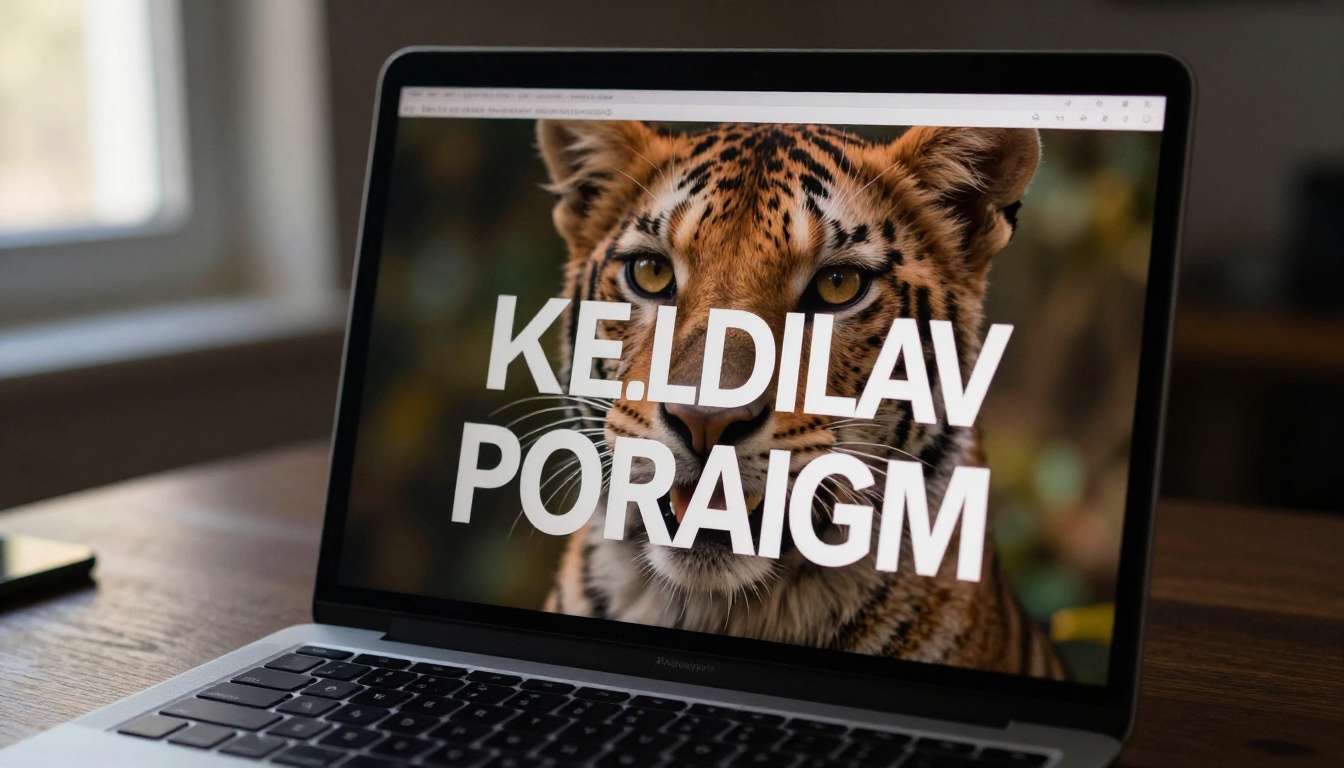
Imagen 4 represents Google's most refined push into photorealistic image generation with text fidelity as a deliberate design goal, not a nice-to-have. The difference is apparent from the first generation.
Imagen 4 and text precision
Imagen 4 produces text that is noticeably more accurate than most models in its class. Short labels, brand names, simple taglines, these tend to come through clean on the first generation. The model maintains letter spacing and character integrity even at smaller sizes within a complex composition, which is where most models fail first.
Where it particularly excels is in anything that resembles a real-world document, storefront, interface, or poster. If your prompt asks for a sign with two words, you are likely to get two correctly spelled words with consistent kerning. If you ask for a price tag, a book cover headline, or a product label, the probability of getting something legible on the first try is meaningfully higher with Imagen 4 than with almost any alternative.
Imagen 4 Ultra for high-stakes outputs
Imagen 4 Ultra is the version to reach for when the output genuinely matters. The quality gap between standard and Ultra is real, particularly in scenes where sharp text and detailed photorealistic environments need to coexist without either degrading the other. Fonts are sharper, contrast between text and background is better maintained, and letter formation stays consistent even in the corners and edges of the frame where other models tend to deteriorate.
For marketing materials, editorial content, product imagery, or anything displayed at large sizes, the Ultra version is worth the additional generation time. Text does not just look more accurate. The surrounding photorealistic quality gives text more visual context, making the entire composition feel more cohesive and professionally produced.
💡 Use Imagen 4 Ultra when text accuracy on the first generation is critical, the image will appear at poster size or in editorial contexts, or the surrounding visual quality needs to match professional photography standards.
When Imagen 4 Fast is the smarter choice
Imagen 4 Fast is built for iteration. When you are experimenting with composition, testing how different words read in different visual contexts, or generating a large batch of options before committing to one direction, Fast gives you Imagen's text quality at significantly higher throughput.
It is not as refined as Ultra for finalized outputs, but it outperforms most alternative models at any speed tier. For prototyping and concept work, starting with Fast and graduating to Ultra only when you have a composition you are committed to is a genuinely efficient workflow.
What Nano Banana Pro Brings to the Table
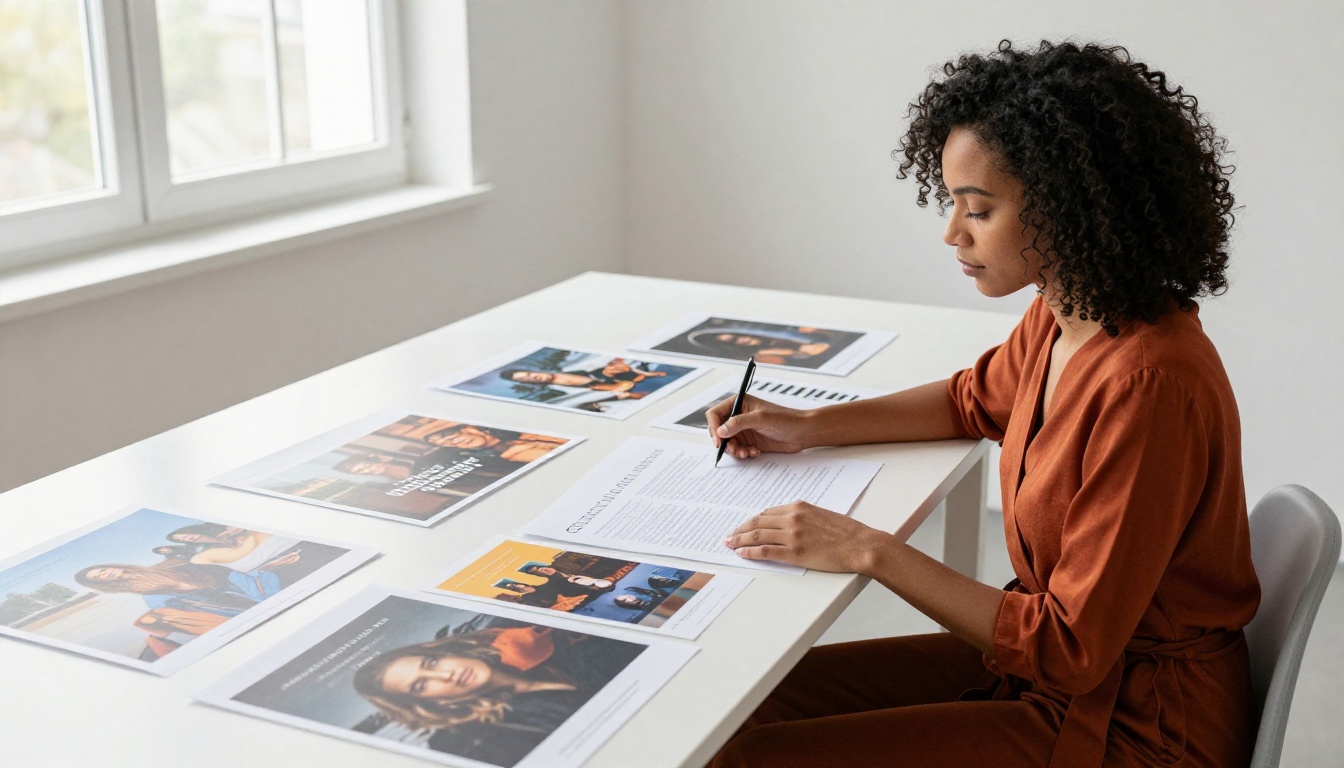
Nano Banana Pro is a different proposition. Where the Imagen family is built around broad photorealistic excellence across many use cases, Nano Banana Pro is more focused: it is specifically oriented toward 4K image generation with high clarity in structured visual elements. Text is one of those structured elements, and the model's output reflects that focus.
Built for 4K, trained for clarity
The 4K capability of Nano Banana Pro is not just a resolution number. It is a meaningful advantage for text rendering. At 4K, each letterform has significantly more pixels defining its edges, which means thin strokes stay thin instead of getting absorbed into the background, serif details are preserved, and the relationship between text weight and background contrast is maintained across the whole image.
For print work, large format signage, social graphics intended for high-density screens, or product imagery that will be inspected closely, this resolution advantage translates directly into better text. Letters that would be ambiguous at lower resolutions become clear and sharp.
How it handles layout and placement
Nano Banana Pro also demonstrates something unusual: a better-than-average ability to respect the compositional structure described in a prompt. When you specify that text should appear in the top third of the image with a scene below, the model has a reasonable probability of placing elements where you asked.
This makes it particularly effective for social media cards, product thumbnails, banner designs, and any composition where the spatial relationship between text and image is part of the design intent. It does not just render text correctly. It tends to place it in a way that makes visual sense within the layout.
The base Nano Banana model is also available on PicassoIA for lighter tasks, but for text-critical work, the Pro version's output quality is worth the distinction.

Head-to-Head: Text in Images
Here is how the two models compare across the most common text-in-image scenarios.
Short words and single labels
| Scenario | Imagen 4 | Nano Banana Pro |
|---|
| Single word, bold font | Excellent | Excellent |
| Two-word brand name | Excellent | Very Good |
| Single character or monogram | Very Good | Good |
| Number or price display | Excellent | Very Good |
| Short URL or social handle | Very Good | Good |
For short text, both models perform at a high level. Imagen 4 holds a slight edge in character-level precision. Nano Banana Pro often compensates through its higher resolution, which makes any minor imperfections far less visible in the final output.
Multi-word phrases and taglines
This is where the gap between the models opens up more clearly. Multi-word phrases, particularly those longer than five words, are significantly harder for any generative model. Imagen 4 maintains legibility further along the length spectrum, and phrases of six to eight words often come through correctly or very close to correctly.
Nano Banana Pro performs well up to around four words per text element but tends to become less reliable as phrase length increases. The high-resolution output helps preserve individual letter quality, but it does not fully compensate for the challenge of correctly sequencing many characters across a longer phrase.
💡 For taglines and multi-word phrases, Imagen 4 is the safer choice. For single words, short labels, and monograms, either model works well and Nano Banana Pro wins on visual sharpness.
Stylized and decorative text
Stylized text, brush script, handwritten fonts, heavily textured lettering, is a challenge for both models. Imagen 4 Ultra tends to handle decorative text better in photorealistic contexts, producing results that feel intentionally designed rather than accidentally legible. Nano Banana Pro at 4K often delivers stylized text that reads beautifully at a distance, even when close inspection reveals some imprecision in individual strokes.
For decorative applications where visual impact matters more than character-level accuracy, either model can work well. For functional text that needs to be correctly spelled and readable at close range, Imagen 4 is the more reliable choice.
Prompt Strategies That Actually Work
The model is only part of the result. How the prompt is written has a measurable impact on text accuracy, regardless of which model is generating the image.
For Imagen
With Imagen 4 and its variants, specificity consistently pays off.
- Use quotation marks around the text you want: Writing
a sign reading "OPEN" in your prompt significantly improves the probability that the model produces the correct word.
- Describe the font explicitly: "Bold white sans-serif capital letters" gives the model more structural constraints to work with than just "white text."
- Specify contrast directly: "Black text on a bright white background" reduces the chance of the model choosing a combination where text blends into the environment.
- State the text position: "Centered text in the upper third of the image" helps the model understand the compositional role of the text, not just its content.
- Keep it under six words: Shorter text strings have a much higher success rate. Longer phrases can work, but probability of accuracy drops with each additional word.
For Nano Banana Pro
With Nano Banana Pro, the same principles apply, but the model responds particularly well to prompts that frame the image as a designed object rather than a photographed scene.
- Describe the output as a designed artifact: "A product label design with the text..." outperforms "a bottle with text that says..." because it signals to the model that the output should follow design conventions.
- Keep text elements to four words or fewer: This is where Nano Banana Pro performs most reliably.
- Specify the layout: "Text in the top quarter, product photography below" works with the model's layout-awareness capability.
- Request high resolution explicitly: If the interface supports it, specifying 4K output maximizes the clarity advantage that Nano Banana Pro is built for.

How to Use Both Models on PicassoIA
Both models are available on PicassoIA with no additional setup required. Here is how to use each one for text-in-image work.
Using Imagen 4 on PicassoIA
- Open Imagen 4 on PicassoIA.
- Write your prompt with the target text in quotation marks:
A wooden storefront sign with the text "WELCOME" painted in white serif letters, warm afternoon light, photorealistic.
- Select the aspect ratio that fits your use case: 16:9 for wide compositions, 1:1 for social posts.
- Generate and review the text accuracy at full zoom before using the image.
- If a letter is off, add more visual context to the prompt about the font style and background contrast, then regenerate.
- For maximum output quality, switch to Imagen 4 Ultra once you have a prompt composition you are satisfied with.
- For rapid iteration across multiple prompt variations, use Imagen 4 Fast to generate options quickly before committing to a final version.
Earlier versions like Imagen 3 are also available on PicassoIA, but Imagen 4 consistently produces better text output and is the version to default to for text-critical work.
Using Nano Banana Pro on PicassoIA
- Open Nano Banana Pro on PicassoIA.
- Frame your prompt as a designed artifact:
A minimalist business card design with the word "STUDIO" in bold black sans-serif type on a pale cream background, flat lay, clean lighting, 4K.
- Keep text content to four words or fewer per element for best results.
- Review the output at full resolution, since the model's clarity advantage is most visible when the image is viewed at actual size.
- For a lighter version with similar layout-awareness, Nano Banana is also available on the platform.

Which One Should You Use?
They are not competing for the same job, and recognizing that is the most useful thing you can take from this comparison.
Reach for Imagen 4 when:
- Your image contains multi-word phrases, sentences, or text strings longer than four words
- Text accuracy on the first generation matters to your workflow
- You are working with photorealistic scenes where text appears as part of the environment: signs, labels, packaging, screen interfaces
- You need Fast for rapid iteration and Ultra for finalized high-quality output
Reach for Nano Banana Pro when:
- You are producing designed artifacts: social cards, posters, banners, product labels, thumbnails
- The output will be printed or displayed at large format or on high-density screens
- Your text is short (four words or fewer) and you want maximum visual sharpness at 4K
- You need the model to respect a specific layout relationship between text and the visual elements around it
For most people working on content where text is involved, the practical answer is to use both. Start with Imagen 4 Fast to iterate on composition and wording quickly. Use Imagen 4 Ultra to finalize photorealistic outputs. Switch to Nano Banana Pro when the output is a designed graphic and resolution is the priority.

The text problem in AI image generation is real, but it is being solved. These two models represent meaningful progress over what was possible even a year ago, and both are accessible right now on PicassoIA without any special configuration or API access.
If you have been avoiding text in your AI images because the results always disappoint, this is a good moment to try again. Open Imagen 4 or Nano Banana Pro on PicassoIA, write a prompt with your text in quotes, and see what comes back. The gap between what these models produce today and what you have probably come to expect from AI text rendering is significant enough to change how you work.