Two AI video giants are pulling the industry in opposite directions right now. Kling 2.6 from Kuaishou and Veo 3.1 from Google both promise cinematic quality from a text prompt, but they take fundamentally different approaches to get there. One is built around motion physics and camera precision. The other bets on native audio and photorealistic textures. If you have been wondering which one deserves a real spot in your production workflow, this breakdown cuts through the noise and gives you a direct answer based on what each model actually does well.
What Kling 2.6 Actually Does Well
Kling 2.6 is the latest generation from Kuaishou, and it marks a significant jump from earlier versions in the Kling lineup. The model produces 1080p output with strong motion coherence, meaning subjects stay on-model through complex camera moves and physics-demanding actions. It does not just generate pretty frames. It generates believable motion.
Physics and Motion Realism
Kling 2.6 genuinely stands apart in the way it handles physical interactions. Cloth dynamics, water behavior, hair in wind, and hand gestures all render with a level of realism that most text-to-video models still struggle with. The model has been trained with a clear emphasis on real-world physics simulation, and that investment shows in every generated clip.
What this means in practice:
- Cloth and hair movement follow gravity and wind with natural weight
- Liquid physics behave accurately in pour, splash, and flow scenarios
- Subject consistency holds across the full duration of longer clips
- Camera direction instructions translate reliably into the output motion
For directors and cinematographers who think in terms of camera angles and shot composition, Kling 2.6 is the model that speaks that language most fluently.
Prompt Adherence and Camera Control
Kling 2.6 follows detailed, multi-layered prompts with high fidelity. You can specify shot type (close-up, wide shot, aerial), lighting conditions (golden hour, overcast, practical interior), camera movement direction (slow push in, lateral tracking, handheld), and even film stock emulation. The model interprets these instructions reliably, which matters enormously when you're producing content for a specific visual style or brand.
💡 When writing prompts for Kling 2.6, structure them in three parts: subject and action, environment and lighting, then camera movement. This structure consistently produces better results than writing a single unstructured sentence.
For projects where camera choreography needs to be exact, Kling v2.6 Motion Control extends the base model with explicit trajectory controls, letting you define the camera path with even greater precision.

What Veo 3.1 Does Differently
Veo 3.1 from Google operates from a completely different design philosophy. While Kling prioritizes motion accuracy and camera control, Veo 3.1 leads with native audio generation combined with photorealistic visual detail. This is not just a video model in the traditional sense. It generates the full audiovisual experience from a single text prompt.
Native Audio Output
This is Veo 3.1's most significant differentiator from every other model in its class. The model generates synchronized ambient sound, environmental audio, and in many cases dialogue or music that matches the visual content. A prompt describing a busy street market produces not just video of the scene but the sound of crowd noise, vendors, vehicle traffic, and whatever atmospheric audio fits the described environment.
For content creators who need finished, ready-to-post clips, this collapses the post-production pipeline dramatically. There is no separate audio sourcing, no sync work in an editor, and no need to license background music for ambient scenes. The output arrives complete.
This puts Veo 3.1 in a different category for social content, marketing video, and any situation where turnaround speed and production simplicity matter more than camera choreography.
Visual Realism and Texture Detail
Veo 3.1 renders textures with exceptional photographic clarity. Human skin, fabric weave, architectural surfaces, foliage, and natural environments all look photographically real rather than computationally synthesized. Google has invested heavily in making the model's output pass as genuine camera footage, and in many scenarios it succeeds.
The lighter variants, Veo 3.1 Fast and Veo 3.1 Lite, offer the same core model at reduced generation time and cost, making them practical for high-volume iteration when you need to test prompt variations before committing to a full-quality generation.

Here is how the two models compare across the metrics that matter most for practical, real-world use:
| Feature | Kling 2.6 | Veo 3.1 |
|---|
| Max Output Resolution | 1080p | 1080p |
| Native Audio | No | Yes |
| Motion Physics Accuracy | Excellent | Good |
| Prompt Adherence | Very High | High |
| Visual Realism | High | Very High |
| Camera Control | Strong | Moderate |
| Generation Speed | Fast | Moderate |
| Post-Production Required | Audio sourcing | Minimal |
| Best Clip Length | 5 to 10 seconds | 5 to 8 seconds |
| Ideal Output Type | Scripted scenes, ads | Social content, full clips |
💡 Neither model is objectively superior. The right choice depends entirely on what your final output needs to accomplish and how much post-production capacity you have.
Speed and Cost Reality
Speed matters when you're producing at volume, and cost matters when you're calculating ROI on AI tools. Kling 2.6 tends to generate faster than Veo 3.1, particularly for shorter clips without audio. The tradeoff is that Veo 3.1's audio generation adds processing time but also saves significant time downstream in post-production workflows.

Generation Time Variables
Several factors determine how long each model takes to return a result:
- Clip duration: Longer clips scale generation time proportionally
- Resolution setting: 1080p consistently takes longer than 720p drafts
- Audio inclusion: Veo 3.1 audio synthesis adds render time to every generation
- Platform load: Peak usage periods slow all models across every provider
For rapid concept iteration, Kling v2.5 Turbo Pro offers faster generation using Kuaishou's technology when you need quick visual drafts. Veo 3.1 Fast cuts Veo's generation time substantially while retaining the audio feature and most of the visual quality.
The True Cost of Ownership
When evaluating cost, calculate the full picture rather than just the per-generation price. A Veo 3.1 clip that includes synchronized audio is one complete deliverable. A Kling 2.6 clip that requires audio sourced, licensed, and synced in an editor is two to three separate tasks, each with its own time and cost.
Depending on your workflow and team capacity, Veo 3.1's slightly higher generation cost can be the more economical choice when you factor in everything required to get from raw generation to finished deliverable.
Which One Fits Your Work
The answer changes depending on your output type and production context. Most people try to find a single answer that works for everything, but the smarter approach is to match the model to the project type.
Best for Content Creators
If you're producing content for social media platforms, YouTube, brand channels, or short-form video formats, Veo 3.1 is the stronger default choice. Native audio alone removes a significant production bottleneck. You receive a finished clip ready to review and post.
Veo 3.1 is particularly strong for:
- Short-form social video with authentic ambient sound
- Product demonstrations with environmental audio context
- Lifestyle content that needs to feel candid and real
- Explainer and promotional clips where background audio creates atmosphere
- Any project where post-production bandwidth is limited
Best for Filmmakers and Commercial Directors
If you're working on commercial productions, narrative short films, branded content with a specific visual language, or anything where precise camera control and motion fidelity matter more than audio, Kling 2.6 is the right model.
Kling 2.6 excels at:
- Scripted scenes with specific camera choreography requirements
- Action sequences requiring accurate physics behavior
- Brand films where visual consistency across multiple scenes is critical
- Projects where audio will be professionally produced or sourced separately
- Fashion and beauty content where fabric movement and skin texture realism matter
💡 For projects requiring both exceptional motion fidelity and polished audio, use Kling 2.6 for the visual output and layer professional audio in post. You get the motion accuracy of Kling with fully controlled sound design.
How to Use Kling 2.6 on PicassoIA
Kling 2.6 is available directly on PicassoIA. Here is how to get the best results from the model:
Step 1: Open the model page
Navigate to the Kling 2.6 model page on PicassoIA. The interface gives you a prompt input field and settings for duration, resolution, and aspect ratio.
Step 2: Write a structured, detailed prompt
Avoid single-sentence prompts. Build your description in three distinct parts: subject and action, environment and lighting, then camera movement. For example:
"A woman in a tailored beige coat walking through a quiet cobblestone street in Paris at golden hour, warm late afternoon sunlight casting long shadows on stone, shallow depth of field, slow tracking shot moving left to right at medium distance, 35mm film grain"
Step 3: Set duration and resolution
For final deliverable output, select 1080p and 10 seconds. For quick concept drafts, 720p at 5 seconds generates faster and lets you validate the direction before committing resources.
Step 4: Review and refine
After your first generation, identify what worked and what missed. Adjust the lighting description, camera movement phrase, or subject detail rather than regenerating with the identical prompt. Small, targeted changes produce noticeably different outputs.
Step 5: Use Motion Control for precision work
When camera path matters at a scene-design level, Kling v2.6 Motion Control lets you define explicit camera trajectories. This is particularly valuable for product shots, architectural walkthroughs, and scenes where the camera movement is part of the storytelling.

How to Use Veo 3.1 on PicassoIA
Veo 3.1 follows a similar workflow but requires a different approach to prompt writing due to the audio component:
Step 1: Access Veo 3.1
Go to the Veo 3.1 model page on PicassoIA. If you want faster output for testing, start with Veo 3.1 Fast instead.
Step 2: Write unified scene descriptions
Because Veo 3.1 generates audio from the same prompt as the visual, describe the full sensory environment rather than just what the camera sees. Include sound context explicitly. For example:
"A busy farmers market on a Saturday morning, vendors calling out produce prices, children laughing near a food stall, birds overhead, ambient crowd murmur, cheerful warm lighting, wide shot slowly pushing through the crowd"
Step 3: Let the model handle audio synchronization
Do not try to separate your visual and audio instructions into distinct sections. Write the scene as a unified experience and let the model determine how to synchronize the sound to the visual output. This approach consistently produces better audio-visual coherence.
Step 4: Review audio first, then visuals
When evaluating your output, listen to the audio sync before assessing visual quality. Audio alignment issues are easier to catch on first review and often indicate a prompt phrasing issue that can be quickly corrected.
Step 5: Test variations with Veo 3.1 Lite
Veo 3.1 Lite is the lowest-cost entry point to Veo 3.1's capabilities. Use it to run three to four prompt variations before spending on full-quality generations. The quality difference is real but the directional feedback is accurate enough for concept validation.
Other Models Worth Comparing
Kling 2.6 and Veo 3.1 are not the only strong options in this space. Depending on specific project requirements, several alternatives are worth knowing about:
Within the Kling family:
- Kling v3 Video represents the most recent version in Kuaishou's lineup, pushing cinematic quality further
- Kling v3 Omni Video adds broad text-to-1080p flexibility with extended prompt support
- Kling v3 Motion Control delivers the latest camera control features for precision cinematography
Within Google's Veo ecosystem:
- Veo 3 is the original version with native audio, still highly capable and well-tested
- Veo 3 Fast offers the audio feature at significantly reduced generation time for budget-conscious workflows
Strong alternatives from other developers:
- Seedance 2.0 from ByteDance includes built-in audio and produces competitive 1080p output with strong visual realism
- Sora 2 Pro from OpenAI delivers high-definition video with particular strengths in long-form scene coherence
- LTX 2 Pro from Lightricks specializes in 4K output for projects where resolution is the primary requirement
💡 Running the same prompt through two or three different models is one of the fastest ways to identify which one fits your visual style. The differences often become immediately obvious on the first comparison.
The Decision Is Simpler Than It Looks
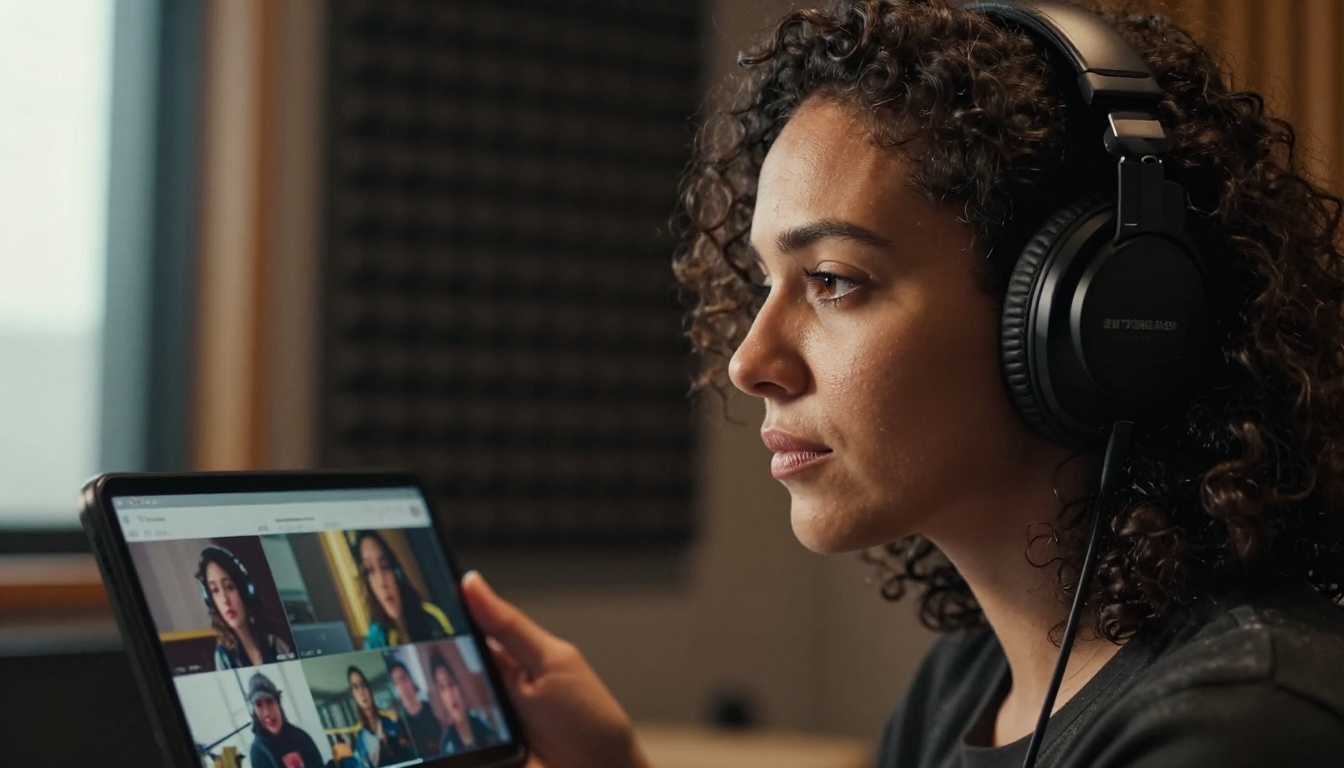
Most people complicate this decision. Here is the short version that covers the majority of real-world use cases:
You need audio included in the final output: Choose Veo 3.1. It is the only model that handles the full audiovisual production in one step.
You need precise camera control and motion physics: Choose Kling 2.6. The motion fidelity and prompt adherence at this level are not matched by Veo in the same way.
You want to test quickly before committing: Use Veo 3.1 Fast and Kling v2.5 Turbo Pro in parallel on your draft prompt. Compare the outputs and let the results make the decision for you.
Both models are genuinely capable at a professional level. The real advantage is having access to both without juggling multiple platforms, separate billing accounts, or inconsistent interfaces.
Start Creating Your Own AI Video Now
The only way to form a real opinion about these models is to run them yourself. Benchmarks and written comparisons can only approximate what you will see when you submit your own prompt and watch the output appear. A scene that reads identically in two prompts can produce dramatically different results depending on how each model interprets the subject, lighting, and motion.
PicassoIA gives you direct access to Kling 2.6, Veo 3.1, and over 100 other AI video models in one place. You can switch between them instantly, run the same prompt across multiple models, and build a genuine sense of which one matches your creative instincts and production requirements.
Pick your concept. Write a structured prompt. Run it on both models. You will have a clear, personal answer about which tool fits your workflow within minutes of trying them. No subscription commitment required to start. Just open the model page and generate your first clip.


