The AI video generation space just shifted. Kling 3.0 arrived from Kuaishou's AI research division (KwaiVGI) and it is the most capable, least restricted video model the field has seen. If you have been watching Sora hit content walls, Veo 3 reject prompts, or Runway apply safety filters that cut your creative vision short, Kling 3.0 is where that frustration ends.
This deep-dive breaks down every Kling v3 model on PicassoIA, what uncensored video generation actually means in practice, how Kling 3.0 performs against every major competitor, prompt structures that work reliably, and exactly how to put it to work today.
What Kling 3.0 Actually Does
Kling 3.0 is the third major release from KwaiVGI, the AI division behind one of the world's largest short-video platforms. The architecture combines a latent diffusion backbone with a motion prior trained on hundreds of millions of real-world video clips spanning human activity, natural environments, and complex physical interactions. The result is a model that does not just hallucinate plausible motion but generates motion that follows the physical laws of the real world.
Core Specs and Output Quality
The raw output specification for Kling 3.0:
| Spec | Detail |
|---|
| Max Resolution | 1080p |
| Max Duration | Up to 10 seconds per clip |
| Frame Rate | 24fps |
| Input Modes | Text to Video, Image to Video |
| Motion Control | Camera trajectories, subject motion paths |
| Audio | Native synchronized (Omni model) |
What separates Kling 3.0 from v2.x is not raw resolution but temporal consistency. Earlier versions suffered from subject drift, where a character's face, clothing, or proportions would subtly shift between frames over a 5 to 10 second clip. Kling 3.0 resolves this with an improved cross-frame attention mechanism that locks every visual element's identity from first frame to last.
Uncensored Output: What That Means in Practice
"Uncensored" in AI video has a specific technical meaning. Most video models run content classifiers at inference time. Before a frame renders, the classifier scores the prompt and the intermediate latent states. If either trips a threshold, the generation aborts or sanitizes the output, producing the washed-out, stiff results that content creators find unusable.
Kling 3.0 takes a different approach. Its training data covered a broader range of human activity and expression, and the model deployed through PicassoIA does not apply the same aggressive gating. What that produces in practice:
- Romantic and suggestive scenes render without sanitization artifacts or unnaturally stiff postures
- Glamour and body-forward content at an artistic level generates cleanly and naturally
- Physical closeness and emotional intensity holds throughout a clip without the model "resetting" to something sterile mid-generation
- Clothing, skin, and body language reads accurately without the model substituting safer visual alternatives
💡 Important: Kling 3.0 still has a floor. Explicit pornographic content and illegal depictions are blocked. The creative freedom here operates at the artistic and glamour level: swimwear, implied sensuality, body confidence, romantic intimacy. Not hard pornographic content.
The practical consequence for content creators is that you can generate videos of real human scenarios involving attraction, beauty, and physicality without the model stripping out the emotional and visual core of the scene.
Kling 3.0 vs. the Competition
There are five serious competitors in the premium AI video space right now. Here is an honest breakdown of how Kling 3.0 sits against each.
Kling 3.0 vs. Sora 2
Sora 2 Pro from OpenAI generates visually impressive output with strong scene composition and legible text inside video frames. But it applies some of the most aggressive content filtering in the market, blocking romantic, suggestive, and body-forward prompts at the model level, not just at the interface. Kling 3.0 wins on:
- Content freedom: Sora 2 blocks a wide category of creative and sensual content that Kling 3.0 handles without issue
- Human motion at close range: faces and bodies in tight shots behave more realistically in Kling 3.0
- Cost per generation: Kling 3.0 via PicassoIA is significantly more accessible than Sora 2 Pro pricing
Sora 2 holds an edge on complex narrative scene transitions and in-frame text legibility.
Kling 3.0 vs. Veo 3
Veo 3 from Google has the best native audio synchronization in the market. Dialogue-to-lip sync is genuinely impressive and ahead of any competing model. But Veo 3 operates inside Google's content policy framework, meaning anything that could flag a YouTube content review gets blocked. That is a broad category when it comes to creative and adult-adjacent work.
| Factor | Kling 3.0 | Veo 3 |
|---|
| Content Freedom | High | Low |
| Native Audio | Yes (Omni model) | Yes (best-in-class) |
| Human Motion | Excellent | Good |
| Prompt Adherence | Very Good | Excellent |
| Body and Skin Realism | Excellent | Good |
| Availability on PicassoIA | Yes | Yes |
Kling 3.0 vs. Seedance 2.0
Seedance 2.0 by ByteDance is the closest alternative to Kling 3.0 in content handling. Both are Chinese-origin models with more permissive deployment. Seedance 2.0 has excellent motion quality and built-in audio that syncs naturally with visual action. Kling 3.0 takes the edge for:
- Higher resolution ceiling (1080p vs. Seedance's standard output)
- More precise motion control via the dedicated Motion Control variant
- Better temporal consistency over clips longer than 5 seconds
Seedance 2.0 is a strong secondary choice and worth running alongside Kling 3.0 when you want stylistic variety in your output.
Kling 3.0 vs. Wan 2.7
Wan 2.7 T2V from Wan Video delivers 1080p output from text prompts at competitive quality. It handles open landscapes and architectural scenes extremely well. Where it falls behind Kling 3.0 is in human motion fidelity, particularly for faces and hands in close shots, and in content handling where Wan 2.7 applies conservative filtering of its own. For scenes where humans are the primary subject, Kling 3.0 is the stronger choice.
Kling 3.0 vs. LTX 2 Pro
LTX 2 Pro from Lightricks is built for speed. It reaches 4K faster than any other model in this category. The trade-off is motion realism. Organic subjects including faces, hair, water, and fabric look slightly artificial compared to Kling 3.0 at equivalent quality settings. For rapid iteration and concept testing, LTX 2 Pro is excellent. For final output quality, Kling 3.0 wins.
The Three Kling v3 Models on PicassoIA

PicassoIA hosts all three Kling v3 variants, each designed for a different production context. Here is how to choose between them.
Kling v3 Video
Kling v3 Video is the core model. It handles text-to-video and image-to-video generation, outputs up to 1080p, and is the right starting point for most projects. If your prompt describes a scene or you have a source image you want animated, start here.
Best for:
- Cinematic clips from text descriptions
- Animating portraits, fashion shots, and body-forward images
- Scenes requiring realistic human motion at 1080p
- Creative and suggestive content that other models reject
Prompt structure that works with Kling v3 Video:
- Camera movement stated explicitly: "slow dolly in," "static wide shot," "gentle pan left"
- Lighting direction described: "golden hour backlight from left," "diffused window light"
- Subject action written as a chronological progression from start to end of clip
Kling v3 Omni Video
Kling v3 Omni Video is the production-grade variant. It outputs at 1080p with native synchronized audio, supports longer clip durations, and applies stronger temporal consistency enforcement. This is the right choice when output quality matters more than generation speed.
Best for:
- Final-quality content intended for publishing or commercial use
- Scenes requiring consistent character appearance across 8 to 10 seconds
- Projects where audio must sync naturally to visual motion
- High-fidelity work involving detailed face, body, and skin content
💡 When iterating on concepts, use standard Kling v3 Video for speed. Switch to Kling v3 Omni for final generation when the concept is locked.
Kling v3 Motion Control
Kling v3 Motion Control lets you define camera trajectories and subject motion paths explicitly. Standard video models interpret motion instructions from prompts with creative latitude. Motion Control makes it deterministic: you specify where the camera moves and how the subject moves, and the model follows those instructions precisely.
Available camera controls: pan left or right, tilt up or down, zoom in or out, truck, orbit, crane, and compound combinations of the above.
Best for:
- Recreating specific cinematographic camera moves
- Character animation requiring precise timing
- Music video-style content where motion must match rhythm
- Professional productions requiring repeatable camera behavior
How to Use Kling v3 on PicassoIA

The workflow is direct. Here is the step-by-step process for getting strong results from Kling 3.0.
Step 1: Select Your Model
Navigate to the Kling v3 model page on PicassoIA. Choose Kling v3 Video for standard generation, Kling v3 Omni for final output with audio, or Kling v3 Motion Control for precise choreography.
Step 2: Choose Text or Image Input
Text to Video: Write your prompt describing scene, lighting, camera movement, and subject behavior in that order. Kling v3 responds to structured prompts better than freeform descriptions.
Image to Video: Upload a source image and write a motion prompt. Kling v3 preserves the first frame exactly and animates forward from it. This is powerful for portraits, fashion images, and any scene where you need appearance locked from frame one.
Step 3: Configure Parameters
| Parameter | Draft Mode | Final Mode |
|---|
| Resolution | 720p | 1080p |
| Duration | 5 seconds | 8 to 10 seconds |
| Aspect Ratio | 16:9 for horizontal | 9:16 for vertical reels |
| Audio | Off | On (Omni model) |
Step 4: Iterate Precisely
Generate a clip, watch it, and identify the single element to change: pacing, camera angle, subject pose, or lighting atmosphere. Rewrite only that element of the prompt on the next generation. Changing the full prompt on every iteration wastes credits. Isolating variables produces faster refinement.
What Makes Kling 3.0 Different
Realistic Human Motion
Human motion realism is the defining capability that sets Kling 3.0 apart. The model captures several things that competing models still fail to reproduce:
- Secondary motion: Hair, clothing, and accessories move independently from the body in physically correct patterns. Hair does not stick to the head during motion. Fabric ripples with authentic inertia.
- Facial micro-expressions: Subtle brow movement, nostril variation, and lip corner shifts appear in close-up shots without being prompted specifically.
- Weight and inertia: When a subject decelerates, the body carries momentum briefly before settling. That is how real human physics works, and Kling 3.0 replicates it.
- Idle animation: Even scenes where the subject is nominally still show natural breathing, micro-sway, and environmental response.
Scene Coherence Over Time
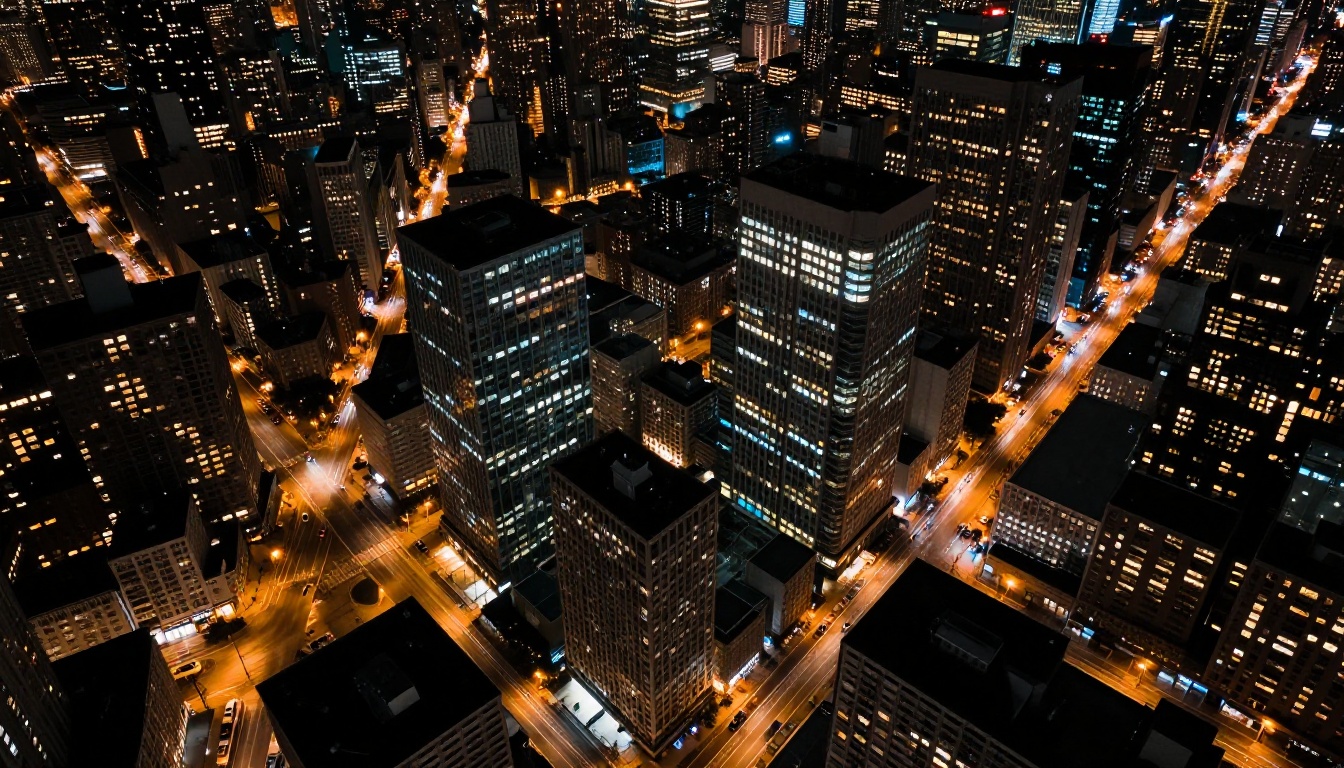
Over 8 to 10 seconds, most AI video models degrade. Characters shift subtly, environments drift, visual style inconsistency creeps in. Kling 3.0's cross-frame attention mechanism locks every element's visual identity from start to finish. Complex scenes with multiple people, detailed backgrounds, and specific lighting conditions hold together across the full clip duration without drift.
Physical World Simulation
Kling 3.0 has a noticeably stronger physical simulation prior than its predecessors. Water surface reactions to disturbance look natural. Smoke disperses at the right rate and scale. Fabric drapes and flows correctly under simulated gravity and wind. Fire responds to air movement. This is learned from real video data, not rules-based physics, which is why it generalizes across novel situations rather than only working for scenarios it was explicitly trained on.
Prompt Patterns That Produce Strong Results
Getting consistent output from Kling 3.0 comes down to repeatable prompt structures. Here are four that work reliably.
Portrait animation:
"Woman standing in diffused window light, slight breeze moves her hair from right to left, she slowly turns her head toward camera, relaxed expression, static camera at 85mm"
Cinematic scene:
"Busy Tokyo crossing at night, rain falling, red umbrella in crowd, slow dolly forward through pedestrians, warm tungsten street lamps, wet asphalt reflections"
Fashion and glamour:
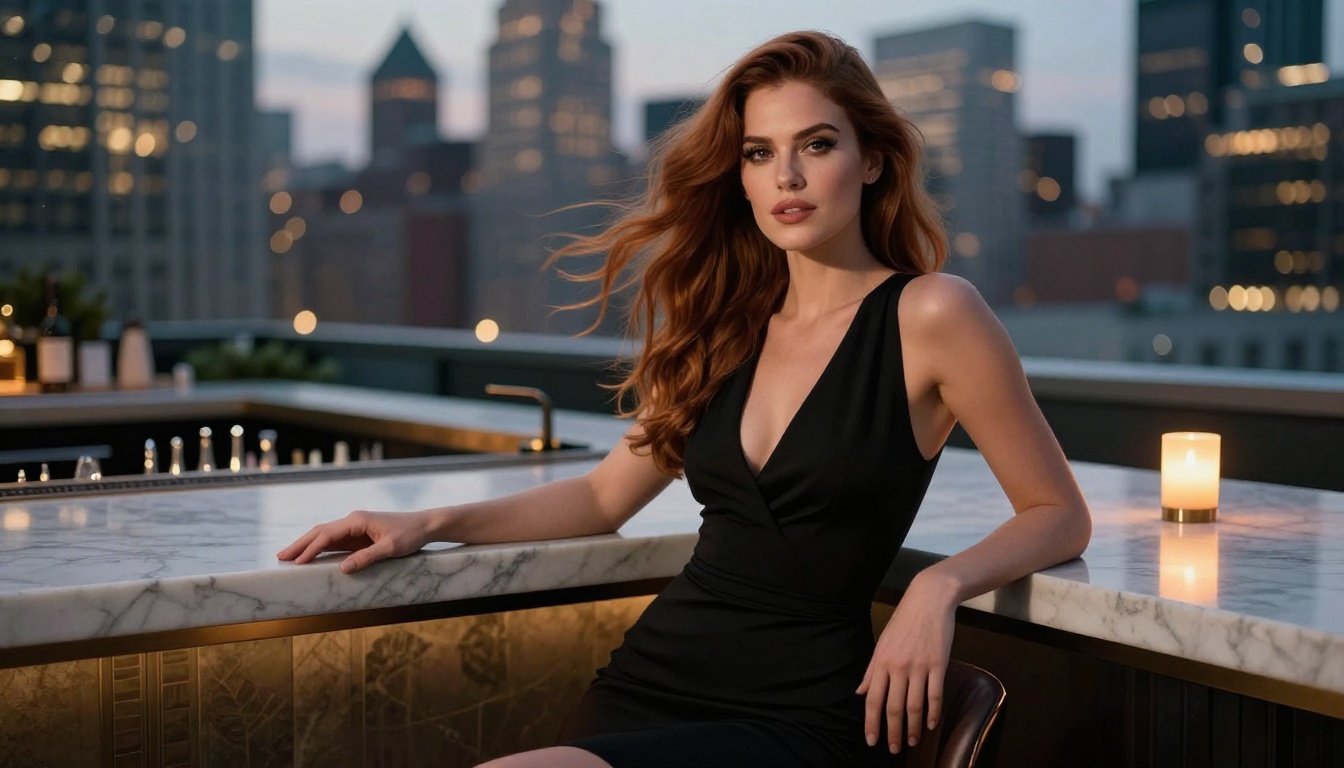
"Woman in silk dress at a rooftop bar at dusk, city lights behind her in soft focus, warm candlelight from left, gentle head turn and eye contact, 70mm compressed background"
Athletic and body-forward:
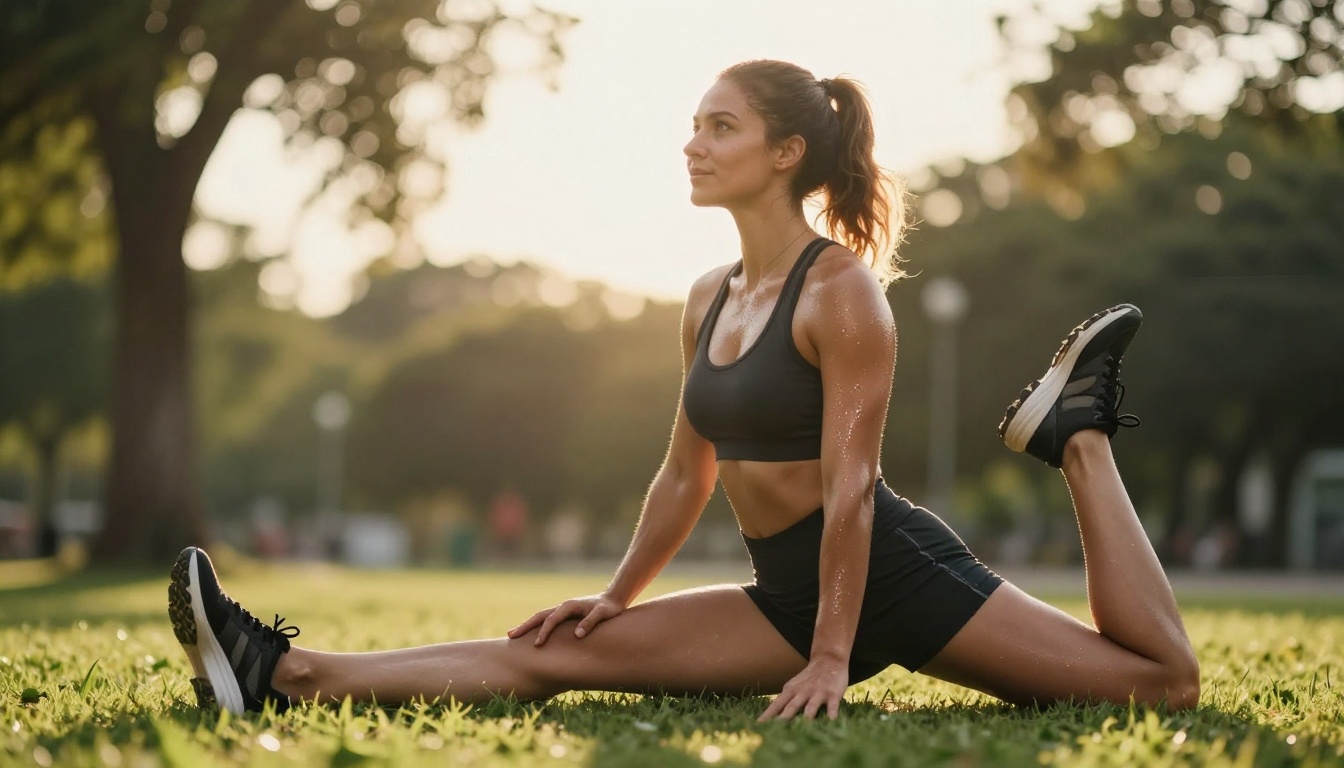
"Athletic woman in sportswear jogging through a park at golden hour, strong rim light from behind, hair and clothing moving with motion, slow tracking shot beside her at mid-distance"
What to avoid in prompts:
- Generic adjectives without visual specifics ("beautiful," "stunning," "amazing")
- More than two subjects in a single clip
- Abstract emotional instructions without visual grounding ("convey sadness")
- Contradictory lighting setups in the same prompt
Other Top Video Models on PicassoIA
No single model wins every situation. Here are the strongest alternatives available on PicassoIA worth running alongside Kling 3.0:
| Model | Strength | When to Use |
|---|
| Kling v2.6 | Fast Kling-quality output | Speed-priority generation |
| Kling v2.5 Turbo Pro | Turbo cinematic quality | Fast cinematic generation |
| Seedance 2.0 | Audio-forward uncensored content | Music, dialogue, sound design |
| Pixverse v6 | Stylized cinematic realism | Style diversity |
| Hailuo 2.3 | Fast high-quality clips | Budget-conscious output |
| Wan 2.7 T2V | 1080p open environments | Landscapes, architecture |
| Ray Flash 2 720p | Free fast iteration | Prompt testing and drafts |
The recommended production stack: use Kling v3 Omni as your primary model, Seedance 2.0 as your audio-first alternative, and Ray Flash 2 720p for rapid prompt iteration before committing credits to a final Kling generation.
Why Kling 3.0 Sits at the Top
The uncensored AI video market has been fragmented. Models that produce high-quality output apply restrictive content filters. Models with permissive content handling often fall short on visual quality. Kling 3.0 is the first model to close that gap at production quality.
Three capabilities make it the current top choice:
- Motion fidelity at 1080p: No competing model produces more realistic human motion at this resolution without content restrictions.
- Three specialized variants: Standard, Omni, and Motion Control give you the right tool for each phase of production, from fast iteration to final cinematic output.
- Permissive content handling: Romantic, glamour, and body-forward content that other models block generates cleanly and without sanitization artifacts.
The combination of those three properties does not exist in any other single model available today.
Start Creating with Kling 3.0
Kling 3.0 is available right now across three models on PicassoIA, without waitlists, credit subscriptions, or the content policy walls that make direct API access frustrating for creative work. You can be generating your first clip in under two minutes.
Start with Kling v3 Video using one of the prompt patterns from this article. Once you see what Kling 3.0 does with human motion, skin detail, and lighting at 1080p, the gap between it and every other model becomes obvious immediately.
For the best possible output quality, go straight to Kling v3 Omni Video. For precise camera control that matches specific cinematographic visions, Kling v3 Motion Control gives you a level of determinism that no other model in this tier offers.
Every model mentioned in this article, and 87+ more, are available at picassoia.com/en/all-models. Kling 3.0 sits at the top of that catalog for a reason. Go see what it produces.


