Every music video starts with an idea nobody knows how to shoot. The budget is not there. The location is impossible. The vibe lives only in the artist's head. Kling 3.0 changes that equation entirely, giving musicians, directors, and solo creators the ability to produce cinematic AI video scenes that match any track's mood, pacing, and aesthetic. This is not about low-resolution placeholders. Kling 3.0 outputs genuinely usable footage at 1080p with realistic motion, consistent characters, and a spatial depth that most other AI video tools still cannot touch.
What Kling 3.0 Actually Is
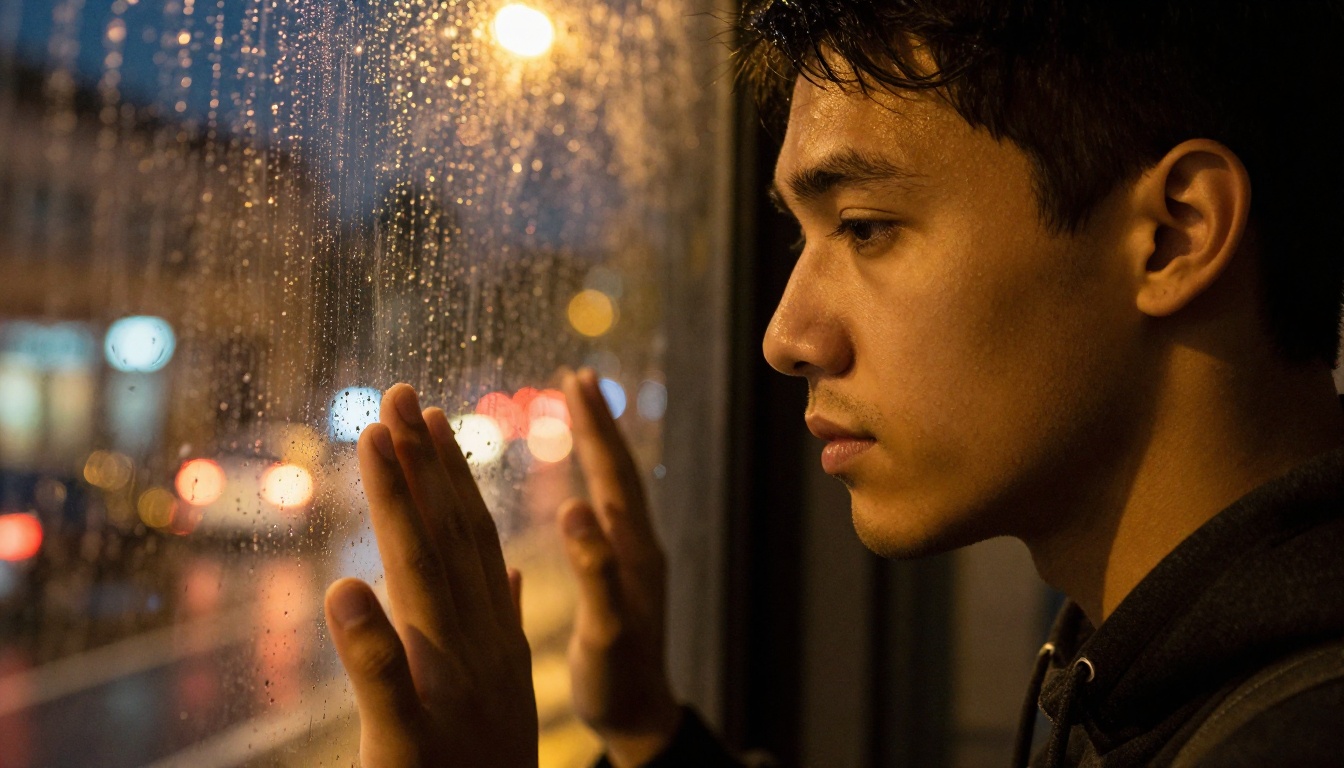
Kling is a video generation model developed by Kuaishou Technology, the Chinese internet company behind some of the most impressive motion AI research of the past two years. The v3 iteration represents a significant departure from earlier versions in terms of temporal consistency, physical plausibility of movement, and overall visual fidelity.
From v1 to v3: What Changed
The original Kling release impressed with smooth motion and decent resolution. But early users quickly hit its ceiling: characters would drift, faces would morph mid-clip, and complex motion sequences would break physics. Kling v2.0 addressed temporal consistency but still struggled with detailed close-up work and fine motion control.
With v3, three things changed:
- Temporal coherence: Characters stay consistent across the full clip. A performer's face at frame 1 is the same at frame 120.
- Physical motion realism: Hair, fabric, and liquid all move according to realistic physics. Wind through a dress no longer looks like a texture glitch.
- Prompt adherence: Detailed camera movement instructions, lighting descriptions, and environment specifications are followed with far greater accuracy.
On PicassoIA, you can access Kling v3 Video, Kling v3 Motion Control, and Kling v3 Omni Video, each optimized for different production needs.
Why Music Video Creators Care
The average independent music video costs between $3,000 and $20,000 to produce professionally. That number puts cinematic production out of reach for most independent artists. Kling 3.0, used through a platform like PicassoIA, brings that cost down to almost nothing, while still producing footage that holds up in an era where vertical reels, lyric videos, and short-form content dominate how music reaches audiences.
💡 What matters most: Kling 3.0 does not just generate pretty frames. It generates motion. That difference is everything in a music video context, where still images can never replace the feeling of a camera slowly pushing into a performer's face as the chorus hits.
The Scene Types That Work Best
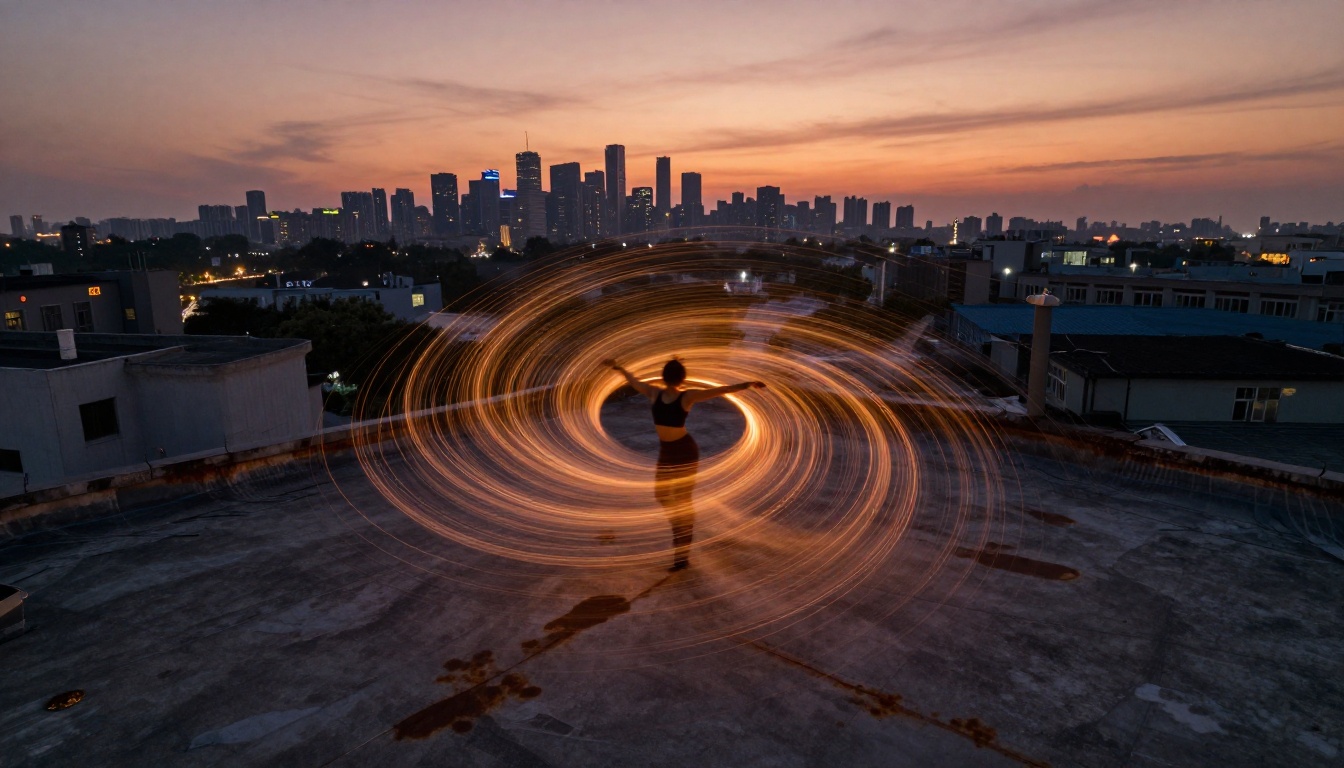
Not every visual idea translates equally well to AI video generation. Some scenes consistently produce stunning results with Kling 3.0. Others require more iteration. Knowing which categories work best saves time and credits.
Performance Close-Ups
Close-up shots of performers, whether a vocalist pressed against glass, a guitarist mid-riff, or a dancer's hands in motion, are where Kling 3.0 genuinely excels. The model handles facial expressions, skin texture, and micro-movements better than almost any competing tool. When you combine a strong source image with a well-constructed motion prompt, you get results that feel like they were pulled from an actual shoot.
What works:
- Vocalist performance with natural lip movement and emotional expression
- Instrument close-ups with realistic hand positioning and string vibration
- Slow push-in shots focusing on the performer's eyes or profile
What to avoid:
- Extremely fast movement sequences (slow motion works far better)
- Multiple characters interacting closely (the model handles single subjects better than pairs)
Cinematic Narrative Arcs
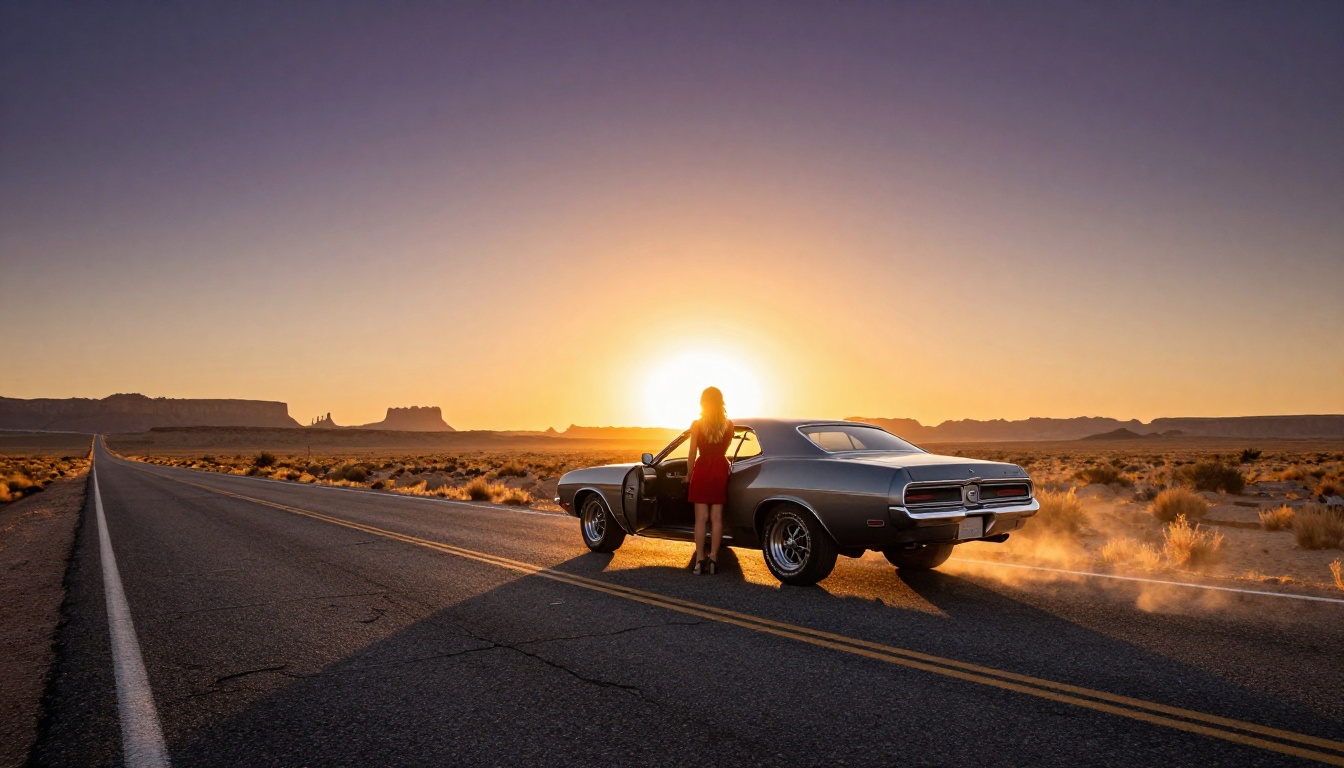
Story-driven music videos, think the artist driving through a desert, standing at the edge of a cliff, or walking through an empty city, rely heavily on environment and atmosphere. Kling 3.0 handles these wide and medium shots exceptionally well. The environment stays spatially consistent, lighting is physically plausible, and the character placement within the scene holds throughout the clip.
The desert highway concept above is a perfect template. Empty roads, golden hour light, a lone figure in contrast with an open landscape: these combine to create an instantly recognizable visual grammar that works across country, rock, pop, and hip-hop alike.
Abstract Visual Loops
For electronic and ambient music that calls for something less literal, looping visuals, aerial perspectives, and ambient movement sequences form a different visual language. Kling 3.0 handles top-down aerial compositions with surprising accuracy, and motion trails, long-exposure effects, and environmental motion translate well from still image prompts into video output.
The key with abstract loops is starting with an already-atmospheric source image and asking the model to add slow, continuous motion rather than dramatic action. Words like "drifts", "orbits", and "unfolds" work better than words like "spins rapidly" or "explodes".
How to Use Kling v3 on PicassoIA
PicassoIA gives direct access to all three Kling v3 variants: Kling v3 Video for general scenes, Kling v3 Motion Control for precise camera choreography, and Kling v3 Omni Video for text-to-video without a source image.
Step-by-Step Workflow
- Generate a strong base image. The image-to-video pipeline produces the most consistent results. Use PicassoIA's built-in text-to-image tools to create your scene first, then feed that image into Kling v3.
- Select your Kling variant. For most music video scenes, start with Kling v3 Video. If you need specific camera movement control, switch to Kling v3 Motion Control.
- Write a motion-first prompt. Describe what moves and how, not what the scene looks like. The model already has the image for visual reference. Your prompt should describe the action sequence across 5 seconds.
- Set resolution to 1080p. Kling v3 on PicassoIA supports 1080p output. Always use it. The difference between 720p and 1080p output is significant when the footage is played on a large screen or cut into a final edit.
- Generate multiple variations. Run 2-3 generations per scene. The model introduces slight randomness each run, and sometimes the second generation is dramatically better than the first.
Prompt Formats That Produce Results
The most common mistake creators make with AI video generation is writing prompts that describe the scene instead of the motion. Kling v3 already knows what the scene looks like from the source image. It needs to know what happens next.
Effective structure:
[Subject starting state] + [motion or action over time] + [camera behavior] + [atmospheric detail]
Examples that work:
| Scene Type | Strong Prompt |
|---|
| Vocalist close-up | "Woman holds microphone, begins singing, slow dolly-in toward face, volumetric light strengthens from left, slight breath steam visible" |
| Desert wide shot | "Woman turns slowly from horizon toward camera, wind picks up dust around her feet, camera gently pulls back, sky deepens to violet" |
| Dancer rooftop | "Dancer spins slowly clockwise, arms rise from hips to overhead, camera orbits from directly above at constant altitude, city lights blur softly" |
| Forest guitarist | "Guitarist plucks a chord, breath mist exhales toward camera, morning light intensifies through pines, slow push-in over 5 seconds" |
💡 Speed tip: Slow motion descriptions consistently generate better results with Kling v3. Words like "gently", "slowly", "gradual", and "subtle" produce cleaner, more cinematic output than fast-movement or high-action prompts.
5 Genre-Specific Concepts
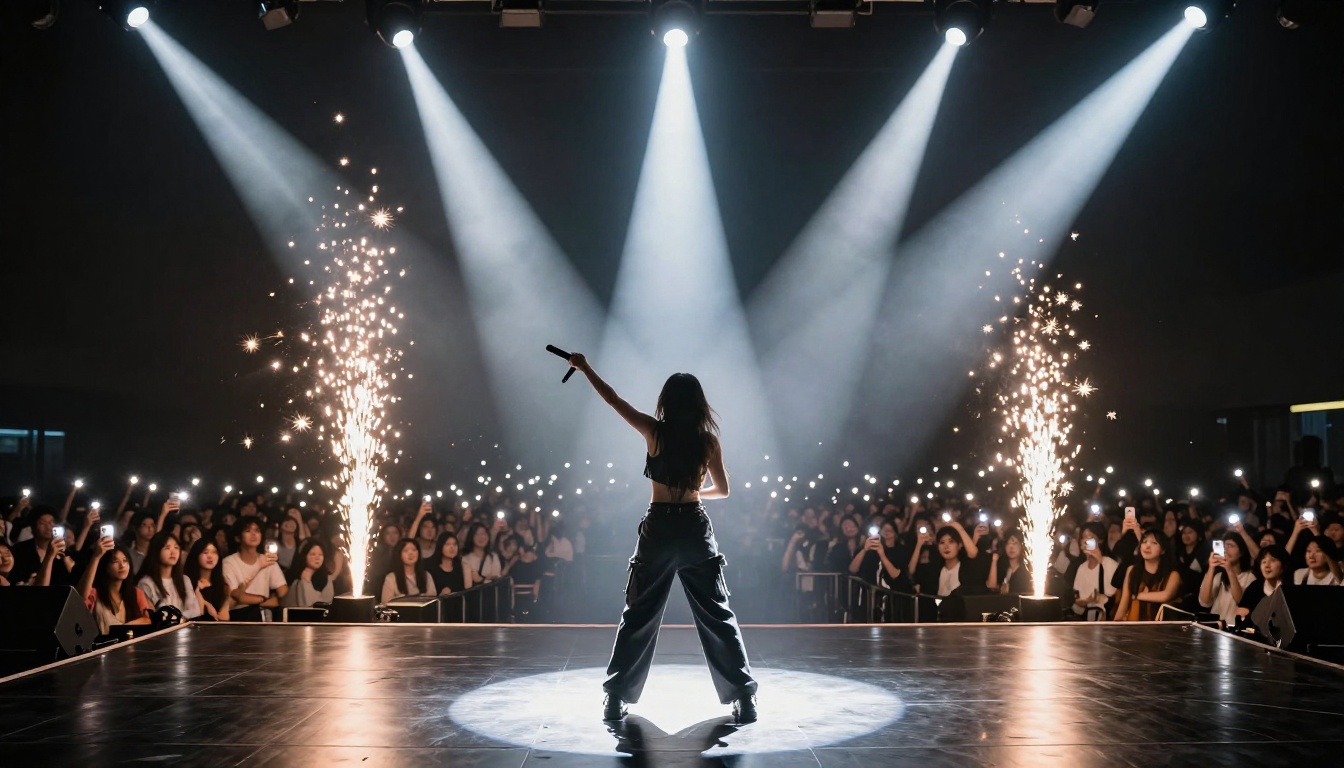
Here are five production-ready concept directions, one per genre, each built around what Kling 3.0 does best.
Pop and R&B
Concept: Underwater Awakening
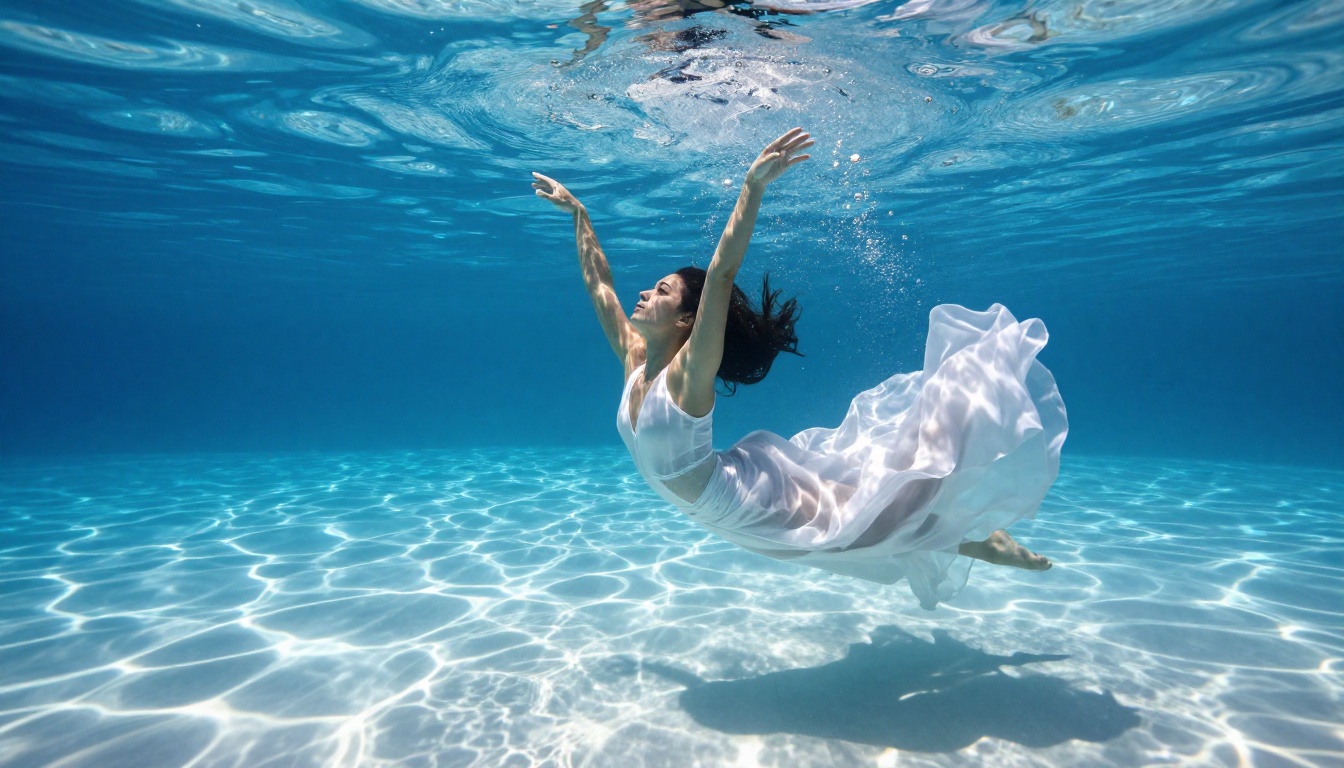
Pop and R&B both benefit from visual extravagance. An underwater sequence, white fabric floating around a dancer as light refracts across blue-lit water, is one of the most visually striking concepts in music video history. It is also extremely expensive to shoot practically. With Kling 3.0, you start with a photorealistic underwater composition and prompt slow upward drift, fabric flow, and caustic light movement.
Scene prompt direction: Dancer begins submerged with arms at sides, slowly rises with fabric billowing upward, camera tilts to follow from below, water caustics shift across skin as the figure ascends toward the light source.
Why it works: Kling v3 handles fluid dynamics and fabric physics better than any previous version. The interaction between moving fabric and underwater light is something the model renders with genuine realism.
Hip-Hop and Trap
Concept: Blue Hour Streets
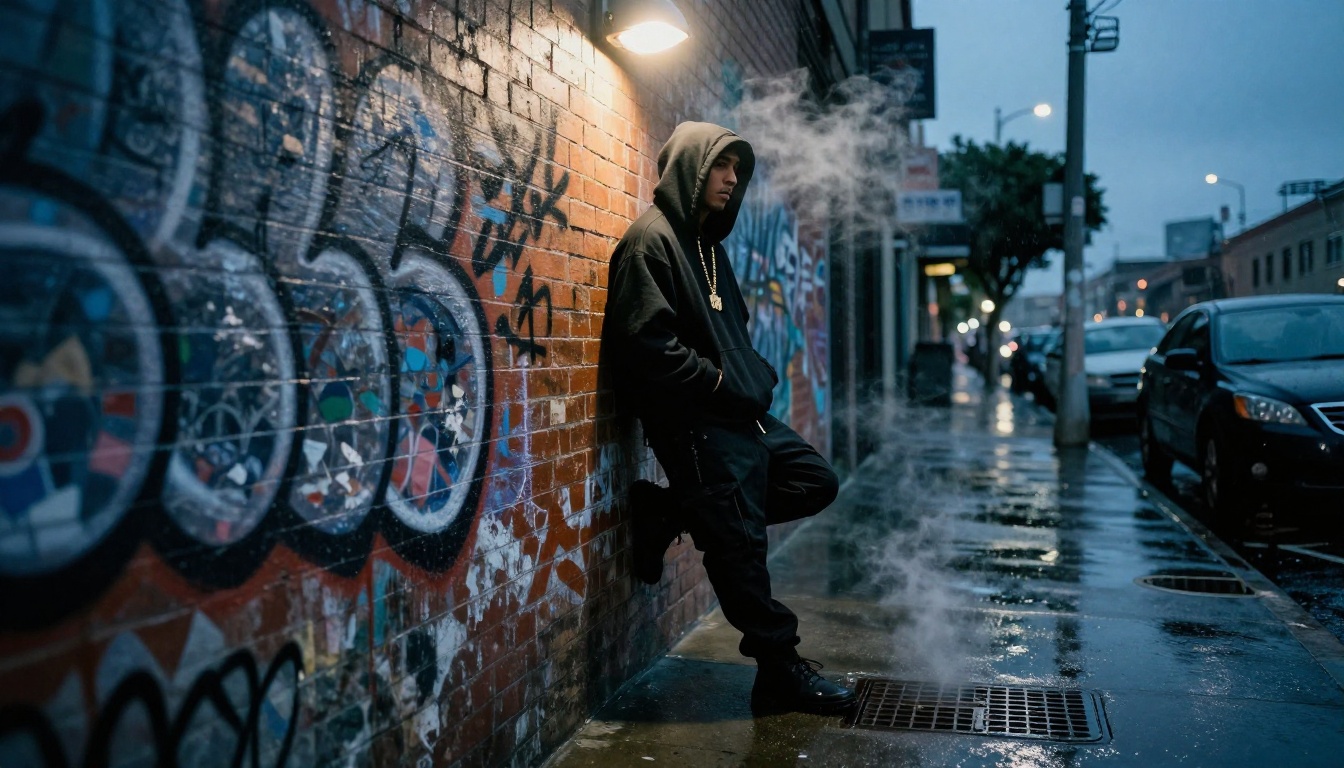
Blue hour, that 15-minute window after sunset where the sky turns deep navy and practical lights pop against the darkness, is the definitive aesthetic of hip-hop visuals. Gold chain, steam from a manhole, wet asphalt reflections, weathered graffiti. This is a self-contained visual universe.
Scene prompt direction: Rapper looks down, then slowly lifts gaze directly to camera, steam drifts from right foreground, overhead light intensifies gradually, steam from manhole rises and dissipates across the left frame edge.
Why it works: Kling v3 handles the interaction between practical street lighting and atmospheric elements like steam and wet surfaces with physically accurate light behavior. The blue-to-black color palette also gives the model strong tonal contrast to work with.
EDM and Electronic
Concept: LED Warehouse Crowd
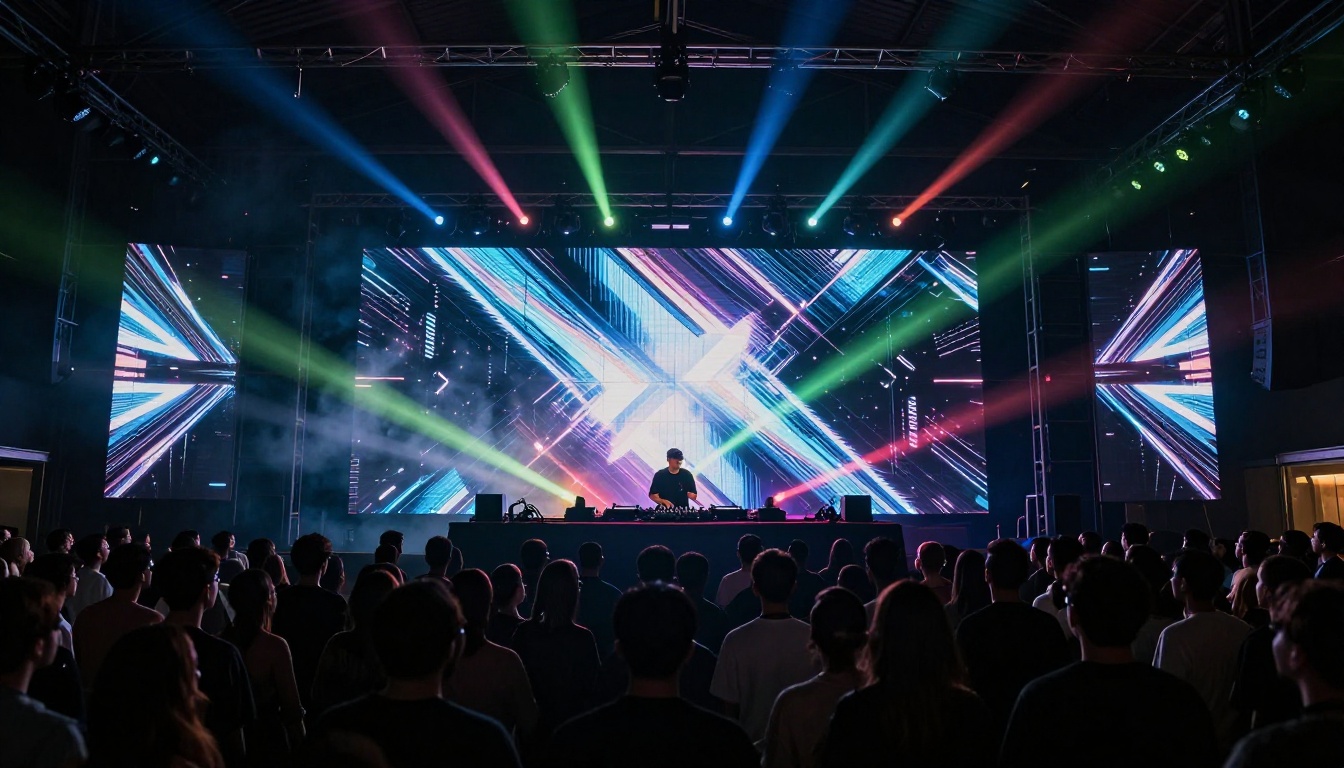
Electronic music lives in the club. The visual grammar is specific: LED walls, smoke machines, packed crowds, and dynamic lighting. Kling 3.0 handles LED color wash particularly well because the lighting variation gives the model rich reference data to animate realistically.
Scene prompt direction: Crowd pulses subtly with the music, LED panels shift through geometric color patterns, smoke machine releases a new burst from stage left, DJ raises one arm overhead, camera slowly pushes through the crowd toward the stage over 5 seconds.
Why it works: The large-scale environmental light changes in this scene type are exactly the kind of dynamic that Kling v3's temporal consistency model handles well. The color shifts stay physically coherent rather than flickering arbitrarily.
Indie and Alternative
Concept: Forest Dawn Session
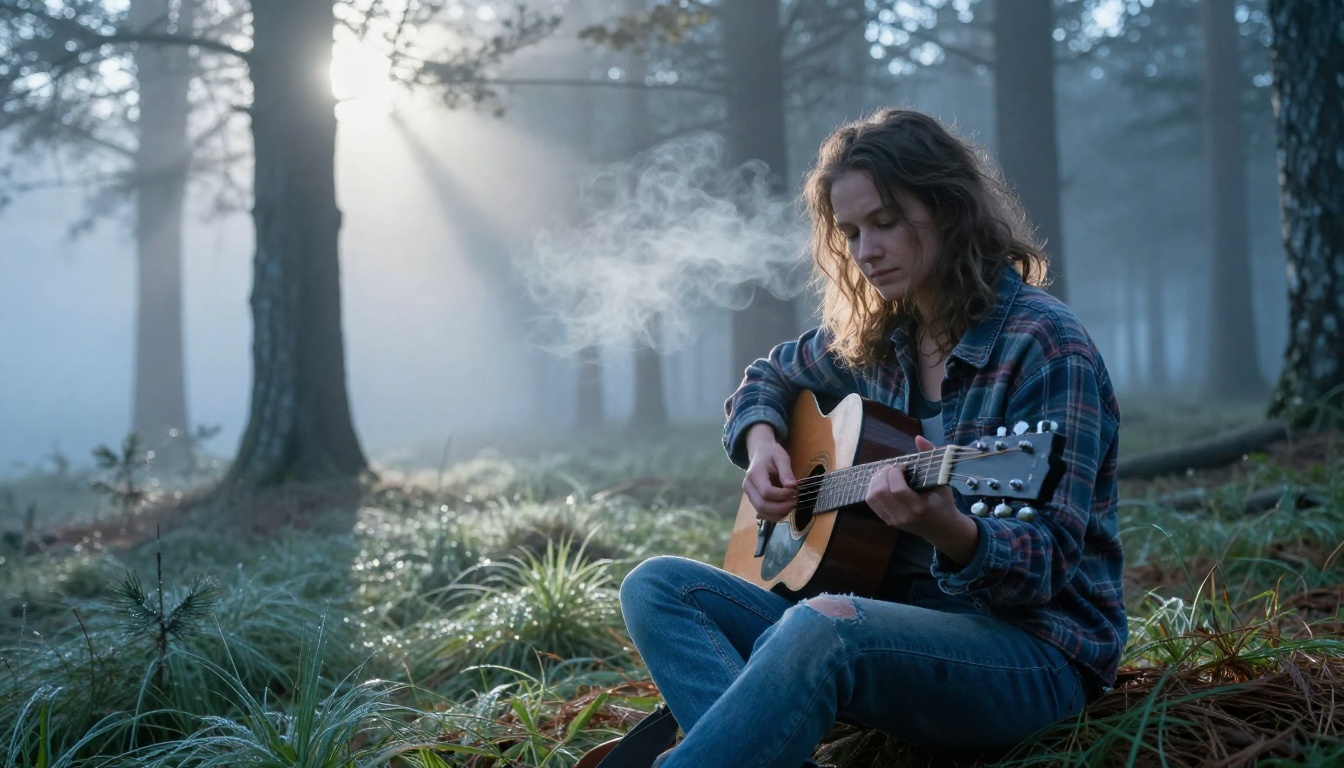
Indie and alternative music has long relied on raw, intimate environments. A solitary performer in a natural setting, no stage, no crowd, just the artist and the space around them, communicates authenticity immediately.
Scene prompt direction: Guitarist plucks a single note, pine branches overhead sway gently in morning wind, breath mist exhales slowly to the left, godray shafts intensify as clouds shift, slow dolly-in from medium to close-up framing over 5 seconds.
Why it works: Natural environments with subtle atmospheric elements, pine branches, mist, morning light, give Kling v3 plenty of motion reference without requiring complex character action. The result feels organic and unforced.
Ambient and Classical
Concept: Vinyl Close-Up Loop
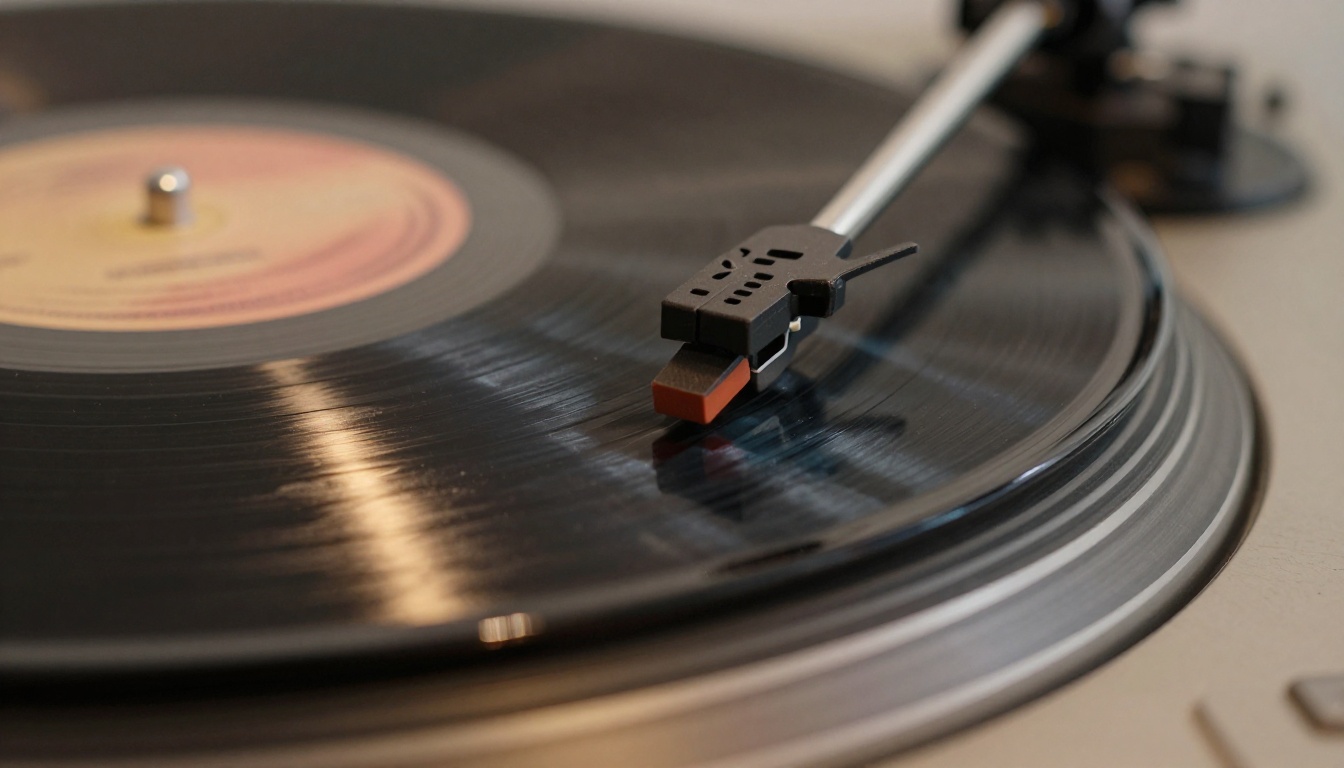
For ambient or classical music where the composition itself is the focus, abstract close-up visuals can be more powerful than any performance footage. A spinning vinyl record, the needle following the groove, dust particles floating in lamplight: this is contemplative, timeless visual material that works as a full music video in itself.
Scene prompt direction: Record spins continuously, needle vibrates subtly in groove, dust particles drift upward through the lamplight beam from left, camera very slowly zooms out from extreme close-up to reveal full turntable context over 5 seconds.
Why it works: Macro mechanical subjects with repetitive motion are a Kling v3 strength. The circular rotation of the record gives the model a clear, physically consistent motion pattern to animate, and the result loops almost perfectly.
Kling 3.0 vs Other AI Video Models
PicassoIA offers access to over 100 text-to-video models. Knowing when to use Kling v3 versus alternatives makes a real production difference.
| Model | Best For | Resolution | Notes |
|---|
| Kling v3 Video | Cinematic realism, character performance | 1080p | Best temporal consistency in class |
| Kling v3 Motion Control | Precise camera choreography | 1080p | Fine control over camera path and speed |
| Kling v3 Omni Video | Text-to-video without source image | 1080p | Strong for abstract and conceptual scenes |
| Kling v2.6 | Faster generation, cinematic motion | 720p | Good fallback when v3 slots are busy |
| Kling v2.5 Turbo Pro | Speed-priority cinematic video | 1080p | Fastest Kling output with solid quality |
| Seedance 2.0 | Built-in audio synthesis | 1080p | Unique native audio generation |
| Veo 3 | Text-to-video with native audio | 1080p | Google's model for narrative storytelling |
| Pixverse v6 | Cinematic video with AI audio | 1080p | Strong for dynamic action sequences |
For music video work specifically, Kling v3 sits at the top of the stack because of its handling of human subjects. No other model in the current generation matches its facial consistency and physical motion realism on close-up performance shots.
💡 When to use alternatives: If your music video concept is abstract, landscape-heavy, or involves built-in audio generation, models like Veo 3 or Seedance 2.0 can produce equally strong results with different aesthetic qualities.
Camera and Lighting Prompts That Sell
The difference between AI video that looks amateurish and AI video that feels cinematic almost always comes down to how you describe camera behavior and lighting conditions in your prompt. These are not optional details. They define the entire aesthetic of the output.
Movement Techniques
Dolly-in: The camera physically moves toward the subject. This creates intimacy and emotional weight. Use it on chorus moments, emotional peaks, or final frames.
Slow orbit: The camera circles the subject at a constant distance. This works beautifully on stationary subjects in dynamic environments, a performer in fog, a dancer in rain.
Crane pull-back: The camera moves upward and backward simultaneously, revealing more of the environment around the subject. This works on establishing shots and wide narrative scenes.
Parallax drift: A very slight lateral camera drift creates depth between foreground and background elements. This is subtle but makes AI video feel far more three-dimensional and alive.
Mood and Color Grading Language
You do not have to wait for post-production to control color in AI video. Kling v3 responds to color grading language in the prompt with remarkable accuracy.
| Mood | Language to Use |
|---|
| Melancholy, introspective | "desaturated tones, blue-shifted shadows, gray overcast diffused light" |
| Euphoric, uplifting | "warm golden-hour light, overexposed highlights, soft atmospheric haze" |
| Gritty, raw | "high contrast, deep shadows, film grain, crushed blacks, street-level" |
| Cinematic drama | "volumetric mist, rim lighting, chiaroscuro, Kodak Portra color science" |
| Ethereal, dreamlike | "diffused softbox lighting, cool shadows, subtle lens flare, low saturation" |
These terms come from real cinematography and color science vocabulary. AI models trained on massive visual datasets have learned to associate these terms with specific photographic aesthetics, and Kling v3 in particular responds to them with high accuracy.
Make Your First AI Music Video Now
The visual ideas in this article are starting points, not finished scripts. Kling 3.0 rewards experimentation. The artists getting the best results right now are the ones who generate 5-10 variations per scene, iterate on prompts based on what the model does naturally well, and treat each output as a reference for the next generation rather than a final product.
PicassoIA brings every Kling v3 variant together with a full library of complementary tools: text-to-image generators for creating source frames, Kling v2.6 Motion Control for added camera precision, Kling Avatar v2 for face-driven performance animation, and over 87 other video models when you want a different aesthetic entirely.
There is also PicassoIA Video, a free unlimited video generator for initial concept testing before committing to premium model credits. It is the fastest way to prototype a music video idea at zero cost.
If you have a track and a concept, you have everything you need to start. Generate a scene. See what Kling 3.0 does with it. Adjust the camera language, the mood description, the motion direction. Within a few iterations, you will have footage that would have required a production crew six months ago.
The music video ideas you have been holding back because of budget or access are buildable now. See all video models on PicassoIA and pick the one that fits your sound.


