If you have watched an AI-generated video and thought "that motion looks wrong," you already know the problem Kling 3.0 was built to fix. Fabric that floats instead of falling. Hair that moves like a single rigid block. Characters whose feet never quite connect with the ground. Kling 3.0 attacks these problems at the physics layer, producing motion that holds up frame by frame rather than collapsing into visual noise after two seconds.
This is not another text-to-video model that renders pretty still frames and calls the movement between them "good enough." Kling 3.0 treats motion as the primary output, not a side effect of frame generation. That distinction is what separates it from most competitors in the AI video space right now.

What Kling 3.0 Actually Does
Most AI video models generate frames independently and then stitch them together. The motion you see is largely interpolation: the model guesses what should be between frame A and frame B. Kling 3.0 uses a different approach, modeling motion trajectories before rendering the visual content. That order of operations matters enormously for realism because the physics of movement is established before the pixels are committed.
Motion Physics That Hold Up
The physics simulation in Kling 3.0 accounts for material properties at the simulation stage. Silk behaves differently from cotton. Water responds to gravity differently than dust. When a character in a Kling v3 Video clip moves through space, the secondary motion, the stuff that follows the primary action like hair swinging after a head turn or a skirt hem lagging behind a stride, is computed relative to the primary motion vector rather than guessed frame-by-frame.
This is why Kling 3.0 for realistic motion consistently outperforms older models on fabric-heavy scenes and portrait animation. The secondary motion reads as natural because it is physically derived, not statistically predicted from training data alone.
The model applies different inertia values to different material types. A structured jacket shoulder stays anchored while the lapels shift slightly. A chiffon hem ripples continuously while the waistband of the same garment holds steady. These are not effects layered on top of the video. They are baked into the motion model before rendering begins.
Temporal Consistency Explained
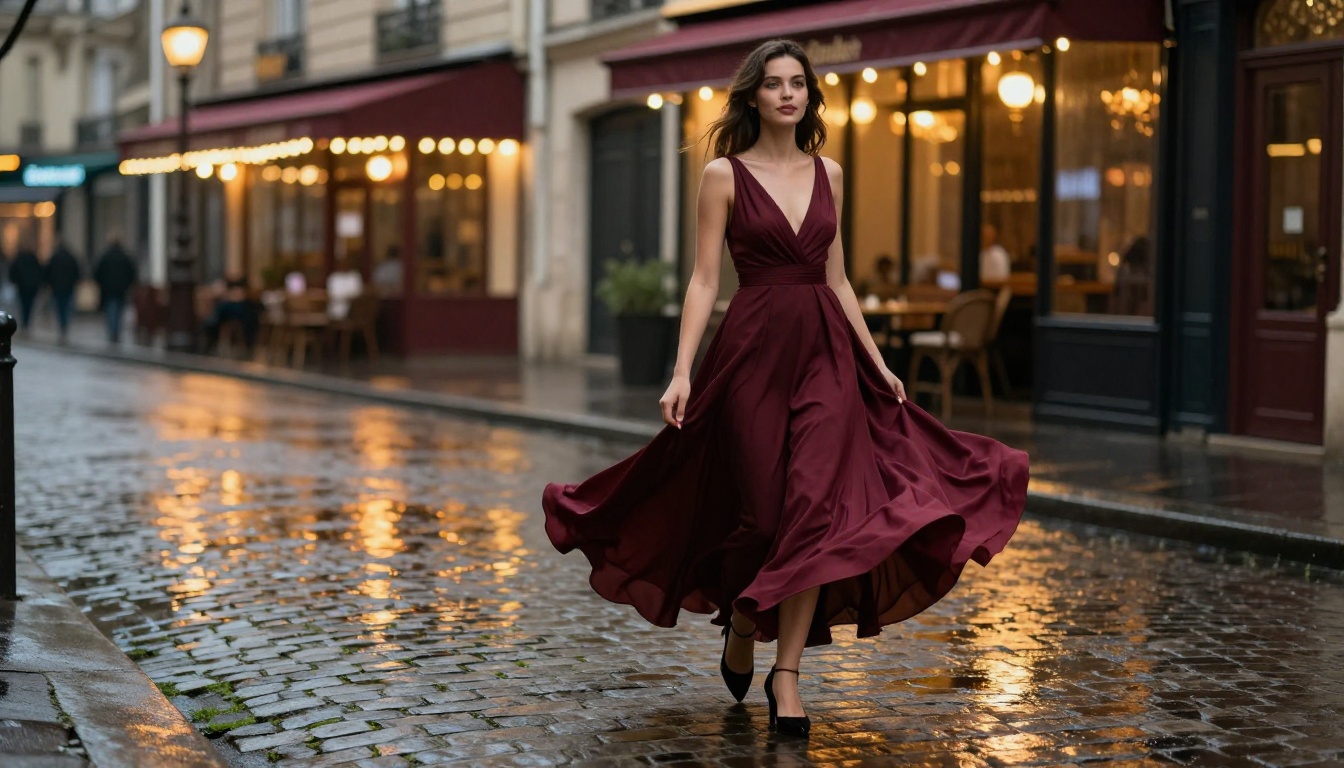
Temporal consistency is the thing that makes or breaks AI video. It answers one question: does the subject look like the same person, or the same object, from frame to frame without flickering, warping, or shifting?
Kling 3.0 maintains identity consistency across motion states. If a woman starts a clip in a red dress and turns away from camera, her dress does not flicker, shift color, or change silhouette between the turn and the return. Earlier models from the Kling family handled static shots well but started drifting noticeably during active motion sequences. V3 eliminates most of that drift through a revised attention mechanism that anchors identity features across the full clip rather than frame-by-frame.
Worth noting: Temporal consistency degrades faster in long-clip mode (10 seconds) than in short-clip mode (5 seconds). For complex motion scenes with active subjects, two well-crafted 5-second clips almost always beat one struggling 10-second clip. Chain them in post rather than pushing the model past its sweet spot.
3 Things Kling 3.0 Does Better
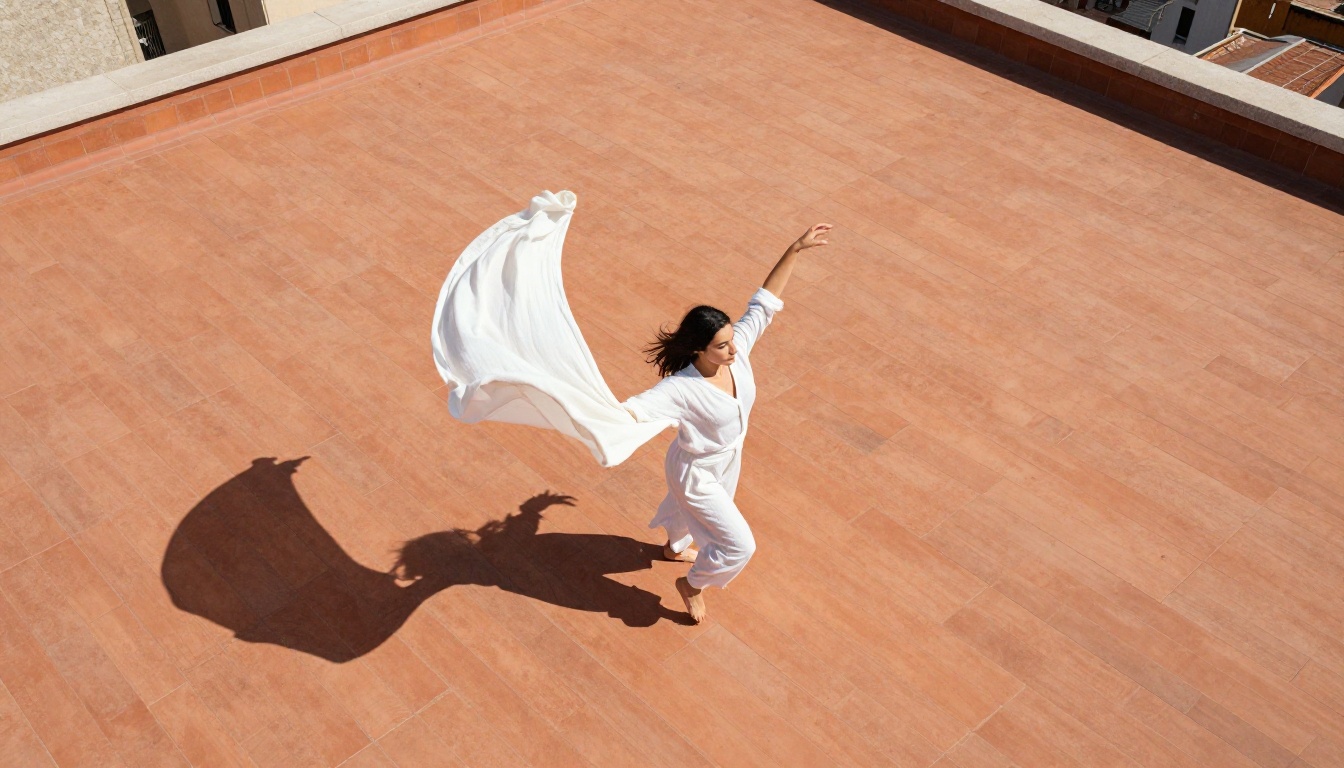
There are specific categories where Kling 3.0's improvement over previous versions is substantial enough to matter in production work. Not every scene benefits equally. But these three categories show the clearest gains.
Fluid Cloth and Hair
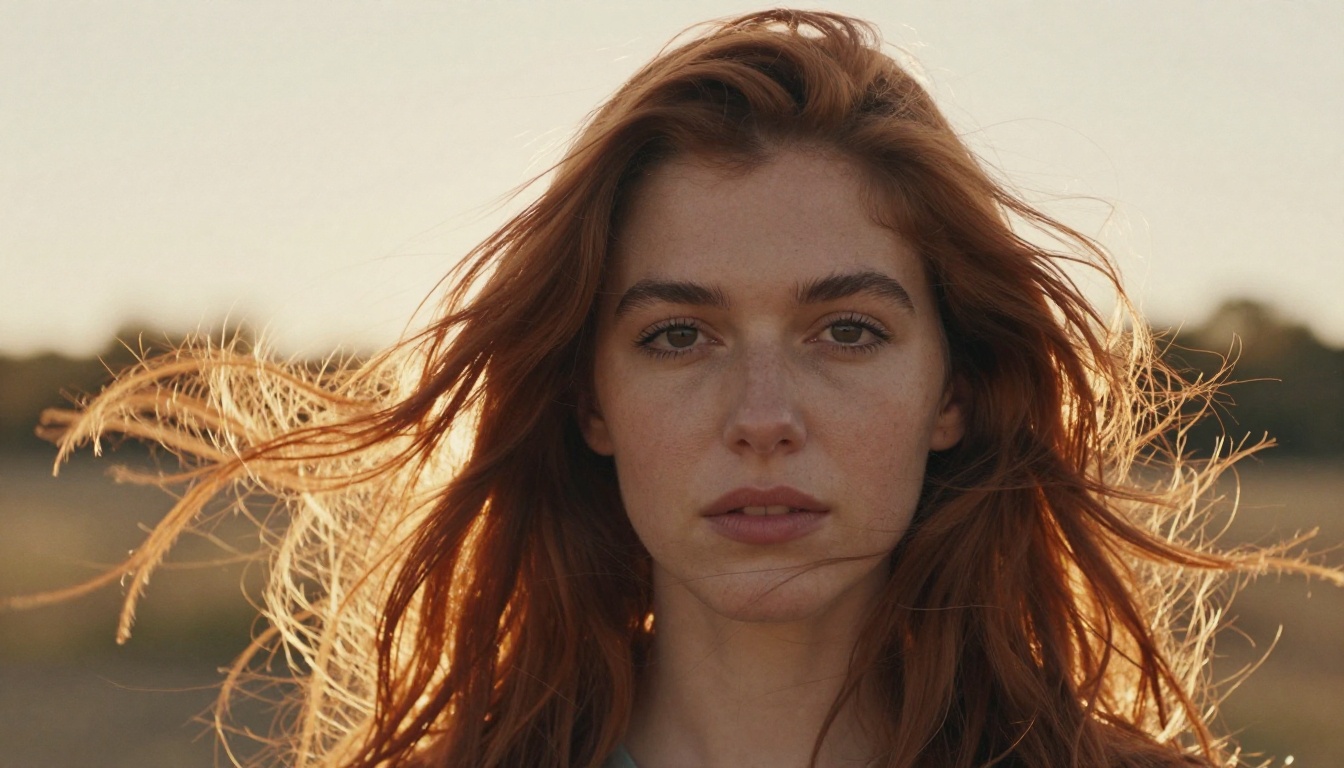
Cloth simulation in AI video has historically been unreliable. The fabric either sticks rigidly to the body with no independent movement, or it detaches from physics entirely and floats like it is suspended underwater. Kling 3.0 hits the middle ground that makes it believable: flowing fabric maintains contact with the body at anchor points (shoulders, waist, wrists) while moving freely at hems and extremities.
Hair responds to head direction with lag that matches real hair weight rather than snapping instantly to the new position. When a subject turns their head left in a Kling 3.0 clip, the hair follows with a slight delay proportional to its length and simulated density. The result is the kind of incidental motion that makes footage read as filmed rather than generated.
This matters most for:
- Fashion and editorial video content
- Portrait animation from still photography
- Lifestyle content featuring organic, natural movement
- Any scene involving wind, water, or environmental interaction with materials
Camera Motion Without Drift
One of the most common failure modes in AI video is compound motion: what happens when you combine camera movement with a moving subject. The camera pans, the subject walks, the background shifts, and the model loses track of spatial relationships. You end up with a scene that looks like a painting that someone is slowly dissolving from the edges inward.
Kling v3 Omni Video handles compound motion significantly better than any v2.x variant. The scene geometry stays coherent even when you specify a dolly move or pan alongside character action. The background anchors correctly while the subject moves independently within the frame, and the two motion layers do not bleed into each other.
Precise Character Motion Control
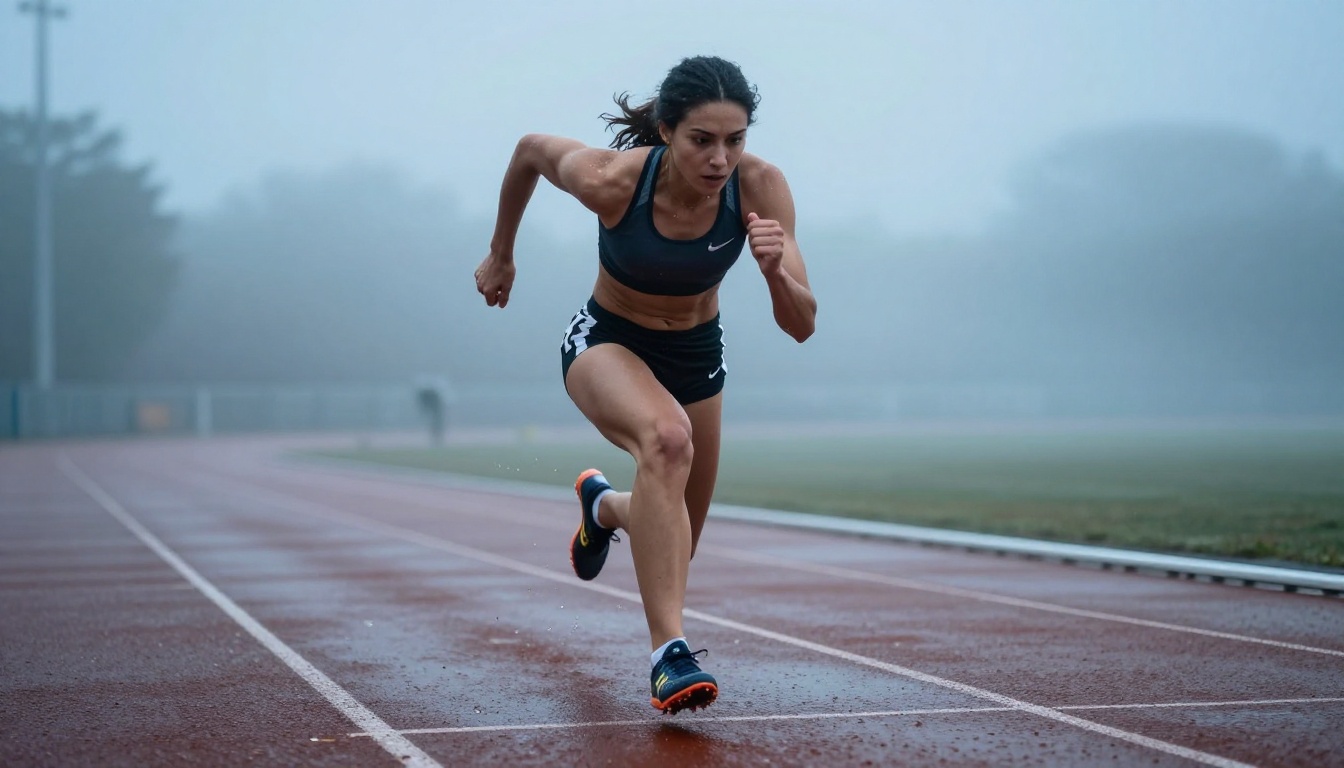
Kling v3 Motion Control adds a layer of precision that the standard video model does not offer. You can specify motion paths, control the speed of action, and define where in the frame motion should occur. For creators who need predictable output rather than random variation with every generation, this variant is the practical production choice.
The motion control variant accepts:
- Brush-drawn motion paths indicating where subjects should move within the frame
- Speed modifiers ranging from slow-motion to accelerated equivalent
- Zone masking to keep parts of the frame static while others animate
For portrait animation from a reference photograph, this precision is critical. You specify which direction the head should turn, how far, and at what pace, rather than hoping the model interprets an ambiguous prompt the way you intended.
How to Use Kling 3.0 on PicassoIA
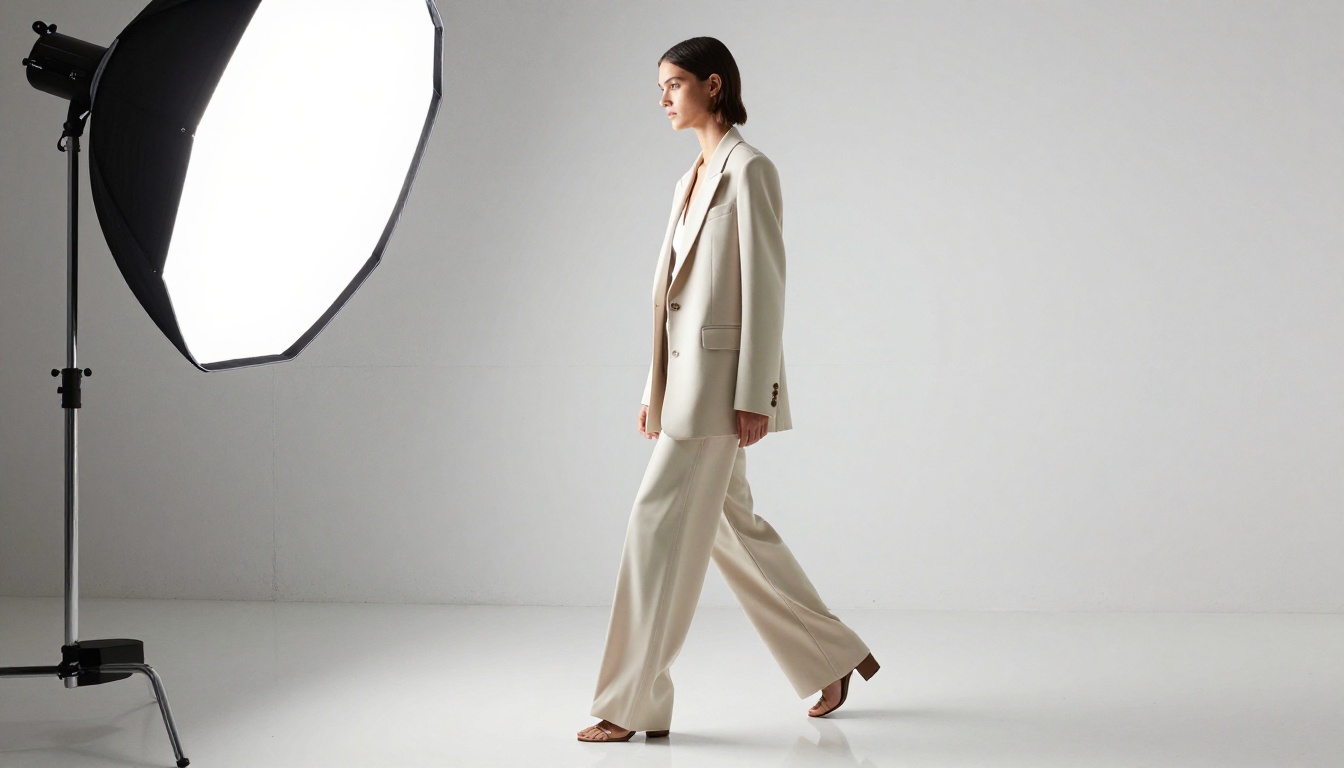
Kling 3.0 is available on PicassoIA through three distinct model variants, each suited to different output goals. Picking the right one before writing your prompt saves significant iteration time and generation credits.
Step 1: Pick the Right Model Variant
If you are starting without a reference image and want to generate from a text description, Kling v3 Video is the right starting point. If you have a specific shot you need to replicate from a reference photograph or want tight control over character movement, Kling v3 Motion Control gives you the precision to do it without gambling on prompt interpretation.
Step 2: Writing Prompts for Realistic Motion
The single biggest prompt mistake for realistic motion: describing what the scene looks like instead of what it does.
Weak: "A woman in a white dress standing on a beach."
Strong: "A woman in a flowing white linen dress walking slowly toward the camera along a sandy beach, the fabric pulling back at the hem with each step as the ocean wind presses it against her legs, her hair lifting and settling with each stride, footprints left in the wet sand behind her."
The difference is specificity of motion. Kling 3.0 responds to motion verbs and motion modifiers: lifting, pulling, pressing, settling, swaying, rippling. These signal to the model what physics it should apply, not just what the static composition should look like.
Prompt tip: Include the cause of the motion (wind, walking, turning) alongside the effect (fabric billowing, hair shifting, shadow moving). Causal descriptions produce more internally consistent motion than descriptions of the result alone. "The wind causes the dress to billow" gives the model a physics reason. "The dress is billowing" is just a state.
Step 3: Adjusting for Clip Length
For realistic motion specifically, the following clip length guidelines hold up consistently:
- 5 seconds: Ideal for single-action sequences (a turn of the head, one step forward, fabric catching a gust of wind)
- 10 seconds: Works for continuous motion scenes but requires simpler backgrounds and fewer simultaneous motion elements
- Fast mode: Lower temporal consistency, acceptable for rough previews and layout checks, not for final output
The version hierarchy worth knowing for context: Kling v2.6 handles general motion well and is a solid default for scenes that do not require peak fabric physics. Kling v2.5 Turbo Pro trades some quality for speed and is useful when you need high iteration volume. Kling v2.1 Master was the quality benchmark before v3. Each generation represents a measurable step in motion realism, not just resolution.
Kling v3 vs. Other Video Models

Realistic motion is not exclusive to Kling 3.0. Several other models on the platform compete seriously in this space, and each has scenarios where it is the better choice.
Kling v3's advantage over competitors is most visible in cloth simulation and hair physics under active motion. Google's Veo 3 matches or exceeds it in scene complexity and native audio integration but runs slower and at higher cost. Wan 2.7 T2V is faster and more economical for scenes that do not require precise fabric behavior. The choice between them depends on what your specific scene actually needs, not on which model is ranked highest overall.
Real Use Cases That Benefit Most
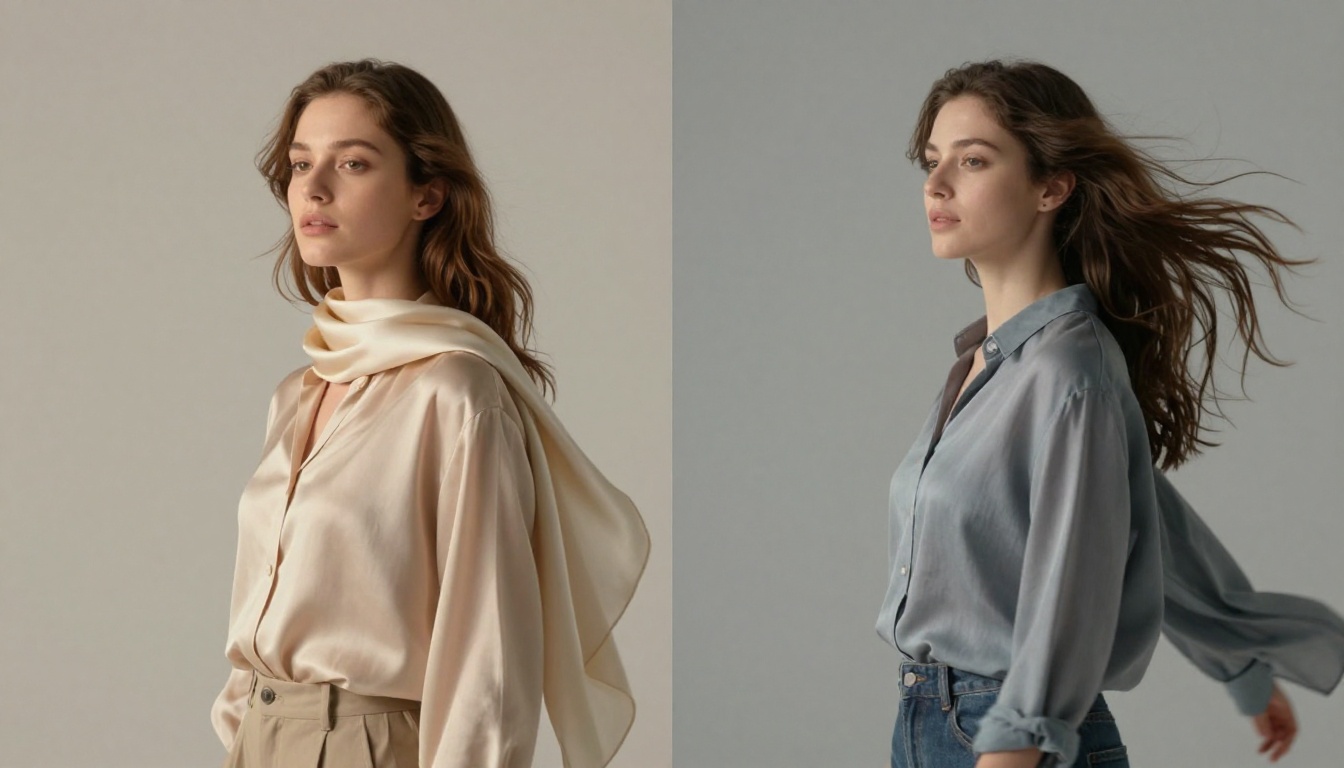
Kling 3.0 for realistic motion is not equally useful for every type of content. There are categories where its specific capabilities produce output that would be difficult to achieve any other way, and categories where a faster, lighter model gives you comparable results with less waiting.
Fashion and Editorial Content
This is where Kling 3.0's fabric physics produce output that is genuinely hard to match. Flowing gowns, structured blazers in motion, scarves catching wind, wide-leg trousers swaying with a stride: all of these require a model that understands material behavior at a per-frame physics level rather than averaging it out statistically. The output is directly usable for fashion brands, editorial publications, and lookbook video content that needs to feel filmed.
Portrait Animation from Photographs
If you have a strong still photograph and want to bring it to life, Kling v3 Motion Control is one of the most capable tools available for this specific workflow. The identity consistency in v3 means the subject in the animated clip still looks like the person in the source photograph, which is not a given with earlier models. A subtle head turn, a slow blink, hair shifting in a simulated breeze: these read as natural extensions of the original image rather than a generated approximation of it.
Lifestyle and Brand Videos
Motion in lifestyle content is often subtle and incidental: a hand reaching for a coffee cup, a person turning to smile at the camera, hair catching a breeze on a sun-lit terrace. Kling 3.0's handling of secondary motion (the incidental movement that happens alongside the main action) is what makes these clips feel documentary rather than generated. The coffee cup does not warp. The hair does not flicker. The smile does not shift identity mid-frame.
For brand videos where the subject is a product in motion, such as a perfume bottle, a garment, or a piece of furniture, the same physics accuracy applies to object surfaces and ambient environmental interaction.
4 Mistakes That Kill Motion Quality
Most failed Kling 3.0 outputs share common causes. Avoiding these four specific errors saves significant generation credits and time before you land on a usable result.
-
Overloading the scene with simultaneous motion: Requesting five moving elements at once (character walking, wind in trees, water flowing, camera panning, crowd in background) fragments the model's physics budget. Pick two or three motion elements maximum and let them be executed well.
-
Ignoring negative prompts: Kling 3.0 responds well to explicit negative guidance. Including "no jerky motion, no flickering, no warping, no morphing faces" alongside your main prompt measurably improves output consistency on the first generation.
-
Describing appearance instead of behavior: Static descriptions produce static-feeling video even when the subject is technically moving. Motion verbs and causal language (what causes the motion, not just what the motion looks like) drive better results from this model specifically.
-
Using 10-second clips for complex motion scenes: The model's temporal consistency holds at 5 seconds far more reliably than at 10. For scenes with active motion and multiple elements, chain shorter clips in post rather than pushing longer generation and hoping it holds.
Kling v3 handles motion generation. Other tools on PicassoIA extend what you can do before and after.
If your source image needs sharpening before animation, Super Resolution models can upscale a soft or low-resolution photograph to animation-ready quality before it goes into Kling v3 Motion Control. For portrait clips where the subject needs to speak, Kling Avatar v2 adds realistic lipsync to the animated result. Audio layers, including voiceover and background music, can be generated through the platform's Text to Speech and AI Music Generation tools and added as a final step.
The workflow: sharpen the source image with Super Resolution, animate with Kling v3, add lipsync with Kling Avatar v2 if needed, layer audio with TTS or music generation, and export. Each step is available on the same platform without switching tools or managing API connections.
Start Creating
Kling 3.0 for realistic motion is available right now on PicassoIA, without requiring local GPU setup, API configuration, or technical installation. Pick a still photograph, describe the motion you want to see in specific physical terms, and run a 5-second clip.
The difference between a scene that reads as "AI-generated" and one that reads as filmed footage almost always comes down to the motion layer. That is exactly what Kling 3.0 was built to produce.
Start with Kling v3 Video for general scenes, move to Kling v3 Motion Control when you need precision over character animation, and use Kling v3 Omni Video for complex compositions that combine camera movement with multiple moving subjects. All three variants are available now, and the results speak more clearly than any description of the technology behind them.


