The battle between Kling 3.0 and HappyHorse 1.0 is exactly what the AI video generation space needed: two serious contenders with distinct strengths, going head-to-head in a market crowded with half-baked models. This is not another incremental update story. Both models arrived with bold claims about motion realism, 1080p output, and generation speed, and both have real footage to back it up. The question is not which one looks impressive in a demo reel. The question is which one actually works for your projects.
What Makes Kling 3.0 Different
Kling's jump to version 3.0 is not a minor patch. KwaiVGI rebuilt core motion prediction layers to handle longer coherent action sequences, significantly reducing the drift that plagued earlier versions when subjects moved across a frame. The result is videos where a person walking down a street actually walks, rather than gliding or warping by frame 60.
The Architecture Behind the Motion
Kling 3.0 operates on a diffusion-transformer hybrid backbone that processes spatial and temporal tokens jointly, rather than sequentially. This matters in practice because motion stays physically consistent: cloth blowing in wind folds in believable ways, water ripples propagate outward naturally, and faces maintain identity across cuts. Earlier Kling versions lost facial coherence around the 3-second mark. Version 3 pushes that window comfortably past 10 seconds.
Three variants are available on PicassoIA:
- Kling v3 Video — standard cinematic output at 1080p with strong text and image input support
- Kling v3 Omni Video — full text-to-video with extended prompt following and native synchronized audio
- Kling v3 Motion Control — adds trajectory-based motion hints for precise character and camera direction
Output Specs at a Glance
| Spec | Kling 3.0 |
|---|
| Max Resolution | 1080p |
| Max Duration | 10 seconds |
| Frame Rate | 24 fps |
| Input Types | Text, Image |
| Audio | Native (Omni variant) |
HappyHorse 1.0 Enters the Ring
HappyHorse 1.0 is Alibaba's bet that the next stage of AI video is not just quality, it is output-ready quality. The model targets 1080p from the ground up, not through post-upscaling, and prioritizes scene coherence over flashy motion complexity. The name is unusual, but the output is not: it produces clean, stable footage with strong prompt adherence, particularly for product shots, landscape videos, and controlled character movements.
Alibaba's Approach to Video AI
Where Kling leans into motion dynamism, HappyHorse 1.0 bets on compositional accuracy. Give it a detailed text prompt describing a specific scene arrangement, and it renders the layout with a precision that rivals some light cinematography setups. The model was trained on a large proprietary dataset of high-definition commercial footage, which explains why outputs tend to have a refined, nearly production-ready aesthetic.
What 1080p Actually Means Here
Some models label output as "1080p" when they are simply upscaling a 480p base. HappyHorse 1.0 generates at native 1080p resolution, meaning individual texture details at the pixel level are actually rendered, not interpolated. Hair strands, fabric weave, and surface grain behave correctly under movement rather than smearing into noise.
Visual Quality Face-Off
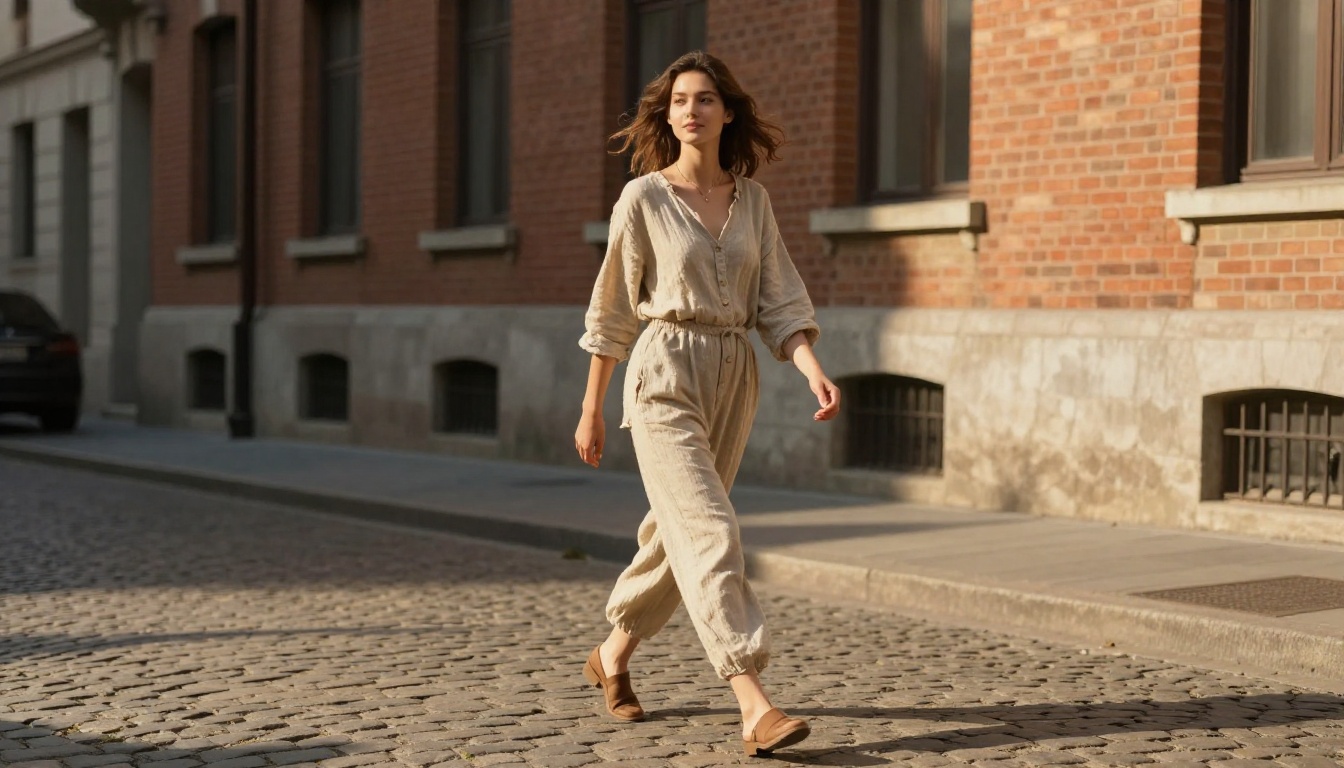
This is where the real decision happens. Both models target photorealism, but they make different trade-offs in how they handle scene complexity and motion variance.
Motion Coherence
Kling 3.0 is the stronger model for dynamic scenes. Fast camera pans, complex character interactions, and multi-subject scenes all hold up under the motion model's temporal consistency engine. HappyHorse 1.0 starts to struggle with rapid action, sometimes producing judder artifacts in fast-moving frames or losing subject consistency when two characters interact within the same clip.
HappyHorse 1.0 wins for slow-motion and static-camera scenes. When the prompt calls for minimal camera movement, the model produces pristine, artifact-free footage with a sharpness that Kling 3.0 does not always match on the first generation attempt.
Scene Complexity and Prompt Following
| Criterion | Kling 3.0 | HappyHorse 1.0 |
|---|
| Dynamic motion | Excellent | Good |
| Static beauty shots | Good | Excellent |
| Prompt adherence | Strong | Very Strong |
| Character consistency | Very Strong | Good |
| Facial detail retention | Very Strong | Good |
| Background stability | Good | Excellent |
| Multi-subject scenes | Good | Fair |
💡 For social media content requiring precise scene layout, HappyHorse 1.0's prompt fidelity is a practical advantage. For storytelling content where characters need to carry narrative weight across multiple seconds, Kling 3.0's identity retention is the safer bet.
Speed and Efficiency
Generation time is a practical concern that gets overlooked in benchmark comparisons focused only on final output quality. In real production workflows, waiting matters.
Generation Time Comparison
Kling 3.0 averages around 90 to 120 seconds per 5-second clip at 1080p, depending on server load. HappyHorse 1.0 is roughly comparable at 80 to 110 seconds, with slightly faster queuing in off-peak hours. Neither model is instant, but both are fast enough for iterative creative workflows where you are refining one prompt at a time.
The Kling v2.5 Turbo Pro variant cuts generation time significantly if you are willing to trade some of the motion quality ceiling for speed. For comparison, Seedance 2.0 from ByteDance also delivers fast turnaround with built-in audio, making it worth considering when time is the top priority.
How the Models Handle Retries
A practical factor worth noting: when a generation needs a retry, HappyHorse 1.0's outputs tend to be more consistent across attempts with the same prompt. Kling 3.0 has more generation variance, which can be a feature when you want diversity of output, or a friction point when unpredictable quality slows down a deadline-driven workflow.
Where Each Model Wins
Pick Kling 3.0 For...
- Narrative storytelling clips where a character needs to hold identity across multiple seconds
- Action sequences with fast camera moves, multiple subjects, or complex physics interactions
- Social content that needs energy and visual dynamism to stop the scroll
- Image-to-video workflows where you are animating a photorealistic source image with significant motion
- Avatar and talking-head videos via Kling Avatar v2
- Long-duration clips up to 10 seconds where motion coherence matters throughout
Pick HappyHorse 1.0 For...
- Product showcase videos where layout accuracy matters more than motion complexity
- Landscape and travel content with stable cameras and broad natural scenes
- Brand content requiring consistent visual aesthetics across multiple generation runs
- Precise prompt-to-scene translation in advertising or e-commerce contexts
- High-detail static subjects like architecture, interiors, and nature close-ups
- First-pass production content that needs fewer retries before reaching usable quality
How to Use Kling v3 on PicassoIA
PicassoIA hosts all three Kling v3 variants with no software installation required. The workflow is browser-based and takes about two minutes from prompt to output.
Step-by-Step
- Open Kling v3 Video on PicassoIA
- Choose between text-to-video or image-to-video input mode
- Write a detailed prompt: subject, action, camera movement, and lighting in that order
- Set duration to 5 or 10 seconds depending on your scene's complexity
- If using image input, upload a high-resolution source image (16:9 ratio works best)
- Select 1080p output and hit Generate
- Review the output, adjust motion descriptors in your prompt, and regenerate if needed
Prompt structure that works well with Kling v3:
- Start with the subject and action: "A man in a dark coat walks toward the camera..."
- Add camera direction: "...with a slow dolly-in from 8 meters..."
- Specify lighting: "...under cool overcast daylight from above..."
- Close with atmosphere: "...natural wind moving his coat, shallow depth of field on his face"
For more precise motion control, Kling v3 Motion Control lets you draw trajectory paths for subjects directly on the input image before generation, giving you frame-level directorial control without writing complex prompts. The Kling v2.6 version remains a solid option for users who want reliable cinematic output without the newer model's credit cost.
How to Use HappyHorse 1.0 on PicassoIA
Step-by-Step
- Open HappyHorse 1.0 on PicassoIA
- Write a scene description with strong compositional detail: foreground, midground, background, and lighting all specified
- Include specific texture and material details in your prompt, HappyHorse 1.0 responds well to precision
- Keep camera movement minimal if you want the sharpest output
- Set output to 1080p and generate
- If the first output's motion feels flat, add subtle camera descriptors like "gentle pan right" or "slow zoom in"
Prompt structure that works well with HappyHorse 1.0:
- Describe the scene like a still photograph first, then add one motion verb
- Mention material textures explicitly: "rough stone walls," "smooth glass surface," "linen curtain in the breeze"
- Keep subject count to one or two per scene for best coherence
- Use grounded lighting descriptions: "overcast afternoon light," "golden hour from the right"
💡 HappyHorse 1.0's sweet spot is structured scene description. The more specific your spatial layout in the prompt, the closer the output matches your intent. Vague prompts produce generic outputs, while detailed prompts produce near-cinematographer-level composition accuracy.

Other Top Video Models Worth Testing
The AI video generation landscape spans well beyond these two contenders. PicassoIA's catalog has options for every production niche:
- Seedance 2.0 — ByteDance's flagship with built-in audio generation, strong for musical and atmospheric content
- Veo 3 — Google's native audio-video model, excellent for voiceover-synced content
- Wan 2.7 T2V — 1080p text-to-video with strong open-world scene generation
- Ray 3.2 — Luma's HDR-capable model, ideal for high-contrast cinematic work
- Pixverse v5.6 — Fast turnaround for social media clips with good motion variety
- Hailuo 02 — MiniMax's 1080p model with strong cinematic composition defaults
- Sora 2 — OpenAI's flagship with strong physics modeling for complex real-world scenes
- PicassoIA Video — Free, unlimited text-to-video ideal for rapid prompt prototyping before committing credits
💡 PicassoIA Video is the practical starting point for testing prompt ideas before committing credits to premium models like Kling 3.0 or HappyHorse 1.0. It is unlimited and free, which makes iteration cost nothing.
Start Generating Right Now
Both Kling v3 Video and HappyHorse 1.0 are available on PicassoIA with no local hardware required. The fastest way to settle this comparison for your specific use case is to run the same prompt through both models and watch what comes back.
Start with a scene you actually need for a real project, something specific and concrete. The differences in motion coherence, detail retention, and compositional accuracy become obvious within the first two generations. You will develop a working instinct for which model fits which type of content far faster than any benchmark table can tell you.
Browse over 87 text-to-video and image-to-video models at picassoia.com/en/all-models and find the right tool for your workflow without switching platforms.