Kling 3.0 landed quietly, but the creator community noticed immediately. If you have spent serious time with Kling v2.6, you already know what the 2.x generation could do: fluid motion, solid realism, and consistent outputs that felt a full step above most text-to-video rivals. Then v3 showed up and raised the bar again. The real question is not whether v3 is better, it obviously is in most benchmarks, but whether that improvement is worth the credit cost, the workflow adjustment, and the inevitable learning curve. This piece breaks it down without noise.
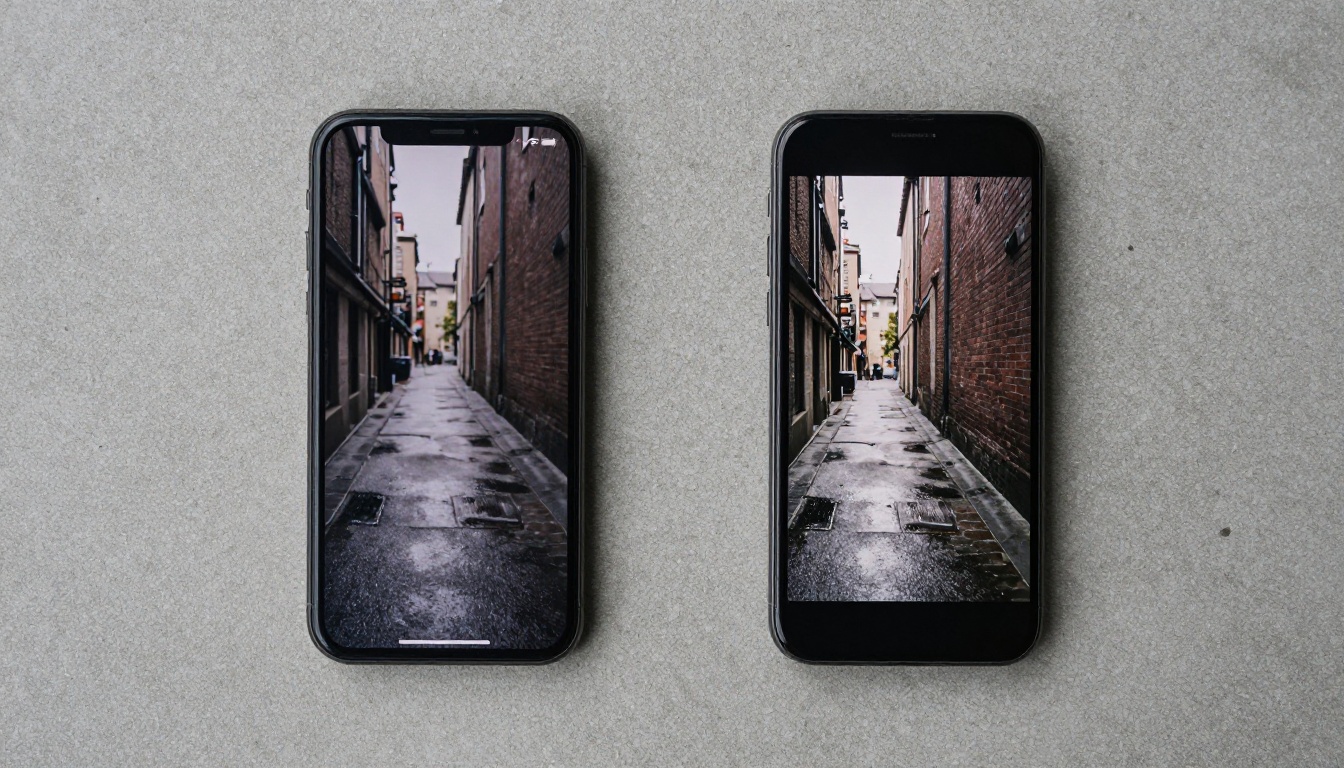
What Changed Between Versions
The v2.6 Foundation
Kling v2.6 established itself as a reliable workhorse for AI video generation. It produces 1080p clips, handles complex prompts with solid scene coherence, and rarely produces the wildly broken motion artifacts that plague cheaper models. Its motion control variant, Kling v2.6 Motion Control, let creators guide camera trajectories with precision, which made it a go-to for narrative video work throughout most of 2024 and into 2025.
The model earned its reputation through reliability. You could feed it a well-structured prompt and reasonably predict the output quality. That predictability is worth more than it sounds when you are on a deadline or running a high-volume content pipeline.
Where v2.6 succeeds:
- Stable, predictable output on established prompt structures
- Strong subject-to-background consistency across frames
- Reliable at medium-length clips in the 5 to 10 second range
- Motion Control variant for guided camera work
- Lower credit cost per generation for budget-conscious workflows
- Fast enough generation speed for iterative prompt testing
Where v2.6 starts to break:
- Complex multi-subject scenes with overlapping motion
- Highly detailed environments with fine textures such as foliage, fabric, or dense crowds
- Extreme close-ups where skin and surface detail matters at the pixel level
- Rapid directional changes in subject movement
- Cloth and hair physics under environmental forces like wind or water
What v3 Actually Brings
Kling v3 Video represents a more significant architectural shift than the version number alone suggests. This is not simply a quality bump applied to the same underlying model. The architecture shows measurable improvements in temporal coherence, which is the consistency of objects across sequential frames, and this was the single biggest structural weakness of the v2 generation.
Three improvements stand out immediately when you run comparisons:
- Temporal Stability: Objects no longer subtly morph or "swim" when stationary between cuts. A coffee cup on a table stays a coffee cup without shifting shape across frames.
- Fine Detail Retention: Fabric weave, skin pores, and surface textures hold across motion sequences instead of smoothing into an indistinct blur.
- Physics Awareness: Cloth drape, hair movement, and liquid behavior follow more believable physical rules. A coat hem catches wind in a way that reads as real rather than algorithmically approximated.
The Kling v3 Omni Video variant extends this further with multi-modal conditioning: you can steer the generation with both a text prompt and an image reference simultaneously, giving you tighter creative control than the text-only path in Kling v2.6 allowed.
Video Quality Side by Side
Resolution and Sharpness
Both models output at 1080p, so raw resolution is not the differentiator here. The real gap shows up in perceptual sharpness: how much fine detail survives the generation process at the pixel level, particularly in motion frames.
| Feature | Kling v2.6 | Kling v3 |
|---|
| Max Resolution | 1080p | 1080p |
| Perceived Sharpness | Medium-High | Very High |
| Edge Definition | Slightly soft at high frequency | Sharp and stable |
| Texture Retention in Motion | Moderate | High |
| Compression Artifacts | Occasional on fast motion | Rare |
| Temporal Consistency | Good | Excellent |
| Complex Scene Depth | Moderate | Strong |
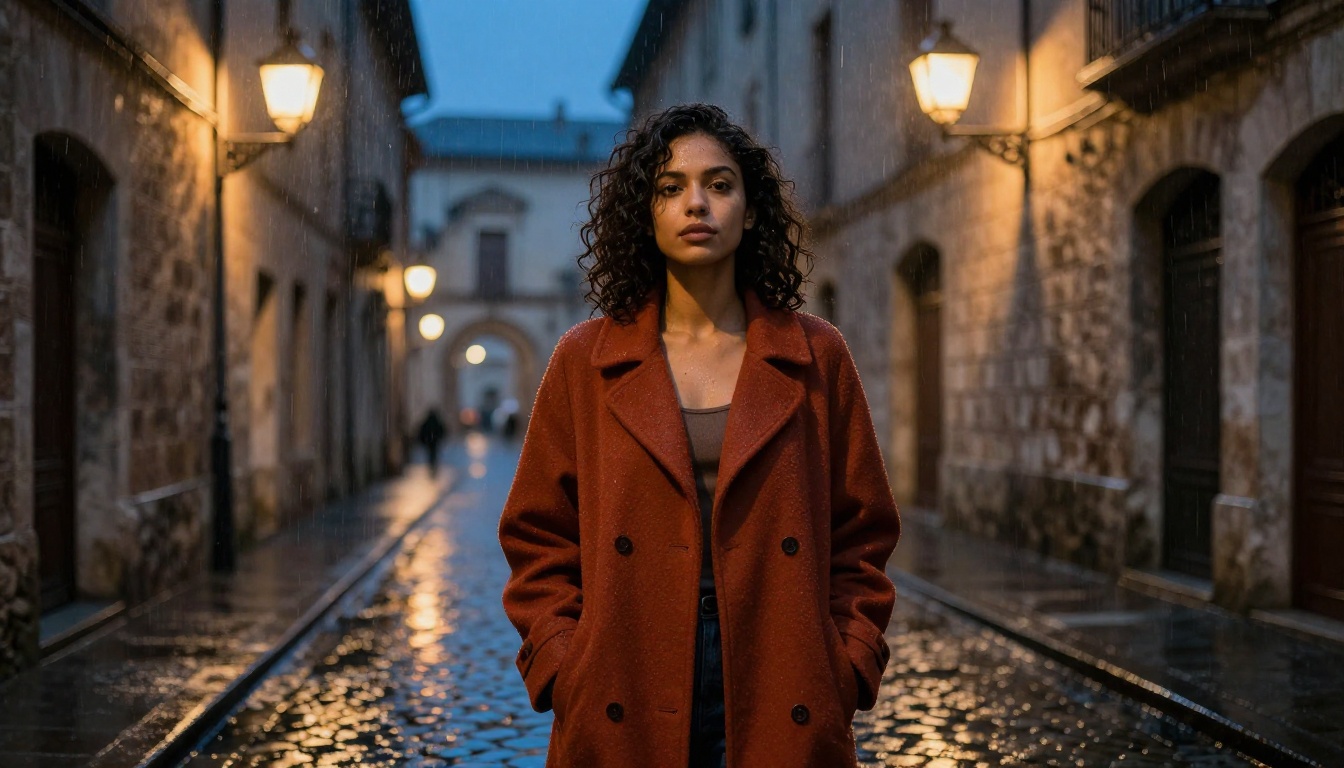
The difference is most visible in frames with high spatial frequency content: text on signs, brick walls, tweed jackets, dense foliage. Kling v2.6 tends to smear these elements when motion enters the frame. Kling v3 Video resolves them cleanly even on subjects in active movement.
This distinction matters most for specific production scenarios. If your deliverable is a static-ish shot with slow movement, v2.6 holds up fine at 1080p. If you are generating fast action sequences, textured fashion content, or urban scenes with environmental complexity, the v3 perceptual sharpness improvement is immediately noticeable.
Motion Realism
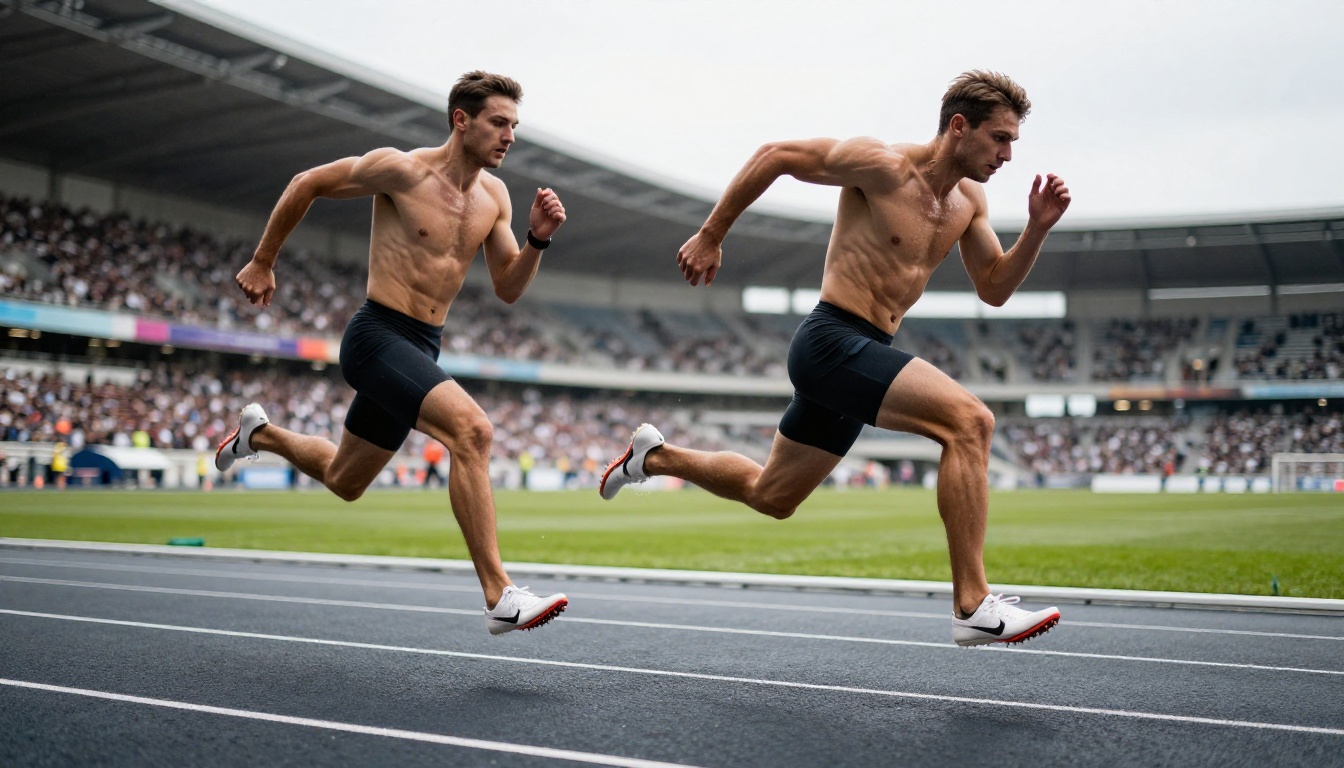
This is where Kling v3 Video earns its reputation. The motion in v3 clips feels less like "a video that was generated" and more like footage that was shot with a camera and then color-graded. That is a difficult distinction to quantify but it is immediately perceptible when you play both side by side on any decent monitor.
💡 Test this yourself: Generate the same prompt on Kling v2.6 and Kling v3 with a subject performing a fast action, running, turning sharply, or reaching for something. The v3 clip will hold subject coherence through the entire motion arc in ways v2.6 visibly struggles with.
Motion types where v3 leads clearly:
- Full-body locomotion including walking, running, and dancing
- Hand and finger articulation in close or medium shots
- Cloth and fabric dynamics under movement
- Hair behavior with environmental interaction such as wind or water
- Crowd scenes with multiple independent actors moving simultaneously
- Camera-tracked subjects crossing depth planes in the scene
Motion types where v2.6 remains competitive:
- Slow pans across stationary subjects
- Controlled cinematic push-ins
- Simple single-subject clips with deliberate, low-speed movement
- Abstract or stylized motion where physical accuracy is not the goal
Generation Time
Faster is not always better, but when you are iterating on a creative project, generation speed directly affects how many ideas you can test in a session. Here is where the two versions sit in practice:
- Kling v2.6: typically generates a 5-second clip in 2 to 4 minutes depending on server load and scene complexity.
- Kling v3 Video: sits at roughly 3 to 6 minutes for the same clip length at comparable scene complexity.
The trade-off is moderate rather than dramatic. You are spending roughly 1.5x more time per generation in exchange for noticeably higher quality output. For production work where you are running one to three final renders of a polished clip, that is a favorable exchange. For rapid brainstorming sessions where you need to test fifteen prompt variations in an hour, it can slow your iteration rhythm.
Kling v2.5 Turbo Pro sits between both options as a speed-prioritized alternative when you need fast iterations at quality closer to the v3 tier without the full generation time cost.
Credit Cost
If you run dozens of generations per week, cost compounds quickly. In broad terms, v2.6 generations cost fewer credits per clip while v3 generations carry a premium reflecting the increased compute requirements.
For commercial work where the output appears in client deliverables, the v3 premium is trivial relative to the production value gained. A single high-quality clip that avoids a reshoot conversation with a client more than covers the credit difference. For hobbyist exploration or high-volume concept-testing workflows, keeping Kling v2.6 in your active rotation makes clear economic sense.
The practical strategy most high-output creators use: v2.6 for concept generation and prompt refinement at volume, v3 for final production renders where the quality ceiling matters.
Where v3 Wins Clearly
Complex Scene Composition
Multi-element scenes are where model generations historically fall apart. Two subjects interacting, a character in a richly detailed environment, or a scene with simultaneous foreground and background motion: all of these pushed Kling v2.6 to its structural limits.
Kling v3 Video handles composition complexity with noticeably less degradation. Background elements hold their detail while foreground subjects move. Secondary subjects do not ghost or visually merge with nearby objects. The model appears to have a stronger internal representation of depth layering and spatial relationships.
Scenarios where v3 is the clear production choice:
- Fashion or product videos with rich textured environments
- Nature scenes with foliage, water, or weather effects
- Urban street scenes with crowd movement
- Interior scenes with multiple distinct light sources
- Cinematic narrative clips featuring protagonist-environment interaction
- Any scene requiring consistent object permanence across more than 3 seconds
Character Motion and Body Coherence
Earlier Kling generations handled slow, deliberate movement elegantly. Fast or complex movement was where outputs got strange: fingers multiplied, fabric moved against physics, hair turned into abstract shapes mid-clip.
Kling v3 Motion Control specifically addresses the character coherence gap. When combined with reference image conditioning, it maintains consistent anatomy through high-speed action sequences in a way that Kling v2.6 Motion Control could only approximate on simple movement types.
The improvement in hand and finger articulation alone makes v3 the obvious choice for any generation where the camera is close enough to show hands clearly, which is a significant portion of product, lifestyle, and narrative video content.

Where v2.6 Still Holds Up
Simple, Static-Camera Prompts
Not every use case needs v3 quality. If your prompt involves a single subject in a controlled environment with slow, intentional movement and a relatively static camera, Kling v2.6 delivers excellent results at lower cost and faster turnaround. The perceptual gap between v2.6 and v3 narrows significantly when scene complexity is low.
Use cases where v2.6 remains fully viable:
- Product reveal shots with minimal motion
- Talking-head style clips with subtle animation
- Landscape timelapses with controlled, slow panning
- Short social content clips under 5 seconds
- Quick style tests and prompt iteration rounds
- Ambient atmospheric loops with no subject action
Budget-Constrained Workflows
If you are producing content at volume, whether for social media, marketing assets, or creative exploration, running every generation through v3 will consume your credit allocation faster than most budgets allow.
The two-tier workflow strategy solves this cleanly: use Kling v2.6 for all ideation and rough-pass generation where you are evaluating prompt direction and scene composition. Switch to Kling v3 Video only for final production renders where the output will be reviewed by clients or appear in public-facing content.
Earlier models in the Kling lineup, including Kling v2.1 Master and Kling v1.6 Pro, still serve niche use cases in high-volume pipelines, particularly for specific stylistic looks or low-priority batch rendering jobs.

How to Use Kling v3 on PicassoIA
Both Kling v3 Video and Kling v2.6 are accessible directly on PicassoIA with no local installation, no API key management, and no compute overhead on your end.
Step by Step
Step 1: Select your model
Navigate to the Kling collection on PicassoIA. Choose Kling v3 Video for maximum quality output, or Kling v3 Omni Video if you want to provide an image reference alongside your text prompt for tighter visual control.
Step 2: Write a precise prompt
v3's improved language comprehension means verbose, structured prompts pay off more than they did in v2.6. Include a clear description of your subject with physical details, the specific action or motion you want, the environment and background, lighting conditions, and a camera angle or movement direction.
Step 3: Set clip duration and resolution
Start with 5-second clips for cost-efficient testing. Use 1080p for any output intended for client review or public sharing. Once your prompt is refined, scale to 10-second clips for longer narrative sequences.
Step 4: Refine with Motion Control
For guided camera movement, switch to Kling v3 Motion Control. This variant lets you define camera trajectory alongside subject action, giving you much tighter control over the final composition and preventing the random camera drift that can appear in standard text-only generations.
Step 5: Post-process when needed
PicassoIA provides AI video enhancement tools for upscaling and stabilization that can add a final quality layer to clips targeting 4K delivery or large-format display.
Prompt Craft Tips for v3
💡 v3 responds well to camera language: Phrases like "tracking shot following subject," "rack focus from foreground to background," and "slow push-in toward subject face" produce noticeably more intentional camera behavior than vague framing references.
- Use physical specificity over category labels: "worn grey herringbone linen shirt" outperforms "casual shirt" in texture output.
- Name lighting conditions precisely: "overcast diffused daylight from directly overhead" or "single tungsten practitioner light from camera left" outperforms "indoor lighting" every time.
- Specify motion speed explicitly: "slow deliberate walk" versus "quick 180-degree turn" affects how the model interpolates between frames.
- Include environmental interaction details: "coat hem catching slight breeze as subject rounds corner" gives the model physical interaction cues that improve realism significantly.
- Reference real-world camera equipment in prompts: "shot on Arri Alexa 35, Cooke S7i 75mm T2.0" activates learned cinematographic knowledge that generic prompts do not reach.
The Numbers That Matter
For anyone who prefers a decision matrix before committing, here is the comparison distilled to its core dimensions:
| Category | Kling v2.6 | Kling v3 |
|---|
| Output Resolution | 1080p | 1080p |
| Perceived Visual Quality | High | Very High |
| Motion Complexity Handling | Medium | High |
| Character Body Coherence | Good | Excellent |
| Fine Detail Through Motion | Moderate | Strong |
| Physics Simulation Accuracy | Moderate | High |
| Generation Speed | Faster | Moderate |
| Credit Efficiency | Better | Standard |
| Complex Scene Performance | Moderate | Strong |
| Multi-Subject Coherence | Fair | Good |
| Best Production Use Case | Volume and Iteration | Hero Clips and Finals |
The pattern is consistent across every tested scenario: v3 wins on quality ceiling, v2.6 wins on speed and cost efficiency. Neither is objectively superior in isolation. The right choice depends entirely on what you are making and at what stage of your workflow you are operating.
LSI Keyword Context
When evaluating AI video generation models, the metrics that matter most for professional use are not just raw output quality but total workflow fit. Video generation speed, motion artifact frequency, video frame quality through complex motion, and AI content creation cost-per-deliverable all factor into which model earns its place in your production stack. For cinematic quality video output with high motion coherence, v3 sets a new bar in the Kling lineup. For AI video creator workflows that prioritize speed and video model performance per credit spent, v2.6 remains highly capable.

The Real Verdict
The honest answer is yes for production work, and no for everything else.
If your video ends up in a client's marketing campaign, a brand's social feed, or any context where visual quality reflects directly on your professional reputation, v3 is not optional. The gap between Kling v2.6 and Kling v3 Video on complex, detailed clips is large enough that experienced viewers will register it even without running a direct comparison.
If you are learning AI video generation, building your prompting skills, or iterating through concepts quickly, Kling v2.6 remains a capable, fast, cost-effective model that will not limit your creative development. The workflow patterns and prompt craft you build on v2.6 transfer directly and completely to v3 when you are ready.
What you should avoid is making a blanket policy decision in either direction. The creators running the most efficient high-output pipelines currently use both versions strategically: v2.6 for concept generation and prompt refinement at volume, v3 for final production renders that go to clients or audiences. That split approach captures the quality ceiling of v3 without paying v3 credits for work that does not require it.
The model is rarely the actual bottleneck for most creators. Prompt craft, scene design, and output curation are where most time is spent. Upgrade to Kling v3 when your prompts have outgrown what v2.6 can render. Until that point, the tools you have are producing work that would have been impossible to generate at all two years ago.

Try Both and See for Yourself
The fastest way to resolve this comparison is to run it yourself on a scene you actually care about. PicassoIA gives you access to both Kling v3 Video and Kling v2.6 alongside the full roster of competitive models including Seedance 2.0, Veo 3, Sora 2, and Pixverse v5.6, all from one platform with no setup required.
Pick a prompt for a scene that represents your actual production work. Run it on v2.6. Run it on v3. The output difference will tell you more than any written breakdown. You will either see a gap that justifies the upgrade immediately, or you will confirm that v2.6 is already doing exactly what you need.
Start generating at PicassoIA and put these models to the test on something real.


