Short-form video has become the default language of the internet, and the tools that generate it keep getting sharper. Two models have risen to the top of nearly every creator's shortlist in 2027: Kling v3 Video from Kuaishou and Sora 2 Pro from OpenAI. Both promise cinematic output from a text prompt. Both have serious pedigrees. But they handle short video in fundamentally different ways, and choosing the wrong one for your workflow costs you time and money. This breakdown gives you the real picture.

What Each Model Brings to the Table
Before running side-by-side prompts, it helps to understand the architecture philosophy behind each model. They were built with different priorities, and that shapes everything from clip length to stylistic range.
Kling 3.0 in 2027
Kling v3 Video is Kuaishou's third major iteration of their text-to-video engine. The jump from v2.x to v3 brought tighter motion consistency, notably better human anatomy handling, and significantly improved prompt adherence on dynamic action sequences. If you ran Kling v2 prompts on complex movements, you likely saw limb distortion or flickering. That problem is largely solved in v3.
The model outputs clips at up to 1080p, handles aspect ratios from 9:16 (vertical for Reels and TikTok) to 16:9 (widescreen), and accepts both text-only and image-conditioned generation. The image-to-video pipeline in Kling v3 Omni Video is particularly strong for animating product photos or portraits. There is also Kling v3 Motion Control for creators who want to specify exact camera trajectories.
Strengths at a glance:
- Human motion and anatomy accuracy
- Strong 9:16 vertical output for social platforms
- Multiple sub-variants (video, omni, motion control)
- Competitive generation speed
Sora 2 Pro's Approach
Sora 2 Pro is OpenAI's premium tier of their Sora 2 family. Where the standard Sora 2 targets faster turnaround at lower cost, Sora 2 Pro dedicates more compute to temporal coherence and world-model accuracy. It understands physical cause and effect better than most models, meaning objects fall, splash, and interact with their environment in ways that look plausible.
The model excels at natural environments, weather effects, and complex multi-element scenes. A prompt describing rain hitting a puddle next to a city street will produce convincingly realistic water physics. That physical simulation fidelity comes at a cost: generation times are longer, and the pricing reflects that.
Strengths at a glance:
- Physical world simulation accuracy
- Temporal coherence across the full clip
- Complex multi-element scenes
- Excellent natural environment rendering
Video Quality: What You Actually See
Quality is not a single metric. What matters depends entirely on what you're creating. A TikTok dance clip demands very different things from a brand lifestyle ad.
Motion Consistency
Kling 3.0 handles fast motion well. Sports clips, dance sequences, and action prompts maintain subject identity from frame to frame without the subject "morphing" mid-clip. The temporal consistency has improved substantially over Kling v2.1 Master, which had occasional flicker on high-contrast edges.
Sora 2 Pro wins on slow, deliberate motion. A slow dolly across a dinner table, a sunset timelapse, fluid pouring into a glass: these all look stunning because the model tracks object states over time with greater precision. Where it occasionally struggles is with rapid, chaotic movement involving multiple subjects simultaneously.
💡 For short social clips with dynamic action, Kling 3.0 is the safer bet. For atmospheric, slow-burn content, Sora 2 Pro is exceptional.
Prompt Adherence
Both models have gotten dramatically better at following detailed prompts. The difference shows up in specificity. Tell Kling 3.0 to show "a woman walking through a Tokyo night market at 9pm, camera tracking her from behind at waist height," and it will follow the camera instruction reliably. Sora 2 Pro will follow the scene description but may interpret the camera angle more loosely.
For creators who write tight, cinematography-driven prompts, Kling's Kling v3 Motion Control variant gives explicit control over camera paths, which Sora 2 Pro currently lacks.

Speed and Output Length
Generation speed matters when you're testing dozens of prompts or working against a deadline.
How Fast Each Runs
On the PicassoIA platform, Kling v3 Video typically completes a 5-second clip in under two minutes for standard queue conditions. The Kling v2.5 Turbo Pro variant is even faster for creators who want speed without a full quality trade-off.
Sora 2 Pro runs longer. A comparable 5-second clip can take 3 to 5 minutes depending on scene complexity. If you're iterating rapidly across multiple prompt variations, that difference compounds quickly. A session testing 10 prompts takes roughly 20 minutes with Kling vs. 40-50 minutes with Sora 2 Pro.
Short vs. Long Clips
Both models support clips from 5 to 10 seconds natively. Sora 2 Pro has an edge on maintaining coherent narrative across longer clips, making it better suited to 10-second product reveals where the camera needs to hold a consistent shot. Kling 3.0 is optimized for the 5-7 second window that dominates TikTok and Reels content.
| Feature | Kling 3.0 | Sora 2 Pro |
|---|
| Max resolution | 1080p | 1080p |
| Generation time (5s clip) | ~1-2 min | ~3-5 min |
| Human motion accuracy | Excellent | Good |
| Physical simulation | Good | Excellent |
| Camera control | Explicit (Motion Control variant) | Prompt-based |
| Vertical (9:16) output | Native support | Supported |
| Pricing tier | Mid | Premium |
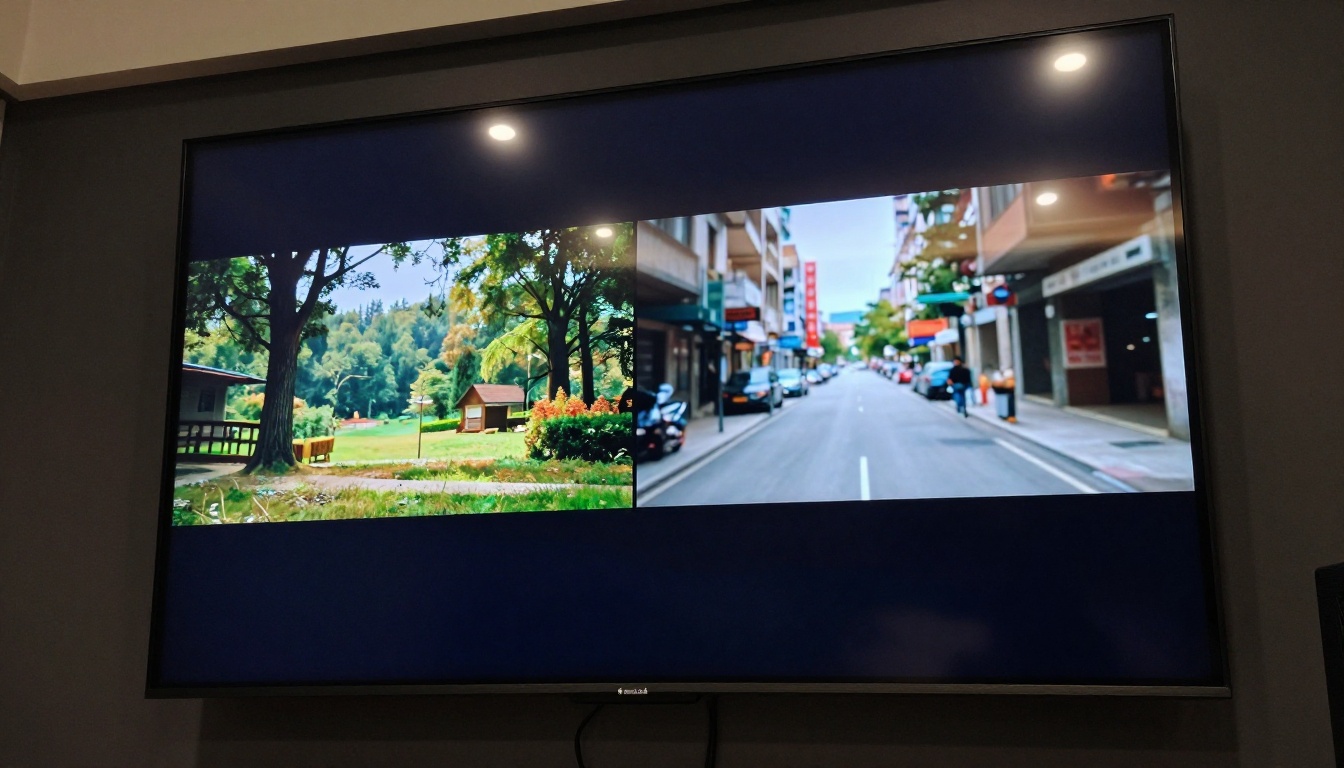
Where Each One Wins
The honest answer is that neither model is universally better. They are optimized for different outputs.
Best for Social Media Clips
Kling 3.0 is the clearer winner for TikTok, Instagram Reels, and YouTube Shorts. The reasons stack up:
- Vertical format support is native, not an afterthought
- Human subjects stay anatomically correct through dance moves, gestures, and expressions
- Speed allows rapid iteration, which is essential for trend-driven content where timing matters
- Kling v3 Omni Video handles image-to-video for creators who start from a photo reference
A fitness creator animating a workout clip, a fashion brand bringing a product photo to life, or a musician generating a visual for a 15-second audio clip: Kling 3.0 handles all of these with fewer retries.
Best for Cinematic Sequences
Sora 2 Pro pulls ahead for content where visual fidelity and world-model accuracy matter more than speed or cost. Brand films, cinematic intros, nature documentary-style clips, and scenes involving complex environmental interaction all benefit from Sora 2 Pro's physical simulation.
💡 If your audience can tell the difference between a slightly wrong water reflection and a perfect one, use Sora 2 Pro. If your audience is scrolling at 1.5x speed, Kling delivers quality fast enough.
Pricing and Access
Cost shapes whether a tool is practical for regular use or reserved for special projects.
Cost Per Video
Both models operate on credit-based systems on third-party platforms. Sora 2 Pro consumes significantly more compute and carries a higher per-clip price. For volume creators generating 20 or more clips per week, this adds up to a meaningful operational difference.
Kling 3.0, particularly through the Kling v2.6 and Kling v1.6 Pro tiers on PicassoIA, offers accessible entry points for creators who want to test AI video without committing to premium-tier pricing from day one.
Free Tier Differences
PicassoIA's free access tier includes several Kling variants. Sora 2 Pro sits behind the premium access wall due to its compute demands. For creators just starting with AI video generation, this makes Kling the more accessible entry point.
Real Use Cases That Matter
Theory is one thing. Here is how the comparison plays out across specific creator scenarios.
TikTok and Reels
A beauty brand wants to generate 30 product clips per month for social content. Budget is a constraint. Kling 3.0 wins on every axis: price, speed, vertical format output, and the ability to animate product photos using Kling v3 Omni Video. The workflow is prompt, generate, download, caption, post.
An independent musician wants a single high-quality visual for a 10-second song teaser to share across platforms. Budget is less of an issue; the clip needs to look exceptional and match the artistic direction of the track. Sora 2 Pro's cinematic rendering and physical accuracy justify the wait time and cost.
Brand Videos and Ads
For a D2C brand running paid social ads, the formula is usually: volume of variants for A/B testing plus quality high enough to not embarrass the brand. Kling 3.0 serves this better. Generate 10 variants of a product in use, test them, scale the winner.
For a high-end automotive or luxury goods brand shooting a 30-second web film, Sora 2 Pro's environmental accuracy makes it the right call for key cinematic sequences, even if Kling handles the supporting clips.
💡 Mix both: use Kling 3.0 for volume iterations and Sora 2 Pro for the hero shot that anchors your campaign.
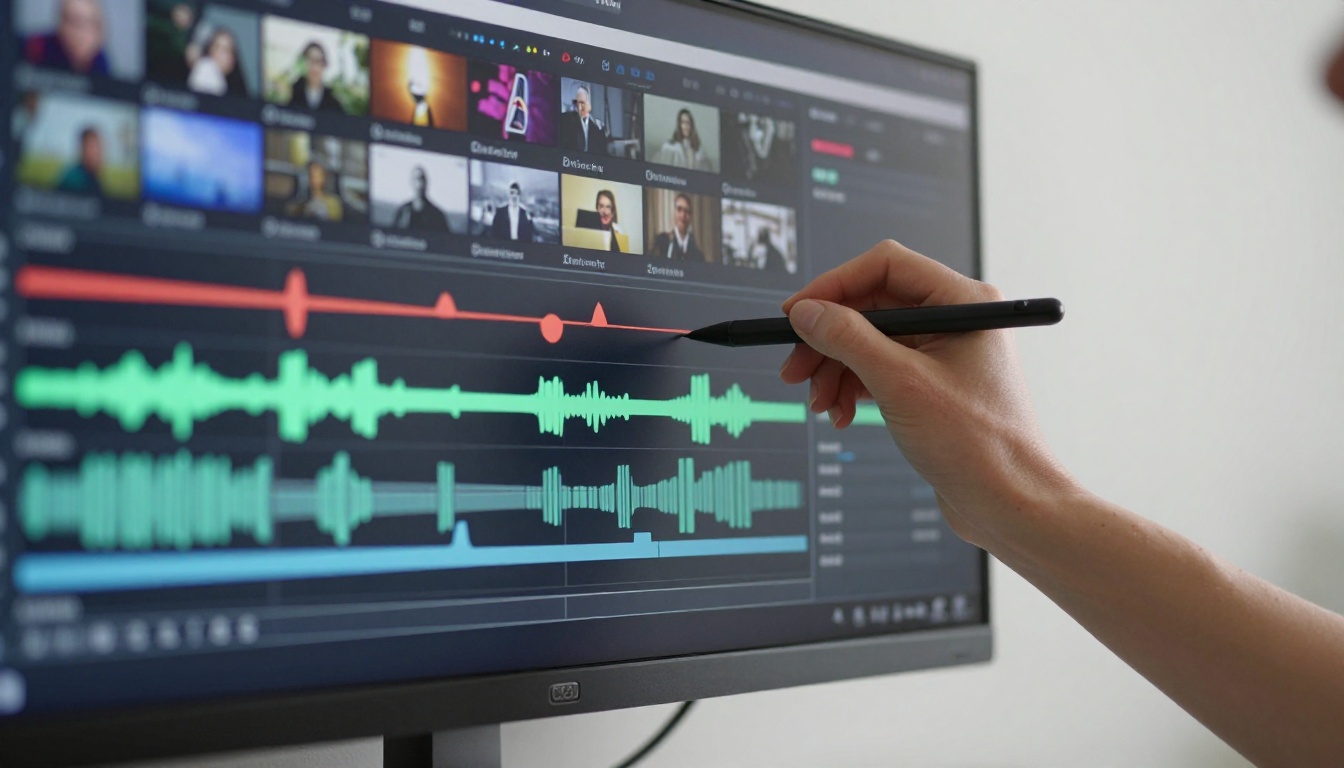
How to Use Kling v3 Video on PicassoIA
PicassoIA hosts Kling v3 Video alongside Sora 2 Pro, so you can test both without switching platforms.
Step-by-Step for Kling v3 Video
Step 1: Write a motion-first prompt. Kling 3.0 responds best to prompts that describe movement, not just scenes. Instead of "a woman in a café," write "a woman lifting a coffee cup slowly, steam curling upward, camera holding steady at eye level."
Step 2: Choose your aspect ratio. For TikTok and Reels, select 9:16 vertical. For YouTube or web content, go 16:9. Kling handles both natively.
Step 3: Set the duration. Start with 5 seconds for testing. Once you have a prompt that works, try 10 seconds for more complex narratives.
Step 4: Submit and iterate. Generation takes 1-2 minutes. If the result is close but not there, adjust one variable at a time: camera angle, subject action, or lighting description. Do not rewrite the entire prompt.
Step 5: Try Motion Control for precision. If you need a specific camera move (dolly, pan, tilt), switch to Kling v3 Motion Control and specify the trajectory explicitly in the camera field.
Parameter tips:
- Include lighting direction in every prompt ("morning light from the left," "soft overhead diffused light")
- Name the camera lens feel ("shot on 35mm," "85mm portrait perspective")
- Use action verbs that imply duration ("slowly turning," "walking steadily," "gradually panning")
Other Models Worth Trying
The Kling vs. Sora comparison is important, but PicassoIA hosts over 100 text-to-video models. Several are worth testing alongside these two.
Alternatives on PicassoIA
Seedance 2.0 from ByteDance generates clips with built-in native audio, making it uniquely useful for social content where ambient sound matters. It is one of the few models that produces synchronized environmental audio without a separate step.
Veo 3 from Google is the most direct Sora 2 Pro competitor in terms of physical world simulation. It also produces native audio and handles complex outdoor scenes with strong natural lighting.
Wan 2.7 I2V is exceptional for animating still images at 1080p. If your workflow starts with a high-quality photo and you want to animate it without a text prompt, Wan 2.7 I2V is arguably the strongest image-to-video model available.
Pixverse v5 delivers 1080p output with strong style consistency, particularly useful for brand content where visual tone needs to match across multiple clips.
LTX 2.3 Pro generates 4K video from text, making it the right choice when output resolution is the top priority, such as for video intended to appear on large format displays.
Ray 2 720p from Luma is fast and accessible, ideal for creators who need solid 720p output quickly without the premium wait time.
Gen 4.5 from Runway offers cinematic motion with strong stylistic control and is particularly capable at consistent character representation across frames.
Hailuo 02 generates 1080p clips with natural motion, performing well on everyday scenes and lifestyle content without complex physics requirements.
The Verdict on Short Videos
For the vast majority of short video use cases in 2027, Kling v3 Video is the better starting point. It is faster, cheaper, handles human subjects with more reliability, and produces native vertical format output without compromise. The Kling v3 Omni Video and Kling v3 Motion Control variants extend its capabilities without forcing you to switch tools.
Sora 2 Pro earns its place for premium cinematic work where physical accuracy and temporal coherence justify longer generation times and higher costs. Think of it as the tool for hero shots and signature moments rather than your daily content engine.
The most effective approach is not choosing one permanently but using both deliberately: Kling for speed and volume, Sora 2 Pro for the clips where every frame needs to be exactly right.

Start Generating Your Own Short Videos
Both Kling v3 Video and Sora 2 Pro are available right now on PicassoIA. You do not need to install anything or manage API keys. Write a prompt, choose your model, and your clip is ready in minutes. PicassoIA also hosts over 100 other text-to-video models including Seedance 2.0, Veo 3, Wan 2.7 I2V, and Pixverse v5, so you can run real comparisons on your own prompts in a single session.
The best way to pick your model is to test it on your actual content. Head to picassoia.com/en/all-models, pick a starting point, and run the same prompt across two or three models. The results will tell you more than any written comparison ever can.


