The debate has been fierce since both dropped: which AI video model actually handles motion better, Kling 3.0 or Wan 2.6? It's not just a spec sheet argument. It's about whether your generated footage looks like it was shot on set or rendered in a basement lab. Both models have made massive leaps from their predecessors, but they take distinctly different approaches to motion synthesis, temporal coherence, and cinematic realism.
If you've spent any time with AI video tools, you know that motion is the hardest thing to get right. Still frames are one thing. The moment subjects start moving, walking, dancing, or even just breathing, the cracks tend to show. Flickering limbs, ghosting artifacts, and jelly-like physics were the hallmark of early AI video. In 2027, that's no longer acceptable.
So let's cut through the noise and settle this properly.
What Sets These Two Apart
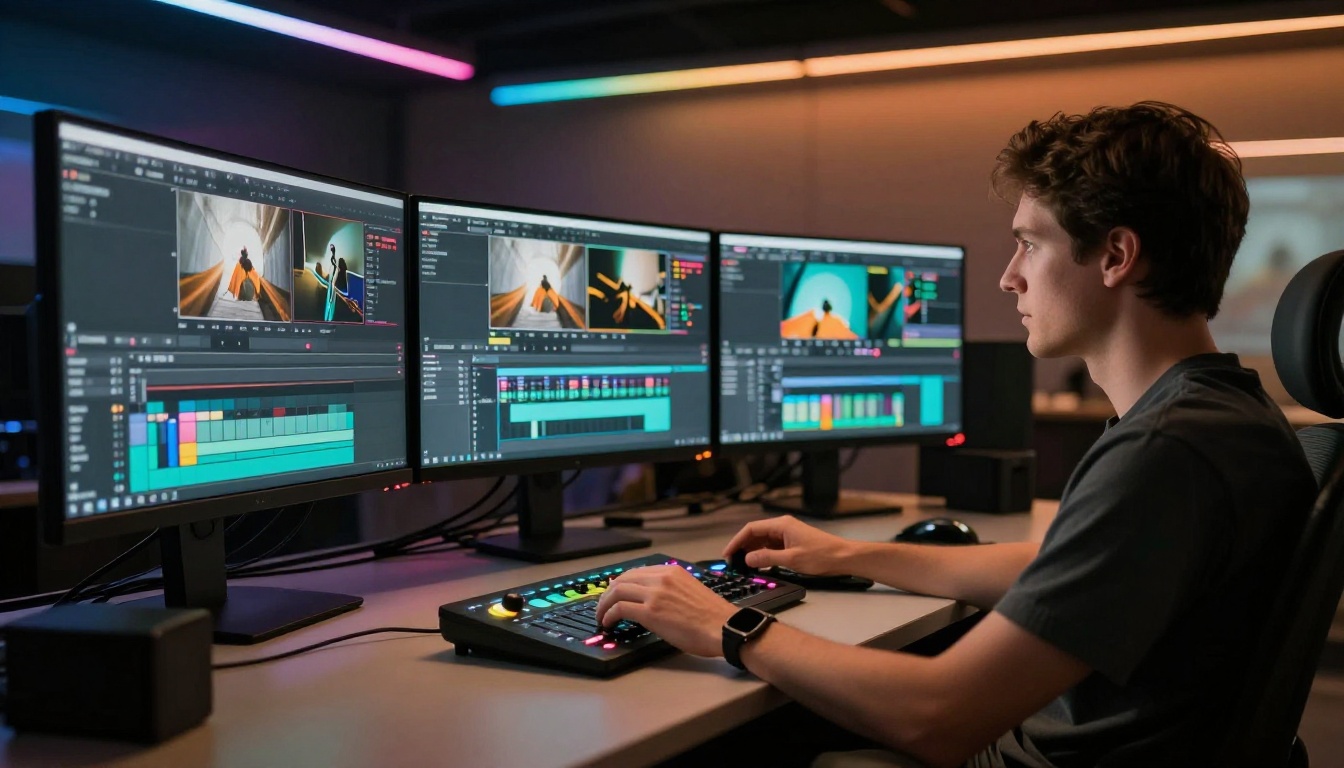
At their core, Kling 3.0 and Wan 2.6 are solving the same problem with different architectures. Kling is built by Kuaishou (kwaivgi), a company with deep roots in consumer video and social media. That heritage shows in how Kling prioritizes visual fluency and perceptual smoothness. Wan, developed by the wan-video team, takes a more research-oriented approach, optimizing for physical plausibility and motion dynamics.
Kling 3.0 at a Glance
Kling v3 Video is the flagship text-to-video model from Kuaishou. It generates 1080p footage with dramatically improved motion consistency over v2.x. The main upgrades in version 3.0 center on:
- Subject coherence: Characters and objects maintain their identity across frames without warping
- Physics-aware motion: Cloth simulation, hair movement, and liquid dynamics behave more plausibly
- Prompt adherence: Complex motion descriptions translate more reliably to video output
- Camera movement: Cinematic camera paths (dolly, crane, orbit) now feel intentional rather than random
The Kling v3 Motion Control variant adds precise frame-level control over camera trajectories, making it invaluable for creators who need specific shot compositions.
Wan 2.6 at a Glance
Wan 2.6 T2V brings a significant motion quality boost from the 2.5 line. Where Kling leans into perceptual smoothness, Wan 2.6 leans into raw motion fidelity. The model handles:
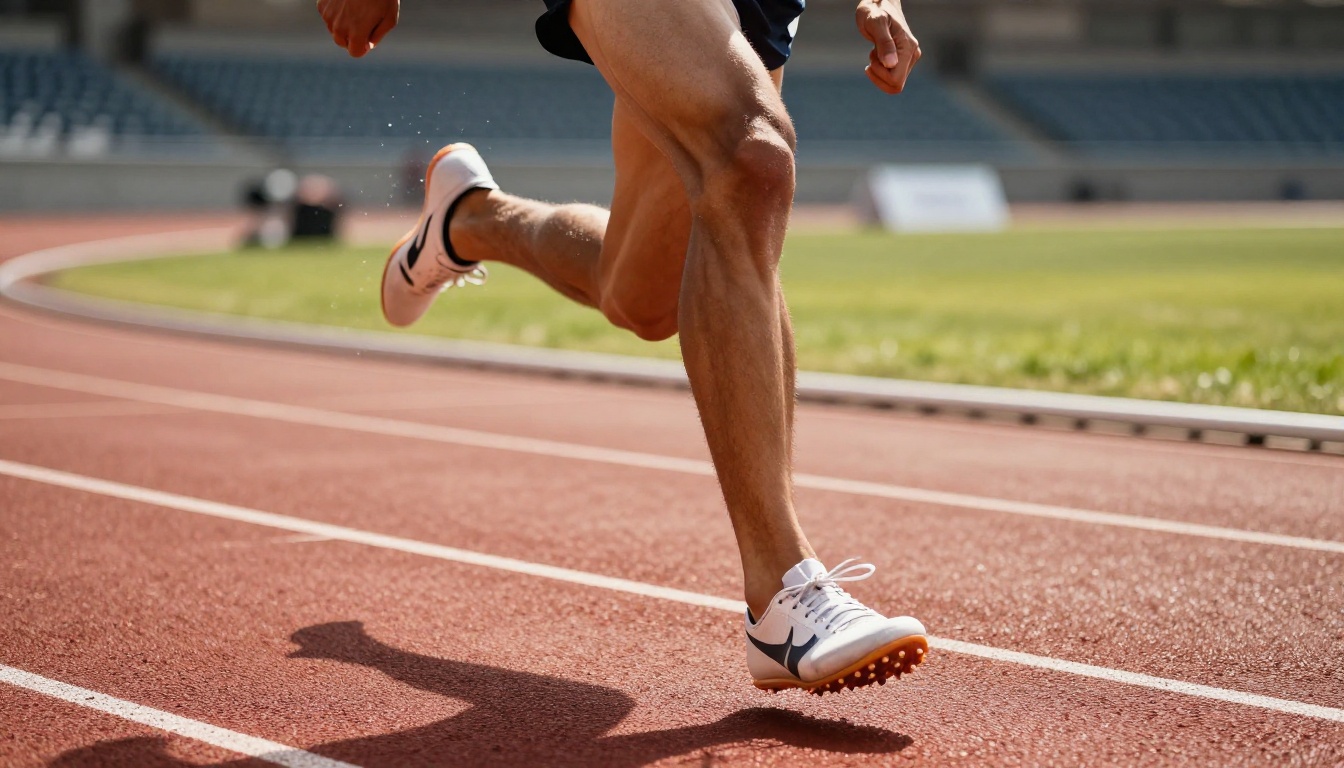
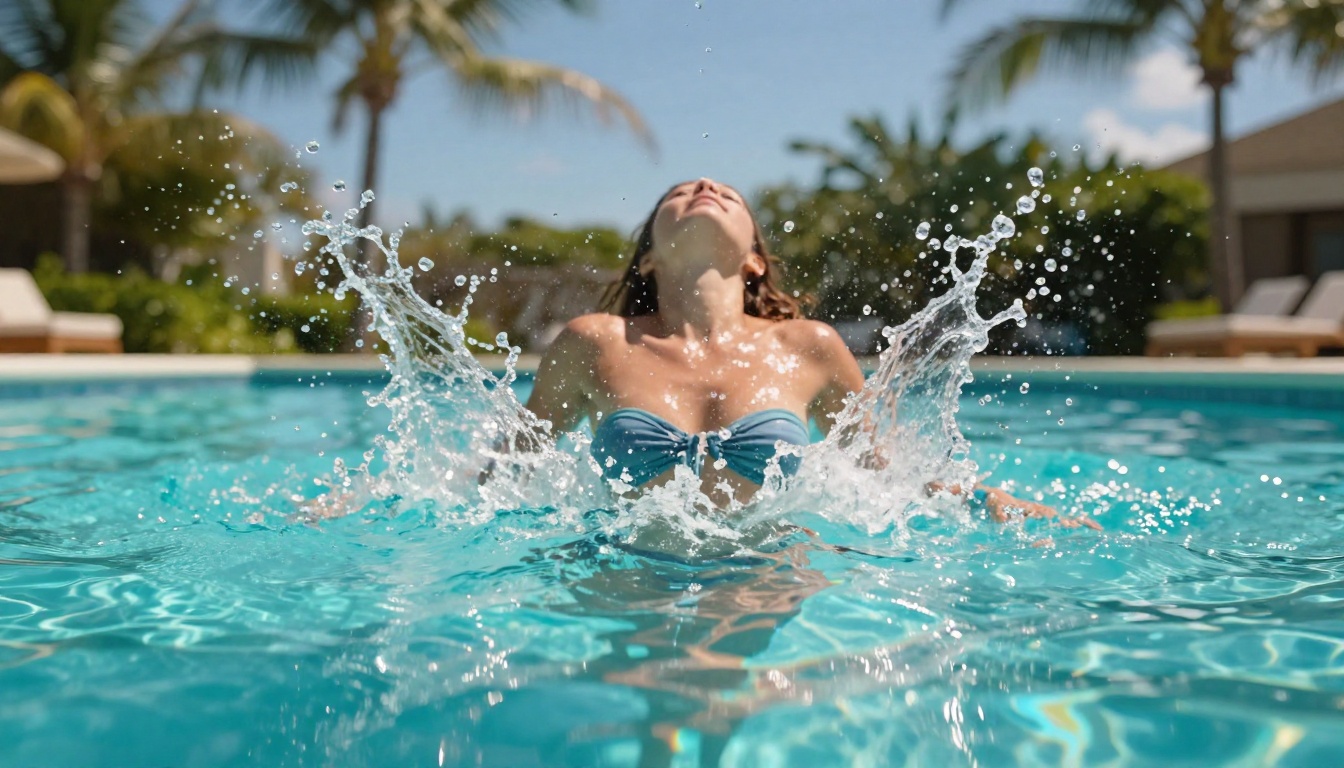
- Fast motion scenes: Sprinting, water splashes, and rapid action sequences without the smearing artifacts common in other models
- Complex multi-subject motion: Multiple characters moving simultaneously with reduced interference
- Temporal stability: Long-form clips (10+ seconds) maintain subject consistency better than most competitors
- Open-source accessibility: Wan 2.6 has more accessible compute requirements for API users
Wan 2.6 I2V extends this to image-to-video workflows, animating still photographs into motion with impressive physical accuracy.
Motion Quality Face-Off
This is the real test. Theory is one thing. How do these models perform when pushed to their limits?
Subject Movement Realism
Kling 3.0 edges ahead on human motion realism. The model's training data skews toward natural human movement, body mechanics, and facial animation. When you prompt for a person walking, running, dancing, or even subtle head turns, Kling 3.0 produces movement that feels weighted and physically plausible.
Wan 2.6 is stronger on environmental and object motion. Water physics, wind-blown foliage, fabric dynamics, and crowd simulation behave more convincingly. If your shot requires realistic fluid dynamics or atmospheric effects, Wan 2.6 consistently delivers.
💡 Human characters in focus? Go with Kling 3.0. Environment-driven or object-heavy scenes? Wan 2.6 is your pick.
Temporal Coherence
Temporal coherence is the technical term for "does the video hold together over time." It's the difference between a 10-second clip that looks continuous and one where the subject's clothing changes color halfway through.
Both models have made substantial gains here, but they fail in different ways:
- Kling 3.0 occasionally introduces subtle geometric drift in complex backgrounds at the 8-10 second mark
- Wan 2.6 can produce micro-flicker in high-contrast edge transitions, especially with fast-moving objects against bright backgrounds
For clips under 6 seconds, both models perform at near-parity. Beyond that, Wan 2.6 maintains subject identity slightly better in extended shots.
Camera Motion Control
This is where Kling v3 Motion Control becomes a decisive advantage. Specifying camera trajectories, field of view changes, and shot transitions at the prompt level gives Kling 3.0 an edge for cinematic storytelling workflows.
Wan 2.6 handles camera motion, but the interpretation is less precise. Prompting "slow push-in" in Kling 3.0 gives you a slow push-in. In Wan 2.6, you might get a push-in, or you might get a static shot with subtle drift.
Speed vs. Quality Trade-off
Neither model is "fast" by consumer standards, but there are meaningful differences worth knowing.
Generation Time
Kling v3 Omni Video offers a speed-optimized variant that sacrifices some fine detail for faster turnaround. Wan 2.6 I2V Flash is the fastest option when starting from an image input.
Resolution Output
Both models cap at 1080p for their standard configurations. Kling 3.0 tends to produce slightly sharper fine detail at equivalent resolutions, particularly in facial close-ups and textured surfaces. Wan 2.6 compensates with better dynamic range handling in high-contrast scenes.
💡 For social media content where files are compressed anyway, the resolution difference between the two is negligible. For cinematic work destined for large screens, Kling 3.0's sharpness edge matters more.
Where Each Model Wins
Choosing between these two isn't a universal answer. It depends entirely on what you're making.
Best Use Cases for Kling 3.0
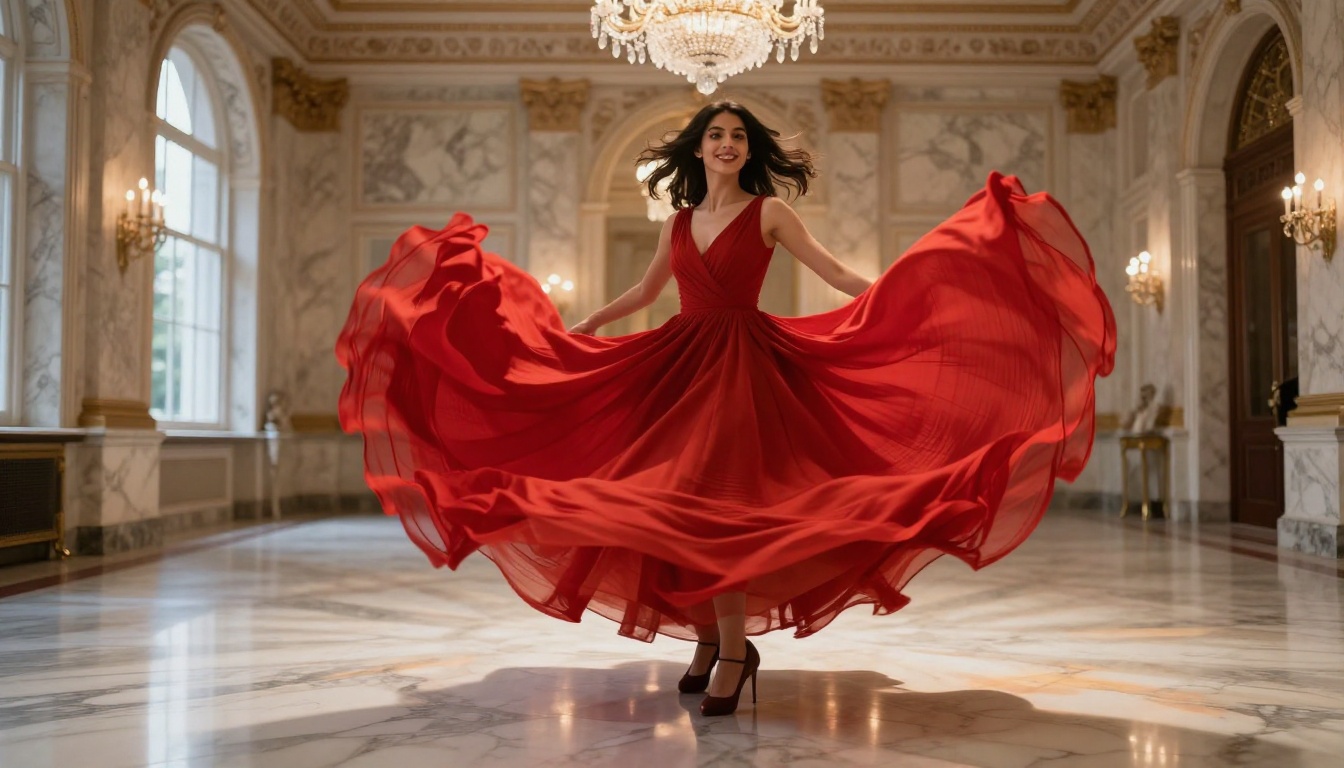
- Character-driven narratives: Dialogue scenes, walking shots, emotional character moments
- Precise cinematography: When you need specific camera moves that match a storyboard
- Commercial content: Product reveals, fashion, lifestyle footage with human subjects
- Social media reels: High-fidelity short clips optimized for perceptual smoothness
Best Use Cases for Wan 2.6
- Action and sports content: Fast motion, impact shots, athletic sequences
- Nature and environment scenes: Ocean waves, weather, foliage animation
- Image-to-video workflows: Starting from a still photograph and animating it realistically
- Experimental motion: Unusual physics, surreal movement, crowd dynamics
Side-by-Side Comparison
| Criterion | Kling 3.0 | Wan 2.6 |
|---|
| Human motion realism | ★★★★★ | ★★★★☆ |
| Object/environment motion | ★★★★☆ | ★★★★★ |
| Camera control precision | ★★★★★ | ★★★☆☆ |
| Temporal coherence (short clips) | ★★★★★ | ★★★★★ |
| Temporal coherence (long clips) | ★★★★☆ | ★★★★★ |
| Generation speed | ★★★★☆ | ★★★★☆ |
| Prompt adherence | ★★★★★ | ★★★★☆ |
| Open-source accessibility | ★★★☆☆ | ★★★★★ |
How to Use Kling v3 on PicassoIA
Both models are live on PicassoIA right now, no API setup required.
Kling v3 Video: Step by Step
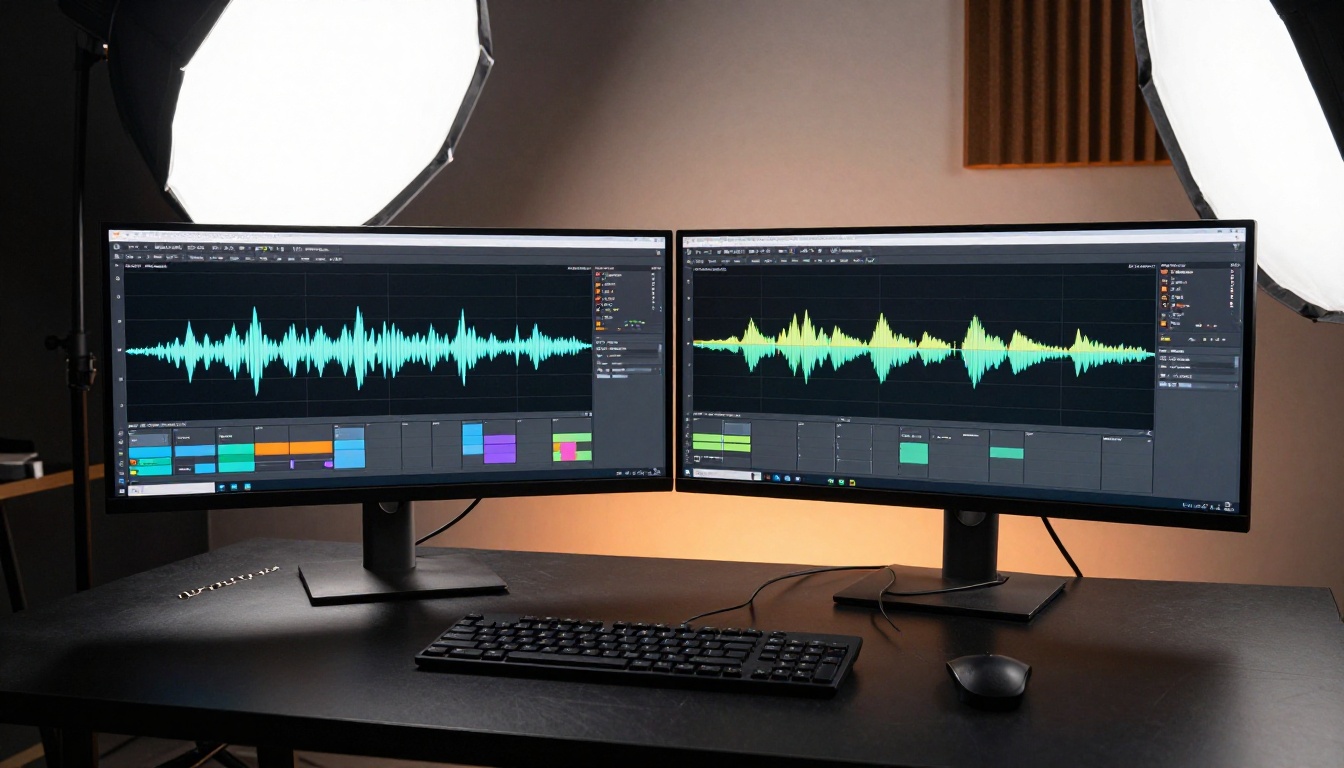
- Open Kling v3 Video on PicassoIA
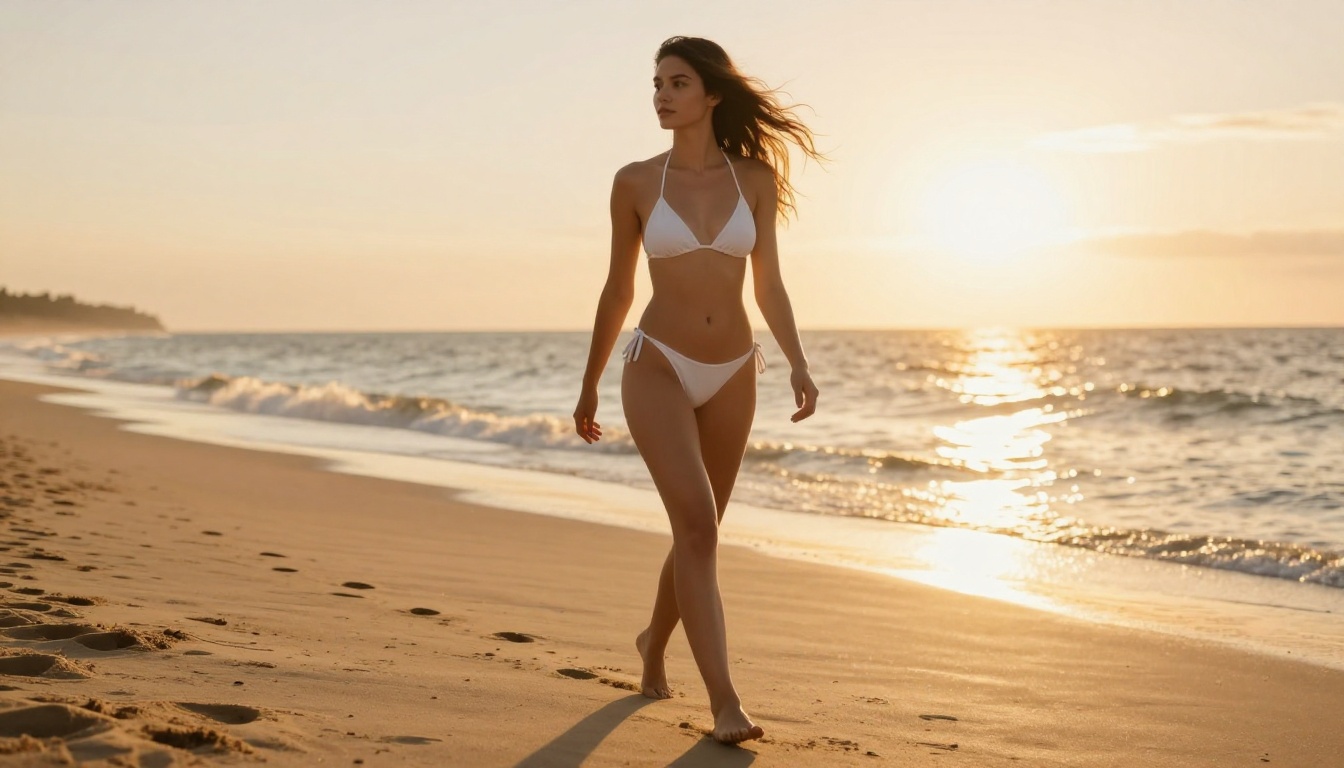
- Write your prompt in the text field, and be specific about motion: "a woman walks slowly toward the camera, wind moving her hair, golden hour light from the left"
- Set your desired duration (5 or 10 seconds)
- Select 1080p resolution for best output quality
- Hit Generate and wait 90-120 seconds for results
Prompt tips for Kling v3:
- Always specify lighting direction ("light from the left", "backlit", "overhead noon sun")
- Include motion speed descriptors ("slowly", "briskly", "suddenly stops")
- Add camera movement when needed ("slow push-in", "slight pan right", "static lockoff")
- Mention subject materials for better physics ("silk dress", "wet hair", "heavy wool coat")
Using Kling v3 Motion Control
Kling v3 Motion Control is the specialist tool for camera-precise work:
- Upload your reference image or use a text prompt as the scene base
- Draw camera trajectory control points on the interface canvas
- Adjust the motion intensity slider (lower = subtler camera movement)
- Add subject motion descriptors in the text field
- Generate and iterate based on the motion curve results
💡 For the most natural results with Motion Control, keep your camera path curves smooth. Abrupt direction changes in the trajectory curve translate to jarring cuts in the final video.
How to Use Wan 2.6 on PicassoIA
Wan 2.6 T2V: Step by Step
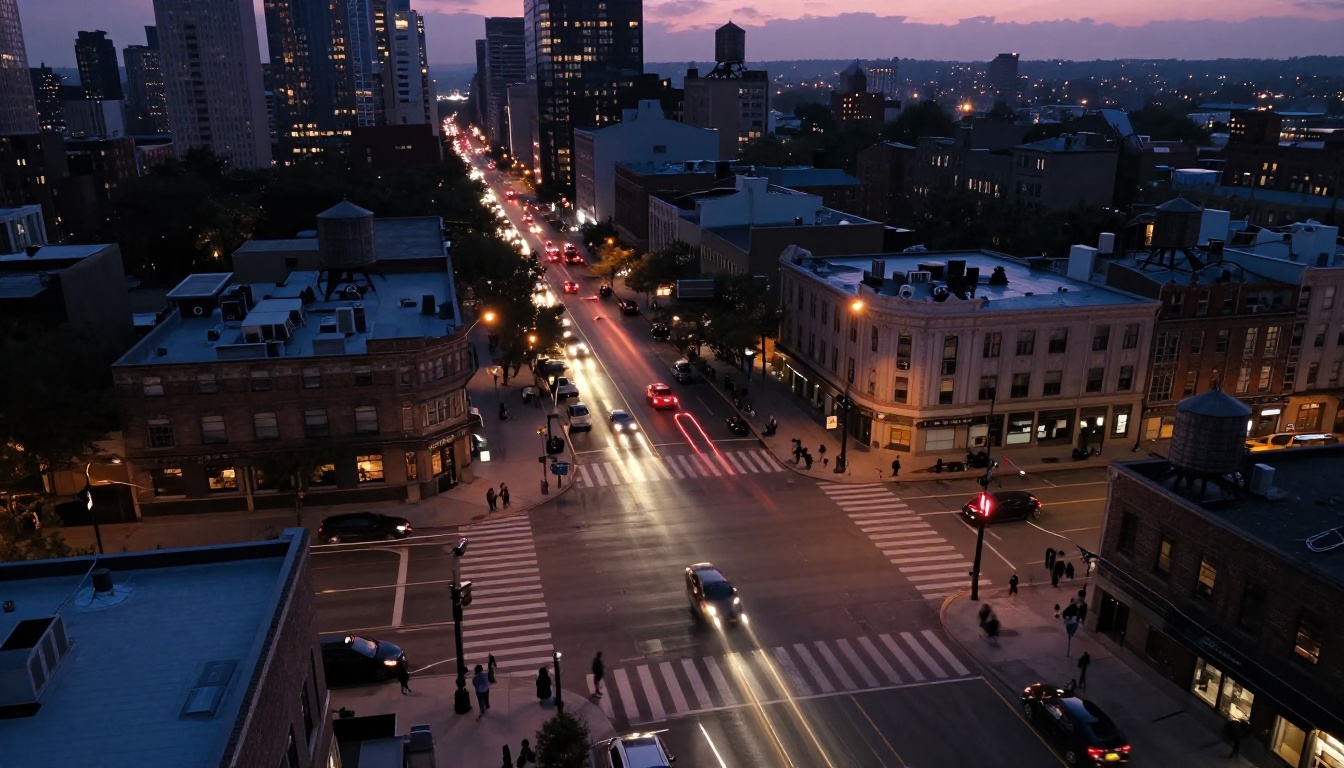
- Navigate to Wan 2.6 T2V on PicassoIA
- Write a motion-rich prompt. Wan 2.6 responds well to physical descriptions: "ocean waves crashing against rocks at high tide, white foam swirling in slow motion"
- Set your frame rate preference (24fps for cinematic, 30fps for broadcast)
- Choose clip duration
- Generate and review the output
Prompt tips for Wan 2.6:
- Emphasize environmental details for better results ("rough sea texture", "dust kicked up by the wind", "steam rising from the surface")
- Use action verbs liberally ("splashing", "rushing", "cascading", "swirling", "colliding")
- For human subjects, describe body mechanics rather than emotions ("arm swings forward", "knees bent at impact", "shoulders rotate with stride")
- Avoid overly abstract prompts. Wan 2.6 responds to concrete physical descriptions
Using Wan 2.6 I2V
Wan 2.6 I2V is the image-to-video variant, excellent for animating photographs:
- Upload your source image (works best with high-quality, well-exposed photographs)
- Describe what should move and how: "the woman's hair flows in the wind, waves move in the background, light ripples on the water"
- Set motion intensity (0.3-0.6 is the sweet spot for natural results)
- Generate the clip
For the fastest iteration speed, Wan 2.6 I2V Flash delivers results in roughly half the time with only a minor quality reduction, making it ideal for rapid prototyping and concept validation.
Try Both and See for Yourself
The honest verdict: both models earn a spot in your workflow. Kling 3.0 is the cleaner, more controllable option for human-centered creative work. Wan 2.6 is the stronger pick when physical motion realism takes priority over everything else.
The fastest way to figure out which works better for your specific project is to run the same prompt through both and compare directly. Start with a 5-second clip at 1080p, pick a motion-heavy scene you care about, and let the results settle the argument.
PicassoIA gives you direct access to both Kling v3 Video and Wan 2.6 T2V without any local setup, API wrangling, or compute bills. Open either model, drop in your prompt, and start generating. The models are there. Your ideas are already half the work.


