Kling 3.0 is the most technically ambitious release from Kuaishou's AI video division. It outputs native 4K, reads complex scene descriptions with remarkable accuracy, and generates motion that holds up to frame-by-frame scrutiny. If you have tried earlier Kling versions and hit resolution ceilings or stuttering motion, version 3.0 changes that calculation completely. What follows is a step-by-step breakdown of the entire process, from selecting the right Kling variant on PicassoIA to writing prompts that produce results worth exporting.
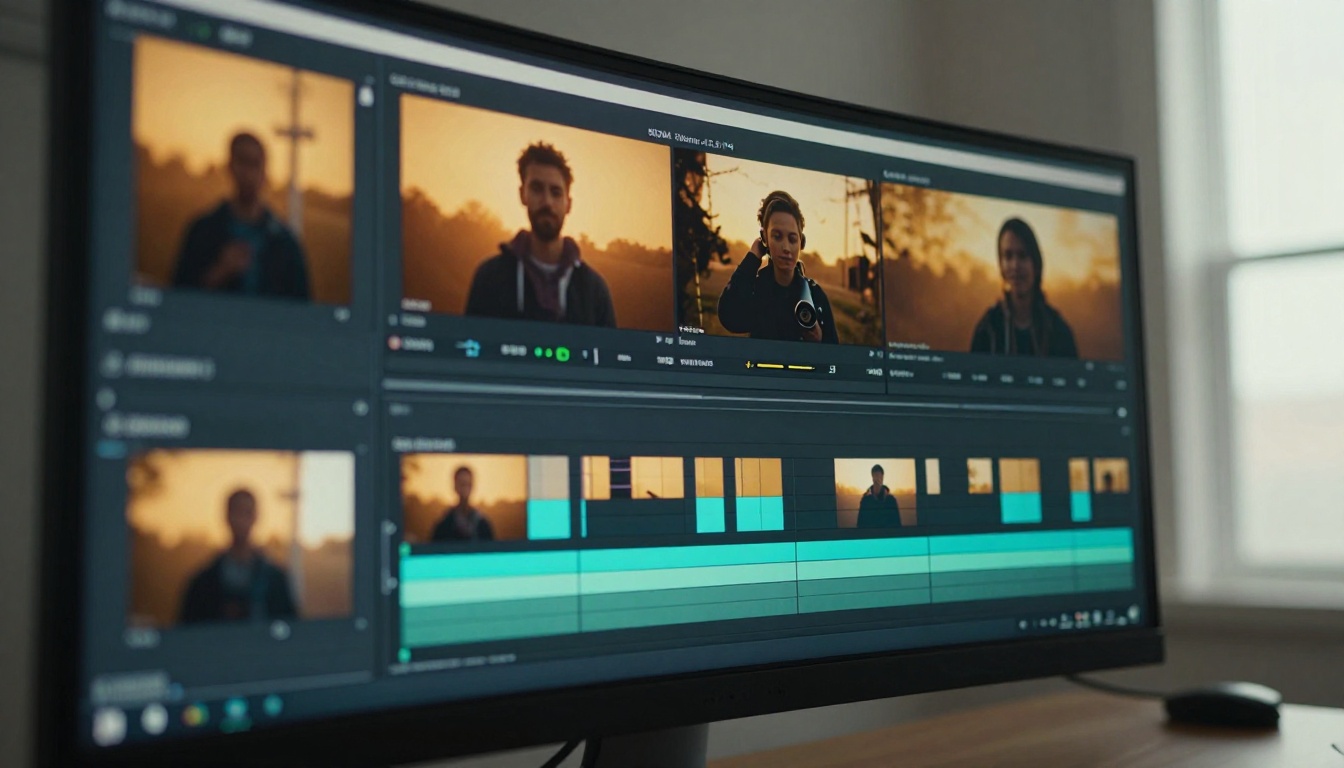
What Kling 3.0 Actually Does
Before writing a single prompt, it helps to know what changed between versions. Kling 3.0 is not a minor patch. It ships with a redesigned motion architecture that interprets kinetic language, spatial cues, and temporal instructions far more reliably than its predecessors.
Native 4K Output
Previous Kling versions topped out at 1080p in professional tiers, with 720p as the accessible default. Kling 3.0 outputs at 3840x2160 (4K UHD), which means every frame is render-ready for large-format displays, commercial work, or social platforms that support 4K playback. The sharpness delta between 1080p and 4K is not cosmetic. At 4K, fabric texture reads on cloth, individual hair strands hold definition across motion, and distant background elements retain detail rather than smearing into a blur.
Motion Realism in v3
The most reported complaint about AI video models is unnatural motion physics. Kling 3.0 addresses this with improved temporal coherence, which means objects do not flicker between frames and people do not morph mid-clip. Water behaves like water. Cloth moves with weight. The model has internalized enough physical priors that simple scene descriptions produce physically plausible results without requiring explicit correction prompting.
💡 Tip: If your subject involves complex physical interactions (two people shaking hands, a person pouring liquid), describe the motion in sequential terms. "She reaches out, takes his hand, and shakes it once firmly" produces better results than "they shake hands."
Audio in v3
Kling 3.0 does not include native audio generation. The video output is silent. If you need ambient sound, music beds, or synchronized dialogue baked into the output, you will need a model like Seedance 2.0 or Veo 3, both available on PicassoIA, which do generate audio as part of their output. Kling v3's trade for this is superior motion control and higher peak resolution.
The Three Kling v3 Models on PicassoIA
PicassoIA currently hosts three distinct Kling v3 variants, each suited to different production needs. Knowing which one to pick saves both time and credits before you start generating.
Kling v3 Video
Kling v3 Video is the general-purpose flagship. It accepts text prompts and reference image inputs, outputs up to 4K, and handles the widest range of scene types. This is the right starting point for most use cases, from landscape cinematography to product close-ups and character-driven scenes.
Kling v3 Motion Control
Kling v3 Motion Control adds camera path specification on top of the standard generation pipeline. You can define whether the camera dollies in, pans left, tilts up, or holds static while the subject moves. For creators who need directorial precision, this model eliminates the randomness that plagues basic text-to-video generation.
Kling v3 Omni Video
Kling v3 Omni Video combines text and multi-image inputs to produce videos that blend multiple reference frames into a coherent visual narrative. It is particularly effective for product showcases where visual consistency across shots matters.
💡 Tip: Start with Kling v3 Video for your first three generations. Switch to Kling v3 Motion Control once you need to lock down specific camera behavior.
How to Use Kling v3 on PicassoIA
Using Kling v3 on PicassoIA involves four deliberate steps. None of them are complicated, but the quality ceiling depends on how carefully you approach each one.
Step 1: Select Your Kling v3 Model
Navigate to Kling v3 Video on PicassoIA. The model page displays current resolution options, duration settings, and aspect ratio controls. Read the default settings before changing anything. The defaults reflect the model's sweet spot for most scene types.
Step 2: Set Resolution and Duration
Set resolution to 4K if your workflow supports it. If you are testing a concept or iterating on a prompt structure, drop to 1080p first. 4K generation takes longer and costs more per generation, so reserve it for final-quality outputs. Iterating at 1080p and then running the final at 4K is a reliable way to control costs without sacrificing output quality.
Duration in Kling 3.0 ranges from 5 seconds to 10 seconds depending on the tier. For cinematic work, 5-second clips are often more useful than 10-second clips because they cut together in post more cleanly.
Step 3: Choose Aspect Ratio
Kling v3 supports multiple aspect ratios. Match the ratio to the platform you are publishing for:
| Aspect Ratio | Best For |
|---|
| 16:9 | YouTube, streaming, cinematic |
| 9:16 | TikTok, Instagram Reels, Shorts |
| 1:1 | Social feeds, product demos |
| 4:3 | Presentations, broadcast formats |
Pick 16:9 for most cinematic applications. The model was trained heavily on widescreen content and performs most consistently at that ratio.
Step 4: Write and Submit Your Prompt
This is where most time is won or lost. The prompting section below walks through structure in detail. Once your prompt is ready, submit and let the generation run. Most Kling v3 4K outputs complete within 2 to 4 minutes on PicassoIA.

Writing Prompts That Actually Work
Kling 3.0 responds to structured, specific prompts. Vague descriptions produce average results. Precise, sequential descriptions produce cinematic ones.
Subject, Motion, and Environment
Every strong Kling prompt contains three core elements: who or what is in the frame, what they are doing or how they are moving, and where the scene takes place. The order matters. Subject first, motion second, environment third.
Weak: "A woman in a city at night"
Strong: "A woman in a burgundy wool coat walks briskly through a rain-slicked Tokyo street at 11pm, her breath visible in the cold air, neon signs reflecting in puddles beneath her feet"
The strong version gives the model a temporal event (walking briskly), a physical environment (rain-slicked street, neon reflections), and atmospheric detail (visible breath in cold air). That is enough information to produce a distinct, visually coherent clip.
Cinematic Language
Kling 3.0 interprets cinematic terminology reliably. The following terms consistently produce results that match their descriptions:
- "Slow dolly-in": gradual zoom-by-movement effect
- "Over-the-shoulder shot": camera placed behind a subject looking at another subject or scene
- "Rack focus from foreground to background": sharpness shifts through depth of field during the clip
- "Handheld with natural shake": documentary-style camera movement
These terms do not guarantee perfect results on every generation, but they push output toward the intended direction reliably across multiple attempts.
Atmosphere and Lighting
Light is the most powerful signal you can give any video model. "Morning light" is weak. "Low-angle golden sunlight raking across a frost-covered field from the left, casting long purple shadows" is specific and actionable. Include three light attributes in every prompt:
- Direction: from left, overhead, backlit, rim-lit
- Quality: harsh noon sun, diffused overcast, soft window light
- Color temperature: warm amber, cool blue dusk, neutral midday
Kling v3 reads lighting descriptions as compositional instructions. A well-described light setup produces a scene with mood and depth. A vague one produces a flatly lit result.
4K Resolution and What It Delivers
Generating in 4K is not just about pixel count. It changes how the model allocates its detail budget across the frame.
What 4K Changes
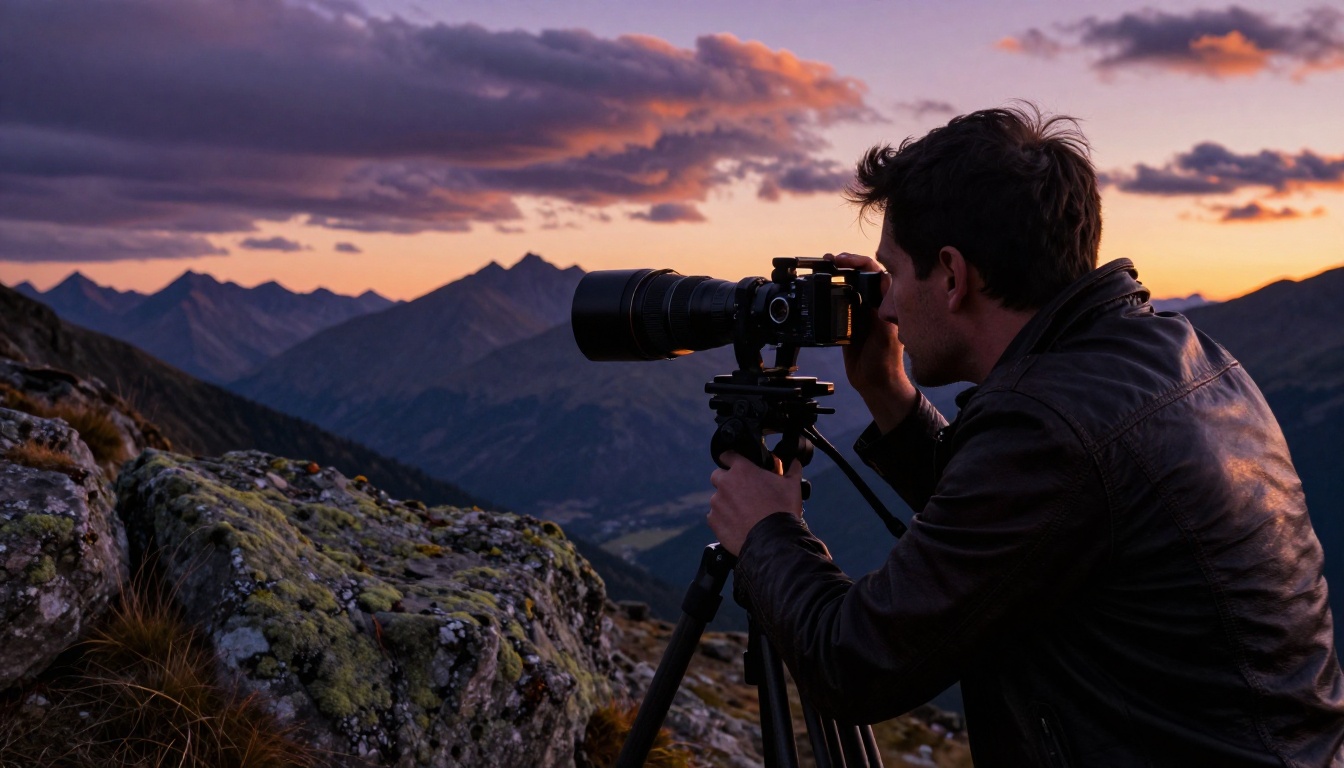
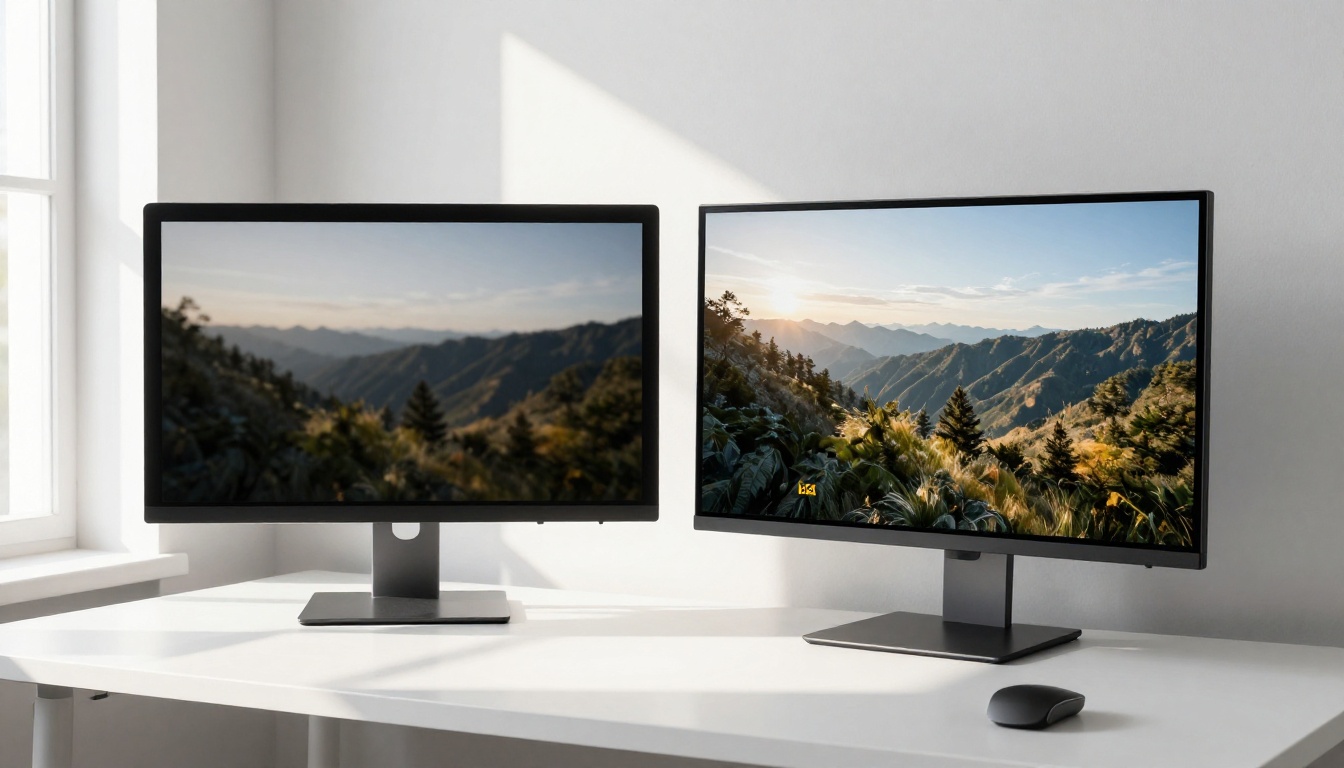
At 1080p, Kling distributes sharpness broadly across the frame. At 4K, fine details survive the generation. A person's face in the background of a wide shot retains readable features. A product label in a close-up shows individual letter strokes. Textiles and natural materials (grass, stone, fabric) display their actual surface structure rather than a smooth approximation.
For commercial work, this matters significantly. A 4K output can be downscaled to any lower resolution without quality loss, but a 1080p source cannot be upscaled cleanly. Delivering in 4K preserves all downstream options.
File Size Reality
A 4K, 10-second MP4 at high quality runs between 150MB and 500MB depending on compression settings. If you are publishing to social platforms, most will re-encode to their own delivery specs. If you are using the clip in a commercial production, request the highest-bitrate output available and handle final compression yourself.
💡 Tip: If you need 4K-capable alternatives at different speed and cost points, LTX 2.3 Pro and LTX 2.3 Fast both output 4K and are available on PicassoIA.
Kling 3.0 vs Other AI Video Models
It is worth knowing where Kling v3 sits relative to other models available on PicassoIA right now. The comparison below includes the most commonly used alternatives.
Kling v3 vs Seedance 2.0
Seedance 2.0 from ByteDance generates video with built-in synchronized audio. Kling v3 does not include audio in its output. If your project requires ambient sound or music beds baked into the generation, Seedance 2.0 is the better pick. For pure visual quality and motion control, Kling v3 still leads on most scene types.
Kling v3 vs Veo 3
Veo 3 from Google generates native audio alongside video and has exceptional prompt adherence on complex compositional scenes. Kling v3 tends to produce more naturalistic motion for human subjects. Veo 3 edges ahead on abstract or highly stylized sequences.
Kling v3 vs Ray 3.2
Ray 3.2 from Luma AI focuses on HDR output and cinematic color science. Its motion can feel slightly floatier than Kling v3 for grounded, physical scenes. For aerial and sweeping landscape shots, Ray 3.2 is worth testing alongside Kling v3 to compare the color and motion character of both.
Kling v3 vs Sora 2
Sora 2 produces longer-form coherent narratives and handles scene transitions with high consistency. For short-form cinematic clips under 10 seconds, Kling v3 competes directly with Sora 2. For anything requiring extended narrative coherence across 30 seconds or more, Sora 2 has a clear edge.
| Model | 4K Output | Native Audio | Best Use |
|---|
| Kling v3 Video | Yes | No | Cinematic clips, motion-heavy scenes |
| Seedance 2.0 | Yes | Yes | Audio-synced content |
| Veo 3 | Yes | Yes | Complex compositions |
| Ray 3.2 | Yes | No | Aerial, landscape, HDR scenes |
| Sora 2 | Yes | Yes | Long-form narratives |
Common Mistakes and How to Fix Them
Most Kling 3.0 failures trace back to one of four prompt problems. Recognizing them early saves significant time.
Overloading the Prompt
Kling v3 handles complex scene descriptions well, but there is a practical limit. If your prompt exceeds 150 words, the model struggles to weight the most important elements correctly. Prioritize. What is the single most important visual element in the clip? Lead with that. Secondary details should follow but should not compete with the primary subject for the model's attention.
Ignoring Motion Language
The single most common reason for flat, static-feeling AI video outputs is prompts that describe a scene without describing any motion. "A mountain at sunset" produces a nearly static clip. "A wide shot of a snow-capped mountain at sunset while a hawk circles slowly in the foreground, the clouds rolling across the peaks in the background" gives the model three distinct things to animate simultaneously.
Every prompt should contain at least one explicit motion instruction.
Using Banned Style Descriptors
Kling 3.0 performs best when your prompt reinforces photorealistic and cinematic language. Words like "cinematic render," "digital art style," "3D animated," or "cartoon" push the model away from its strength. Stick to photography and filmmaking language. "Shot on 35mm film" outperforms "cinematic render" every time.
Not Iterating
The first generation is almost never the final output. Kling v3's prompt-to-video mapping means that small changes produce significantly different results. If your first clip misses the mark, adjust one element at a time: swap the lighting description, change the motion verb, or specify a different camera angle. Systematic iteration produces predictable improvements. Random changes to the whole prompt produce unpredictable outputs.

Kling v2.6 for Faster Iteration
When you are in the prompting and iteration phase, Kling v2.6 is a practical choice. It generates faster than v3, costs less per generation, and produces 1080p output that is good enough to evaluate whether a prompt direction is working. Once you have confirmed the scene, angle, motion, and atmosphere in v2.6, switch to Kling v3 Video for the final 4K output.
Kling v2.6 Motion Control fills the same role for camera-path-specific workflows. Test your camera language in v2.6, execute the final in v3 Motion Control.
The two-model workflow (v2.6 for iteration, v3 for finals) cuts total generation costs by 40 to 60 percent on most projects without any reduction in final output quality.

Other Models Worth Knowing
PicassoIA hosts more than 100 text-to-video models beyond the Kling family. A few worth bookmarking alongside your Kling workflow:
- Hailuo 02: Excellent 1080p output, fast generation, strong on human subjects
- Pixverse v6: Cinematic video with built-in AI audio, strong on stylized realism
- Wan 2.7 T2V: Open-weight model, consistent 1080p, no per-credit cost on supported plans
- Kling v2.5 Turbo Pro: Fast cinematic generation at lower compute cost than v3
- Veo 3.1: Updated version of Veo 3 with improved 1080p consistency and audio quality
Each model has specific strengths that Kling does not. A workflow that uses multiple models, selecting by task type, consistently outperforms a single-model approach.
Create 4K Videos on PicassoIA Right Now
Kling 3.0 on PicassoIA is accessible without a local GPU, without a Pro subscription to a closed platform, and without waiting for API access. You write a prompt, pick a resolution, and generate. The 4K output you get back is production-usable from the first successful run.
The friction point is not access. It is writing prompts that use Kling v3's capabilities deliberately. Start with a scene you know well, describe it precisely using the structure outlined above (subject, motion, environment, lighting), and compare the result against what you imagined. The gap between those two things tells you exactly what to adjust next.
PicassoIA gives you access to Kling v3 Video, Kling v3 Motion Control, Kling v3 Omni Video, and more than 100 other video models in the same interface. When you need audio built in, Seedance 2.0 or Veo 3 are one click away. When you want fast iteration passes, Kling v2.6 is right there too.
All of them are available at picassoia.com/en/all-models. Start with one prompt, generate your first 4K clip, and go from there.


