Imagine you have spent weeks building a character, animating every expression, perfecting the backstory, only to hit a wall the moment someone asks "can it speak Spanish?" or "can you add a Japanese version?" That wall used to mean hiring professional dubbing studios, voice actors, and lip-sync animators. Today, AI has collapsed that entire pipeline into a single upload. You can make a character talk in any language with AI in minutes, with synchronized lips, natural intonation, and zero studio time.
This is not a gimmick. The results coming out of models like HeyGen Video Translate, Omni Human 1.5, and Sync Lipsync 2 Pro are being used in real productions, real YouTube channels, and real educational platforms right now. The technology has crossed the threshold where the output is convincing enough to actually ship.
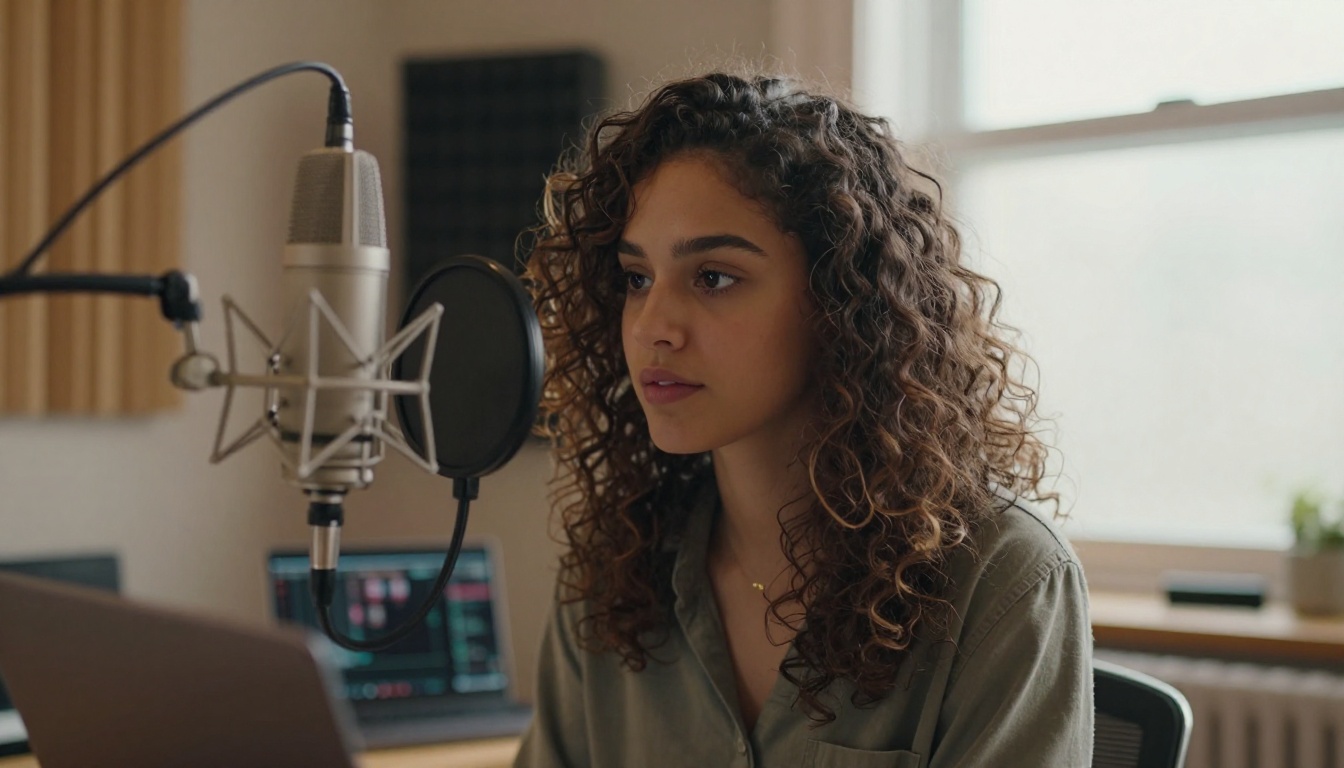
What AI Lipsync Actually Does
Most people think AI dubbing is just swapping audio. It is not. The mouth keeps moving to the wrong words if you only swap audio, and that looks terrible. Real AI lipsync involves three simultaneous processes: speech synthesis in the target language, phoneme extraction from that new audio, and facial animation retargeting that repositions the mouth, jaw, and surrounding facial muscles to match those phonemes frame by frame.
How Phoneme Mapping Works
A phoneme is the smallest unit of sound in speech. The word "cat" has three phonemes: /k/, /æ/, /t/. Every language has its own phoneme inventory. Spanish has different vowel sounds than English. Arabic has sounds that do not exist in Romance languages at all.
AI lipsync models are trained on massive datasets of human speech paired with high-speed video of mouths producing those sounds. When you feed the model a target audio track, it extracts the phoneme sequence and maps each sound to the corresponding mouth shape, called a viseme. It then blends those visemes across frames with timing that matches natural human speaking patterns.
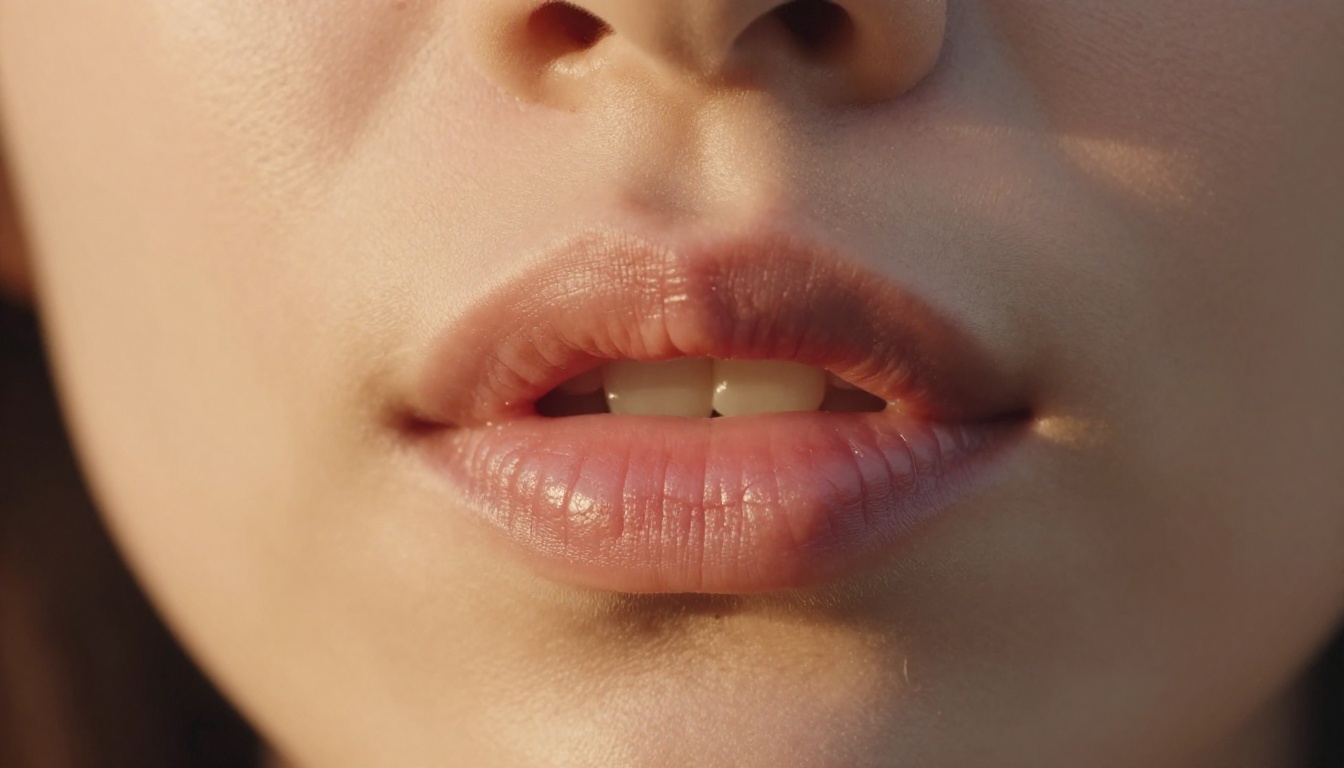
Why It Sounds Natural Now
Early AI dubbing produced robotic results because models were trained on studio-recorded speech in quiet conditions. They struggled with natural speech rhythm, where words blur together, vowels get reduced, and emphasis shifts depending on sentence position.
Modern models are trained on conversational speech across dozens of languages, with data augmentation that simulates real-world audio conditions. The result is dubbed speech that carries natural prosody, the rises and falls in pitch and speed that make speech sound human rather than synthesized.
💡 Tip: The quality of your source audio directly affects lipsync accuracy. Clean audio with minimal background noise produces noticeably sharper lip movements.
The Real Cost of Traditional Dubbing
Before AI, producing a multilingual version of a video character required a full production pipeline. Here is what that looked like compared to what AI makes possible today:
| Factor | Traditional Dubbing | AI Lipsync |
|---|
| Turnaround Time | 2 to 6 weeks | Minutes to hours |
| Cost per Minute | $500 to $3,000+ | Fractions of a cent |
| Languages Supported | Limited by talent availability | 100 to 150+ |
| Lipsync Quality | Manual frame-by-frame animation | Automatic phoneme matching |
| Scalability | Bottlenecked by studio capacity | Unlimited parallel processing |
| Revision Speed | Days per change | Seconds per re-render |
The economics alone explain why content creators, game studios, and educators are adopting AI lipsync at an accelerating pace. The technical quality has crossed the threshold where it is commercially viable, and the cost difference is not marginal. It is an order of magnitude.
Best AI Models for Multilingual Characters
Not all lipsync models handle every use case equally. Some are optimized for real faces in video. Others work from a single photograph. Here are the most capable options available right now.
HeyGen Video Translate
HeyGen Video Translate is the model most people reach for when they need broad language coverage. It supports over 150 languages and handles both the translation and the lipsync in a single workflow. You upload a video, select a target language, and the model produces a version with synchronized lip movements and translated speech.
What makes it particularly strong is its handling of prosodic transfer, meaning the emotional tone of the original speaker carries into the dubbed version. A character that sounds excited in English sounds excited in Portuguese, not flat and mechanical.
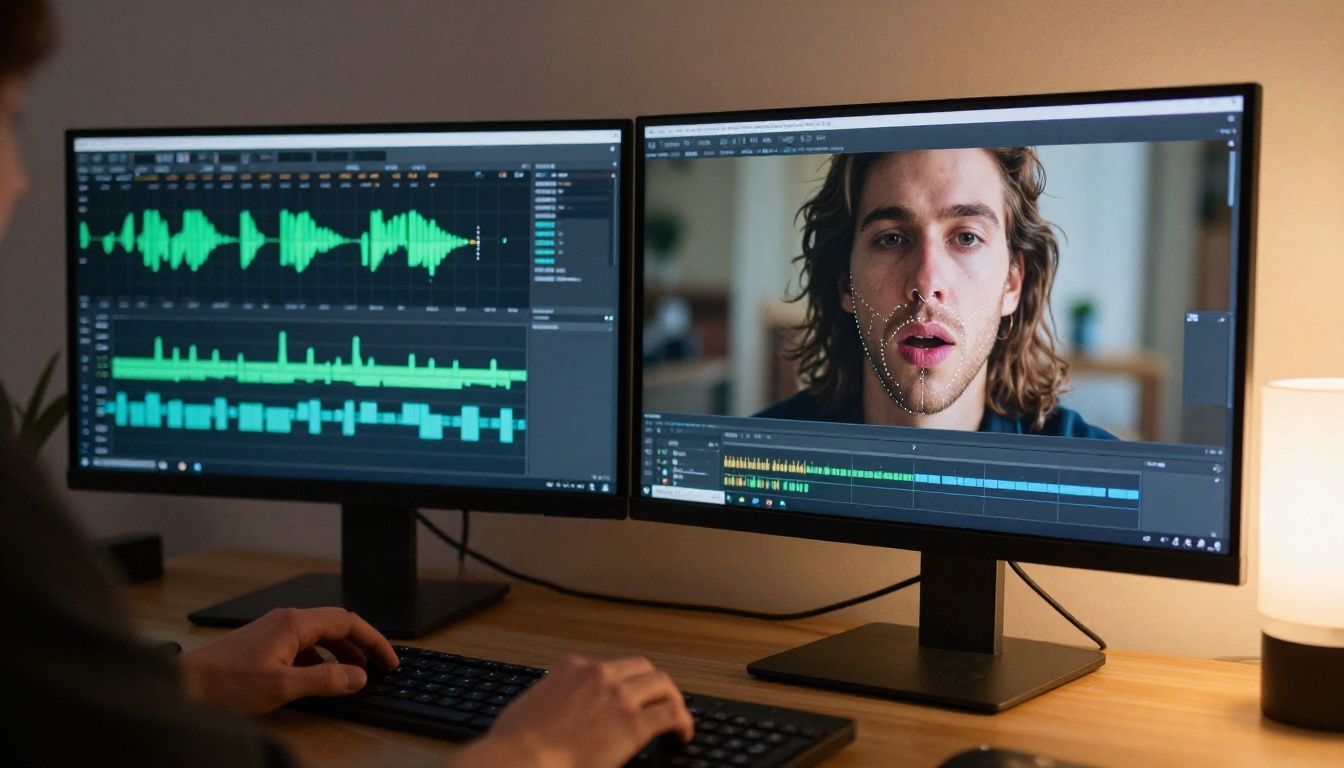
HeyGen Lipsync Precision and Lipsync Speed
For cases where you already have a translated audio track and just need the lips to match, Lipsync Precision and Lipsync Speed offer targeted solutions. Precision prioritizes accuracy, going frame by frame with fine-grained facial adjustment. Speed is optimized for fast turnaround when you are processing large volumes of content.
The distinction matters depending on your pipeline. For a polished hero video, Precision is worth the extra processing time. For batch-dubbing a course library across five languages, Speed gets you there without bottlenecks.
Omni Human 1.5 by ByteDance
Omni Human 1.5 from ByteDance takes a different approach. Rather than processing existing video, it can animate a single photograph into a full talking video with natural head movement, blinking, and lip synchronization. You give it a still image of a character and an audio file, and it produces a convincingly animated talking version.
This is particularly powerful for characters that only exist as illustrations, concept art, or portraits. You are not limited to video footage of a real person speaking.
Sync Lipsync 2 Pro
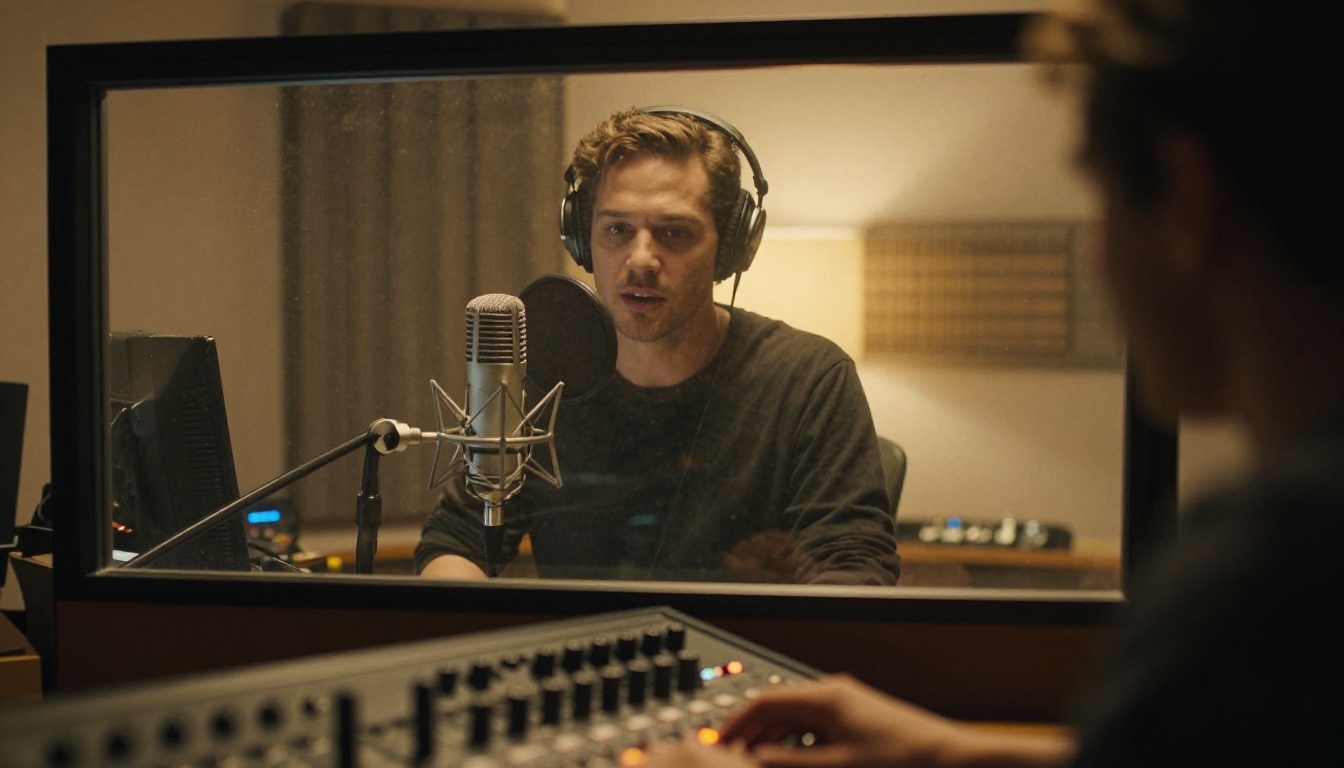
Sync Lipsync 2 Pro is built specifically for the challenge of matching pre-existing audio to video with maximum fidelity. It handles tight phoneme-to-viseme alignment and is particularly strong when working with character voices that have unusual timbre or speaking styles.
Its companion model, Sync Lipsync 2, handles more straightforward cases and processes faster, making it useful as a first pass before finalizing with the Pro version.
Kling Lip Sync
Kling Lip Sync from Kwaivgi excels at processing video with complex head movements. Many lipsync models struggle when the subject turns to the side or moves significantly during speech. Kling maintains accurate lip positioning even through moderate head rotation, making it more robust for action-style character videos or animated subjects that do not stay perfectly still.
Fabric 1.0 by Veed
Fabric 1.0 is optimized for making static photos talk. If you have a portrait of a character, historical figure, or illustrated avatar, Fabric generates natural-looking speech animation directly from the image with no source video required. It pairs well with text-to-speech tools for a fully AI-generated character audio pipeline.
How to Make a Character Talk in Any Language
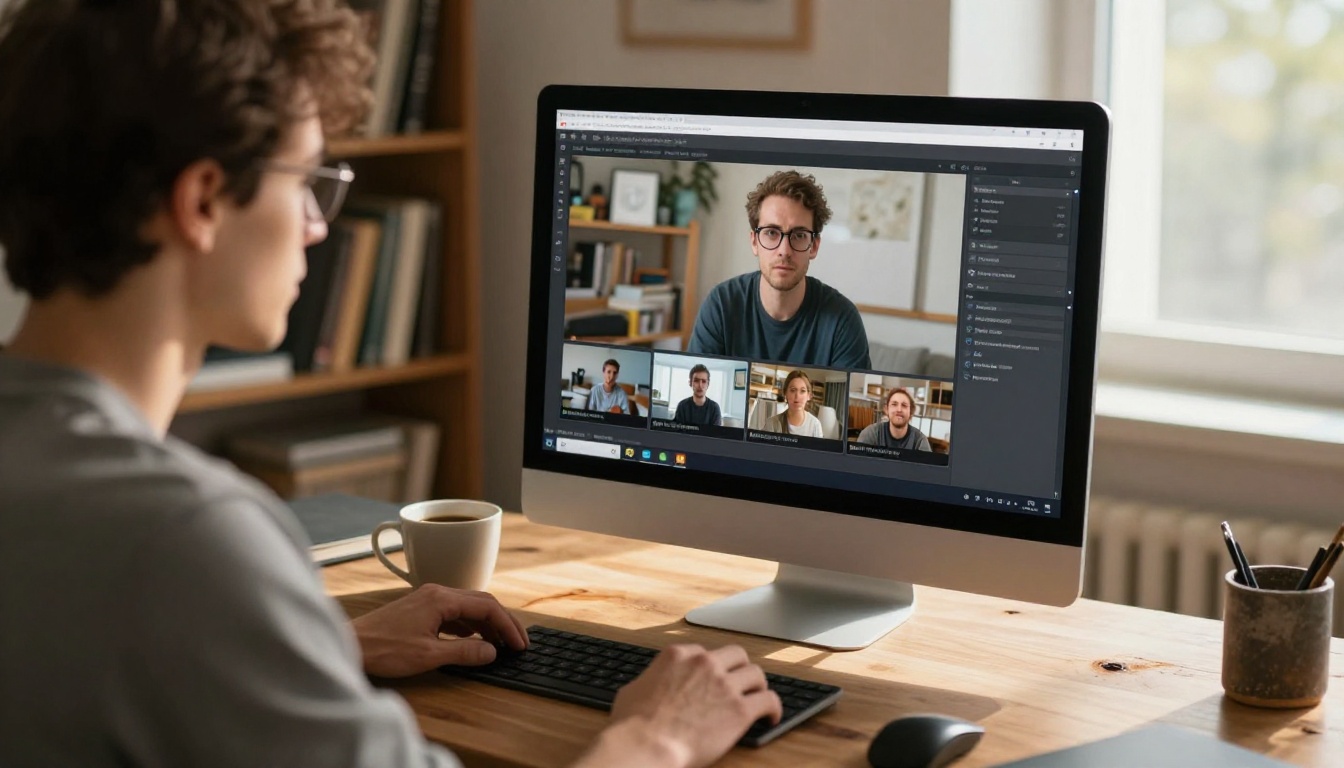
Using HeyGen Video Translate on PicassoIA is the most straightforward path to multilingual character dubbing. Here is exactly how the process works.
Step 1: Prepare Your Source Video
Your source video needs to meet a few conditions for the best results:
- The character's face must be clearly visible for at least 80% of the shot
- Avoid rapid cuts or heavy motion blur during speech
- Audio should be clean, with the primary voice clearly dominant in the mix
- A minimum of 5 to 10 seconds of speaking footage gives the model enough data to calibrate
You do not need a perfectly lit studio recording. Decent lighting and a reasonably clear audio track are enough. The model handles the rest.
💡 Tip: If your character has an existing voiceover in English, use that as your source. The cleaner the source language audio, the more accurately the model can rebuild the phoneme map for the target language.
Step 2: Pick Your Target Language
HeyGen Video Translate supports over 150 languages, including Spanish, French, German, Japanese, Korean, Mandarin, Arabic, Hindi, Portuguese, Italian, and dozens more. The selection interface is straightforward: choose your source language, choose your target language, and the model handles translation, voice synthesis, and lip synchronization automatically.
For languages with very different phoneme structures from your source (say, going from English to Arabic or Japanese), give the model a few extra seconds per minute of processing. The phoneme remapping is computationally heavier when the two languages share fewer sounds.
Step 3: Review and Export
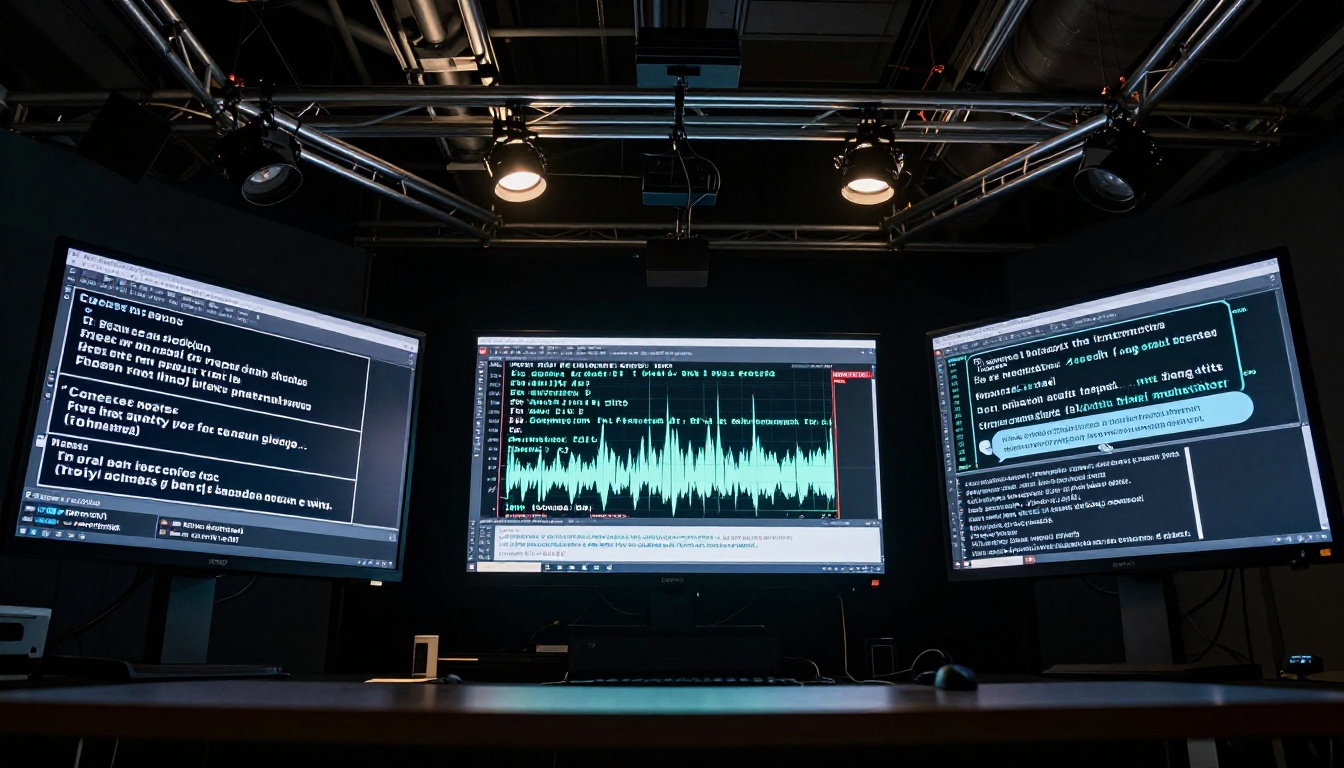
Once processing completes, review the output with a focus on three specific areas:
- Critical phonemes: Check vowel-heavy words and words ending in consonant clusters. These are where mismatches are most likely to appear.
- Emotional consistency: Does the character still sound and look engaged, or has the dubbed version flattened the performance?
- Timing on pauses: Natural pauses between sentences should still feel natural in the dubbed version. If they feel rushed or stretched, that is a sign the prosody transfer needs adjustment.
Most results require no corrections at all. When corrections are needed, they are usually isolated to one or two specific phrases that can be re-processed individually.
3 Things That Make or Break Your Result
The model does the heavy lifting, but three factors on your end have an outsized effect on output quality.
Audio Clarity
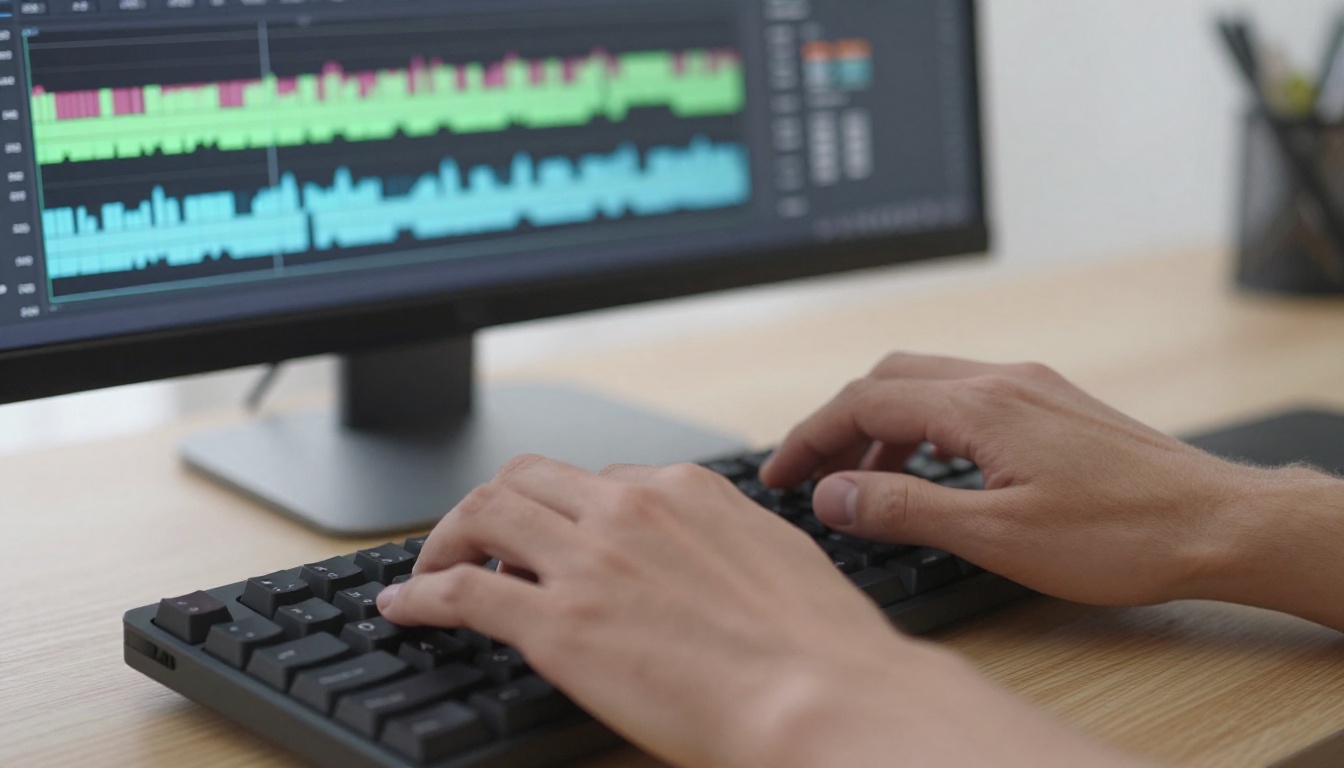
This is the single biggest variable. Background music, ambient noise, or reverb in the source audio forces the model to work harder to isolate the speech signal. A noisy source produces noisy phoneme extraction, which produces imprecise lip movements. Always use the cleanest possible audio track as your source, even if that means doing a quick cleanup pass before uploading.
Face Visibility
The lipsync model needs to see the character's mouth clearly. Partial occlusion from hands, objects in the foreground, or extreme side angles degrades accuracy significantly. Shots where the character faces the camera between 0 and 45 degrees produce the best results. Beyond 45 degrees of rotation, most models begin to approximate rather than precisely calculate lip positions.
Speaking Pace
Very fast speech produces compressed phoneme sequences that are harder to remap accurately. If your character speaks at a natural, measured pace, the model has more temporal space to work with and produces cleaner results. This is especially true when going into languages like German or French where words tend to be phonetically longer than their English equivalents.
Who Actually Uses This
The use cases for AI multilingual character dubbing have expanded well beyond what most people initially expect.
Animators and Character Creators
Independent animators can now create a single master version of their character and spin up localized versions for Spanish, French, or Japanese audiences without hiring voice talent for each language. The workflow that used to require a separate production budget for each language is now a batch export.
YouTubers Going International
Channels focused on tutorials, commentary, or character-based storytelling are using AI dubbing to publish simultaneously in multiple languages. Rather than waiting for subtitles to be added manually, they push dubbed versions on the same day as the original. Multilingual reach with no additional recording time is a significant competitive advantage for growing channels.
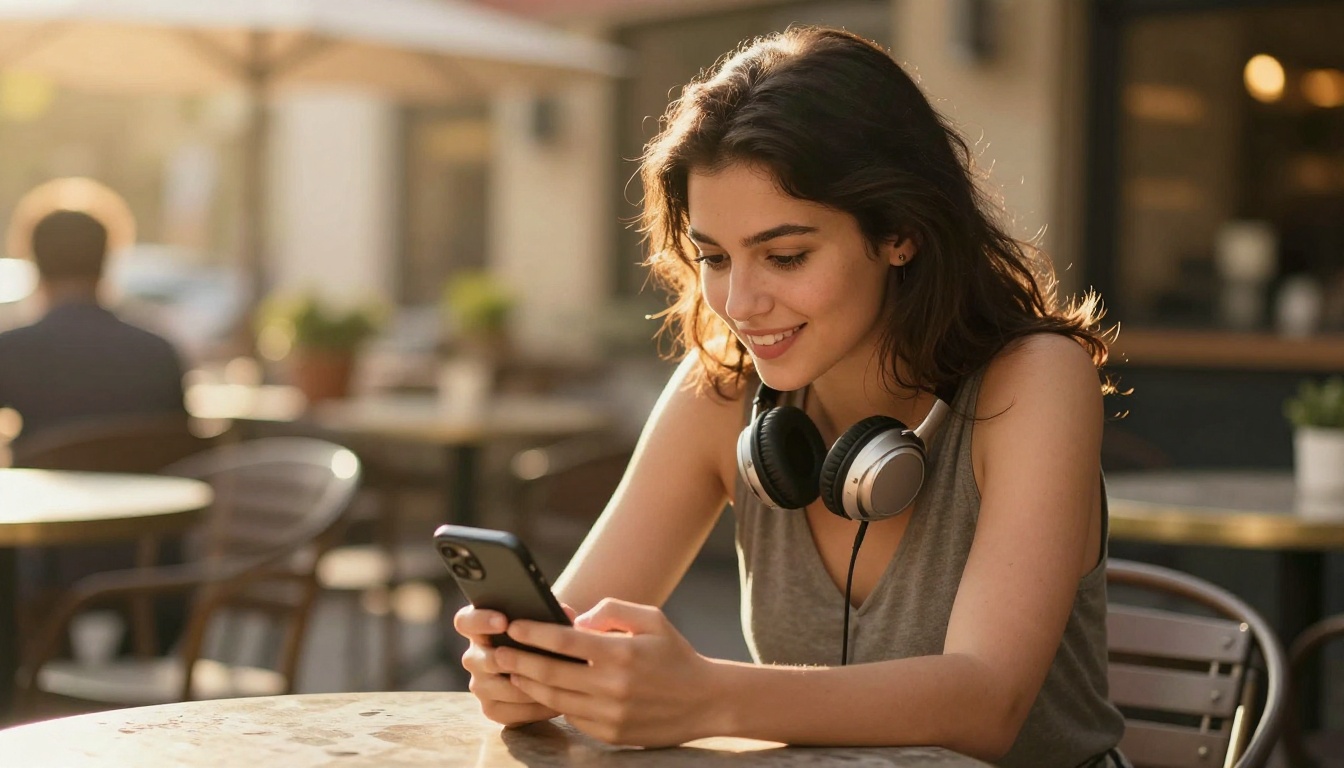
Educators and Course Creators
Online course platforms have started requiring multilingual versions of their content to serve global audiences. A 3-hour course library that would have cost tens of thousands of dollars to dub professionally can now be processed in hours. The AI handles translation, synthesis, and lipsync. The instructor reviews the output and publishes.
💡 Tip: For educational content, run the dubbed output past a native speaker of the target language before publishing. AI translation is highly accurate but occasionally produces phrasing that is technically correct but contextually awkward.
What You Can Build Right Now
The tools described in this article are all available on PicassoIA today. You do not need a production studio, a dubbing team, or a six-figure localization budget. You need a video, an audio track or source dialogue, and a few minutes.
Omni Human 1.5 can turn a single photograph of your character into a talking, animated face. HeyGen Video Translate can take that video and produce versions in over 150 languages. Sync Lipsync 2 Pro ensures every phoneme lands exactly where it should. Kling Lip Sync handles characters that move through the frame. Fabric 1.0 handles characters that are only a portrait.
The full pipeline for making any character speak any language with precise lipsync is available right now. Pick a character, pick a language, upload to PicassoIA, and see what the technology actually produces. The results will change how you think about multilingual content creation.
Head to PicassoIA and try the lipsync models today. The character you have been building deserves to be heard in every language.


